


 Скачать презентацию Your Network Management Partner SNMPc 7 Castle
a9c258e9a02b08d9f3b064fd8adc4aed.ppt
- Количество слайдов: 43
 Your Network Management Partner SNMPc 7
 Castle Rock Computing • Silicon Valley based Network Management Specialist • Founded in 1987 • Over 120, 000 SNMPc Shipped • Customers include Fortune 500, SME’s, MSP’s OEM’s
 The Need For Network Management I'm sitting at my desk trying to catch up on the usual 100 jobs that need doing when the phone rings………. . "Hello, is that the help desk? My [fill in the name of your application] isn't working. What are you going to do about it? “ And so begins another frantic troubleshooting session to try to resolve a user's problem. Problem is, if it's a network problem it probably won’t be a single user who will be calling the phone. And they won't necessarily be junior staff members either!
 Network Management A solid computing architecture connected by a reliable network is a critical component of any modern successful business. It is vital to know that a problem exists before it impacts critical business applications. Proactive network management requires that all infrastructure components required to deliver services to users are monitored and performing at optimal levels.
 Aspects of Network Management • Fault Management – Whats Up & Whats Down? • Performance Management – How is my Network Performing? • Asset Management – What devices are on my network? • Capacity Management – How do I plan for consistent, reliable network growth?
 Benefits to Customers • • • Reducing Mean Time to Repair (MTTR) Improving Service Availability Providing Critical reporting Capturing Performance Metrics Providing input to Infrastructure Planning efforts • Performance testing for platforms and applications • Integration with Asset Management and Helpdesk tools
 Common Features • Standards Based – SNMP v 1, v 2 c, – SNMP v 3 Secure DES encrypted management protocol • Vendor Independent – Manage any SNMP device from any Vendor – MIB Compiler/Custom Expressions – Receives SNMP alerts from any device
 SNMPc • SNMPc Workgroup 7. 0 • Stand alone Network Management System for small to medium sized networks and developers • SNMPc Enterprise 7. 0 • Enterprise class Network Management System capable of managing tens of thousands of devices. • Distributed Console and Polling architecture. • Advanced Trend Reporting Capabilities • Live/Standby Disaster Recovery
 Common Features • Simple to install – SNMPc can be installed and delivering results in a matter of hours. • Proactive Network Management – SNMPc monitors the network ‘health’ generating alerts when problems occur before the ‘phone starts ringing’ • Cost Effective • Intuitive Graphical User Interface =Low Total Cost of Ownership
 SNMPc Workgroup • Ideal for small to medium networks • Stand Alone System • Supports up to 1000 objects • Basic Trend Reporting • Can act as a feeder node for SNMPc Enterprise
 SNMPc Enterprise • Basic System – SNMPc Server plus one remote polling agent and one remote console • Remote Access Extension – Unlimited Remote Polling agents. – Unlimited Remote Consoles – JAVA based Console
 SNMPc Online • Dynamic Web based dashboard interface for Trend Reports, Events and Node Information • Pre-Canned and user definable reports • Wide variety of graphic styles • Top. N Summaries • Standards based MS SQL Server and Apache/IIS Web Server
 Enterprise Functionality • Supports up to 25, 000 objects • Runs as a Windows Service • Enhanced Trend Reporting – Automatic Report Generation. Export to WEB Server, Printer, Excel etc • ‘Manager of Managers’ for scalable multi-user networking • Live/Standby Server Support for Disaster Recovery
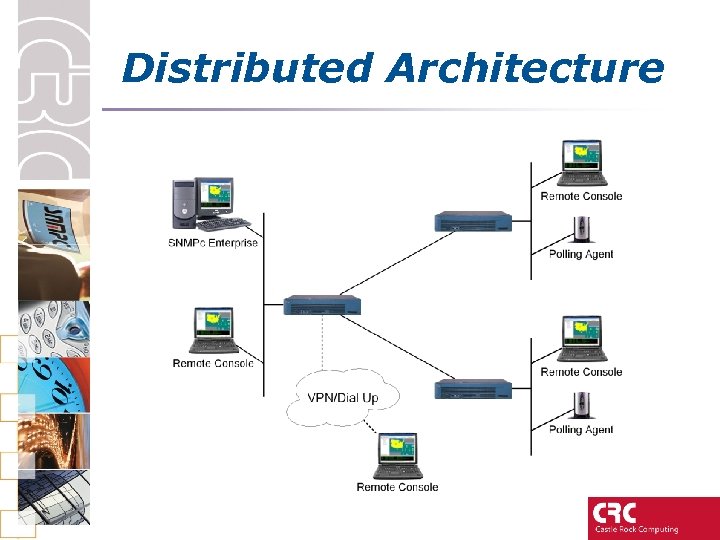 Distributed Architecture
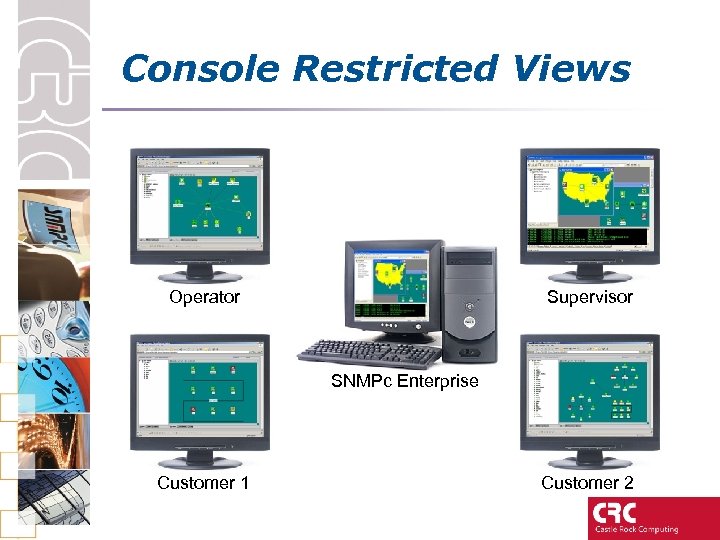 Console Restricted Views Operator Supervisor SNMPc Enterprise Customer 1 Customer 2
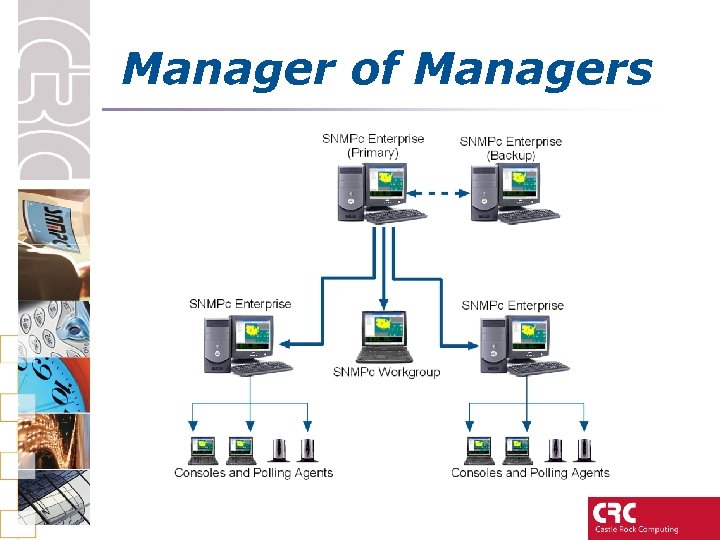 Manager of Managers
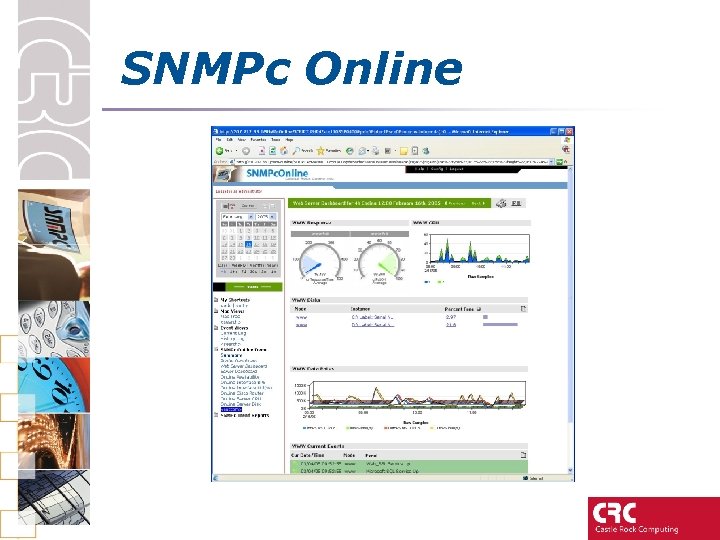 SNMPc Online
 Common Features • Automatic Network Discovery • Network Status monitoring • Key network metrics stats for Switches, Routers, Servers, Cable Modems, Cisco Devices, …. • Real time network statistics • Historical Reporting • Email and Pager Alerting • Hubview/Bitview Applications
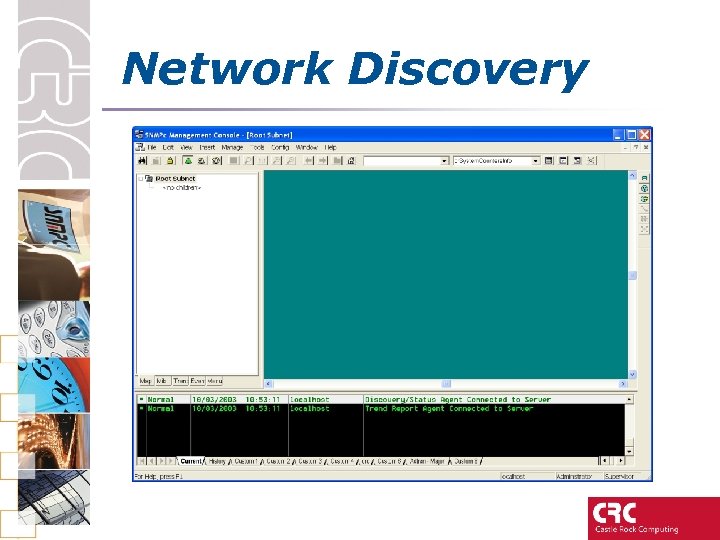 Network Discovery
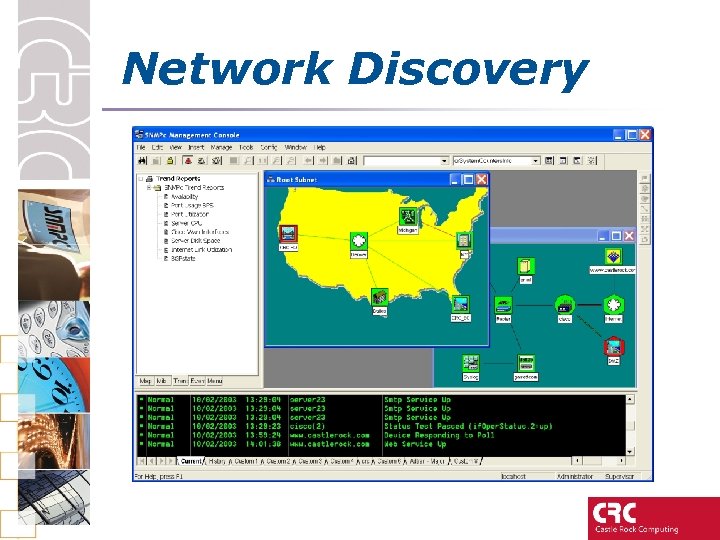 Network Discovery
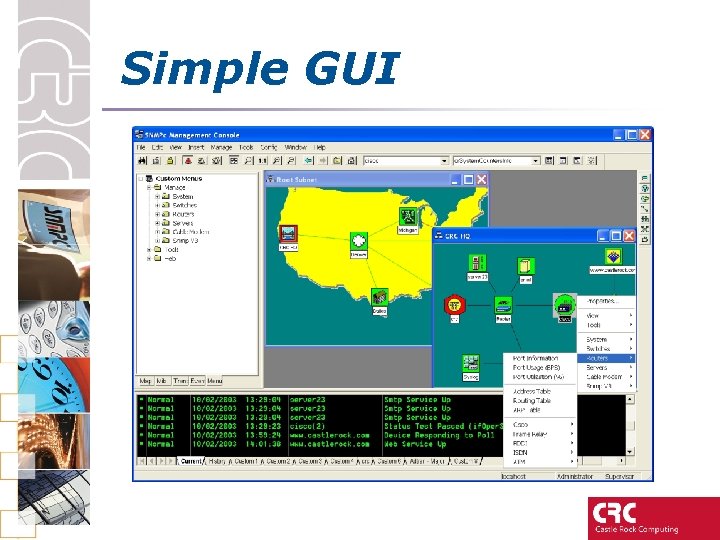 Simple GUI
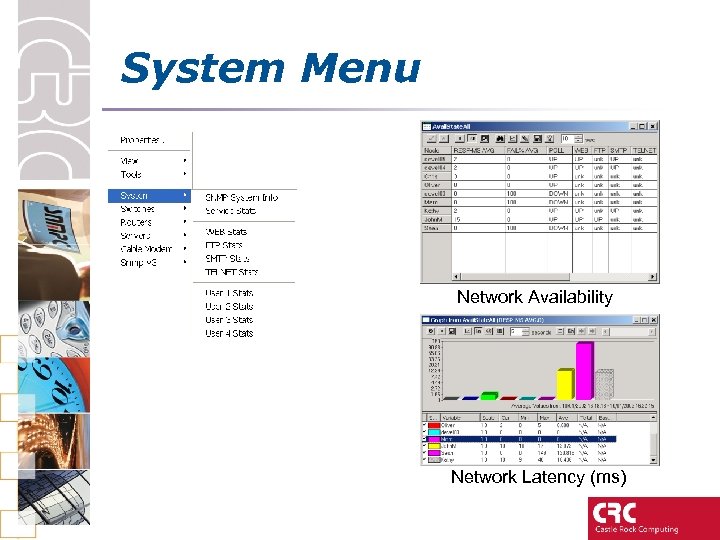 System Menu Network Availability Network Latency (ms)
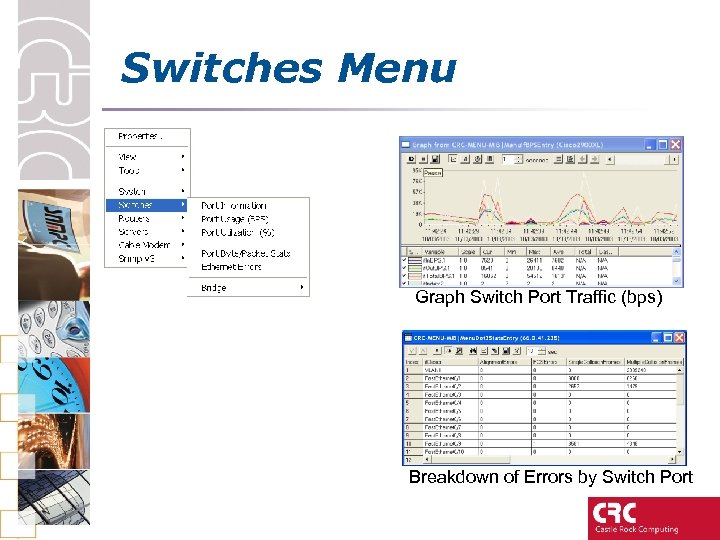 Switches Menu Graph Switch Port Traffic (bps) Breakdown of Errors by Switch Port
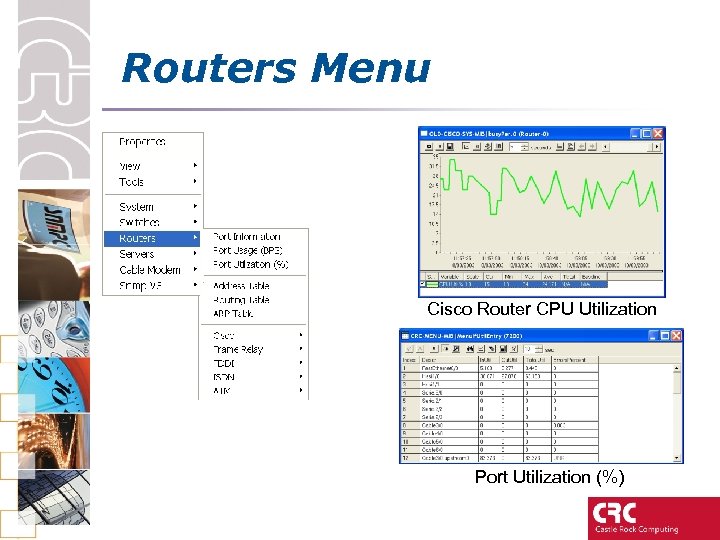 Routers Menu Cisco Router CPU Utilization Port Utilization (%)
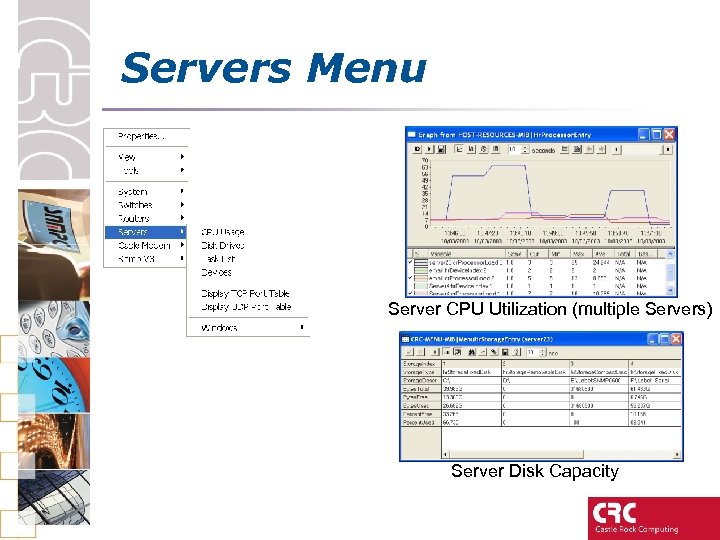 Servers Menu Server CPU Utilization (multiple Servers) Server Disk Capacity
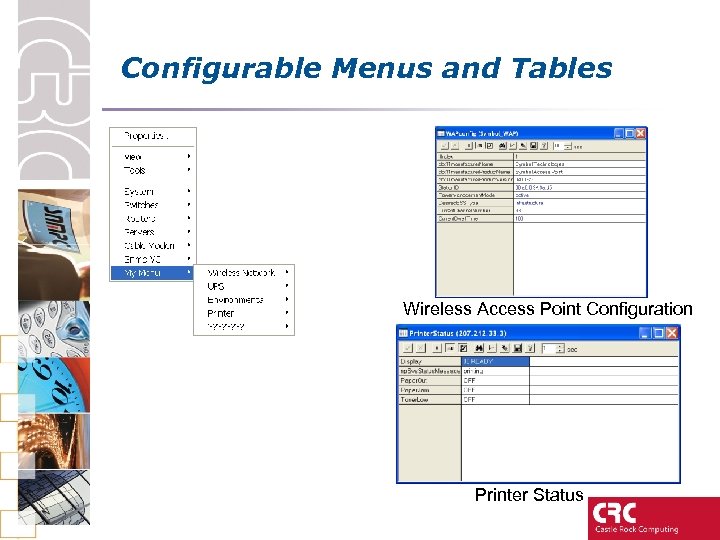 Configurable Menus and Tables Wireless Access Point Configuration Printer Status
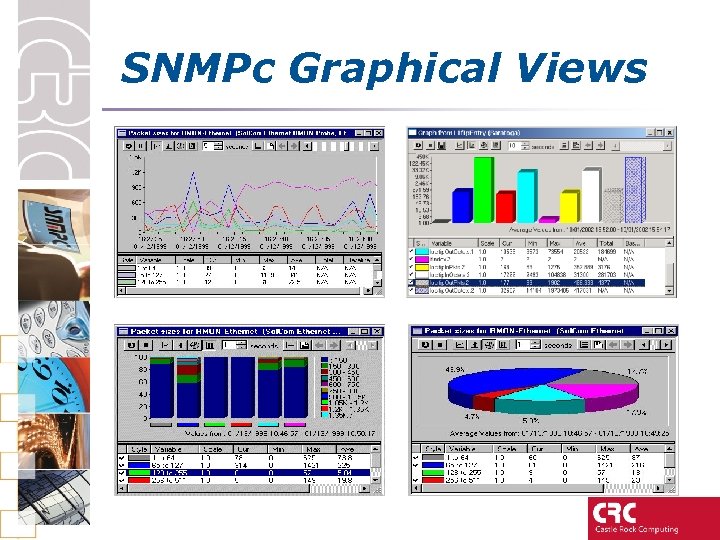 SNMPc Graphical Views
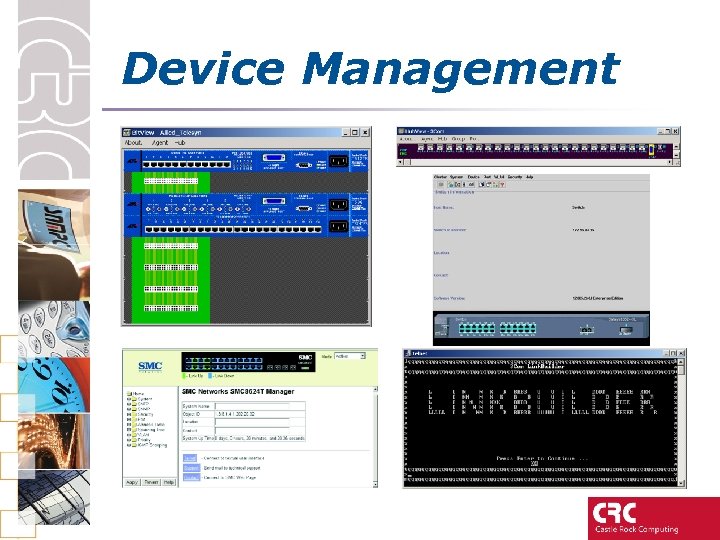 Device Management
 Trend Reporting • Pre-canned Reports include – Network availability and Round Trip Delay – WAN/LAN Interface Utilization – Traffic Volume – Server CPU & Disk Space – Cisco CPU & Free Memory
 Trend Reporting • Set thresholds on any recorded variable • Define your own reports – Any variable from any SNMP device can be recorded • Automatic Base lining of data • Ability to view report can be configured by user • Easy to Configure using GUI
 SNMPc On. Line • Available 04/14/05 • Requires SNMPc Enterprise 7. 08 • Microsoft MDSE SQL Engine • Apache Webserver included (IIS also supported) • Windows 2000, XP, 2003 • Components can be distributed for scalability
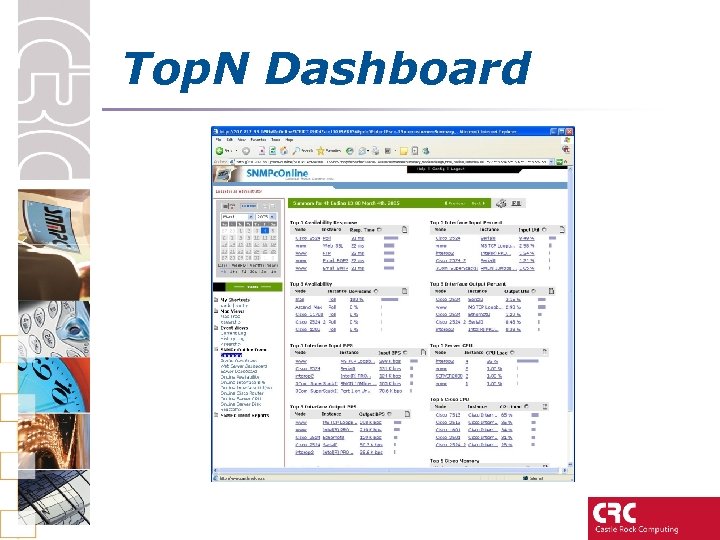 Top. N Dashboard
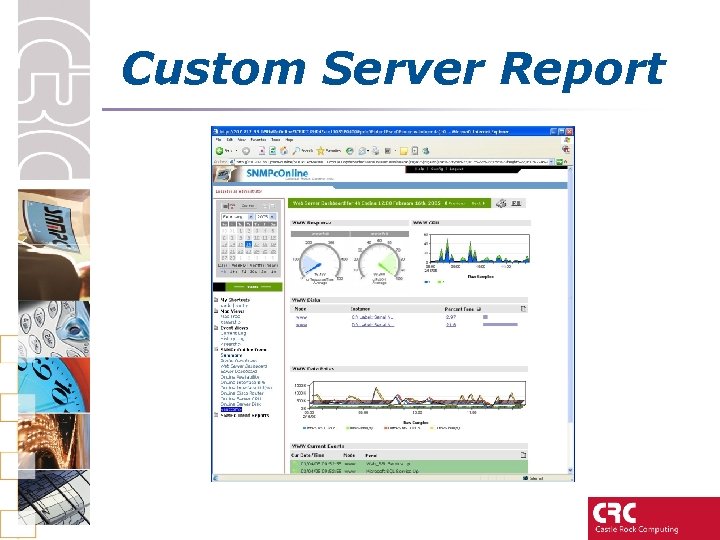 Custom Server Report
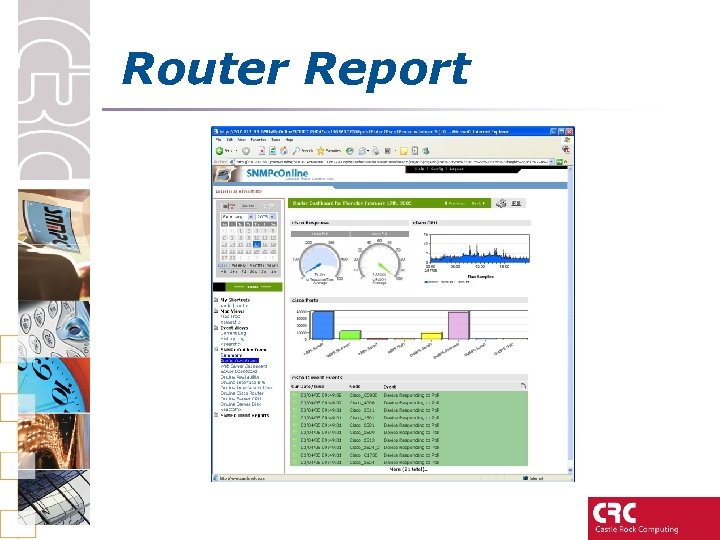 Router Report
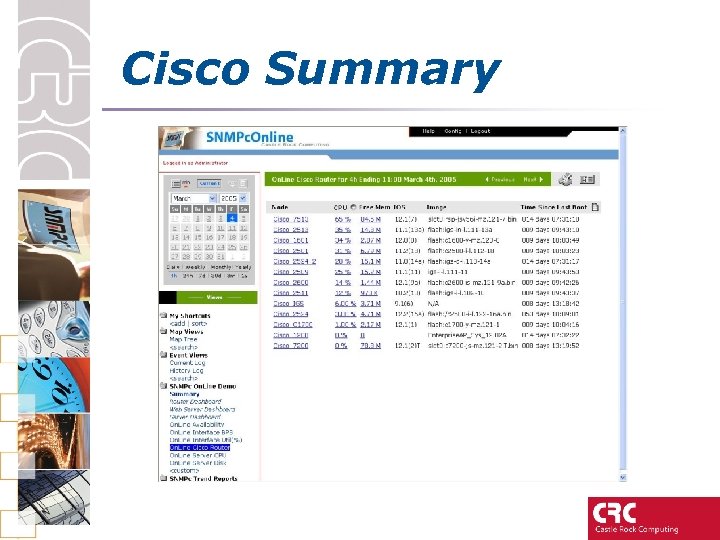 Cisco Summary
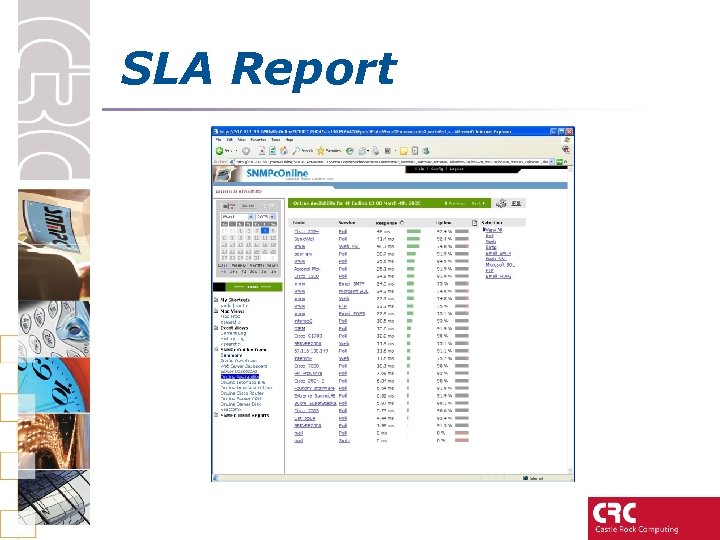 SLA Report
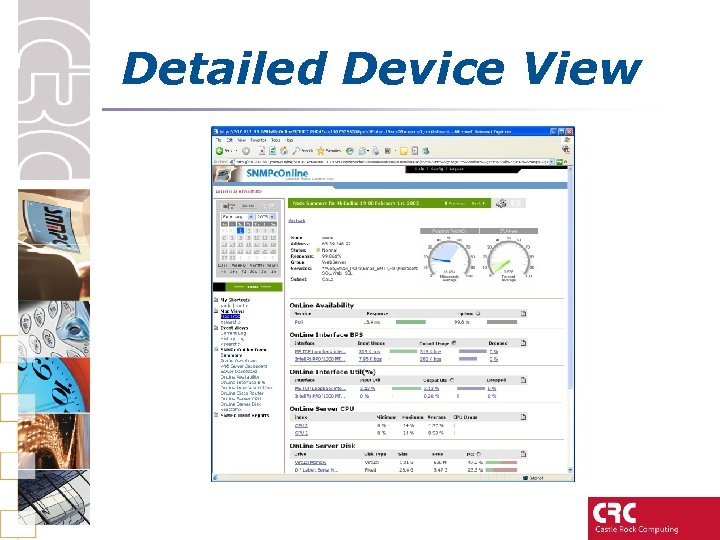 Detailed Device View
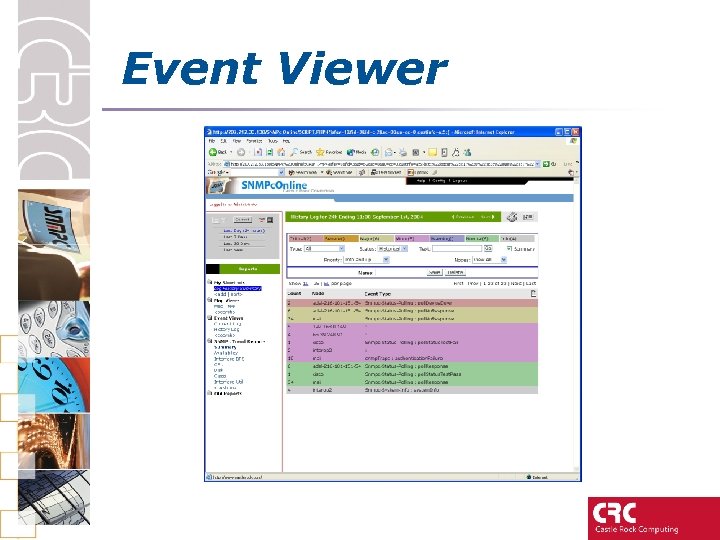 Event Viewer
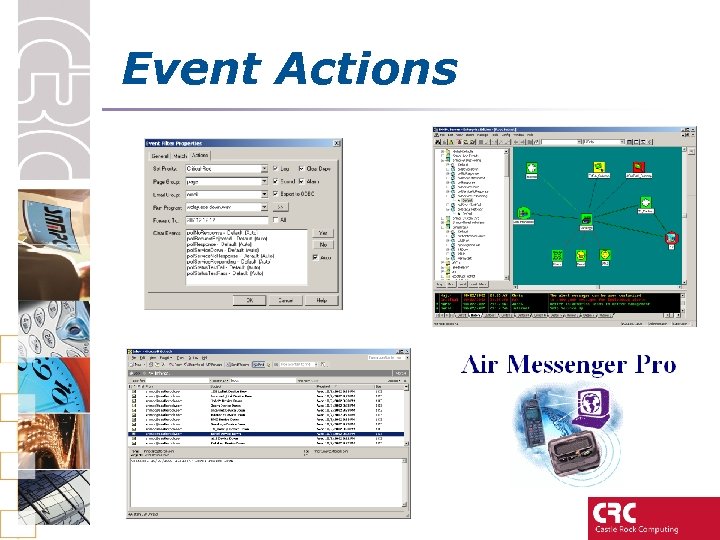 Event Actions
 MSP • Customer based network views • Customer based Reporting • NOC ‘Managers of Managers’ View • Distributed Polling – Efficient and Resilient – Overcomes issue of overlapping network schemes
 Customers • • • Allied Telesyn AT&T AOL-Time Warner BBC Cable and Wireless Cap Gemini Cisco CNN CNT Comcast • • • EDS IBM Lucent Microsoft MTV Networks Nortel Reuters Texas Instruments US ARMY Ticketmaster
 Customer Comments “" MTV Europe scoured the market for an enterprise management solution that incorporated hardware and software monitoring, automated alerts and alarms, flexible trend analysis and ultimately proactive network management capabilities. Ultimately none could match the price and performance that was presented by Castle Rock Computing. " David Jones, MTV Europe “SNMPc provides comprehensive SNMP v 3 support and is a great tool to validate and manage SNMP v 3 agents. The technical support and assistance we have received from Castle Rock has been excellent. I believe for the price SNMPc is the best NMS product. ” Lead Software Engineer, MRV Communications
 Customer Comments “Telewest Broadband have deployed Castle Rock SNMPc nationally for the last 2 years to manage, investigate and rectify their HSI (High speed internet) customer base. This base is 192, 000 units and growing. SNMPc has proved its worth many times over and is highly valued both at a NOC and field operations level. ” Stewart Dunn, Lead Engineer Telewest "We were looking for a complete management system that offered device management, scalability and the security of SNMP V 3. We evaluated several network management products and chose Castle Rock, as their support and willingness to partner with us is extremely impressive. " Doug Elsley - ITSM Product Manager, Touchpaper