 Скачать презентацию You Can Do It Datawarehouse Beginner to Advanced
6313f6ae26ab2b172506ad06f281a991.ppt
- Количество слайдов: 59



“You Can Do It” Datawarehouse: Beginner to Advanced In Two Hours by Arup Nanda Manager – Database Systems Starwood Hotels & Resorts International White Plains, NY
Objectives • Exploring DW Techniques in Oracle • Case Study • Oracle 10 G Additions
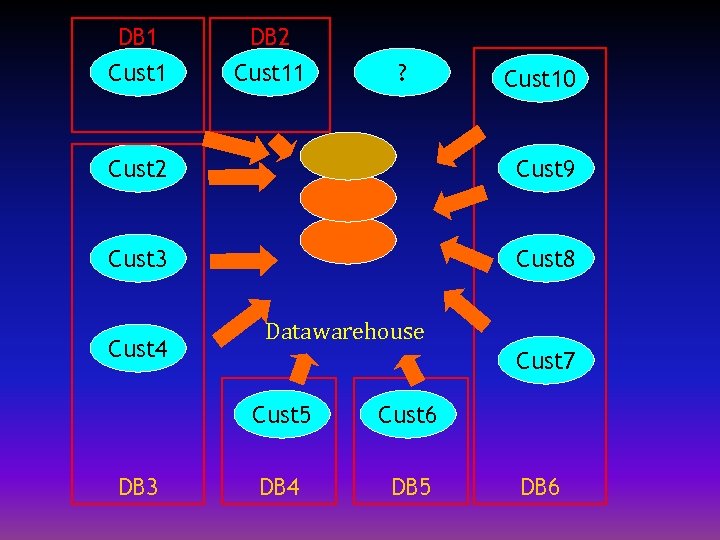
DB 1 DB 2 Cust 11 ? Cust 10 Cust 2 Cust 9 Cust 3 Cust 8 Cust 4 Datawarehouse Cust 7 Cust 5 DB 3 Cust 6 DB 4 DB 5 DB 6
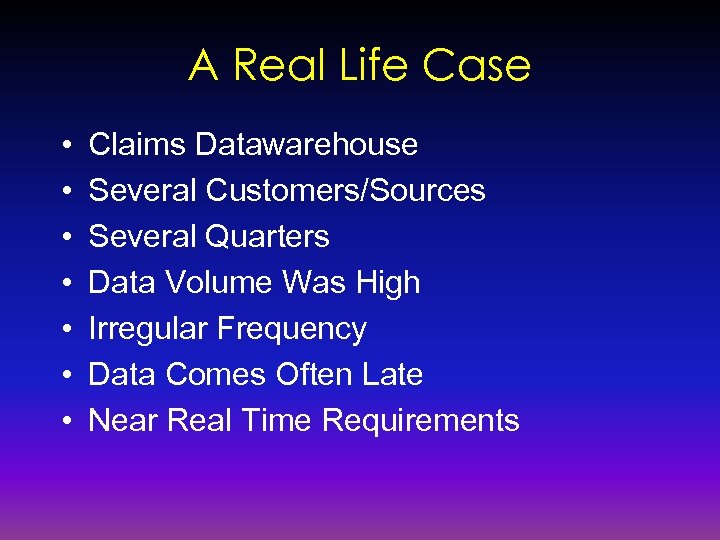
A Real Life Case • • Claims Datawarehouse Several Customers/Sources Several Quarters Data Volume Was High Irregular Frequency Data Comes Often Late Near Real Time Requirements
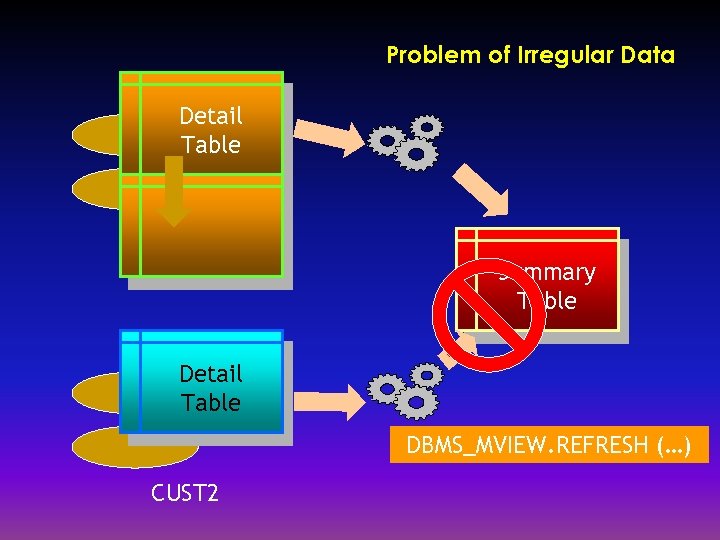
Problem of Irregular Data Detail Table Summary Table Detail Table DBMS_MVIEW. REFRESH (…) CUST 2
Problems • • Incoming Data Irregular Summary Tables Need Refreshing Quarters Added Continuously Archival Requirements Vary Across Customers • Quick Retrieval of Archival Needed
Problems contd. • Summary on Summary Tables as Materialized Views • Need Refresh Whenever New Data Arrives • Or When Data is Purged/Reinstated • Customers Added and Deleted Frequently
Objective • To Minimize Downtime for Refreshes – Incrementally Refresh – Partitioning Techniques • To Add Customers Easily • To Add Quarters Easily • To Archive Off and Purge Easily and Atomically • To Restore Archives Quickly
Objective contd. • To have an ETL Setup for Easy Addition of Objects Such As Tables, Indexes, Mat Views. • Use Only Available Oracle and Unix Tools – PL/SQL – Unix Shell Scripts – SQL*Plus
Design • Varying Dimensions – – Customer – Quarter • Composite Partitioning – Range (for Quarters) – List (for Customers) • Local Indexes
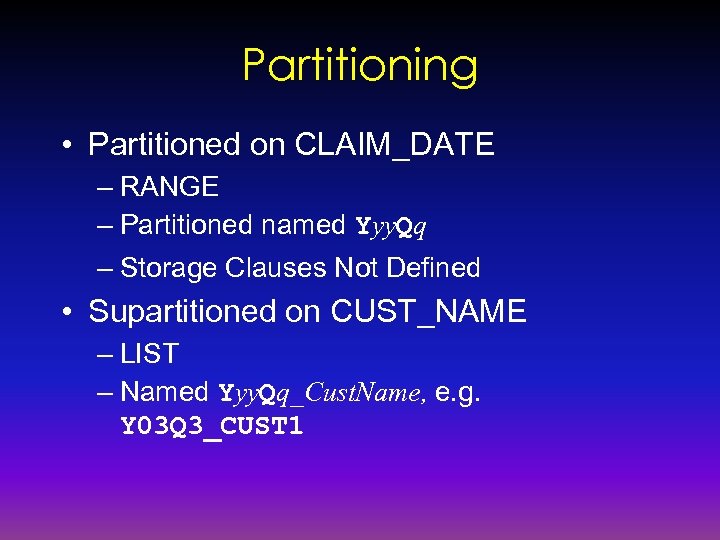
Partitioning • Partitioned on CLAIM_DATE – RANGE – Partitioned named Yyy. Qq – Storage Clauses Not Defined • Supartitioned on CUST_NAME – LIST – Named Yyy. Qq_Cust. Name, e. g. Y 03 Q 3_CUST 1
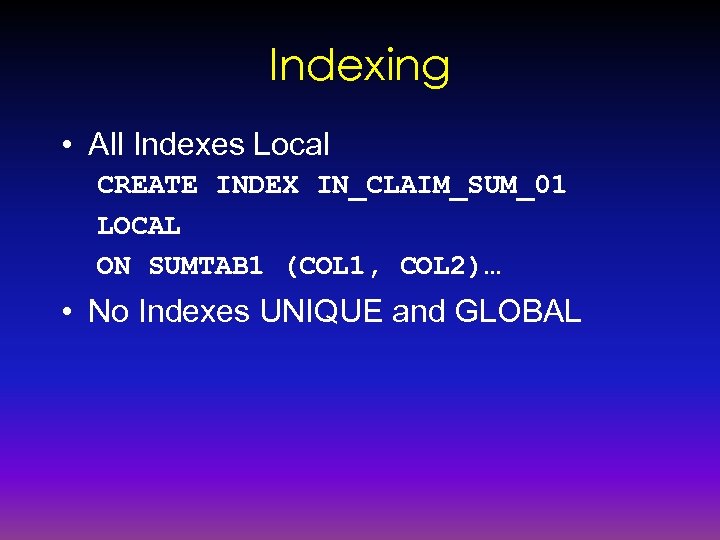
Indexing • All Indexes Local CREATE INDEX IN_CLAIM_SUM_01 LOCAL ON SUMTAB 1 (COL 1, COL 2)… • No Indexes UNIQUE and GLOBAL
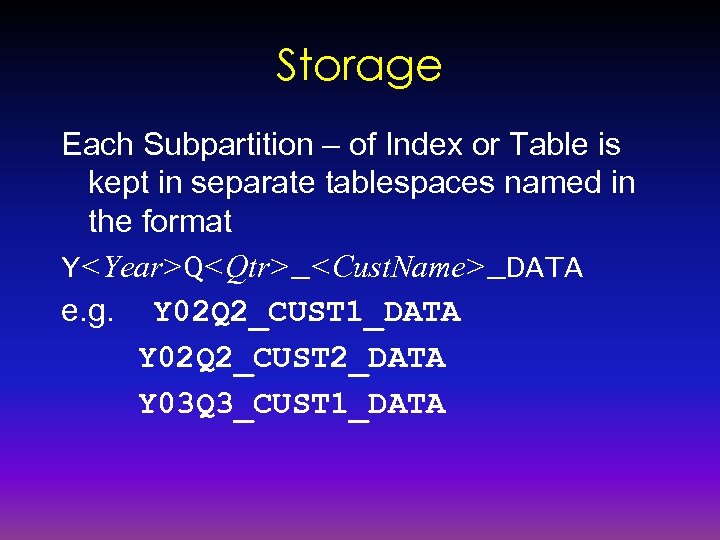
Storage Each Subpartition – of Index or Table is kept in separate tablespaces named in the format Y<Year>Q<Qtr>_<Cust. Name>_DATA e. g. Y 02 Q 2_CUST 1_DATA Y 02 Q 2_CUST 2_DATA Y 03 Q 3_CUST 1_DATA
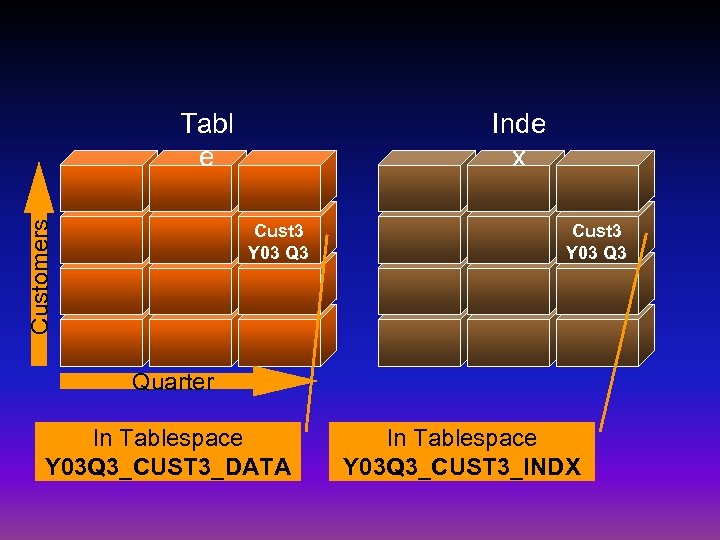
Inde x Customers Tabl e Cust 3 Y 03 Q 3 Quarter In Tablespace Y 03 Q 3_CUST 3_DATA In Tablespace Y 03 Q 3_CUST 3_INDX
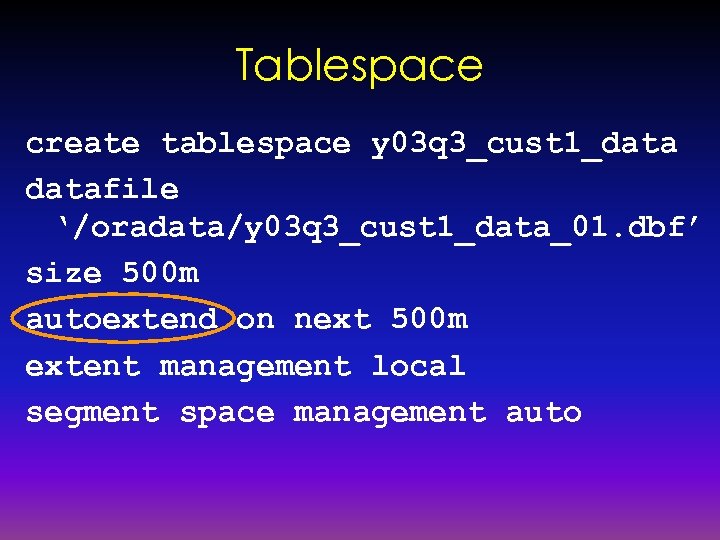
Tablespace create tablespace y 03 q 3_cust 1_datafile ‘/oradata/y 03 q 3_cust 1_data_01. dbf’ size 500 m autoextend on next 500 m extent management local segment space management auto
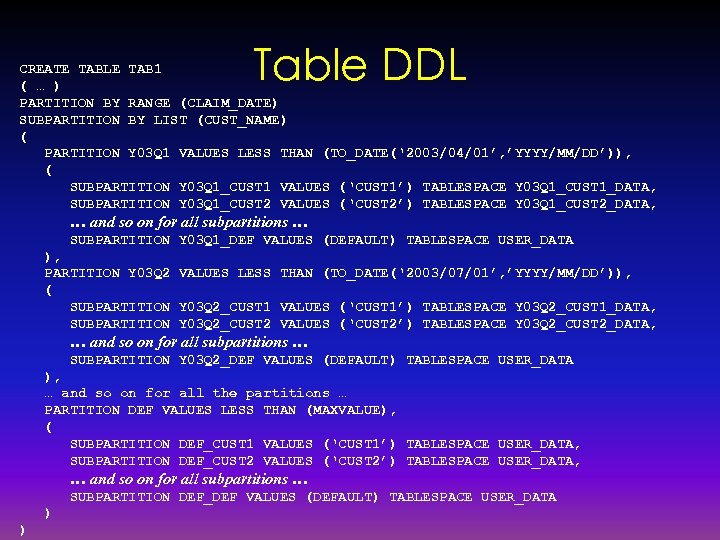
Table DDL CREATE TABLE TAB 1 ( … ) PARTITION BY RANGE (CLAIM_DATE) SUBPARTITION BY LIST (CUST_NAME) ( PARTITION Y 03 Q 1 VALUES LESS THAN (TO_DATE(‘ 2003/04/01’, ’YYYY/MM/DD’)), ( SUBPARTITION Y 03 Q 1_CUST 1 VALUES (‘CUST 1’) TABLESPACE Y 03 Q 1_CUST 1_DATA, SUBPARTITION Y 03 Q 1_CUST 2 VALUES (‘CUST 2’) TABLESPACE Y 03 Q 1_CUST 2_DATA, … and so on for all subpartitions … SUBPARTITION Y 03 Q 1_DEF VALUES (DEFAULT) TABLESPACE USER_DATA ), PARTITION Y 03 Q 2 VALUES LESS THAN (TO_DATE(‘ 2003/07/01’, ’YYYY/MM/DD’)), ( SUBPARTITION Y 03 Q 2_CUST 1 VALUES (‘CUST 1’) TABLESPACE Y 03 Q 2_CUST 1_DATA, SUBPARTITION Y 03 Q 2_CUST 2 VALUES (‘CUST 2’) TABLESPACE Y 03 Q 2_CUST 2_DATA, … and so on for all subpartitions … SUBPARTITION Y 03 Q 2_DEF VALUES (DEFAULT) TABLESPACE USER_DATA ), … and so on for all the partitions … PARTITION DEF VALUES LESS THAN (MAXVALUE), ( SUBPARTITION DEF_CUST 1 VALUES (‘CUST 1’) TABLESPACE USER_DATA, SUBPARTITION DEF_CUST 2 VALUES (‘CUST 2’) TABLESPACE USER_DATA, … and so on for all subpartitions … SUBPARTITION DEF_DEF VALUES (DEFAULT) TABLESPACE USER_DATA ) )
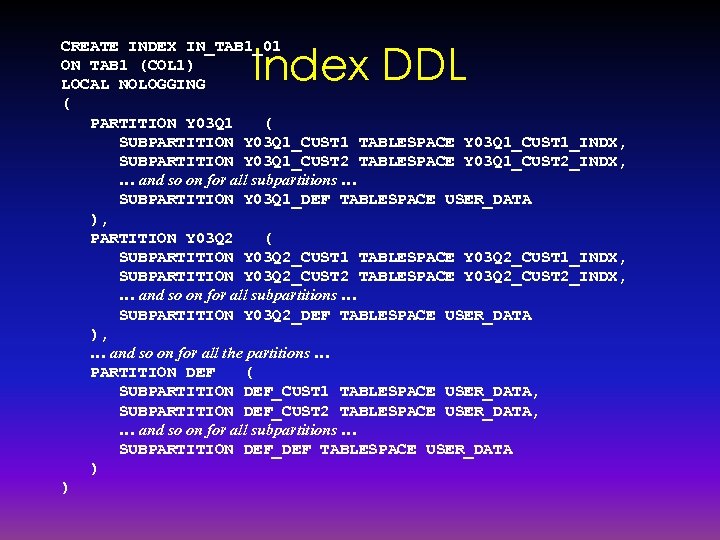
Index DDL CREATE INDEX IN_TAB 1_01 ON TAB 1 (COL 1) LOCAL NOLOGGING ( PARTITION Y 03 Q 1 ( SUBPARTITION Y 03 Q 1_CUST 1 TABLESPACE Y 03 Q 1_CUST 1_INDX, SUBPARTITION Y 03 Q 1_CUST 2 TABLESPACE Y 03 Q 1_CUST 2_INDX, … and so on for all subpartitions … SUBPARTITION Y 03 Q 1_DEF TABLESPACE USER_DATA ), PARTITION Y 03 Q 2 ( SUBPARTITION Y 03 Q 2_CUST 1 TABLESPACE Y 03 Q 2_CUST 1_INDX, SUBPARTITION Y 03 Q 2_CUST 2 TABLESPACE Y 03 Q 2_CUST 2_INDX, … and so on for all subpartitions … SUBPARTITION Y 03 Q 2_DEF TABLESPACE USER_DATA ), … and so on for all the partitions … PARTITION DEF ( SUBPARTITION DEF_CUST 1 TABLESPACE USER_DATA, SUBPARTITION DEF_CUST 2 TABLESPACE USER_DATA, … and so on for all subpartitions … SUBPARTITION DEF_DEF TABLESPACE USER_DATA ) )
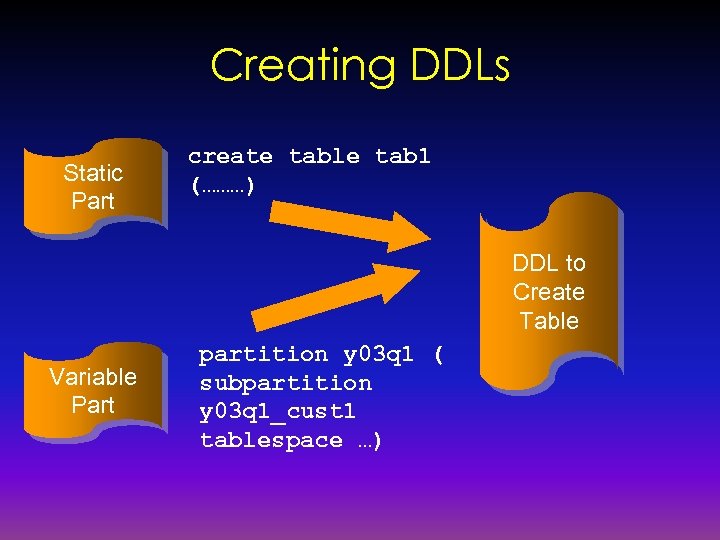
Creating DDLs Static Part create table tab 1 (………) DDL to Create Table Variable Part partition y 03 q 1 ( subpartition y 03 q 1_cust 1 tablespace …)
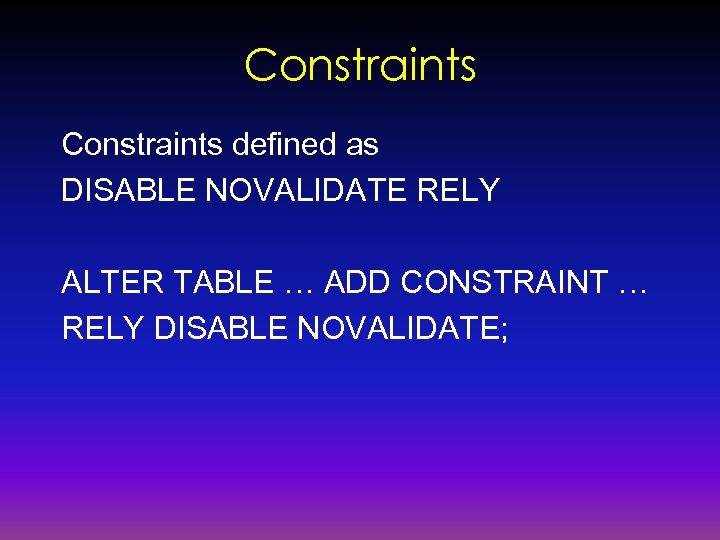
Constraints defined as DISABLE NOVALIDATE RELY ALTER TABLE … ADD CONSTRAINT … RELY DISABLE NOVALIDATE;
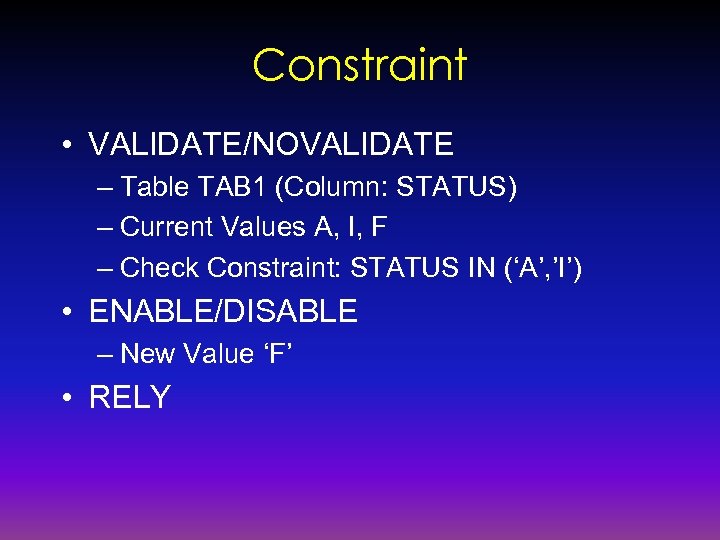
Constraint • VALIDATE/NOVALIDATE – Table TAB 1 (Column: STATUS) – Current Values A, I, F – Check Constraint: STATUS IN (‘A’, ’I’) • ENABLE/DISABLE – New Value ‘F’ • RELY
RELY Reasons • To Include Relation Information to the Metadata • To Enable Query Rewrite
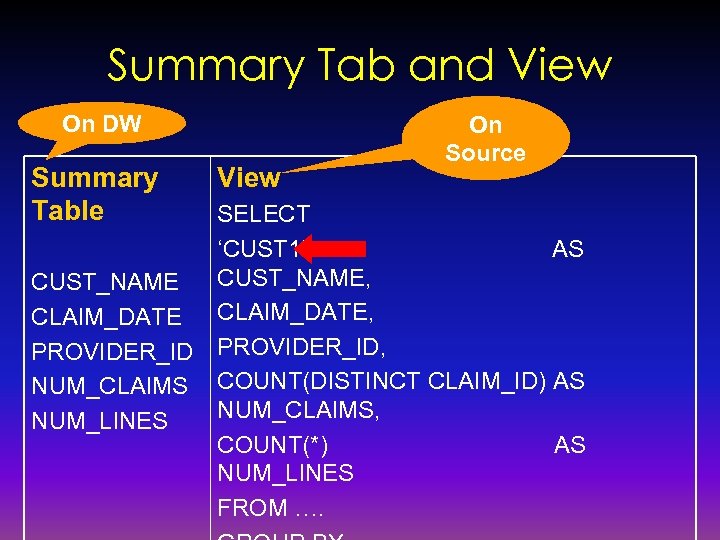
Summary Tab and View On DW Summary Table View On Source SELECT ‘CUST 1’ AS CUST_NAME, CUST_NAME CLAIM_DATE, PROVIDER_ID, NUM_CLAIMS COUNT(DISTINCT CLAIM_ID) AS NUM_CLAIMS, NUM_LINES COUNT(*) AS NUM_LINES FROM ….
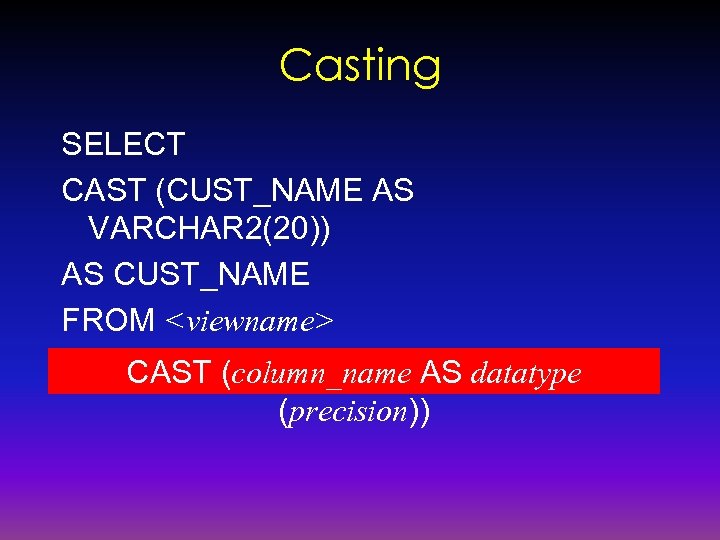
Casting SELECT CAST (CUST_NAME AS VARCHAR 2(20)) AS CUST_NAME FROM <viewname> CAST (column_name AS datatype (precision))
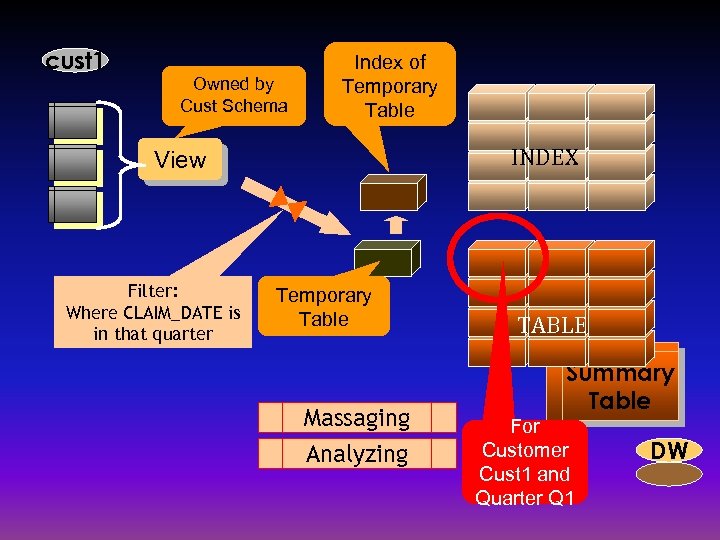
cust 1 Owned by Cust Schema Index of Temporary Table INDEX View Filter: Where CLAIM_DATE is in that quarter Temporary Table Massaging Analyzing TABLE Summary Table For Customer Cust 1 and Quarter Q 1 DW
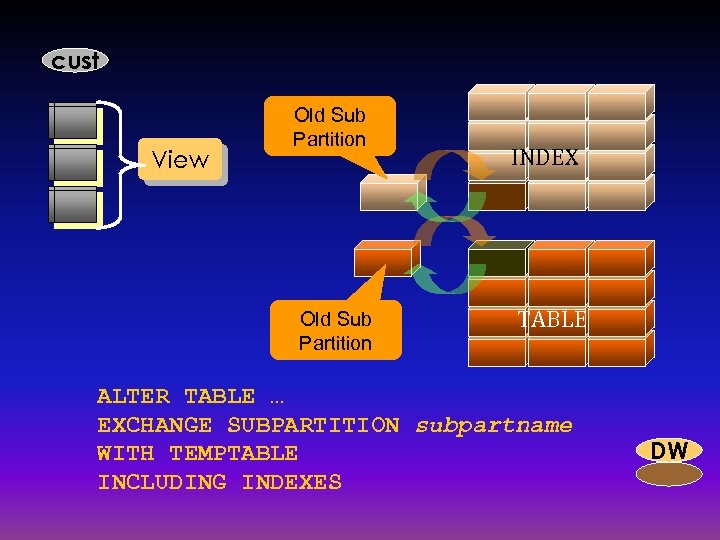
cust View Old Sub Partition INDEX TABLE ALTER TABLE … EXCHANGE SUBPARTITION subpartname WITH TEMPTABLE INCLUDING INDEXES DW
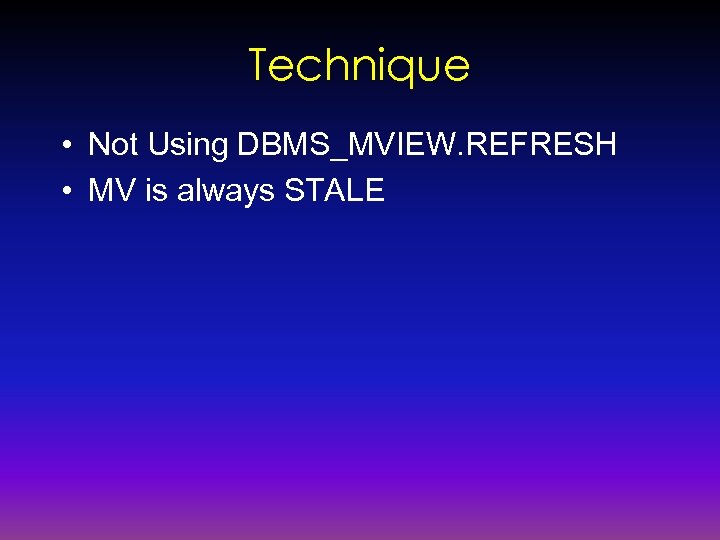
Technique • Not Using DBMS_MVIEW. REFRESH • MV is always STALE
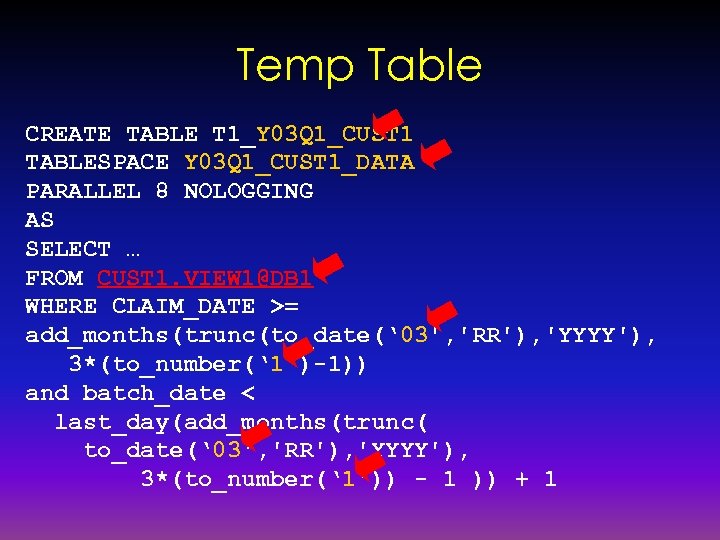
Temp Table CREATE TABLE T 1_Y 03 Q 1_CUST 1 TABLESPACE Y 03 Q 1_CUST 1_DATA PARALLEL 8 NOLOGGING AS SELECT … FROM CUST 1. VIEW 1@DB 1 WHERE CLAIM_DATE >= add_months(trunc(to_date(‘ 03', 'RR'), 'YYYY'), 3*(to_number(‘ 1')-1)) and batch_date < last_day(add_months(trunc( to_date(‘ 03', 'RR'), 'YYYY'), 3*(to_number(‘ 1')) - 1 )) + 1
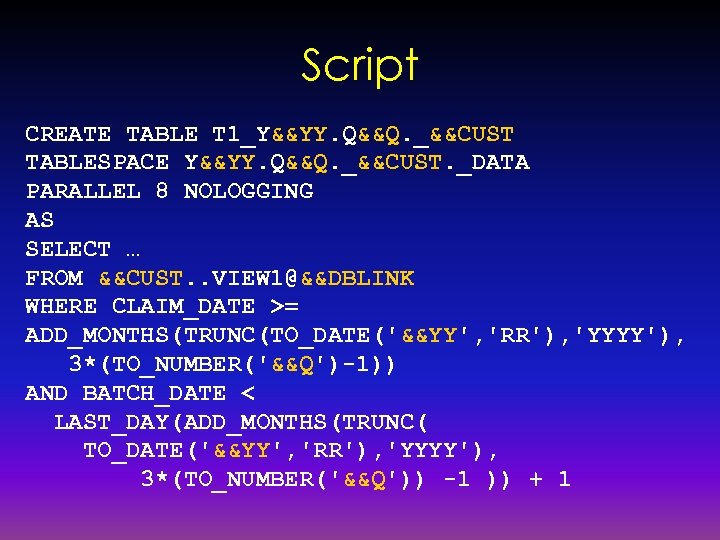
Script CREATE TABLE T 1_Y&&YY. Q&&Q. _&&CUST TABLESPACE Y&&YY. Q&&Q. _&&CUST. _DATA PARALLEL 8 NOLOGGING AS SELECT … FROM &&CUST. . VIEW 1@&&DBLINK WHERE CLAIM_DATE >= ADD_MONTHS(TRUNC(TO_DATE('&&YY', 'RR'), 'YYYY'), 3*(TO_NUMBER('&&Q')-1)) AND BATCH_DATE < LAST_DAY(ADD_MONTHS(TRUNC( TO_DATE('&&YY', 'RR'), 'YYYY'), 3*(TO_NUMBER('&&Q')) -1 )) + 1
External Table Reason Source is a non-Oracle DB, e. g. DB 2 Source is External, no DB Link Allowed Fixed Format –vs- Delimited Fixed Format Faster, Easier More Space Delimited Less Space Slower, Slightly More Complex
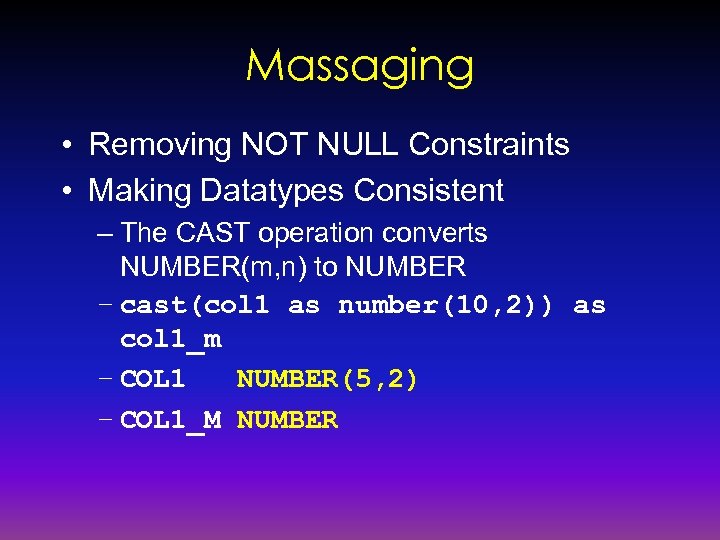
Massaging • Removing NOT NULL Constraints • Making Datatypes Consistent – The CAST operation converts NUMBER(m, n) to NUMBER – cast(col 1 as number(10, 2)) as col 1_m – COL 1 NUMBER(5, 2) – COL 1_M NUMBER
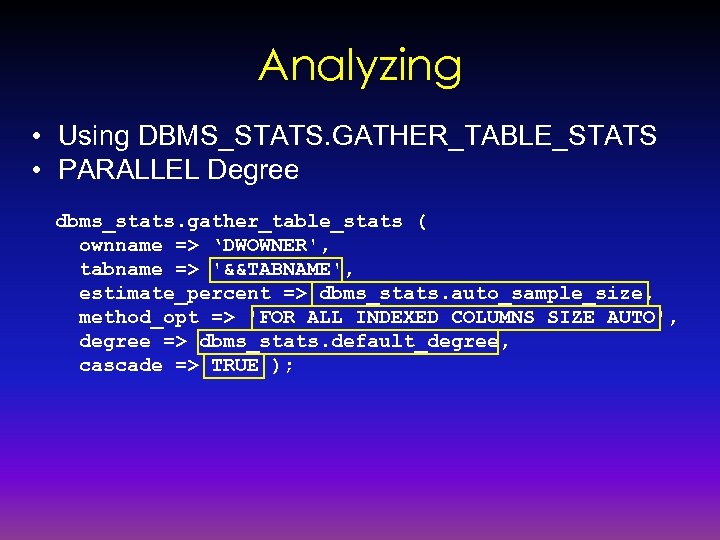
Analyzing • Using DBMS_STATS. GATHER_TABLE_STATS • PARALLEL Degree dbms_stats. gather_table_stats ( ownname => ‘DWOWNER', tabname => '&&TABNAME', estimate_percent => dbms_stats. auto_sample_size, method_opt => 'FOR ALL INDEXED COLUMNS SIZE AUTO', degree => dbms_stats. default_degree, cascade => TRUE );
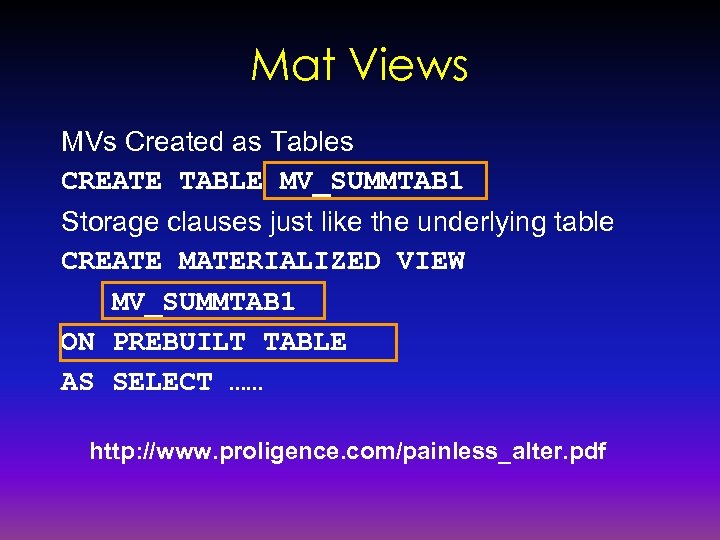
Mat Views MVs Created as Tables CREATE TABLE MV_SUMMTAB 1 Storage clauses just like the underlying table CREATE MATERIALIZED VIEW MV_SUMMTAB 1 ON PREBUILT TABLE AS SELECT …… http: //www. proligence. com/painless_alter. pdf
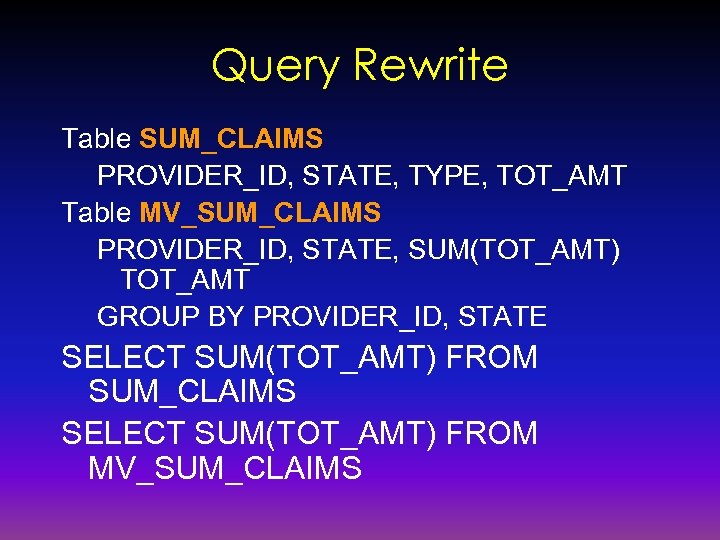
Query Rewrite Table SUM_CLAIMS PROVIDER_ID, STATE, TYPE, TOT_AMT Table MV_SUM_CLAIMS PROVIDER_ID, STATE, SUM(TOT_AMT) TOT_AMT GROUP BY PROVIDER_ID, STATE SELECT SUM(TOT_AMT) FROM SUM_CLAIMS SELECT SUM(TOT_AMT) FROM MV_SUM_CLAIMS
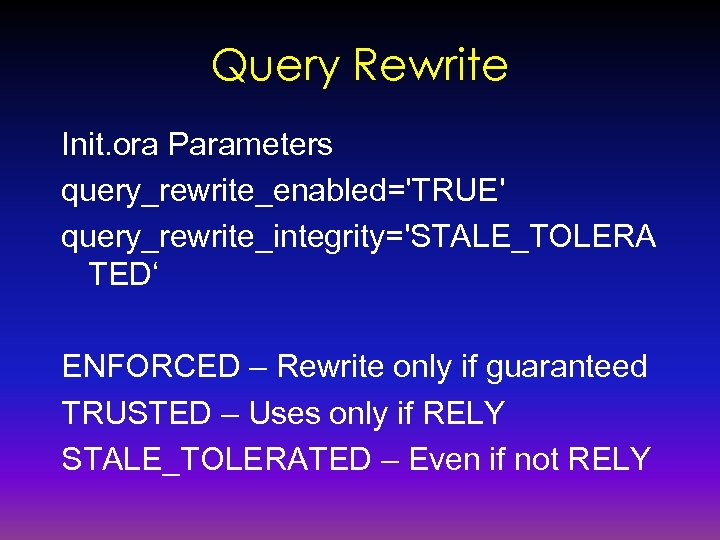
Query Rewrite Init. ora Parameters query_rewrite_enabled='TRUE' query_rewrite_integrity='STALE_TOLERA TED‘ ENFORCED – Rewrite only if guaranteed TRUSTED – Uses only if RELY STALE_TOLERATED – Even if not RELY
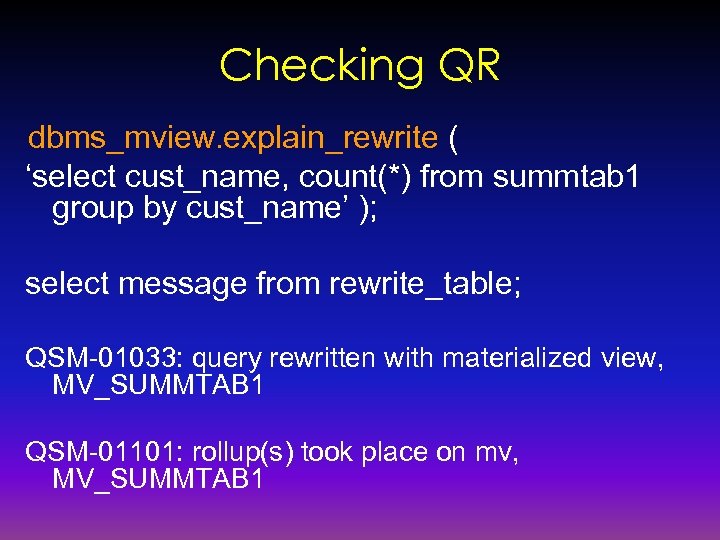
Checking QR dbms_mview. explain_rewrite ( ‘select cust_name, count(*) from summtab 1 group by cust_name’ ); select message from rewrite_table; QSM-01033: query rewritten with materialized view, MV_SUMMTAB 1 QSM-01101: rollup(s) took place on mv, MV_SUMMTAB 1
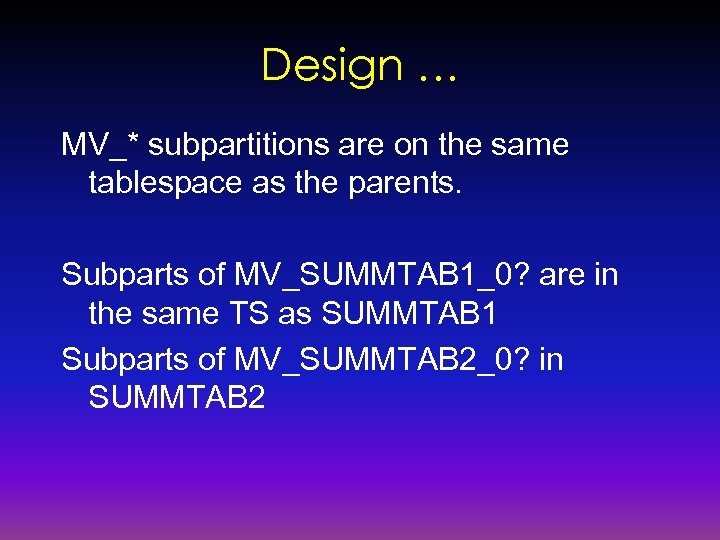
Design … MV_* subpartitions are on the same tablespace as the parents. Subparts of MV_SUMMTAB 1_0? are in the same TS as SUMMTAB 1 Subparts of MV_SUMMTAB 2_0? in SUMMTAB 2
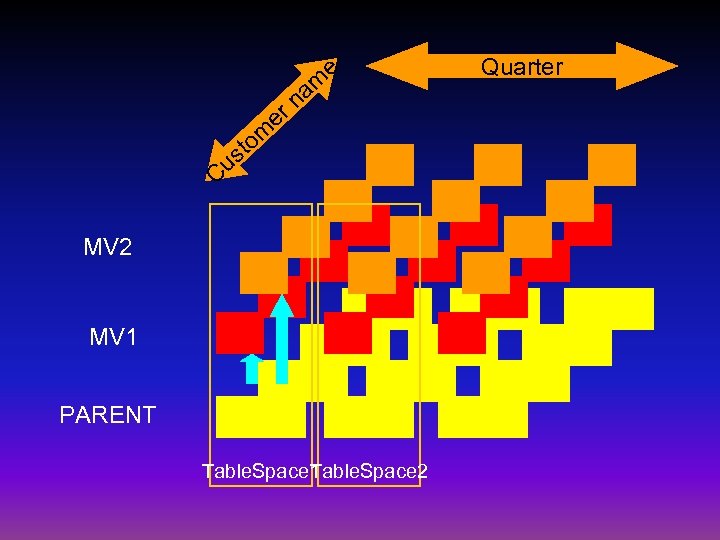
e er am n m o st Cu MV 2 MV 1 PARENT Table. Space 1 able. Space 2 T Quarter
MV and Parents • Partition Pruning • Partition-wise Joins • Partition Independence
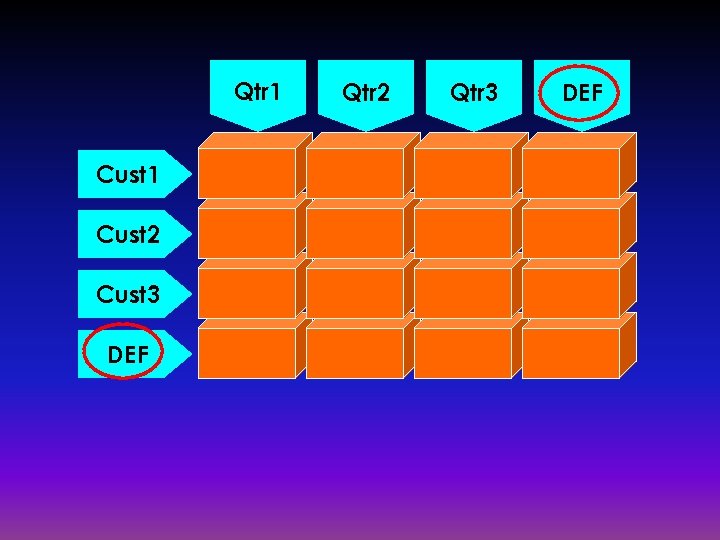
Adding Quarters/Customers • Partition – Default Partition – VALUES LESS THAN (MAXVALUE) • Subpartition – Default Subpartition – VALUES (DEFAULT)
Qtr 1 Cust 2 Cust 3 DEF Qtr 2 Qtr 3 DEF
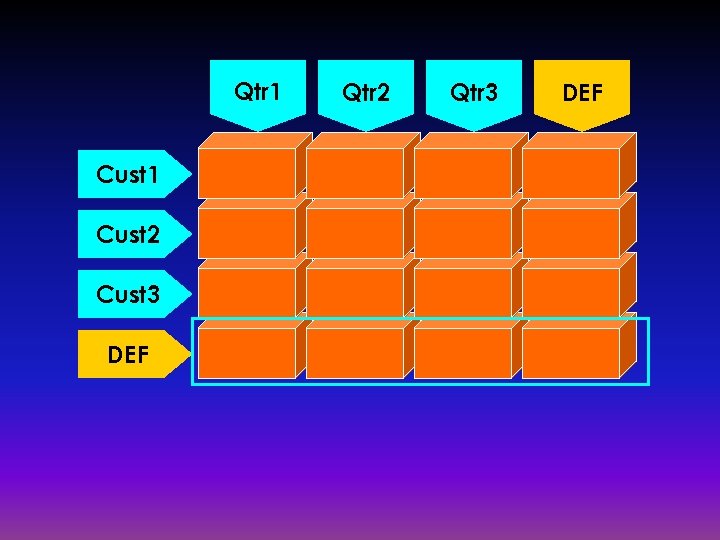
Qtr 1 Cust 2 Cust 3 DEF Qtr 2 Qtr 3 DEF
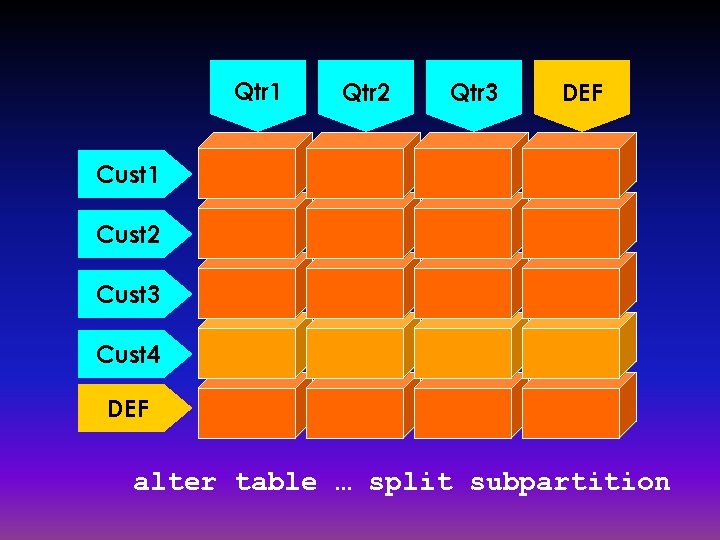
Qtr 1 Qtr 2 Qtr 3 DEF Cust 1 Cust 2 Cust 3 Cust 4 DEF alter table … split subpartition
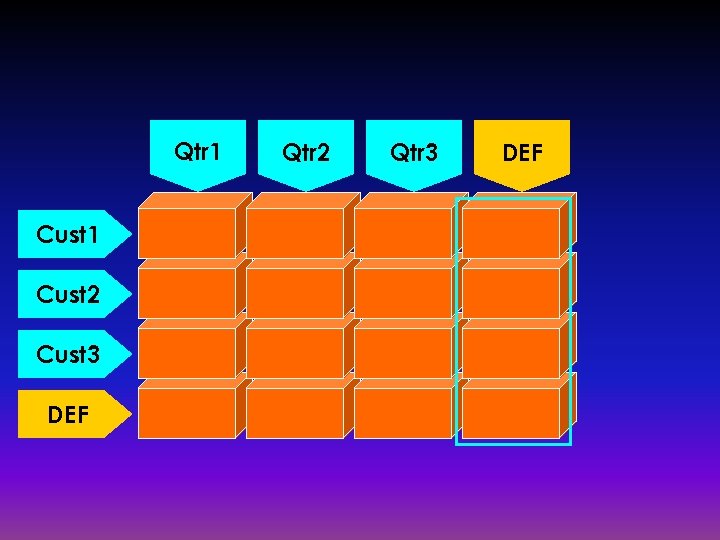
Qtr 1 Cust 2 Cust 3 DEF Qtr 2 Qtr 3 DEF
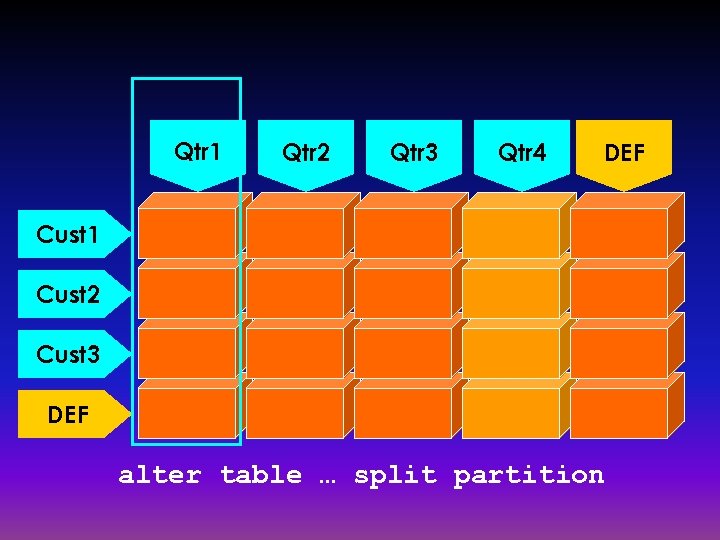
Qtr 1 Qtr 2 Qtr 3 Qtr 4 DEF Cust 1 Cust 2 Cust 3 DEF alter table … split partition
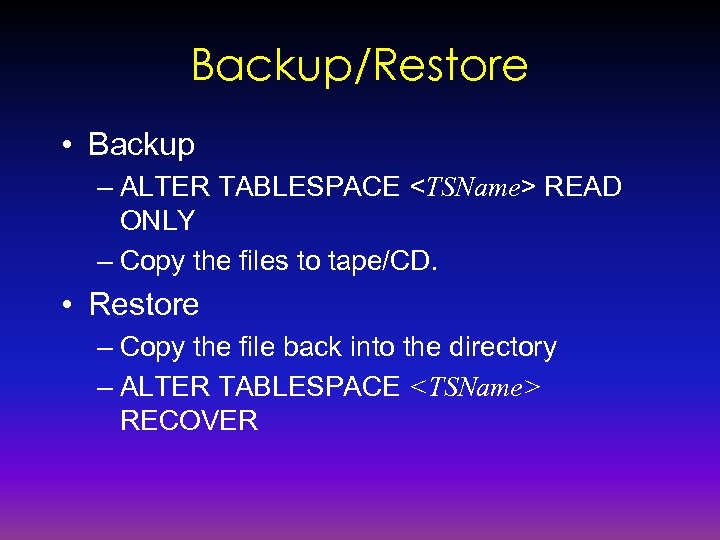
Backup/Restore • Backup – ALTER TABLESPACE <TSName> READ ONLY – Copy the files to tape/CD. • Restore – Copy the file back into the directory – ALTER TABLESPACE <TSName> RECOVER
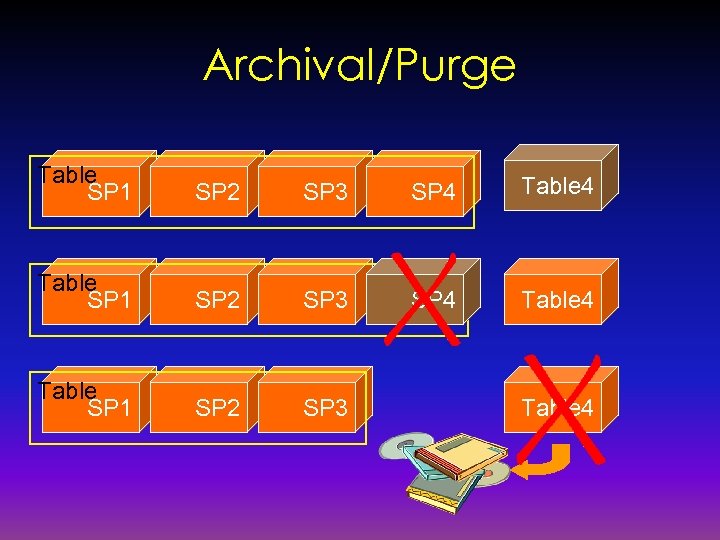
Archival/Purge Table SP 1 SP 2 SP 3 SP 4 Table SP 1 SP 2 SP 3 Table 4
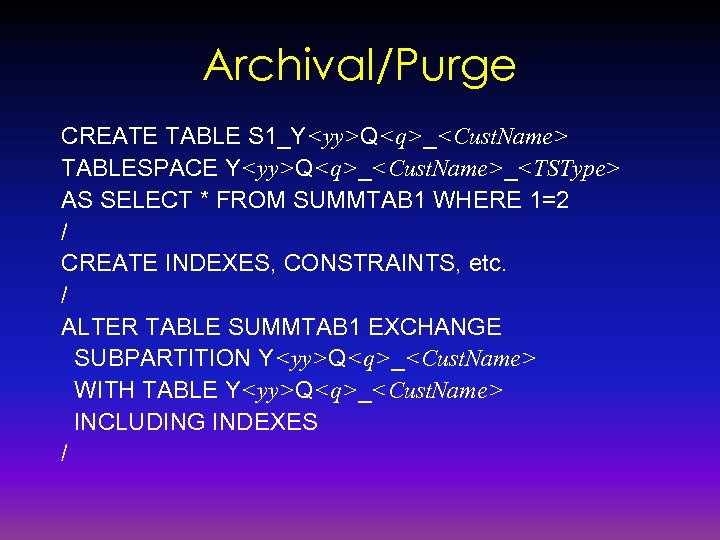
Archival/Purge CREATE TABLE S 1_Y<yy>Q<q>_<Cust. Name> TABLESPACE Y<yy>Q<q>_<Cust. Name>_<TSType> AS SELECT * FROM SUMMTAB 1 WHERE 1=2 / CREATE INDEXES, CONSTRAINTS, etc. / ALTER TABLE SUMMTAB 1 EXCHANGE SUBPARTITION Y<yy>Q<q>_<Cust. Name> WITH TABLE Y<yy>Q<q>_<Cust. Name> INCLUDING INDEXES /
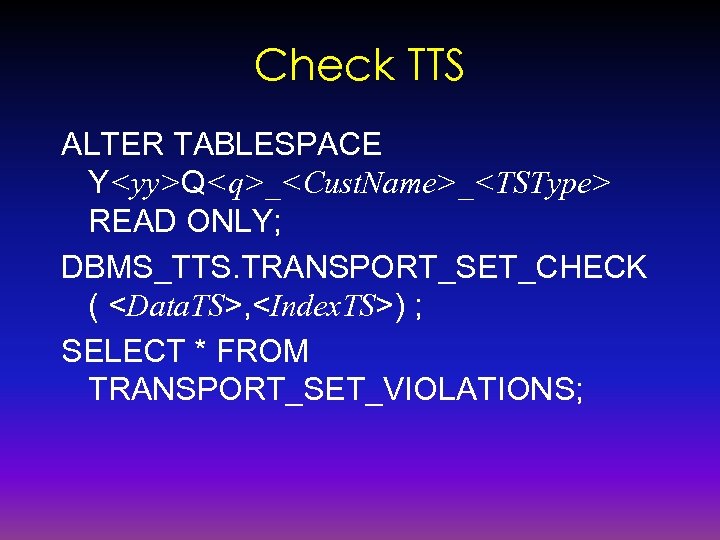
Check TTS ALTER TABLESPACE Y<yy>Q<q>_<Cust. Name>_<TSType> READ ONLY; DBMS_TTS. TRANSPORT_SET_CHECK ( <Data. TS>, <Index. TS>) ; SELECT * FROM TRANSPORT_SET_VIOLATIONS;
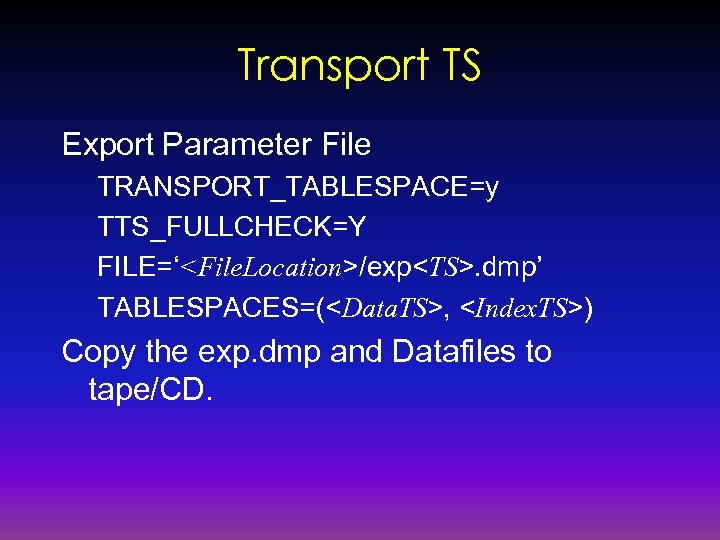
Transport TS Export Parameter File TRANSPORT_TABLESPACE=y TTS_FULLCHECK=Y FILE=‘<File. Location>/exp<TS>. dmp’ TABLESPACES=(<Data. TS>, <Index. TS>) Copy the exp. dmp and Datafiles to tape/CD.
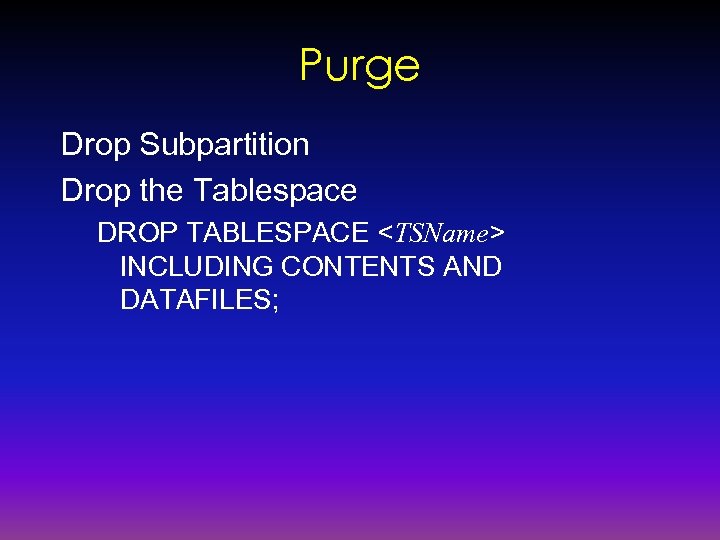
Purge Drop Subpartition Drop the Tablespace DROP TABLESPACE <TSName> INCLUDING CONTENTS AND DATAFILES;
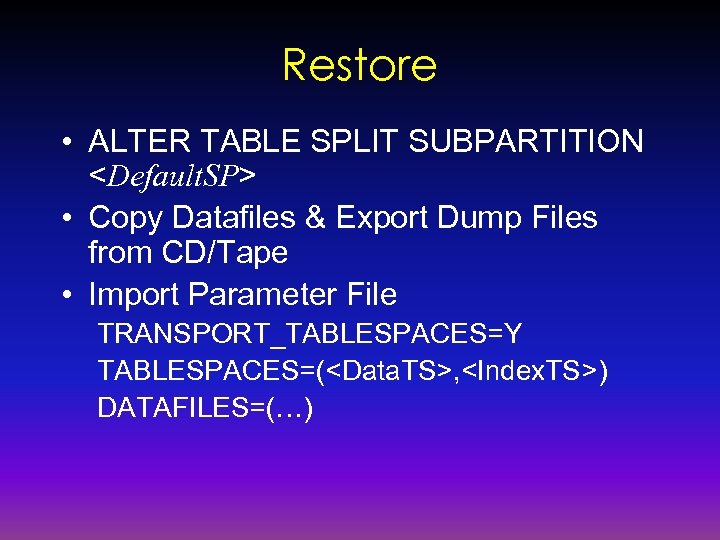
Restore • ALTER TABLE SPLIT SUBPARTITION <Default. SP> • Copy Datafiles & Export Dump Files from CD/Tape • Import Parameter File TRANSPORT_TABLESPACES=Y TABLESPACES=(<Data. TS>, <Index. TS>) DATAFILES=(…)
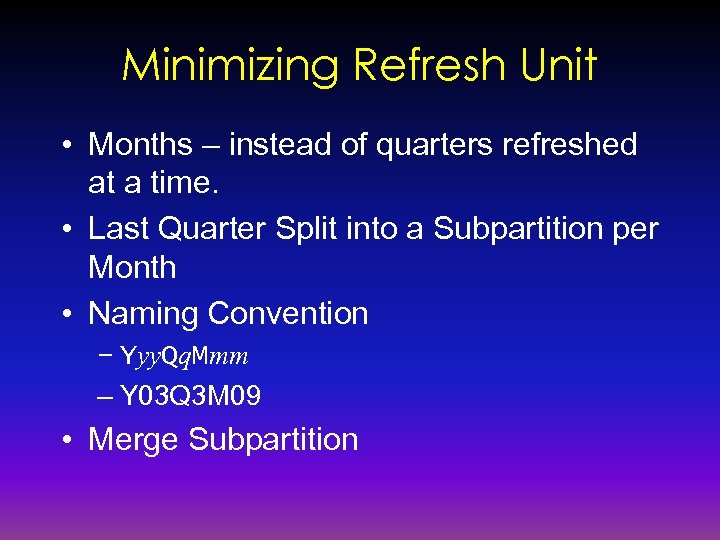
Minimizing Refresh Unit • Months – instead of quarters refreshed at a time. • Last Quarter Split into a Subpartition per Month • Naming Convention – Yyy. Qq. Mmm – Y 03 Q 3 M 09 • Merge Subpartition
Merging Subpartitions • Index Subpartitions Created in User’s Default Tablespace • Subpartition Template ALTER TABLE SUMTAB 1 ADD SUBPARTITION TEMPLATE
Resumable Statement • When? – Running Large Report Jobs – Creating Large Indexes • ALTER SESSION ENABLE RESUMABLE NAME ‘Job 1’; • View DBA_RESUMABLE – NAME – Name specified in ALTER SESSION – COORD_SESSION_ID – Coord Session in PQ – SQL_TEXT – The text of the SQL – STATUS - RUNNING, SUSPENDED, ABORTING, TIMEOUT – ERROR_NUMBER/ERROR_MSG
Objectives Revisited • To Minimize Downtime for Refreshes – Incrementally Refresh – Partitioning Techniques • To Add Customers Easily • To Add Quarters Easily • To Archive Off and Purge Easily and Atomically • To Restore Archives Quickly
Oracle 10 G • Transportable Tablespaces Can Be Reinstated At a Different Operating System – Can be used for Restoring to a Different OS • Tablespaces Can Be Renamed – Restoring Tablespace of the Same Name • Multiple Temporary Tablespace – For Large Index Creation, Sorting, etc.
Oracle 10 G contd. • Partition Change Tracking Support for List Partitioning • Query Rewrites Can Use Multiple MVs • OEM Shows All Partitioning Features • Data Pump – Export/Import on Steroids – Parallel Operation
Oracle 10 G contd. • External Table Download – A Utility to Create File from Table Data CREATE TABLE … ORGANIZATION EXTERNAL AS SELECT * FROM <a query> – Platform Independent File – Can Be Used In External Tables

Thank You! Updated Copy Can Be Found In www. proligence. com arup@proligence. com
Скачать презентацию You Can Do It Datawarehouse Beginner to Advanced
6313f6ae26ab2b172506ad06f281a991.ppt