


 Скачать презентацию YAIM Overview Felix Lee Agenda YAIM Introduction
7cabaad5a689bbdde5ddde7989e0b267.ppt
- Количество слайдов: 21
 YAIM Overview Felix Lee
 Agenda YAIM Introduction How to begin Install a node Configure a node Relocatable distribution Practical 2
 YAIM introduction What is the YAIM? – The full name is Yet Another Installation Manager – Developed by EGEE SA 3 team. – A tool to install and configure g. Lite middleware. When to use the YAIM? – You want to set up a simple Grid site. – You want to deploy a larger sites. Why you need the YAIM? 3
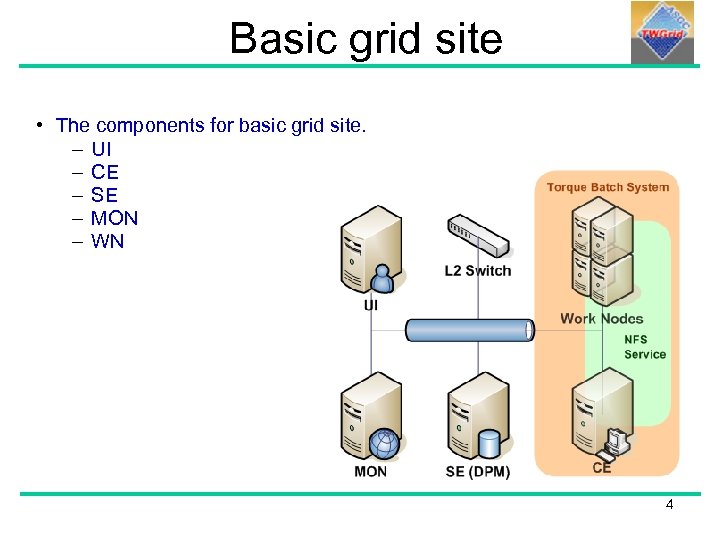 Basic grid site • The components for basic grid site. – UI – CE – SE – MON – WN 4
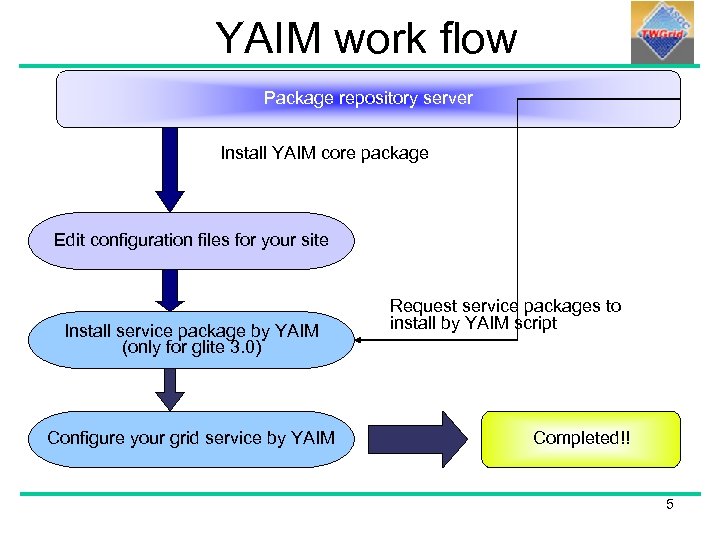 YAIM work flow Package repository server Install YAIM core package Edit configuration files for your site Install service package by YAIM (only for glite 3. 0) Configure your grid service by YAIM Request service packages to install by YAIM script Completed!! 5
 How to begin? 6
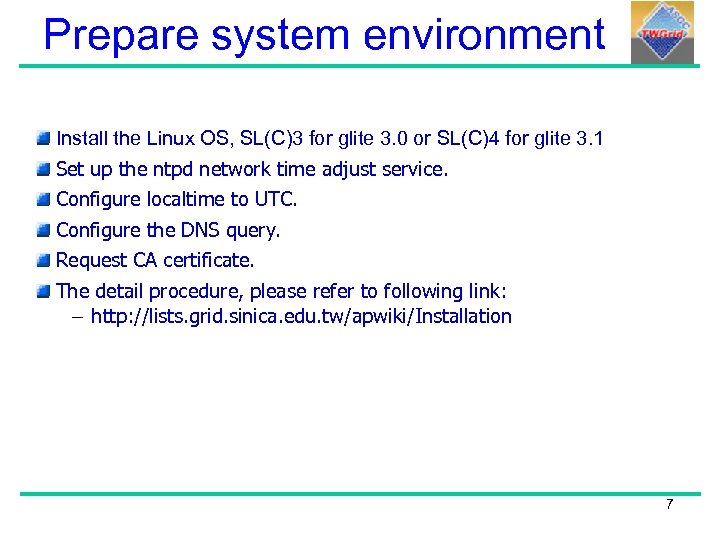 Prepare system environment Install the Linux OS, SL(C)3 for glite 3. 0 or SL(C)4 for glite 3. 1 Set up the ntpd network time adjust service. Configure localtime to UTC. Configure the DNS query. Request CA certificate. The detail procedure, please refer to following link: – http: //lists. grid. sinica. edu. tw/apwiki/Installation 7
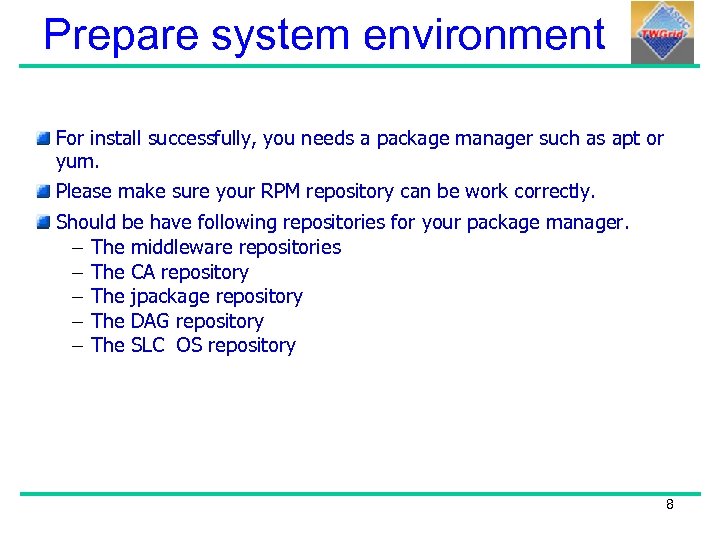 Prepare system environment For install successfully, you needs a package manager such as apt or yum. Please make sure your RPM repository can be work correctly. Should be have following repositories for your package manager. – The middleware repositories – The CA repository – The jpackage repository – The DAG repository – The SLC OS repository 8
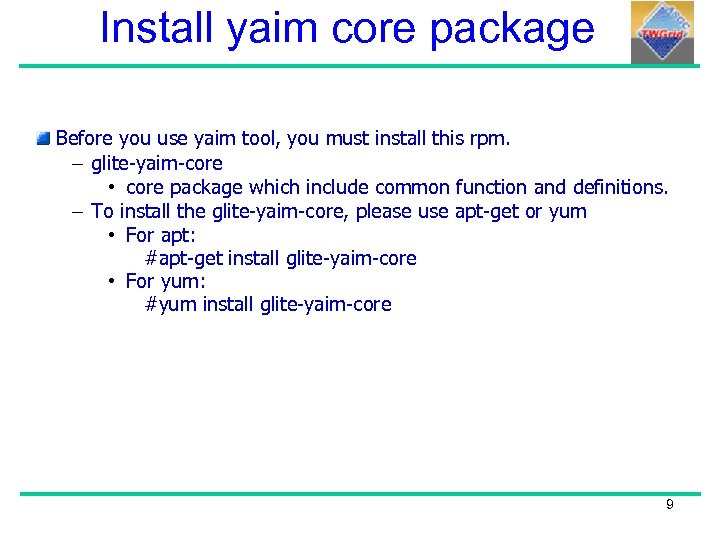 Install yaim core package Before you use yaim tool, you must install this rpm. – glite-yaim-core • core package which include common function and definitions. – To install the glite-yaim-core, please use apt-get or yum • For apt: #apt-get install glite-yaim-core • For yum: #yum install glite-yaim-core 9
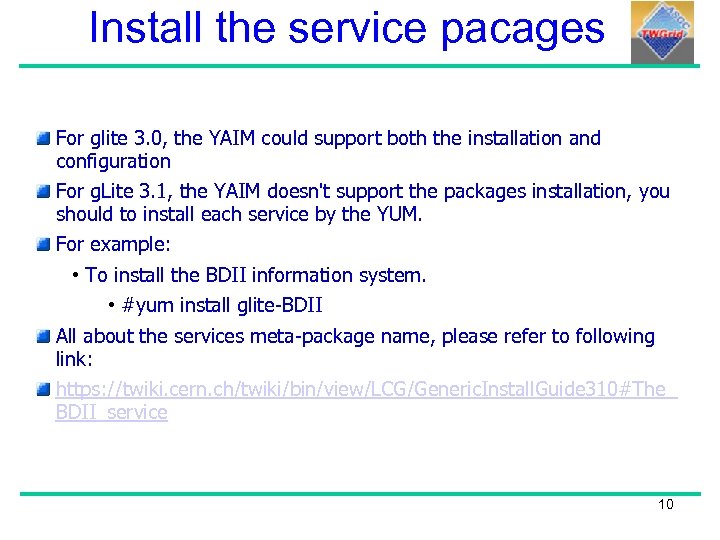 Install the service pacages For glite 3. 0, the YAIM could support both the installation and configuration For g. Lite 3. 1, the YAIM doesn't support the packages installation, you should to install each service by the YUM. For example: • To install the BDII information system. • #yum install glite-BDII All about the services meta-package name, please refer to following link: https: //twiki. cern. ch/twiki/bin/view/LCG/Generic. Install. Guide 310#The_ BDII_service 10
 YAIM's Configuration files 11
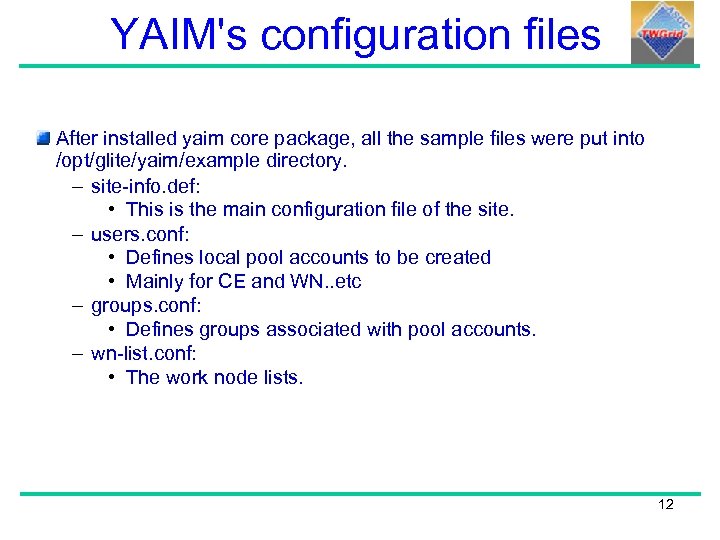 YAIM's configuration files After installed yaim core package, all the sample files were put into /opt/glite/yaim/example directory. – site-info. def: • This is the main configuration file of the site. – users. conf: • Defines local pool accounts to be created • Mainly for CE and WN. . etc – groups. conf: • Defines groups associated with pool accounts. – wn-list. conf: • The work node lists. 12
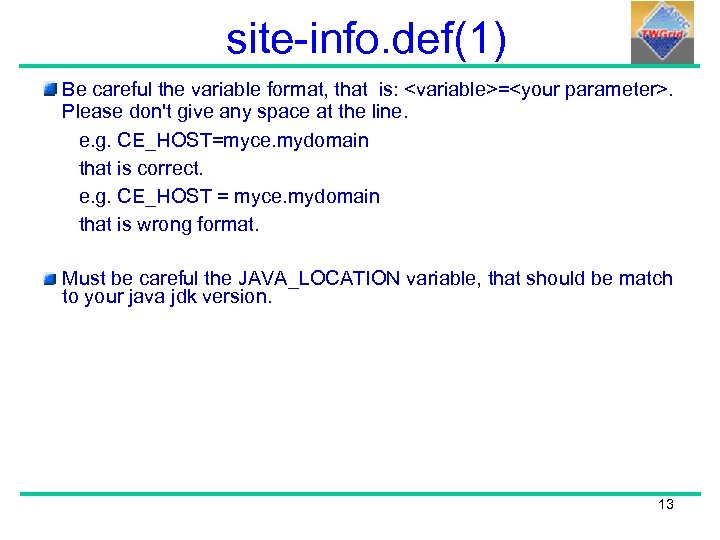 site-info. def(1) Be careful the variable format, that is:
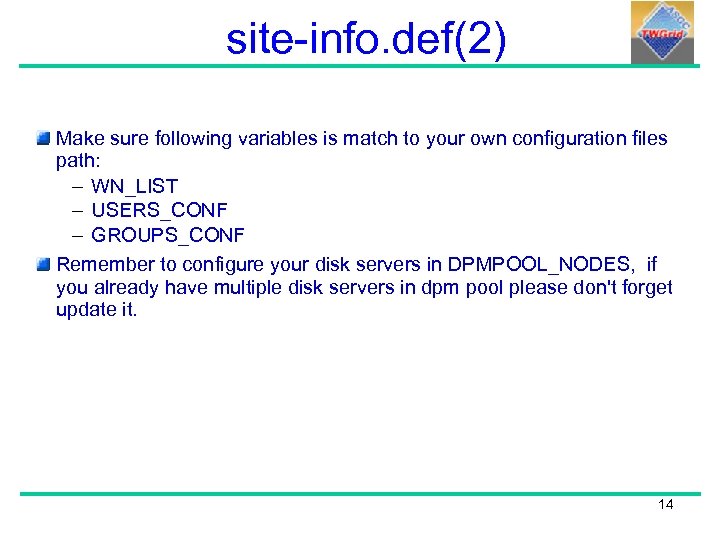 site-info. def(2) Make sure following variables is match to your own configuration files path: – WN_LIST – USERS_CONF – GROUPS_CONF Remember to configure your disk servers in DPMPOOL_NODES, if you already have multiple disk servers in dpm pool please don't forget update it. 14
 site-info. def(3) • More detail about the site-info. def, please refer to following link: – https: //twiki. cern. ch/twiki/bin/view/LCG/Yaim. Guide 400 15
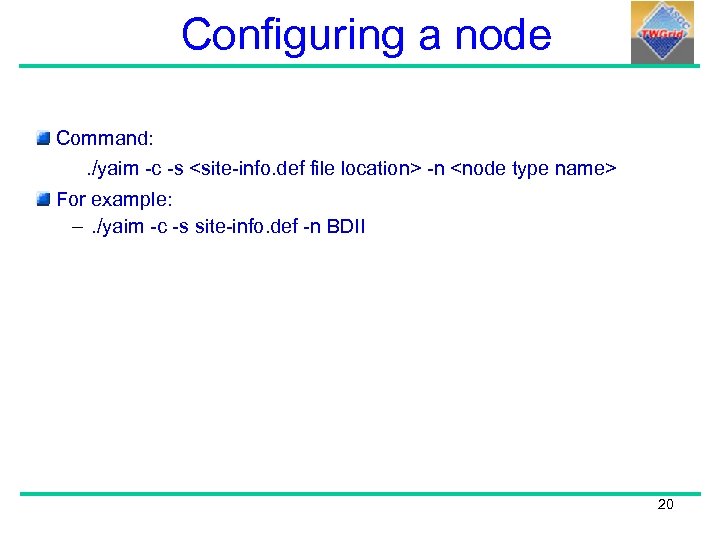 Configuring a node Command: . /yaim -c -s
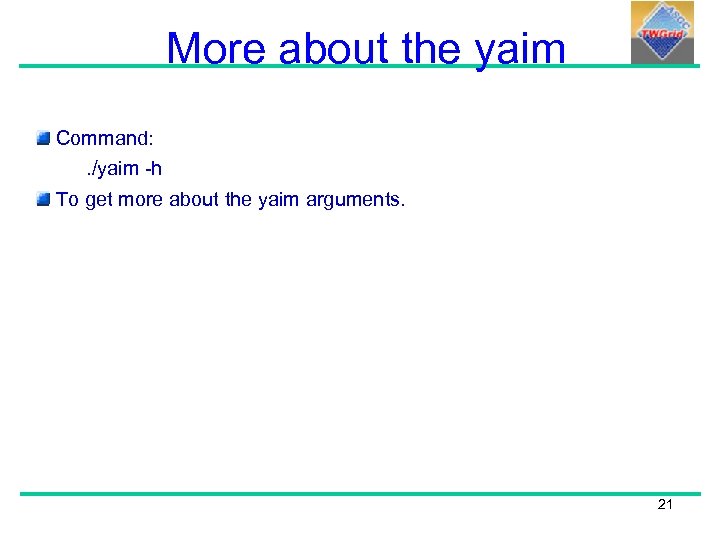 More about the yaim Command: . /yaim -h To get more about the yaim arguments. 21
 Relocatable Distribution What is relocatable distribution? can allow you install UI or WN as non-root user. Provide a tarball containing g. Lite dependencies which might be missing on your host machine. supported on SL(C)3 on x 86. also work on SL(C)4 on x 86 and x 86_64 in compatability mode. 22
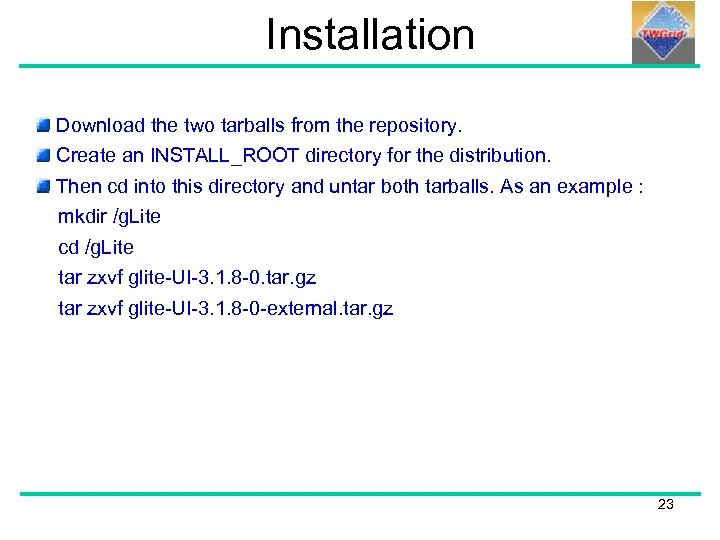 Installation Download the two tarballs from the repository. Create an INSTALL_ROOT directory for the distribution. Then cd into this directory and untar both tarballs. As an example : mkdir /g. Lite cd /g. Lite tar zxvf glite-UI-3. 1. 8 -0. tar. gz tar zxvf glite-UI-3. 1. 8 -0 -external. tar. gz 23
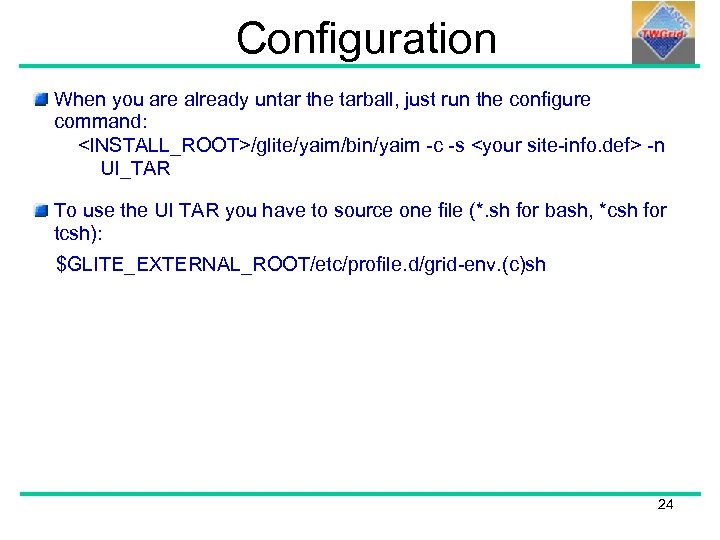 Configuration When you are already untar the tarball, just run the configure command:
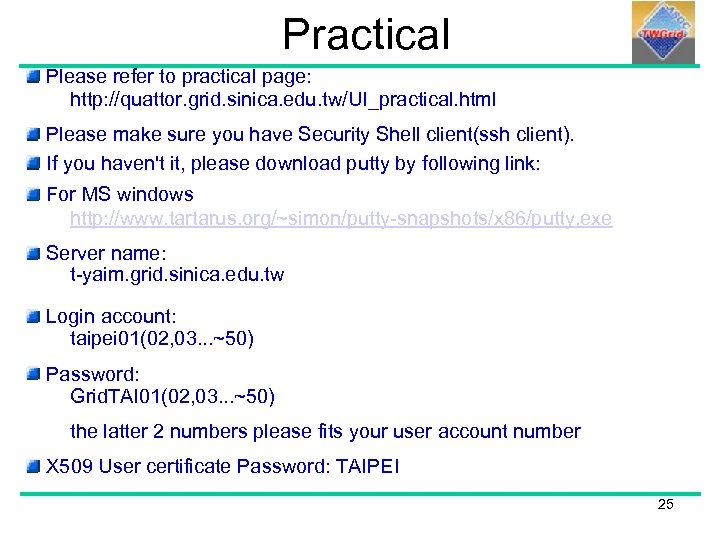 Practical Please refer to practical page: http: //quattor. grid. sinica. edu. tw/UI_practical. html Please make sure you have Security Shell client(ssh client). If you haven't it, please download putty by following link: For MS windows http: //www. tartarus. org/~simon/putty-snapshots/x 86/putty. exe Server name: t-yaim. grid. sinica. edu. tw Login account: taipei 01(02, 03. . . ~50) Password: Grid. TAI 01(02, 03. . . ~50) the latter 2 numbers please fits your user account number X 509 User certificate Password: TAIPEI 25