 Скачать презентацию XML Ing Alberto Massari alby infomus dist unige it
823a1e4b7bf16a7da0cc39c37f8dadd9.ppt
- Количество слайдов: 84



XML Ing. Alberto Massari alby@infomus. dist. unige. it
Summary • • • XML origins: SGML & HTML XML Namespaces XSLT XML & Multimedia: VRML, SVG, SMIL
XML origins - SGML • Everything starts in 1986 with the development of SGML, an ISO standard (ISO 8879: 1986) for the formal definition of documents • SGML means Standard Generalized Markup Language; his characteristics are the concept of “markups” and its being “generalized”
What is a “markup”? • A markup is an annotation embedded in the text of the document • It allows to associate a purpose, a meaning to a section of the text, so that an automated process can perform an analysis on the text without resorting to a semantic analysis first • A markup is recognized by being wrapped in acute parenthesis (“<tag>”)
SGML is generalized • SGML is a metalanguage – it defines how a language is defined • Every SGML document must be associated to a DTD (“Document Type Definition”) that lists the allowed tags and the order in which they can appear inside the document
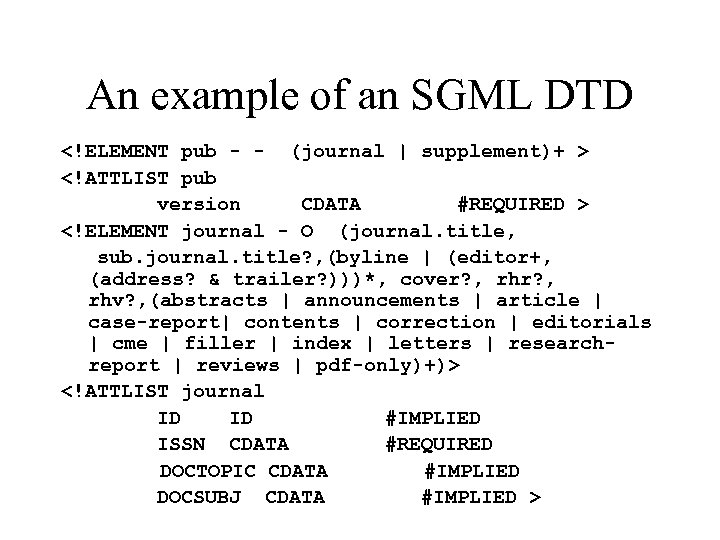
An example of an SGML DTD <!ELEMENT pub - - (journal | supplement)+ > <!ATTLIST pub version CDATA #REQUIRED > <!ELEMENT journal - O (journal. title, sub. journal. title? , (byline | (editor+, (address? & trailer? )))*, cover? , rhr? , rhv? , (abstracts | announcements | article | case-report| contents | correction | editorials | cme | filler | index | letters | researchreport | reviews | pdf-only)+)> <!ATTLIST journal ID #IMPLIED ISSN CDATA #REQUIRED DOCTOPIC CDATA #IMPLIED DOCSUBJ CDATA #IMPLIED >
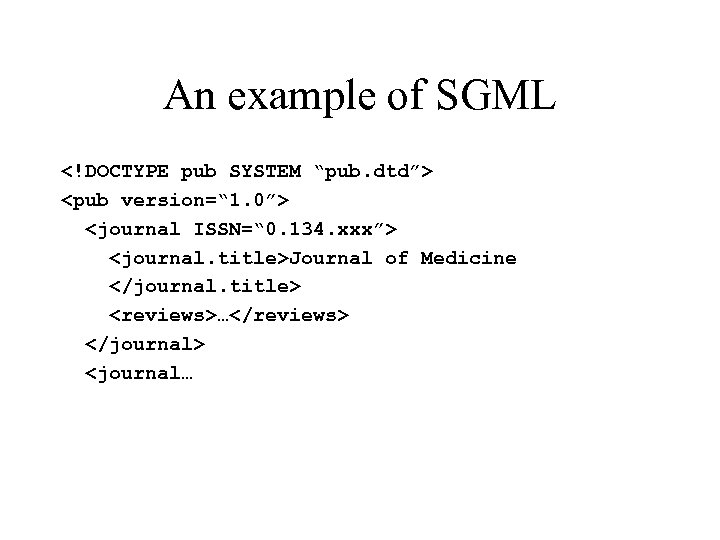
An example of SGML <!DOCTYPE pub SYSTEM “pub. dtd”> <pub version=“ 1. 0”> <journal ISSN=“ 0. 134. xxx”> <journal. title>Journal of Medicine </journal. title> <reviews>…</reviews> </journal> <journal…
HTML • HTML (Hyper. Text Markup Language) is an SGML application • The first DTDs appear in the first years of the 1990; the RFC 1886 of November 1995 defines HTML 2. 0 (there is no HTML 1. 0) • In few words, it allows to place inside a text a set of visualization markups to drive a browser in the selection of the proper style (bold, italic, font, color…. )
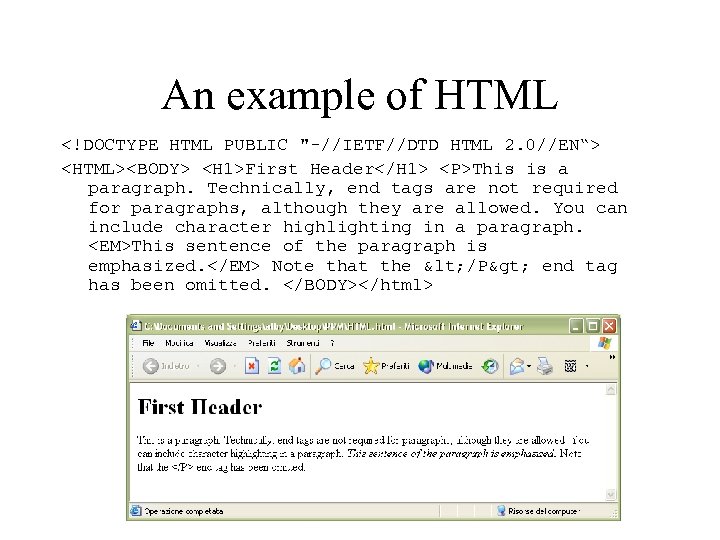
An example of HTML <!DOCTYPE HTML PUBLIC "-//IETF//DTD HTML 2. 0//EN“> <HTML><BODY> <H 1>First Header</H 1> <P>This is a paragraph. Technically, end tags are not required for paragraphs, although they are allowed. You can include character highlighting in a paragraph. <EM>This sentence of the paragraph is emphasized. </EM> Note that the < /P> end tag has been omitted. </BODY></html>
Pros of HTML • It allows to publish documents on the Web in an “open” format that doesn’t rely on proprietary applications to be viewed (Word, PDF, …) • It’s a text format, and can be indexed by a search engine • Allows hyperlinks between related documents • Can mix text and images
Cons of HTML • It can be extended only by defining new tags (that not every browser knows how to handle): es. frame, object • Syntax is not “clean” : tags are caseinsensitive, quotes around attribute values are optional, some tags can be left open • It targets visualization of documents on the screen only
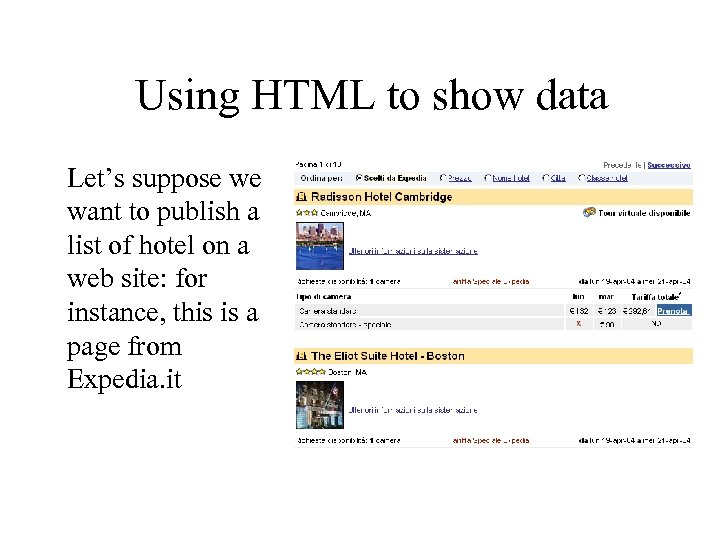
Using HTML to show data Let’s suppose we want to publish a list of hotel on a web site: for instance, this is a page from Expedia. it
Using HTML to show data (2) • The page can be used by a human user only; for instance, the hotel category is given by the number of repetitions of a tag <img> • The total cost of the room is in the 4 th column of the table; but the number of columns depends on how many days we are going to stay • In the end, a “software agent” cannot use these informations in a reliable way we need an HTML for data
XML • In 1996 the W 3 C starts designing XML (e. Xtensible Markup Language), that is released in February 1998 (http: //www. w 3. org/TR/REC-xml/) • Basically, it’s SGML made usable: a lot of its flexibility is removed from the language, making easier the design of a parser (and its adoption). • It’s designed with the goal of making easy to annotate data; the semantic of the annotations (i. e. the DTD) is left to other standardization processes.
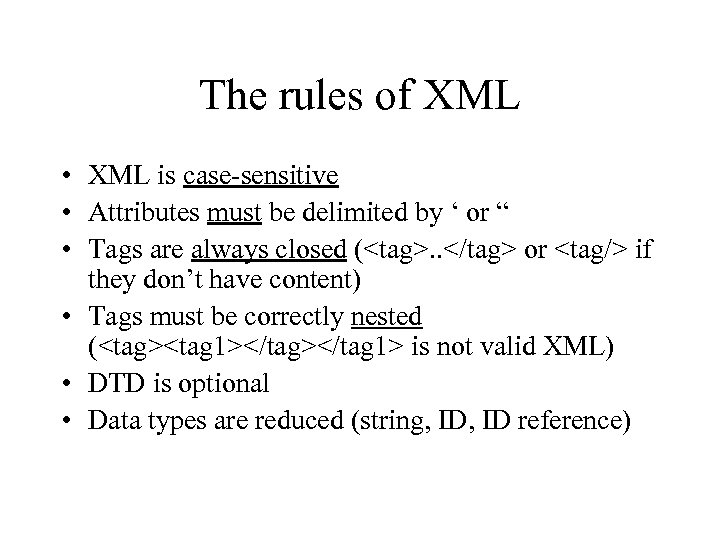
The rules of XML • XML is case-sensitive • Attributes must be delimited by ‘ or “ • Tags are always closed (<tag>. . </tag> or <tag/> if they don’t have content) • Tags must be correctly nested (<tag><tag 1></tag 1> is not valid XML) • DTD is optional • Data types are reduced (string, ID reference)
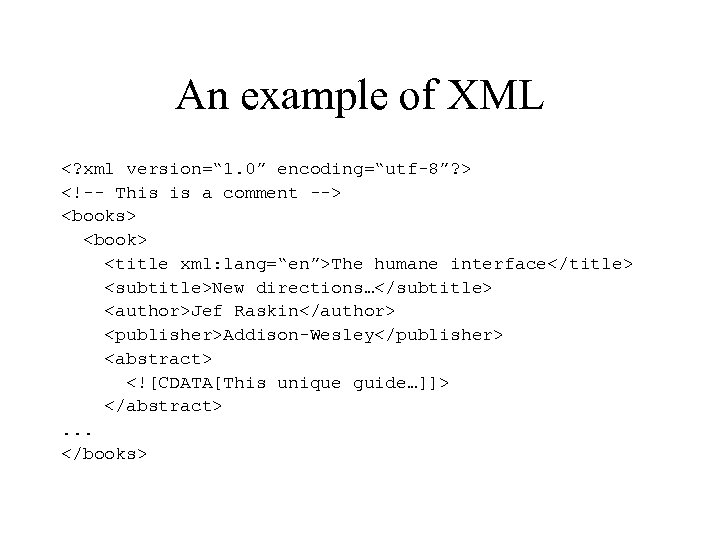
An example of XML <? xml version=“ 1. 0” encoding=“utf-8”? > <!-- This is a comment --> <books> <book> <title xml: lang=“en”>The humane interface</title> <subtitle>New directions…</subtitle> <author>Jef Raskin</author> <publisher>Addison-Wesley</publisher> <abstract> <![CDATA[This unique guide…]]> </abstract>. . . </books>
The components of XML • The tag between <? and ? > is a processing instruction; it conveys informations to the application reading the XML file. The directive “xml” is the only one defined in the standard and is used to indicate the version of XML used by the document, and the encoding of the characters (utf 8 is a compact version of Unicode; other encodings are “latin-1”, “shift-jis”, etc…) • The directives that an application doesn’t know must be ignored
Character encoding • Human see graphic symbols and read words • Computer only sees numbers • The relation between a number and a graphic symbol is defined by an encoding • One of the first encoding is ASCII (1963), that uses 7 bits (a number between 0 a 127) to express the western alphabet, the numbers and some punctuation
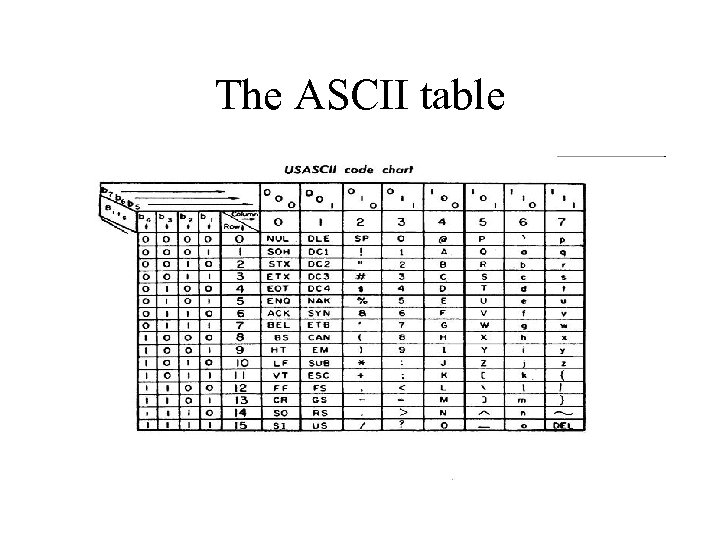
The ASCII table
And what about the others? • The ASCII code is OK for the English language, but ignores the Italian accented letters, German characters like ß and ë, Finnish ones like Ø, Greek, Russian, Hebrew, Japanese, Arab…. • The first solution was to invent “code-pages” in which a sequence of numbers represented a character • As a consequence, the Greek character π is represented by the number 0 x. F 0 in the Greek code page used on Sun workstation, while it’s represented by the sequence 0 x 83 0 x. CE in the code page used on Windows PCs • So, given a sequence of numbers, it’s not possible to know for sure which characters it encodes, unless it is associated with a code page
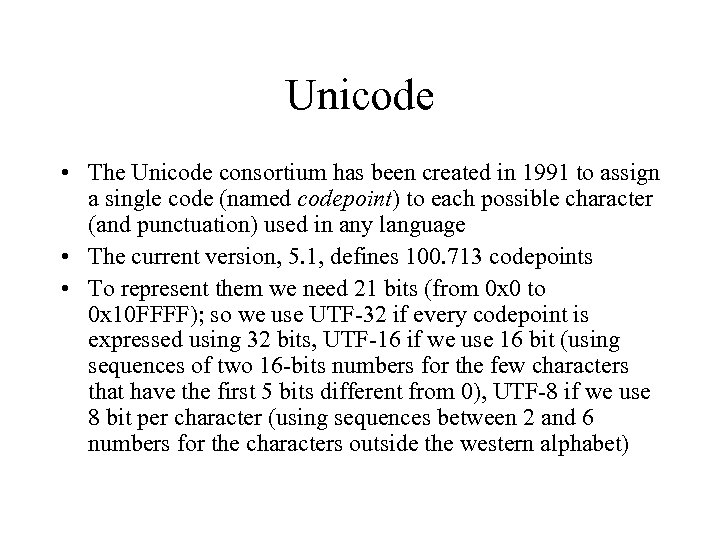
Unicode • The Unicode consortium has been created in 1991 to assign a single code (named codepoint) to each possible character (and punctuation) used in any language • The current version, 5. 1, defines 100. 713 codepoints • To represent them we need 21 bits (from 0 x 0 to 0 x 10 FFFF); so we use UTF-32 if every codepoint is expressed using 32 bits, UTF-16 if we use 16 bit (using sequences of two 16 -bits numbers for the few characters that have the first 5 bits different from 0), UTF-8 if we use 8 bit per character (using sequences between 2 and 6 numbers for the characters outside the western alphabet)
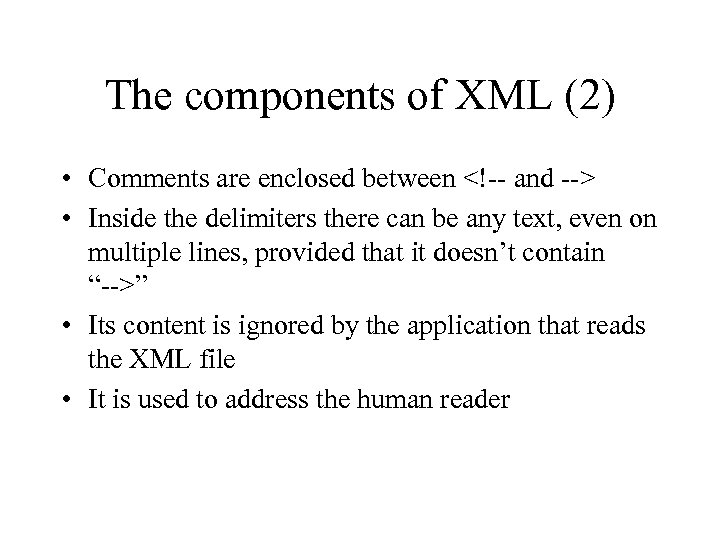
The components of XML (2) • Comments are enclosed between <!-- and --> • Inside the delimiters there can be any text, even on multiple lines, provided that it doesn’t contain “-->” • Its content is ignored by the application that reads the XML file • It is used to address the human reader
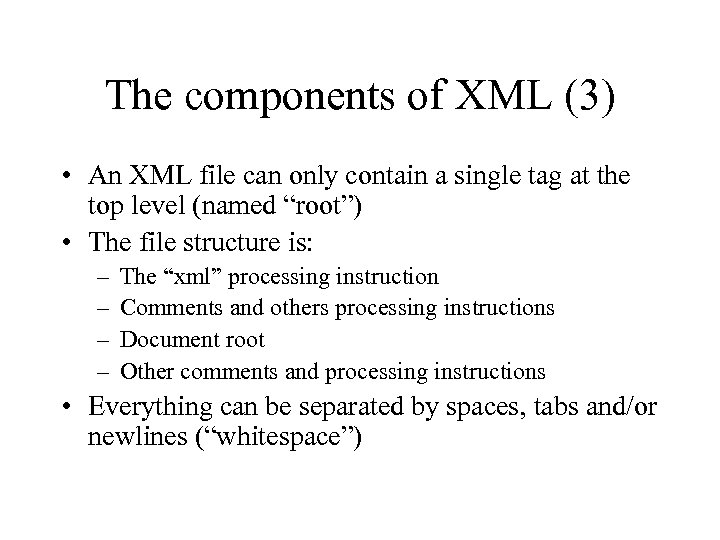
The components of XML (3) • An XML file can only contain a single tag at the top level (named “root”) • The file structure is: – – The “xml” processing instruction Comments and others processing instructions Document root Other comments and processing instructions • Everything can be separated by spaces, tabs and/or newlines (“whitespace”)
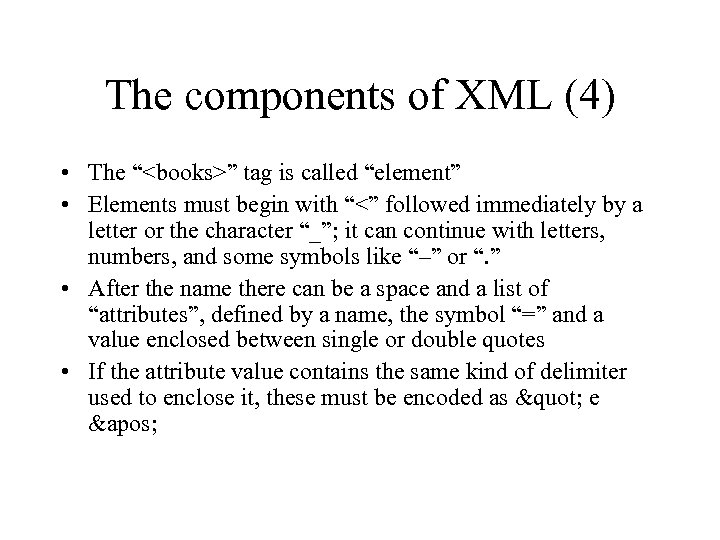
The components of XML (4) • The “<books>” tag is called “element” • Elements must begin with “<” followed immediately by a letter or the character “_”; it can continue with letters, numbers, and some symbols like “–” or “. ” • After the name there can be a space and a list of “attributes”, defined by a name, the symbol “=” and a value enclosed between single or double quotes • If the attribute value contains the same kind of delimiter used to enclose it, these must be encoded as " e '
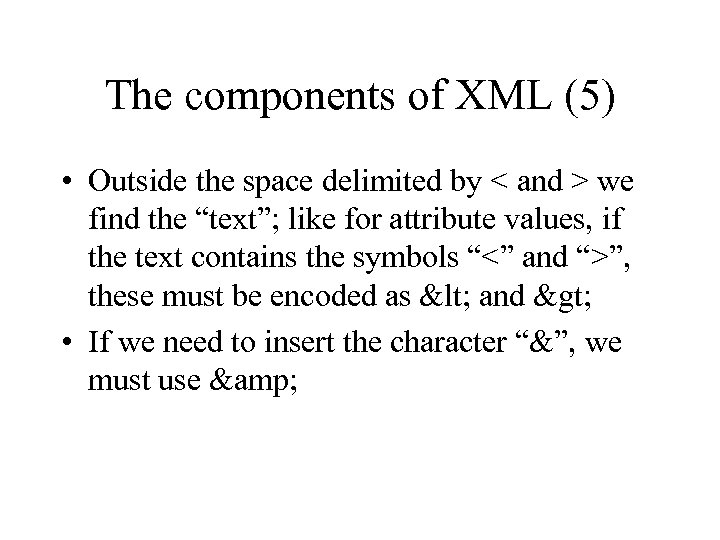
The components of XML (5) • Outside the space delimited by < and > we find the “text”; like for attribute values, if the text contains the symbols “<” and “>”, these must be encoded as < and > • If we need to insert the character “&”, we must use &
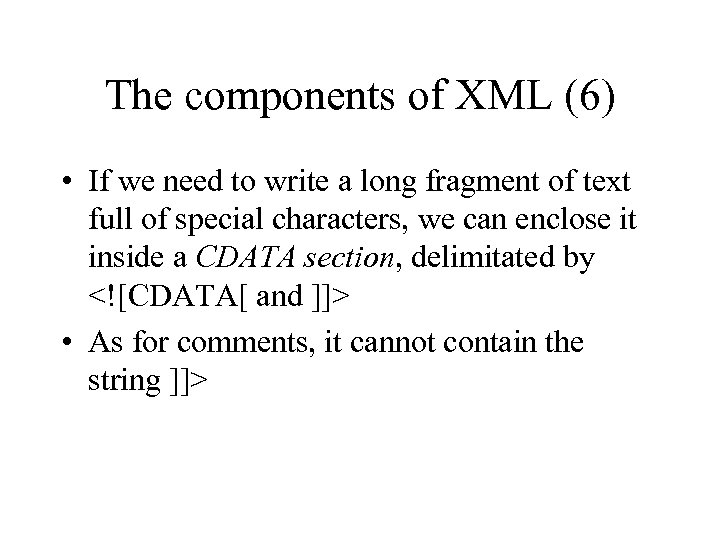
The components of XML (6) • If we need to write a long fragment of text full of special characters, we can enclose it inside a CDATA section, delimitated by <![CDATA[ and ]]> • As for comments, it cannot contain the string ]]>
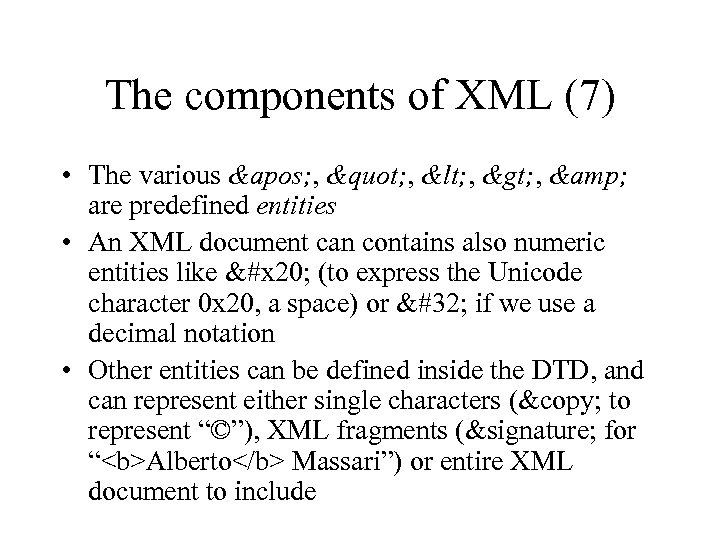
The components of XML (7) • The various ' , " , < , > , & are predefined entities • An XML document can contains also numeric entities like &#x 20; (to express the Unicode character 0 x 20, a space) or if we use a decimal notation • Other entities can be defined inside the DTD, and can represent either single characters (© to represent “©”), XML fragments (&signature; for “<b>Alberto</b> Massari”) or entire XML document to include
Summary • XML can be used to annotate data written in any language, and be “consumed” by either human being and software agents • The “X” underlines the extensibility of the language; adding new data enclosed in a new tag makes so that the “old” applications ignore that information, while the new ones can use it
Namespaces • Almost immediately it was evident that an XML document could not contain data defined using different DTDs • That is, a DTD defines a “domain” inside which it’s correct that “book” contains a “title”, one or more “author” and so on • But, in another domain, “title” could be used to express the salutation title of a person (“Mr”, “Mrs”, “Dr”…)
Namespaces (2) • A year after, in January 1999, W 3 C publishes the specifications for Namespaces (http: //www. w 3. org/TR/REC-xml-names/) • It says that every element belongs to a space of names, named with a URI (Uniform Resource Identifier, see RFC 2396) • As URLs (Uniform Resource Locator) are valid URIs (they are URIs that also contains the information on the location of the resource they name), often URLs are used to define namespaces
Namespaces (3) • Namespaces are declared through special attributes, that starts with xmlns • xmlns: p=“http: //www. my. com/schema” defines that the namespace associated with the prefix “p” is defined by the URI “http: //www. my. com/schema” • If the definition doesn’t use a prefix (i. e. if it is xmlns=“http: //www. my. com/schema”) it defines the default namespace • N. B. : the URI is the “name” of the namespace; it isn’t always true that the address exists or that it contains the DTD defining it, even if often this is what happens
Namespaces (4) • The character “: ” is now illegal inside a tag (both for elements and attributes) and is used to split the tag into a namespace prefix and a local name • Writing <p: book> we mean that this “book” lives inside the namespace associated with the prefix “p” • It’s possible to mix different data inside the same XML document without being ambiguous
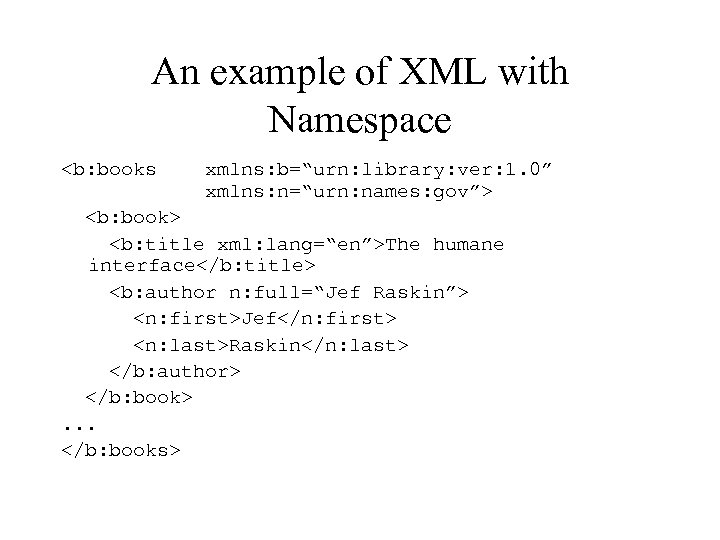
An example of XML with Namespace <b: books xmlns: b=“urn: library: ver: 1. 0” xmlns: n=“urn: names: gov”> <b: book> <b: title xml: lang=“en”>The humane interface</b: title> <b: author n: full=“Jef Raskin”> <n: first>Jef</n: first> <n: last>Raskin</n: last> </b: author> </b: book>. . . </b: books>
XSLT: closing che circle • We started with HTML used to annotate a text with visualization informations • We saw how XML is used to annotate a text with semantic informations • Now we would like to take the data (expressed as XML) and show it on the video (using HTML) • To do this we use XSLT (e. Xtensible Stylesheet Language Transformations)
XSLT • W 3 C publishes the specification for XSLT in November 1999 (http: //www. w 3. org/TR/xslt) • XSLT is only a part of a bigger project (XSL) targeting the editorial community • Another important part is XSL-FO (Formatting Objects), that is used to specify the print layout of books and documents (for instance, an XSL-FO document can be converted into PDF, or a PDF file can be saved into XSL-FO without loosing information)
T as Trasformation • An XSLT stylesheet reads an XML file and depending on which element or attribute it encounters, it decides which transformation to do • The result is written in the final document, then it goes on to the next element or attribute
Summary • At the end of 1999 the scenario is almost complete: there is a standard to archive/exchange data, and a way to obtain one or more representation out of it (complete, compact, without images for PDAs…) • Companies can exchange informations as XML files (once they agree on the DTD to use), and at the same time they can use the same data to produce their web site. It the e-business revolution.
“Give a hammer to a person, and everything will look like a nail to him”
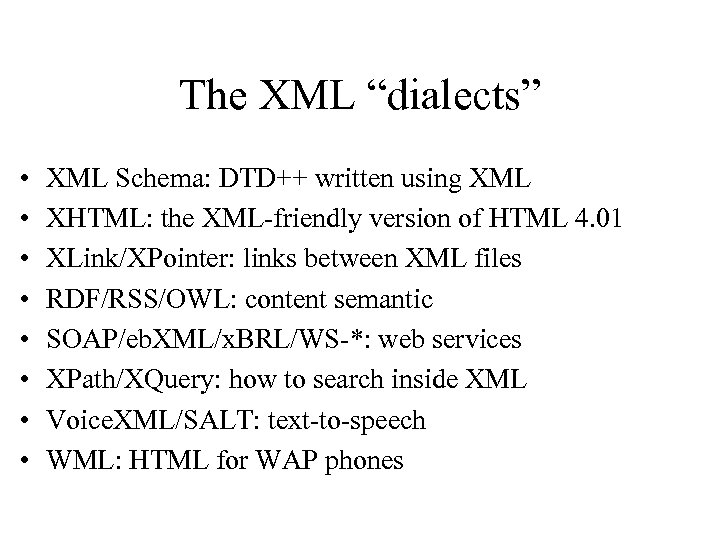
The XML “dialects” • • XML Schema: DTD++ written using XML XHTML: the XML-friendly version of HTML 4. 01 XLink/XPointer: links between XML files RDF/RSS/OWL: content semantic SOAP/eb. XML/x. BRL/WS-*: web services XPath/XQuery: how to search inside XML Voice. XML/SALT: text-to-speech WML: HTML for WAP phones
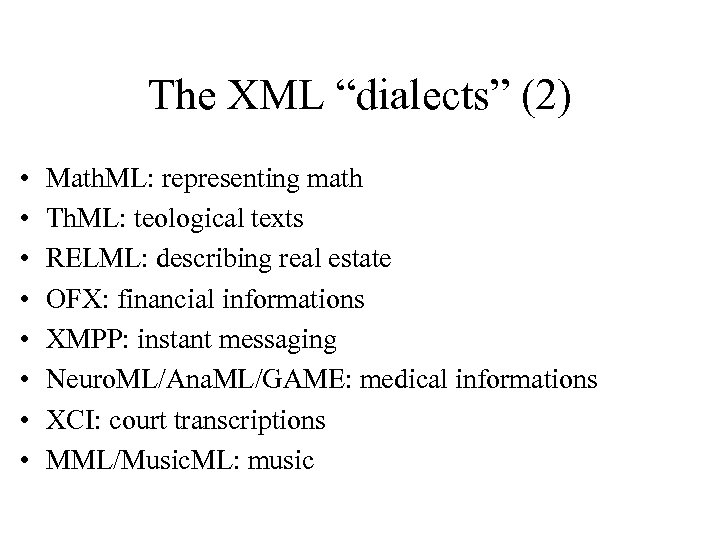
The XML “dialects” (2) • • Math. ML: representing math Th. ML: teological texts RELML: describing real estate OFX: financial informations XMPP: instant messaging Neuro. ML/Ana. ML/GAME: medical informations XCI: court transcriptions MML/Music. ML: music
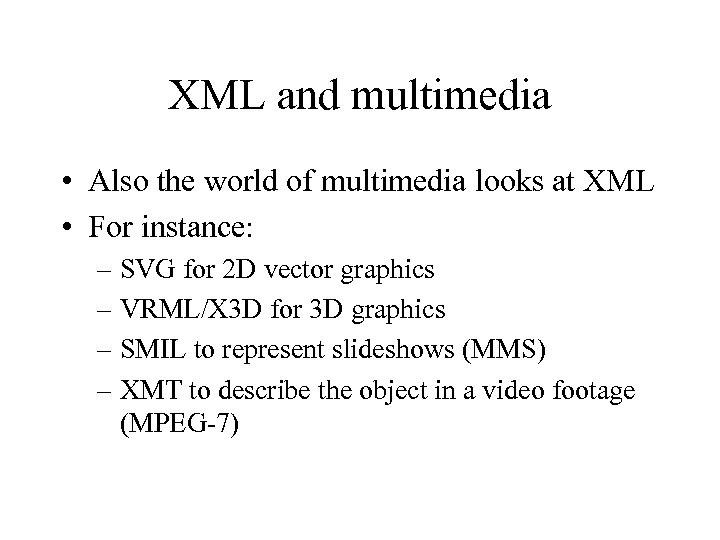
XML and multimedia • Also the world of multimedia looks at XML • For instance: – SVG for 2 D vector graphics – VRML/X 3 D for 3 D graphics – SMIL to represent slideshows (MMS) – XMT to describe the object in a video footage (MPEG-7)
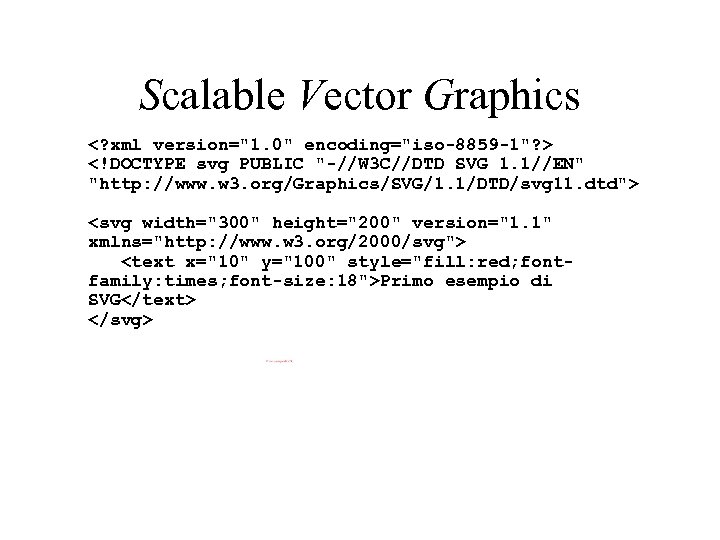
Scalable Vector Graphics <? xml version="1. 0" encoding="iso-8859 -1"? > <!DOCTYPE svg PUBLIC "-//W 3 C//DTD SVG 1. 1//EN" "http: //www. w 3. org/Graphics/SVG/1. 1/DTD/svg 11. dtd"> <svg width="300" height="200" version="1. 1" xmlns="http: //www. w 3. org/2000/svg"> <text x="10" y="100" style="fill: red; fontfamily: times; font-size: 18">Primo esempio di SVG</text> </svg>
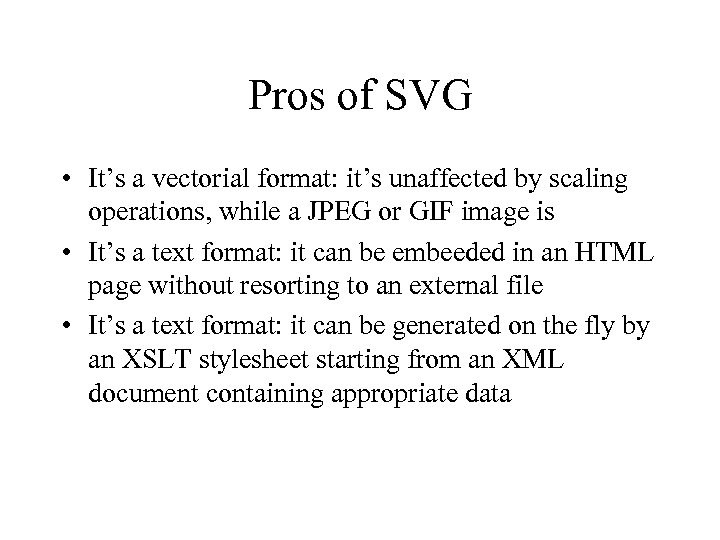
Pros of SVG • It’s a vectorial format: it’s unaffected by scaling operations, while a JPEG or GIF image is • It’s a text format: it can be embeeded in an HTML page without resorting to an external file • It’s a text format: it can be generated on the fly by an XSLT stylesheet starting from an XML document containing appropriate data
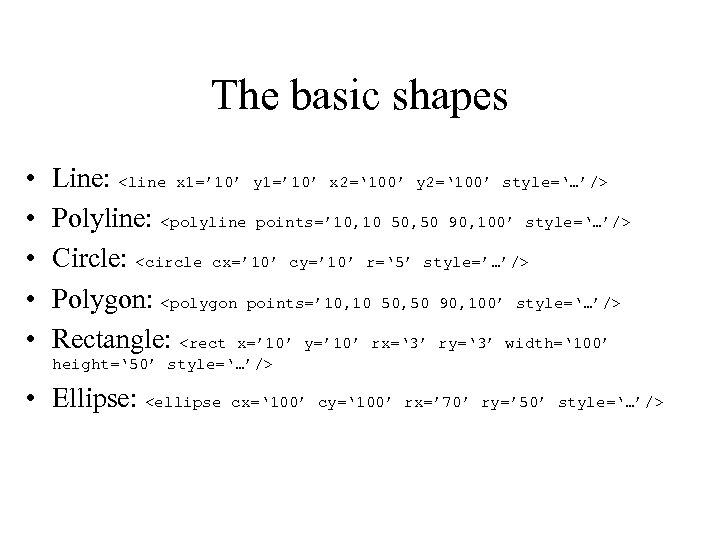
The basic shapes • • • Line: <line x 1=’ 10’ y 1=’ 10’ x 2=‘ 100’ y 2=‘ 100’ style=‘…’/> Polyline: <polyline points=’ 10, 10 50, 50 90, 100’ style=‘…’/> Circle: <circle cx=’ 10’ cy=’ 10’ r=‘ 5’ style=’…’/> Polygon: <polygon points=’ 10, 10 50, 50 90, 100’ style=‘…’/> Rectangle: <rect x=’ 10’ y=’ 10’ rx=‘ 3’ ry=‘ 3’ width=‘ 100’ height=‘ 50’ style=‘…’/> • Ellipse: <ellipse cx=‘ 100’ cy=‘ 100’ rx=’ 70’ ry=’ 50’ style=‘…’/>
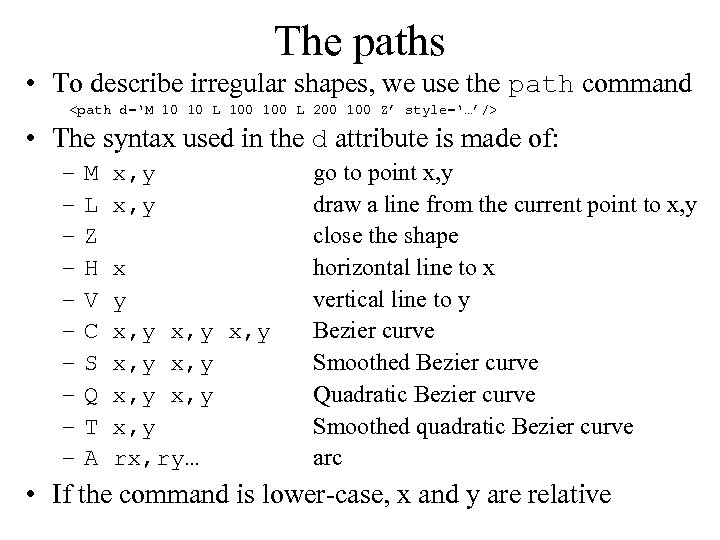
The paths • To describe irregular shapes, we use the path command <path d=‘M 10 10 L 100 L 200 100 Z’ style=‘…’/> • The syntax used in the d attribute is made of: – – – – – M x, y L x, y Z H x V y C x, y S x, y Q x, y T x, y A rx, ry… go to point x, y draw a line from the current point to x, y close the shape horizontal line to x vertical line to y Bezier curve Smoothed Bezier curve Quadratic Bezier curve Smoothed quadratic Bezier curve arc • If the command is lower-case, x and y are relative
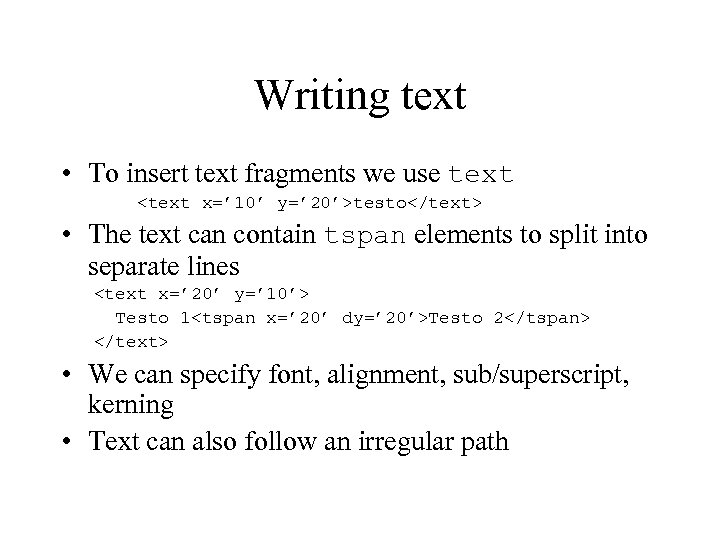
Writing text • To insert text fragments we use text <text x=’ 10’ y=’ 20’>testo</text> • The text can contain tspan elements to split into separate lines <text x=’ 20’ y=’ 10’> Testo 1<tspan x=’ 20’ dy=’ 20’>Testo 2</tspan> </text> • We can specify font, alignment, sub/superscript, kerning • Text can also follow an irregular path
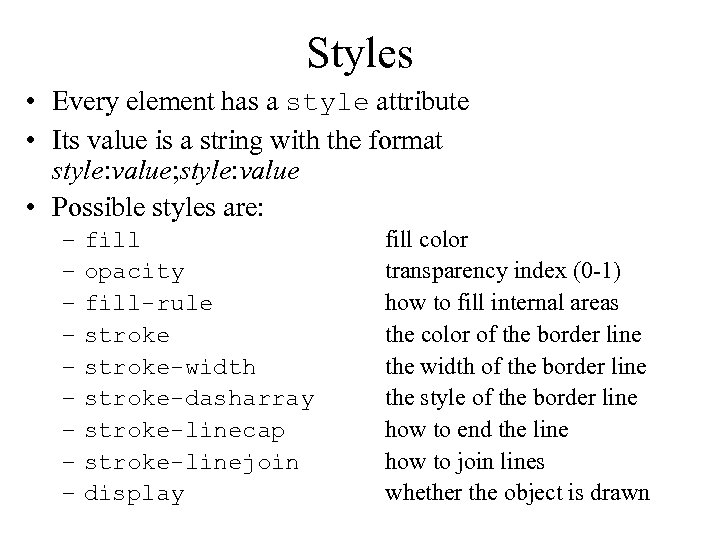
Styles • Every element has a style attribute • Its value is a string with the format style: value; style: value • Possible styles are: – – – – – fill opacity fill-rule stroke-width stroke-dasharray stroke-linecap stroke-linejoin display fill color transparency index (0 -1) how to fill internal areas the color of the border line the width of the border line the style of the border line how to end the line how to join lines whether the object is drawn
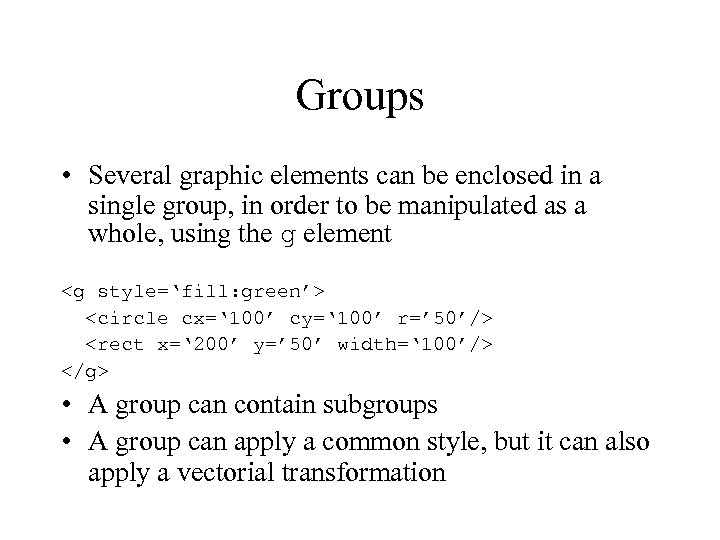
Groups • Several graphic elements can be enclosed in a single group, in order to be manipulated as a whole, using the g element <g style=‘fill: green’> <circle cx=‘ 100’ cy=‘ 100’ r=’ 50’/> <rect x=‘ 200’ y=’ 50’ width=‘ 100’/> </g> • A group can contain subgroups • A group can apply a common style, but it can also apply a vectorial transformation
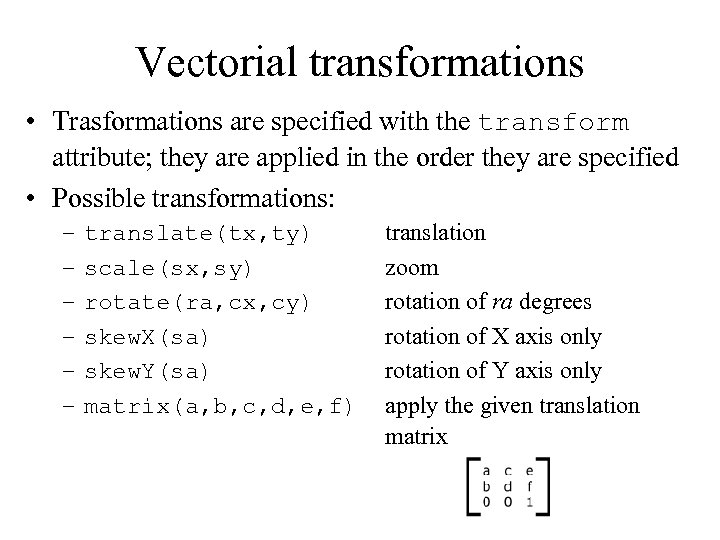
Vectorial transformations • Trasformations are specified with the transform attribute; they are applied in the order they are specified • Possible transformations: – – – translate(tx, ty) scale(sx, sy) rotate(ra, cx, cy) skew. X(sa) skew. Y(sa) matrix(a, b, c, d, e, f) translation zoom rotation of ra degrees rotation of X axis only rotation of Y axis only apply the given translation matrix
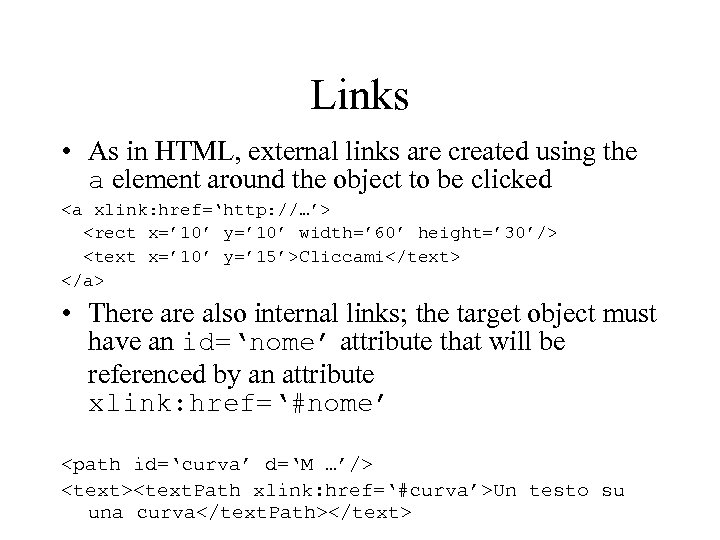
Links • As in HTML, external links are created using the a element around the object to be clicked <a xlink: href=‘http: //…’> <rect x=’ 10’ y=’ 10’ width=’ 60’ height=’ 30’/> <text x=’ 10’ y=’ 15’>Cliccami</text> </a> • There also internal links; the target object must have an id=‘nome’ attribute that will be referenced by an attribute xlink: href=‘#nome’ <path id=‘curva’ d=‘M …’/> <text><text. Path xlink: href=‘#curva’>Un testo su una curva</text. Path></text>
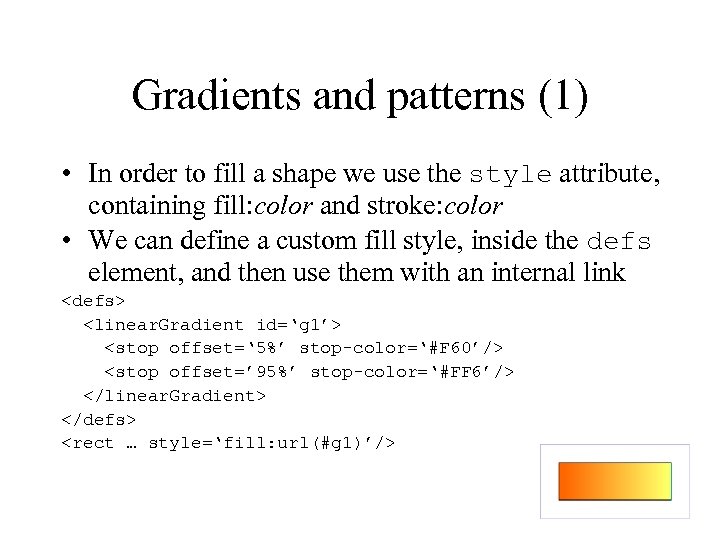
Gradients and patterns (1) • In order to fill a shape we use the style attribute, containing fill: color and stroke: color • We can define a custom fill style, inside the defs element, and then use them with an internal link <defs> <linear. Gradient id=‘g 1’> <stop offset=‘ 5%’ stop-color=‘#F 60’/> <stop offset=’ 95%’ stop-color=‘#FF 6’/> </linear. Gradient> </defs> <rect … style=‘fill: url(#g 1)’/>
Gradients and patterns (2) • Linear gradients work on a 2 D vector (by default horizontal) • Circular gradients use a circle and a focal point • Inside them there are two or more “stop points” the define the color to be used; the rest of the drawing will use the interpolated color • A pattern is a shape that is repeated in a grid
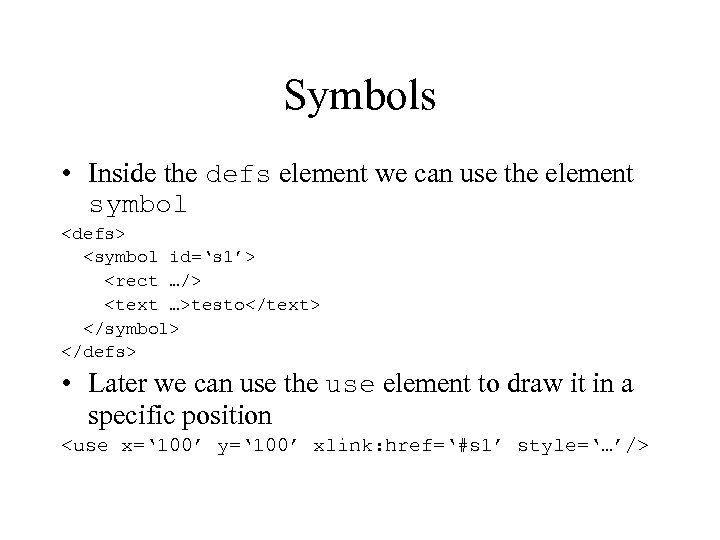
Symbols • Inside the defs element we can use the element symbol <defs> <symbol id=‘s 1’> <rect …/> <text …>testo</text> </symbol> </defs> • Later we can use the use element to draw it in a specific position <use x=‘ 100’ y=‘ 100’ xlink: href=‘#s 1’ style=‘…’/>
Events and scripting • We can associate code to specific events (of the mouse or the keyboard) to manipulate one or more graphical objects • The code can access the structure of the XML document and manipulate it; for instance, creating new objects, changing its graphic properties (e. g. color), or its position
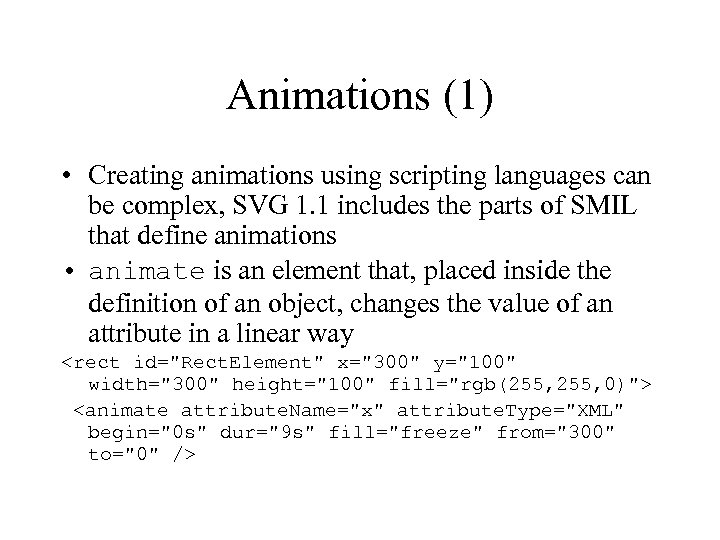
Animations (1) • Creating animations using scripting languages can be complex, SVG 1. 1 includes the parts of SMIL that define animations • animate is an element that, placed inside the definition of an object, changes the value of an attribute in a linear way <rect id="Rect. Element" x="300" y="100" width="300" height="100" fill="rgb(255, 0)"> <animate attribute. Name="x" attribute. Type="XML" begin="0 s" dur="9 s" fill="freeze" from="300" to="0" />
Animations (2) • Other types of animations are animate. Motion, animate. Color and animate. Transform; the first moves the object along a path, the second changes the color, the third changes the parameters of a transformation/rotation/scaling
Eyes. Web XMI • The format used to save a patch in Eyes. Web XMI is XML • It’s an open format, and allows third parties to create editors or players on platform currently unsupported • It allows the user to inspect and manipulate a patch in interesting ways…
Synchronized Multimedia Integration Language • SMIL (pronunciation: “smile”) has been developed to describe interactive multimedia presentations • SMIL 1. 0 has been ratified in June 1998 • SMIL 2. 0 has been ratified in August 2001 • What he does: – places mono-medial objects on the screen – synchronizes them – selects different components depending on the language, network band, screen dimensions…
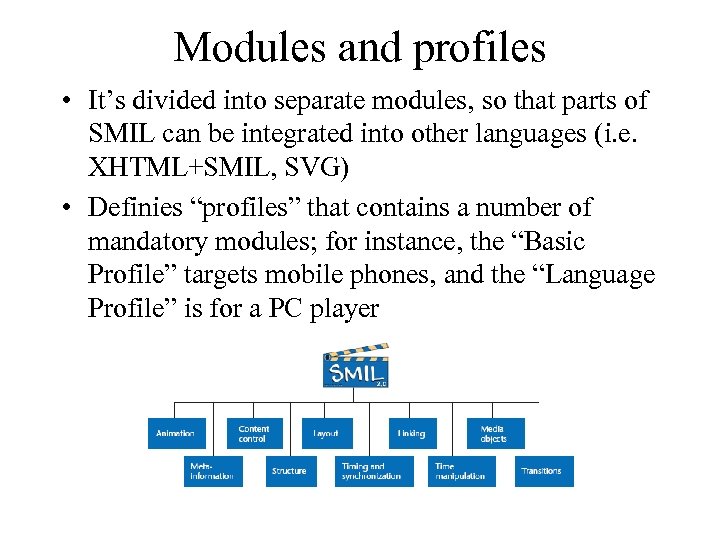
Modules and profiles • It’s divided into separate modules, so that parts of SMIL can be integrated into other languages (i. e. XHTML+SMIL, SVG) • Definies “profiles” that contains a number of mandatory modules; for instance, the “Basic Profile” targets mobile phones, and the “Language Profile” is for a PC player
SMIL 2. 0 • SMIL 1. 0 was 30 pages long; SMIL 2. 0 is 540 pages • There are several players available, and a few editors; given the size of the specs, the support varies with each software; in the end, in order to use advanced capabilities, you have to design for a specific player…
The ingredients • Gather the media files/URL (video, audio, images) • Decide where they will be visualized on the screen • Identify the optional elements • Define the path and its timing • Handle the interaction with the user
An example: the TV • When you watch the TV, you are under the impression of watching a single multimedia stream, but it is made of: – The video of the event (i. e. a match of boxe, the videoclip of a song) – The logo of the TV network – The voice of the speaker – The subtitles – Other text with informations (i. e. Statistics on the sport event, trivia on the singer) • Rather that preparing a single video, it’s more useful to keep the elements separated so that the user can decide to activate them or not
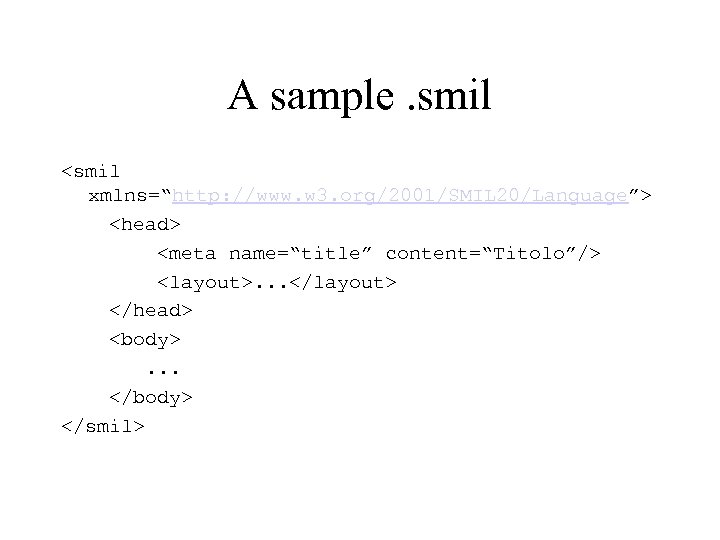
A sample. smil <smil xmlns=“http: //www. w 3. org/2001/SMIL 20/Language”> <head> <meta name=“title” content=“Titolo”/> <layout>. . . </layout> </head> <body> . . . </body> </smil>
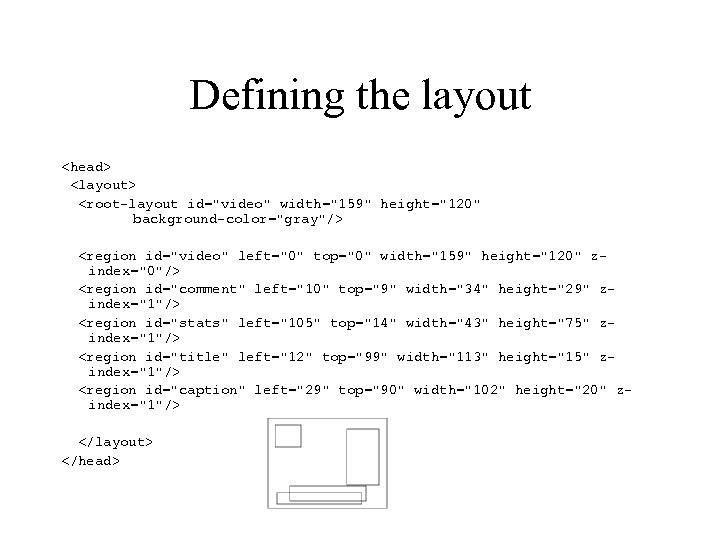
Defining the layout <head> <layout> <root-layout id="video" width="159" height="120" background-color="gray"/> <region id="video" left="0" top="0" width="159" height="120" zindex="0"/> <region id="comment" left="10" top="9" width="34" height="29" zindex="1"/> <region id="stats" left="105" top="14" width="43" height="75" zindex="1"/> <region id="title" left="12" top="99" width="113" height="15" zindex="1"/> <region id="caption" left="29" top="90" width="102" height="20" zindex="1"/> </layout> </head>
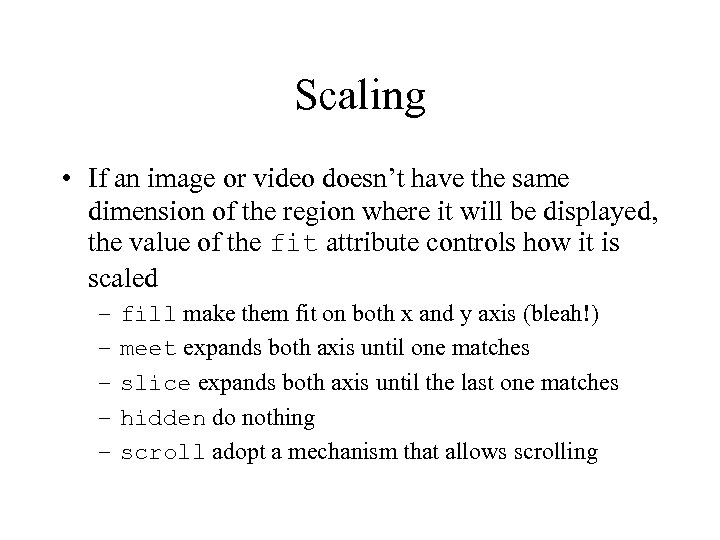
Scaling • If an image or video doesn’t have the same dimension of the region where it will be displayed, the value of the fit attribute controls how it is scaled – – – fill make them fit on both x and y axis (bleah!) meet expands both axis until one matches slice expands both axis until the last one matches hidden do nothing scroll adopt a mechanism that allows scrolling
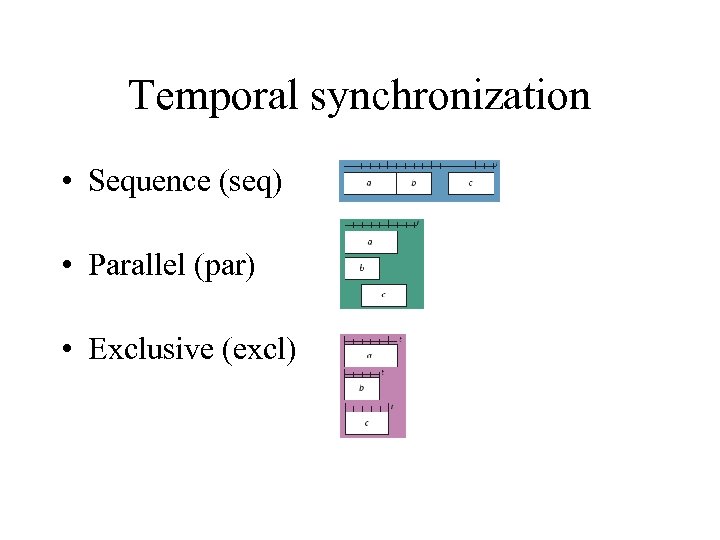
Temporal synchronization • Sequence (seq) • Parallel (par) • Exclusive (excl)
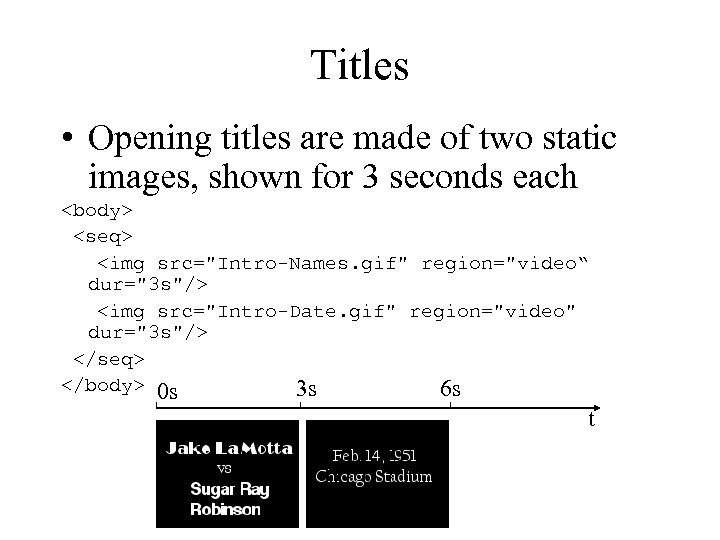
Titles • Opening titles are made of two static images, shown for 3 seconds each <body> <seq> <img src="Intro-Names. gif" region="video“ dur="3 s"/> <img src="Intro-Date. gif" region="video" dur="3 s"/> </seq> </body> 0 s 3 s 6 s t
Media types • Elements that can be inserted in the presentation depends on the player; the specs lists these ones: – – – img video text audio animation ref
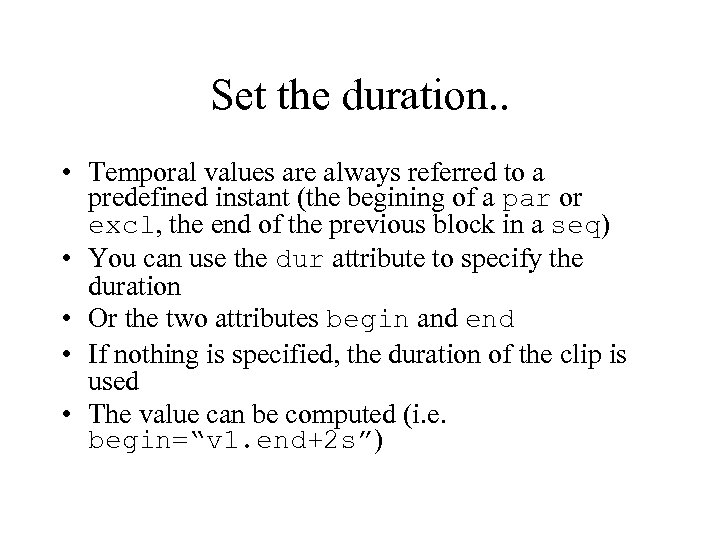
Set the duration. . • Temporal values are always referred to a predefined instant (the begining of a par or excl, the end of the previous block in a seq) • You can use the dur attribute to specify the duration • Or the two attributes begin and end • If nothing is specified, the duration of the clip is used • The value can be computed (i. e. begin=“v 1. end+2 s”)
. . and the repetition count • Using repeat. Count and repeat. Dur you can repeat a fragment N times (if the duration is specified too, it will be truncated when it expires) or, if their values is “indefinite”, until the parent synchronization block doesn’t expire
Duration of parallel blocks • A parallel block usually ends when the last component ends • Specifying <par endsync=“first”> it ends as soon as one ends • Specifying <par endsync=“id(v 1)”> ends when the given clip ends
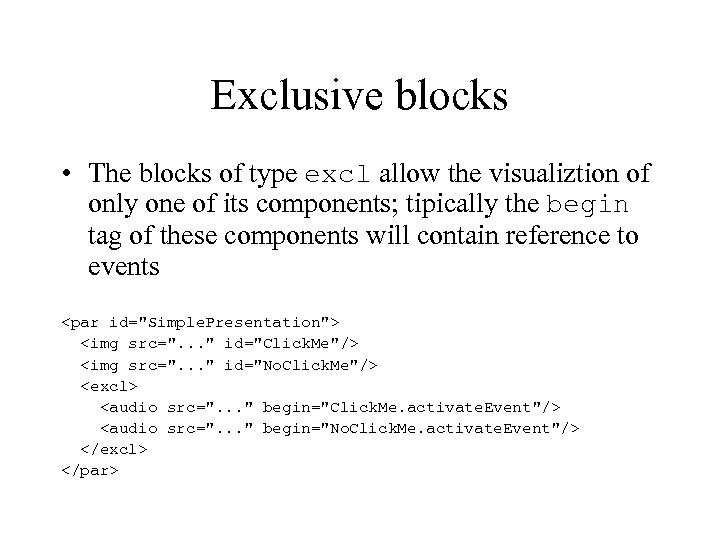
Exclusive blocks • The blocks of type excl allow the visualiztion of only one of its components; tipically the begin tag of these components will contain reference to events <par id="Simple. Presentation"> <img src=". . . " id="Click. Me"/> <img src=". . . " id="No. Click. Me"/> <excl> <audio src=". . . " begin="Click. Me. activate. Event"/> <audio src=". . . " begin="No. Click. Me. activate. Event"/> </excl> </par>
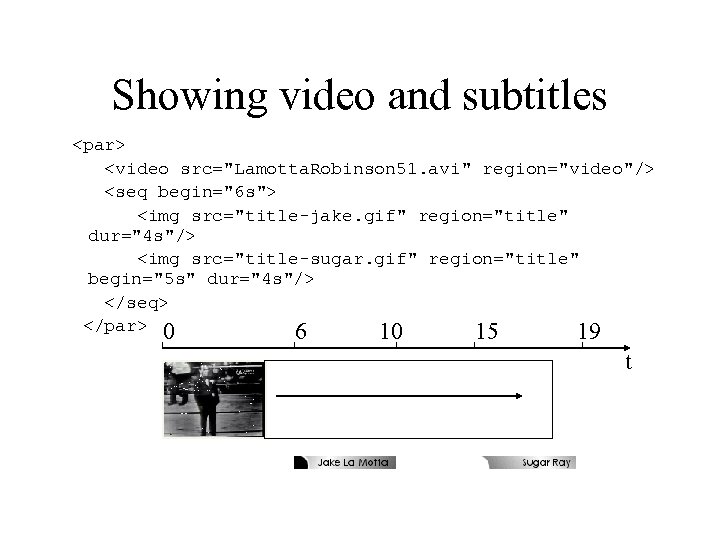
Showing video and subtitles <par> <video src="Lamotta. Robinson 51. avi" region="video"/> <seq begin="6 s"> <img src="title-jake. gif" region="title" dur="4 s"/> <img src="title-sugar. gif" region="title" begin="5 s" dur="4 s"/> </seq> </par> 0 6 10 15 19 t
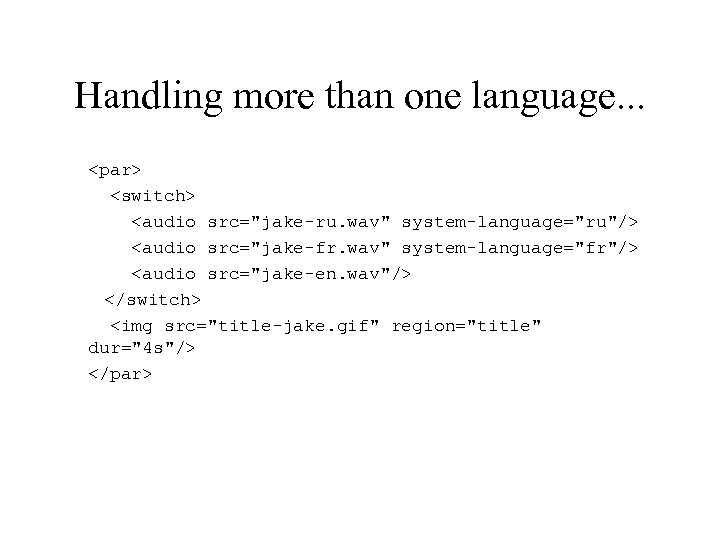
Handling more than one language. . . <par> <switch> <audio src="jake-ru. wav" system-language="ru"/> <audio src="jake-fr. wav" system-language="fr"/> <audio src="jake-en. wav"/> </switch> <img src="title-jake. gif" region="title" dur="4 s"/> </par>
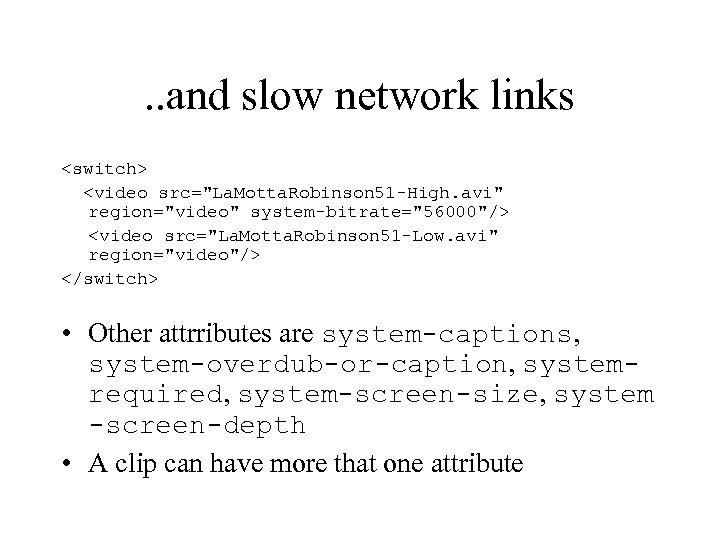
. . and slow network links <switch> <video src="La. Motta. Robinson 51 -High. avi" region="video" system-bitrate="56000"/> <video src="La. Motta. Robinson 51 -Low. avi" region="video"/> </switch> • Other attrributes are system-captions, system-overdub-or-caption, systemrequired, system-screen-size, system -screen-depth • A clip can have more that one attribute
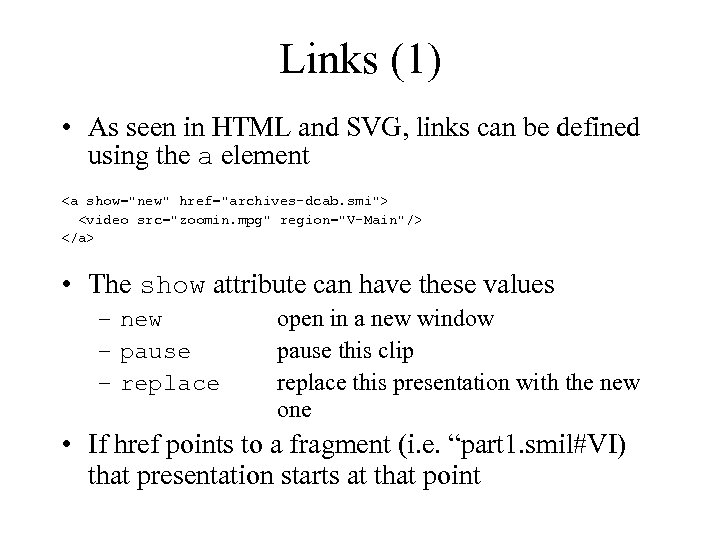
Links (1) • As seen in HTML and SVG, links can be defined using the a element <a show="new" href="archives-dcab. smi"> <video src="zoomin. mpg" region="V-Main"/> </a> • The show attribute can have these values – new – pause – replace open in a new window pause this clip replace this presentation with the new one • If href points to a fragment (i. e. “part 1. smil#VI) that presentation starts at that point
Links (2) • The a element can have the attributes external (open it using an external program) and target (show the presentation inside the given region, implementing picture-in-picture)
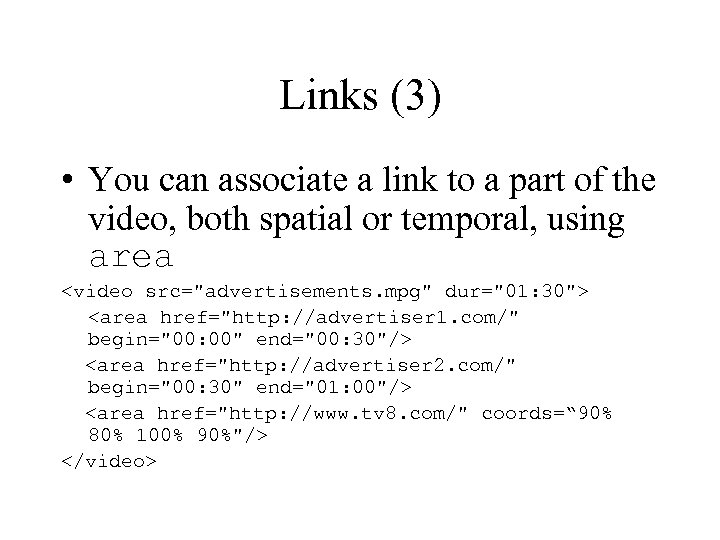
Links (3) • You can associate a link to a part of the video, both spatial or temporal, using area <video src="advertisements. mpg" dur="01: 30"> <area href="http: //advertiser 1. com/" begin="00: 00" end="00: 30"/> <area href="http: //advertiser 2. com/" begin="00: 30" end="01: 00"/> <area href="http: //www. tv 8. com/" coords=“ 90% 80% 100% 90%"/> </video>
Adding transitions • Transitions must be defined in the header, assigning an id • Transitions have a type and a subtype • Can be “forward” or “backward” • The color in which the transition fades can be controlled
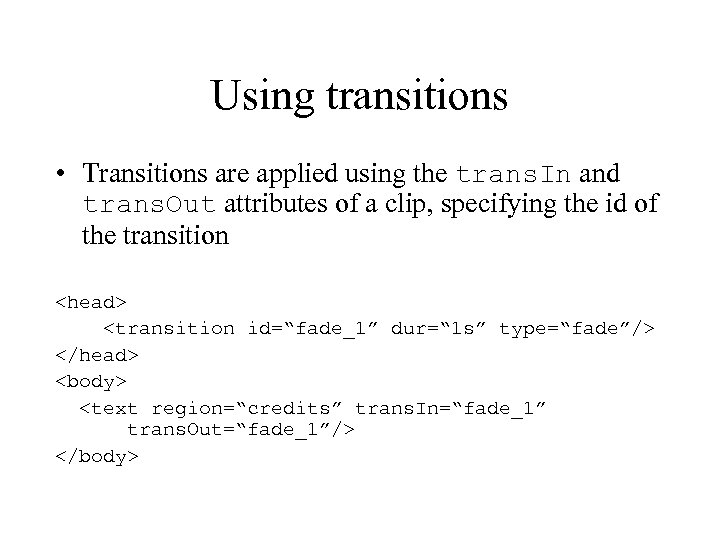
Using transitions • Transitions are applied using the trans. In and trans. Out attributes of a clip, specifying the id of the transition <head> <transition id=“fade_1” dur=“ 1 s” type=“fade”/> </head> <body> <text region=“credits” trans. In=“fade_1” trans. Out=“fade_1”/> </body>
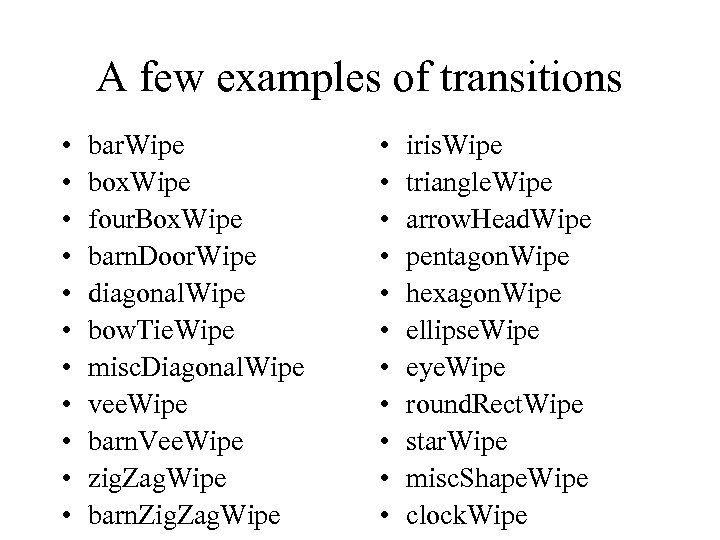
A few examples of transitions • • • bar. Wipe box. Wipe four. Box. Wipe barn. Door. Wipe diagonal. Wipe bow. Tie. Wipe misc. Diagonal. Wipe vee. Wipe barn. Vee. Wipe zig. Zag. Wipe barn. Zig. Zag. Wipe • • • iris. Wipe triangle. Wipe arrow. Head. Wipe pentagon. Wipe hexagon. Wipe ellipse. Wipe eye. Wipe round. Rect. Wipe star. Wipe misc. Shape. Wipe clock. Wipe
Animations • Animations are made with the elements animate, animate. Color and animate. Motion • Their behaviour is the same as seen in SVG
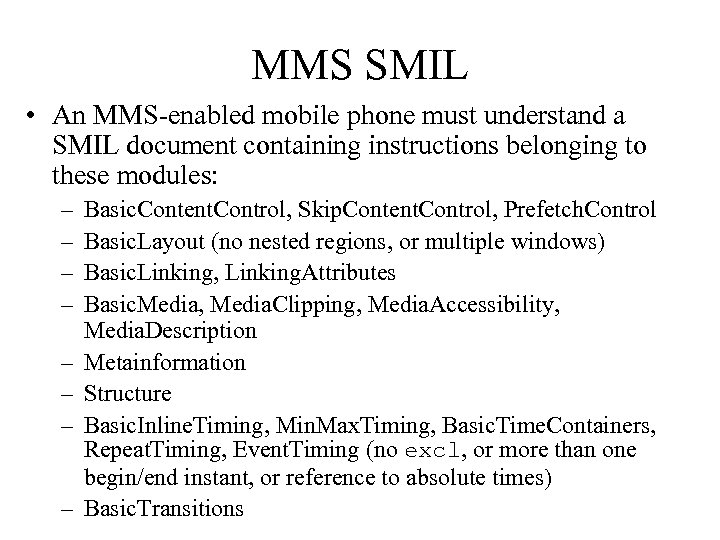
MMS SMIL • An MMS-enabled mobile phone must understand a SMIL document containing instructions belonging to these modules: – – – – Basic. Content. Control, Skip. Content. Control, Prefetch. Control Basic. Layout (no nested regions, or multiple windows) Basic. Linking, Linking. Attributes Basic. Media, Media. Clipping, Media. Accessibility, Media. Description Metainformation Structure Basic. Inline. Timing, Min. Max. Timing, Basic. Time. Containers, Repeat. Timing, Event. Timing (no excl, or more than one begin/end instant, or reference to absolute times) Basic. Transitions
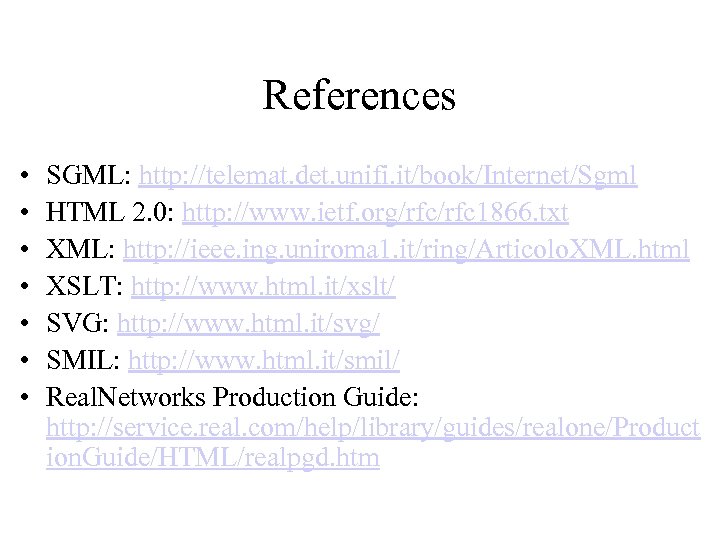
References • • SGML: http: //telemat. det. unifi. it/book/Internet/Sgml HTML 2. 0: http: //www. ietf. org/rfc 1866. txt XML: http: //ieee. ing. uniroma 1. it/ring/Articolo. XML. html XSLT: http: //www. html. it/xslt/ SVG: http: //www. html. it/svg/ SMIL: http: //www. html. it/smil/ Real. Networks Production Guide: http: //service. real. com/help/library/guides/realone/Product ion. Guide/HTML/realpgd. htm
Скачать презентацию XML Ing Alberto Massari alby infomus dist unige it
823a1e4b7bf16a7da0cc39c37f8dadd9.ppt