


 Скачать презентацию XML 20 -Mar-18 What is XML XML
ca86014c2f99ba5fcce7726521cb4d8c.ppt
- Количество слайдов: 83
 XML 20 -Mar-18
 What is XML? XML stands for EXtensible Markup Language XML is a markup language much like HTML More accurately defined as a metalanguage XML was designed to describe data
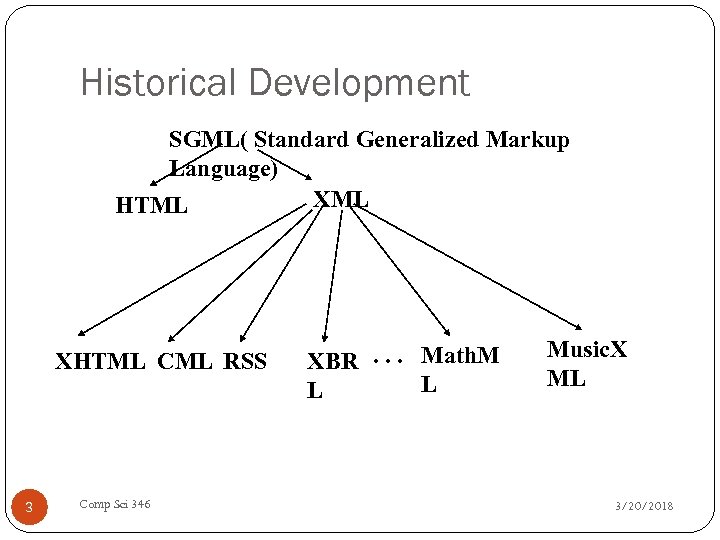 Historical Development SGML( Standard Generalized Markup Language) XML HTML XHTML CML RSS 3 Comp Sci 346 XBR. . . Math. M L L Music. X ML 3/20/2018
 What is XML? XML tags are not predefined. You define your own tags depending on the application XML uses a Document Type Definition (DTD) or an XML Schema to describe the data XML with a DTD or XML Schema is designed to be selfdescriptive XML is a W 3 C Recommendation - 1998
 Difference Between XML and HTML XML was designed to carry data. XML is not a replacement for HTML. XML and HTML were designed with different goals: XML was designed to describe data and to focus on what data is. HTML was designed to display data and to focus on how data looks. HTML is about displaying information, while XML is about describing information.
 XML Does Not DO Anything XML was not designed to DO anything. XML was created to structure, store and to send information.
 More XML is free and extensible XML tags are not predefined. You must "invent" your own tags. The tags used to mark up HTML documents and the structure of HTML documents are predefined. XML allows the author to define their own tags and their own document structure. The tags in the example above (like
 XML is a Complement to HTML It is important to understand that XML is not a replacement for HTML. In future Web development it is most likely that XML will be used to describe the data, while HTML will be used to format and display the same data. XML is a cross-platform, software and hardware independent tool for transmitting information.
 XML Can Separate Data from HTML With XML, your data is stored outside your HTML. When HTML is used to display data, the data is stored inside your HTML. With XML, data can be stored in separate XML files. This way you can concentrate on using HTML for data layout and display, and be sure that changes in the underlying data will not require any changes to your HTML.
 XML is Used to Exchange Data With XML, data can be exchanged between incompatible systems. Computer systems and databases contain data in incompatible formats. One of the most time-consuming challenges for developers has been to exchange data between such systems over the Internet. Converting the data to XML can greatly reduce this complexity and create data that can be read by many different types of applications.
 XML Can Be Used to Share Data Since XML data is stored in plain text format, XML provides a software- and hardware-independent way of sharing data. This makes it much easier to create data that different applications can work with. It also makes it easier to expand or upgrade a system to new operating systems, servers, applications, and new browsers.
 XML Can Be Used to Store Data With XML, plain text files can be used to store data. XML can also be used to store data in files or in databases. Applications can be written to store and retrieve information from the store, and generic applications can be used to display the data.
 Editors XML files can be edited using any text editor: Windows: Notepad, Note. Pad++, Edit. Pad Lite, etc Mac OS: Text Wrangler, BBEdit, Text. Mate Linux: Emacs, VIM, Pico, etc.
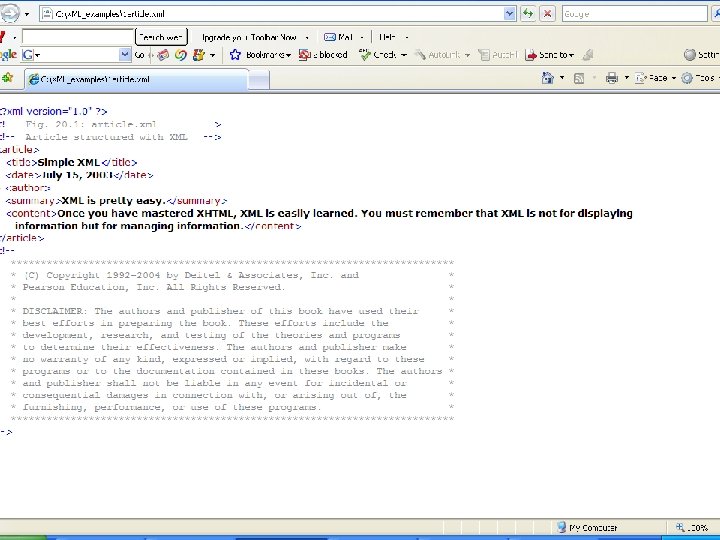
 Viewing XML Files in a Web Browser XML documents can be opened in Internet Explorer or in Firefox. If there are no syntax errors: IE and Firefox will display the document’s contents in an expandable/collapsible outline format including all markup tags.
 Style Sheets & XML There are two main style sheet languages used with XML: Cascading Style Sheets (CSS) and Extensible Style Sheets (XSL) The important benefits to using style sheets are the same as using them with XHTML docs.
 Introduction to XML stands for EXtensible Markup Language XML is a markup language much like HTML XML was designed to carry data, not to display data XML tags are not predefined. You must define your own tags XML is designed to be self-descriptive XML is a W 3 C Recommendation 17
 XML is Not a Replacement for HTML It is important to understand that XML is not a replacement for HTML. In most web applications, XML is used to transport data, while HTML is used to format and display the data. 18
 With XML You Invent Your Own Tags The tags used in HTML are predefined. HTML documents can only use tags defined in the HTML standard (like
,
 XML Separates Data from HTML If you need to display dynamic data in your HTML document, it will take a lot of work to edit the HTML each time the data changes. With XML, data can be stored in separate XML files. This way you can concentrate on using HTML/CSS for display and layout, and be sure that changes in the underlying data will not require any changes to the HTML. With a few lines of Java. Script code, you can read an external XML file and update the data content of your web page. 20
 XML Simplifies Data Transport One of the most time-consuming challenges for developers is to exchange data between incompatible systems over the Internet. Exchanging data as XML greatly reduces this complexity, since the data can be read by different incompatible applications. 21
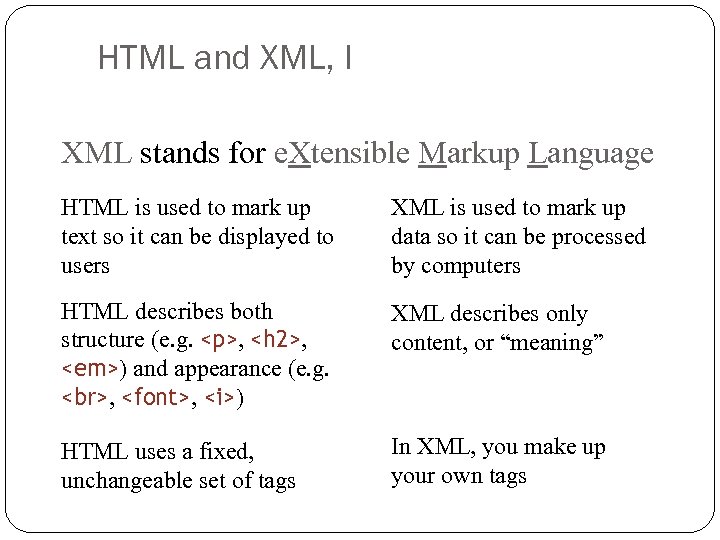 HTML and XML, I XML stands for e. Xtensible Markup Language HTML is used to mark up text so it can be displayed to users HTML describes both structure (e. g.
,
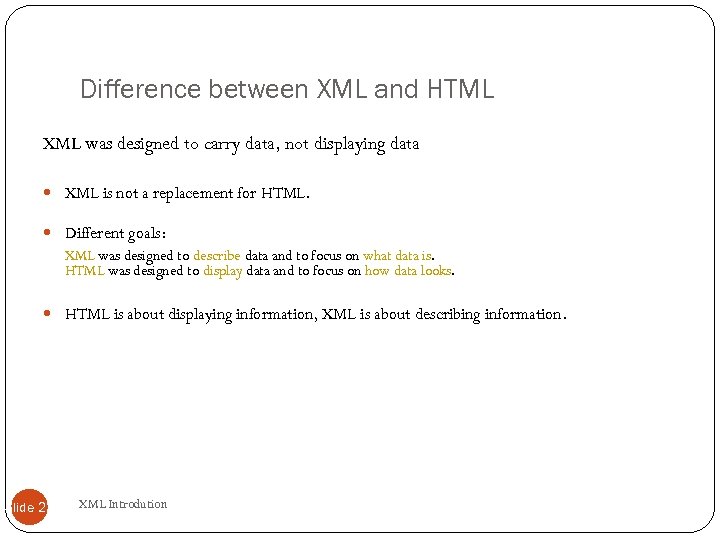 Difference between XML and HTML XML was designed to carry data, not displaying data XML is not a replacement for HTML. Different goals: XML was designed to describe data and to focus on what data is. HTML was designed to display data and to focus on how data looks. HTML is about displaying information, XML is about describing information. Slide 23 XML Introdution
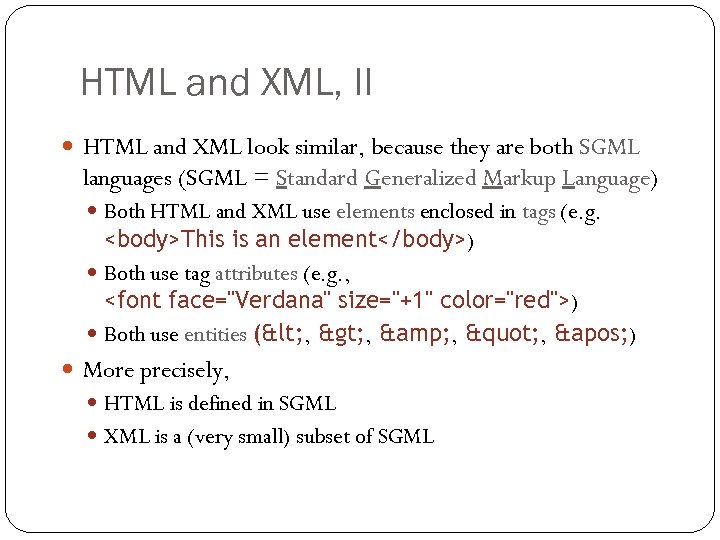 HTML and XML, II HTML and XML look similar, because they are both SGML languages (SGML = Standard Generalized Markup Language) Both HTML and XML use elements enclosed in tags (e. g.
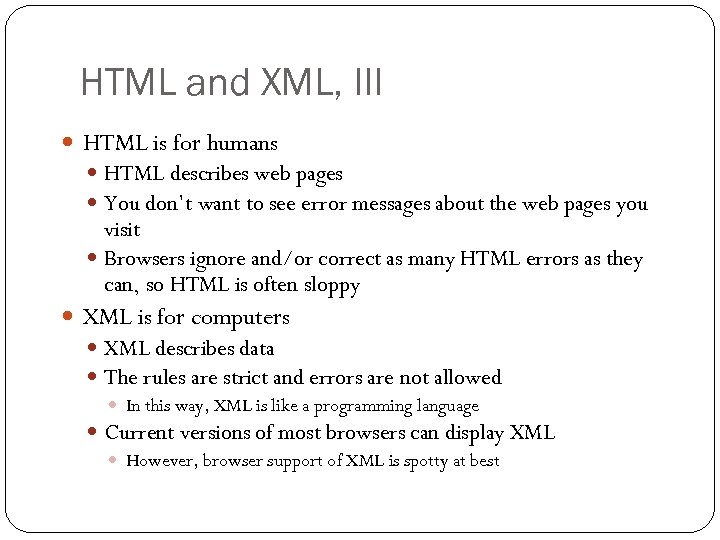 HTML and XML, III HTML is for humans HTML describes web pages You don’t want to see error messages about the web pages you visit Browsers ignore and/or correct as many HTML errors as they can, so HTML is often sloppy XML is for computers XML describes data The rules are strict and errors are not allowed In this way, XML is like a programming language Current versions of most browsers can display XML However, browser support of XML is spotty at best 26
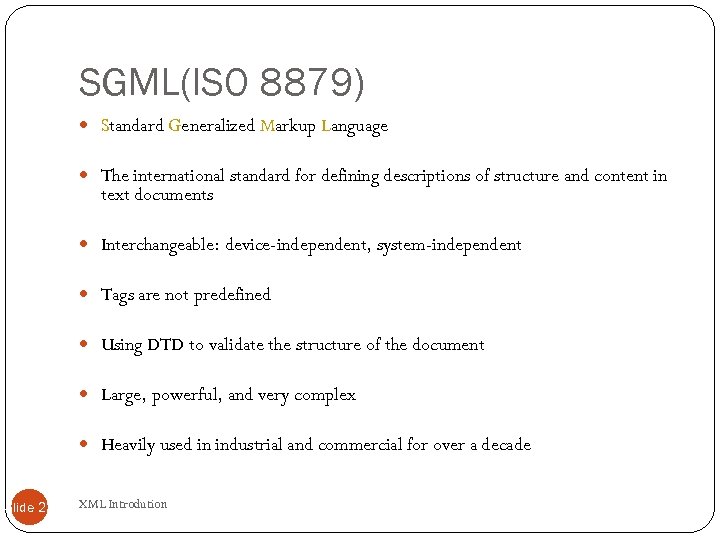 SGML(ISO 8879) Standard Generalized Markup Language The international standard for defining descriptions of structure and content in text documents Interchangeable: device-independent, system-independent Tags are not predefined Using DTD to validate the structure of the document Large, powerful, and very complex Heavily used in industrial and commercial for over a decade Slide 27 XML Introdution
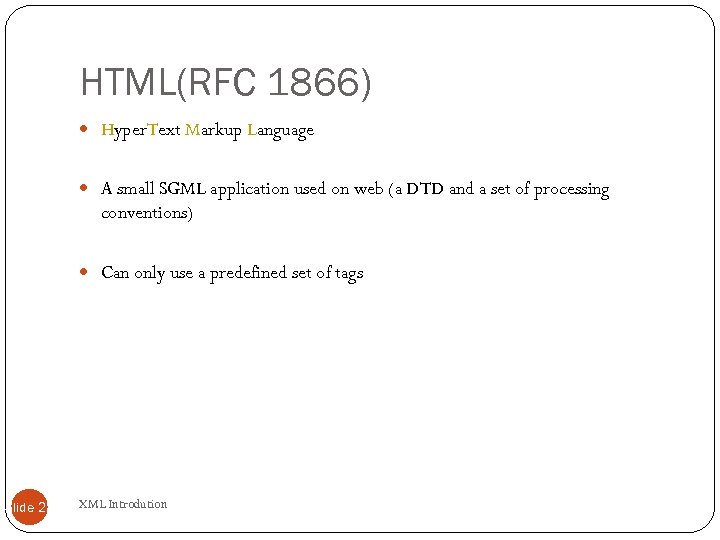 HTML(RFC 1866) Hyper. Text Markup Language A small SGML application used on web (a DTD and a set of processing conventions) Can only use a predefined set of tags Slide 28 XML Introdution
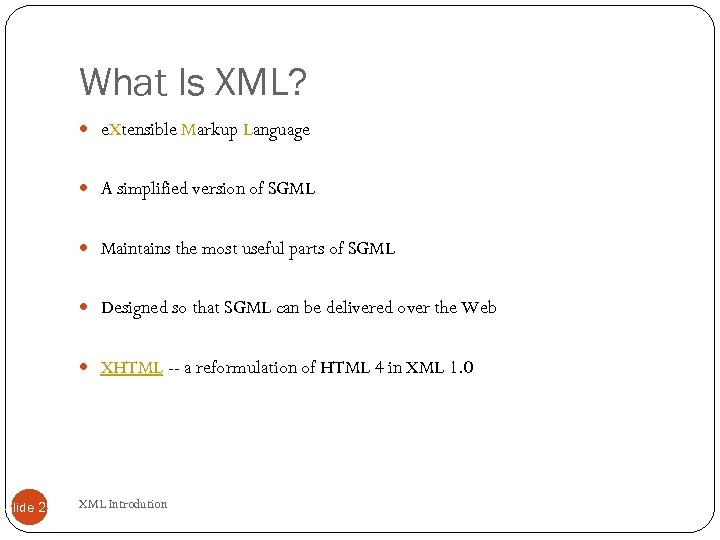 What Is XML? e. Xtensible Markup Language A simplified version of SGML Maintains the most useful parts of SGML Designed so that SGML can be delivered over the Web XHTML -- a reformulation of HTML 4 in XML 1. 0 Slide 29 XML Introdution
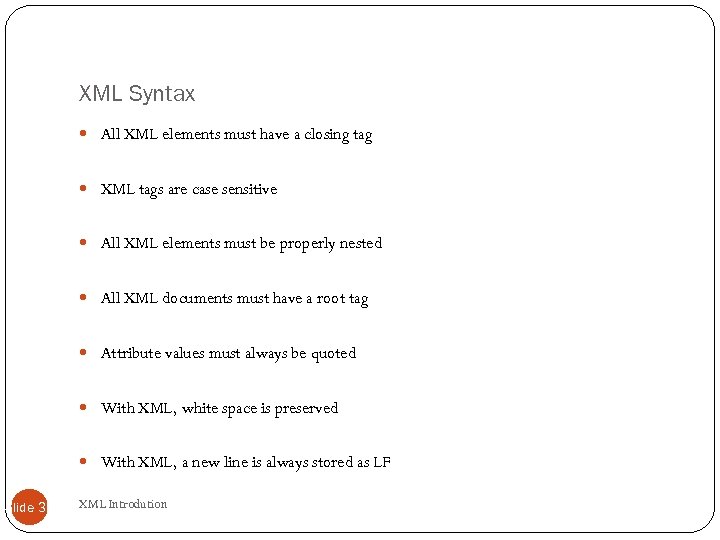 XML Syntax All XML elements must have a closing tag XML tags are case sensitive All XML elements must be properly nested All XML documents must have a root tag Attribute values must always be quoted With XML, white space is preserved With XML, a new line is always stored as LF Slide 30 XML Introdution
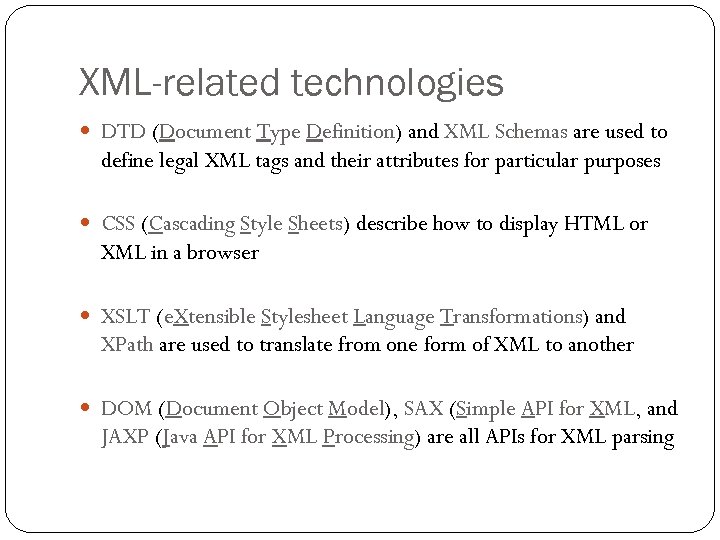 XML-related technologies DTD (Document Type Definition) and XML Schemas are used to define legal XML tags and their attributes for particular purposes CSS (Cascading Style Sheets) describe how to display HTML or XML in a browser XSLT (e. Xtensible Stylesheet Language Transformations) and XPath are used to translate from one form of XML to another DOM (Document Object Model), SAX (Simple API for XML, and JAXP (Java API for XML Processing) are all APIs for XML parsing 31
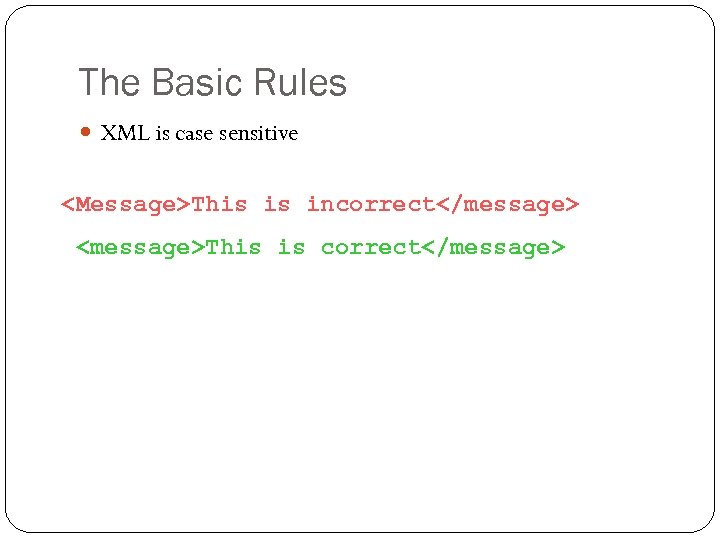 The Basic Rules XML is case sensitive
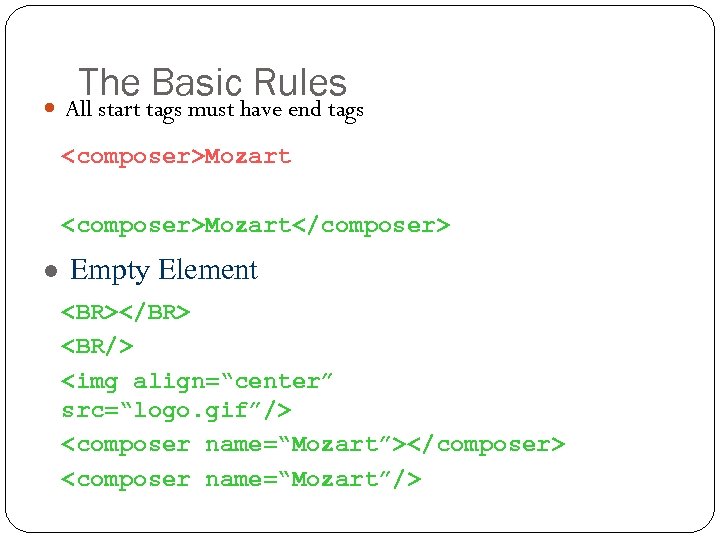 The Basic Rules All start tags must have end tags
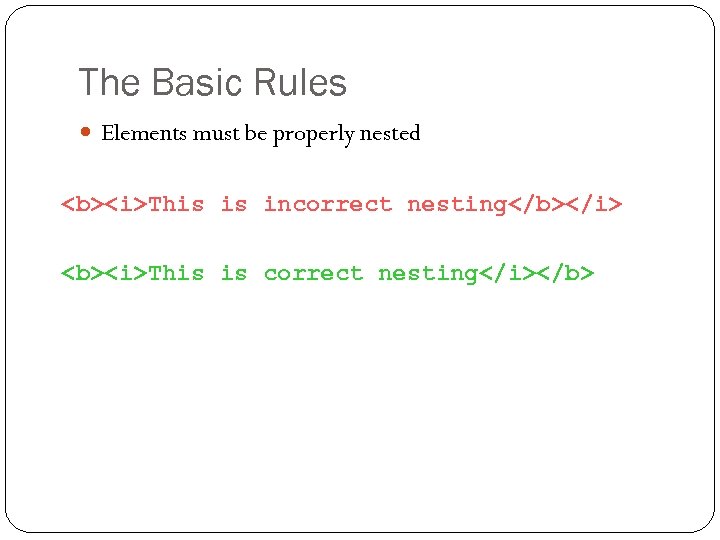 The Basic Rules Elements must be properly nested This is incorrect nesting This is correct nesting
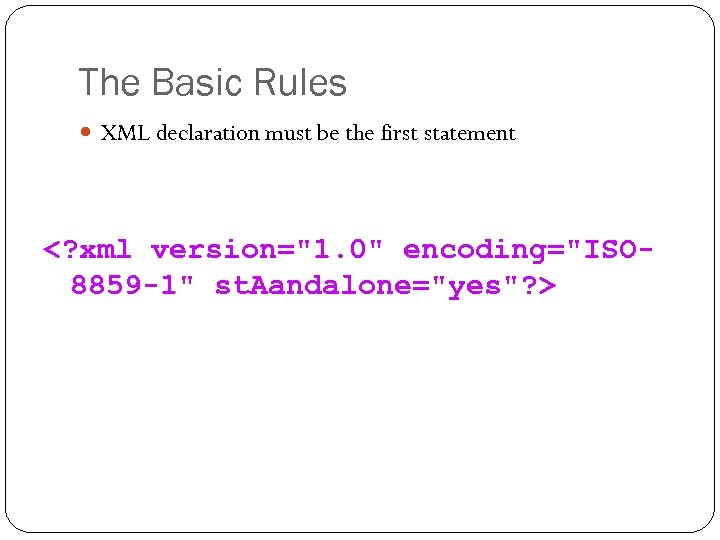 The Basic Rules XML declaration must be the first statement
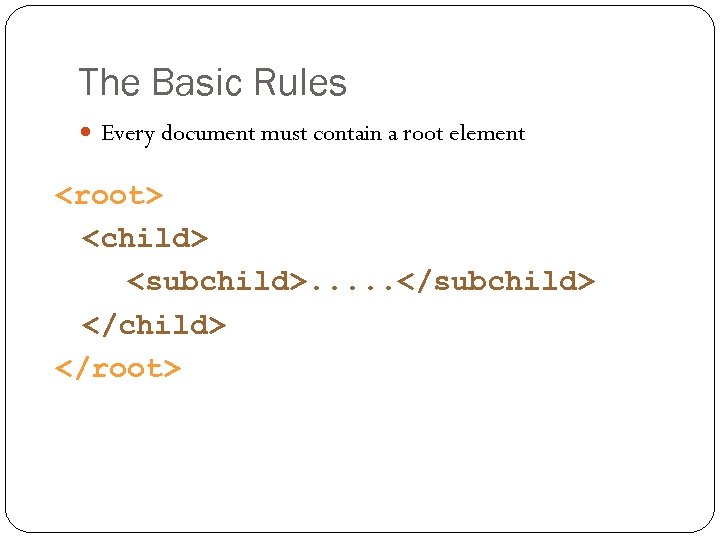 The Basic Rules Every document must contain a root element
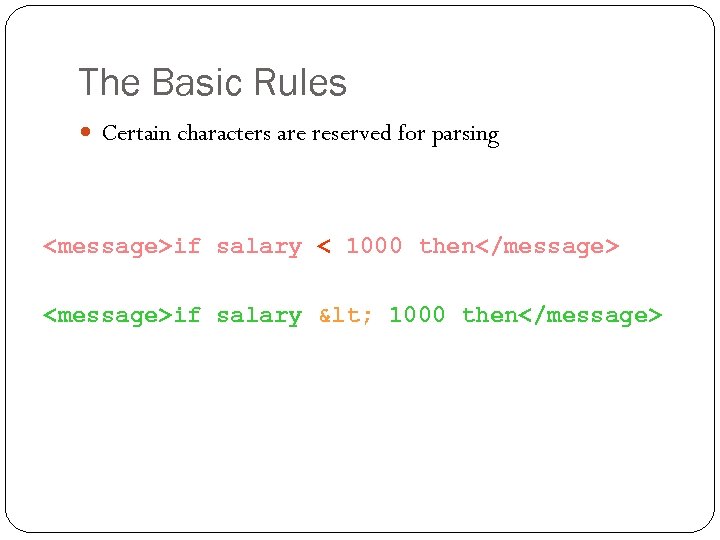 The Basic Rules Certain characters are reserved for parsing
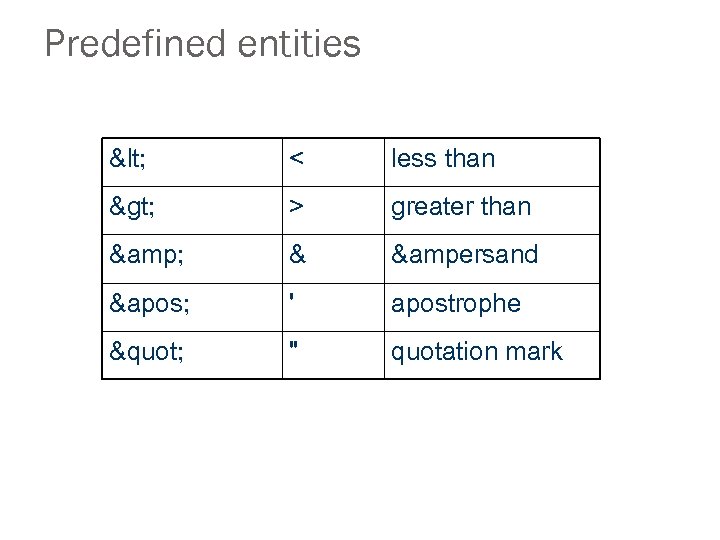 Predefined entities < < less than > > greater than & & &ersand ' ' apostrophe " " quotation mark
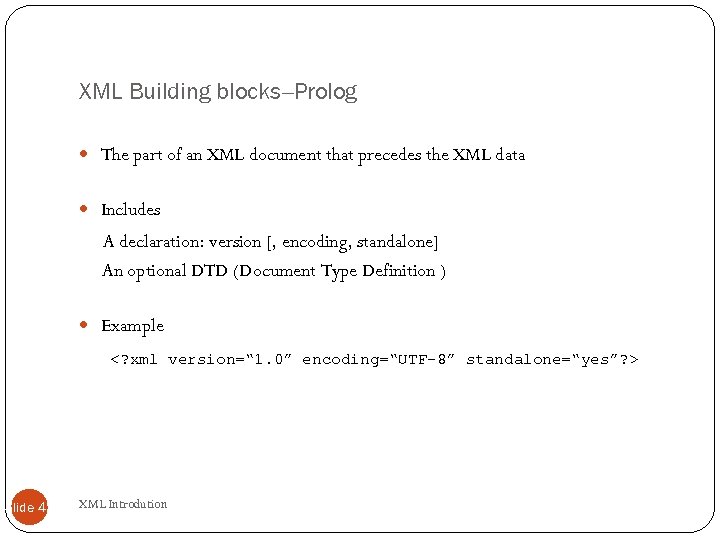 XML Building blocks--Prolog The part of an XML document that precedes the XML data Includes A declaration: version [, encoding, standalone] An optional DTD (Document Type Definition ) Example Slide 41 XML Introdution
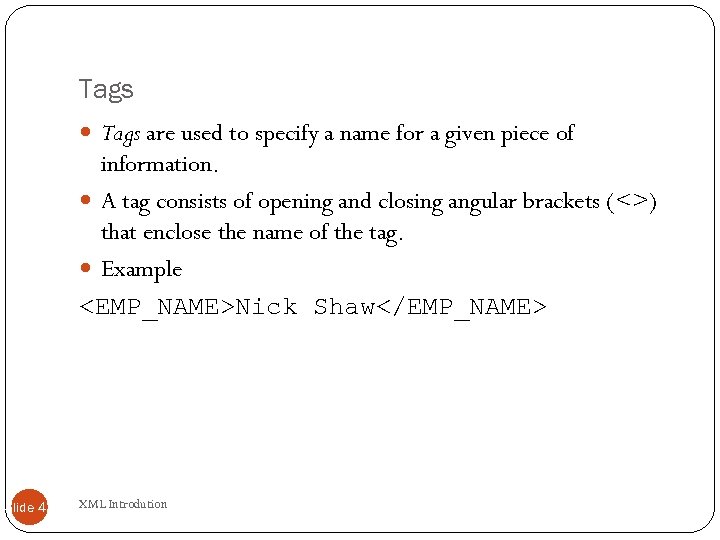 Tags are used to specify a name for a given piece of information. A tag consists of opening and closing angular brackets (<>) that enclose the name of the tag. Example
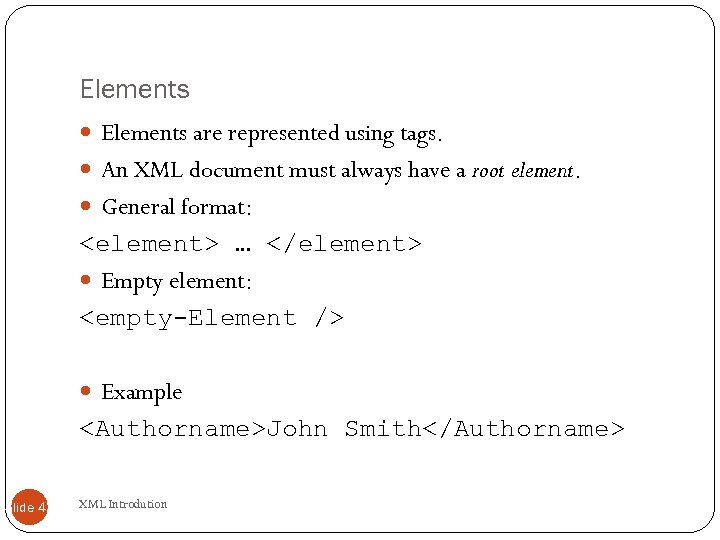 Elements are represented using tags. An XML document must always have a root element. General format:
 Elements XML Elements are Extensible XML documents can be extended to carry more information XML Elements have Relationships Elements are related as parents and children Elements have Content Elements can have different content types: element content, mixed content, simple content, or empty content and attributes XML elements must follow the naming rules Slide 44 XML Introdution
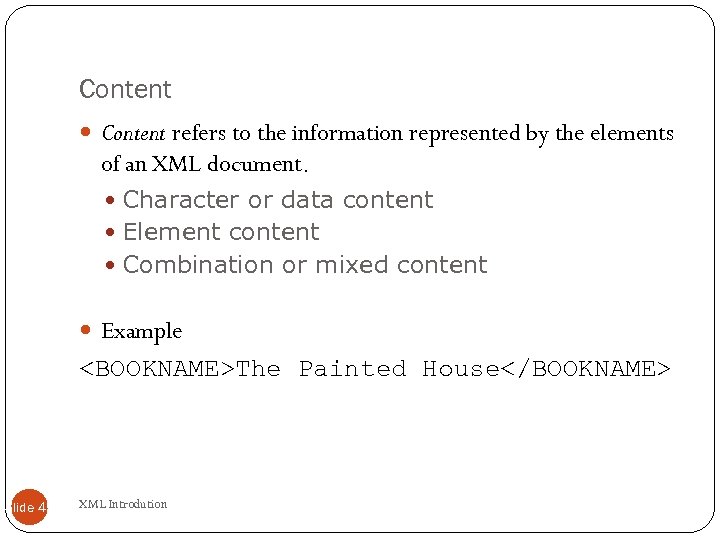 Content refers to the information represented by the elements of an XML document. Character or data content Element content Combination or mixed content Example
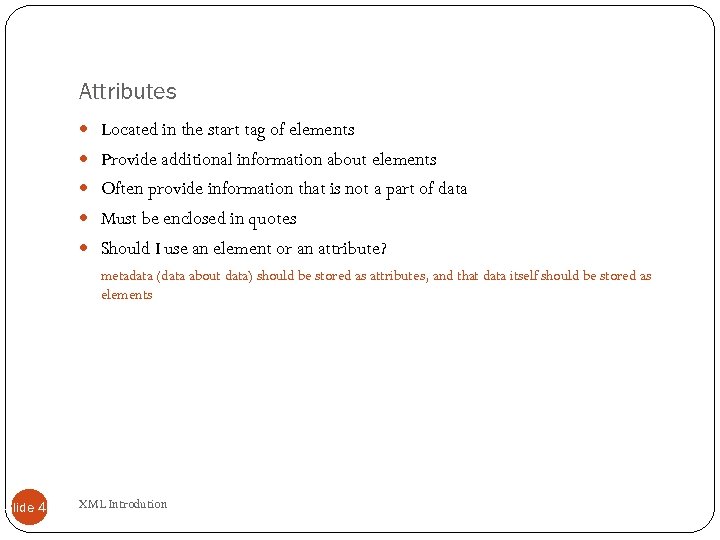 Attributes Located in the start tag of elements Provide additional information about elements Often provide information that is not a part of data Must be enclosed in quotes Should I use an element or an attribute? metadata (data about data) should be stored as attributes, and that data itself should be stored as elements Slide 46 XML Introdution
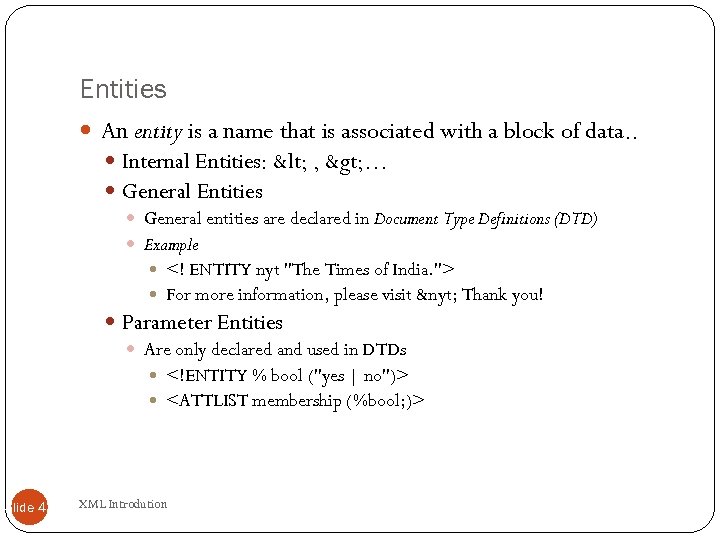 Entities An entity is a name that is associated with a block of data. . Internal Entities: < , > … General Entities General entities are declared in Document Type Definitions (DTD) Example For more information, please visit &nyt; Thank you! Parameter Entities Are only declared and used in DTDs
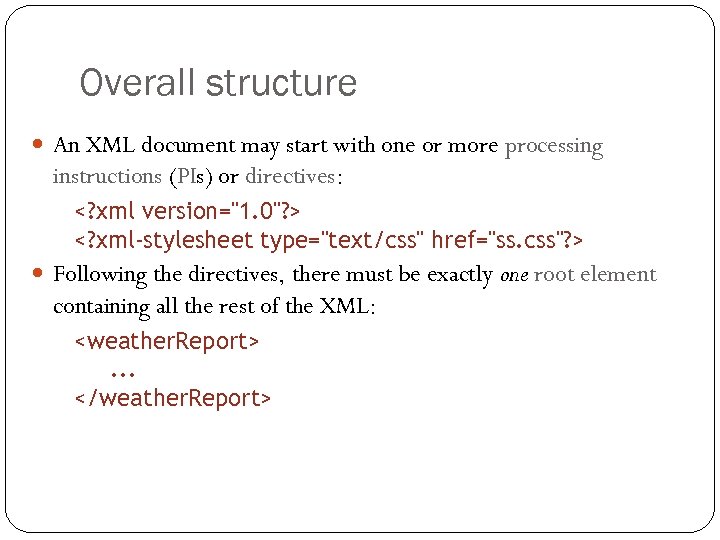 Overall structure An XML document may start with one or more processing instructions (PIs) or directives: Following the directives, there must be exactly one root element containing all the rest of the XML:
 XML building blocks Aside from the directives, an XML document is built from: elements: high in
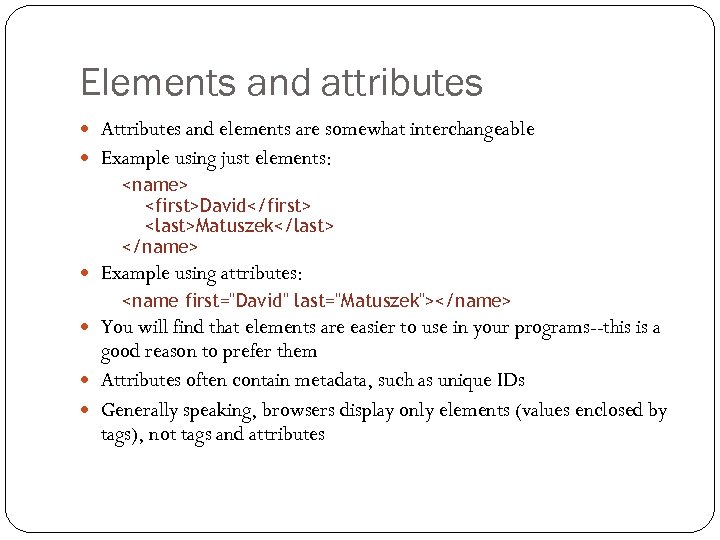 Elements and attributes Attributes and elements are somewhat interchangeable Example using just elements:
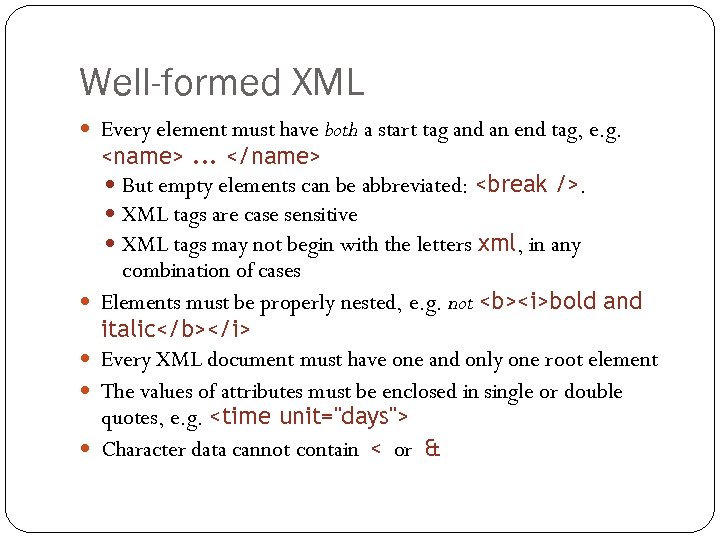 Well-formed XML Every element must have both a start tag and an end tag, e. g. 51
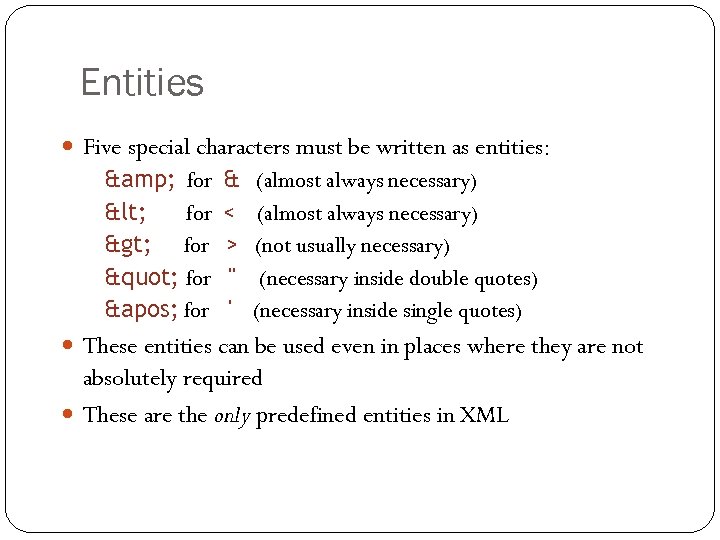 Entities Five special characters must be written as entities: & for < for > for " for ' for & < > " ' (almost always necessary) (not usually necessary) (necessary inside double quotes) (necessary inside single quotes) These entities can be used even in places where they are not absolutely required These are the only predefined entities in XML 52
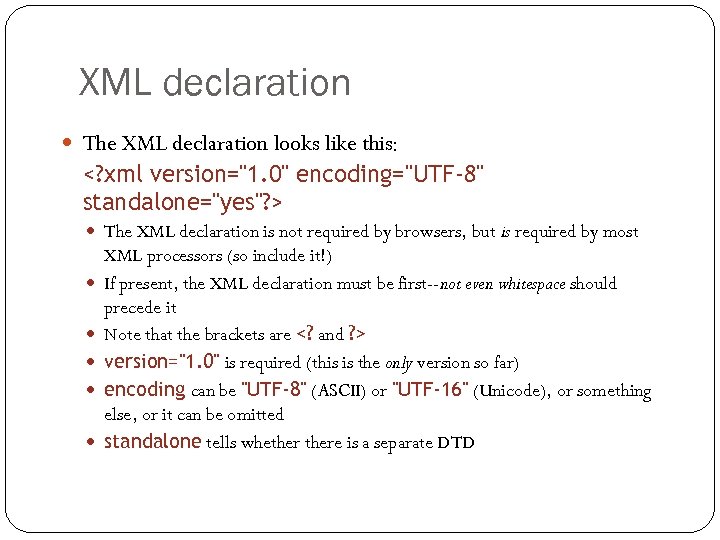 XML declaration The XML declaration looks like this: The XML declaration is not required by browsers, but is required by most 53 XML processors (so include it!) If present, the XML declaration must be first--not even whitespace should precede it Note that the brackets are version="1. 0" is required (this is the only version so far) encoding can be "UTF-8" (ASCII) or "UTF-16" (Unicode), or something else, or it can be omitted standalone tells whethere is a separate DTD
 XML Encoding XML documents can contain international characters, like 54 Norwegian æøå, or French êèé. To avoid errors, you should specify the encoding used, or save your XML files as UTF-8. Unicode is an industry standard for character encoding of text documents. It defines (nearly) every possible international character by a name and a number. Unicode has two variants: UTF-8 and UTF-16. UTF = Universal character set Transformation Format.
 XML Encoding UTF-8 uses a single byte (8 -bits) to represent commonly 55 used characters and two (or three) bytes for the rest. UTF-16 uses two bytes (16 bits) for most characters, and three bytes for the rest. UTF-8 Web Standard UTF-8 is the standard character encoding on the web. UTF-8 is the default character encoding for HTML-5, CSS, Java. Script, PHP, SQL, and XML.
 Processing instructions PIs (Processing Instructions) may occur anywhere in the XML 56 document (but usually first) A PI is a command to the program processing the XML document to handle it in a certain way XML documents are typically processed by more than one program Programs that do not recognize a given PI should just ignore it General format of a PI: Example:
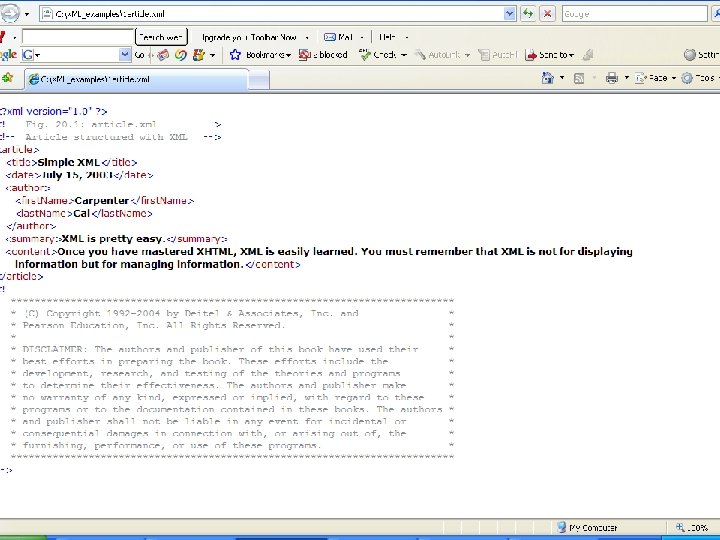
 Comments Comments can be put anywhere in an XML document Comments are useful for: Explaining the structure of an XML document Commenting out parts of the XML during development and testing Comments are not elements and do not have an end tag The blanks after are optional The character sequence -- cannot occur in the comment The closing bracket must be --> Comments are not displayed by browsers, but can be seen by anyone who looks at the source code 57
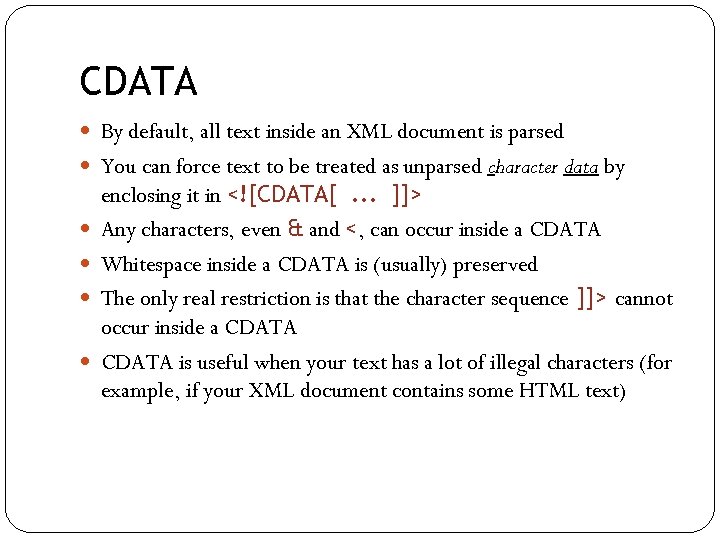 CDATA By default, all text inside an XML document is parsed You can force text to be treated as unparsed character data by 58 enclosing it in Any characters, even & and <, can occur inside a CDATA Whitespace inside a CDATA is (usually) preserved The only real restriction is that the character sequence ]]> cannot occur inside a CDATA is useful when your text has a lot of illegal characters (for example, if your XML document contains some HTML text)
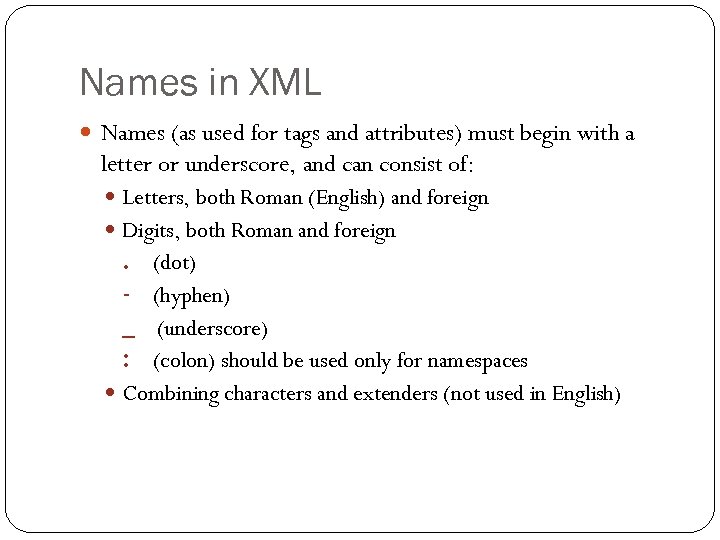 Names in XML Names (as used for tags and attributes) must begin with a letter or underscore, and can consist of: Letters, both Roman (English) and foreign Digits, both Roman and foreign . (dot) - (hyphen) _ (underscore) : (colon) should be used only for namespaces Combining characters and extenders (not used in English) 59
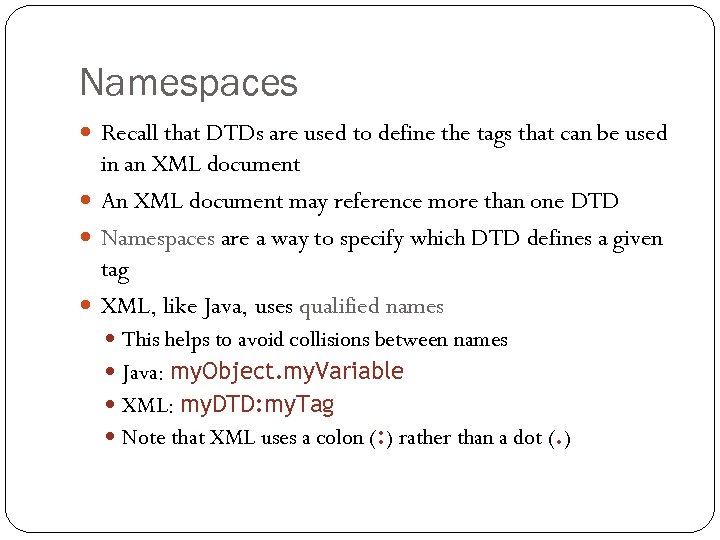 Namespaces Recall that DTDs are used to define the tags that can be used in an XML document An XML document may reference more than one DTD Namespaces are a way to specify which DTD defines a given tag XML, like Java, uses qualified names This helps to avoid collisions between names Java: my. Object. my. Variable XML: my. DTD: my. Tag Note that XML uses a colon (: ) rather than a dot (. ) 60
XML is case sensitive" src="https://present5.com/presentation/ca86014c2f99ba5fcce7726521cb4d8c/image-61.jpg" alt="Review of XML rules Start with XML is case sensitive" />
Review of XML rules Start with XML is case sensitive You must have exactly one root element that encloses all the 61 rest of the XML Every element must have a closing tag Elements must be properly nested Attribute values must be enclosed in double or single quotation marks There are only five predeclared entities
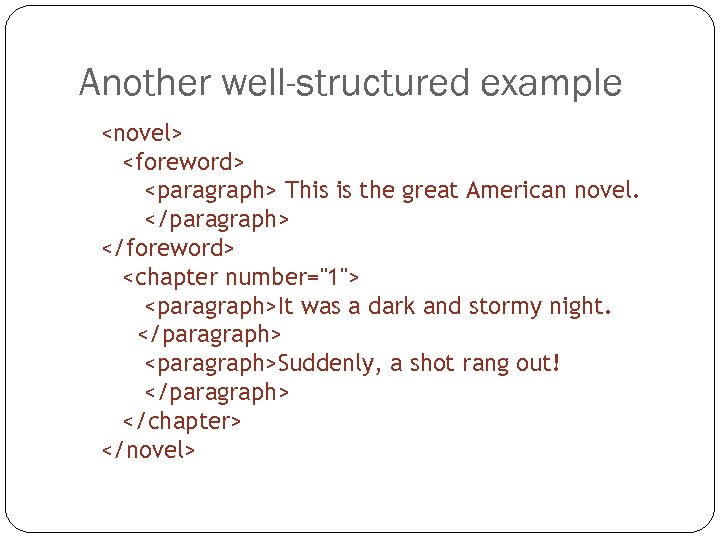 Another well-structured example
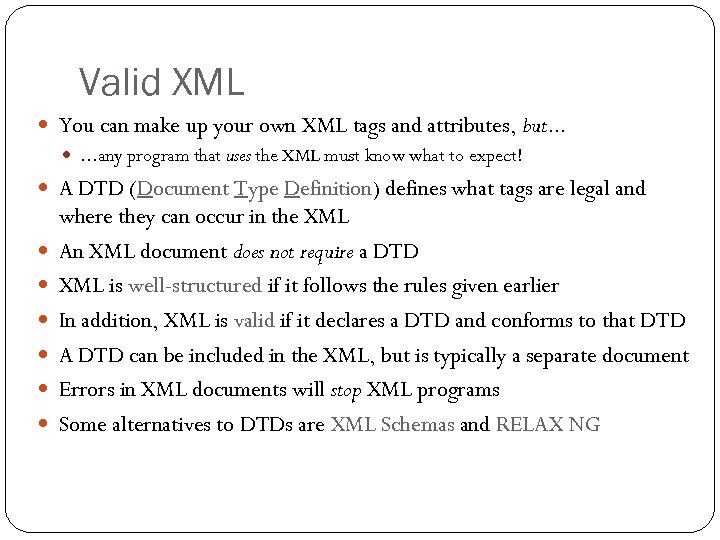 Valid XML You can make up your own XML tags and attributes, but. . . . any program that uses the XML must know what to expect! A DTD (Document Type Definition) defines what tags are legal and 63 where they can occur in the XML An XML document does not require a DTD XML is well-structured if it follows the rules given earlier In addition, XML is valid if it declares a DTD and conforms to that DTD A DTD can be included in the XML, but is typically a separate document Errors in XML documents will stop XML programs Some alternatives to DTDs are XML Schemas and RELAX NG
 Viewing XML is designed to be processed by computer programs, not to be displayed to humans Nevertheless, almost all current browsers can display XML documents They don’t all display it the same way They may not display it at all if it has errors For best results, update your browsers to the newest available versions Remember: HTML is designed to be viewed, XML is designed to be used 64
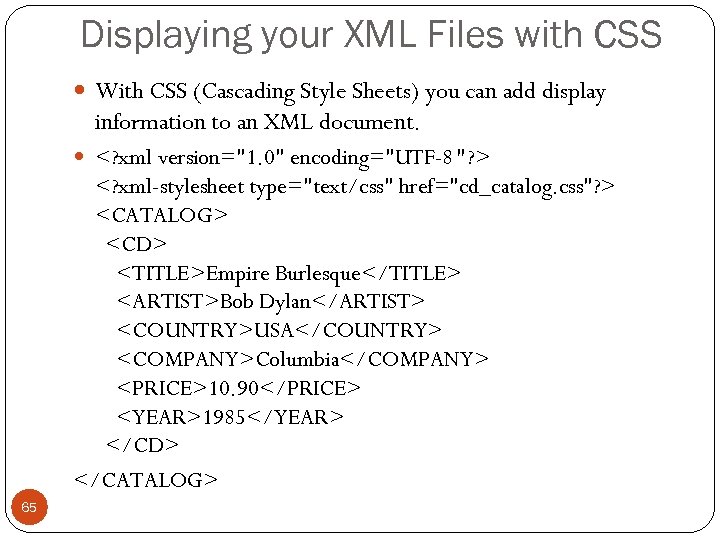 Displaying your XML Files with CSS With CSS (Cascading Style Sheets) you can add display information to an XML document.
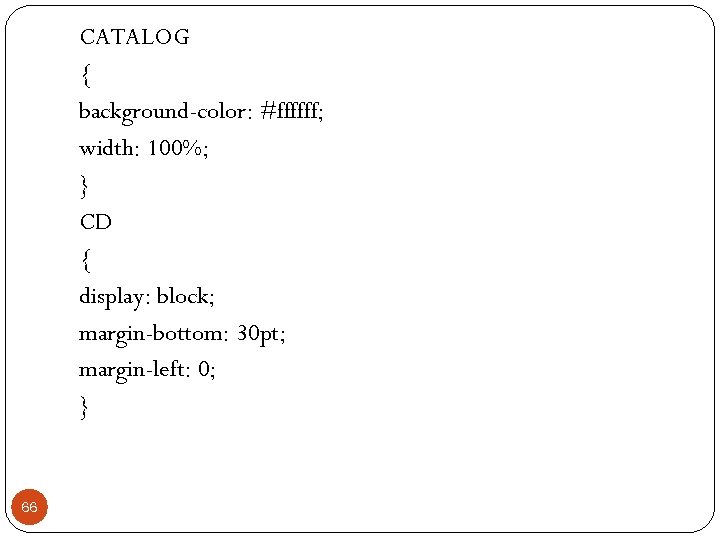 CATALOG { background-color: #ffffff; width: 100%; } CD { display: block; margin-bottom: 30 pt; margin-left: 0; } 66
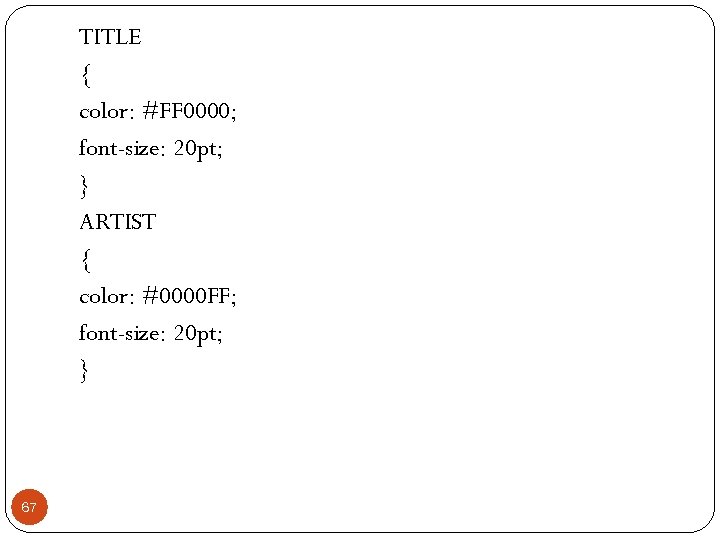 TITLE { color: #FF 0000; font-size: 20 pt; } ARTIST { color: #0000 FF; font-size: 20 pt; } 67
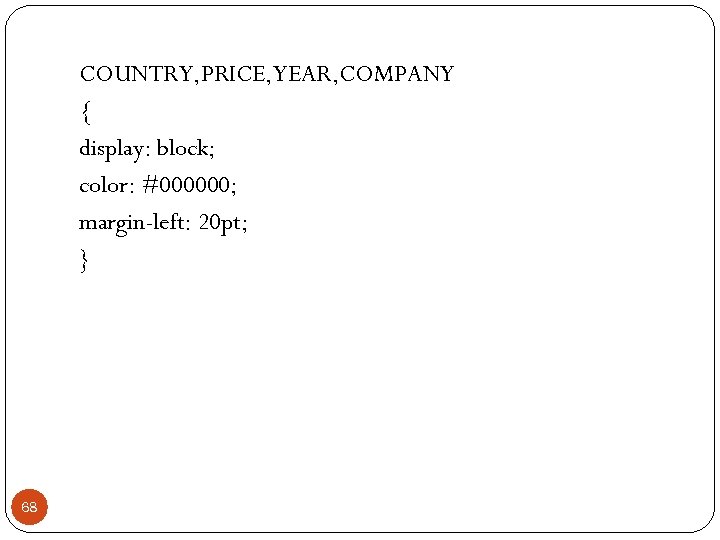 COUNTRY, PRICE, YEAR, COMPANY { display: block; color: #000000; margin-left: 20 pt; } 68
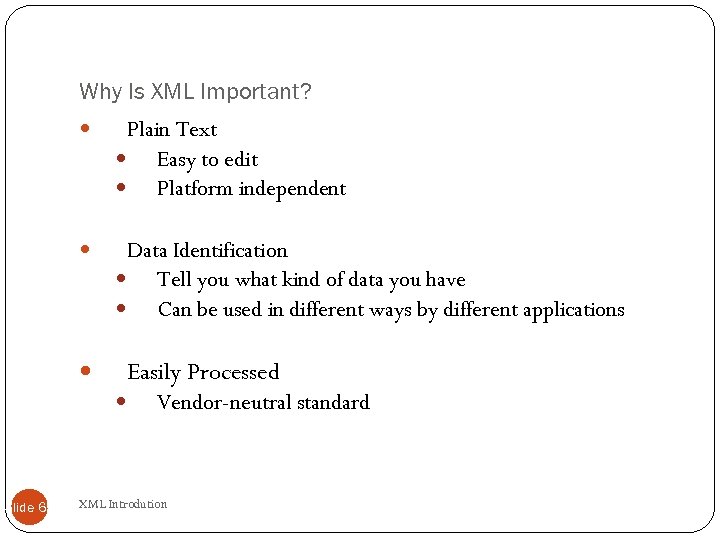 Why Is XML Important? Plain Text Easy to edit Platform independent Data Identification Tell you what kind of data you have Can be used in different ways by different applications Easily Processed Slide 69 Vendor-neutral standard XML Introdution
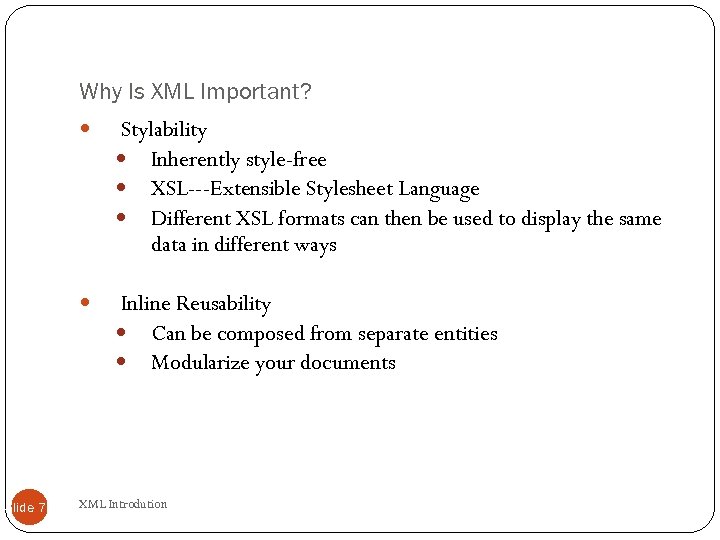 Why Is XML Important? Slide 70 Stylability Inherently style-free XSL---Extensible Stylesheet Language Different XSL formats can then be used to display the same data in different ways Inline Reusability Can be composed from separate entities Modularize your documents XML Introdution
 Why is XML important? Slide 71 Linkability -- XLink and XPointer Simple unidirectional hyperlinks Two-way links Multiple-target links “Expanding” links Hierarchical Faster to access Easier to rearrange XML Introdution
 XML Application 1—Separate data XML can Separate Data from HTML Store data in separate XML files Using HTML for layout and display Using Data Islands can be bound to HTML elements Benefits: Changes in the underlying data will not require any changes to your HTML Slide 72 XML Introdution
 XML Application 2—Exchange data XML is used to Exchange Data Text format Software-independent, hardware-independent Exchange data between incompatible systems, given that they agree on the same tag definition. Can be read by many different types of applications Benefits: Reduce the complexity of interpreting data Easier to expand upgrade a system Slide 73 XML Introdution
 XML Application 3—Store Data XML can be used to Store Data Plain text file Store data in files or databases Application can be written to store and retrieve information from the store Other clients and applications can access your XML files as data sources Benefits: Accessible to more applications Slide 74 XML Introdution
 XML Application 4—Create new language XML can be used to Create new Languages WML (Wireless Markup Language) used to markup Internet applications for handheld devices like mobile phones (WAP) Music. XML used to publishing musical scores RSS. Math. ML. Slide 75 XML Introdution
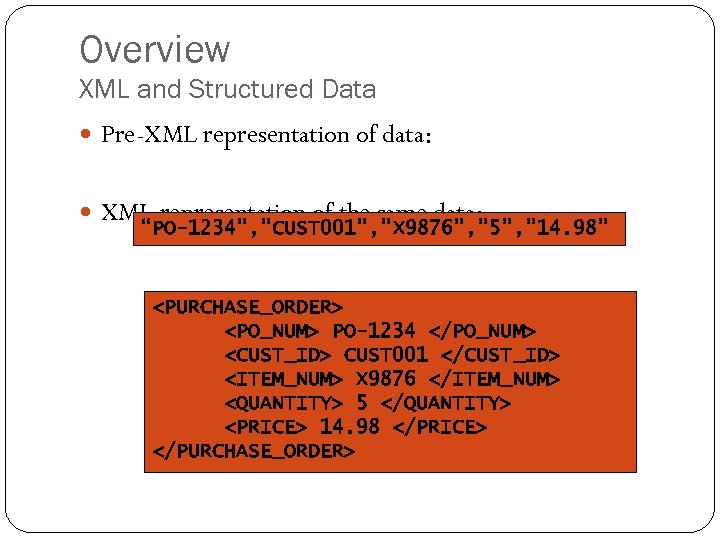 Overview XML and Structured Data Pre-XML representation of data: XML representation of the same data: “PO-1234”, ”CUST 001”, ”X 9876”, ” 5”, ” 14. 98”
 Overview Benefits of XML Open W 3 C standard Representation of data across heterogeneous environments Cross platform Allows for high degree of interoperability Strict rules Syntax Structure Case sensitive
 Overview Who Uses XML? Submissions by Microsoft IBM Hewlett-Packard Fujitsu Laboratories Sun Microsystems Netscape (AOL), and others… Technologies using XML SOAP, eb. XML, Biz. Talk, Web. Sphere, many others…
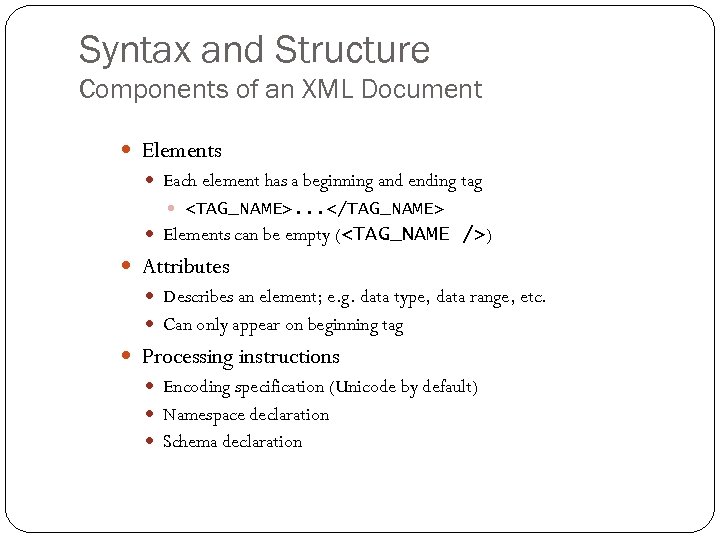 Syntax and Structure Components of an XML Document Elements Each element has a beginning and ending tag
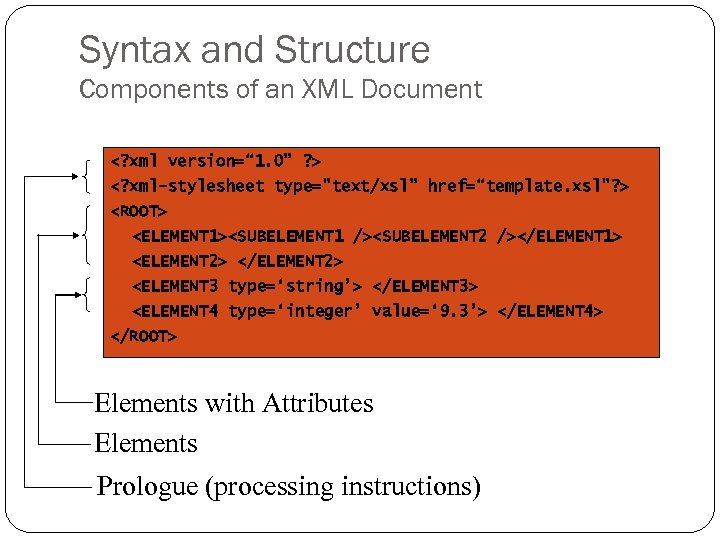 Syntax and Structure Components of an XML Document
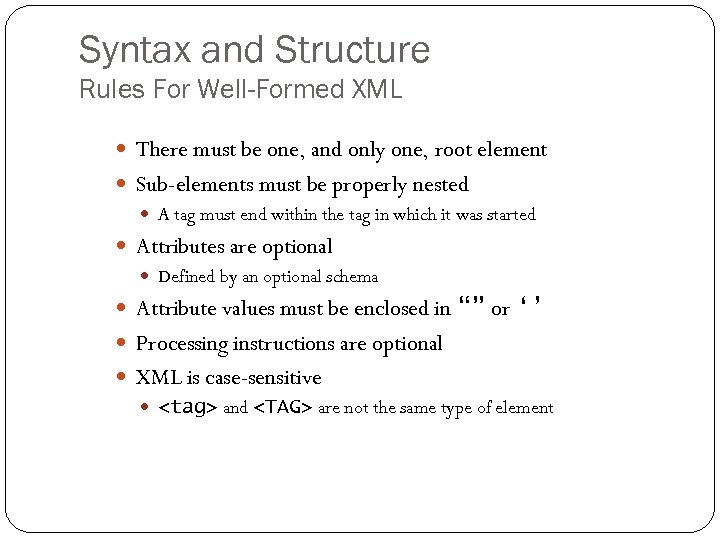 Syntax and Structure Rules For Well-Formed XML There must be one, and only one, root element Sub-elements must be properly nested A tag must end within the tag in which it was started Attributes are optional Defined by an optional schema Attribute values must be enclosed in “” or ‘’ Processing instructions are optional XML is case-sensitive
 82 Comp Sci 346 3/20/2018
 83 Comp Sci 346 3/20/2018