


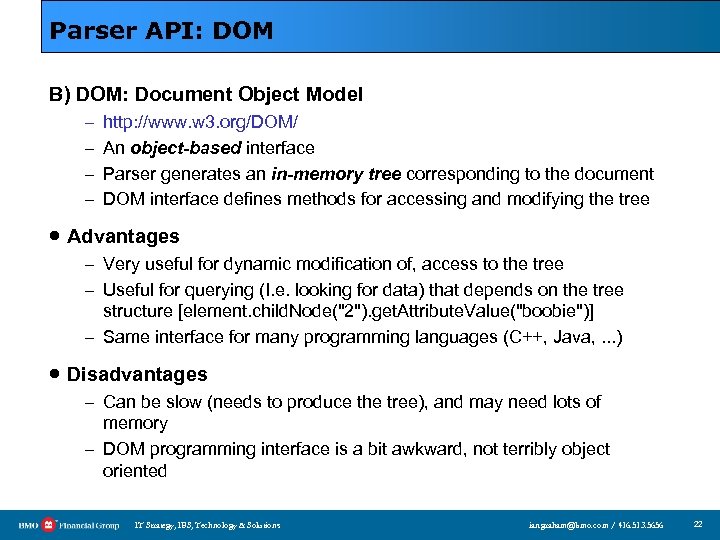
 Скачать презентацию XML 101 A Technical Introduction to XML 20
f8246092ff18910f979186b76317d2bd.ppt
- Количество слайдов: 41
 XML 101: A Technical Introduction to XML 20 November 2002 Bank of Montreal Database Users Group Ian GRAHAM IT Strategy, IBS, Technology and Solutions, BMO Financial Group E:
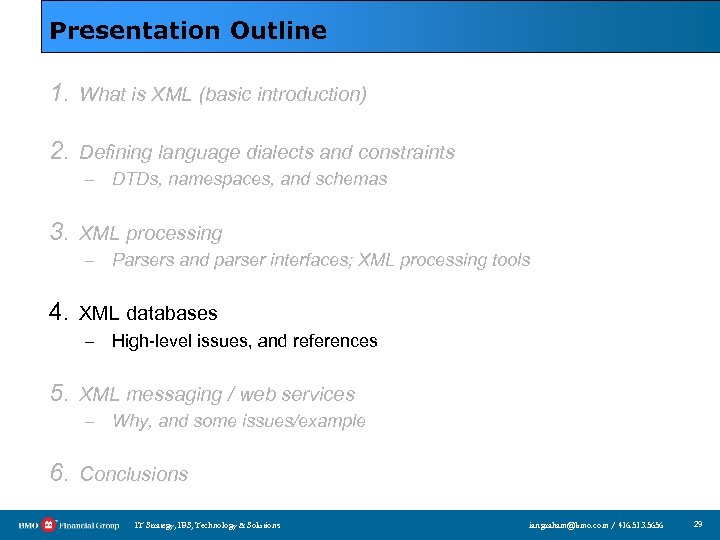
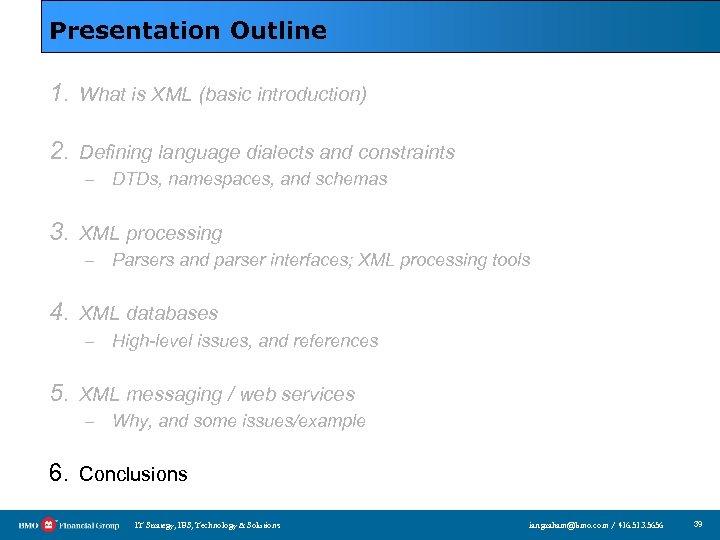
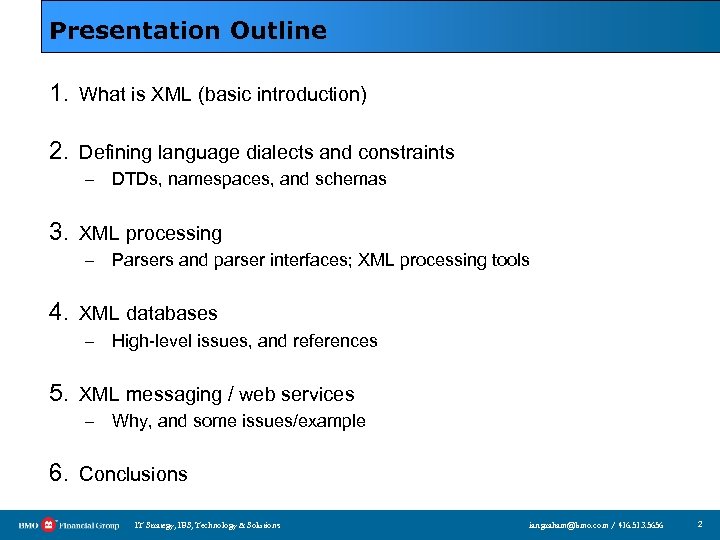 Presentation Outline 1. What is XML (basic introduction) 2. Defining language dialects and constraints – DTDs, namespaces, and schemas 3. XML processing – Parsers and parser interfaces; XML processing tools 4. XML databases – High-level issues, and references 5. XML messaging / web services – Why, and some issues/example 6. Conclusions IT Strategy, IBS, Technology & Solutions ian. graham@bmo. com / 416. 513. 5656 2
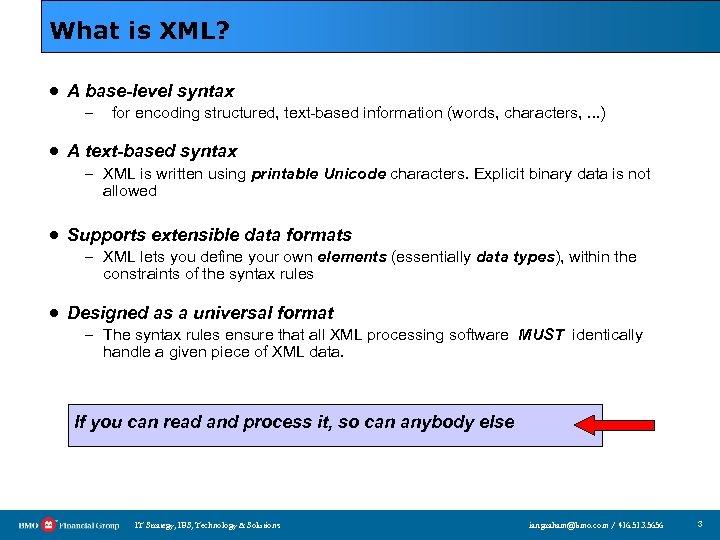 What is XML? · A base-level syntax – for encoding structured, text-based information (words, characters, . . . ) · A text-based syntax – XML is written using printable Unicode characters. Explicit binary data is not allowed · Supports extensible data formats – XML lets you define your own elements (essentially data types), within the constraints of the syntax rules · Designed as a universal format – The syntax rules ensure that all XML processing software MUST identically handle a given piece of XML data. If you can read and process it, so can anybody else IT Strategy, IBS, Technology & Solutions ian. graham@bmo. com / 416. 513. 5656 3
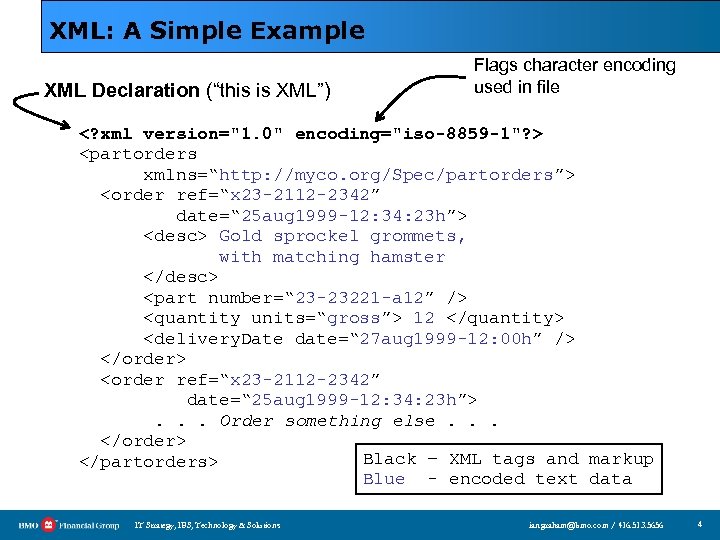 XML: A Simple Example XML Declaration (“this is XML”) Flags character encoding used in file
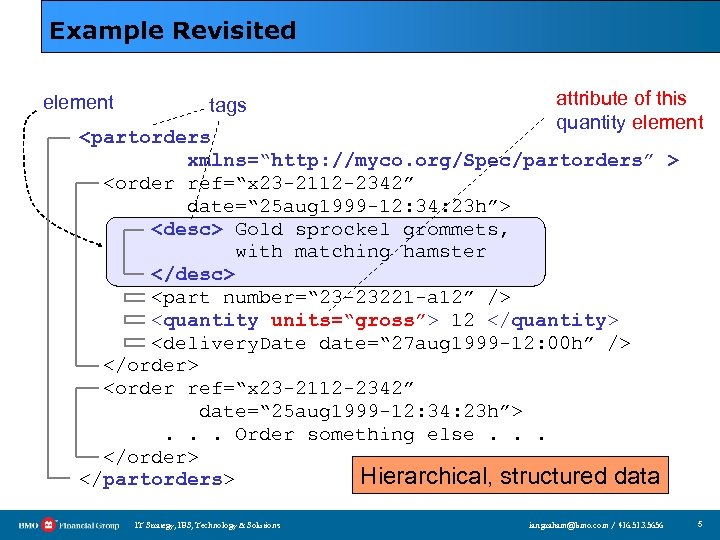 Example Revisited element tags attribute of this quantity element
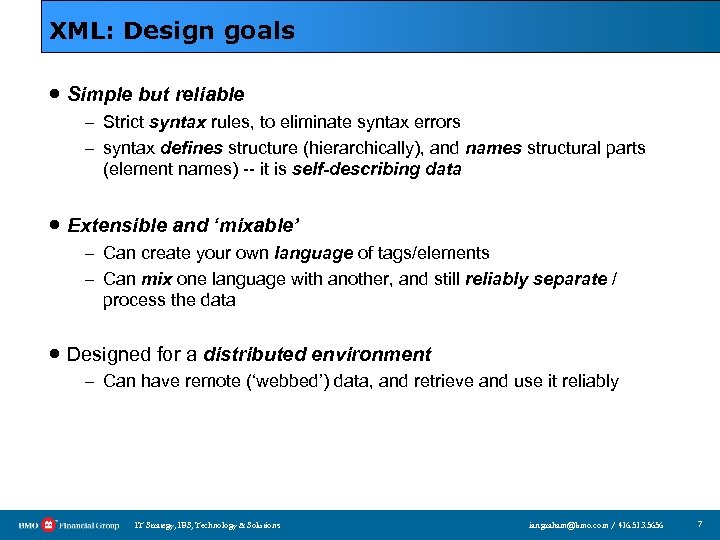 XML: Design goals · Simple but reliable – Strict syntax rules, to eliminate syntax errors – syntax defines structure (hierarchically), and names structural parts (element names) -- it is self-describing data · Extensible and ‘mixable’ – Can create your own language of tags/elements – Can mix one language with another, and still reliably separate / process the data · Designed for a distributed environment – Can have remote (‘webbed’) data, and retrieve and use it reliably IT Strategy, IBS, Technology & Solutions ian. graham@bmo. com / 416. 513. 5656 7
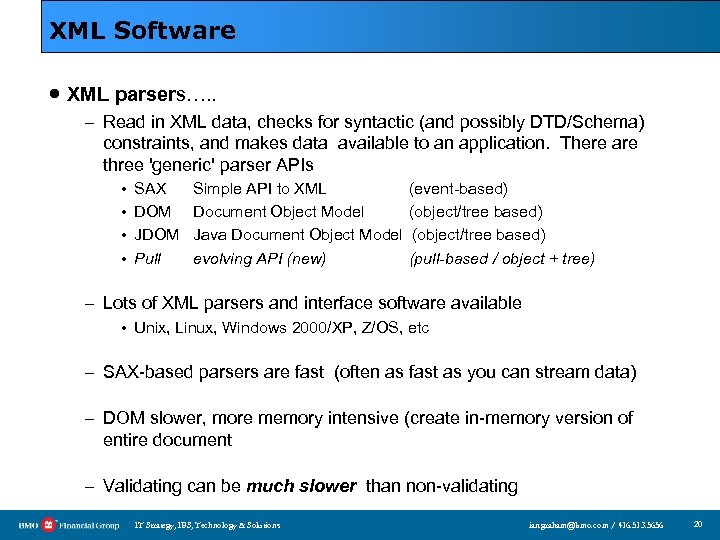
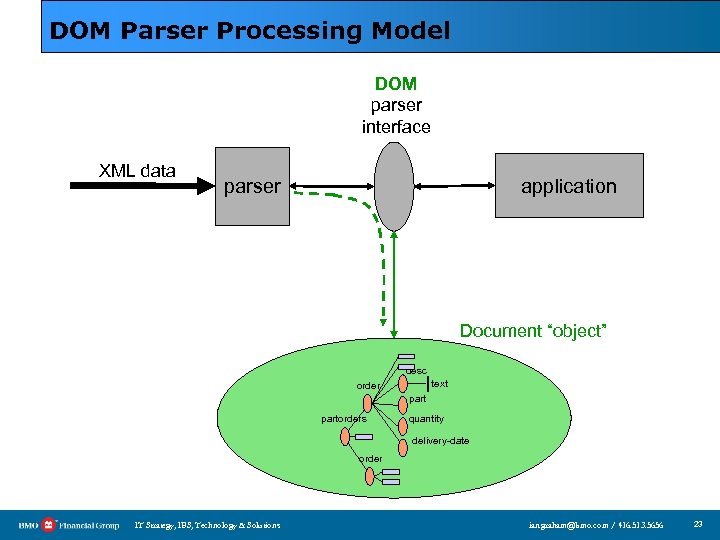
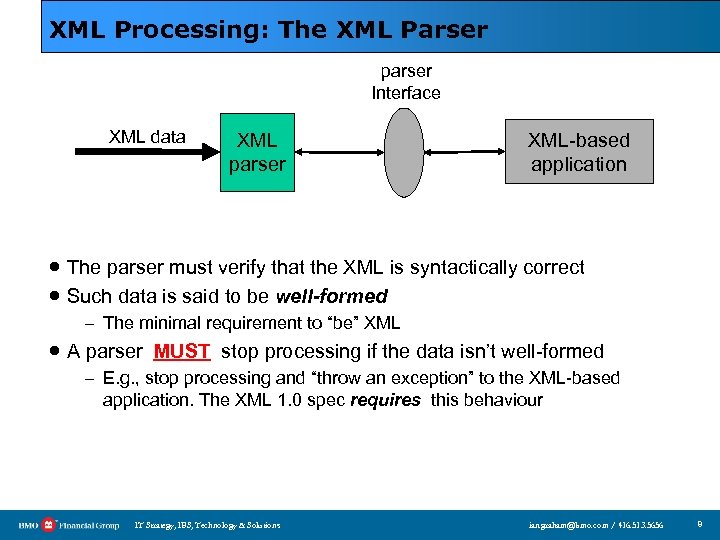 XML Processing: The XML Parser parser Interface XML data XML parser XML-based application · The parser must verify that the XML is syntactically correct · Such data is said to be well-formed – The minimal requirement to “be” XML · A parser MUST stop processing if the data isn’t well-formed – E. g. , stop processing and “throw an exception” to the XML-based application. The XML 1. 0 spec requires this behaviour IT Strategy, IBS, Technology & Solutions ian. graham@bmo. com / 416. 513. 5656 8
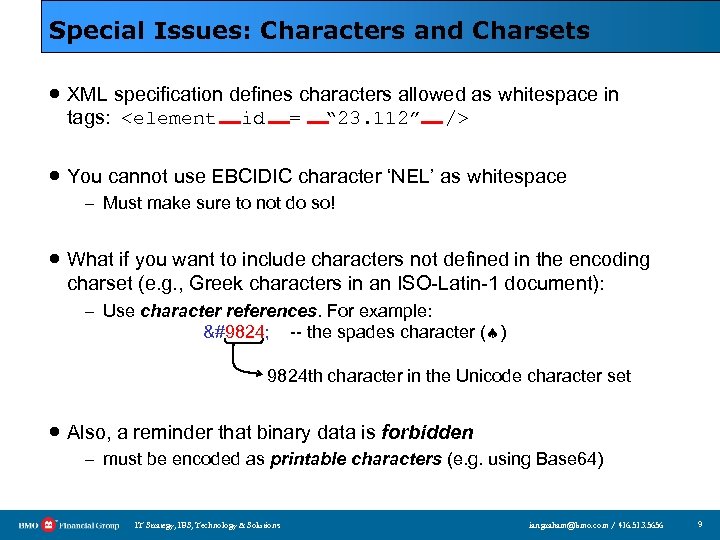 Special Issues: Characters and Charsets · XML specification defines characters allowed as whitespace in tags:
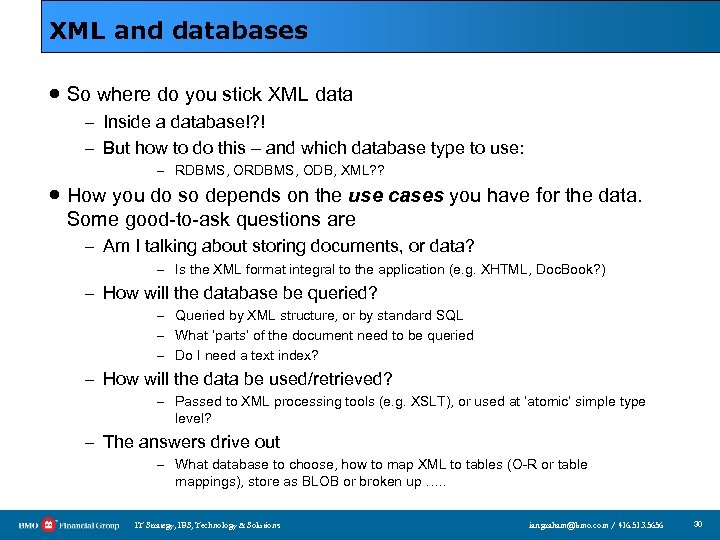
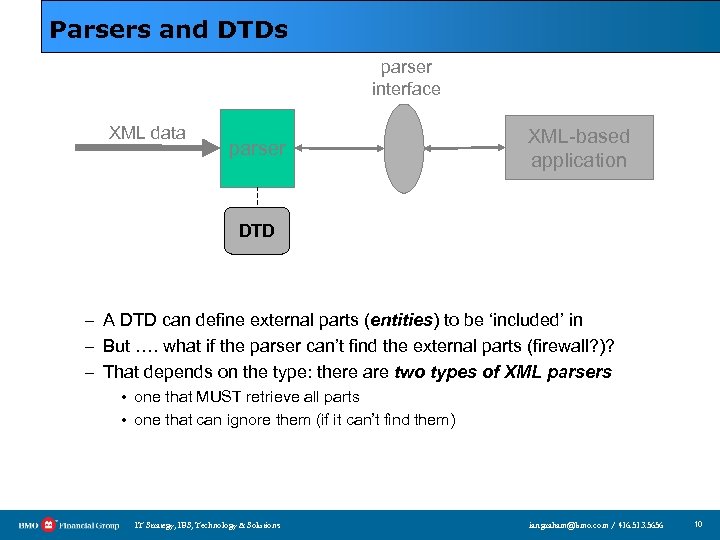 Parsers and DTDs parser interface XML data parser XML-based application DTD – A DTD can define external parts (entities) to be ‘included’ in – But …. what if the parser can’t find the external parts (firewall? )? – That depends on the type: there are two types of XML parsers • one that MUST retrieve all parts • one that can ignore them (if it can’t find them) IT Strategy, IBS, Technology & Solutions ian. graham@bmo. com / 416. 513. 5656 10
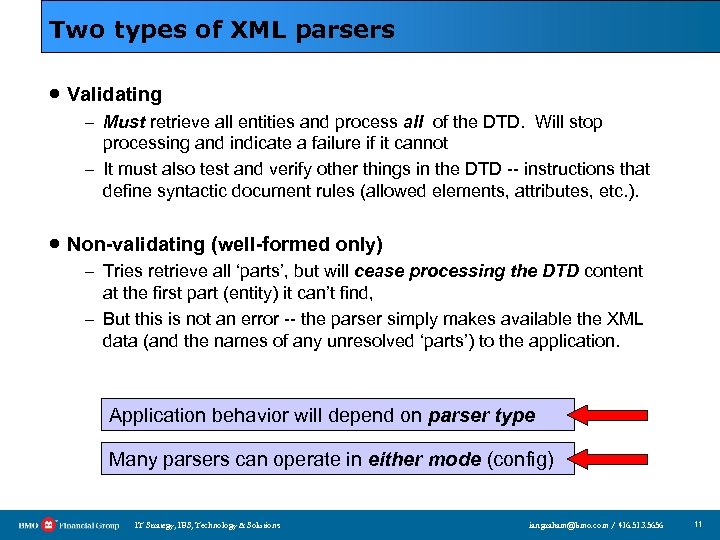 Two types of XML parsers · Validating – Must retrieve all entities and process all of the DTD. Will stop processing and indicate a failure if it cannot – It must also test and verify other things in the DTD -- instructions that define syntactic document rules (allowed elements, attributes, etc. ). · Non-validating (well-formed only) – Tries retrieve all ‘parts’, but will cease processing the DTD content at the first part (entity) it can’t find, – But this is not an error -- the parser simply makes available the XML data (and the names of any unresolved ‘parts’) to the application. Application behavior will depend on parser type Many parsers can operate in either mode (config) IT Strategy, IBS, Technology & Solutions ian. graham@bmo. com / 416. 513. 5656 11
 Presentation Outline 1. What is XML (basic introduction) 2. Defining language dialects and constraints – DTDs, namespaces, and schemas 3. XML processing – Parsers and parser interfaces; XML processing tools 4. XML databases – High-level issues, and references 5. XML messaging / web services – Why, and some issues/example 6. Conclusions IT Strategy, IBS, Technology & Solutions ian. graham@bmo. com / 416. 513. 5656 12
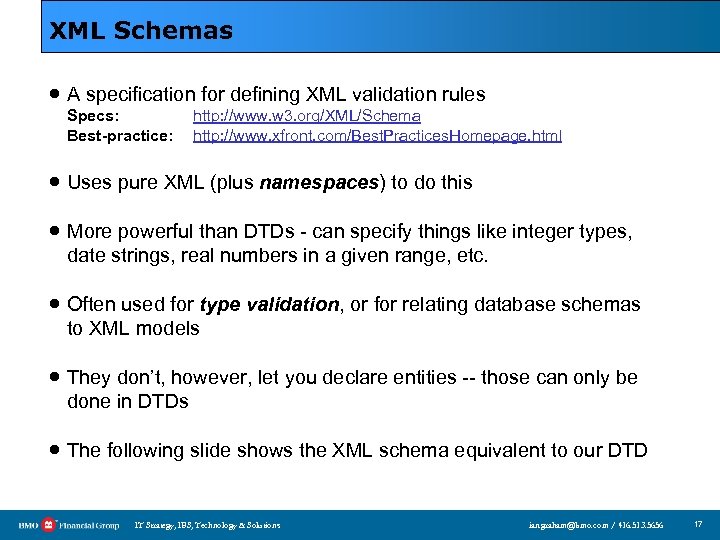
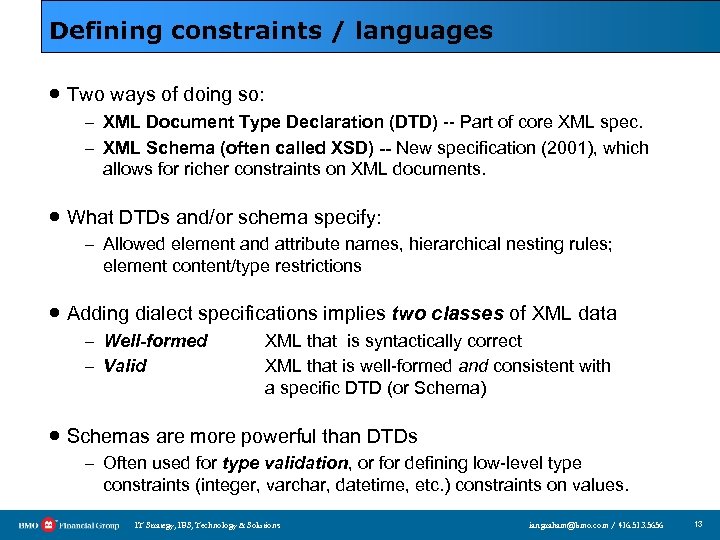 Defining constraints / languages · Two ways of doing so: – XML Document Type Declaration (DTD) -- Part of core XML spec. – XML Schema (often called XSD) -- New specification (2001), which allows for richer constraints on XML documents. · What DTDs and/or schema specify: – Allowed element and attribute names, hierarchical nesting rules; element content/type restrictions · Adding dialect specifications implies two classes of XML data – Well-formed – Valid XML that is syntactically correct XML that is well-formed and consistent with a specific DTD (or Schema) · Schemas are more powerful than DTDs – Often used for type validation, or for defining low-level type constraints (integer, varchar, datetime, etc. ) constraints on values. IT Strategy, IBS, Technology & Solutions ian. graham@bmo. com / 416. 513. 5656 13
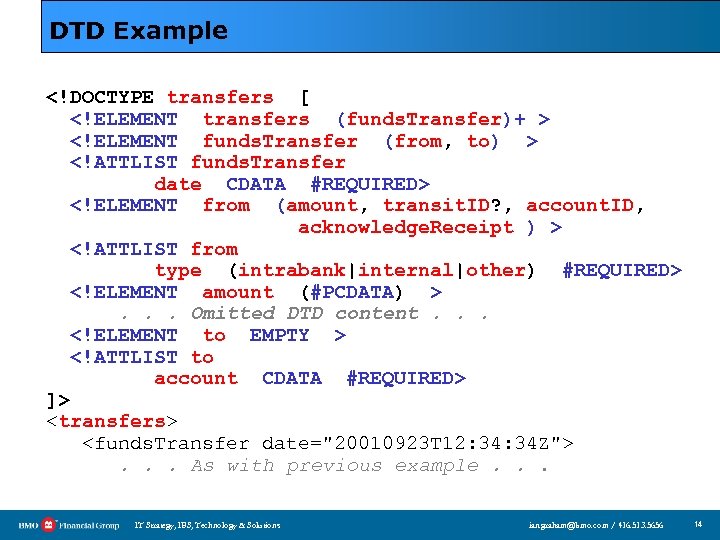 DTD Example . . . Omitted DTD content. . . ]>
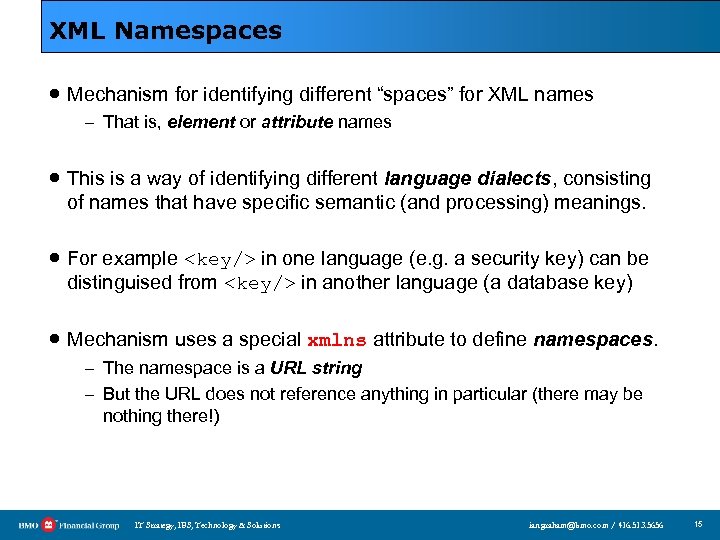 XML Namespaces · Mechanism for identifying different “spaces” for XML names – That is, element or attribute names · This is a way of identifying different language dialects, consisting of names that have specific semantic (and processing) meanings. · For example
more html stuff goes here 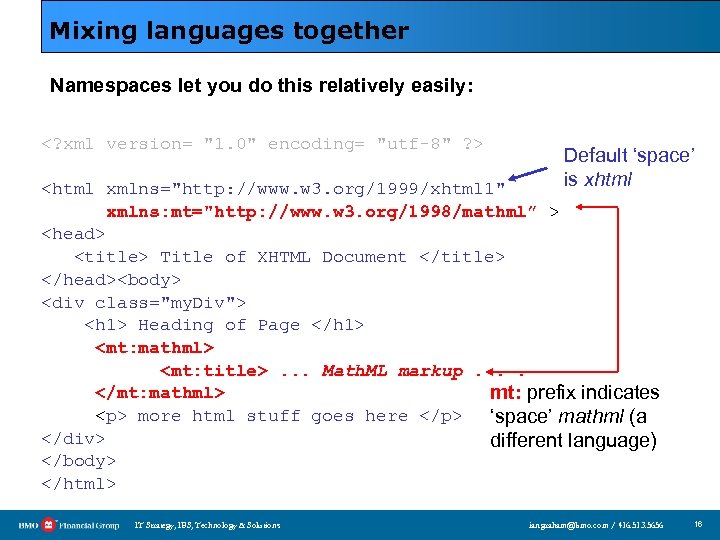 Mixing languages together Namespaces let you do this relatively easily: Default ‘space’ is xhtml