


 Скачать презентацию www iss net Wireless Security August 10 2006
c927eff44599ecf6e50b30a199860851.ppt
- Количество слайдов: 69
 www. iss. net Wireless Security August 10, 2006 Michael H. Warfield Senior Researcher and Fellow ISS X-Force © 2006 Internet Security Systems. All rights reserved worldwide. Contents are property of Internet Security Systems.
 This presentation is also available on-line: http: //www. wittsend. com/mhw/2006/Wireless-Security-ALE © 2006 Internet Security Systems. All rights reserved worldwide. Contents are property of Internet Security Systems.
 Outline Introduction and Standards Common Uses and Abuses Security Incident Examples Access Control and Confidentiality Securing Wireless Networks Closing Summary and References © 2006 Internet Security Systems. All rights reserved worldwide. Contents are property of Internet Security Systems.
 Introduction Many forms of wireless Point-to-point Wi-Fi / 802. 11 Wi. Max / 802. 16 Mobile Broadband / 802. 20 Bluetooth 3 rd Generation Cellular, EVDO, GPRS, Wireless Broadband Wi-Fi is becoming ubiquitous Cheap and easy and popular Wireless is incredibly flexible Cost effective compared to hard wired networks Works in harsh environments Works in mobile environments © 2006 Internet Security Systems. All rights reserved worldwide. Contents are property of Internet Security Systems.
 Wi* 802. * Standards (Alphabet Soup? ) © 2006 Internet Security Systems. All rights reserved worldwide. Contents are property of Internet Security Systems.
 802. 11 IEEE ratified in 1997 General wireless standards family Has now grown to include 6 over-the-air modulation protocols Lots and lots of protocol amendments 2. 4 GHz shared unlicensed band Covered by FCC Part 15 regulations Initially 1 -2 Mbps Poor performance Poor acceptance © 2006 Internet Security Systems. All rights reserved worldwide. Contents are property of Internet Security Systems.
 802. 11 a IEEE Ratified in 1999 First ship in 2001 5 GHz unlicensed band 54 Mbps High Performance Costly Poor range Adoption was slow and poor © 2006 Internet Security Systems. All rights reserved worldwide. Contents are property of Internet Security Systems.
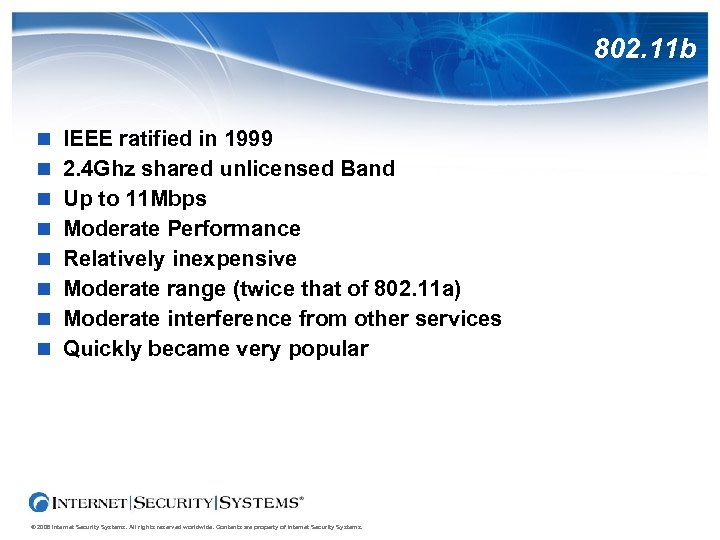 802. 11 b IEEE ratified in 1999 2. 4 Ghz shared unlicensed Band Up to 11 Mbps Moderate Performance Relatively inexpensive Moderate range (twice that of 802. 11 a) Moderate interference from other services Quickly became very popular © 2006 Internet Security Systems. All rights reserved worldwide. Contents are property of Internet Security Systems.
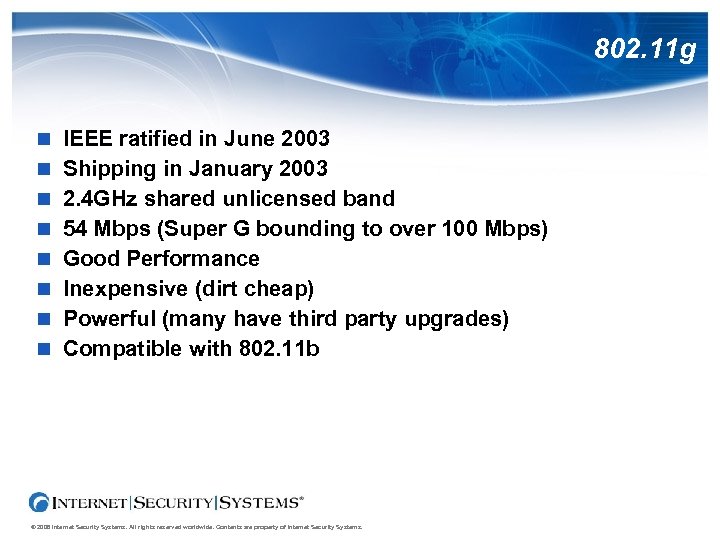 802. 11 g IEEE ratified in June 2003 Shipping in January 2003 2. 4 GHz shared unlicensed band 54 Mbps (Super G bounding to over 100 Mbps) Good Performance Inexpensive (dirt cheap) Powerful (many have third party upgrades) Compatible with 802. 11 b © 2006 Internet Security Systems. All rights reserved worldwide. Contents are property of Internet Security Systems.
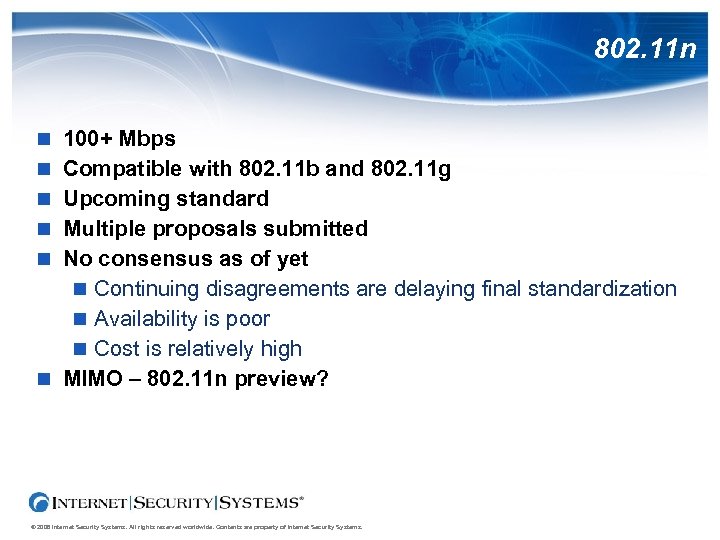 802. 11 n 100+ Mbps Compatible with 802. 11 b and 802. 11 g Upcoming standard Multiple proposals submitted No consensus as of yet Continuing disagreements are delaying final standardization Availability is poor Cost is relatively high MIMO – 802. 11 n preview? © 2006 Internet Security Systems. All rights reserved worldwide. Contents are property of Internet Security Systems.
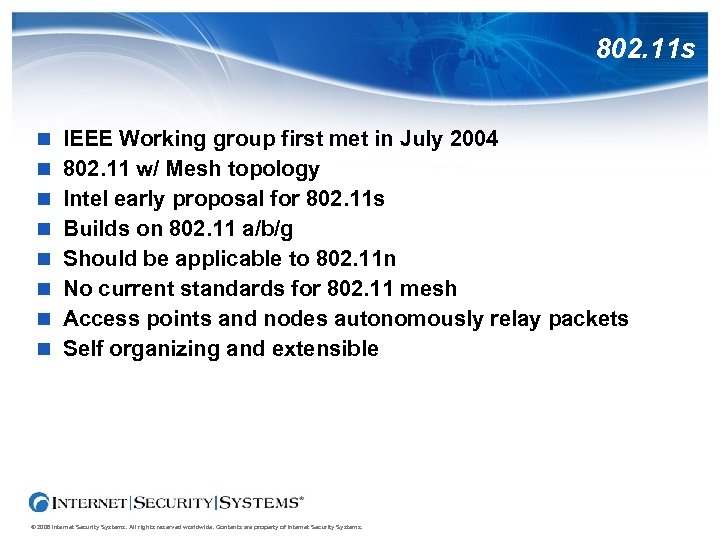 802. 11 s IEEE Working group first met in July 2004 802. 11 w/ Mesh topology Intel early proposal for 802. 11 s Builds on 802. 11 a/b/g Should be applicable to 802. 11 n No current standards for 802. 11 mesh Access points and nodes autonomously relay packets Self organizing and extensible © 2006 Internet Security Systems. All rights reserved worldwide. Contents are property of Internet Security Systems.
 802. 1 X IEEE standard for Network Access Controls Applies to both wired and wireless networking There is no 802. 11 X Common misunderstanding Instantiated in the 802. 11 i wireless standard Incorporates a number of authentication methodologies PSK – Pre-Shared Keys EAP – Extensible Authentication Protocol LEAP – Cisco Limited Extensible Authentication Protocol Radius © 2006 Internet Security Systems. All rights reserved worldwide. Contents are property of Internet Security Systems.
 802. 16 Wi. Max World. Wide Interoperability of Microwave Access 802. 16 a – Metropolitan Area Network 802. 16 e – Moble Broadband Other amendments address other concerns in the standard Both Licensed and Unlicensed modes Higher power Broader coverage Sprint selecting Wi. Max for Mobile Broadband Anticipated network rollout in 4 th quarter of 2007 © 2006 Internet Security Systems. All rights reserved worldwide. Contents are property of Internet Security Systems.
 Common (and Uncommon) Uses © 2006 Internet Security Systems. All rights reserved worldwide. Contents are property of Internet Security Systems.
 Hotspots are publicly accessible wireless zones Pay and free hotspots are proliferating Most airports now have hotspots Some are free, some for pay Some hotels are opting for wireless for broadband Some are teaming up with wireless providers Some coffee chains have wireless for customers Some shops are dealing with customers who won't leave Some shops dealing with users in parking lots Some people set up hotspots just for kicks Some criminals set up hotspots looking for victims © 2006 Internet Security Systems. All rights reserved worldwide. Contents are property of Internet Security Systems.
 Neighborhood Networks Cul-De-Sac Area Networks (CDSAN)? High power APs cover a couple of small streets Antennas extend range even further YES! You really CAN be the ISP for your entire cul-de-sac! Example neighborhood net in Canada Broadband Vo. IP Video Being commercialized for businesses © 2006 Internet Security Systems. All rights reserved worldwide. Contents are property of Internet Security Systems.
 Municipal Wi. Fi Municipalities considering Wi. Fi as a utility Antennas / Access Points on lights and utility poles Mesh networking avoids need for wired backbones Wi. Max may extend range and coverage Uniform coverage and management Narrows “the digital divide” Provides additional emergency services backup Conflicts with commercial competition Mixed legislative actions Some active deployments © 2006 Internet Security Systems. All rights reserved worldwide. Contents are property of Internet Security Systems.
 Communities Philadelphia Proposal for community Wi. Fi resulted in state legislation to prevent it Philadelphia has an exemption in resulting legislation San Fransisco Google initially contracted to providing free service New Orleans Free service in aftermath of Katrina using donated equipment Bell. South reported to have withdrawn a donation as a result Boston May contract with a non-profit to run city-wide Wi. Fi Washtenhaw County, MI County wide Wi. Fi deployment approved 85 Kbps Free, 500 Kbps $35/month © 2006 Internet Security Systems. All rights reserved worldwide. Contents are property of Internet Security Systems.
 Wireless Police Knocking? New York Westchester County New York proposed mandatory Wi. Fi security Encryption is NOT mandatory Security is mandatory even WITH encryption Canola Ranch Resorts Tucson condo resort Provides wireless and broadband to each unit Covenants require that all wireless be secured This one requires encryption © 2006 Internet Security Systems. All rights reserved worldwide. Contents are property of Internet Security Systems.
 Wireless Vo. IP Wireless PBX Great for mobile employees Hospitals Schools Conference Centers Cost effective Versatile Isolated Access Points and networks control security Potential eavesdropping / sniffing threats Some cell phones now support cellular plus Vo. IP on 802. 11* © 2006 Internet Security Systems. All rights reserved worldwide. Contents are property of Internet Security Systems.
 Industry and Agriculture Supports mobile equipment Farm equipment in the field Mobile factory floor equipment and employees Eases deployment and installation Wiring problems in old installations Connections between buildings Aids with hostile environments Not merely end networking services Part of the industrial process © 2006 Internet Security Systems. All rights reserved worldwide. Contents are property of Internet Security Systems.
 Personal Area Networks Wireless cards and access points are as cheap as network interfaces now Employees may install APs under desks for their laptops Convenient for home-to-office road warriors Home lan security problems may become corporate lan security problems Unauthorized or rogue access points can create gaping security holes Open workstations can open up your wired network © 2006 Internet Security Systems. All rights reserved worldwide. Contents are property of Internet Security Systems.
 Wi. Fi Defense Against the RIAA? ? ? Two recent court cases decided against the RIAA Argued that an IP address is not a person Evidence of pervasive activity Evidence of access by others in the home Each case was settled and dismissed Use an open access point to argue others may have access? Neither case resulted in a judgment No legal precedent Both cases presented evidence of others in the home Hand waving arguments are unlikely to work Other evidence may be brought into play (on either side) © 2006 Internet Security Systems. All rights reserved worldwide. Contents are property of Internet Security Systems.
 Trick Out Your Wi. Fi Router! © 2006 Internet Security Systems. All rights reserved worldwide. Contents are property of Internet Security Systems.
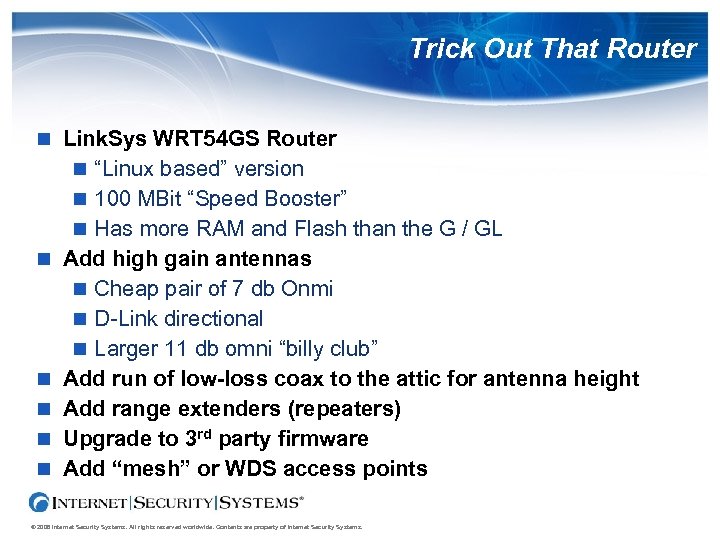 Trick Out That Router Link. Sys WRT 54 GS Router “Linux based” version 100 MBit “Speed Booster” Has more RAM and Flash than the G / GL Add high gain antennas Cheap pair of 7 db Onmi D-Link directional Larger 11 db omni “billy club” Add run of low-loss coax to the attic for antenna height Add range extenders (repeaters) Upgrade to 3 rd party firmware Add “mesh” or WDS access points © 2006 Internet Security Systems. All rights reserved worldwide. Contents are property of Internet Security Systems.
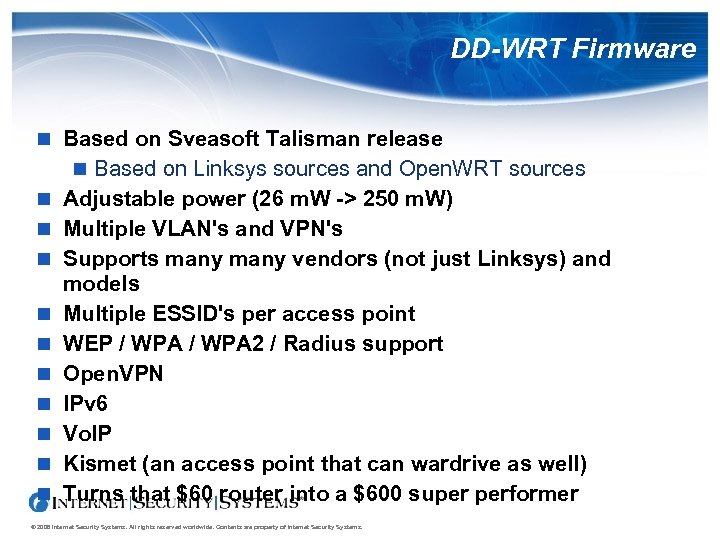 DD-WRT Firmware Based on Sveasoft Talisman release Based on Linksys sources and Open. WRT sources Adjustable power (26 m. W -> 250 m. W) Multiple VLAN's and VPN's Supports many vendors (not just Linksys) and models Multiple ESSID's per access point WEP / WPA 2 / Radius support Open. VPN IPv 6 Vo. IP Kismet (an access point that can wardrive as well) Turns that $60 router into a $600 super performer © 2006 Internet Security Systems. All rights reserved worldwide. Contents are property of Internet Security Systems.
 Common (and Uncommon) Abuses © 2006 Internet Security Systems. All rights reserved worldwide. Contents are property of Internet Security Systems.
 Wardriving Popular sport Simple as a PDA A small mobile antenna is non-intrusive Pringles cans are cheap and effective antennas Good directional antennas can work for miles Automated tools build wardriving maps with gps Majority of access points have no encryption! Majority of access points use default settings! An FBI representative has stated that wardriving and warchalking are legal (but bandwidth theft is not). © 2006 Internet Security Systems. All rights reserved worldwide. Contents are property of Internet Security Systems.
 Inverse Wardriving with an Access Point Linux based access points have extra features Extra power Remote command line Can run Kismet on the Access Point Trolling for open clients willing to connect Many workstations are enabled for “any” AP Can compromise associated wired networks Early tests were run at Democratic National Convention Windows was vulnerable to an Ad-Hoc Evil Twin Wardriving Windows boxes would probe for previous connections Attacker could emulate other access points based on probes © 2006 Internet Security Systems. All rights reserved worldwide. Contents are property of Internet Security Systems.
 Open Workstations Easy and common to “attach” to the “wrong” access point Many laptops come with built-in Wi. Fi may be enabled without realization Difficult to lock down laptops to limited connections Open workstations may be contaminated outside of security perimeters Open workstations may bridge wireless to wired networks Home users may bring wireless enabled into the workplace Wi. Fi policy must include workstation setups! © 2006 Internet Security Systems. All rights reserved worldwide. Contents are property of Internet Security Systems.
 Driver Attacks Workstations may be directly attacked through Wi. Fi drivers They don't have to be in use Workstation does not have to be connected to a Wi. Fi network User may not even realize Wi. Fi is enabled Recent Black. Hat 2006 demonstration Demonstration was video only (They were practicing safe Wi. Fi) Attack against Mac OSX Other operating systems also vulnerable to similar attacks Demonstrated against third party drivers Native drivers are also vulnerable Recent Intel security advisory on the Centrino Wi. Fi drivers © 2006 Internet Security Systems. All rights reserved worldwide. Contents are property of Internet Security Systems.
 Evil Twin Variation on the “inverse wardriving” Evil access point mimics existing access point ESSID Looking for specific networks Not just for promiscuous workstations Increased power can override legitimate access points Evil twins can be more difficult to find than rogues Kismet can spot “time stamp” anomalies from Evil Twins Shield from within, shield from without May be used for Wi. Phishing © 2006 Internet Security Systems. All rights reserved worldwide. Contents are property of Internet Security Systems.
 SSL Attacks Some sites use SSL to protect admin access to web interface Some access points used a static server certificate SSL does not provide for “Perfect Forward Secrecy” SSL does not provide for “Diffie Hellman Key Exchange” in default “server authenticated” sessions Access point firmware readily available for download Static certificate from access point firmware image allows attackers to intercept and decrypt the SSL traffic! © 2006 Internet Security Systems. All rights reserved worldwide. Contents are property of Internet Security Systems.
 Broadcast Leakage Access points will broadcast LAN broadcast packets Local LAN or directed broadcasts Netbios is extremely “chatty” Workstation names Domain / Workgroup names Login (user) names Services ARP requests Network mapping ARP cache poisoning © 2006 Internet Security Systems. All rights reserved worldwide. Contents are property of Internet Security Systems.
 Hotspot Battles Only 11 channels in North America Competition with and between fee services Providers have set up fee based wireless access Cybercafes have set up wireless services Competing individuals have used directional antennas to broadcast into competing locations Organizations have set up free hot spots Companies seeking to set up services for a fee have come into conflict with community hotspots Some hot-spots in airports have become free Wi. Fi spectrum overlaps with some Amateur Radio Amateurs use much more power Accidental cross access and cross interference have occurred © 2006 Internet Security Systems. All rights reserved worldwide. Contents are property of Internet Security Systems.
 Security Incidents (What were you thinking? ) © 2006 Internet Security Systems. All rights reserved worldwide. Contents are property of Internet Security Systems.
 Information Leakage Information may leak from insecure wireless networks Networks may be routed over wireless links Information may leak in broadcast messages Attackers can use techniques such as “arp cache poisoning” to intercept and redirect traffic Schools have had student data accidentally exposed through wireless networks What's your legal liability? © 2006 Internet Security Systems. All rights reserved worldwide. Contents are property of Internet Security Systems.
 Threats to Reputation Wireless is easy to use for inappropriate activity Retail chains have used wireless for temporary cash registers Researchers have found insecure wireless nets broadcasting sensitive customer information Publication of wireless leaks have lead to major public relations incidents for several companies What if the researchers had been “bad guys”? (Some have been) © 2006 Internet Security Systems. All rights reserved worldwide. Contents are property of Internet Security Systems.
 Computer Break-ins Major hardware chain had an insecure wireless network in Michigan Intruders used it to break into the home office computers in North Carolina Law enforcement contacted but access not shut down during investigation Intruders were caught sitting in the parking lot during a subsequent break-in Intruder sentenced to 9 years in jail though he failed! What about using a high gain directional antennas? © 2006 Internet Security Systems. All rights reserved worldwide. Contents are property of Internet Security Systems.
 Spammers Drive-by-spamming is taking place Spammers can send millions of E-Mails in minutes Your servers get blamed Your abuse people get harassed Your company gets blacklisted California man plead guilty to spamming people through unprotected hotspots Convicted under Can-Spam Act What about wireless theft? Also being used to launch phishing scams © 2006 Internet Security Systems. All rights reserved worldwide. Contents are property of Internet Security Systems.
 Extortionists have exploited open access points Maryland man used unsecured wireless networks to make “untraceable” threats and extortion demands Threats traced to homes and a dentist's office Caught by his demand for money (Make the check payable to. . . ) © 2006 Internet Security Systems. All rights reserved worldwide. Contents are property of Internet Security Systems.
 Simple Bandwidth Theft Individual in Florida observes someone sitting in his neighborhood playing with a laptop Individual hides laptop whenever people approach Individual still present several hours later Suspicious behavior reported to police Police find the suspicious individual using Wi. Fi Charged with theft of bandwidth Other charges pending? Neighborhood watch? Coffee shop tired of non-customer in parking lot Asked to leave several times Charged with theft of bandwidth after several months © 2006 Internet Security Systems. All rights reserved worldwide. Contents are property of Internet Security Systems.
 Other Illegal Activities Canadian police caught an individual driving the wrong way down a one-way residential street Individual had wardriving equipment in the car Individual had been exploiting open residential access points to download child pornography Additional charge: Theft of telecommunications What if it was your access point? How would you explain the network activity to law enforcement? © 2006 Internet Security Systems. All rights reserved worldwide. Contents are property of Internet Security Systems.
 Denial of Service Various Denial of Service attacks possible “Omerta” disassociate attacks disconnect workstations Also useful in WPA-PSK attacks RF attacks overwhelm channels and spectrum Overpowered access points generate interference General congestion and channel crowding RF “Ping of Death” Unlicensed services are not protected from RF interference © 2006 Internet Security Systems. All rights reserved worldwide. Contents are property of Internet Security Systems.
 Access and Confidentiality © 2006 Internet Security Systems. All rights reserved worldwide. Contents are property of Internet Security Systems.
 Gateway Control Access control through an application gateway Use web site authentication to open a firewall Little or no link level security Wireless traffic may be sniffed Very common in hotels Very common in paid-for “hot spots” Somewhat common at universities Prone to “information leakage” Prone to MAC hijacking © 2006 Internet Security Systems. All rights reserved worldwide. Contents are property of Internet Security Systems.
 MAC level access control Access granted based on MAC address No protection from sniffing MAC addresses may be spoofed or hijacked Business often have batches of MAC addresses Administrative headache to maintain MAC tables Does not scale well In really POOR implementations, multiple Wi. Fi clients can share MAC addresses and get away with it. MAC access control Block ICMP Use orthogonal activity (difference servers and services) © 2006 Internet Security Systems. All rights reserved worldwide. Contents are property of Internet Security Systems.
 VLAN access control Combination of Gateway and MAC using VLANS VLAN assigned based on MAC address Gateway access control switches MAC between VLANS Scales much better than pure MAC level access Still has disadvantages of both No protection from sniffing MAC addresses may be spoofed or hijacked Business often have batches of MAC addresses © 2006 Internet Security Systems. All rights reserved worldwide. Contents are property of Internet Security Systems.
 SSID Access Control SSID broadcast (Wi-Fi network name) Cloak a network by disabling SSID broadcast Network can still be probed and uncloaked Network traffic can still be sniffed SSID can be determined from other traffic Automated tools are designed to collect information about cloaked networks Useful for network selection control Little use as access control Can help with network selection control Does indicate that this is NOT a public network © 2006 Internet Security Systems. All rights reserved worldwide. Contents are property of Internet Security Systems.
 To SSID or Not To SSID Advantages to broadcasting SSID / ESSID Autodetection of Networks by workstations Disadvantages to broadcasting SSID / ESSID Closed network names appearing on foreign workstations Potential for accidental connections (if not encrypted) Advantages to NOT broadcasting SSID / ESSID Notice: “This network is not public” Accidental connections highly unlikely Disadvantages to NOT broadcasting SSID / ESSID Manual configuration of networks and workstations “False sense of security” © 2006 Internet Security Systems. All rights reserved worldwide. Contents are property of Internet Security Systems.
 WEP Wire Equivalent Privacy IEEE standard adopted in 2000 Simple shared key encryption 40/56 bit DES (export grade - worthless) 128 bit RC 4 Weakness unveiled in 2001 led to many attacks Design is vulnerable to plaintext codebook attacks Some implementations are extremely insecure Recent attacks effective against all variations Really poor design – even worse implementations Some older implementations worse than others © 2006 Internet Security Systems. All rights reserved worldwide. Contents are property of Internet Security Systems.
 WPA Wireless Protected Access Based on subset of IEEE 802. 11 i draft Wi. Fi Alliance interim specification Can use preshared keys (PSK – WPA Personal) Serious problems with weak passwords and PSK! Can use Radius / EAP / LEAP authentication Leap is vulnerable to known attacks (asleap) Uses stronger encryption and initialization vectors TKIP avoids IV codebook attacks Support is mandatory for Wi-Fi logo © 2006 Internet Security Systems. All rights reserved worldwide. Contents are property of Internet Security Systems.
 802. 11 i / WPA 2 Security standard applicable to 802. 11 family Application of 802. 1 X to 802. 11 protocols Ratified by IEEE in mid 2004 Wi. Fi alliance brands 802. 11 i as WPA 2 Requires AES layer 2 encryption Fully encrypted WLAN Not all legacy cards can be supported Support for Windows XP/SP 2 and Linux available Linux / *NIX – wpa_supplicant Generic 802. 1 X on Linux support - XSupplicant © 2006 Internet Security Systems. All rights reserved worldwide. Contents are property of Internet Security Systems.
 Virtual Private Networks (VPNs) can provide secure connections on insecure networks IPSec PPTP L 2 TP VPNs should be used in open environments for secure access to private resources VPNs do not protect from threats or viruses on the open network VPNs should be used with personal firewalls © 2006 Internet Security Systems. All rights reserved worldwide. Contents are property of Internet Security Systems.
 Securing Wireless Networks © 2006 Internet Security Systems. All rights reserved worldwide. Contents are property of Internet Security Systems.
 Securing your network Define your wireless policy in writing and enforce Don't use default settings! Change the SSID Disable SSID broadcast, if so desired Use WPA if possible (802. 11 i/WPA 2 where available) Use WEP where WPA is not available Watch for rogue access points and eliminate Disable wireless where not used Disallow open connections Treat wireless networks as untrusted networks Keep access points and systems up to date! Employ a security tool such as ISS Proventia Desktop © 2006 Internet Security Systems. All rights reserved worldwide. Contents are property of Internet Security Systems.
 Physical Access Plan for physical (RF) access controls Reduce power to reduce leakage Use more access points for better defined coverage Plan antenna locations Avoid outer walls Provide for shielding of sensitive areas Provide spot coverage for weak areas Test for RF leakage and coverage Physical controls help, but are not the total answer! They can get better antennas They can boost more power © 2006 Internet Security Systems. All rights reserved worldwide. Contents are property of Internet Security Systems.
 Encryption and authentication What level(s) are necessary and/or sufficient? What is being protected? Confidentiality? Access? Link level WEP/WPA 2 VPN Application Multiple layers may be necessary © 2006 Internet Security Systems. All rights reserved worldwide. Contents are property of Internet Security Systems.
 Security on Open Networks Use a secure VPN to access private resources Use SSL encrypted versions of access protocols https instead of http pop 3 s instead of pop 3 imaps instead of imap Use a personal firewall or similar protection Use an intrusion protection system (IPS) ISS Proventia Desktop Scan for viruses Keep systems religiously up to date © 2006 Internet Security Systems. All rights reserved worldwide. Contents are property of Internet Security Systems.
 Securing WEP Use WEP only if nothing else better is available Use 128 bit encryption Test all access points for weak packets (Kismet) Consider changing shared access keys periodically or when security situation changes Use with MAC controls on small networks Keep access points behind a firewall in a DMZ Assume the network is untrusted and provide for additional security © 2006 Internet Security Systems. All rights reserved worldwide. Contents are property of Internet Security Systems.
 Securing WPA/WPA 2 Use WPA 2 or WPA when ever available Use hardened authentication where possible Radius EAP Use strong passwords for WPA Pre-Shared Keys Minimum of 17 characters Include complex characters (numbers, caps, punctuation) It's easier to break weak passwords on WPA PSK than it is to do codebook attacks on WEP! Avoid LEAP Known attacks Online attack tool: asleap © 2006 Internet Security Systems. All rights reserved worldwide. Contents are property of Internet Security Systems.
 Who Forgot to Invite the Cryptographers? Hardened crypto may not provide hardened security Flaws in algorithms Flaws in design Flaws in implementation WEP used RC 4 – 128 bit cryptography Lots of design and implementation errors WPA was suppose to address flaws in WEP Still some serious problems in WPA-PSK SSL servers on APs may be using shared certificates Static shared certificates are worse than shared keys People can download firmware with certificates to your AP Dynamic, self-signed, certificates are better than shared certs © 2006 Internet Security Systems. All rights reserved worldwide. Contents are property of Internet Security Systems.
 Deception Tools Fake access points can befuddle war drivers Deception tools can detect intruders looking for access Access attempts to honeypot access points can trigger alerts that intruders may be in the area Fake access points do no good if they are not monitored and maintained! Generally not a worth-while investment unless you are protecting a high profile target © 2006 Internet Security Systems. All rights reserved worldwide. Contents are property of Internet Security Systems.
 Closing © 2006 Internet Security Systems. All rights reserved worldwide. Contents are property of Internet Security Systems.
 Summary Wireless networking is inherently insecure Default configurations are insecure (but getting better) Wireless takes effort and direction to secure Wireless networks can be made secure Insecure networks can be used securely Simply throwing cryptography at it may not be the answer! You may need additional security tools on the workstation Be paranoid – They are out there and they are out to get you! © 2006 Internet Security Systems. All rights reserved worldwide. Contents are property of Internet Security Systems.
 Tools DD-WRT
 Resources and References http: //www. wittsend. com/mhw/2006/Wireless-Security-ALE http: //www. informationheadquarters. com/Internet/WIFI. sht ml http: //www. networkintrusion. co. uk/wireless. htm http: //www. usbwifi. orcon. net. nz/ http: //www. wi-fi. org/ http: //www. wifinetnews. com/ http: //www. wi-fiplanet. com/ http: //grouper. ieee. org/groups/802/11/ http: //www. drizzle. com/~aboba/IEEE/ © 2006 Internet Security Systems. All rights reserved worldwide. Contents are property of Internet Security Systems.
 www. iss. net Wireless Security August 10, 2006 Michael H. Warfield mhw@iss. net mhw@Witts. End. com © 2006 Internet Security Systems. All rights reserved worldwide. Contents are property of Internet Security Systems.