 Скачать презентацию Writing and Designing Easy-to-Use Web Sites Steven Sparks
76bddc729b89568affcfc9bd86ce51a9.ppt
- Количество слайдов: 40



Writing and Designing Easy-to-Use Web Sites Steven Sparks Health Literacy Director
Half of adults read at the 8 th grade level or below, yet… Most web sites are written at the 10 th grade level or higher
What we know about limited literacy web site users • Scanning is hard • Focus on narrow field of view • Skip chunks of text
What we know about limited literacy web site users • Decide “enough is enough” quickly • Skip from link to link • Get distracted easily • Avoid “search”
Impact of aging on web site use • • Vision Field of View Visual-motor coordination Hearing More seniors are using the web. But those with difficulty navigating or understanding are not.
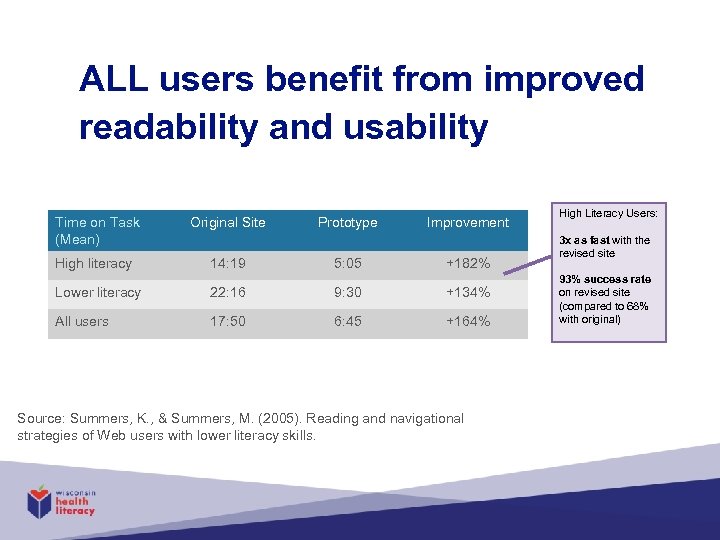
ALL users benefit from improved readability and usability Time on Task (Mean) Original Site High literacy 14: 19 Prototype 5: 05 Improvement +182% Lower literacy 22: 16 9: 30 +134% All users 17: 50 6: 45 +164% Source: Summers, K. , & Summers, M. (2005). Reading and navigational strategies of Web users with lower literacy skills. High Literacy Users: 3 x as fast with the revised site 93% success rate on revised site (compared to 68% with original)
Involving Your Audience: User-Centered Design
Why involve your audience? 1. Just because you think your material is awesome doesn’t mean that your audience does. 2. You can waste a lot of time and money developing messages and materials that nobody uses. 3. It’s the only way you can be sure that your messages will be understood.
Why involve your audience? 4. Target audience members will be empowered and invested in the success of your product. 5. It will make you a better communicator. Credit: Communicate. Health
Testing Methods • Interviews • Surveys • Focus Groups • Collaging
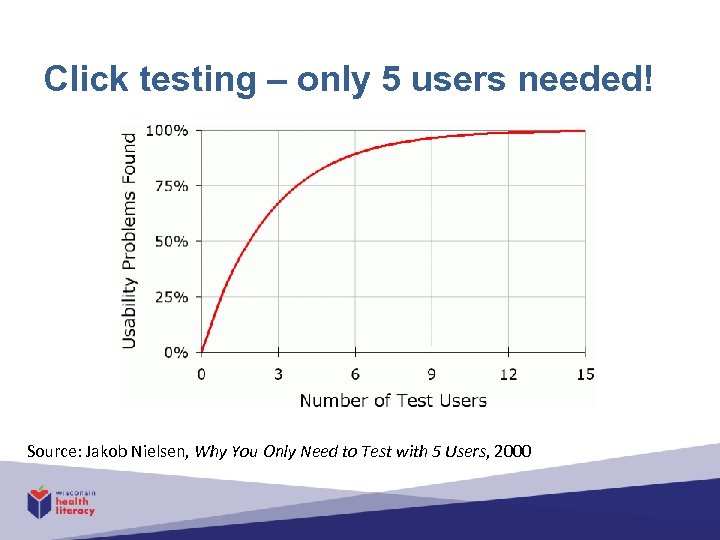
Click testing – only 5 users needed! Source: Jakob Nielsen, Why You Only Need to Test with 5 Users, 2000
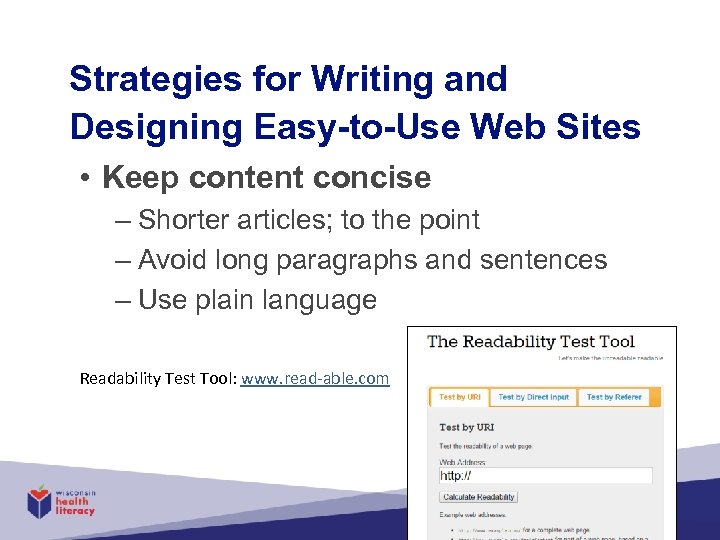
Strategies for Writing and Designing Easy-to-Use Web Sites • Keep content concise – Shorter articles; to the point – Avoid long paragraphs and sentences – Use plain language Readability Test Tool: www. read-able. com
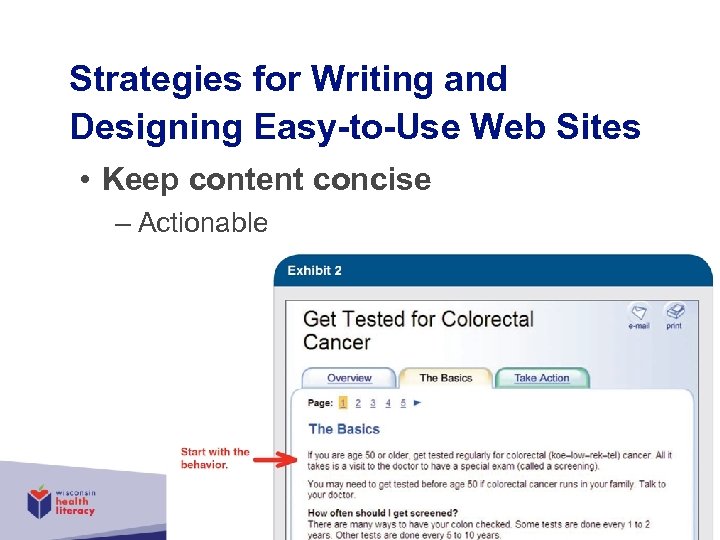
Strategies for Writing and Designing Easy-to-Use Web Sites • Keep content concise – Actionable
Strategies for Writing and Designing Easy-to-Use Web Sites • De-clutter your site – White space – Readable font – Useful, not excessive color
Strategies for Writing and Designing Easy-to-Use Web Sites • Start with a clear home page – Communicate the big picture – Be clear: “What’s in it for me? ” – Limit number of elements and graphics (buttons, boxes, lists, text) – Use links and short descriptions
Strategies for Writing and Designing Easy-to-Use Web Sites • Simplify your navigation – Clear and consistent on every page, including “back”
Strategies for Writing and Designing Easy-to-Use Web Sites • Organize and label clearly (Information architecture) – Make it intuitive (How will you know? )
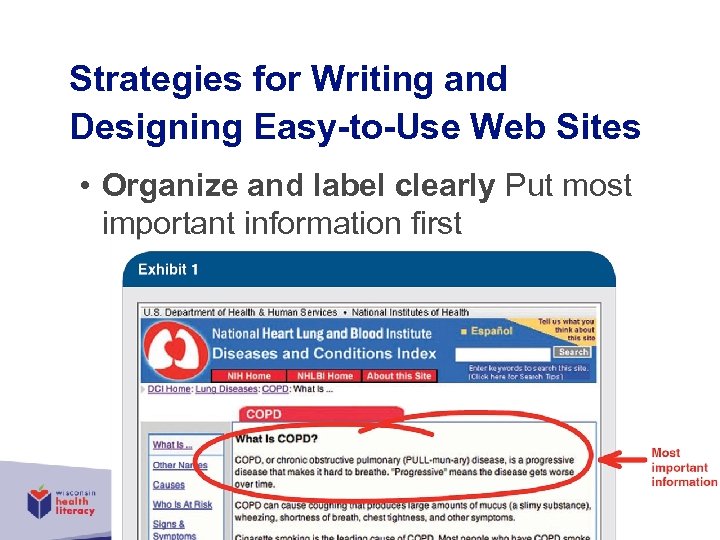
Strategies for Writing and Designing Easy-to-Use Web Sites • Organize and label clearly Put most important information first
Strategies for Writing and Designing Easy-to-Use Web Sites • Make it interactive – Personalized content – Interactive tools: • Printing information • Share • Take a poll/quiz • Calculator (e. g. , BMI)
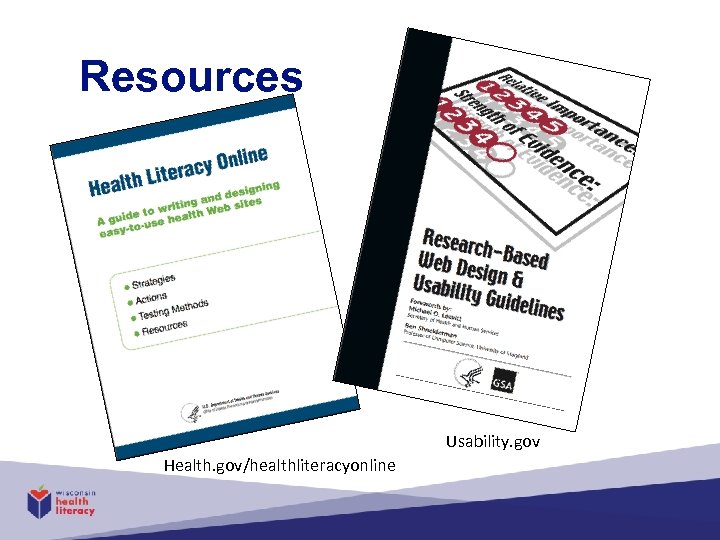
Resources Usability. gov Health. gov/healthliteracyonline
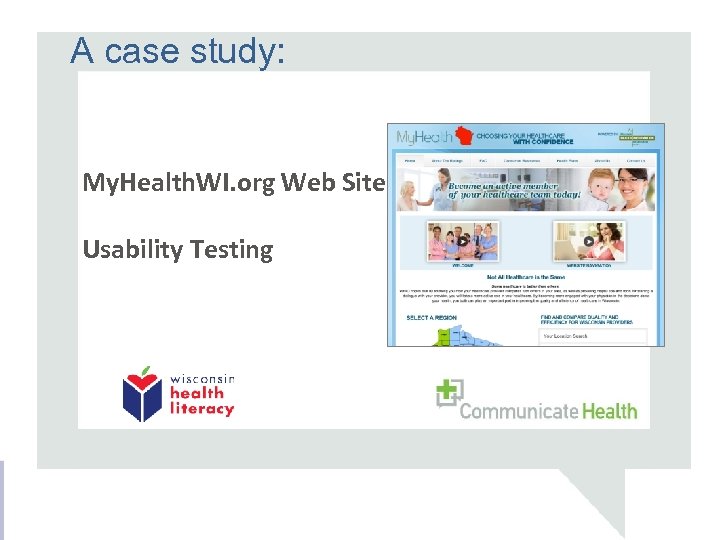
A case study: My. Health. WI. org Web Site Usability Testing
Purpose and Methods • Purpose – Evaluate usability and improve the user experience • Methods – Development of moderator’s guide – 3 remote and 3 in-person usability testing sessions – Usability review of My. Health. WI. org • Participants – 6 adults (including 2 LEP) with limited literacy skills and 1 with above average literacy skills 22
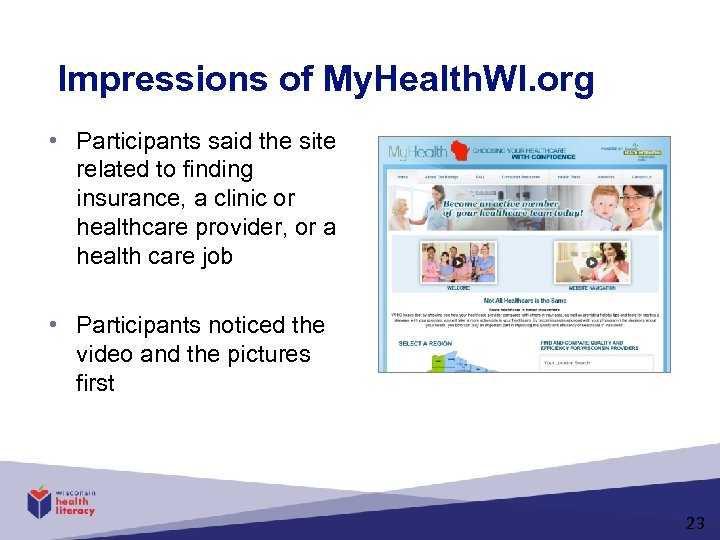
Impressions of My. Health. WI. org • Participants said the site related to finding insurance, a clinic or healthcare provider, or a health care job • Participants noticed the video and the pictures first 23
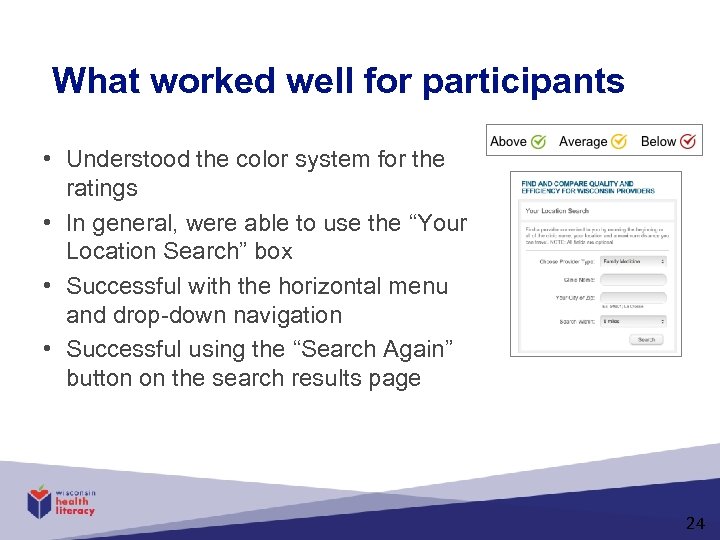
What worked well for participants • Understood the color system for the ratings • In general, were able to use the “Your Location Search” box • Successful with the horizontal menu and drop-down navigation • Successful using the “Search Again” button on the search results page 24
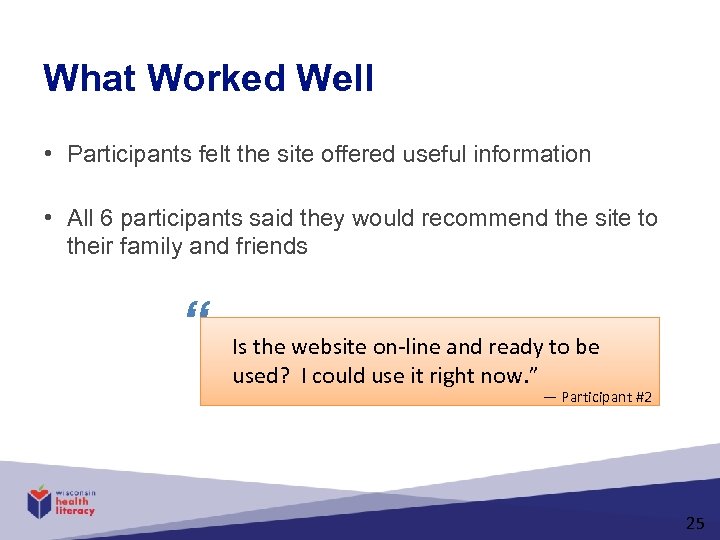
What Worked Well • Participants felt the site offered useful information • All 6 participants said they would recommend the site to their family and friends “ Is the website on-line and ready to be used? I could use it right now. ” — Participant #2 25
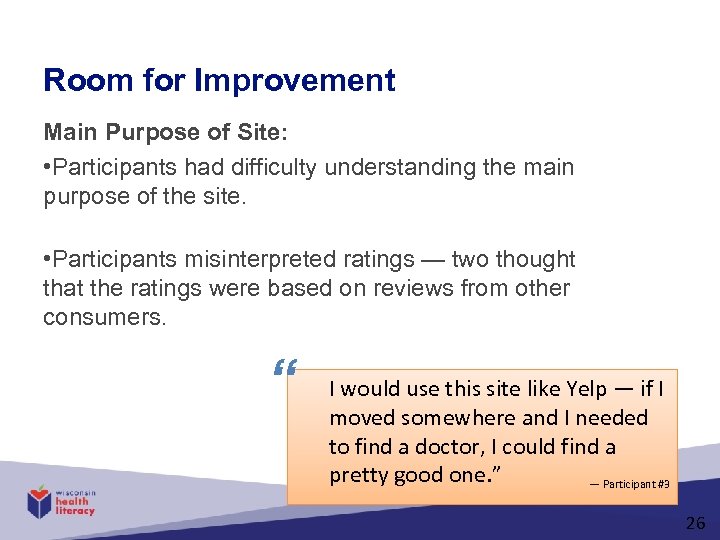
Room for Improvement Main Purpose of Site: • Participants had difficulty understanding the main purpose of the site. • Participants misinterpreted ratings — two thought that the ratings were based on reviews from other consumers. “ I would use this site like Yelp — if I moved somewhere and I needed to find a doctor, I could find a pretty good one. ” — Participant #3 26
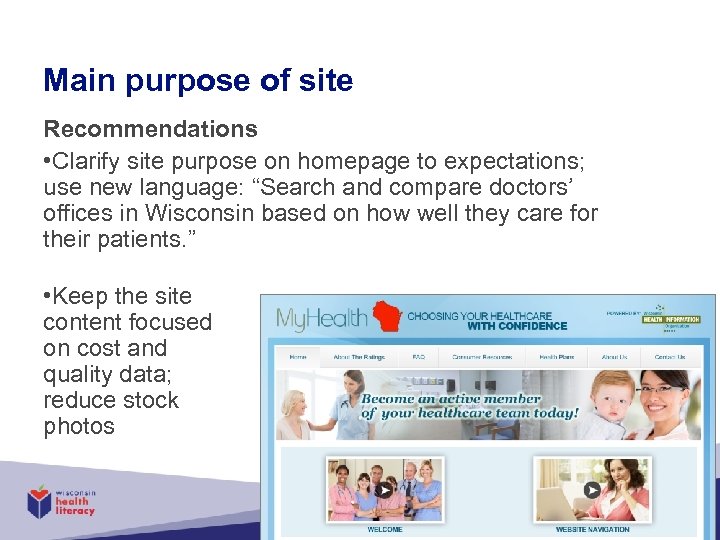
Main purpose of site Recommendations • Clarify site purpose on homepage to expectations; use new language: “Search and compare doctors’ offices in Wisconsin based on how well they care for their patients. ” • Keep the site content focused on cost and quality data; reduce stock photos 27
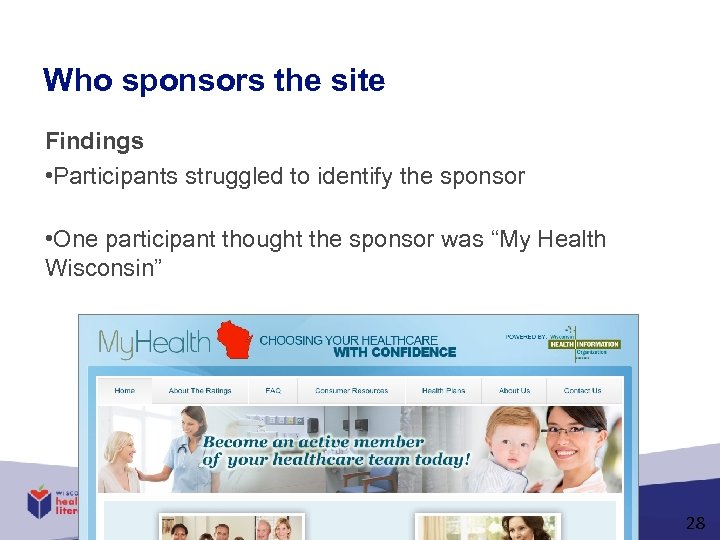
Who sponsors the site Findings • Participants struggled to identify the sponsor • One participant thought the sponsor was “My Health Wisconsin” 28
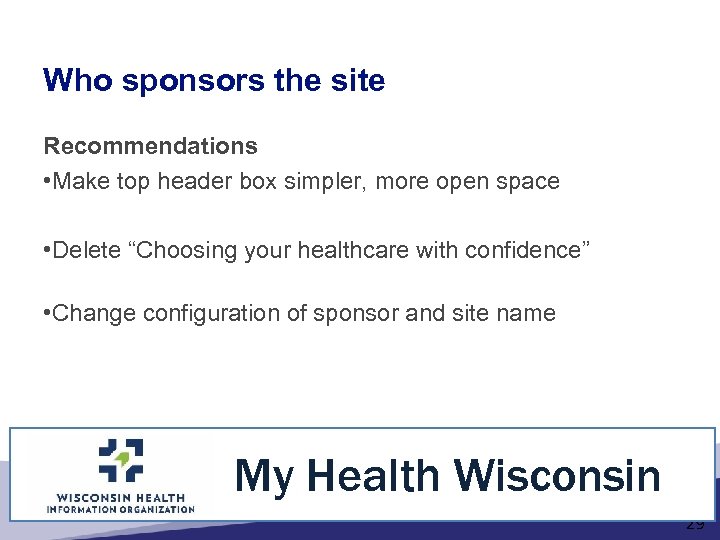
Who sponsors the site Recommendations • Make top header box simpler, more open space • Delete “Choosing your healthcare with confidence” • Change configuration of sponsor and site name My Health Wisconsin 29
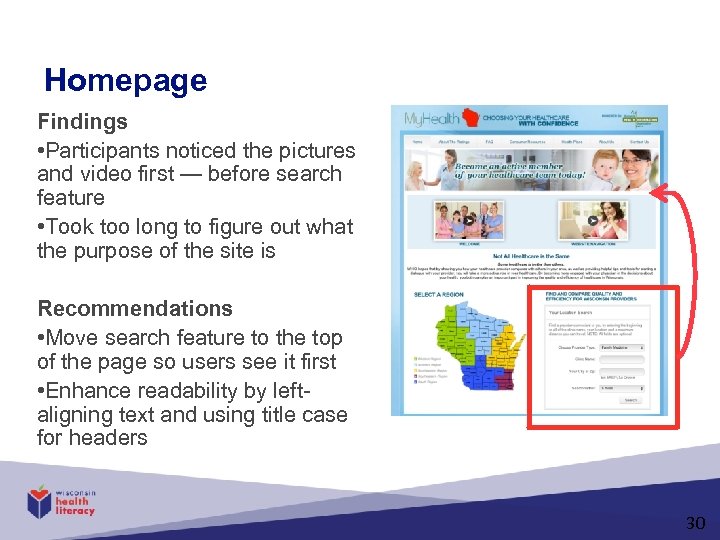
Homepage Findings • Participants noticed the pictures and video first — before search feature • Took too long to figure out what the purpose of the site is Recommendations • Move search feature to the top of the page so users see it first • Enhance readability by leftaligning text and using title case for headers 30
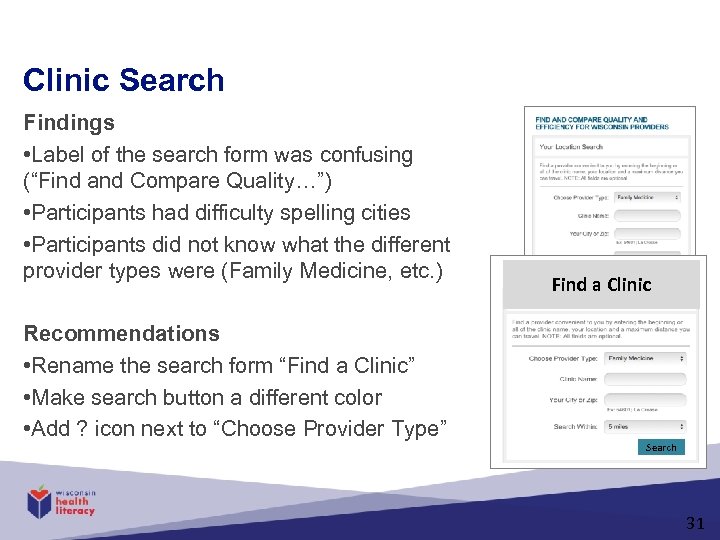
Clinic Search Findings • Label of the search form was confusing (“Find and Compare Quality…”) • Participants had difficulty spelling cities • Participants did not know what the different provider types were (Family Medicine, etc. ) Recommendations • Rename the search form “Find a Clinic” • Make search button a different color • Add ? icon next to “Choose Provider Type” Find a Clinic Search 31
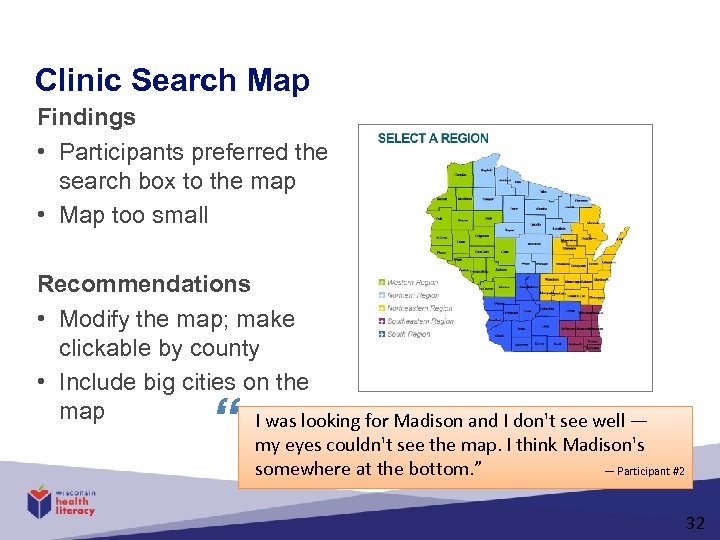
Clinic Search Map Findings • Participants preferred the search box to the map • Map too small Recommendations • Modify the map; make clickable by county • Include big cities on the map I was looking for Madison and I don't see well — “ my eyes couldn't see the map. I think Madison's — Participant #2 somewhere at the bottom. ” 32
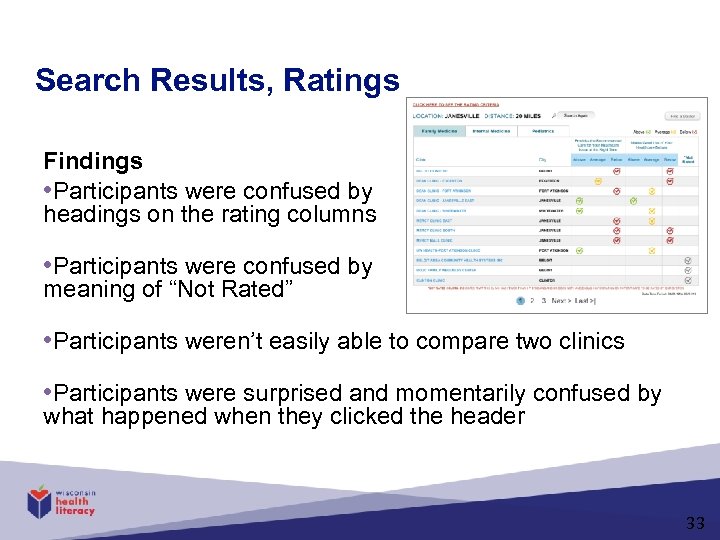
Search Results, Ratings Findings • Participants were confused by headings on the rating columns • Participants were confused by meaning of “Not Rated” • Participants weren’t easily able to compare two clinics • Participants were surprised and momentarily confused by what happened when they clicked the header 33
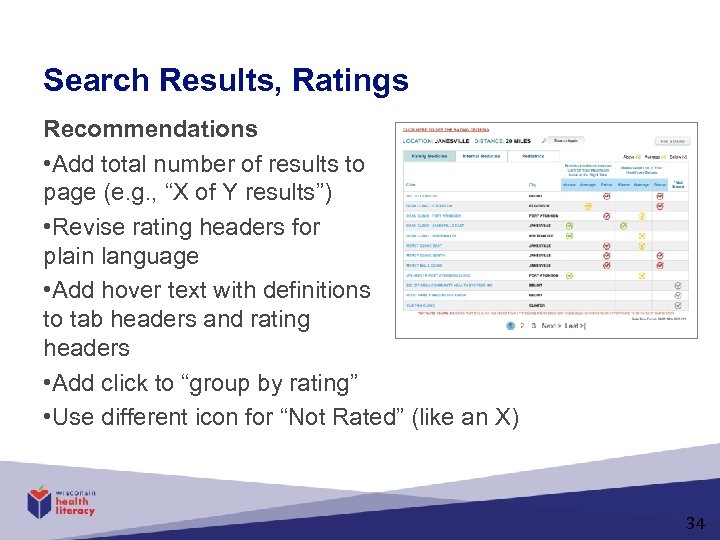
Search Results, Ratings Recommendations • Add total number of results to page (e. g. , “X of Y results”) • Revise rating headers for plain language • Add hover text with definitions to tab headers and rating headers • Add click to “group by rating” • Use different icon for “Not Rated” (like an X) 34
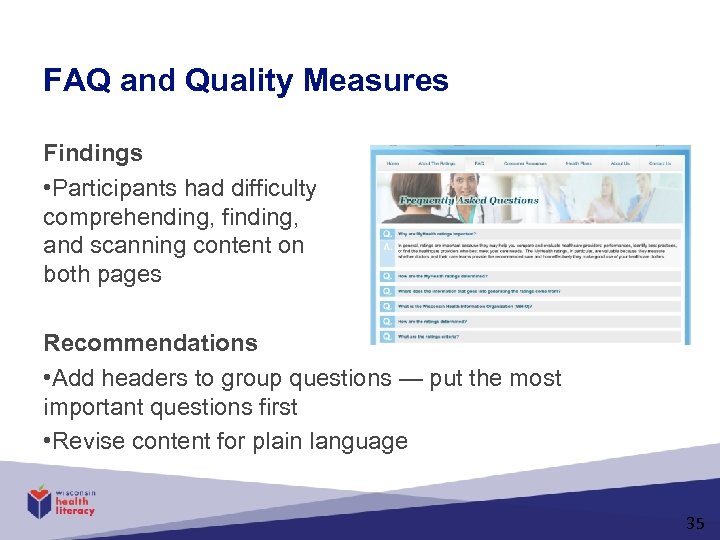
FAQ and Quality Measures Findings • Participants had difficulty comprehending, finding, and scanning content on both pages Recommendations • Add headers to group questions — put the most important questions first • Revise content for plain language 35
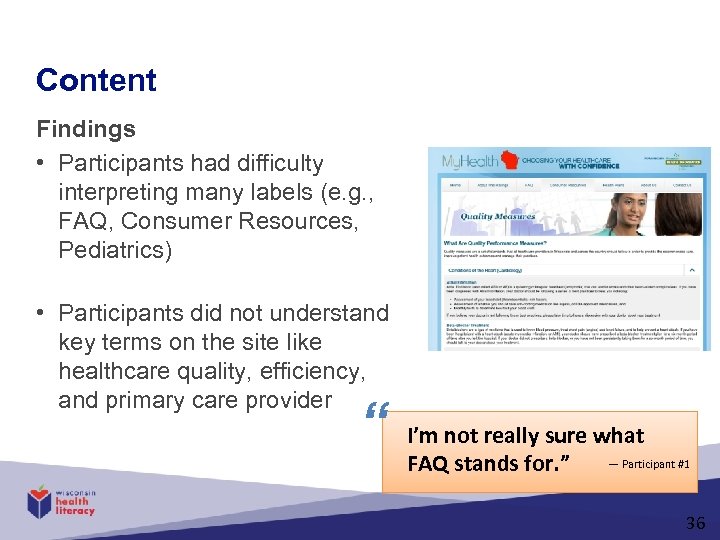
Content Findings • Participants had difficulty interpreting many labels (e. g. , FAQ, Consumer Resources, Pediatrics) • Participants did not understand key terms on the site like healthcare quality, efficiency, and primary care provider “ I’m not really sure what — Participant #1 FAQ stands for. ” 36
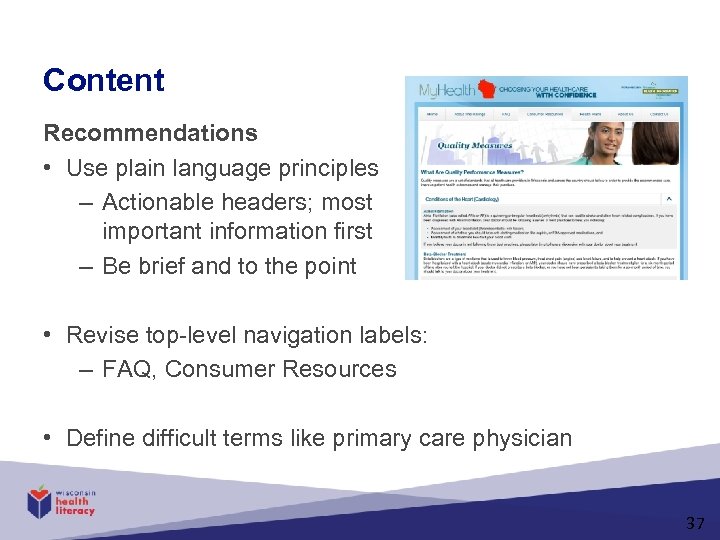
Content Recommendations • Use plain language principles – Actionable headers; most important information first – Be brief and to the point • Revise top-level navigation labels: – FAQ, Consumer Resources • Define difficult terms like primary care physician 37
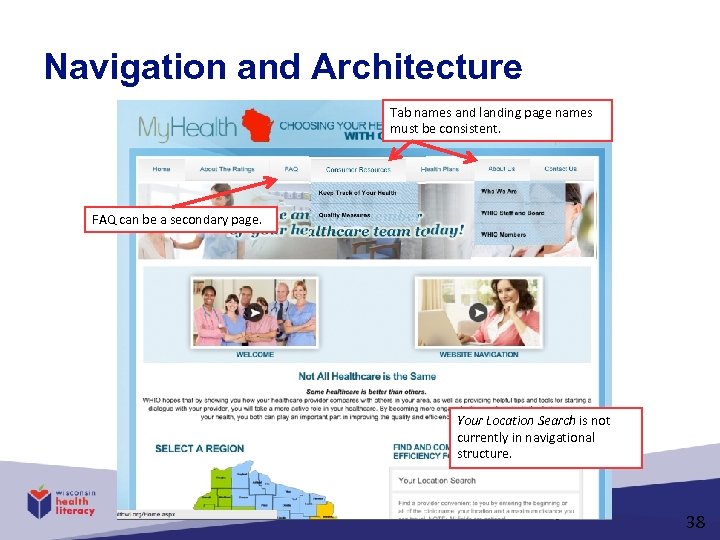
Navigation and Architecture Tab names and landing page names must be consistent. FAQ can be a secondary page. Your Location Search is not currently in navigational structure. 38
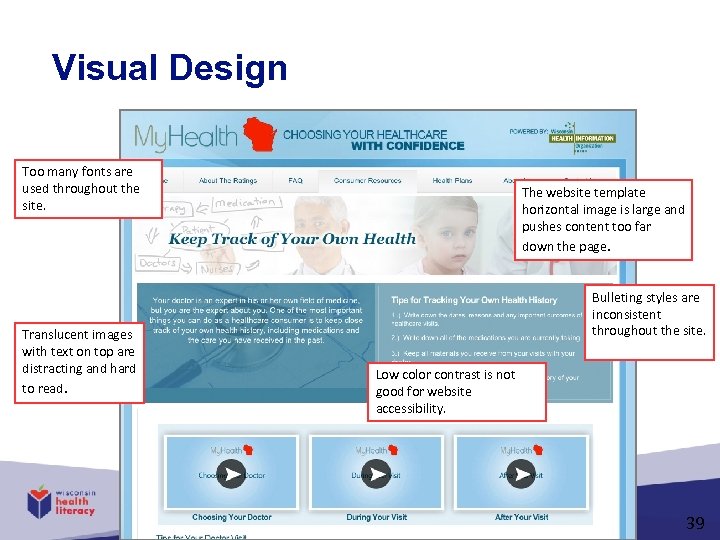
Visual Design Too many fonts are used throughout the site. Translucent images with text on top are distracting and hard to read. The website template horizontal image is large and pushes content too far down the page. Bulleting styles are inconsistent throughout the site. Low color contrast is not good for website accessibility. 39
Writing and Designing Easy-to-Use Web Sites Steven Sparks Health Literacy Director steve@wisconsinliteracy. org
Скачать презентацию Writing and Designing Easy-to-Use Web Sites Steven Sparks
76bddc729b89568affcfc9bd86ce51a9.ppt