 Скачать презентацию World Wide Web and Hypermedia CIS 376 Bruce
4450a991a0c2173530473652e1cf42b7.ppt
- Количество слайдов: 41



World Wide Web and Hypermedia CIS 376 Bruce R. Maxim UM-Dearborn
Recognizing Potential Hypertext Projects • A large body of information exists and is organized into several fragments • Fragments are interrelated • User only needs to access to small number of fragments at a time
Hypertext Design Problems • Project content inappropriate for hypertext • Poor hypertext design (e. g. too many links, long chains, dull articles, inadequate overviews)
Hypertext Authoring Tool Functionality • • • Import Edit Export Print Search
Web Authoring Tools - part 1 • • Full set of direct manipulation editing functions Link list management tools Link verification Range of display formatting Availability of search and replace Control of color Capability to switch between authoring and editing
Web Authoring Tools - part 2 • Availability of graphics and video embedding or editing tools • Collaboration possible • Data compression • Security control • Encryption • Reliability • Import and export of standard interchange formats
Hypertext Design - part 1 • • • Know users and their tasks Ensure meaningful structure comes first Multidisciplinary design team Respect chunking Show interrelationships within and between documents explicitly
Hypertext Design - part 2 • • • Be consistent in creating document names Work form master reference lists Ensure simplicity in traversal Design each screen carefully Require low user cognitive load
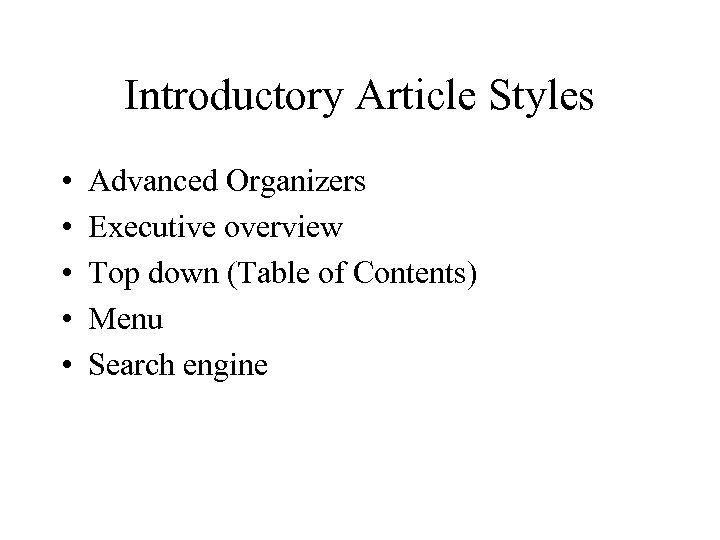
Introductory Article Styles • • • Advanced Organizers Executive overview Top down (Table of Contents) Menu Search engine
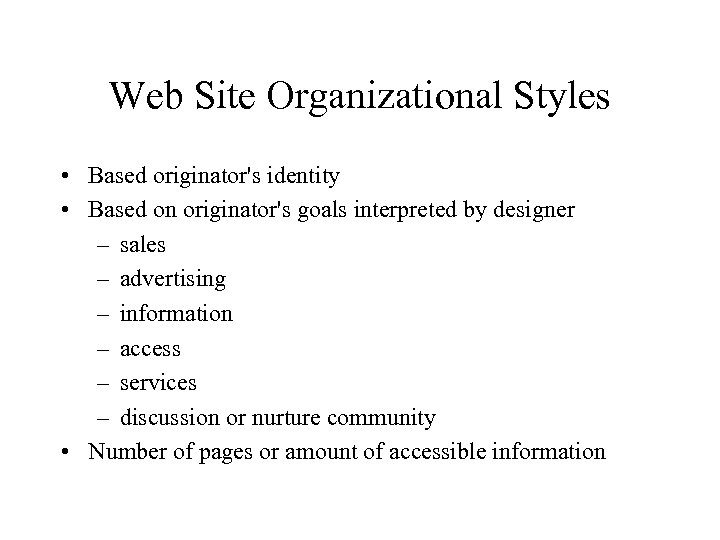
Web Site Organizational Styles • Based originator's identity • Based on originator's goals interpreted by designer – sales – advertising – information – access – services – discussion or nurture community • Number of pages or amount of accessible information
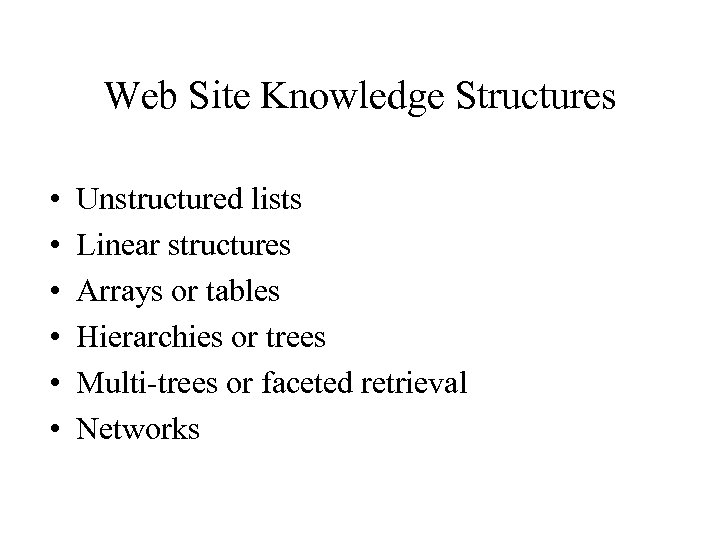
Web Site Knowledge Structures • • • Unstructured lists Linear structures Arrays or tables Hierarchies or trees Multi-trees or faceted retrieval Networks
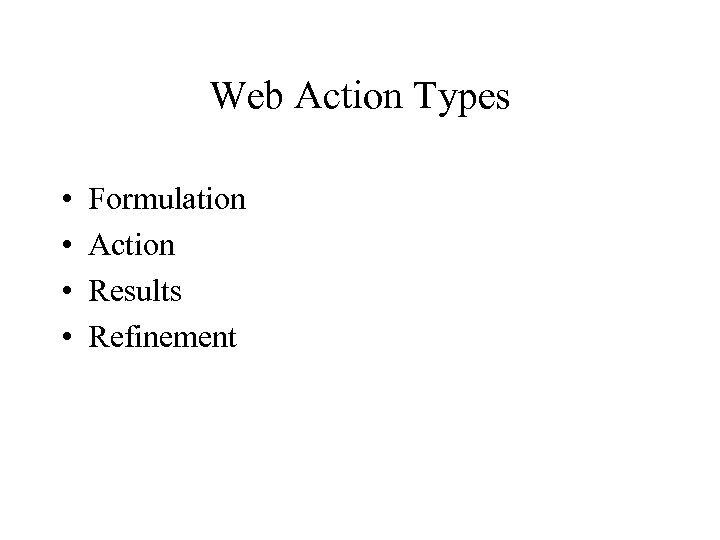
Web Action Types • • Formulation Action Results Refinement
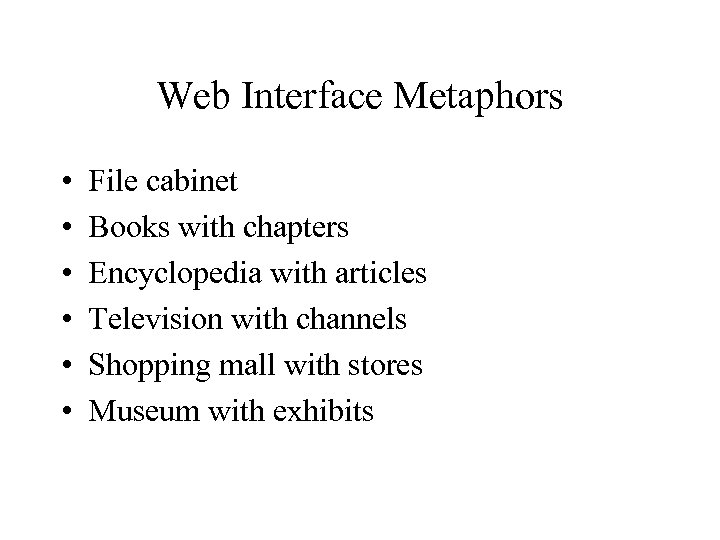
Web Interface Metaphors • • • File cabinet Books with chapters Encyclopedia with articles Television with channels Shopping mall with stores Museum with exhibits
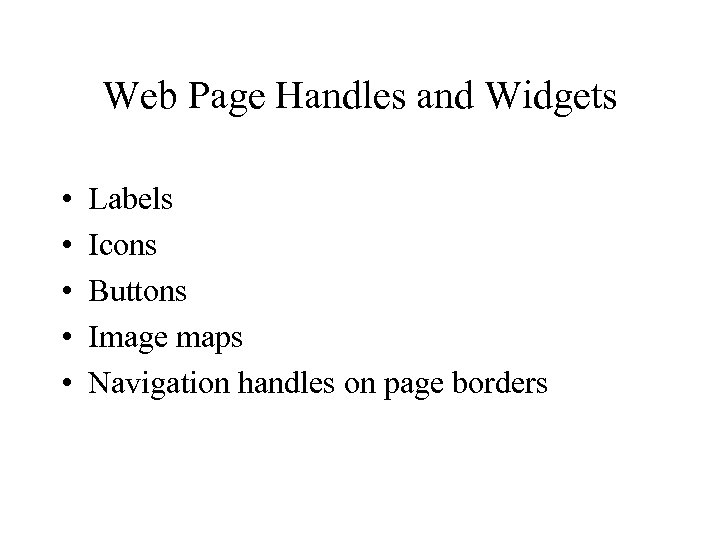
Web Page Handles and Widgets • • • Labels Icons Buttons Image maps Navigation handles on page borders
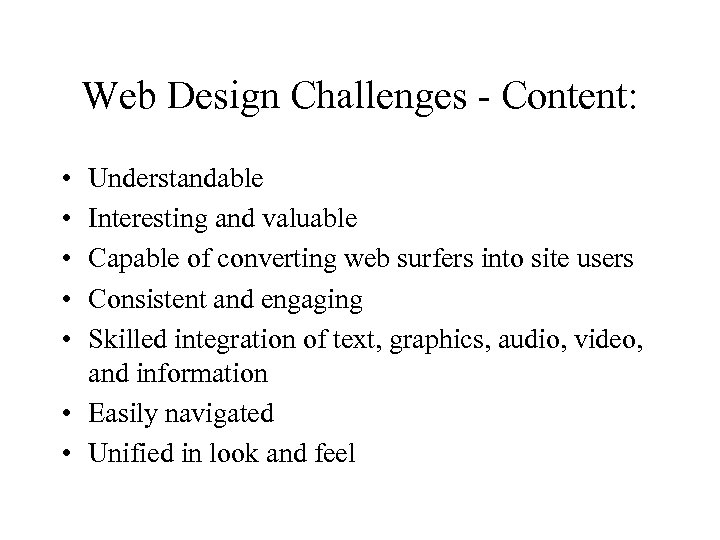
Web Design Challenges - Content: • • • Understandable Interesting and valuable Capable of converting web surfers into site users Consistent and engaging Skilled integration of text, graphics, audio, video, and information • Easily navigated • Unified in look and feel
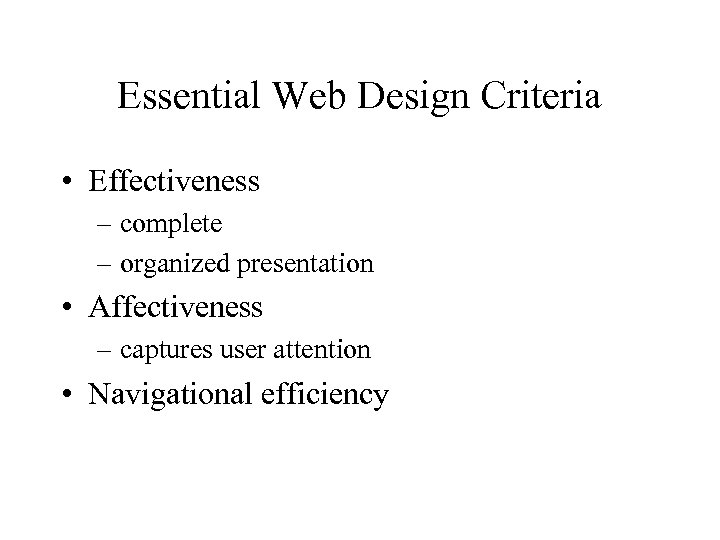
Essential Web Design Criteria • Effectiveness – complete – organized presentation • Affectiveness – captures user attention • Navigational efficiency
First Generation Web Sites • Content focused • Ignored flash • Very few links
Second Generation Web Sites • Flashy features added for their own sake • Lots of hyperlinks
Third Generation Web Sites • Balances the 3 design components • Demonstrated a deeper understanding of – intended audience – purpose of web presentation – design challenges – media opportunities – information presented
Fourth Generation Web Sites • • Increased interactivity Providing live access to current content Multimedia Make use of smart links and knowledge engineering
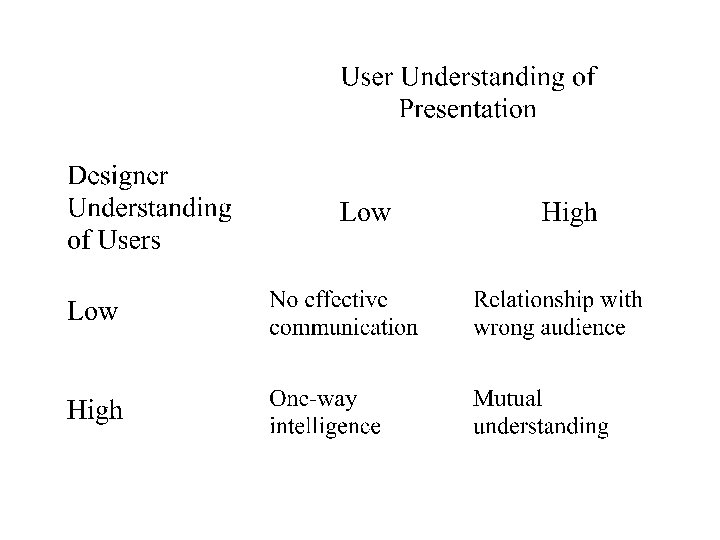
Mutual Understandings Between Designers and Users • Designer must execute a design that reflects user – knowledge, – capabilities – information needs • User must have an accurate perception of the – web site purpose – information being presented
Attracting Users • Users form then initial impression of a web site within the first 7 seconds of access. • While at a web site, users continuously evaluate their progress toward accomplishing their goals.
Web Site Purposes • Entertainment • Enable information exchange • Information – what – where – when – who – how – cost
Web Creator Roles • Presenter (client) • Information steward • Designer
Web Designer Skill Set • • Understand information (semantics) Translate information to structure Translate structure to web pages Have artistic sense Have capacity for language selection and use Be able to work with multimedia technology Be able to work with client/server technology (database, web access, security)
Research and Idea Generation • Define information for each group of expected users • Statement of what web presentation is to do • List of information resources
Idea Generation Techniques • Brainstorming • Interviews • Virtual value chain analysis – business process analysis – value added benefits to customers • Web research
Defining Information Domain • User-centered approach – identify each user group and determine their information needs • Information-centered approach – each type of information is classified and then clustered according to potential user group needs
Important Analysis Questions • What do potential users want to know about the company? • What do users want to know about the people? • What do users want to know about company business? • How might users want to interact with our company?
Information Decomposition and Information Structuring • Decomposition - process of separating information into component objects or chunks • Structuring - process of organizing the chunks into a knowledge architecture
Chunk Tracking Every chunk needs to be tracked somehow – List or outline – Group of index cards – Database – CASE tools
Information Structuring Guidelines • • Chunks organized into a directed graph Add cardinality information to each graph node Add volatility information to each graph node Consider redrawing the diagram as a summary diagram • Create object relationship matrix • Examine matrix for critical objects • Revise summary diagram as needed
Object Relationship Types • General to specific • Isa • Associative
Web Design Process • Establish content and location of each information object using text analysis and composition • Identify and implement hyperlink targets • Identify and implement multimedia options • Test and revise
• Text analysis – develop best prose statements to convey intended message for each information object • Text composition – all objects are organized, rearranged, and regrouped until best web site placement is found (relies on storyboarding techniques)
Storyboarding • Once a complete set of web pages is storyboarded the storyboard are arranged in predicted thread order. • Each thread needs to be analyzed for gaps and sequencing problems. • Testing of final threads is done by walking through each thread using the appropriate user viewpoint.
Web Page Composition • • Layout Typography Color Hyperlinks
Hyperlink Types - part 1 • Intra-page – used assist access to long complex pages • Intranet – used to create threads for users – show business relationships – breakup long web pages
Hyperlink Types - part 2 • Intersite – value added stuff when another site is • • • complete accurate compatible with your site appeals to audience supports page goals
Linkage Evaluation • Done by building a linkage diagram and examining ratios of actual links to total possible for each page. • Ratio of actual links to total possible links should be 40 -60%. • 7 plus or minus 2 is another good rule of thumb for links from given page.
Скачать презентацию World Wide Web and Hypermedia CIS 376 Bruce
4450a991a0c2173530473652e1cf42b7.ppt