 Скачать презентацию Workshop on Web Development By Praveen Kavuri D
5e4f82ca3591bfd1e75671b898815930.ppt
- Количество слайдов: 58




Workshop on Web Development By Praveen Kavuri, D Rajeev Reddy
Use • • Day by day users of internet has increased Access to any information just at the fingertips Social networking And many more ……. . What’s in this for you: • Large scope in the future as site traffic increases. • Many start up’s intern opportunities and also as a parttime job. www. prodex. org. in Use of Web designing:
• • Clients and Servers Internet Service Providers Web Site Hosting Services Domains Names, URL’s and Ips www. prodex. org. in Web Components
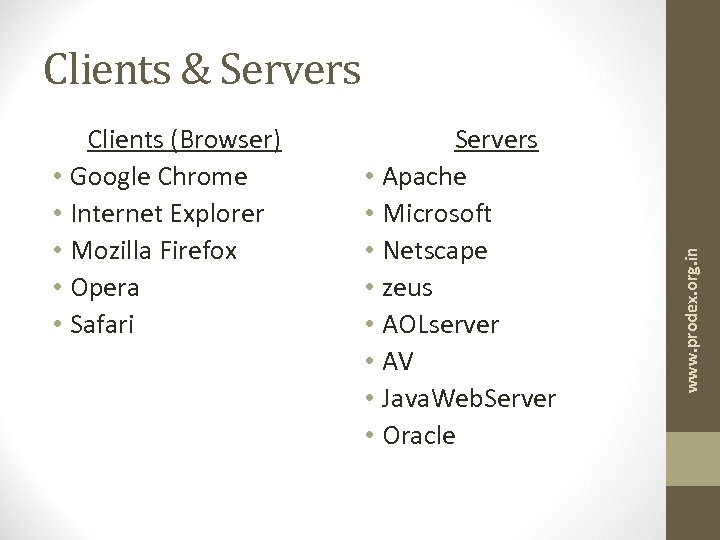
Clients (Browser) • Google Chrome • Internet Explorer • Mozilla Firefox • Opera • Safari Servers • Apache • Microsoft • Netscape • zeus • AOLserver • AV • Java. Web. Server • Oracle www. prodex. org. in Clients & Servers
• • Clients and Servers Internet Service Providers Web Site Hosting Services Domains Names, URL’s and Ips www. prodex. org. in Web Components
Internet Service Providers • Phone Company • AOL • Earthlink • Verizone • Net. Zero • Basic internet connection • Dialup/DSL/Cable/Sat www. prodex. org. in Connect Clients to the Internet
• • Clients and Servers Internet Service Providers Web Site Hosting Services Domains Names, URL’s and Ips www. prodex. org. in Web Components
Web Hosting Services • Computer (server) • Web server software • Firewall hardware and software • IT services • (Backup, troubleshooting, hardware repair) • Disk space • Bandwidth / connection to internet • Routers and switchers • Email server / storage www. prodex. org. in Connects Web Sites to the Internet
• • Clients and Servers Internet Service Providers Web Site Hosting Services Domains Names, URL’s and Ips www. prodex. org. in Web Components
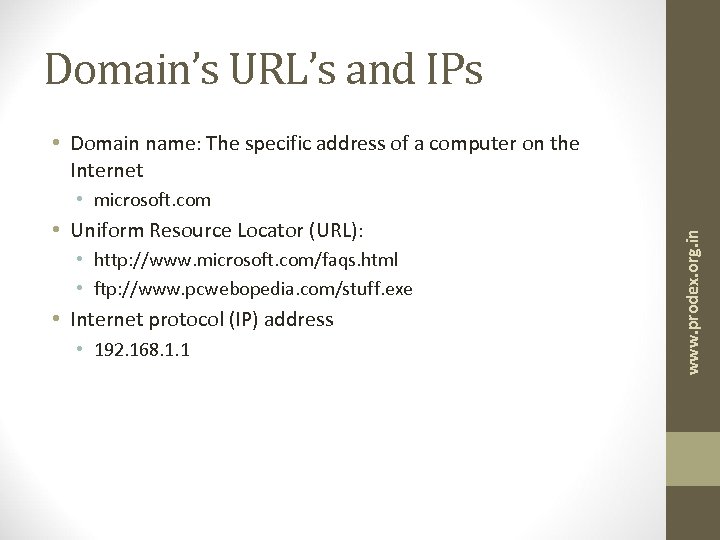
Domain’s URL’s and IPs • Domain name: The specific address of a computer on the Internet • Uniform Resource Locator (URL): • http: //www. microsoft. com/faqs. html • ftp: //www. pcwebopedia. com/stuff. exe • Internet protocol (IP) address • 192. 168. 1. 1 www. prodex. org. in • microsoft. com
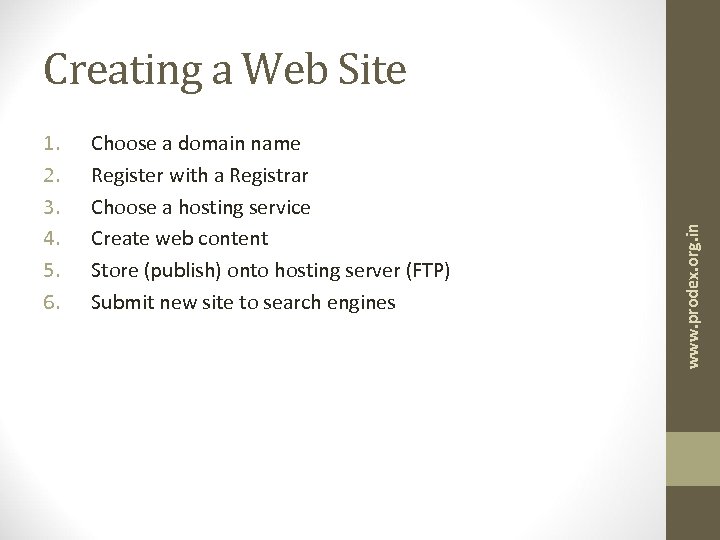
1. 2. 3. 4. 5. 6. Choose a domain name Register with a Registrar Choose a hosting service Create web content Store (publish) onto hosting server (FTP) Submit new site to search engines www. prodex. org. in Creating a Web Site
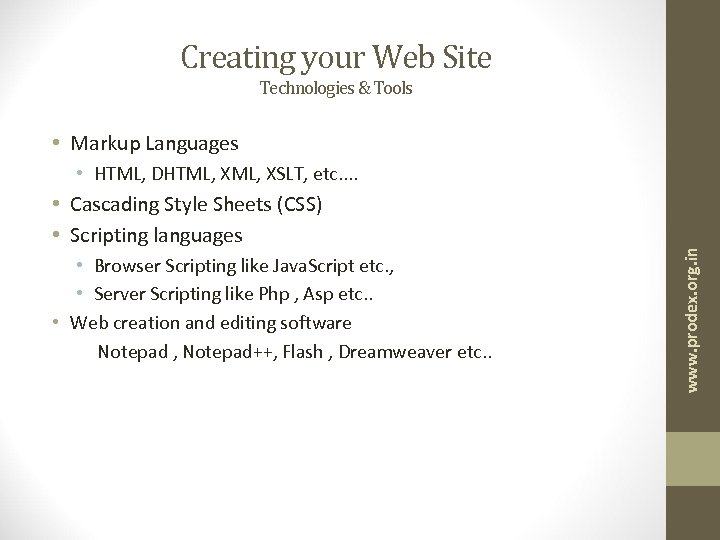
Creating your Web Site Technologies & Tools • Markup Languages • Cascading Style Sheets (CSS) • Scripting languages • Browser Scripting like Java. Script etc. , • Server Scripting like Php , Asp etc. . • Web creation and editing software Notepad , Notepad++, Flash , Dreamweaver etc. . www. prodex. org. in • HTML, DHTML, XSLT, etc. .
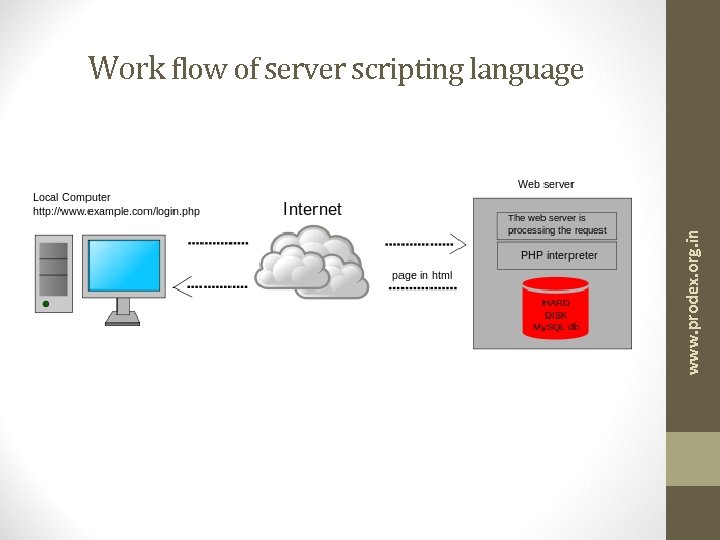
www. prodex. org. in Work flow of server scripting language
Markup Languages - HTML www. prodex. org. in • Hyper Text Markup Language
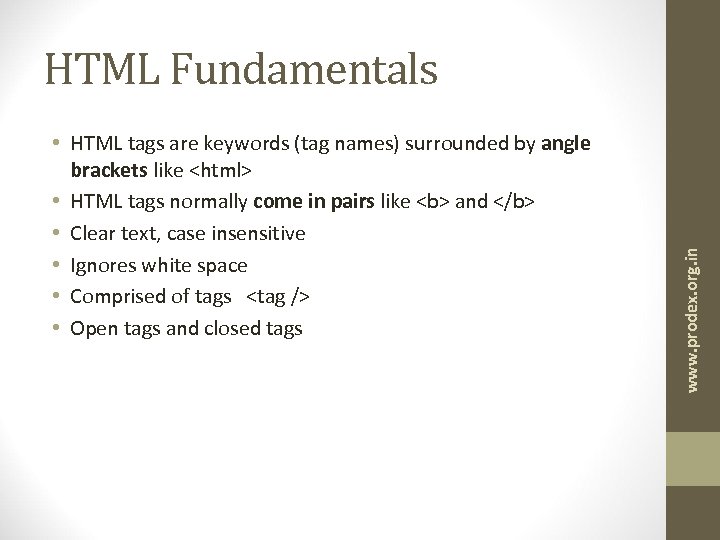
• HTML tags are keywords (tag names) surrounded by angle brackets like <html> • HTML tags normally come in pairs like <b> and </b> • Clear text, case insensitive • Ignores white space • Comprised of tags <tag /> • Open tags and closed tags www. prodex. org. in HTML Fundamentals
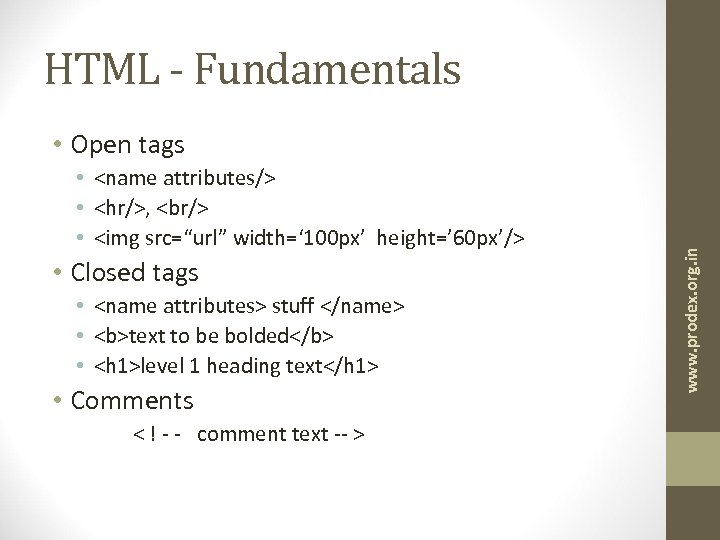
HTML - Fundamentals • <name attributes/> • <hr/>, <br/> • <img src=“url” width=‘ 100 px’ height=’ 60 px’/> • Closed tags • <name attributes> stuff </name> • <b>text to be bolded</b> • <h 1>level 1 heading text</h 1> • Comments < ! - - comment text -- > www. prodex. org. in • Open tags
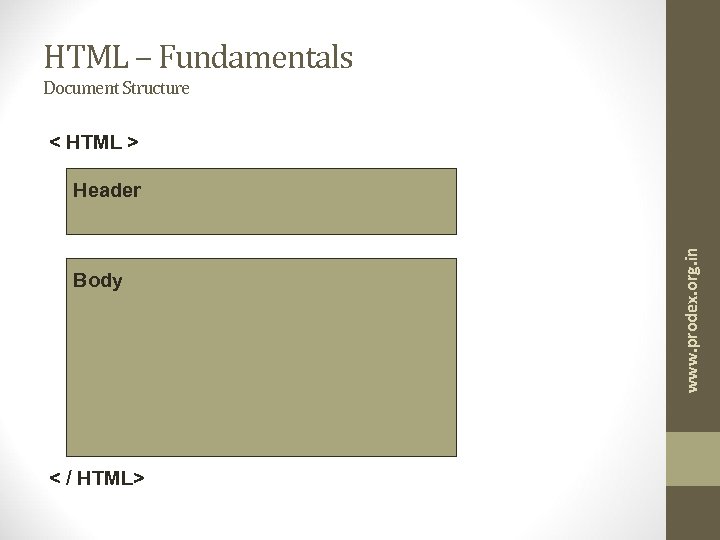
HTML – Fundamentals Document Structure < HTML > Body < / HTML> www. prodex. org. in Header
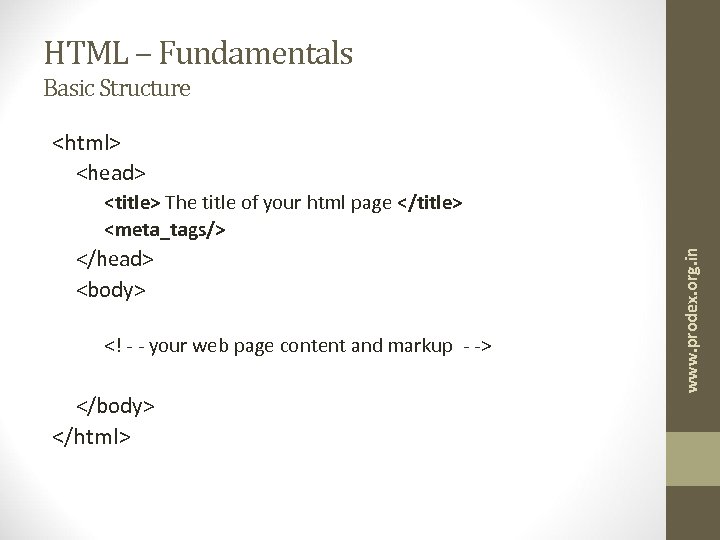
HTML – Fundamentals Basic Structure <html> <head> </head> <body> <! - - your web page content and markup - -> </body> </html> www. prodex. org. in <title> The title of your html page </title> <meta_tags/>
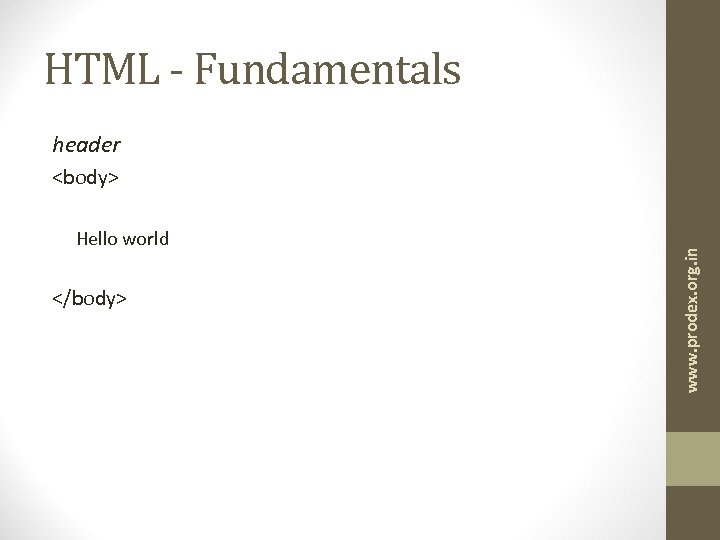
HTML - Fundamentals header Hello world </body> www. prodex. org. in <body>
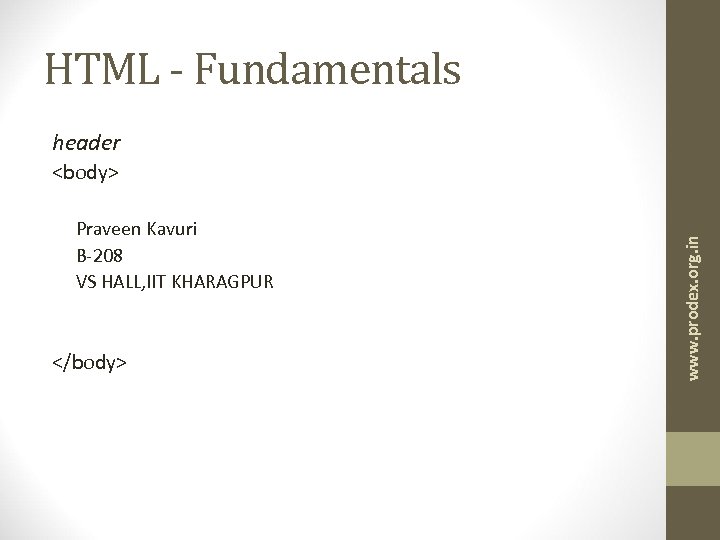
HTML - Fundamentals header Praveen Kavuri B-208 VS HALL, IIT KHARAGPUR </body> www. prodex. org. in <body>
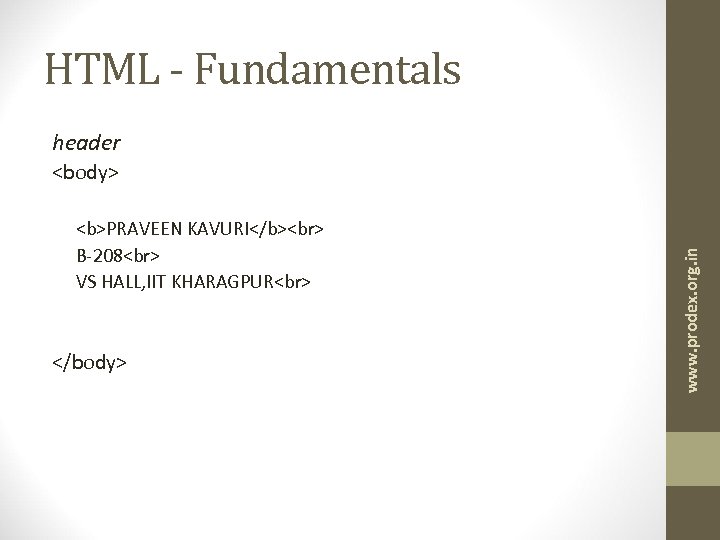
HTML - Fundamentals header <b>PRAVEEN KAVURI</b> B-208 VS HALL, IIT KHARAGPUR </body> www. prodex. org. in <body>
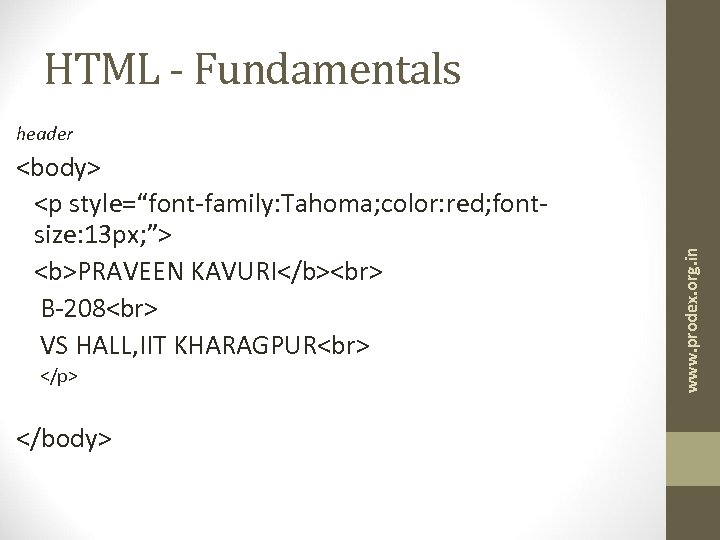
HTML - Fundamentals <body> <p style=“font-family: Tahoma; color: red; fontsize: 13 px; ”> <b>PRAVEEN KAVURI</b> B-208 VS HALL, IIT KHARAGPUR </p> </body> www. prodex. org. in header
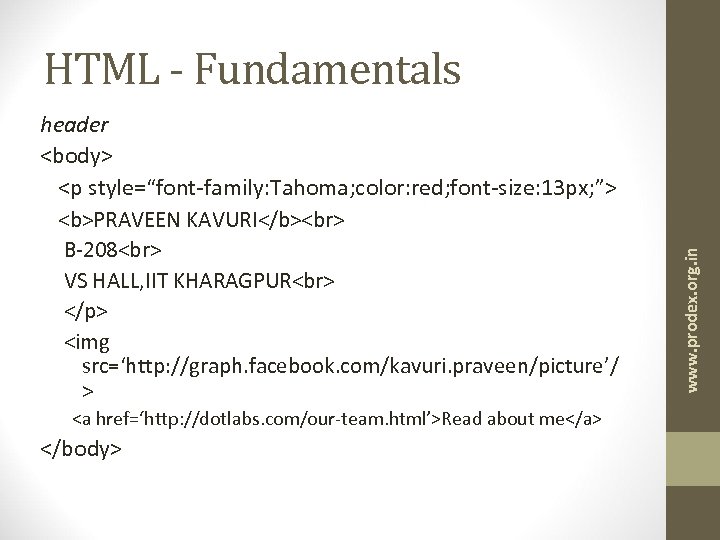
header <body> <p style=“font-family: Tahoma; color: red; font-size: 13 px; ”> <b>PRAVEEN KAVURI</b> B-208 VS HALL, IIT KHARAGPUR </p> <img src=‘http: //graph. facebook. com/kavuri. praveen/picture’/ > <a href=‘http: //dotlabs. com/our-team. html’>Read about me</a> </body> www. prodex. org. in HTML - Fundamentals
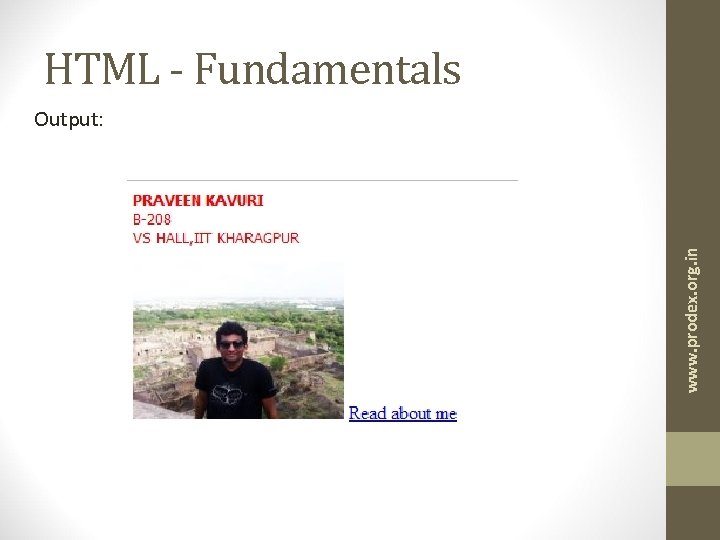
HTML - Fundamentals www. prodex. org. in Output:
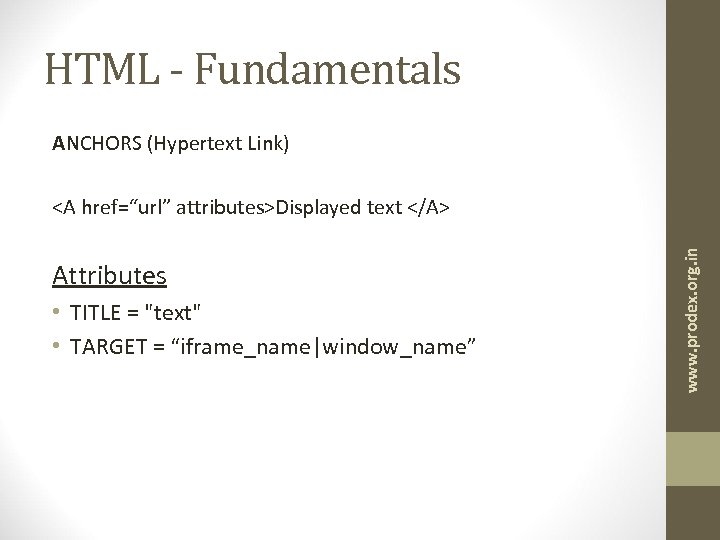
HTML - Fundamentals ANCHORS (Hypertext Link) Attributes • TITLE = "text" • TARGET = “iframe_name|window_name” www. prodex. org. in <A href=“url” attributes>Displayed text </A>
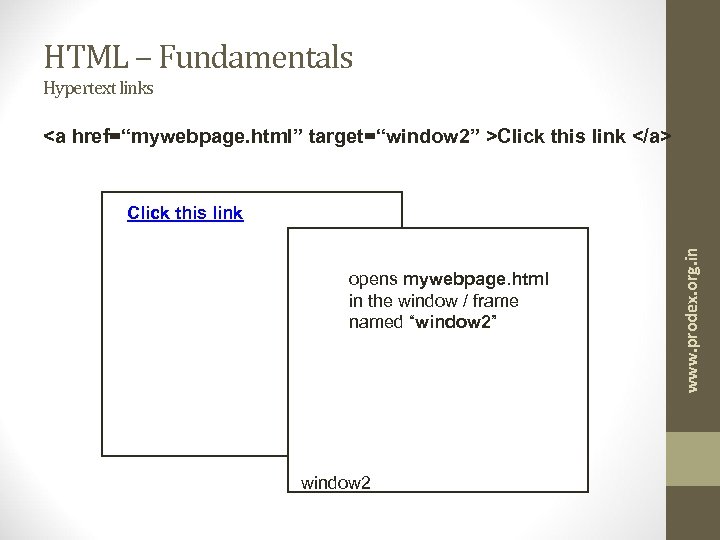
HTML – Fundamentals Hypertext links <a href=“mywebpage. html” target=“window 2” >Click this link </a> opens mywebpage. html in the window / frame named “window 2” window 2 www. prodex. org. in Click this link
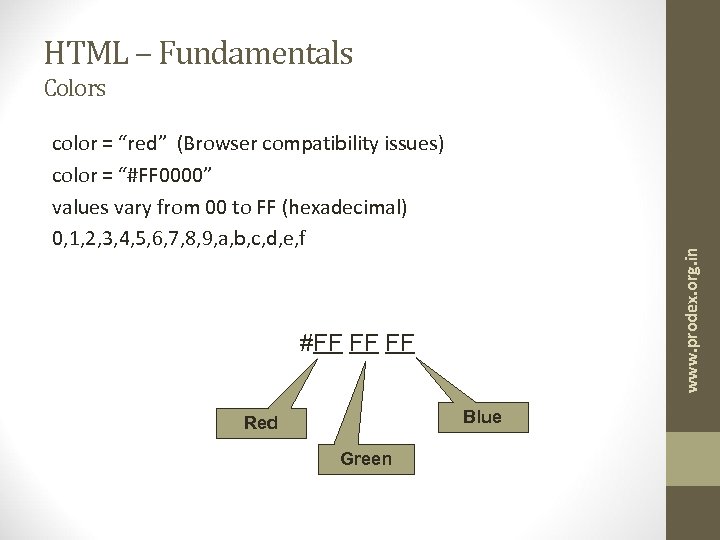
HTML – Fundamentals Colors www. prodex. org. in color = “red” (Browser compatibility issues) color = “#FF 0000” values vary from 00 to FF (hexadecimal) 0, 1, 2, 3, 4, 5, 6, 7, 8, 9, a, b, c, d, e, f #FF FF FF Blue Red Green
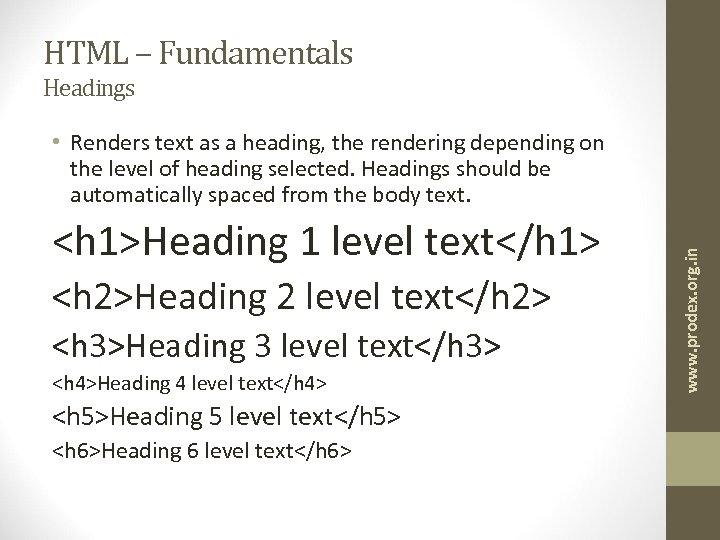
HTML – Fundamentals Headings <h 1>Heading 1 level text</h 1> <h 2>Heading 2 level text</h 2> <h 3>Heading 3 level text</h 3> <h 4>Heading 4 level text</h 4> <h 5>Heading 5 level text</h 5> <h 6>Heading 6 level text</h 6> www. prodex. org. in • Renders text as a heading, the rendering depending on the level of heading selected. Headings should be automatically spaced from the body text.
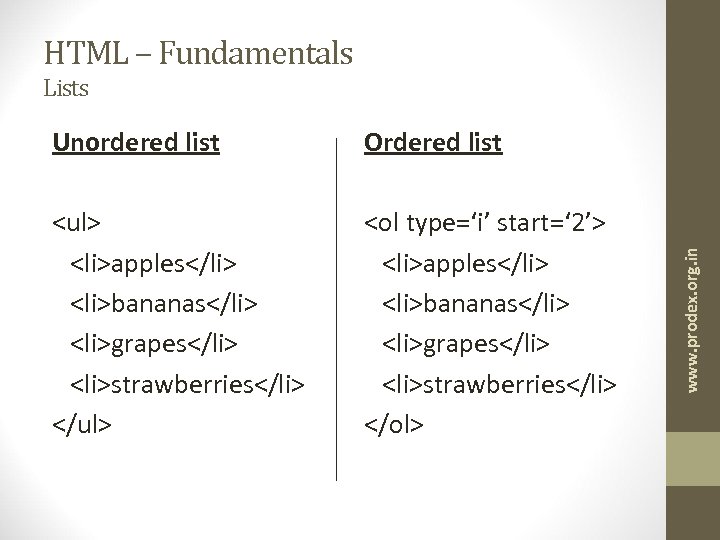
HTML – Fundamentals Lists Ordered list <ul> <li>apples</li> <li>bananas</li> <li>grapes</li> <li>strawberries</li> </ul> <ol type=‘i’ start=‘ 2’> <li>apples</li> <li>bananas</li> <li>grapes</li> <li>strawberries</li> </ol> www. prodex. org. in Unordered list
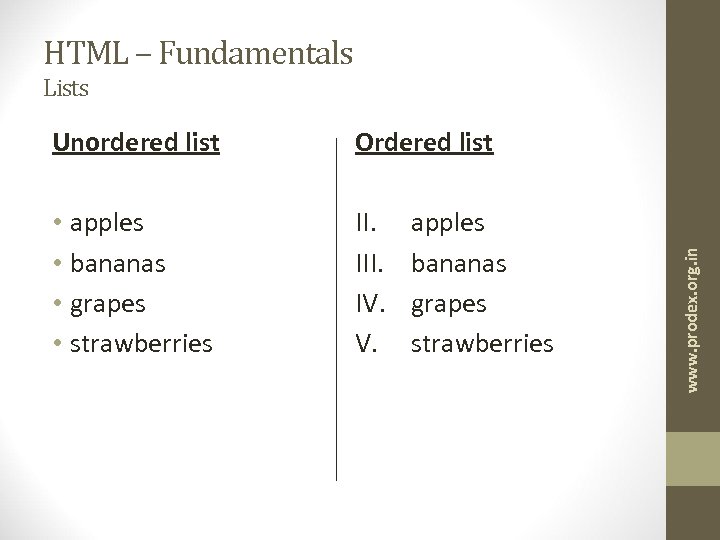
HTML – Fundamentals Lists Ordered list • apples • bananas • grapes • strawberries II. IV. V. apples bananas grapes strawberries www. prodex. org. in Unordered list
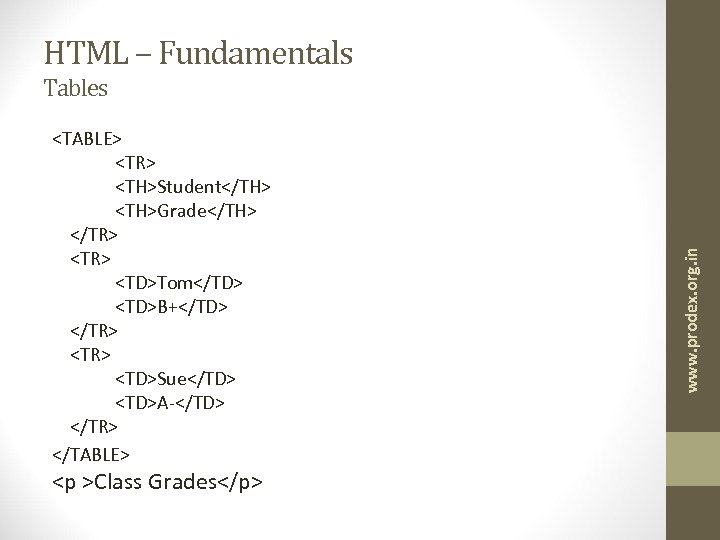
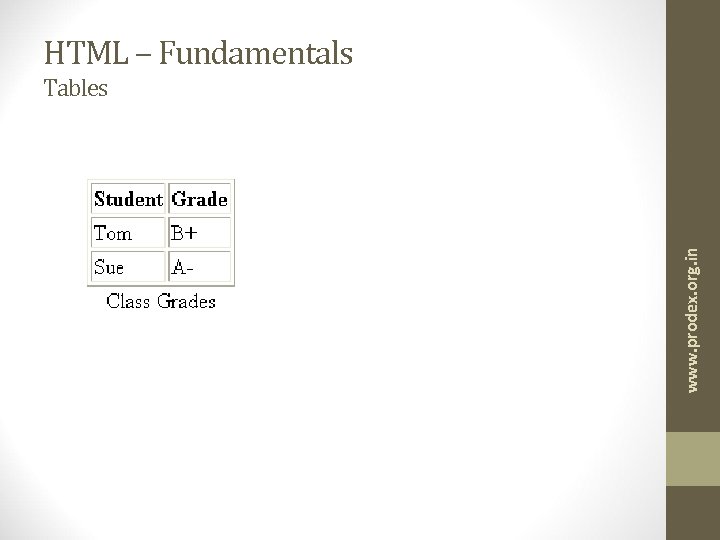
HTML – Fundamentals <TABLE> <TR> <TH>Student</TH> <TH>Grade</TH> </TR> <TD>Tom</TD> <TD>B+</TD> </TR> <TD>Sue</TD> <TD>A-</TD> </TR> </TABLE> <p >Class Grades</p> www. prodex. org. in Tables
HTML – Fundamentals www. prodex. org. in Tables
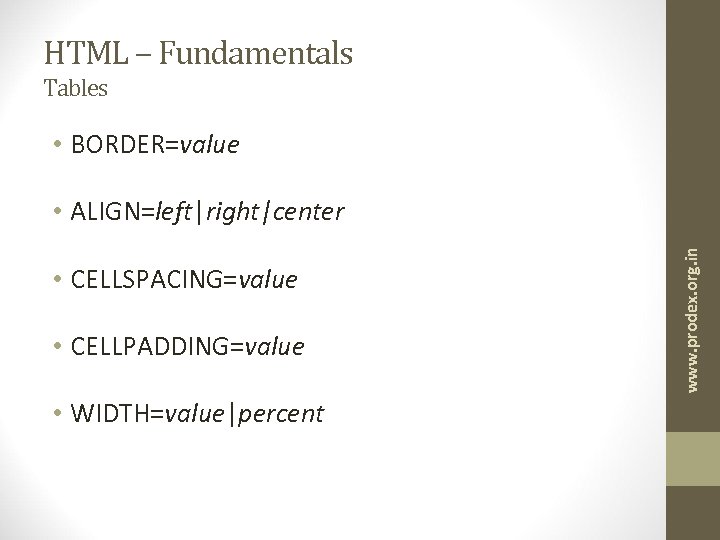
HTML – Fundamentals Tables • BORDER=value • CELLSPACING=value • CELLPADDING=value • WIDTH=value|percent www. prodex. org. in • ALIGN=left|right|center
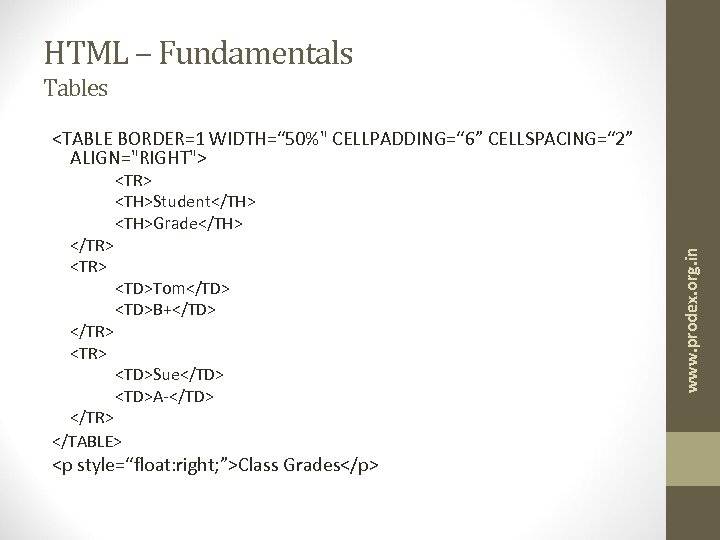
HTML – Fundamentals Tables <TABLE BORDER=1 WIDTH=“ 50%" CELLPADDING=“ 6” CELLSPACING=“ 2” ALIGN="RIGHT"> </TR> <TD>Tom</TD> <TD>B+</TD> <TD>Sue</TD> <TD>A-</TD> </TR> </TABLE> <p style=“float: right; ”>Class Grades</p> www. prodex. org. in </TR> <TR> <TH>Student</TH> <TH>Grade</TH>
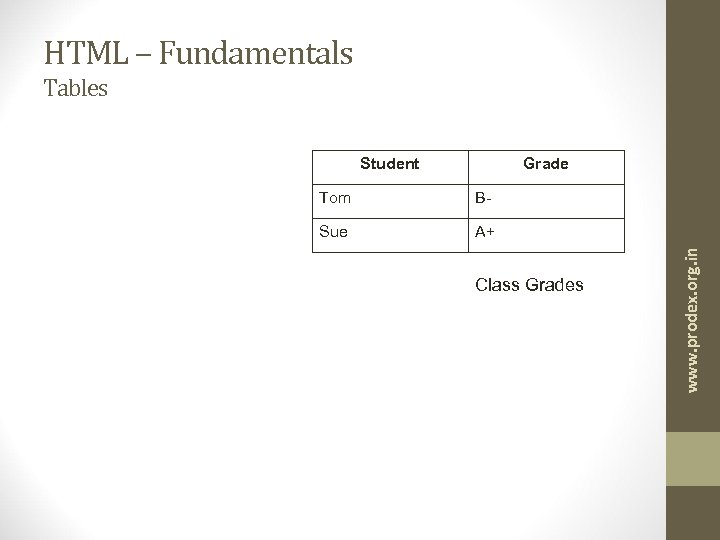
HTML – Fundamentals Tables Student Grade B- Sue A+ Class Grades www. prodex. org. in Tom
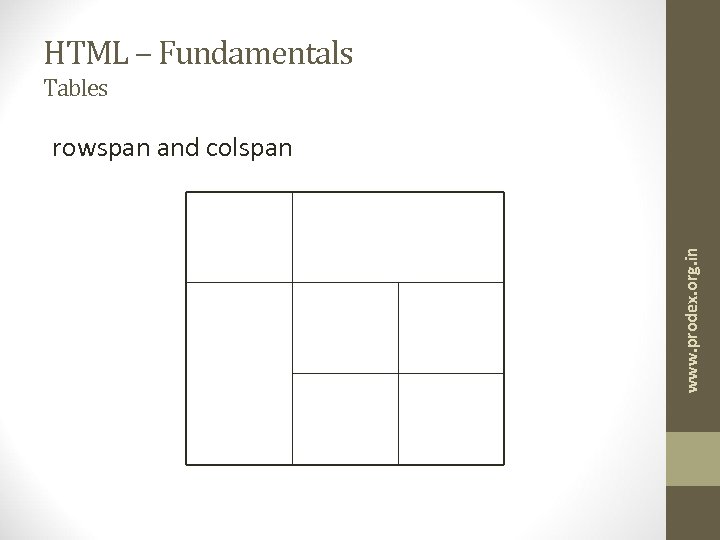
HTML – Fundamentals Tables www. prodex. org. in rowspan and colspan
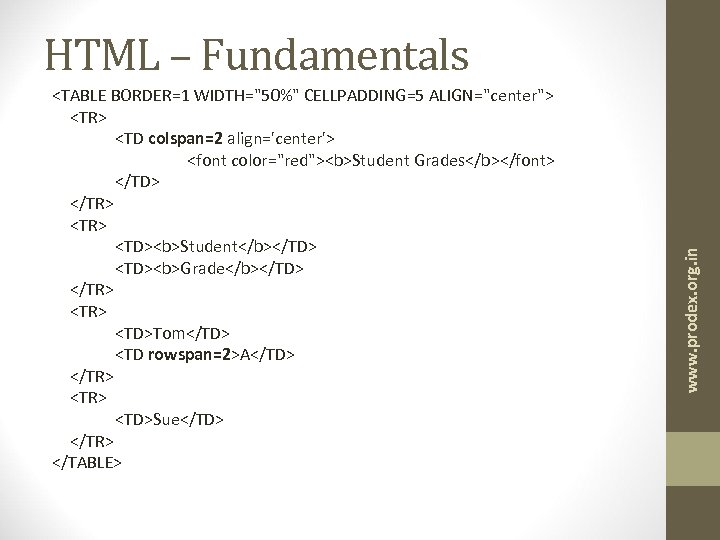
<TABLE BORDER=1 WIDTH="50%" CELLPADDING=5 ALIGN="center"> <TR> <TD colspan=2 align='center'> <font color="red"><b>Student Grades</b></font> </TD> </TR> <TD><b>Student</b></TD> <TD><b>Grade</b></TD> </TR> <TD>Tom</TD> <TD rowspan=2>A</TD> </TR> <TD>Sue</TD> </TR> </TABLE> www. prodex. org. in HTML – Fundamentals
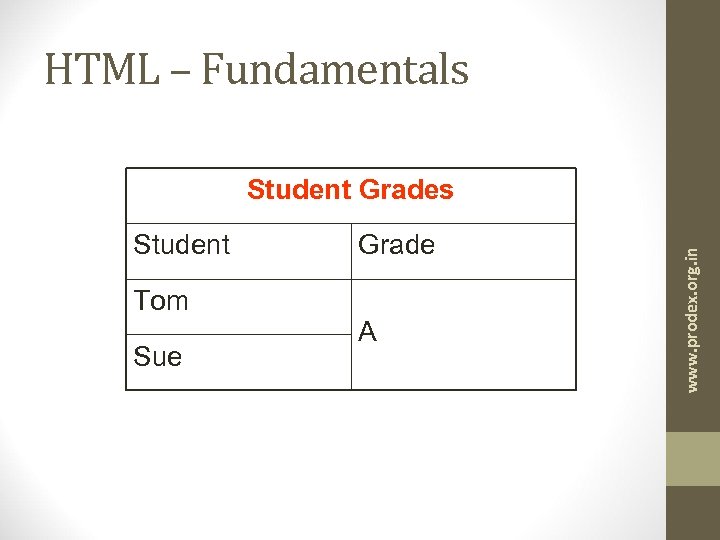
HTML – Fundamentals Student Tom Sue Grade A www. prodex. org. in Student Grades
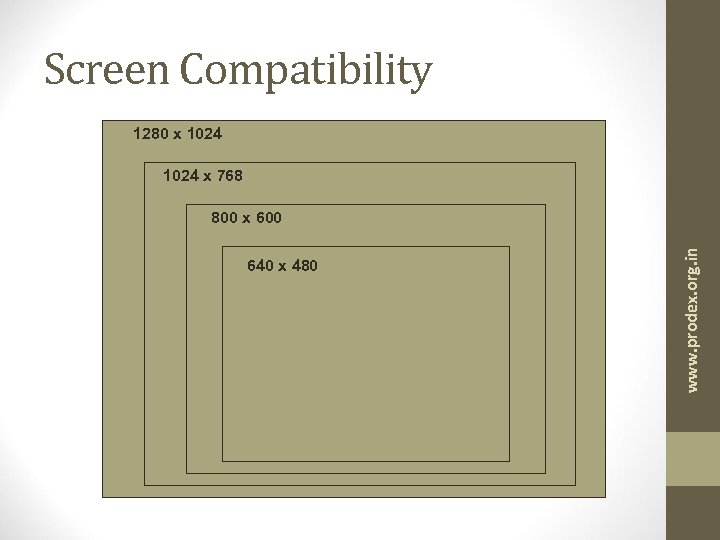
Screen Compatibility 1280 x 1024 x 768 640 x 480 www. prodex. org. in 800 x 600
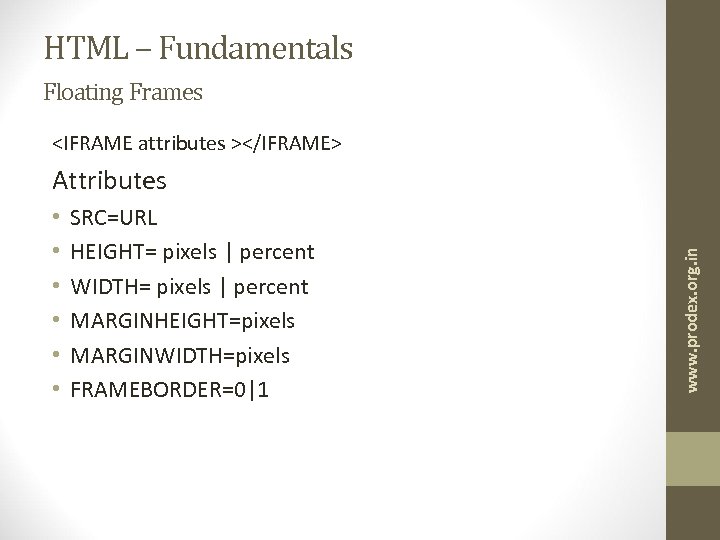
HTML – Fundamentals Floating Frames <IFRAME attributes ></IFRAME> • • • SRC=URL HEIGHT= pixels | percent WIDTH= pixels | percent MARGINHEIGHT=pixels MARGINWIDTH=pixels FRAMEBORDER=0|1 www. prodex. org. in Attributes
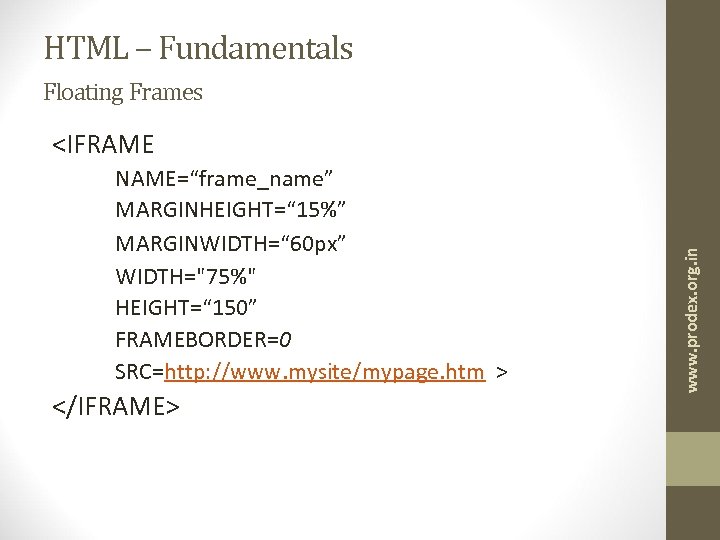
HTML – Fundamentals Floating Frames NAME=“frame_name” MARGINHEIGHT=“ 15%” MARGINWIDTH=“ 60 px” WIDTH="75%" HEIGHT=“ 150” FRAMEBORDER=0 SRC=http: //www. mysite/mypage. htm > </IFRAME> www. prodex. org. in <IFRAME
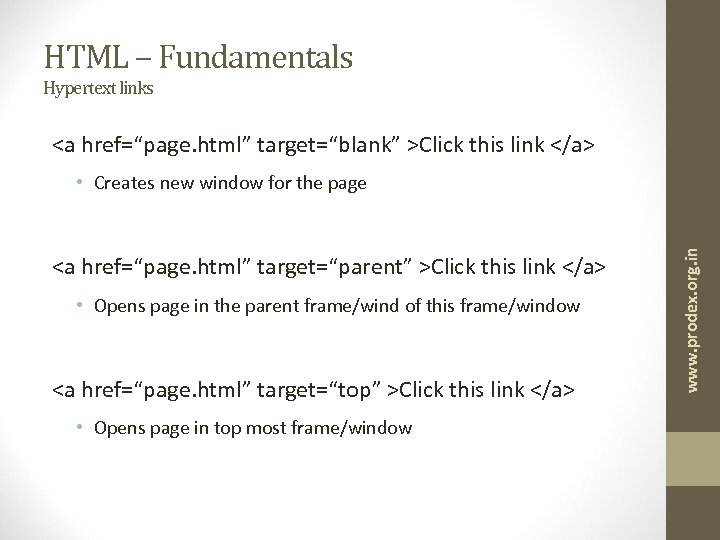
HTML – Fundamentals Hypertext links <a href=“page. html” target=“blank” >Click this link </a> <a href=“page. html” target=“parent” >Click this link </a> • Opens page in the parent frame/wind of this frame/window <a href=“page. html” target=“top” >Click this link </a> • Opens page in top most frame/window www. prodex. org. in • Creates new window for the page
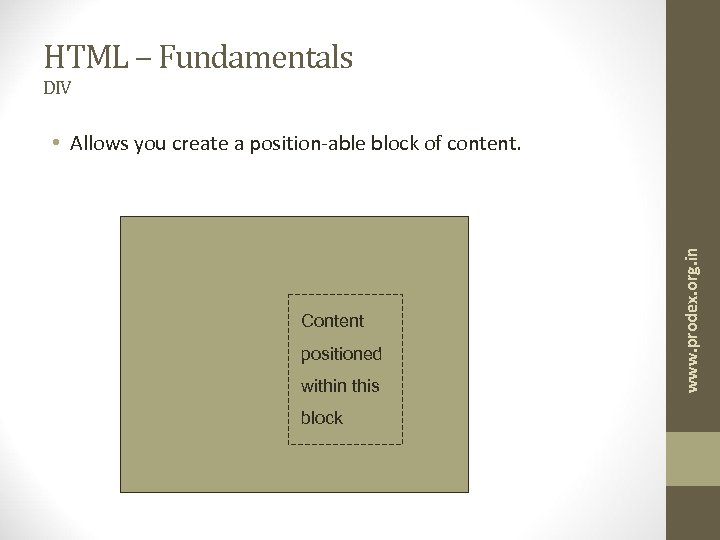
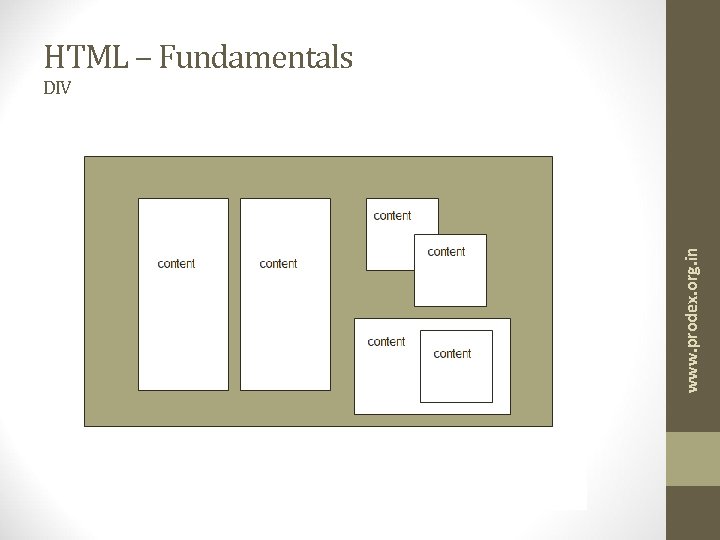
HTML – Fundamentals DIV Content positioned within this block www. prodex. org. in • Allows you create a position-able block of content.
HTML – Fundamentals DIV attributes • ID=“name” • STYLE = “style parameters re: CSS” www. prodex. org. in <div attributes> content </div>
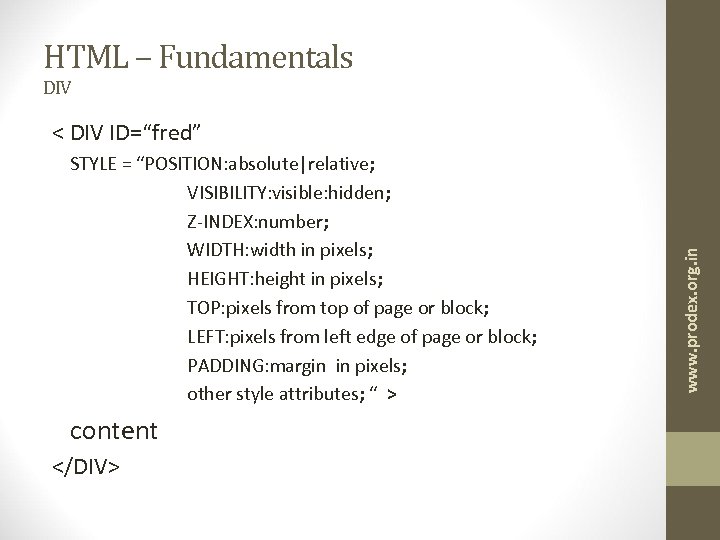
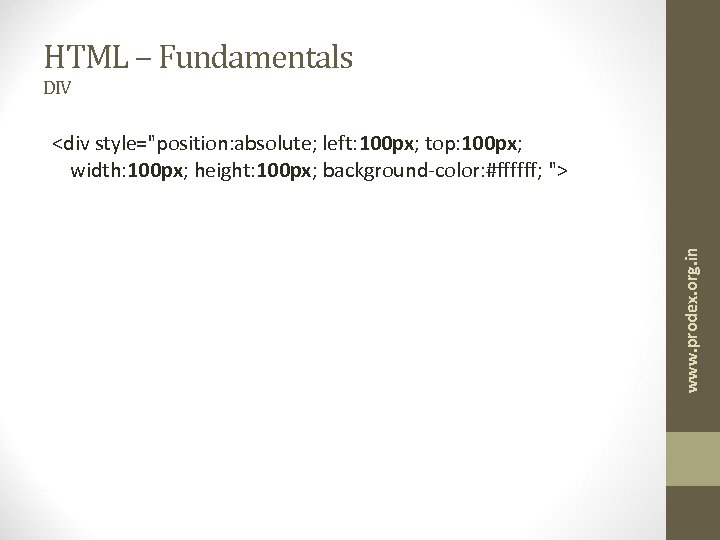
HTML – Fundamentals DIV STYLE = “POSITION: absolute|relative; VISIBILITY: visible: hidden; Z-INDEX: number; WIDTH: width in pixels; HEIGHT: height in pixels; TOP: pixels from top of page or block; LEFT: pixels from left edge of page or block; PADDING: margin in pixels; other style attributes; “ > content </DIV> www. prodex. org. in < DIV ID=“fred”
HTML – Fundamentals www. prodex. org. in DIV
HTML – Fundamentals DIV www. prodex. org. in <div style="position: absolute; left: 100 px; top: 100 px; width: 100 px; height: 100 px; background-color: #ffffff; ">
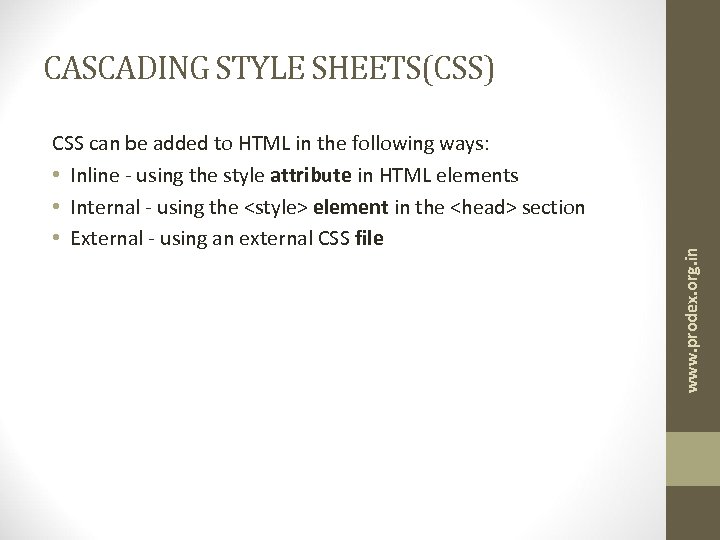
CSS can be added to HTML in the following ways: • Inline - using the style attribute in HTML elements • Internal - using the <style> element in the <head> section • External - using an external CSS file www. prodex. org. in CASCADING STYLE SHEETS(CSS)
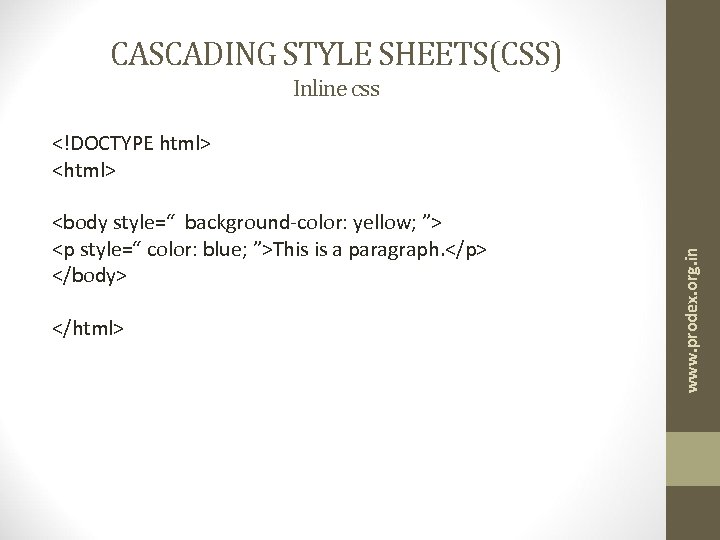
CASCADING STYLE SHEETS(CSS) Inline css <body style=“ background-color: yellow; ”> <p style=“ color: blue; ”>This is a paragraph. </p> </body> </html> www. prodex. org. in <!DOCTYPE html> <html>
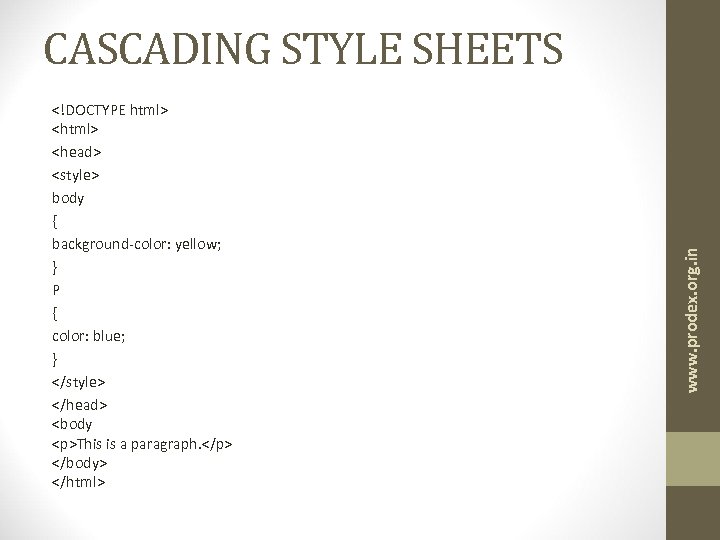
<!DOCTYPE html> <head> <style> body { background-color: yellow; } P { color: blue; } </style> </head> <body <p>This is a paragraph. </p> </body> </html> www. prodex. org. in CASCADING STYLE SHEETS
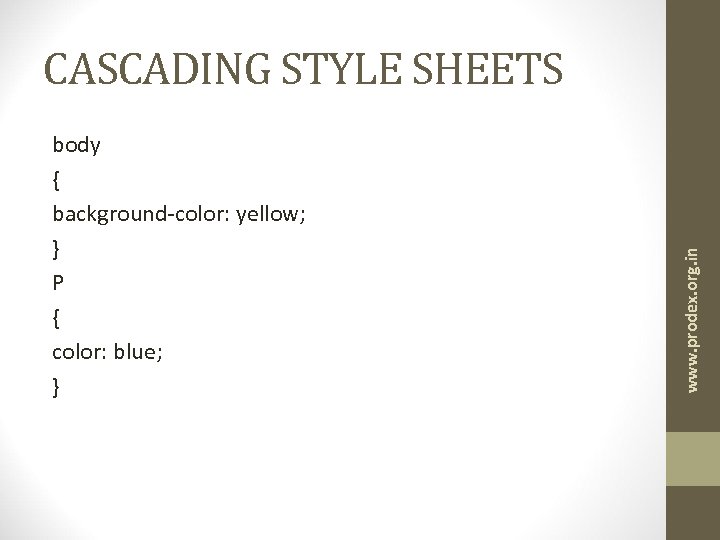
body { background-color: yellow; } P { color: blue; } www. prodex. org. in CASCADING STYLE SHEETS
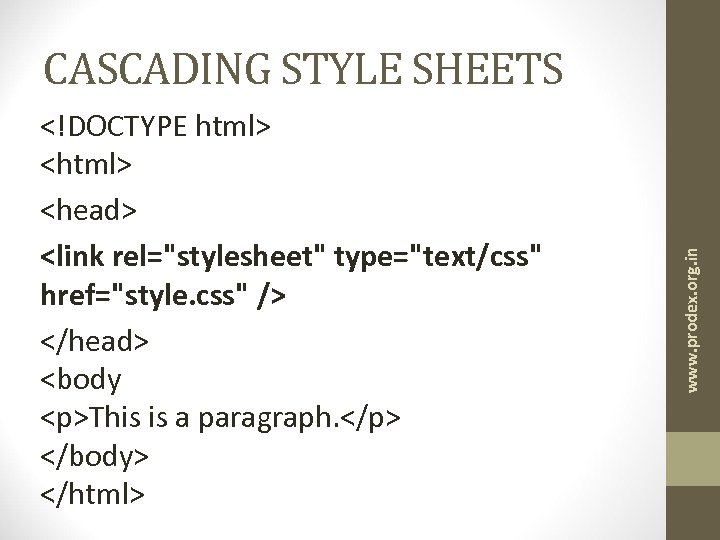
<!DOCTYPE html> <head> <link rel="stylesheet" type="text/css" href="style. css" /> </head> <body <p>This is a paragraph. </p> </body> </html> www. prodex. org. in CASCADING STYLE SHEETS
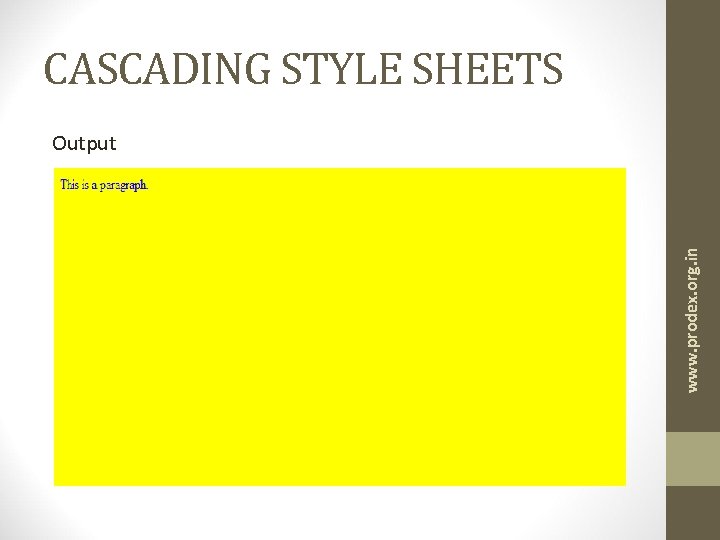
CASCADING STYLE SHEETS www. prodex. org. in Output
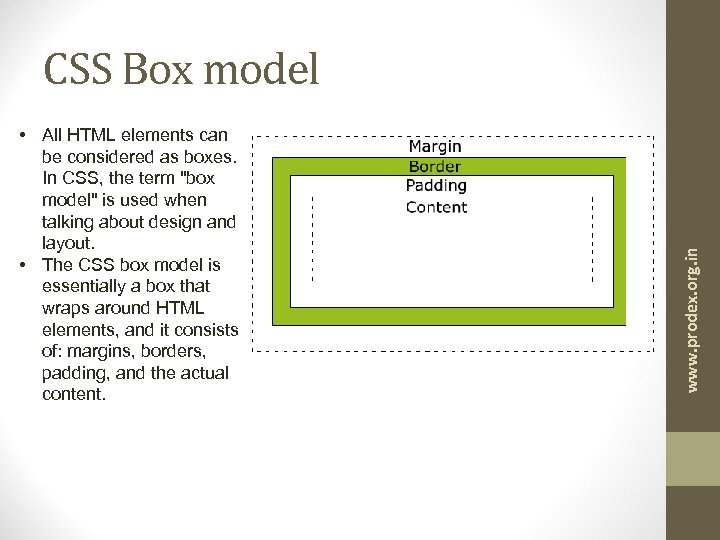
• All HTML elements can be considered as boxes. In CSS, the term "box model" is used when talking about design and layout. • The CSS box model is essentially a box that wraps around HTML elements, and it consists of: margins, borders, padding, and the actual content. www. prodex. org. in CSS Box model
Box model explained top margin is 25 px right margin is 50 px bottom margin is 75 px left margin is 100 px • Padding - Clears an area around the content. The padding is affected by the background color of the box. • Syntax for padding is same as margin www. prodex. org. in • Margin - Clears an area around the border. The margin does not have a background color, it is completely transparent • margin: 25 px 50 px 75 px 100 px;
Box model explained • Border - A border that goes around the padding and content. The border is affected by the background color of the box border: 5 px solid red; • border-width • border-style (required) Solid / Dotted / Dashed / Groove / Ridge / Double / inset / Outset • border-color • Content - The content of the box, where text and images appear www. prodex. org. in Syntax:
Conclusion www. prodex. org. in • This is just a taste what basically web design means • You can always learn more using the references we provide in the last slide. • As a great man once said
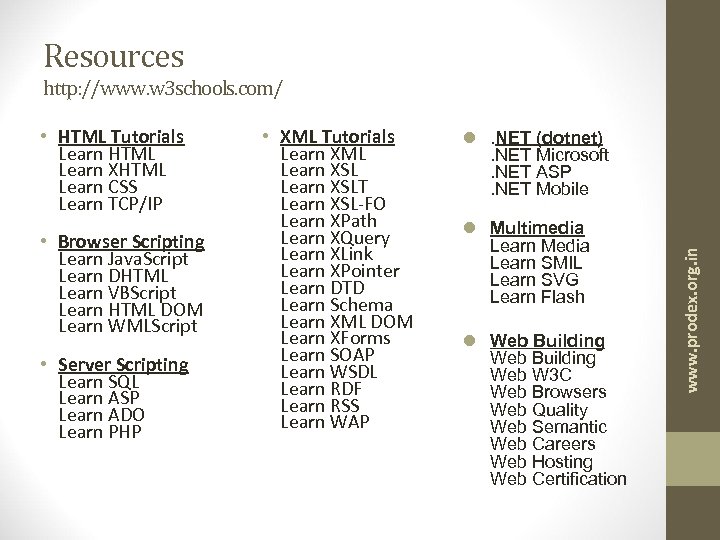
Resources http: //www. w 3 schools. com/ • Browser Scripting Learn Java. Script Learn DHTML Learn VBScript Learn HTML DOM Learn WMLScript • Server Scripting Learn SQL Learn ASP Learn ADO Learn PHP • XML Tutorials Learn XML Learn XSLT Learn XSL-FO Learn XPath Learn XQuery Learn XLink Learn XPointer Learn DTD Learn Schema Learn XML DOM Learn XForms Learn SOAP Learn WSDL Learn RDF Learn RSS Learn WAP l. NET (dotnet). NET Microsoft. NET ASP. NET Mobile l Multimedia Learn Media Learn SMIL Learn SVG Learn Flash l Web Building Web W 3 C Web Browsers Web Quality Web Semantic Web Careers Web Hosting Web Certification www. prodex. org. in • HTML Tutorials Learn HTML Learn XHTML Learn CSS Learn TCP/IP
Скачать презентацию Workshop on Web Development By Praveen Kavuri D
5e4f82ca3591bfd1e75671b898815930.ppt