


 Скачать презентацию Workshop Maintenance Work Requests May 3 2006
92f537d98f679b9df501b6a59f928273.ppt
- Количество слайдов: 16
 Workshop: Maintenance Work Requests May 3, 2006
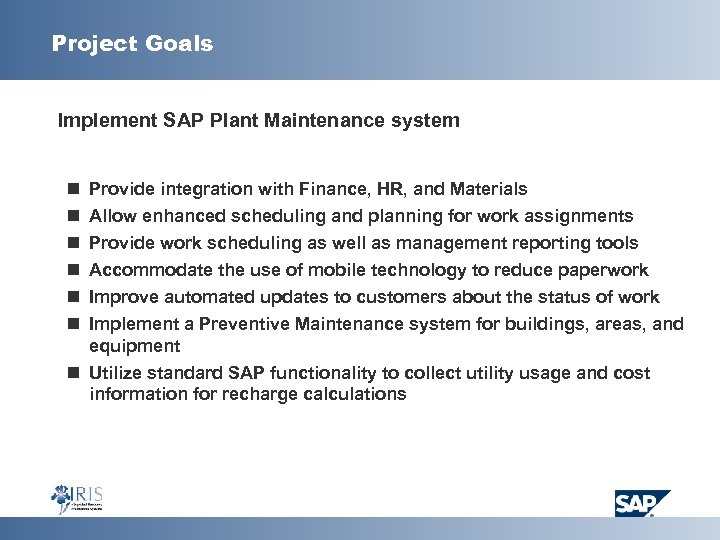 Project Goals Implement SAP Plant Maintenance system n n n Provide integration with Finance, HR, and Materials Allow enhanced scheduling and planning for work assignments Provide work scheduling as well as management reporting tools Accommodate the use of mobile technology to reduce paperwork Improve automated updates to customers about the status of work Implement a Preventive Maintenance system for buildings, areas, and equipment n Utilize standard SAP functionality to collect utility usage and cost information for recharge calculations
 Agenda Introduction Discussion of Maintenance Work Requests Preview of Next Blueprinting Session Other Discussion
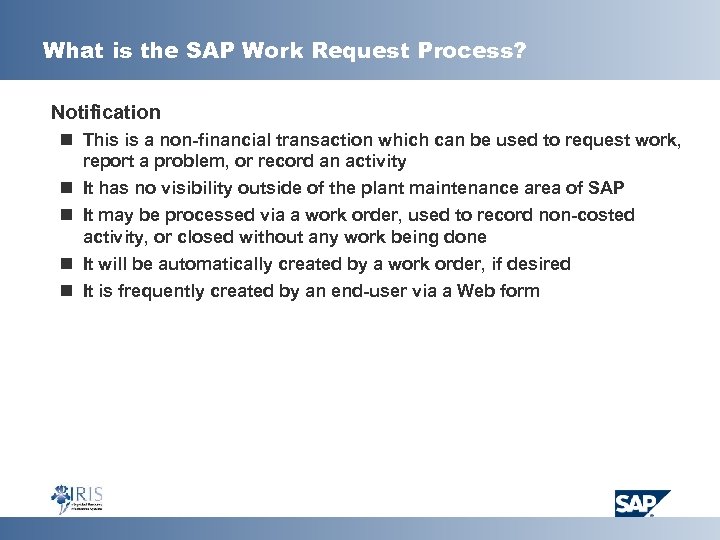 What is the SAP Work Request Process? Notification n This is a non-financial transaction which can be used to request work, report a problem, or record an activity n It has no visibility outside of the plant maintenance area of SAP n It may be processed via a work order, used to record non-costed activity, or closed without any work being done n It will be automatically created by a work order, if desired n It is frequently created by an end-user via a Web form
 Why should a notification be used? § § To document an event To request work which may or may not be done To record a breakdown for statistical purposed To record the technical reasons for a failure for later analysis
 What information does a notification capture? § Descriptive information. This includes “long text” which is of unlimited length § A priority for the work § A object to be maintained: A functional location (Building, Room) or piece of Equipment § Contact information for the person reporting the problem or requesting work § The ability to assign a responsible person to this notification § “Breakdown” information, if appropriate. This is the start and end time of the breakdown. (The system will calculate Mean Time Between Failures and Mean Time to Repair. ) § Codes for the “Damage”, “Cause of Damage”, and “Activity”
 What information is required? § SAP only requires a description
 Notification Types n Maintenance Request – Used to request work, not necessarily to report a problem n Malfunction Report – Used to report a problem n Activity Report – Used to record an activity performed, not necessarily to address a request or problem. This might be used to report findings from Preventive Maintenance or to record technical information regarding the repair of a critical machine n The Maintenance Request and Malfunction Report are very similar in format and content n The Activity Report provides for entry of more codes n Recommendation: Implement all 3 and use them as required.
 What does the “Priority” do? § It can determine the dates based upon predefined criteria for each priority The “Start Date” is calculated based on the current date. It may also include a “Start Time”. (Dates and times for this calculation may be in minutes, hours, or days. ) The “End Date” is also calculated based on the current date. (Note: The Start Date and End Date may be in different units. ) § Each Notification type may have its own set of priorities (A Work Request could have different priorities than a Malfunction Report. ) § If required, different notifications types with their priorities may be established for each Plant (CPPD, MPPD, HOUS, UTIL)
 What are the codes and groups? § Damage Codes § What’s wrong § Leaking, Squeaking, Stalling, Stopped, etc. § Cause of Damage Codes § Why is it not working § Loss of lubrication, low voltage, dirty, operator error, etc. § Activity Codes § § What was done to correct the problem Lubricated, Reset, Adjusted, Aligned, etc.
 Who creates the codes? You do! § The list of codes can be short to start and can be expanded as new codes become required § The code groups can be specific to types of equipment (Different lists for pumps, motors, air handlers) § Some suggestions follow
 Possible damage codes n n n n n n n Arcing Bent Bowed Broken Weld Burnt Corroded Cracked Enlarged Eroded Frayed Loose Missing Noisy Pitted Plugged Powdery Sheared Shorted Smoking Split Stopped Stretched Surging Torqued Vibrating Worn
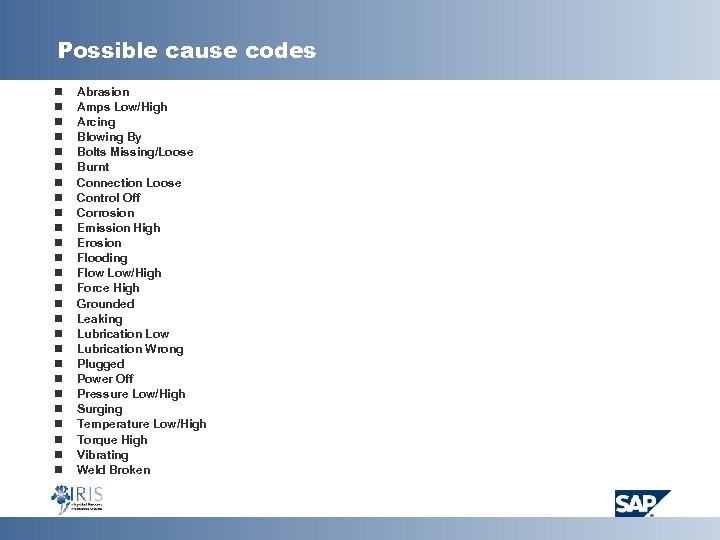 Possible cause codes n n n n n n n Abrasion Amps Low/High Arcing Blowing By Bolts Missing/Loose Burnt Connection Loose Control Off Corrosion Emission High Erosion Flooding Flow Low/High Force High Grounded Leaking Lubrication Low Lubrication Wrong Plugged Power Off Pressure Low/High Surging Temperature Low/High Torque High Vibrating Weld Broken
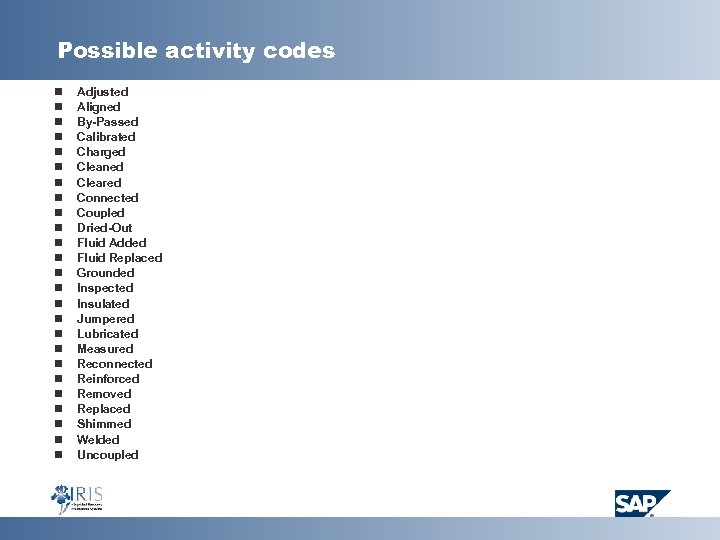 Possible activity codes n n n n n n n Adjusted Aligned By-Passed Calibrated Charged Cleaned Cleared Connected Coupled Dried-Out Fluid Added Fluid Replaced Grounded Inspected Insulated Jumpered Lubricated Measured Reconnected Reinforced Removed Replaced Shimmed Welded Uncoupled
 Notification Fields n Determine which fields should be eliminated because they will not be used n Determine which fields should be required (if any)
 Topics For Next Blueprinting Session Determine Maintenance Work Order Processing n Order Types n Tabs and Fields on the Screen n Settlement Rules (for Recharge) n Sub-Orders n Material Use and Availability Check n Order Scheduling n Releasing Orders n Maintenance Activity Types