


 Скачать презентацию Woodley Service Technical Support Dave Mc Comas
73e721744b467eded1c61bc495718b83.ppt
- Количество слайдов: 27
 Woodley Service & Technical Support Dave Mc. Comas
 Summary Technical Support & Servicing Facilities • In-house Technical Support Department, trained biomedical scientists • Field based technical support team • Field based service technicians (wet chemistry) • Two fully equipped Service Department’s • Qualified service engineers & service coordinator • Two laboratories • Training facilities
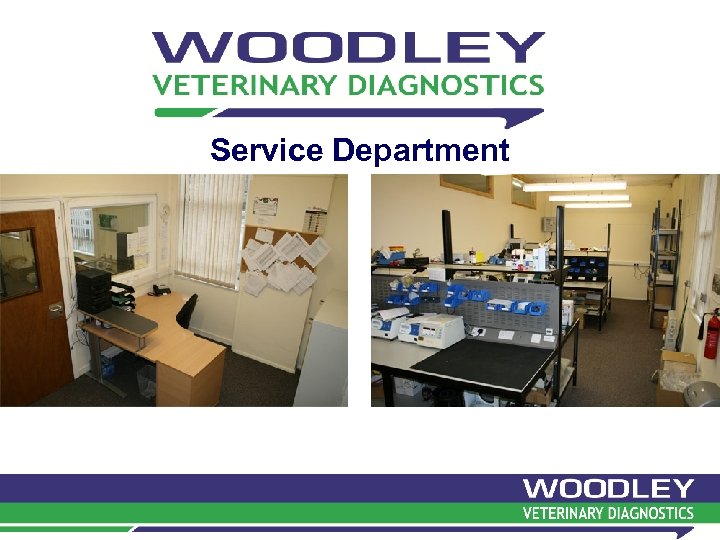 Service Department
 Service Laboratory
 Technical Support in the UK (Woodley) • • 5 Account Managers cover UK Account Managers trained 1 st line technical calls If unresolved, escalated to Tech Support Dept. Trained biomedical scientists Tech Support resolve problem or decide if repair needed In-house servicing Service coordinator- collection faulty analyser & delivery of loan if required • Service Dept. repairs equipment then places ‘on-test’ • Repaired equipment sent back to customer and loan collected • Service contracts
 Technical Support in the UK (Quantum) • • • 140 wet chemistry customers in the UK Mostly Crony IR 202 analysers with Synermed reagents 7 field based service technicians (FST’s) Set monthly cost depending on volume Fresh reagents sent weekly One monthly scheduled PM visit TLC package Telephone technical support including evenings and weekends In house chemistry specialist In house technical service dept.
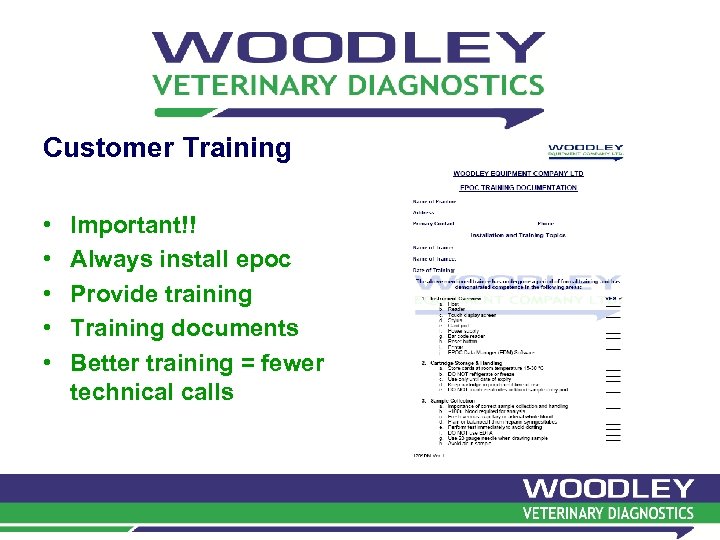 Customer Training • • • Important!! Always install epoc Provide training Training documents Better training = fewer technical calls
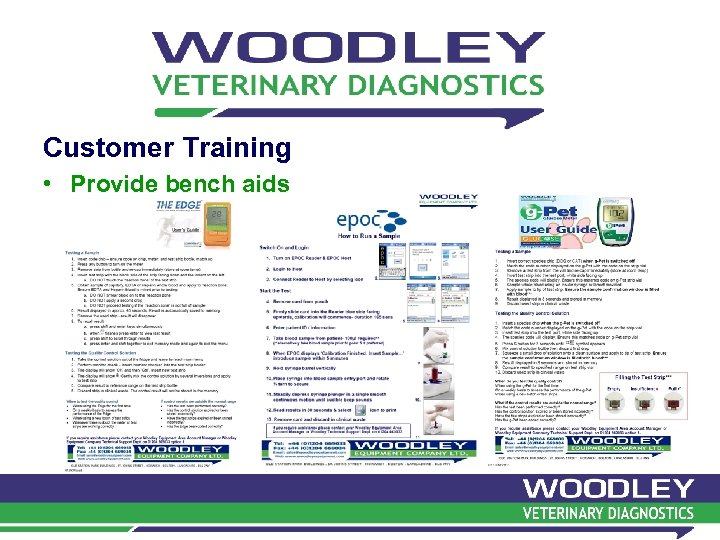 Customer Training • Provide bench aids
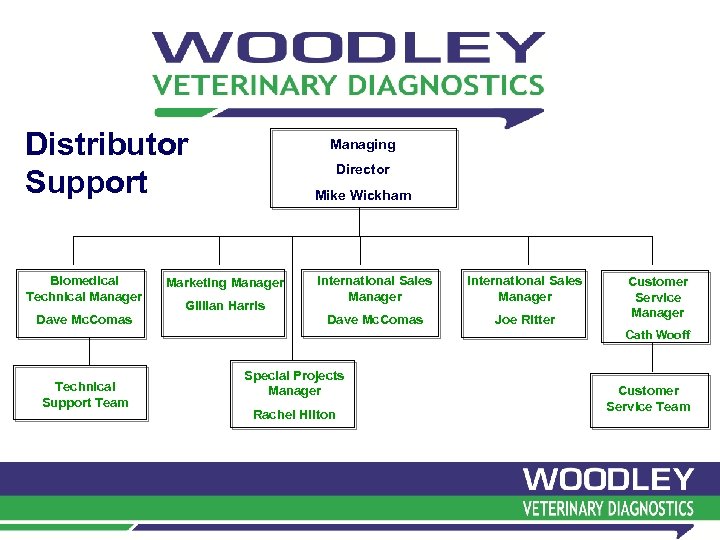 Distributor Support Mike Wickham Biomedical Technical Manager International Sales Manager Dave Mc. Comas Joe Ritter Dave Mc. Comas Managing Director Marketing Manager Gillian Harris Customer Service Manager Cath Wooff Technical Support Team Special Projects Manager Rachel Hilton Customer Service Team
 Distributor Support • Technical support helpline for distributors: 0044 1204 669033 option 1 • Technical support email: techsupport@woodleyequipment. com • Technical support webpage: www. woodleyequipment. com/eurovet/support
 Distributor Training • • • International Sales Manager Distributor training sessions- UK Support at Congress’s Website User meeting
 epoc Technical Support & Servicing
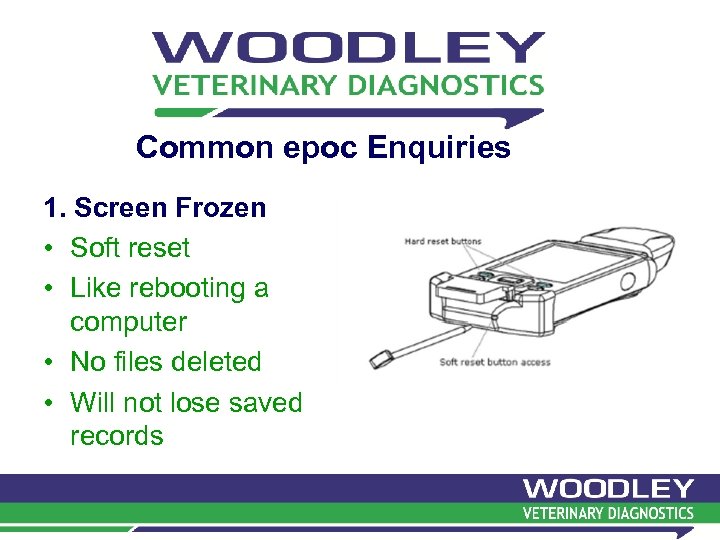 Common epoc Enquiries 1. Screen Frozen • Soft reset • Like rebooting a computer • No files deleted • Will not lose saved records
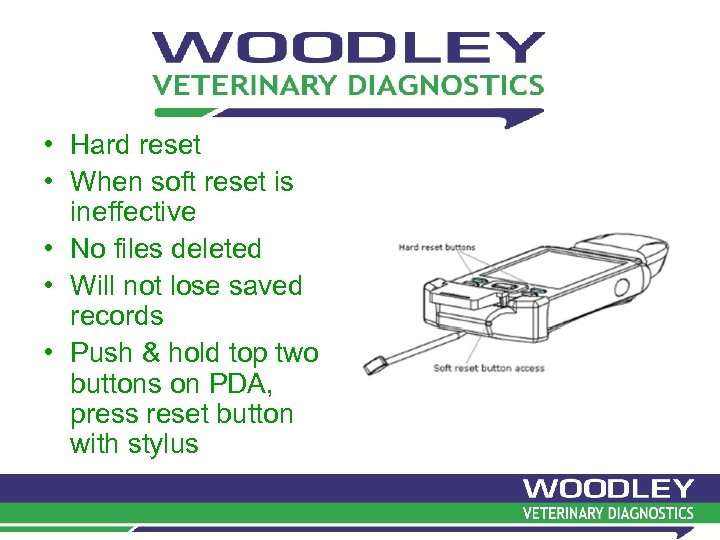 • Hard reset • When soft reset is ineffective • No files deleted • Will not lose saved records • Push & hold top two buttons on PDA, press reset button with stylus
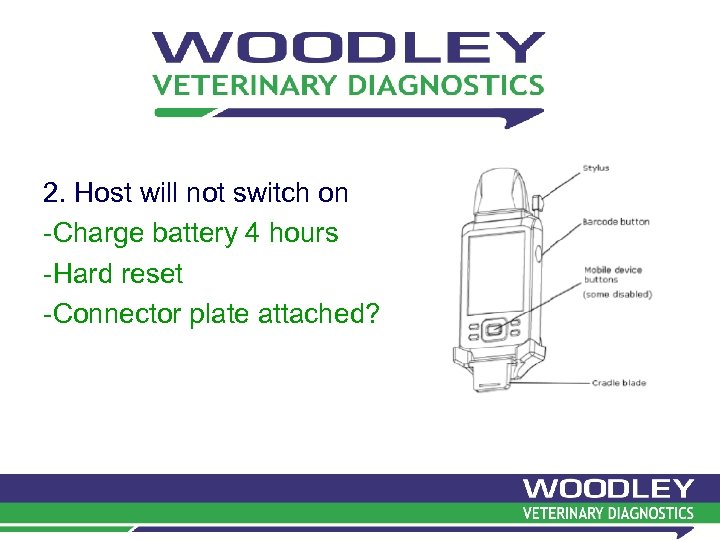 2. Host will not switch on -Charge battery 4 hours -Hard reset -Connector plate attached?
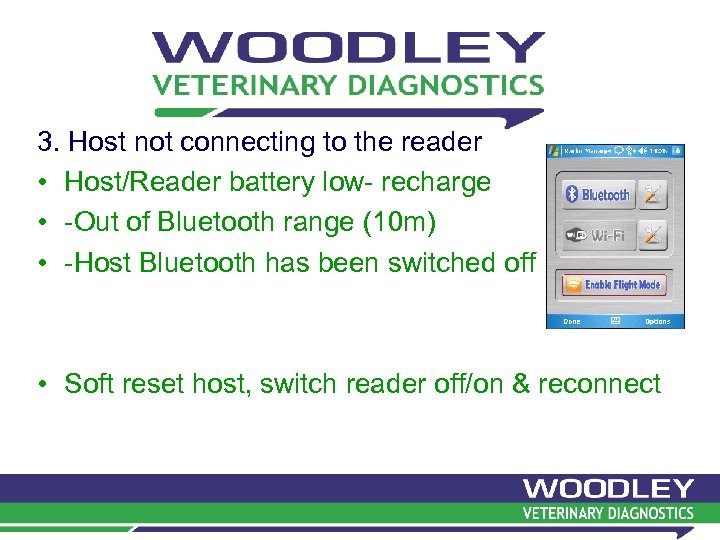 3. Host not connecting to the reader • Host/Reader battery low- recharge • -Out of Bluetooth range (10 m) • -Host Bluetooth has been switched off • Soft reset host, switch reader off/on & reconnect
 4. ‘Thermal Check Failures’ • Upon connection of host to reader (electronic QC) - Ambient temperature not achieved 15 -30 o. C • After card inserted & sample injected - PO 2 sensor not achieved 37 o. C within time limit Reader must at equilibrated temperature - Working outside/stables - Placing reader on warm equipment
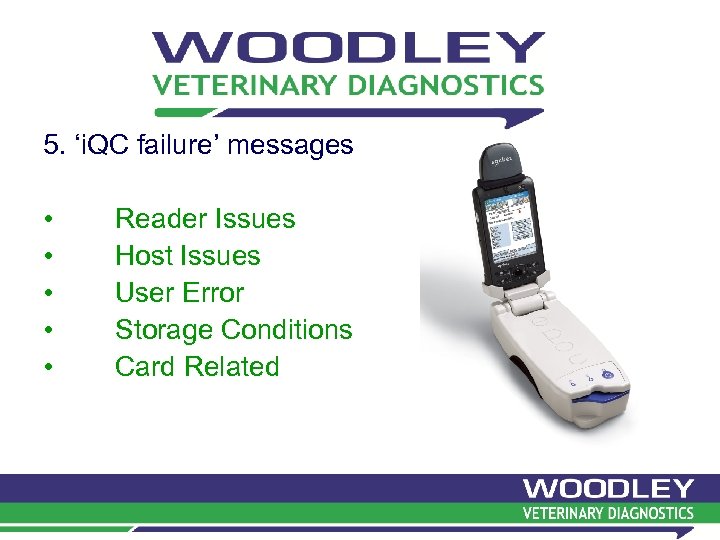 5. ‘i. QC failure’ messages • • • Reader Issues Host Issues User Error Storage Conditions Card Related
 ‘i. QC failure’ messages 1. i. QC Failure during Calibration Cycle 2. i. QC failure after sample delivery following successful calibration 3. i. QC failure on certain parameters
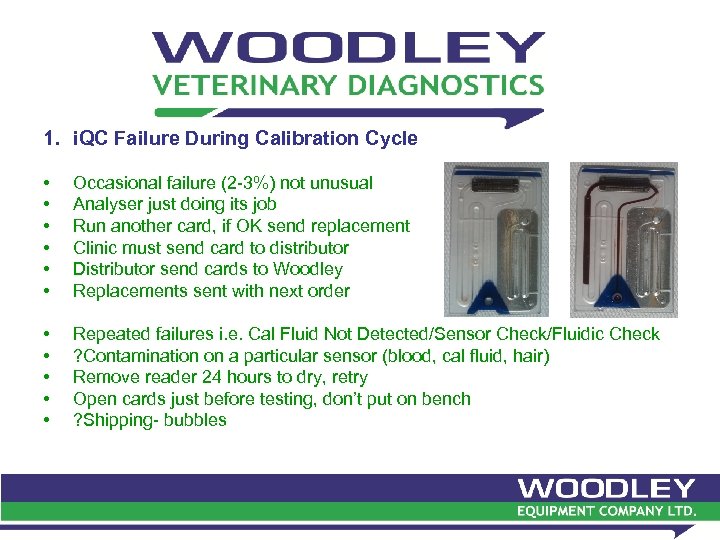 1. i. QC Failure During Calibration Cycle • • • Occasional failure (2 -3%) not unusual Analyser just doing its job Run another card, if OK send replacement Clinic must send card to distributor Distributor send cards to Woodley Replacements sent with next order • • • Repeated failures i. e. Cal Fluid Not Detected/Sensor Check/Fluidic Check ? Contamination on a particular sensor (blood, cal fluid, hair) Remove reader 24 hours to dry, retry Open cards just before testing, don’t put on bench ? Shipping- bubbles
 2. i. QC failure after sample delivery following successful calibration • Refer to manual for explanation • ? Technique problem i. e. sample bubbles/ delivery/insufficient/fast- no replacement card 3. i. QC failure on certain parameters • ? Sensor fail/contamination/sample bubbles- no replacement card • Repeated i. QC failure refer point #1
 How should we manage epoc servicing? • • Hold at least one loan epoc in stock Troubleshoot over telephone Can’t resolve contact WVD issue return document Send customer loan & collect faulty analyser Send faulty analyser to WVD issue replacement unit
 epoc Warranty • Most suppliers 15 months warranty from sale to distributor • epoc warranty 12 months from point of sale to end user • Distributor must provide WVD on point of sale: – Date epoc sold – Customer name – Invoice number
 epoc extended Warranty • Service contract when warranty period expires • € 450 +shipping from WVD • Don’t wait for a breakdown!! • Sign customer at end of warranty period • epoc’s mechanically very reliable • Service revenue i. e. 20 epoc’s- € 650 each = 20 x € 200 = € 4000 profit
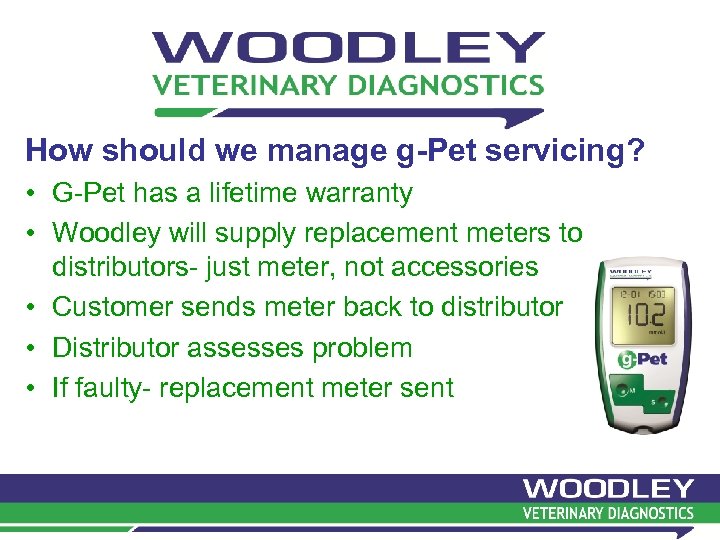 How should we manage g-Pet servicing? • G-Pet has a lifetime warranty • Woodley will supply replacement meters to distributors- just meter, not accessories • Customer sends meter back to distributor • Distributor assesses problem • If faulty- replacement meter sent
 Thank you Questions?