Скачать презентацию Wireless Security without a VPN Stirling Goetz Microsoft
a9a3ea763844e9b8044e057e6a899c41.ppt
- Количество слайдов: 42
 Wireless Security without a VPN! Stirling Goetz, Microsoft Consulting Services
 Session Prerequisites • Hands-on experience with Microsoft® Windows® server and client operating systems and Active Directory® • Basic understanding of wireless LAN technology • Basic understanding of Microsoft® Certificate Services • Basic understanding of RADIUS and remote access protocols Level 300
 Overview of Wireless Solutions • Securing a Wireless Network • Implementing a Wireless Network Using Password Authentication • Configuring Wireless Network Infrastructure Components • Configuring Wireless Network Clients • Troubleshooting Wireless Network Problems • Best Practices
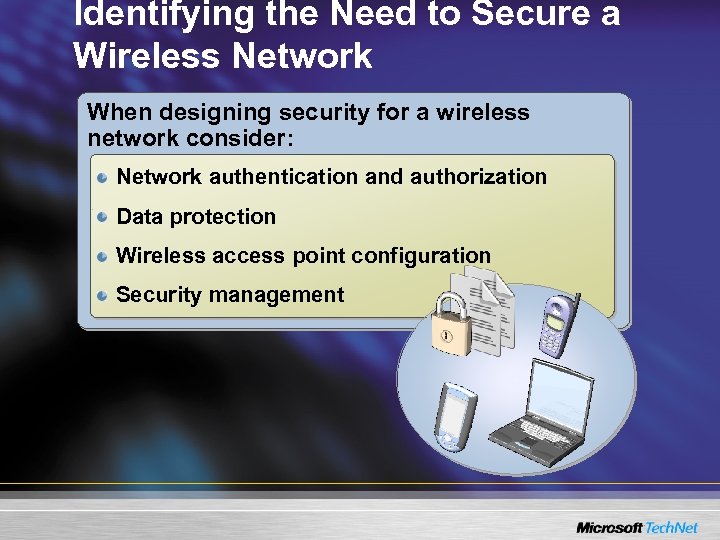 Identifying the Need to Secure a Wireless Network When designing security for a wireless network consider: Network authentication and authorization Data protection Wireless access point configuration Security management
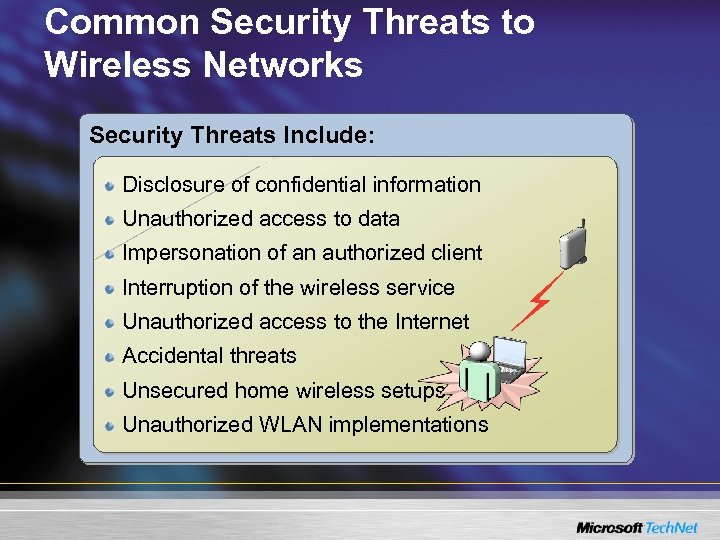 Common Security Threats to Wireless Networks Security Threats Include: Disclosure of confidential information Unauthorized access to data Impersonation of an authorized client Interruption of the wireless service Unauthorized access to the Internet Accidental threats Unsecured home wireless setups Unauthorized WLAN implementations
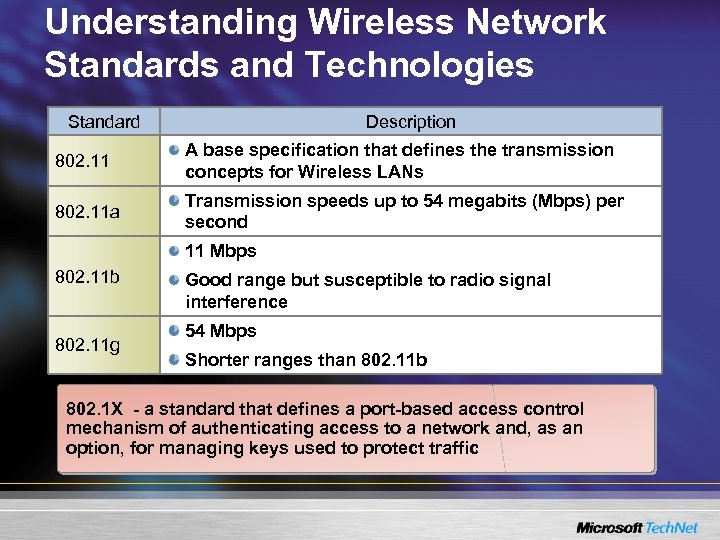 Understanding Wireless Network Standards and Technologies Standard Description 802. 11 A base specification that defines the transmission concepts for Wireless LANs 802. 11 a Transmission speeds up to 54 megabits (Mbps) per second 11 Mbps 802. 11 b 802. 11 g Good range but susceptible to radio signal interference 54 Mbps Shorter ranges than 802. 11 b 802. 1 X - a standard that defines a port-based access control mechanism of authenticating access to a network and, as an option, for managing keys used to protect traffic
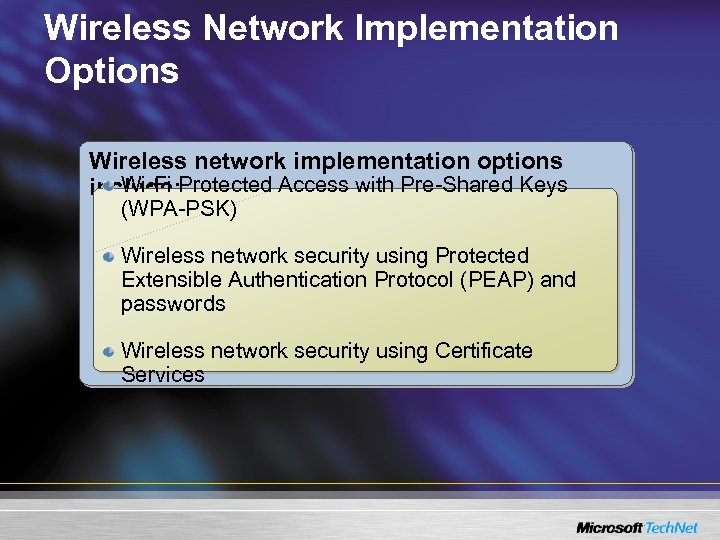 Wireless Network Implementation Options Wireless network implementation options Wi-Fi include: Protected Access with Pre-Shared Keys (WPA-PSK) Wireless network security using Protected Extensible Authentication Protocol (PEAP) and passwords Wireless network security using Certificate Services
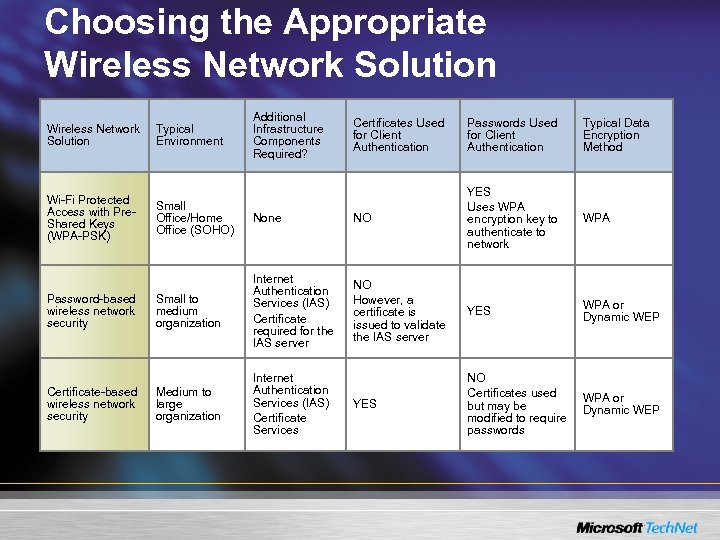 Choosing the Appropriate Wireless Network Solution Additional Infrastructure Components Required? Certificates Used for Client Authentication Passwords Used for Client Authentication Typical Data Encryption Method None NO YES Uses WPA encryption key to authenticate to network WPA Small to medium organization Internet Authentication Services (IAS) Certificate required for the IAS server NO However, a certificate is issued to validate the IAS server YES WPA or Dynamic WEP Medium to large organization Internet Authentication Services (IAS) Certificate Services YES NO Certificates used but may be modified to require passwords WPA or Dynamic WEP Wireless Network Solution Typical Environment Wi-Fi Protected Access with Pre. Shared Keys (WPA-PSK) Small Office/Home Office (SOHO) Password-based wireless network security Certificate-based wireless network security
 Securing a Wireless Network • Overview of Wireless Solutions • Securing a Wireless Network • Implementing a Wireless Network using Password Authentication • Configuring Wireless Network Infrastructure Components • Configuring Wireless Network Clients • Troubleshooting Wireless Network Problems • Best Practices
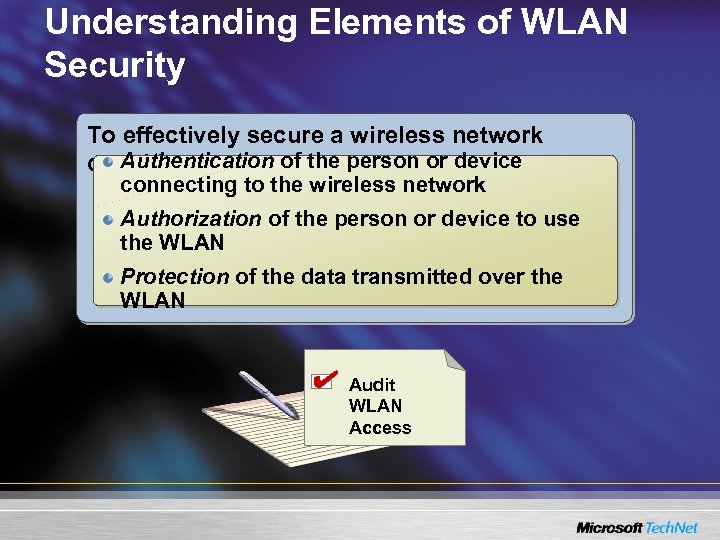 Understanding Elements of WLAN Security To effectively secure a wireless network Authentication of the person or device consider: connecting to the wireless network Authorization of the person or device to use the WLAN Protection of the data transmitted over the WLAN Audit WLAN Access
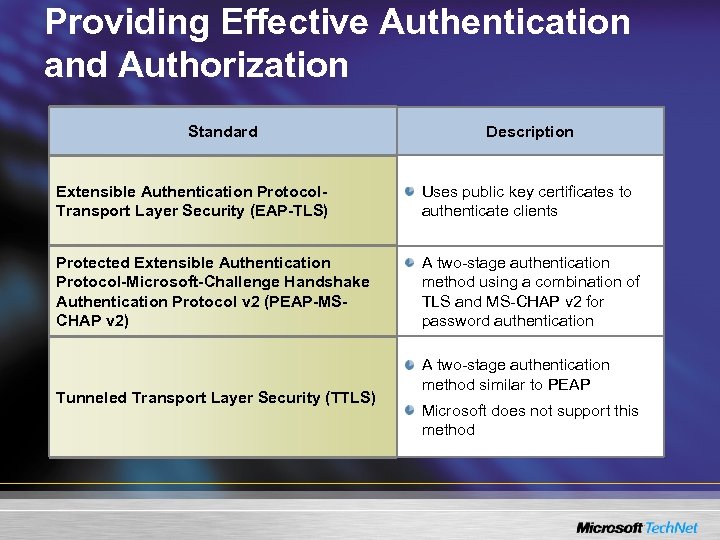 Providing Effective Authentication and Authorization Standard Description Extensible Authentication Protocol. Transport Layer Security (EAP-TLS) Uses public key certificates to authenticate clients Protected Extensible Authentication Protocol-Microsoft-Challenge Handshake Authentication Protocol v 2 (PEAP-MSCHAP v 2) A two-stage authentication method using a combination of TLS and MS-CHAP v 2 for password authentication Tunneled Transport Layer Security (TTLS) A two-stage authentication method similar to PEAP Microsoft does not support this method
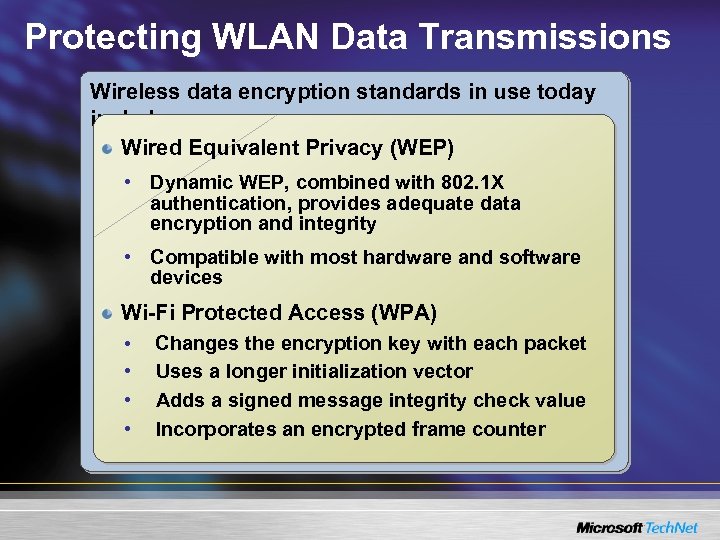 Protecting WLAN Data Transmissions Wireless data encryption standards in use today include: Wired Equivalent Privacy (WEP) • Dynamic WEP, combined with 802. 1 X authentication, provides adequate data encryption and integrity • Compatible with most hardware and software devices Wi-Fi Protected Access (WPA) • • Changes the encryption key with each packet Uses a longer initialization vector Adds a signed message integrity check value Incorporates an encrypted frame counter
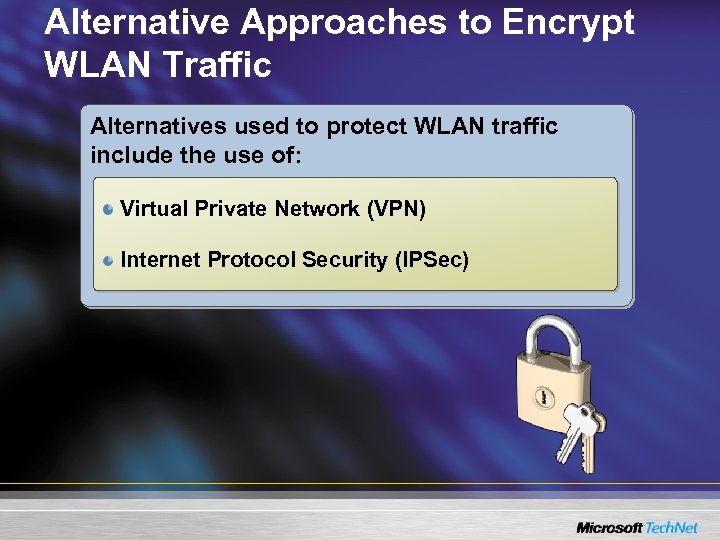 Alternative Approaches to Encrypt WLAN Traffic Alternatives used to protect WLAN traffic include the use of: Virtual Private Network (VPN) Internet Protocol Security (IPSec)
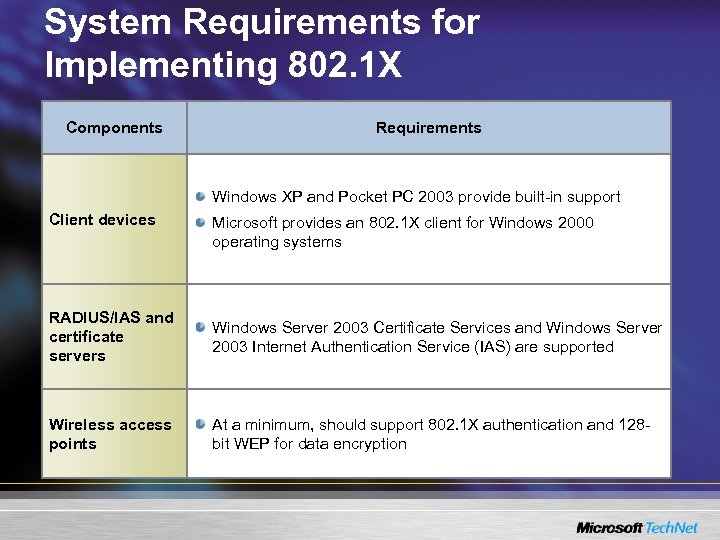 System Requirements for Implementing 802. 1 X Components Requirements Windows XP and Pocket PC 2003 provide built-in support Client devices Microsoft provides an 802. 1 X client for Windows 2000 operating systems RADIUS/IAS and certificate servers Windows Server 2003 Certificate Services and Windows Server 2003 Internet Authentication Service (IAS) are supported Wireless access points At a minimum, should support 802. 1 X authentication and 128 bit WEP for data encryption
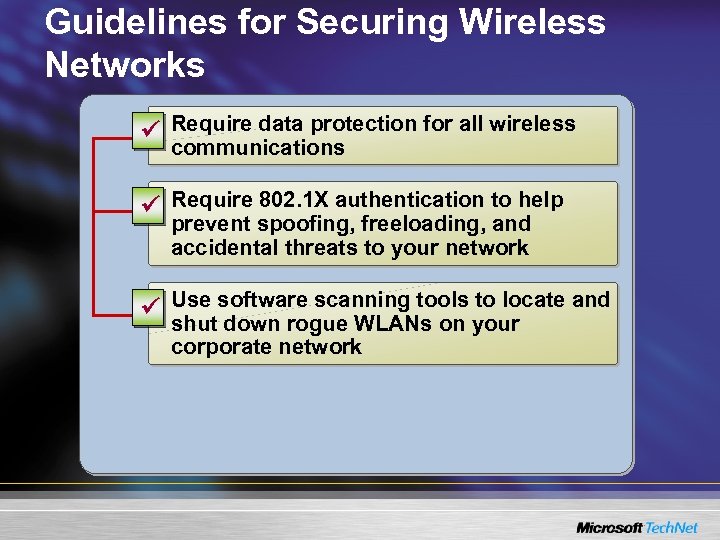 Guidelines for Securing Wireless Networks ü Require data protection for all wireless communications ü Require 802. 1 X authentication to help prevent spoofing, freeloading, and accidental threats to your network ü Use software scanning tools to locate and shut down rogue WLANs on your corporate network
 Implementing a Wireless Network Using Password Authentication • Overview of Wireless Solutions • Securing a Wireless Network • Implementing a Wireless Network Using Password Authentication • Configuring Wireless Network Infrastructure Components • Configuring Wireless Network Clients • Troubleshooting Wireless Network Problems • Best Practices
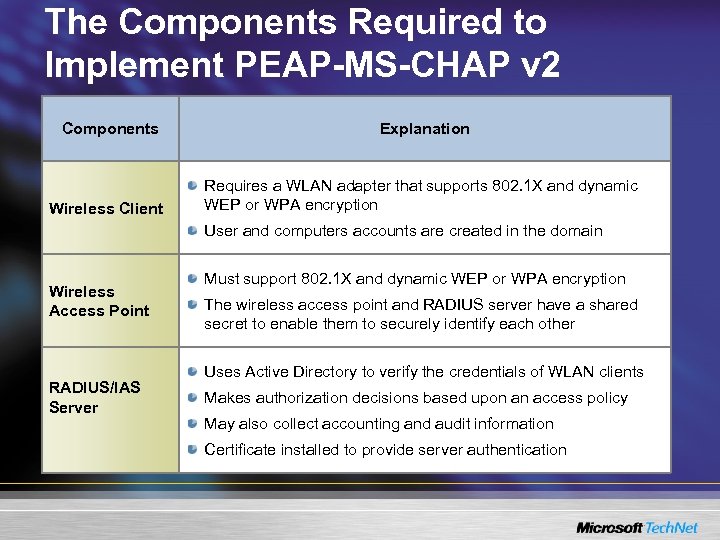 The Components Required to Implement PEAP-MS-CHAP v 2 Components Explanation Wireless Client Requires a WLAN adapter that supports 802. 1 X and dynamic WEP or WPA encryption User and computers accounts are created in the domain Wireless Access Point RADIUS/IAS Server Must support 802. 1 X and dynamic WEP or WPA encryption The wireless access point and RADIUS server have a shared secret to enable them to securely identify each other Uses Active Directory to verify the credentials of WLAN clients Makes authorization decisions based upon an access policy May also collect accounting and audit information Certificate installed to provide server authentication
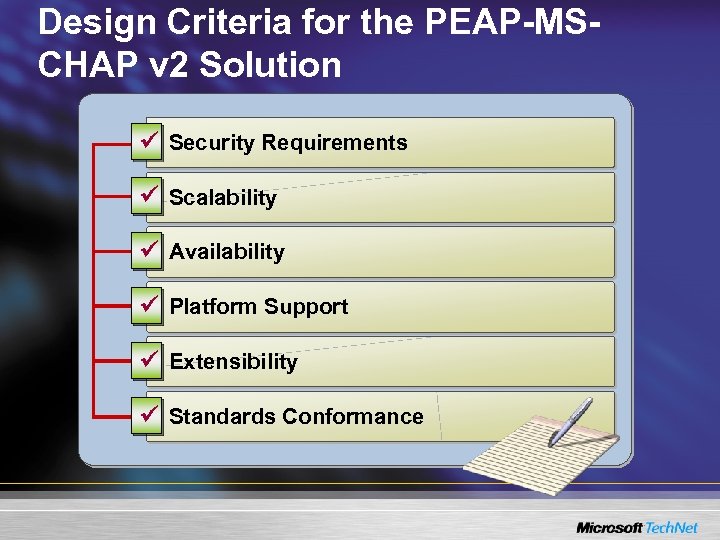 Design Criteria for the PEAP-MSCHAP v 2 Solution ü Security Requirements ü Scalability ü Availability ü Platform Support ü Extensibility ü Standards Conformance
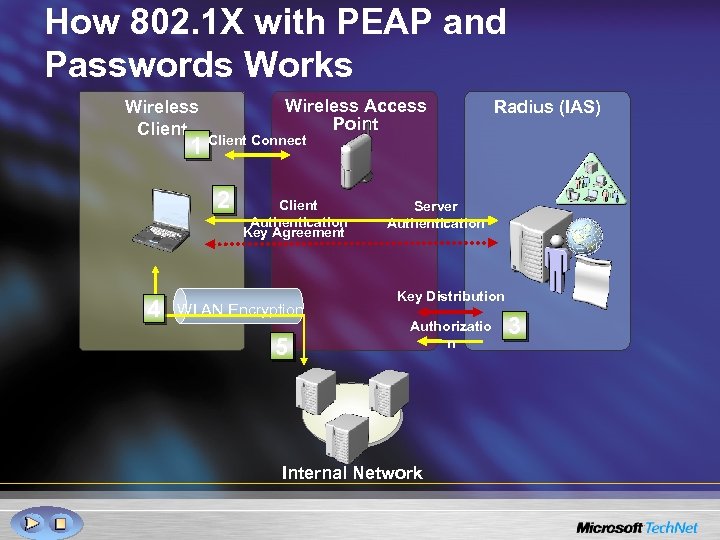 How 802. 1 X with PEAP and Passwords Works Wireless Access Point Wireless Client Radius (IAS) 1 Client Connect 2 4 Client Authentication Key Agreement WLAN Encryption 5 Server Authentication Key Distribution Authorizatio n Internal Network 3
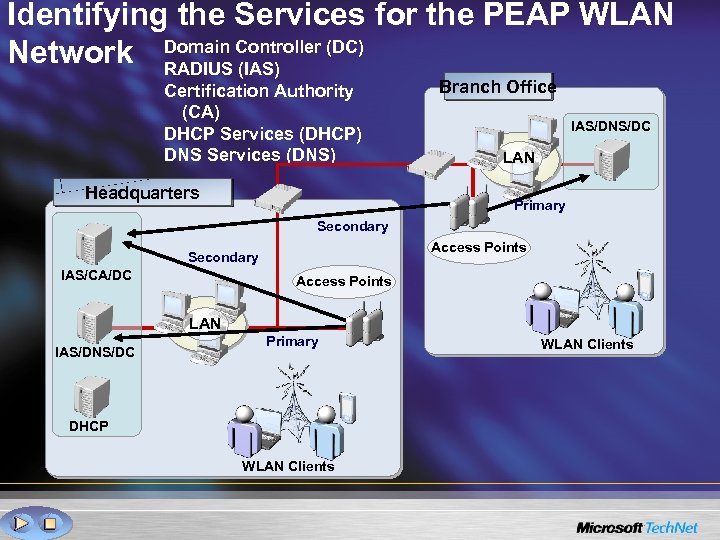 Identifying the Services for the PEAP WLAN Network Domain Controller (DC) RADIUS (IAS) Certification Authority (CA) DHCP Services (DHCP) DNS Services (DNS) Headquarters Branch Office IAS/DNS/DC LAN Primary Secondary Access Points Secondary IAS/CA/DC Access Points LAN IAS/DNS/DC Primary DHCP WLAN Clients
 Configuring Wireless Network Infrastructure Components • Overview of Wireless Solutions • Securing a Wireless Network • Implementing a Wireless Network Using Password Authentication • Configuring Wireless Network Infrastructure Components • Configuring Wireless Network Clients • Troubleshooting Wireless Network Problems • Best Practices
 Configuring the Network Certification Authority • The CA is used to issue Computer Certificates to the IAS Servers • To install Certificate Services, log on with an account that is a member of: – Enterprise Admins – Domain Admins • Consider that Certificate Services in Window Server 2003 Standard Edition does not provide: – Auto enrollment of certificates to both computers and users – Version 2 certificate templates – Editable certificate templates – Archival of keys
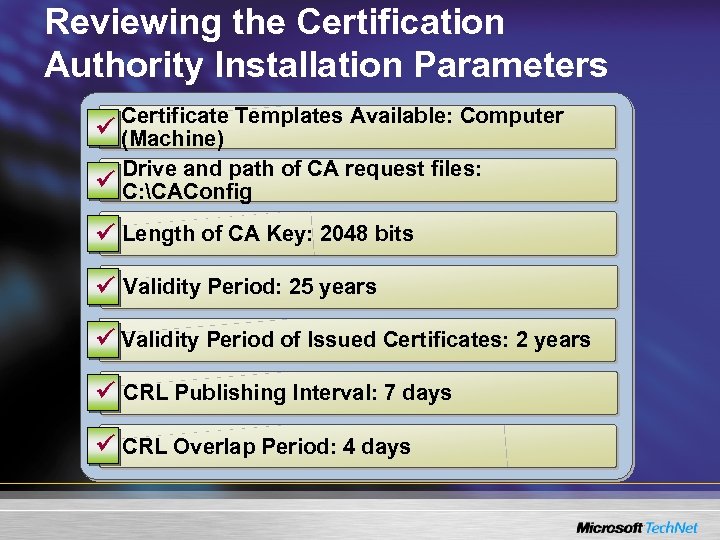 Reviewing the Certification Authority Installation Parameters Certificate Templates Available: Computer ü (Machine) Drive and path of CA request files: ü C: CAConfig ü Length of CA Key: 2048 bits ü Validity Period: 25 years ü Validity Period of Issued Certificates: 2 years ü CRL Publishing Interval: 7 days ü CRL Overlap Period: 4 days
 Configuring Internet Authentication Services (IAS) IAS uses Active Directory to verify and authenticate client credentials and makes authorization decisions based upon configured policies. IAS configuration categories include: IAS Server Settings IAS Access Policies RADIUS Logging
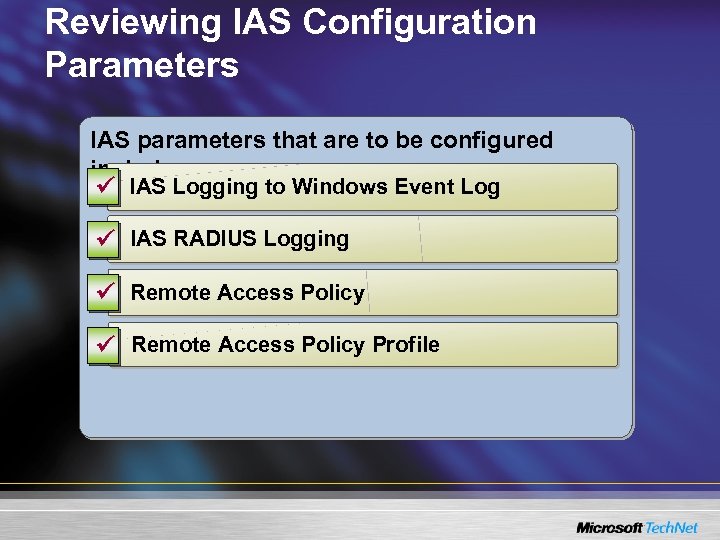 Reviewing IAS Configuration Parameters IAS parameters that are to be configured include: ü IAS Logging to Windows Event Log ü IAS RADIUS Logging ü Remote Access Policy Profile
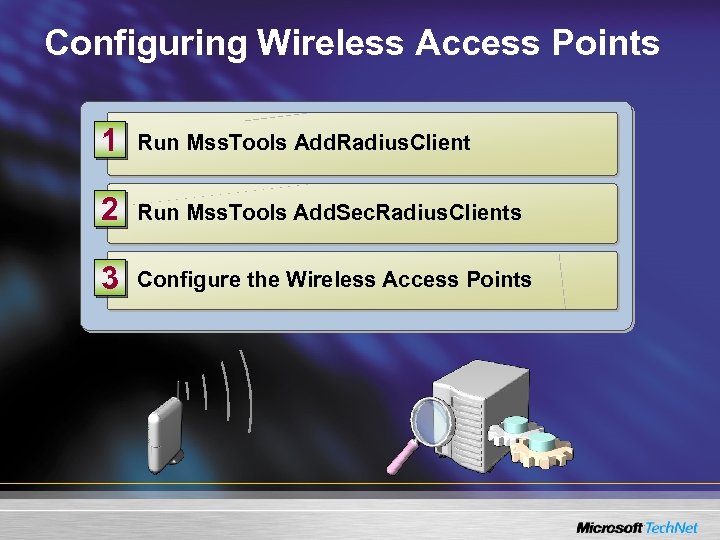 Configuring Wireless Access Points 1 Run Mss. Tools Add. Radius. Client 2 Run Mss. Tools Add. Sec. Radius. Clients 3 Configure the Wireless Access Points
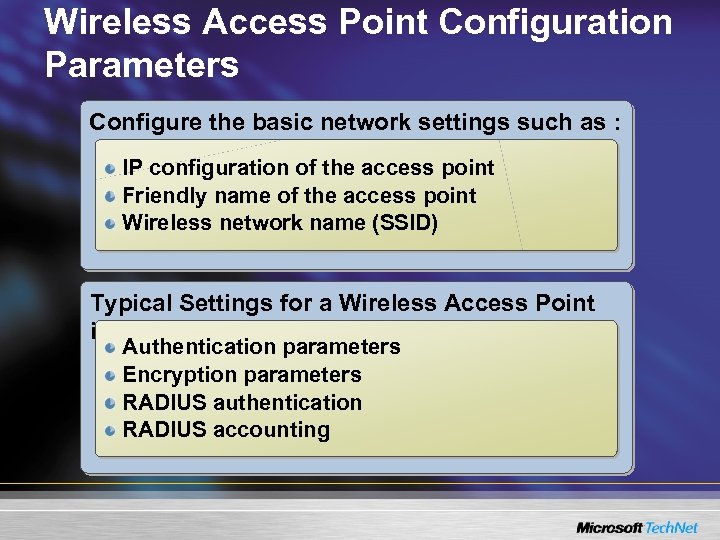 Wireless Access Point Configuration Parameters Configure the basic network settings such as : IP configuration of the access point Friendly name of the access point Wireless network name (SSID) Typical Settings for a Wireless Access Point include: Authentication parameters Encryption parameters RADIUS authentication RADIUS accounting
 Configuring Wireless Network Clients • Overview of Wireless Solutions • Securing a Wireless Network • Implementing a Wireless Network Using Password Authentication • Configuring Wireless Network Infrastructure Components • Configuring Wireless Network Clients • Troubleshooting Wireless Network Problems • Best Practices
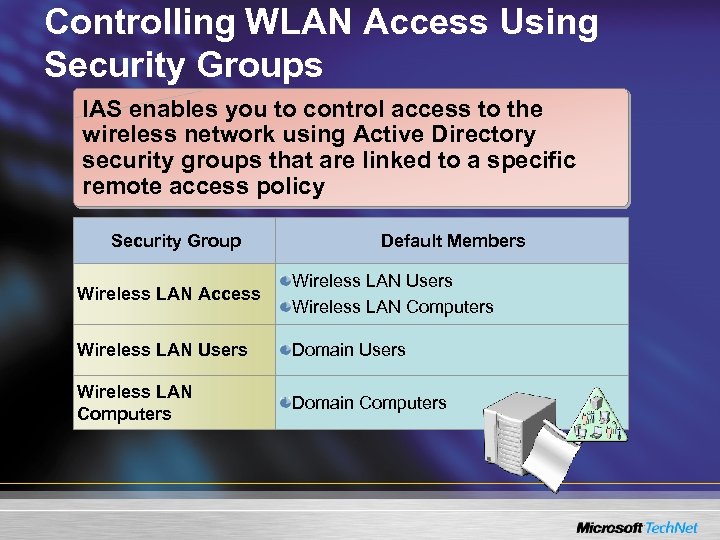 Controlling WLAN Access Using Security Groups IAS enables you to control access to the wireless network using Active Directory security groups that are linked to a specific remote access policy Security Group Default Members Wireless LAN Access Wireless LAN Users Wireless LAN Computers Wireless LAN Users Domain Users Wireless LAN Computers Domain Computers
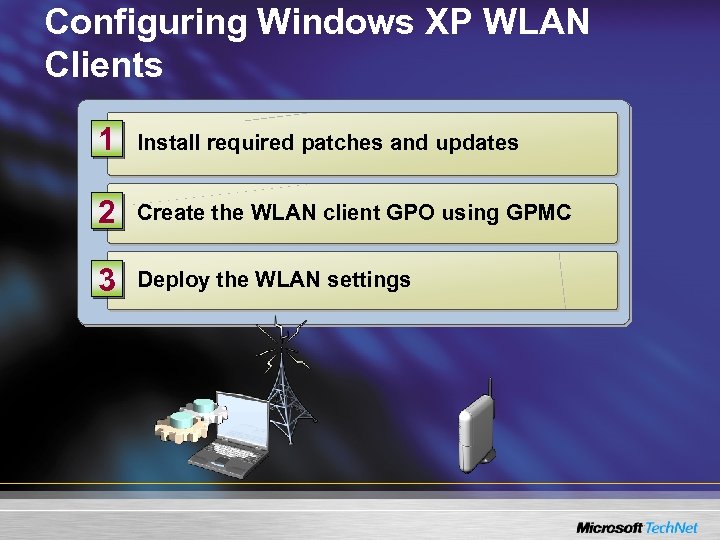 Configuring Windows XP WLAN Clients 1 Install required patches and updates 2 Create the WLAN client GPO using GPMC 3 Deploy the WLAN settings
 Troubleshooting Wireless Network Problems • Overview of Wireless Solutions • Securing a Wireless Network • Implementing a Wireless Network Using Password Authentication • Configuring Wireless Network Infrastructure Components • Configuring Wireless Network Clients • Troubleshooting Wireless Network Problems • Best Practices
 Troubleshooting Procedures Classify the type of problem that you are experiencing into one of the following categories: Client connection problems Performance problems Computer authentication failure User authentication failure
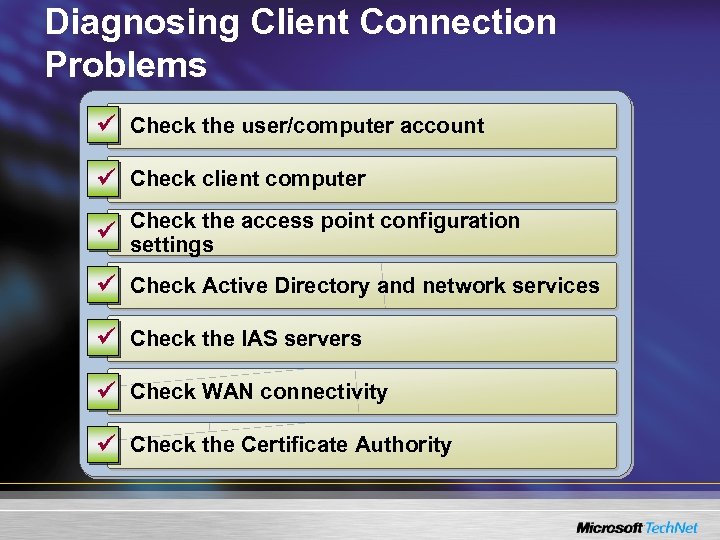 Diagnosing Client Connection Problems ü Check the user/computer account ü Check client computer Check the access point configuration ü settings ü Check Active Directory and network services ü Check the IAS servers ü Check WAN connectivity ü Check the Certificate Authority
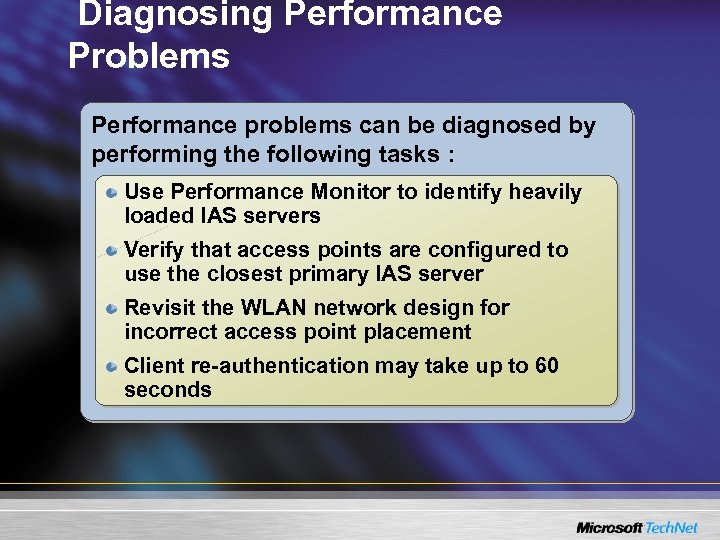 Diagnosing Performance Problems Performance problems can be diagnosed by performing the following tasks : Use Performance Monitor to identify heavily loaded IAS servers Verify that access points are configured to use the closest primary IAS server Revisit the WLAN network design for incorrect access point placement Client re-authentication may take up to 60 seconds
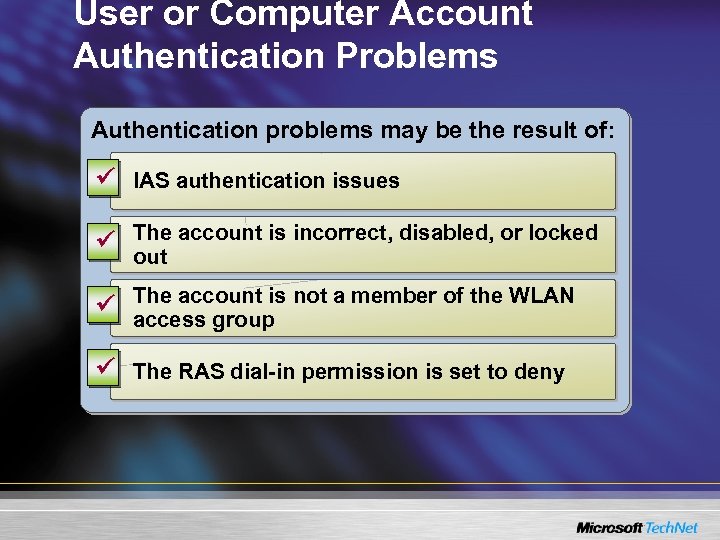 User or Computer Account Authentication Problems Authentication problems may be the result of: ü IAS authentication issues ü The account is incorrect, disabled, or locked out ü The account is not a member of the WLAN access group ü The RAS dial-in permission is set to deny
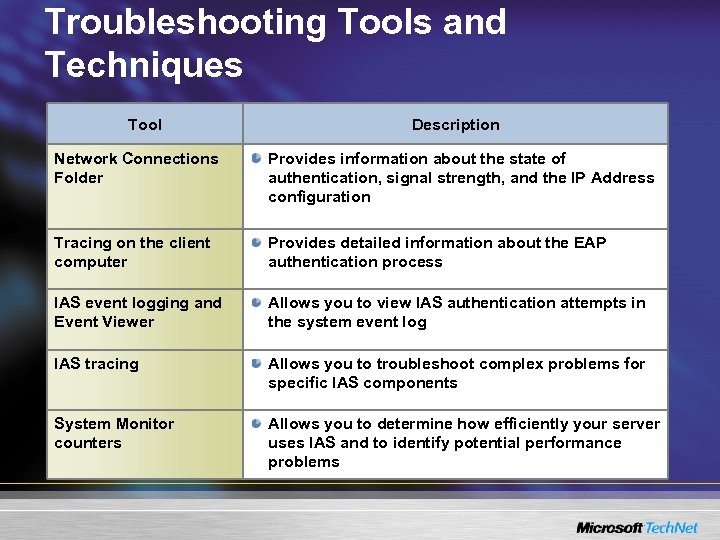 Troubleshooting Tools and Techniques Tool Description Network Connections Folder Provides information about the state of authentication, signal strength, and the IP Address configuration Tracing on the client computer Provides detailed information about the EAP authentication process IAS event logging and Event Viewer Allows you to view IAS authentication attempts in the system event log IAS tracing Allows you to troubleshoot complex problems for specific IAS components System Monitor counters Allows you to determine how efficiently your server uses IAS and to identify potential performance problems
 Best Practices • Overview of Wireless Solutions • Securing a Wireless Network • Implementing a Wireless Network Using Password Authentication • Configuring Wireless Network Infrastructure Components • Configuring Wireless Network Clients • Troubleshooting Wireless Network Problems • Best Practices
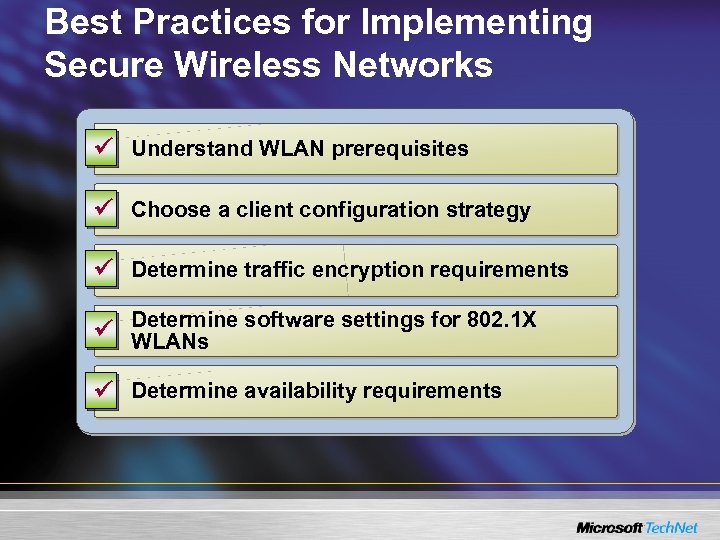 Best Practices for Implementing Secure Wireless Networks ü Understand WLAN prerequisites ü Choose a client configuration strategy ü Determine traffic encryption requirements ü Determine software settings for 802. 1 X WLANs ü Determine availability requirements
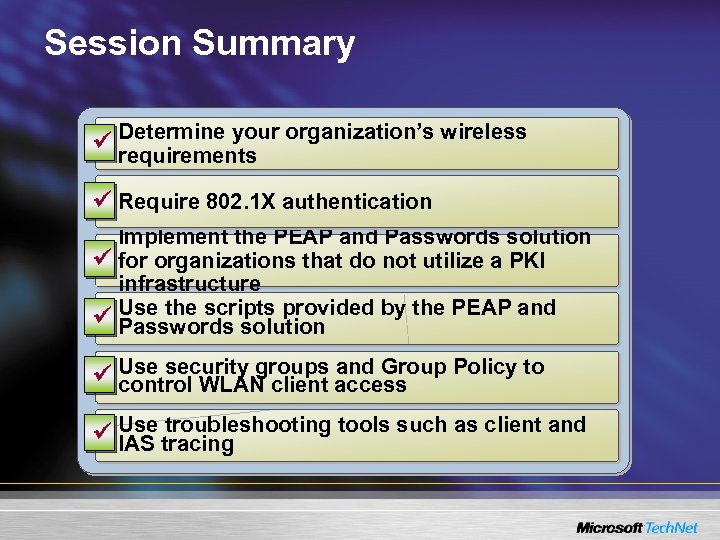 Session Summary Determine your organization’s wireless ü requirements ü Require 802. 1 X authentication Implement the PEAP and Passwords solution ü for organizations that do not utilize a PKI infrastructure ü Use the scripts provided by the PEAP and Passwords solution and Group Policy to ü Use security groups access control WLAN client troubleshooting tools such as client and ü Use tracing IAS
 Next Steps • Where to find this guidance: – Securing Wireless LANs with Certificate Services http: //go. microsoft. com/fwlink/? Link. Id=14843 – Security Wireless LANs with PEAP and Passwords http: //www. microsoft. com/technet/security/topics/cryptographyetc/ peap_0. mspx Find additional security training events: http: //www. microsoft. com/seminar/events/security. mspx • Sign up for security communications: http: //www. microsoft. com/technet/security/signup/ default. mspx • Order the Security Guidance Kit: http: //www. microsoft. com/security/guidance/order/ default. mspx • Get additional security tools and content: http: //www. microsoft. com/security/guidance http: //www. microsoft. com/wifi
 Questions and Answers