


 Скачать презентацию Windows Server MIS 424 Professor Sandvig Overview
e3c4b7d1750dfff77239469fe1f5c85c.ppt
- Количество слайдов: 36
 Windows Server MIS 424 Professor Sandvig
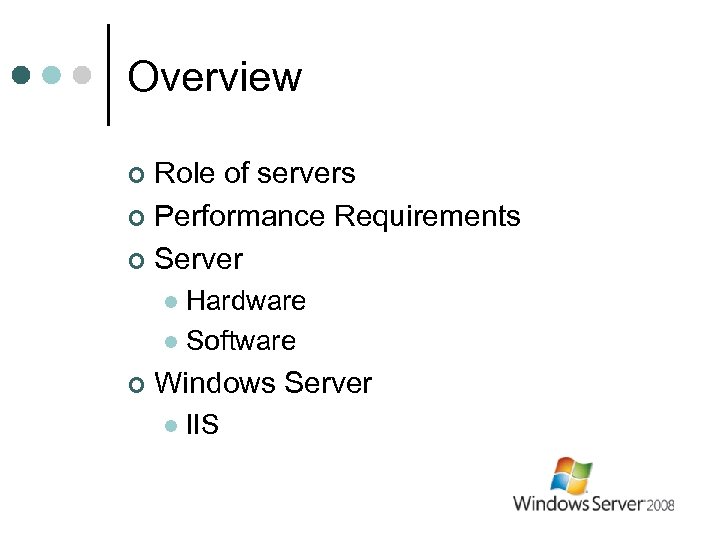 Overview Role of servers ¢ Performance Requirements ¢ Server ¢ Hardware l Software l ¢ Windows Server l IIS
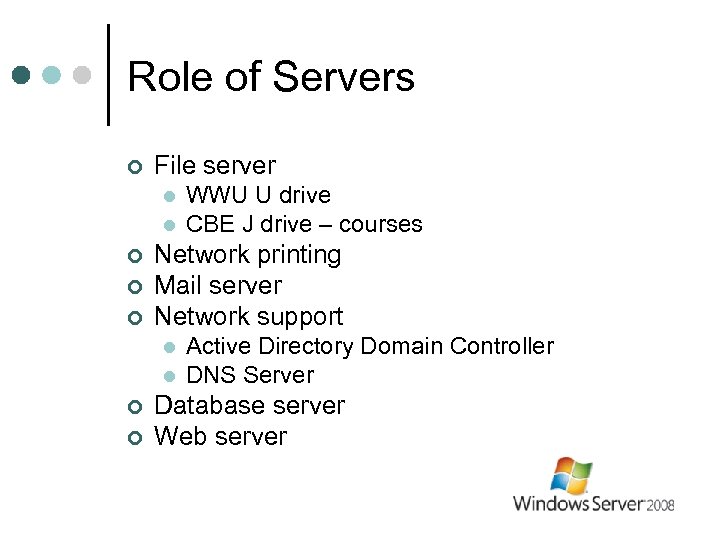 Role of Servers ¢ File server l l ¢ ¢ ¢ Network printing Mail server Network support l l ¢ ¢ WWU U drive CBE J drive – courses Active Directory Domain Controller DNS Server Database server Web server
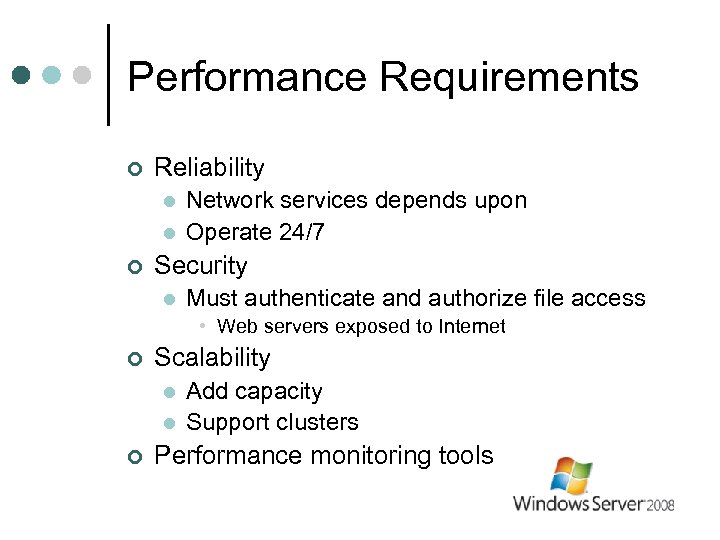 Performance Requirements ¢ Reliability l l ¢ Network services depends upon Operate 24/7 Security l Must authenticate and authorize file access • Web servers exposed to Internet ¢ Scalability l l ¢ Add capacity Support clusters Performance monitoring tools
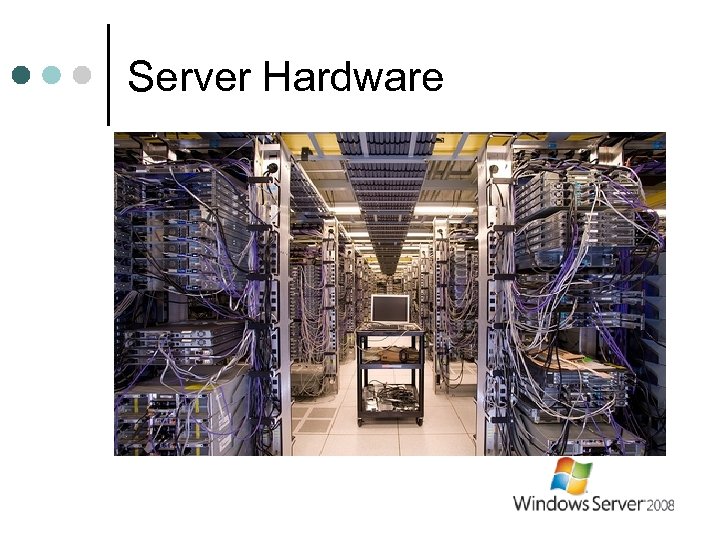 Server Hardware
 Server Hardware runs 24/7 for years ¢ Must be reliable ¢ Use: ¢ High quality components l redundancy l
 Server Hardware ¢ Reliability l Power • Redundant power supplies • UPS – Uninterruptible Power Supply l l Redundant cooling fans Remote Supervisor • Separate computer that monitors server • Sends message when problem is detected l Storage…
 Server Hardware ¢ RAID Storage l Redundant Array of Inexpensive Drives • Combines multiple hard drives l l No data lost if one fails RAID 1 • 2 or more mirrored disks – each stores same data l RAID 5 • 3 or more striped disks with parity l RAID 6 • Recover two lost disks l ¢ Requires RAID controller Hot swapping l Replace disk drive without powering down
 Server Hardware ¢ Automated backups l Nightly or more frequently • • Tape drive Network Amazon S 3 Copies off-site
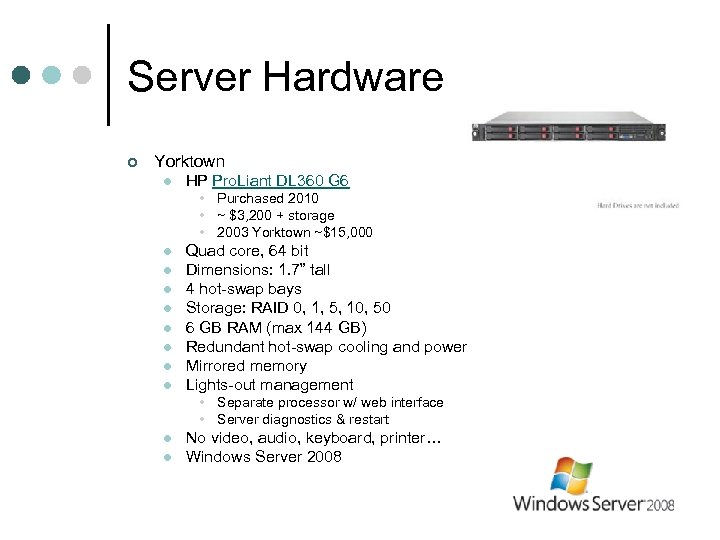 Server Hardware ¢ Yorktown l HP Pro. Liant DL 360 G 6 • Purchased 2010 • ~ $3, 200 + storage • 2003 Yorktown ~$15, 000 l l l l Quad core, 64 bit Dimensions: 1. 7” tall 4 hot-swap bays Storage: RAID 0, 1, 5, 10, 50 6 GB RAM (max 144 GB) Redundant hot-swap cooling and power Mirrored memory Lights-out management • Separate processor w/ web interface • Server diagnostics & restart l l No video, audio, keyboard, printer… Windows Server 2008
 Sever Software ¢ Several OS available l MS Windows – 46% revenue* Unix – 18% Linux - 20% IBM System z – 12% l Our focus: Windows Server l l l *IDC Worldwide Server Market May 2012
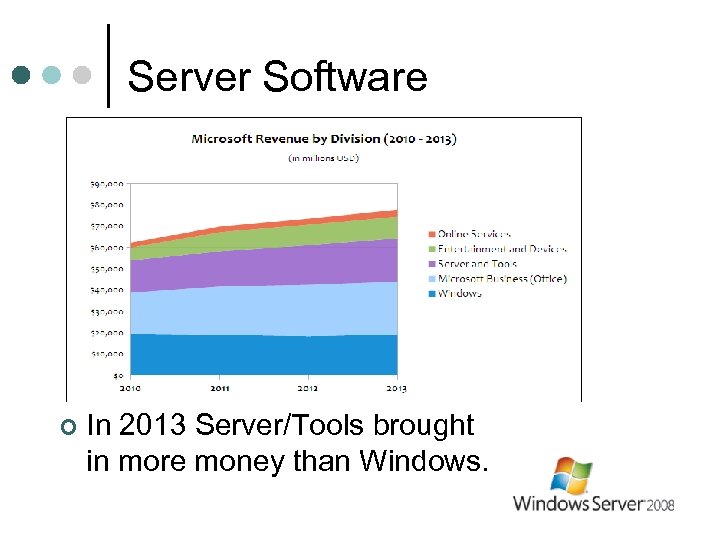 Server Software ¢ In 2013 Server/Tools brought in more money than Windows.
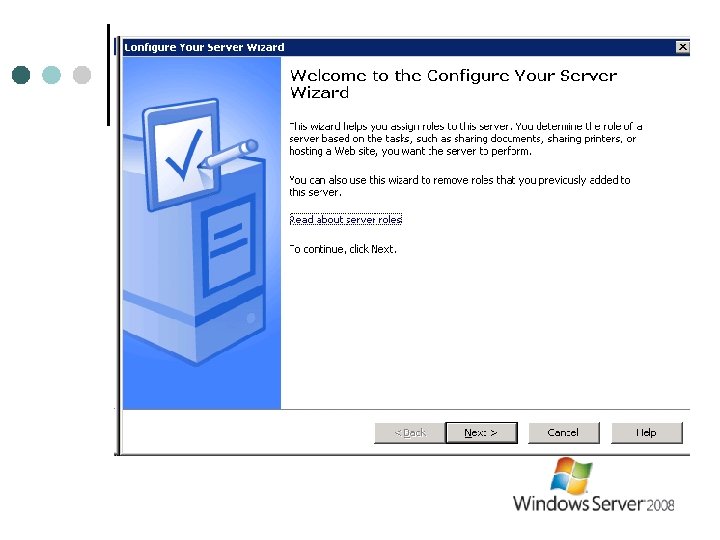
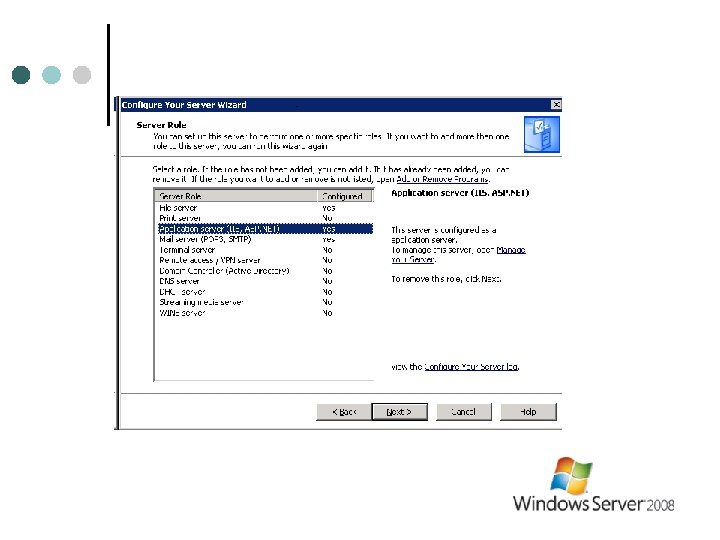
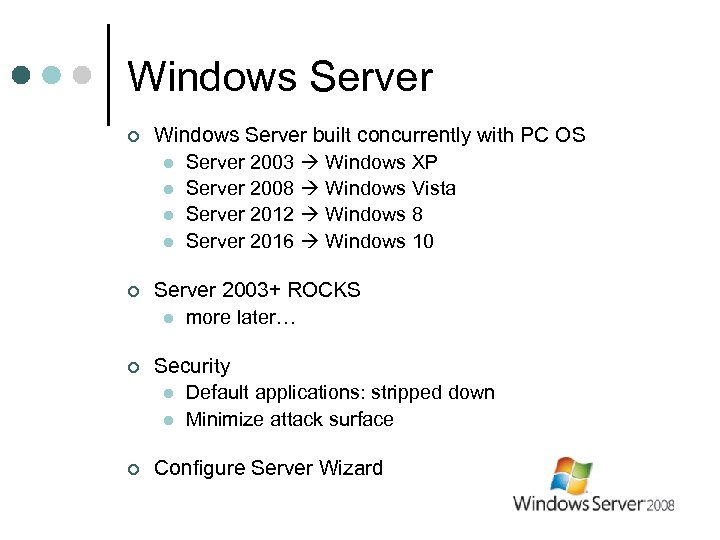 Windows Server ¢ Windows Server built concurrently with PC OS l Server 2003 Windows XP l Server 2008 Windows Vista l Server 2012 Windows 8 l Server 2016 Windows 10 ¢ Server 2003+ ROCKS l more later… ¢ Security l Default applications: stripped down l Minimize attack surface ¢ Configure Server Wizard
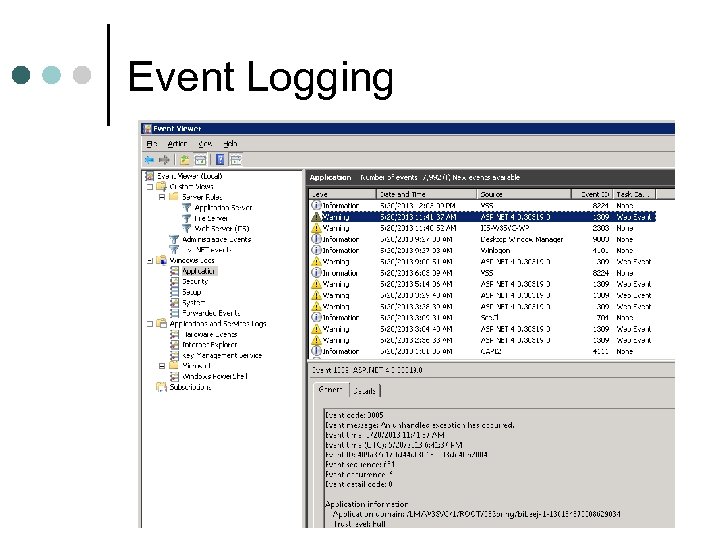 Event Logging
 Windows Server ¢ Self-healing file system l ¢ Hyper-V l ¢ Create virtual servers Power Shell l ¢ Detects & fixes corrupted files on-the-fly Task automation via scripting language Failover Clustering l Server clusters provide redundancy
 Windows Server 2016 ¢ Pricing – complicated l ¢ Range $501 - $10, 000+ Depends upon: Number of processors l Number of virtual machines l Client access licenses (CALs) l
 Windows Server ¢ Our interest: l Web server: • • Internet Information Services (IIS) Tightly integrated with Windows • • • Permissions Applications Error handling
 IIS ¢ Role of IIS 1. 2. 3. 4. Handle http requests Application reliability Security – check credentials Log activity
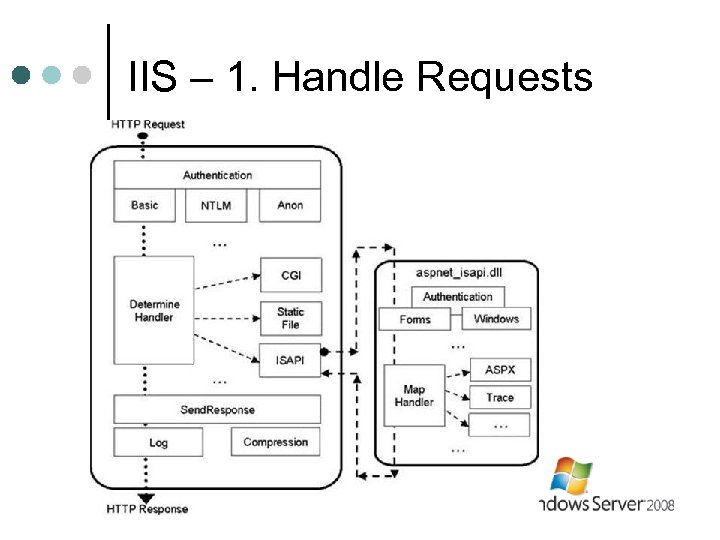 IIS – 1. Handle Requests
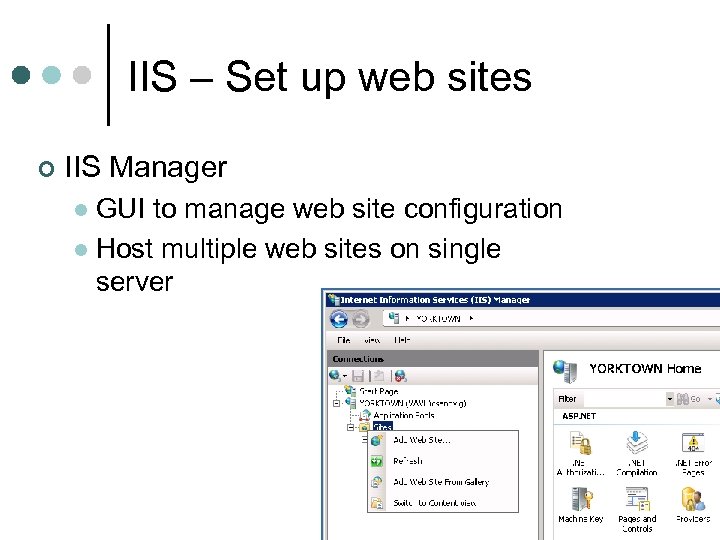 IIS – Set up web sites ¢ IIS Manager GUI to manage web site configuration l Host multiple web sites on single server l
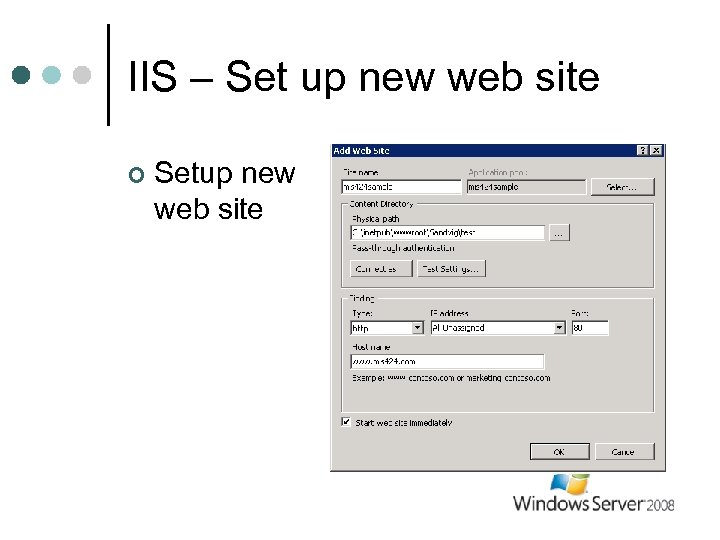 IIS – Set up new web site ¢ Setup new web site
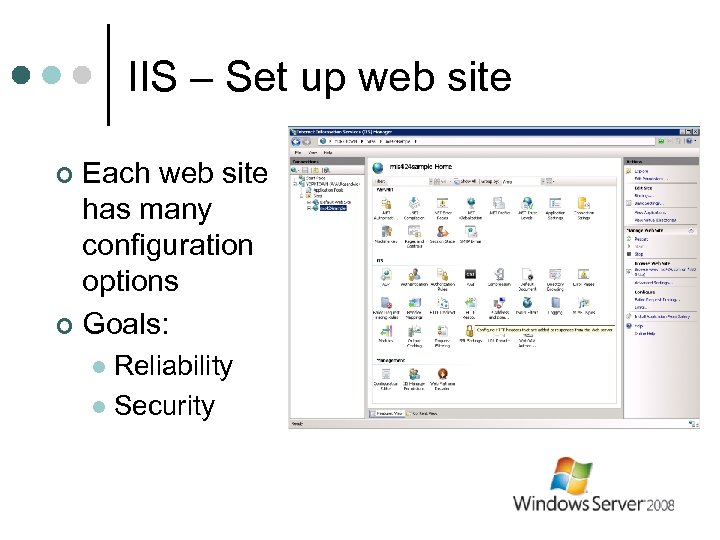 IIS – Set up web site Each web site has many configuration options ¢ Goals: ¢ Reliability l Security l
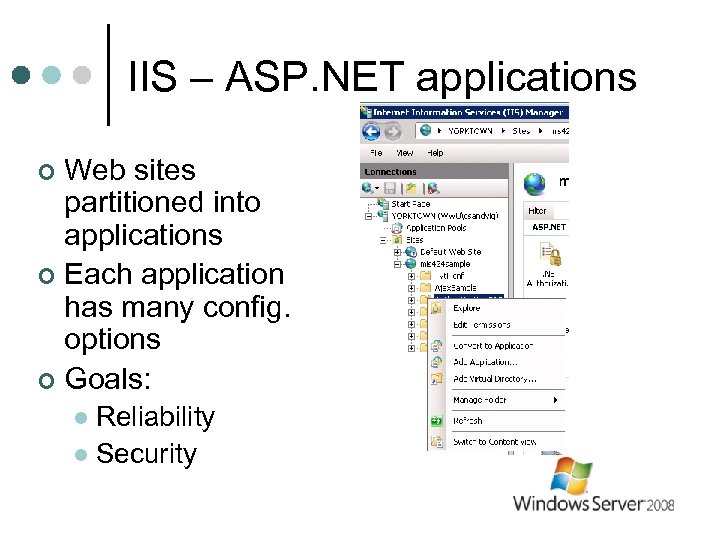 IIS – ASP. NET applications Web sites partitioned into applications ¢ Each application has many config. options ¢ Goals: ¢ Reliability l Security l
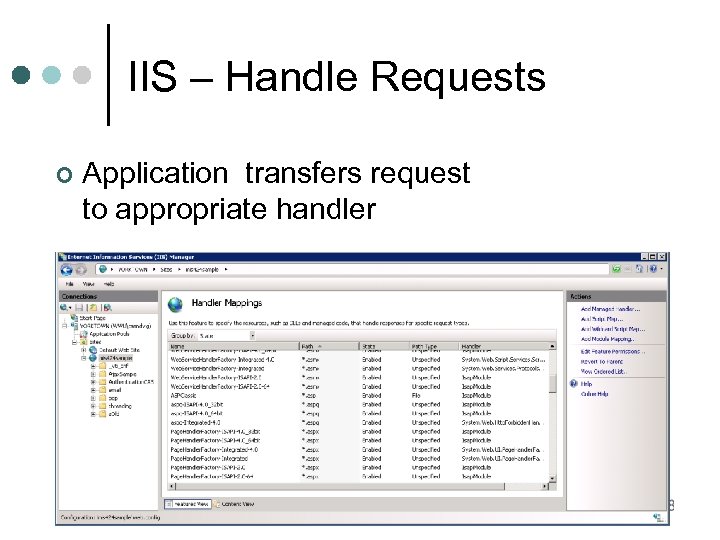 IIS – Handle Requests ¢ Application transfers request to appropriate handler
 IIS – Application pools ¢ Applications can become “un-healthy” Memory leaks l Errors l Abandoned data stored in Application l etc. l Become slow ¢ Consume lots of memory ¢
 IIS – Application pools ¢ Application Pools l ¢ Assign applications to “pools” l ¢ Added in Server 2003 Each pool is Windows process Create rules to: close unused applications l restart unhealthy applications l release memory l
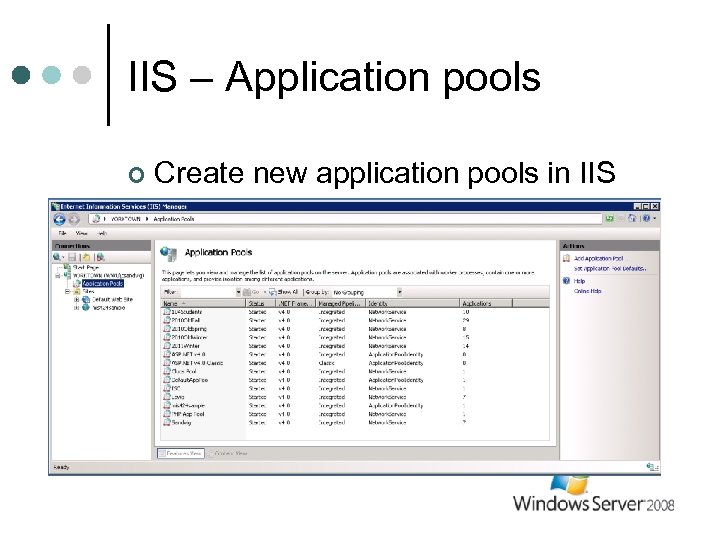 IIS – Application pools ¢ Create new application pools in IIS
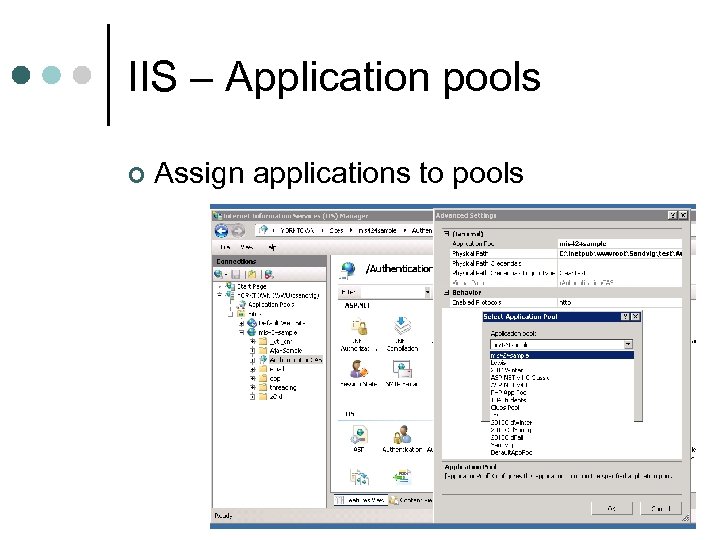 IIS – Application pools ¢ Assign applications to pools
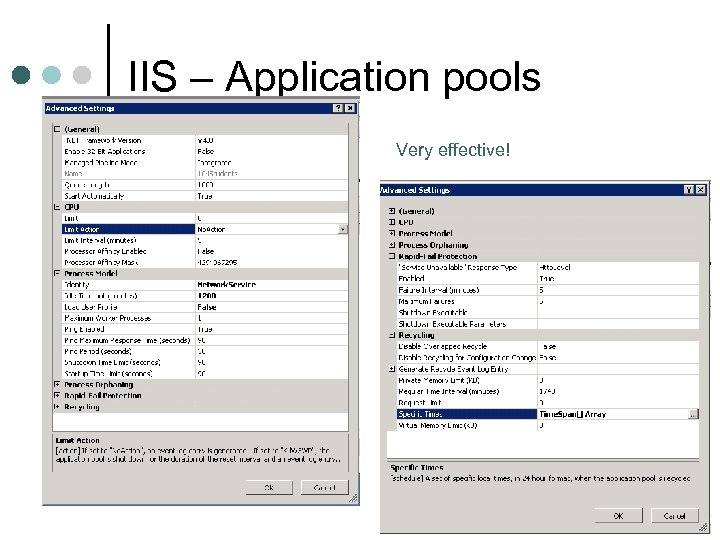 IIS – Application pools Very effective!
 IIS - Security Every request requires authentication and authorization ¢ Anonymous users ¢ Permissions from IIS ¢ l Network Service account • Built-in Windows account
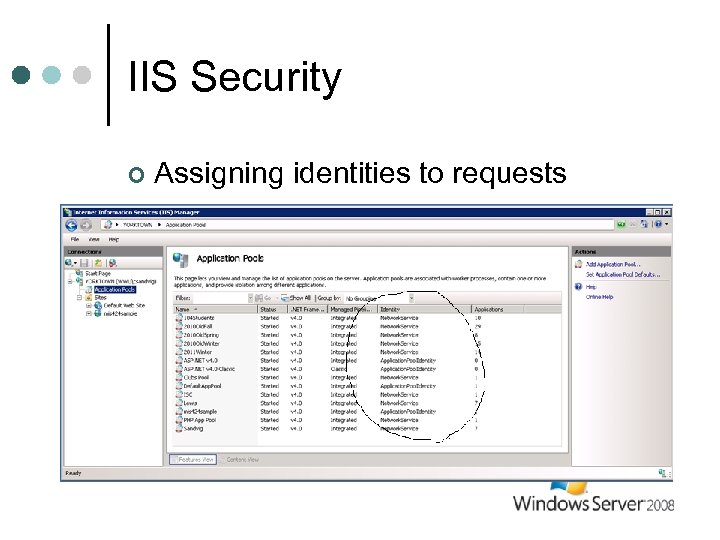 IIS Security ¢ Assigning identities to requests
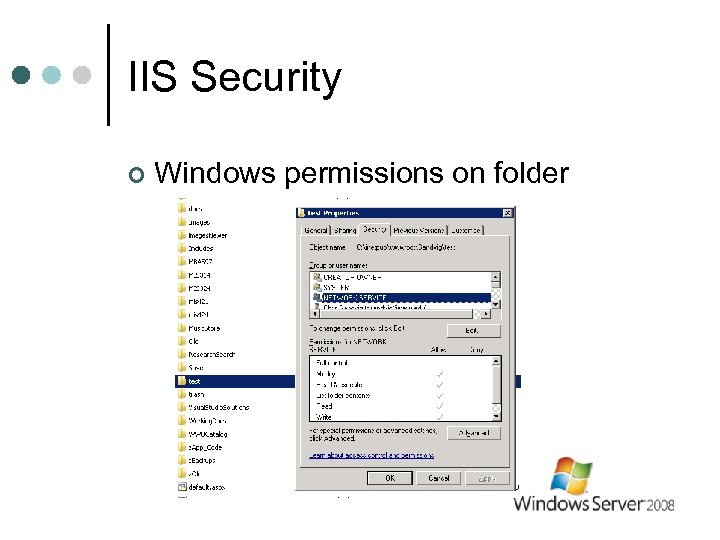 IIS Security ¢ Windows permissions on folder
 IIS – Log activities Event log ¢ W 3 Service log ¢
 Summary ¢ Windows Server l ¢ Many uses l l ¢ Popular File server, mail server, database server…. Web Server IIS l l Provides many configuration options Goals: • Reliability • Security