 Скачать презентацию Windows Server 2008 新管理技術探討 呂政周 精誠恆逸教育訓練處 師 http
fbf20d3ff620eba0b78d30325d94eb3f.ppt
- Количество слайдов: 31



Windows Server 2008 新管理技術探討 呂政周 精誠恆逸教育訓練處 師 http: //edu. uuu. com. tw -1 - 資深講
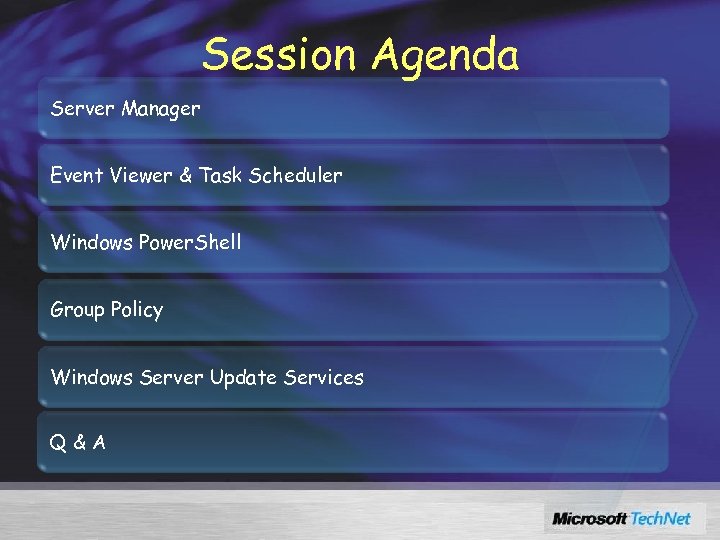
Session Agenda Server Manager Event Viewer & Task Scheduler Windows Power. Shell Group Policy Windows Server Update Services Q&A
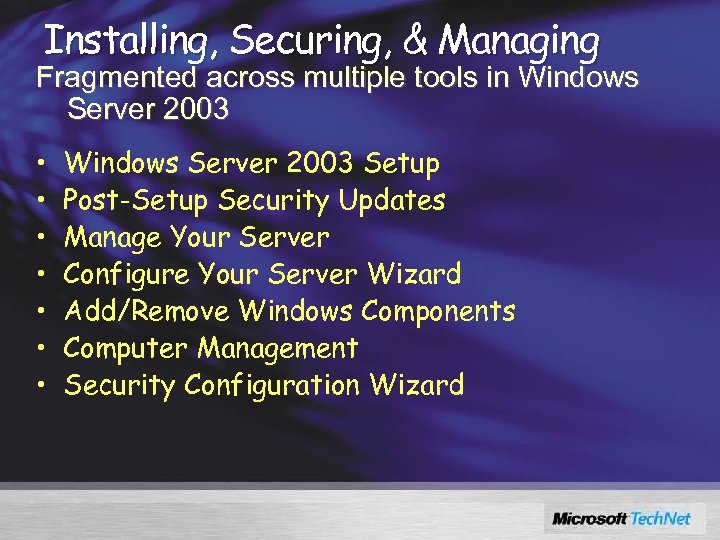
Installing, Securing, & Managing Fragmented across multiple tools in Windows Server 2003 • • Windows Server 2003 Setup Post-Setup Security Updates Manage Your Server Configure Your Server Wizard Add/Remove Windows Components Computer Management Security Configuration Wizard
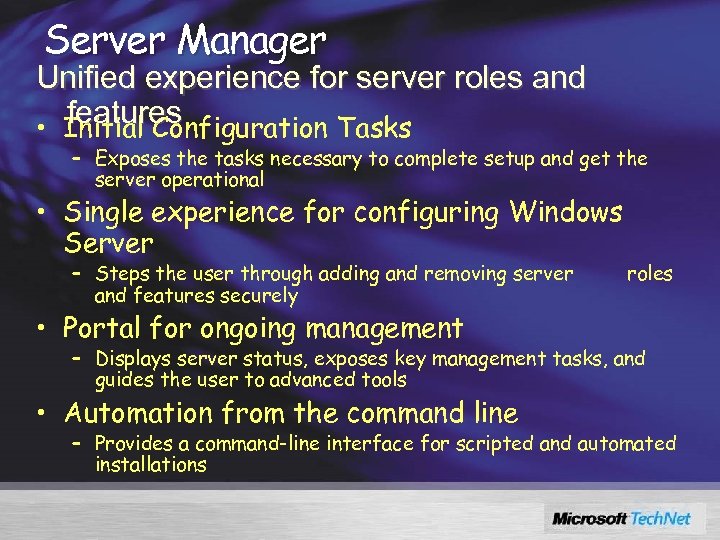
Server Manager Unified experience for server roles and features • Initial Configuration Tasks – Exposes the tasks necessary to complete setup and get the server operational • Single experience for configuring Windows Server – Steps the user through adding and removing server and features securely roles • Portal for ongoing management – Displays server status, exposes key management tasks, and guides the user to advanced tools • Automation from the command line – Provides a command-line interface for scripted and automated installations
DEMO Server Manager
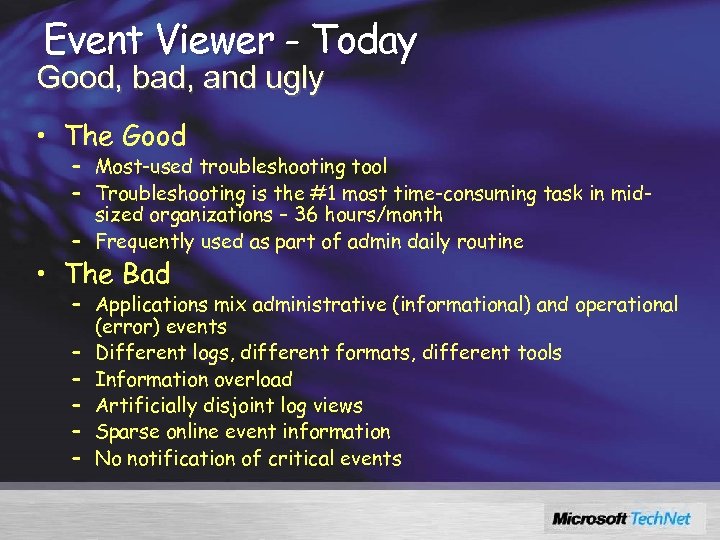
Event Viewer - Today Good, bad, and ugly • The Good – Most-used troubleshooting tool – Troubleshooting is the #1 most time-consuming task in midsized organizations – 36 hours/month – Frequently used as part of admin daily routine • The Bad – Applications mix administrative (informational) and operational (error) events – Different logs, different formats, different tools – Information overload – Artificially disjoint log views – Sparse online event information – No notification of critical events
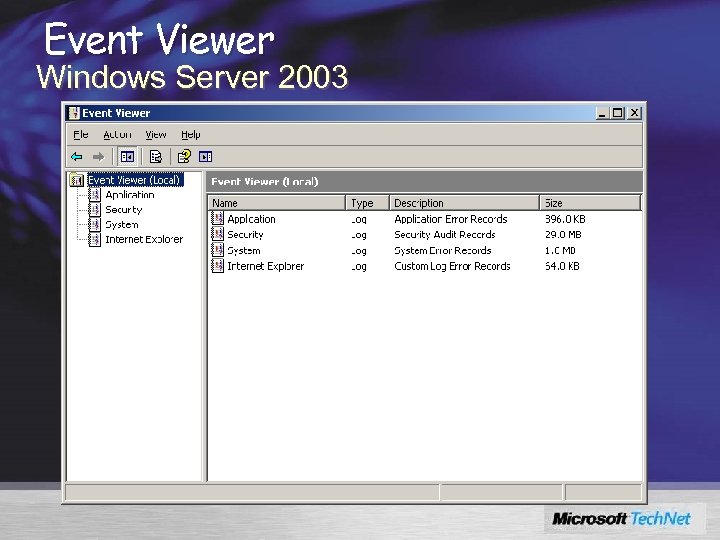
Event Viewer Windows Server 2003
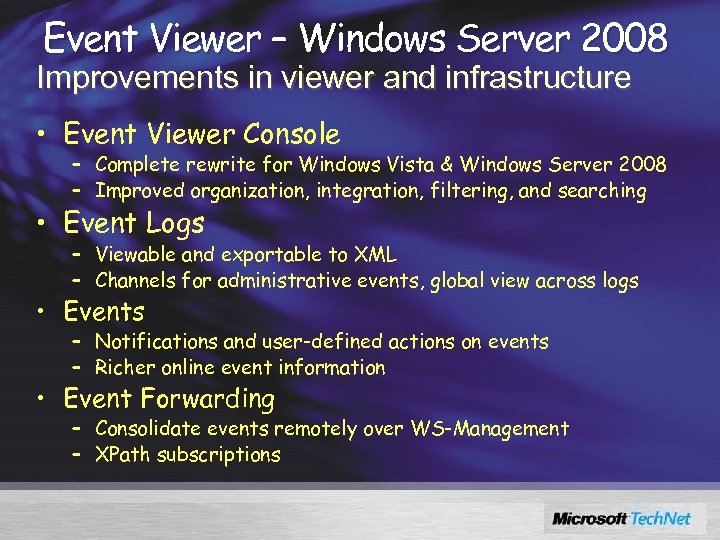
Event Viewer – Windows Server 2008 Improvements in viewer and infrastructure • Event Viewer Console – Complete rewrite for Windows Vista & Windows Server 2008 – Improved organization, integration, filtering, and searching • Event Logs – Viewable and exportable to XML – Channels for administrative events, global view across logs • Events – Notifications and user-defined actions on events – Richer online event information • Event Forwarding – Consolidate events remotely over WS-Management – XPath subscriptions
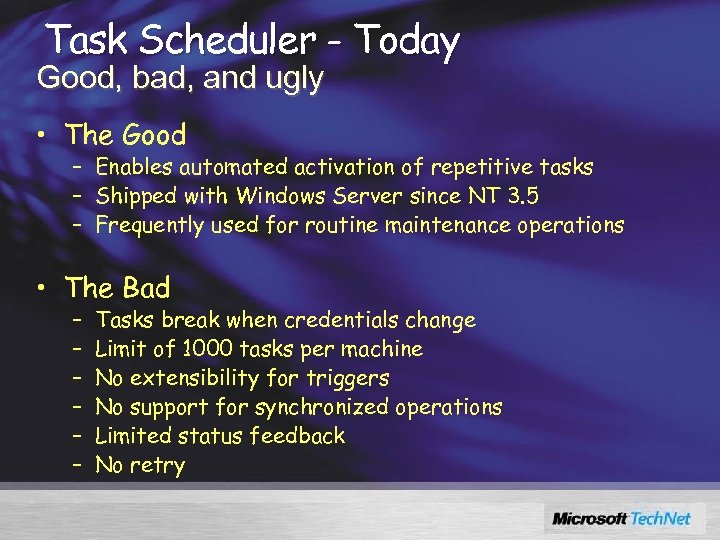
Task Scheduler - Today Good, bad, and ugly • The Good – Enables automated activation of repetitive tasks – Shipped with Windows Server since NT 3. 5 – Frequently used for routine maintenance operations • The Bad – – – Tasks break when credentials change Limit of 1000 tasks per machine No extensibility for triggers No support for synchronized operations Limited status feedback No retry
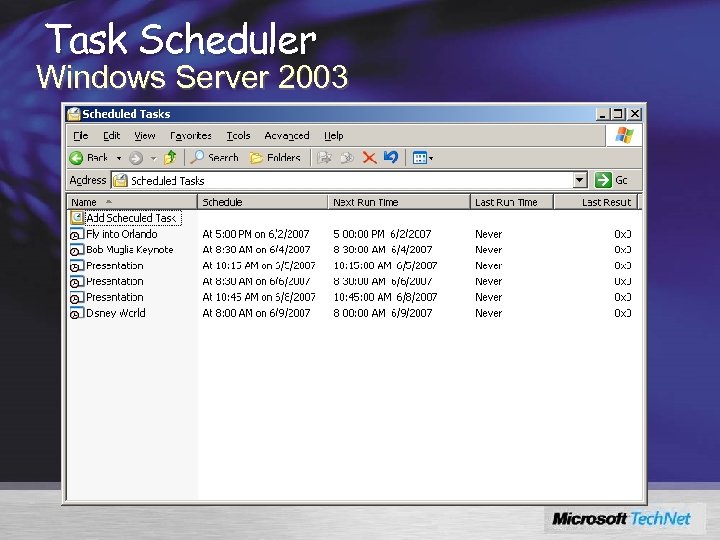
Task Scheduler Windows Server 2003
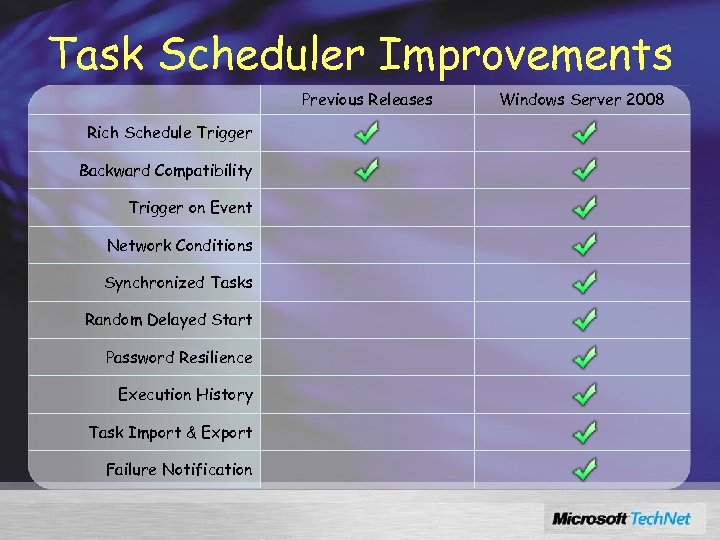
Task Scheduler Improvements Previous Releases Rich Schedule Trigger Backward Compatibility Trigger on Event Network Conditions Synchronized Tasks Random Delayed Start Password Resilience Execution History Task Import & Export Failure Notification Windows Server 2008

DEMO Event Viewer and Task Scheduler
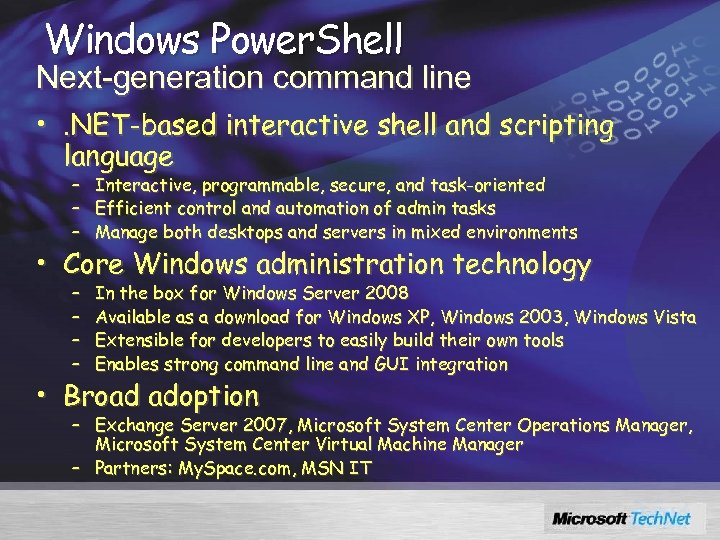
Windows Power. Shell Next-generation command line • . NET-based interactive shell and scripting language – Interactive, programmable, secure, and task-oriented – Efficient control and automation of admin tasks – Manage both desktops and servers in mixed environments • Core Windows administration technology – – In the box for Windows Server 2008 Available as a download for Windows XP, Windows 2003, Windows Vista Extensible for developers to easily build their own tools Enables strong command line and GUI integration • Broad adoption – Exchange Server 2007, Microsoft System Center Operations Manager, Microsoft System Center Virtual Machine Manager – Partners: My. Space. com, MSN IT
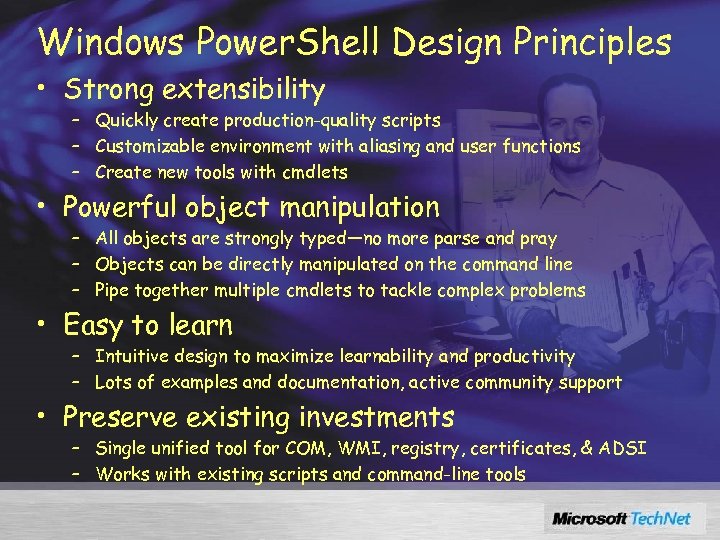
Windows Power. Shell Design Principles • Strong extensibility – Quickly create production-quality scripts – Customizable environment with aliasing and user functions – Create new tools with cmdlets • Powerful object manipulation – All objects are strongly typed—no more parse and pray – Objects can be directly manipulated on the command line – Pipe together multiple cmdlets to tackle complex problems • Easy to learn – Intuitive design to maximize learnability and productivity – Lots of examples and documentation, active community support • Preserve existing investments – Single unified tool for COM, WMI, registry, certificates, & ADSI – Works with existing scripts and command-line tools
DEMO Windows Power. Shell
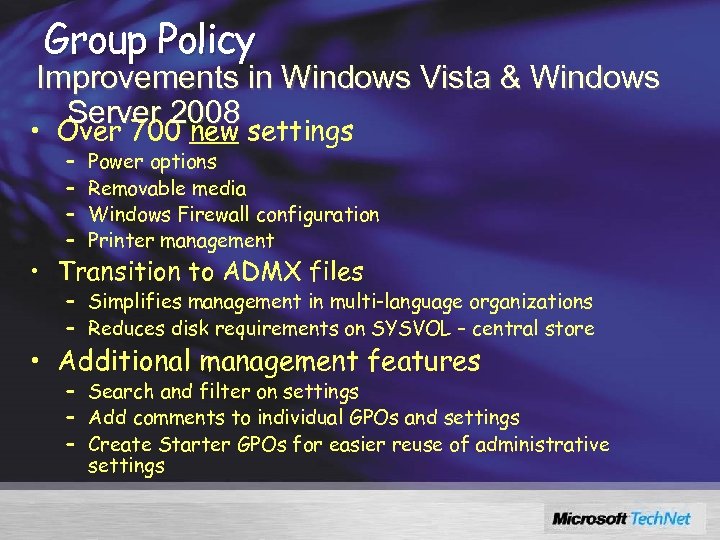
Group Policy Improvements in Windows Vista & Windows Server 2008 • Over 700 new settings – – Power options Removable media Windows Firewall configuration Printer management • Transition to ADMX files – Simplifies management in multi-language organizations – Reduces disk requirements on SYSVOL – central store • Additional management features – Search and filter on settings – Add comments to individual GPOs and settings – Create Starter GPOs for easier reuse of administrative settings
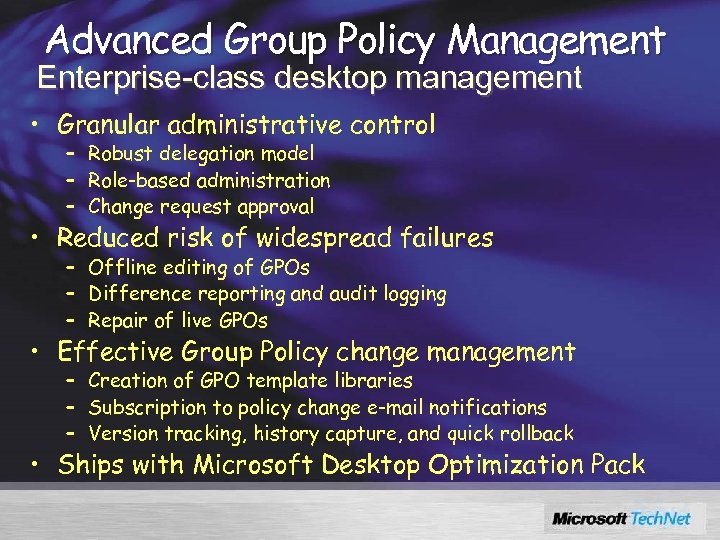
Advanced Group Policy Management Enterprise-class desktop management • Granular administrative control – Robust delegation model – Role-based administration – Change request approval • Reduced risk of widespread failures – Offline editing of GPOs – Difference reporting and audit logging – Repair of live GPOs • Effective Group Policy change management – Creation of GPO template libraries – Subscription to policy change e-mail notifications – Version tracking, history capture, and quick rollback • Ships with Microsoft Desktop Optimization Pack

DEMO Group Policy
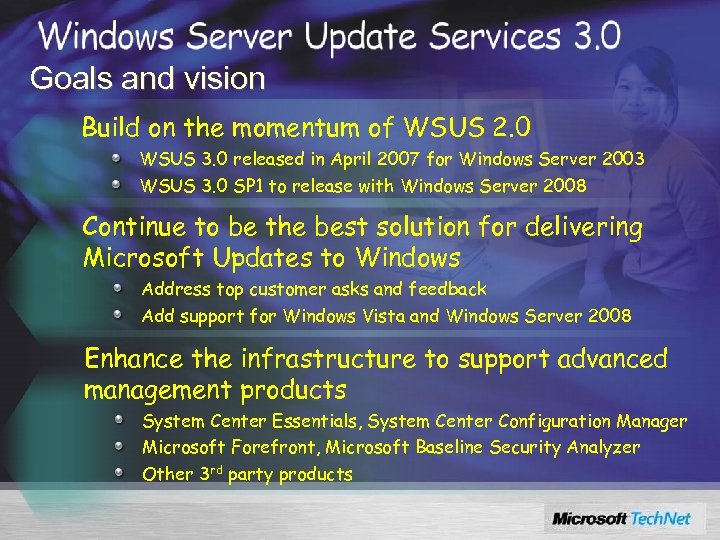
Goals and vision Build on the momentum of WSUS 2. 0 WSUS 3. 0 released in April 2007 for Windows Server 2003 WSUS 3. 0 SP 1 to release with Windows Server 2008 Continue to be the best solution for delivering Microsoft Updates to Windows Address top customer asks and feedback Add support for Windows Vista and Windows Server 2008 Enhance the infrastructure to support advanced management products System Center Essentials, System Center Configuration Manager Microsoft Forefront, Microsoft Baseline Security Analyzer Other 3 rd party products
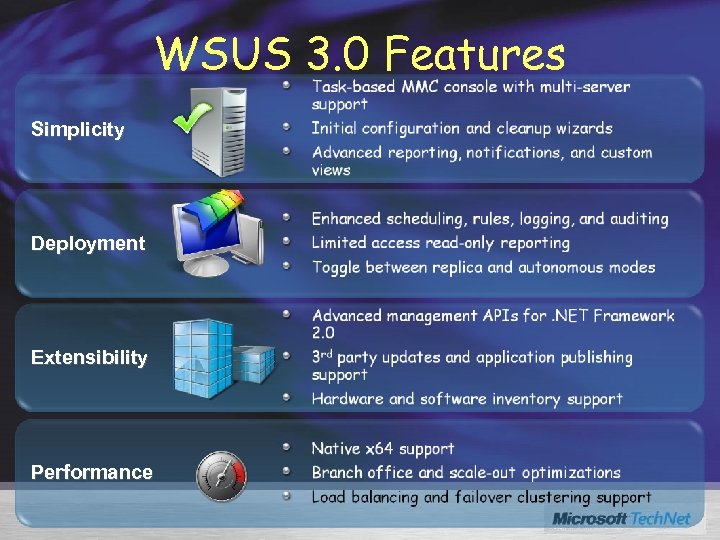
WSUS 3. 0 Features Simplicity Deployment Extensibility Performance
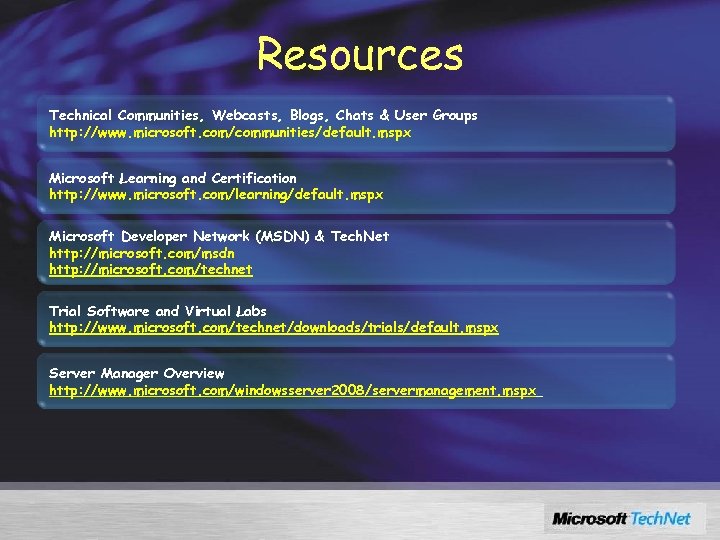
Resources Technical Communities, Webcasts, Blogs, Chats & User Groups http: //www. microsoft. com/communities/default. mspx Microsoft Learning and Certification http: //www. microsoft. com/learning/default. mspx Microsoft Developer Network (MSDN) & Tech. Net http: //microsoft. com/msdn http: //microsoft. com/technet Trial Software and Virtual Labs http: //www. microsoft. com/technet/downloads/trials/default. mspx Server Manager Overview http: //www. microsoft. com/windowsserver 2008/servermanagement. mspx
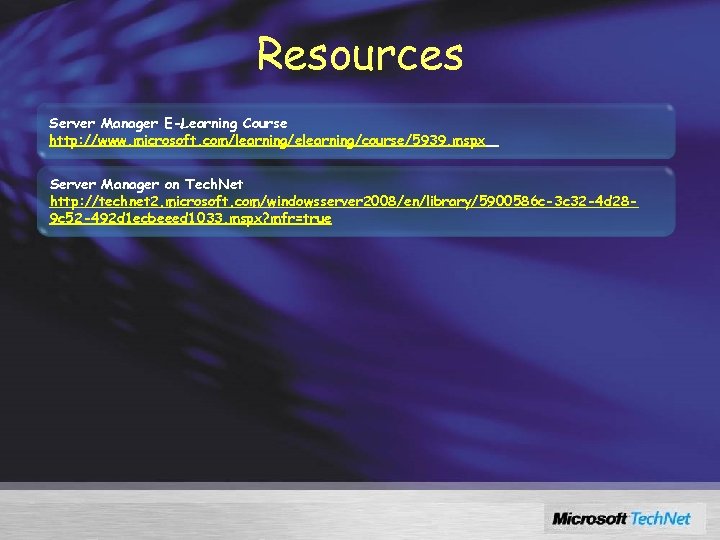
Resources Server Manager E-Learning Course http: //www. microsoft. com/learning/elearning/course/5939. mspx Server Manager on Tech. Net http: //technet 2. microsoft. com/windowsserver 2008/en/library/5900586 c-3 c 32 -4 d 289 c 52 -492 d 1 ecbeeed 1033. mspx? mfr=true

Q&A
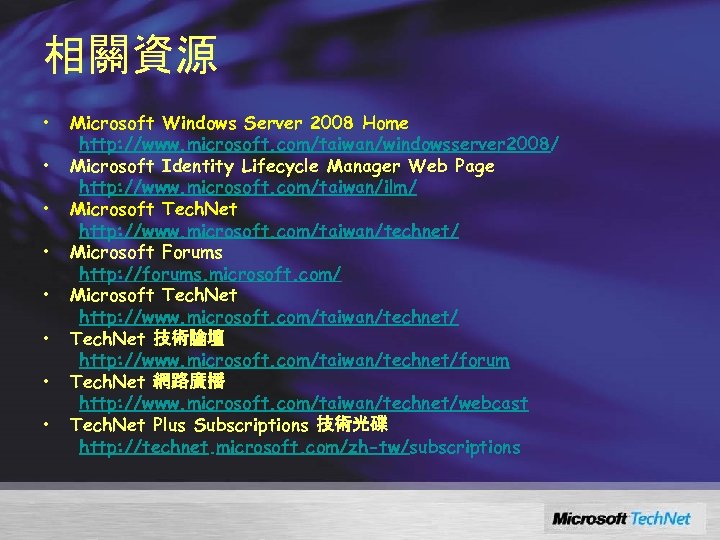
相關資源 • • Microsoft Windows Server 2008 Home http: //www. microsoft. com/taiwan/windowsserver 2008/ Microsoft Identity Lifecycle Manager Web Page http: //www. microsoft. com/taiwan/ilm/ Microsoft Tech. Net http: //www. microsoft. com/taiwan/technet/ Microsoft Forums http: //forums. microsoft. com/ Microsoft Tech. Net http: //www. microsoft. com/taiwan/technet/ Tech. Net 技術論壇 http: //www. microsoft. com/taiwan/technet/forum Tech. Net 網路廣播 http: //www. microsoft. com/taiwan/technet/webcast Tech. Net Plus Subscriptions 技術光碟 http: //technet. microsoft. com/zh-tw/subscriptions
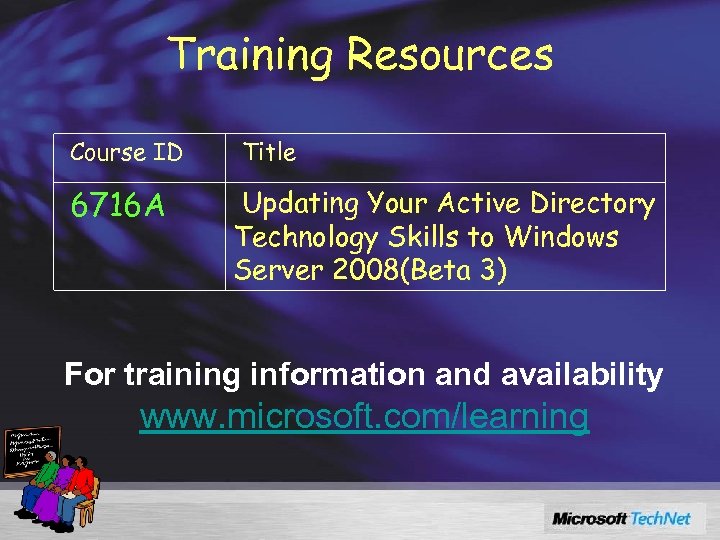
Training Resources Course ID 6716 A Title Updating Your Active Directory Technology Skills to Windows Server 2008(Beta 3) For training information and availability www. microsoft. com/learning
• • Readiness with Skills Assessment Self-study learning tool free to anyone. Determines skills gaps. Provides learning plans. Post your Score, see how you stack up. Visit www. microsoft. com/assessment
Become a Microsoft Certified Professional • What are MCP certifications? –Validation in performing critical IT functions. • Why Certify? –WW recognition of skills gained via experience. –More effective deployments with reduced costs • What Certifications are there for IT Pros? –MCP, MCSE, MCSA, MCDST, MCDBA. www. microsoft. com/learning/mcp
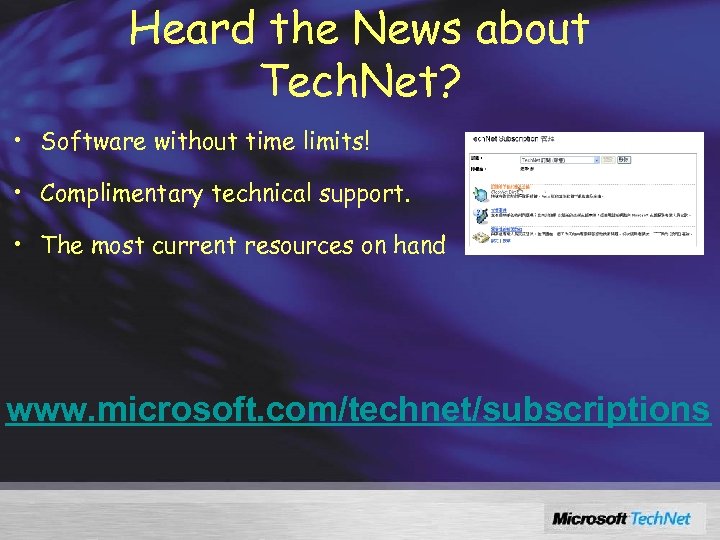
Heard the News about Tech. Net? • Software without time limits! • Complimentary technical support. • The most current resources on hand www. microsoft. com/technet/subscriptions
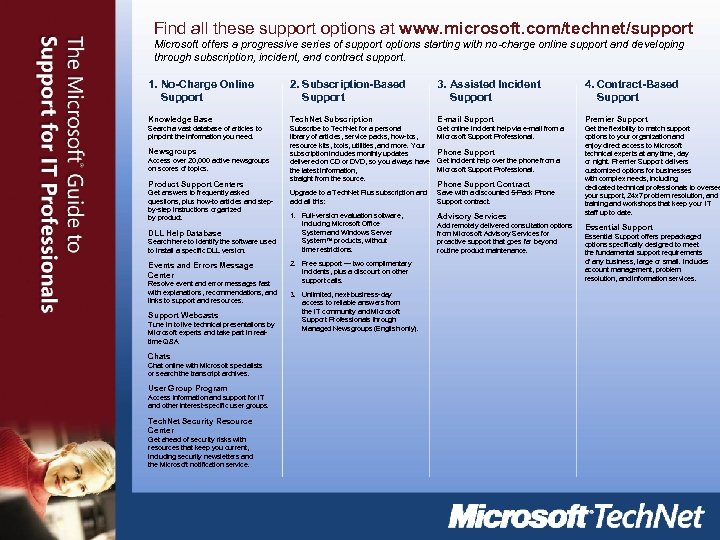
Find all these support options at www. microsoft. com/technet/support Microsoft offers a progressive series of support options starting with no-charge online support and developing through subscription, incident, and contract support. 1. No-Charge Online Support 2. Subscription-Based Support 3. Assisted Incident Support 4. Contract-Based Support Knowledge Base Tech. Net Subscription E-mail Support Premier Support Search a vast database of articles to pinpoint the information you need. Subscribe to Tech. Net for a personal library of articles, service packs, how-tos, resource kits, tools, utilities, and more. Your subscription includes monthly updates delivered on CD or DVD, so you always have the latest information, straight from the source. Get online incident help via e-mail from a Microsoft Support Professional. Upgrade to a Tech. Net Plus subscription and add all this: Save with a discounted 5 -Pack Phone Support contract. 1. Full-version evaluation software, including Microsoft Office System and Windows Server System™ products, without time restrictions. Advisory Services Get the flexibility to match support options to your organization and enjoy direct access to Microsoft technical experts at any time, day or night. Premier Support delivers customized options for businesses with complex needs, including dedicated technical professionals to oversee your support, 24 x 7 problem resolution, and training and workshops that keep your IT staff up to date. Newsgroups Access over 20, 000 active newsgroups on scores of topics. Product Support Centers Get answers to frequently asked questions, plus how-to articles and stepby-step instructions organized by product. DLL Help Database Search here to identify the software used to install a specific DLL version. Events and Errors Message Center Resolve event and error messages fast with explanations, recommendations, and links to support and resources. Support Webcasts Tune in to live technical presentations by Microsoft experts and take part in realtime Q&A. Chats Chat online with Microsoft specialists or search the transcript archives. User Group Program Access information and support for IT and other interest-specific user groups. Tech. Net Security Resource Center Get ahead of security risks with resources that keep you current, including security newsletters and the Microsoft notification service. 2. Free support — two complimentary incidents, plus a discount on other support calls. 3. Unlimited, next-business-day access to reliable answers from the IT community and Microsoft Support Professionals through Managed Newsgroups (English only). Phone Support Get incident help over the phone from a Microsoft Support Professional. Phone Support Contract Add remotely delivered consultation options from Microsoft Advisory Services for proactive support that goes far beyond routine product maintenance. Essential Support offers prepackaged options specifically designed to meet the fundamental support requirements of any business, large or small. Includes account management, problem resolution, and information services.
Where Else Can I Get Help? • Free chats and webcasts • List of newsgroups • Microsoft community sites • Community events and columns www. microsoft. com/technet/community

© 2007 Microsoft Corporation. All rights reserved. This presentation is for informational purposes only. Microsoft makes no warranties, express or implied, in this summary. -31 -
Скачать презентацию Windows Server 2008 新管理技術探討 呂政周 精誠恆逸教育訓練處 師 http
fbf20d3ff620eba0b78d30325d94eb3f.ppt