 Скачать презентацию Wi Fi connection problems By Naveed Yaqub
3c44e68f122802f6f8b51201cf354391.ppt
- Количество слайдов: 15



Wi. Fi connection problems By: Naveed Yaqub
Purpose for this session • • • Searching for Wi. Fi network Problem with connection Limited access Identification of problem Different parameter requirement for connection
Required skill level • Before attending this session the trainee should have the following level of skills. – Basic skill for computer usage – What is internet? – What is networks? • Having the above skill trainee will be able to better understand this session.
Benefits of this session • After completion of this session, the trainee will be able to know – What is Wi. Fi connection – And how to identify the Wi. Fi connection problem and its resolution.
What is Wi. Fi? • Wi. Fi is the famous name for the wireless Ethernet 802. 11 b standard for WLANs. • Also known as Wireless Fidelity • Wireline local area networks (LANs) introduced in the early 1980 s • It allow collections of PCs, terminals, and other distributed computing devices to share resources and peripherals such as printers, access servers, or shared storage devices. Ref: Lehr, W. and Mc. Knight, L. W. (2003) Wireless Internet Access: 3 G vs. Wi. Fi? Telecommunication Policy, 27, pp. 351 -370.
Cont… • It ranges up to 100 meters • In the last many years, we have seen the number of service providers that are offering Wi. Fi services for a free in selected local areas such as – – – Hotels Airport lounges Library Stations, Trains and Busses Coffee shops
Finding a network • • Finding the available network List of available networks will appear Select the network and connect Connection established with networks?

Ooooops!!!!
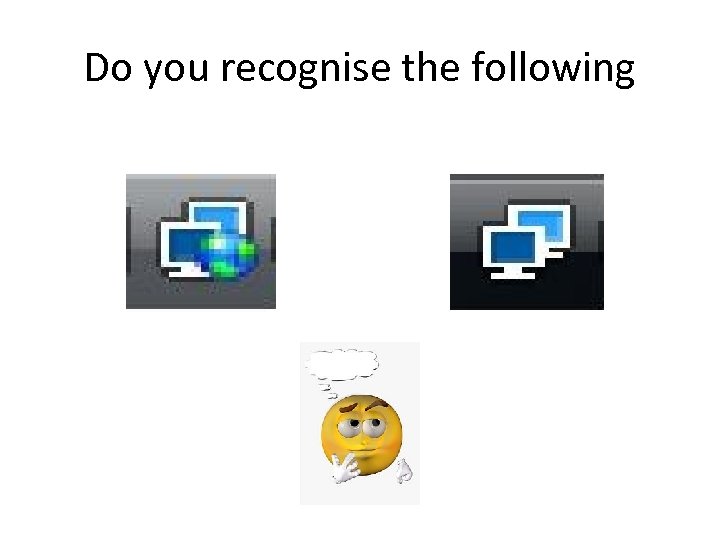
Do you recognise the following
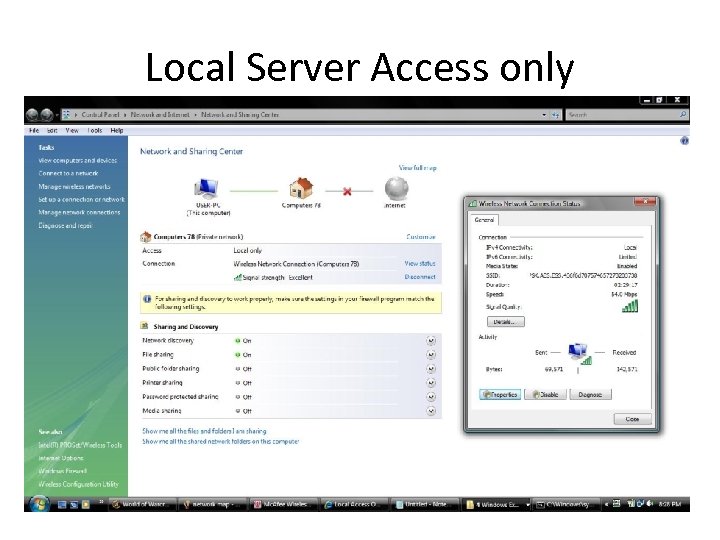
Local Server Access only
What happned? • • Security enabled network Password protected Paid network What other options in your mind?
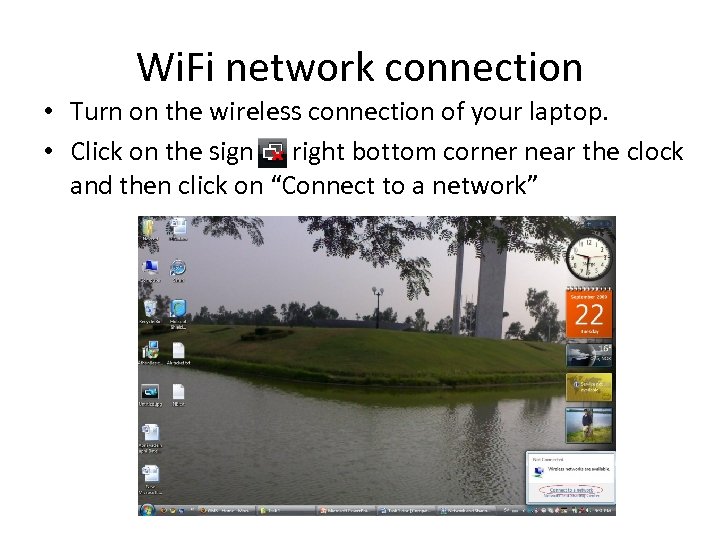
Wi. Fi network connection • Turn on the wireless connection of your laptop. • Click on the sign right bottom corner near the clock and then click on “Connect to a network”
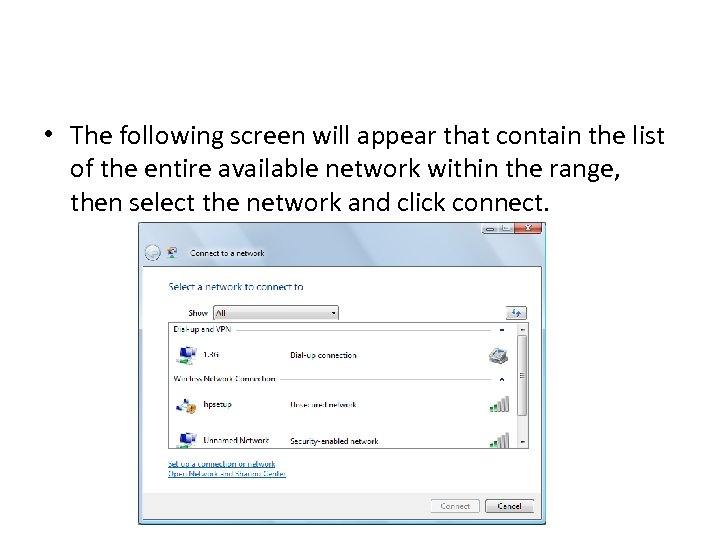
• The following screen will appear that contain the list of the entire available network within the range, then select the network and click connect.
Future plan • What is IP address? Types of IP address and IP address setting • What is DNS (Domain Name Server) and its configuration

Any Question?
Скачать презентацию Wi Fi connection problems By Naveed Yaqub
3c44e68f122802f6f8b51201cf354391.ppt