


 Скачать презентацию Where Should the GALION Data Reside Centrally or
710d09f0d6ba73c689727424c3574c2d.ppt
- Количество слайдов: 14
 Where Should the GALION Data Reside? Centrally or Distributed? Introduction to the Discussion Fiebig, M. ; Fahre Vik, A. Norwegian Institute for Air Research
 User Demands for GALION Data Management • Data should be easy to find accessible via one common location. • Data should be searchable by location, time window, parameter, … • Plotting and browsing tool for online comparison. • Data should be downloadable in homogenous format, option for user selection between a few commonly used formats. • Data should be of homogenous high quality, including detailed documentation of processing steps for assessing comparability. • Different applications require different proximity to raw measurement. • Data should include a measure of uncertainty and variability. • Data should be available in near-real-time (crisis management, forecast, …) -> one location, one format! • Option for aggregating datasets into climatologies. • …
 Current Strategy for Data Management in GALION • At least one common point of access for common data pool. • Responsibility for QA and long-term availability remains with contributing institutions / networks. • Features of common access portal: • Holds access metadata from all contributing stations, i. e. dates, times, and type of measurements. • Allows search with criteria as network, date, location, … • Browsing / quicklook of data. • Link to download from original location. • Tools format conversion. • Control of access rights.
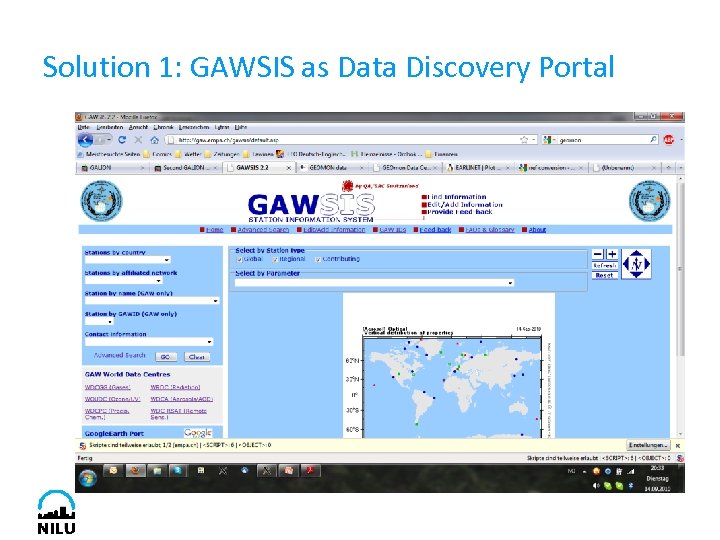 Solution 1: GAWSIS as Data Discovery Portal
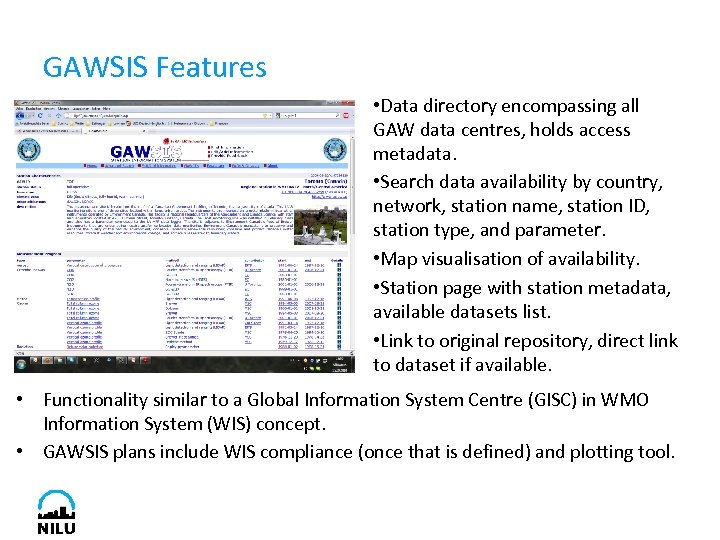 GAWSIS Features • Data directory encompassing all GAW data centres, holds access metadata. • Search data availability by country, network, station name, station ID, station type, and parameter. • Map visualisation of availability. • Station page with station metadata, available datasets list. • Link to original repository, direct link to dataset if available. • Functionality similar to a Global Information System Centre (GISC) in WMO Information System (WIS) concept. • GAWSIS plans include WIS compliance (once that is defined) and plotting tool.
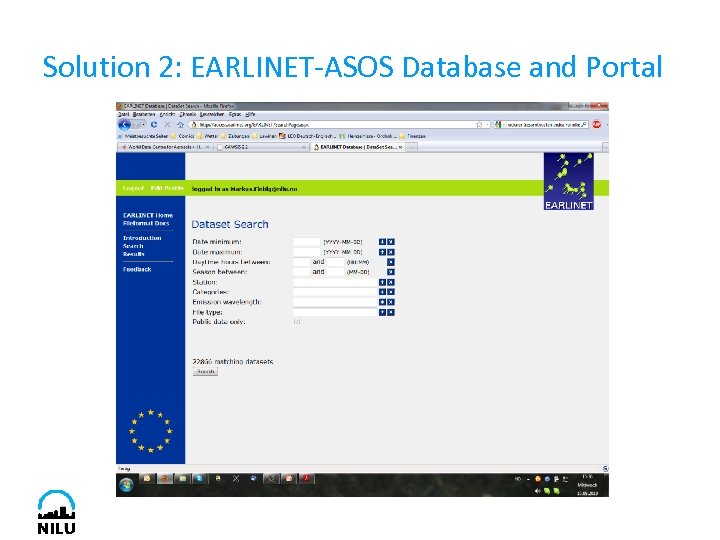 Solution 2: EARLINET-ASOS Database and Portal
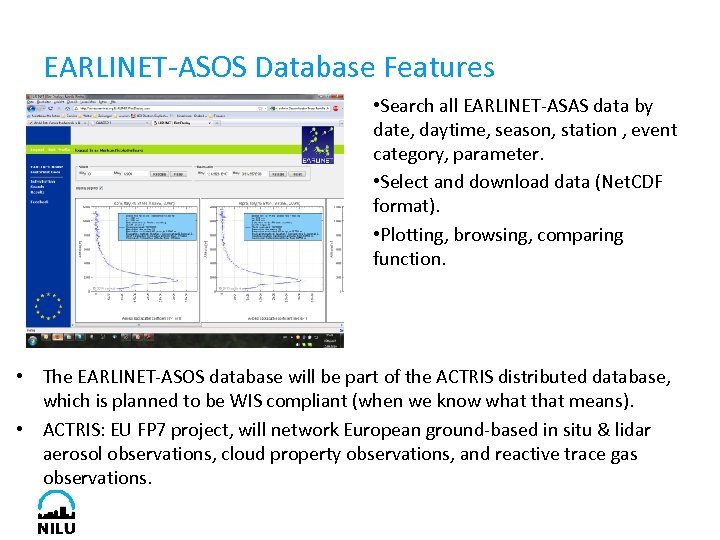 EARLINET-ASOS Database Features • Search all EARLINET-ASAS data by date, daytime, season, station , event category, parameter. • Select and download data (Net. CDF format). • Plotting, browsing, comparing function. • The EARLINET-ASOS database will be part of the ACTRIS distributed database, which is planned to be WIS compliant (when we know what that means). • ACTRIS: EU FP 7 project, will network European ground-based in situ & lidar aerosol observations, cloud property observations, and reactive trace gas observations.
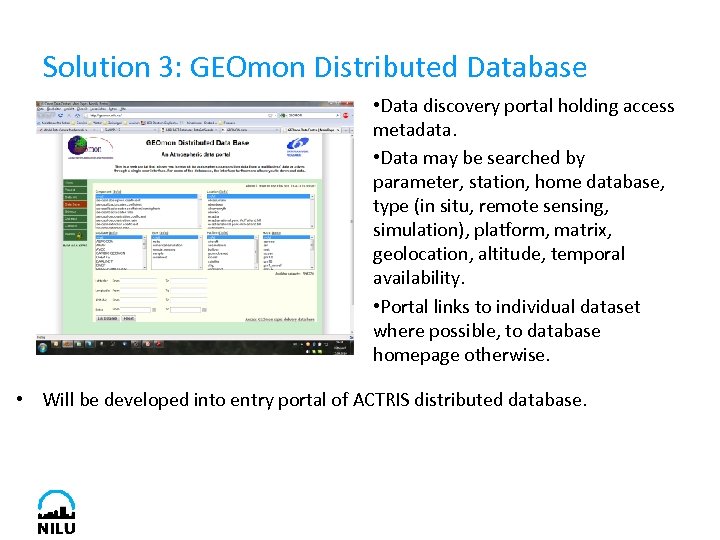 Solution 3: GEOmon Distributed Database • Data discovery portal holding access metadata. • Data may be searched by parameter, station, home database, type (in situ, remote sensing, simulation), platform, matrix, geolocation, altitude, temporal availability. • Portal links to individual dataset where possible, to database homepage otherwise. • Will be developed into entry portal of ACTRIS distributed database.
 Distributed Data Architecture Pros & Cons Pros: • Institutions / networks keep control over data access, data quality, long-term availability and maintain visibility. • Know-how on measurement principle and data management is combined for tailored solutions. Cons: • All institutions / networks have to maintain server infrastructure (file archive, metadata server, webservice, WIS compliance, …) • Well defined formats are essential for smooth interoperability. Implementing on-the-fly conversion of dozens of formats would be resource drain and predefined vulnerability. • Near-Real-Time dissemination with uniform QA almost impossible to implement. • Long-term availability not ensured.
 Centralised Data Architecture Pros & Cons Pros: • Server infrastructure needs to be maintained only once / few times (economy of scale). • Long-term availability ensured. • Easy to ensure homogenous data formatting and quality, frequent reformatting not necessary. • Almost the only option for implementing NRT service with homogenous automated QA. Cons: • Somewhat less visibility of individual institution / network. • Institution(s) hosting data centre(s) need to ensure access management. • Institution(s) hosting data centre also need experimental expertise.
 Well-Defined Common Data Formats are Essential for any Data Architecture • Data format is more than just selecting NASA-Ames, Net. CDF, … • Needs to include: implementation profile format standard and defined vocabulary, i. e. which parameteres / metadata are included in what unit and how are they named, which processing steps were conducted, all selfexplaining, flags to indicate special conditions. Example EUSAAR data formats (all NASA-Ames 1001): • Level 0: Annotated, instrument specific raw data, ”native” time resolution. • Level 1: processed to final physical variable, original time resolution. • Level 1. 5: automatically aggregated to (hourly) averages, includes uncertainty for averaging period. • Level 2: same as level 1. 5, but manually quality assured. • Well-defined common processing steps between levels establish traceability. • Well defined formats don’t limit usability of data, but make routine work more efficient.
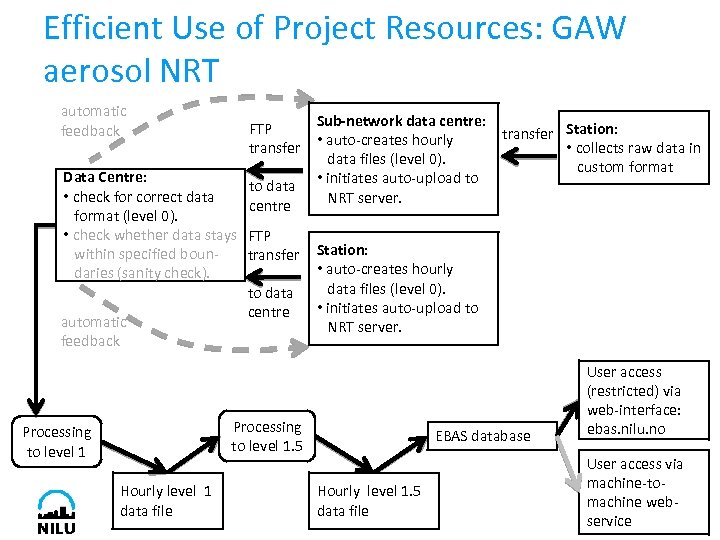 Efficient Use of Project Resources: GAW aerosol NRT automatic feedback Sub-network data centre: FTP transfer Station: • auto-creates hourly transfer • collects raw data in data files (level 0). custom format • initiates auto-upload to to data NRT server. centre Data Centre: • check for correct data format (level 0). • check whether data stays FTP within specified bountransfer daries (sanity check). to data centre automatic feedback Station: • auto-creates hourly data files (level 0). • initiates auto-upload to NRT server. Processing to level 1. 5 Processing to level 1 Hourly level 1 data file EBAS database Hourly level 1. 5 data file User access (restricted) via web-interface: ebas. nilu. no User access via machine-tomachine webservice
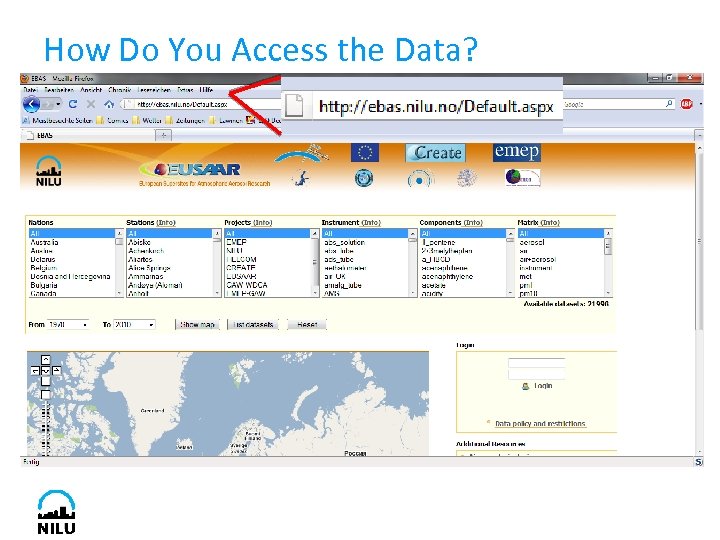 How Do You Access the Data?
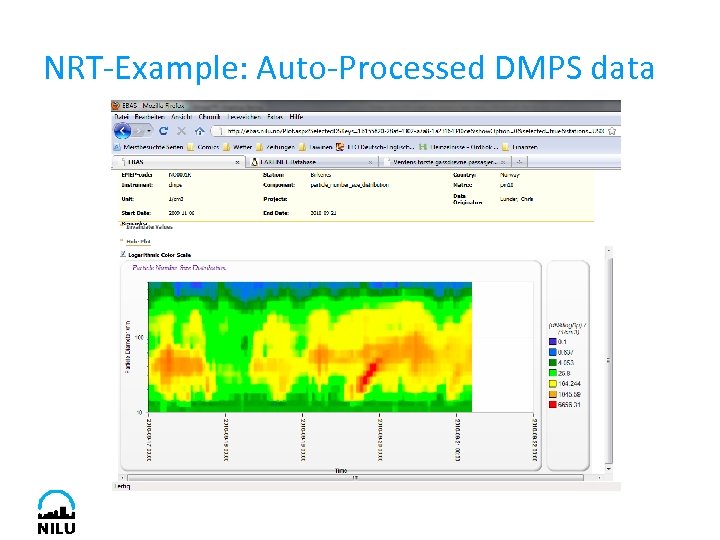 NRT-Example: Auto-Processed DMPS data