


 Скачать презентацию What Is Assistive Technology An Introduction to the
6dde38e55edd07368a74b906b77274c7.ppt
- Количество слайдов: 37
 What Is Assistive Technology? An Introduction to the Exciting World of AT Presented by Scott A. Dougherty IDEA Training & Consultation Coordinator, Assistive Technology
 Definitions AT SERVICES “Any services that directly assist in the selection, acquisition, or use of an assistive technology device. ” AT DEVICE “Any item, piece of equipment, or product system, whether acquired commercially off the shelf, modified or customized, that is used to increase, maintain, or improve the functional capabilities of individuals with disabilities. ” (PL 100 -407, Section 3, 1988)
 Assistive Technology Legislation • IDEIA 2004 (34 CFR Parts 300 and 301 ) • Early Intervention Act (PL-99 -336) • Technology-Related Assistance for Individuals with Disabilities Act of 1988 (PL-100 -407) • Americans with Disabilities Act (PL-101 -336) • Entitlement Legislation: – Rehabilitation Act of 1973 (PL-93 -112, as amended) – Rehabilitation Act Amendments
 Assistive Technology Assessment is a flexible, collaborative decision-making process in which teams of families, professionals, and friends repeatedly revise their decisions and reach consensus about the ever-changing abilities, needs, and expectations of the person with a disability. (Adapted from S. Bagnato – Children’s Team Work)
 Types of Service Through AIU • Direct consultation – Student assessments – Follow-up service – Case review with IEP/IFSP staff – Information sharing – AT set-up – Implementation guidance & support • AT training – – Individual Team Large-group Mixed groupings
 When Should AT Be Considered? • During the IEP/IFSP process • When a disability impacts the performance or potential of a person in any of several areas: – – – • • Play Accessing environments Communication Writing Accessing print and auditory information When progress is flat or negative in direction Upon team request As early as possible If someone is asking this question in the first place
 AT in the Written Plan With the reauthorization of IDEA, Assistive Technology MUST be considered in the IEP of learners with special needs • AT is a not a goal in and of itself • AT is a tool that can be used to assist an individual to access and achieve functional goals and objectives • Emphasis should be placed on the needs of the individual and the features that are required, not on specific names of equipment (J. Marquette, Penn. Tech)
 How Do Students Benefit? • Physical access – Mobility – Computer use – Activities for Daily Living (ADL) – Low vision alternatives – Hearing and listening – Handwriting & keyboarding – Switch controls • Communication assistance – Voice output devices – Speech to text/sign – Visual support tools • Cognitive support – Spelling assistance – Writing tools – Mathematics notation
 Disabilities and AT • Congenital Causes – Cerebral Palsy – Mental retardation • Acquired Causes – Closed Head Injury – Spinal Cord Injury • Temporary Causes – Shock or trauma – Surgery • Sensory Causes – Deafness – Blindness – Deafblindness • Neurological Causes – – – – Autism Spectrum Disorders Amyotrophic Lateral Sclerosis Muscular Dystrophy Multiple Sclerosis Parkinson’s Disease Huntington’s Disease Cystic Fibrosis
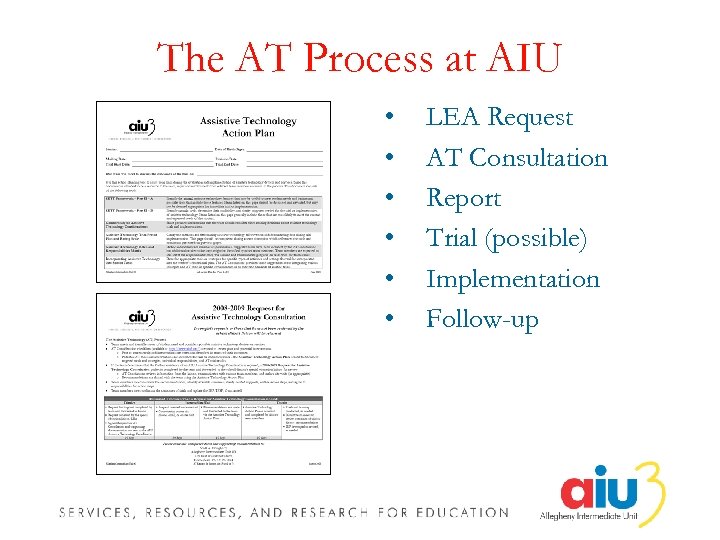 The AT Process at AIU • • • LEA Request AT Consultation Report Trial (possible) Implementation Follow-up
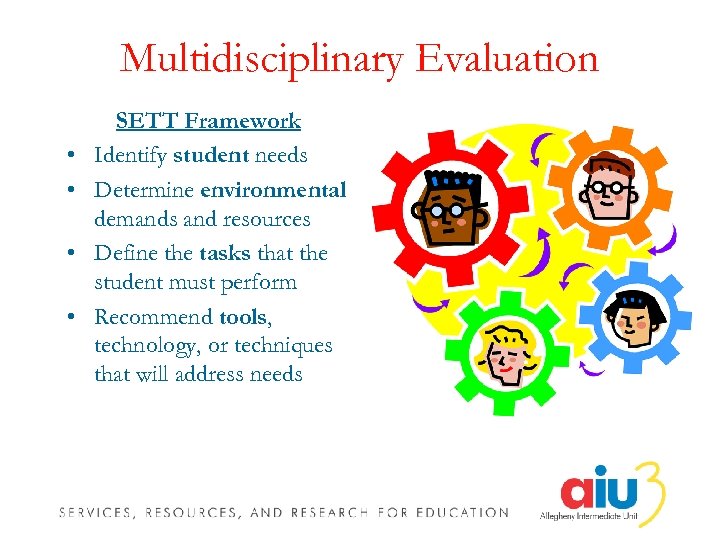 Multidisciplinary Evaluation • • SETT Framework Identify student needs Determine environmental demands and resources Define the tasks that the student must perform Recommend tools, technology, or techniques that will address needs
 Collaborative Team Approach In the collaborative team approach, it is assumed that no one person or profession has an adequate knowledge base or sufficient expertise to execute all functions associated with providing services. (S. W. Blackstone, 1992)
 Possible Team Members • • • Student Parent/Primary Caregiver Family Friends Parent Advocate Regular Education Teacher Special Education Teacher Paraprofessional Administrator(s) Occupational Therapist Physical Therapist Speech-Language Clinician • AT Consultant • Teacher of Blind/Visually Impaired • Teacher of Deaf/Hard of Hearing • Psychologist • Social Worker/Case Manager • Wrap Around Services Rep • Rehabilitation Engineer • Vocational Counselor • Nursing Personnel
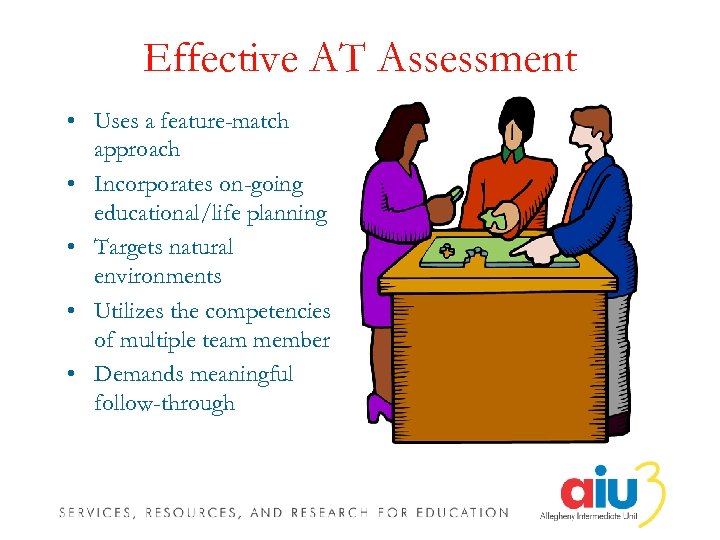 Effective AT Assessment • Uses a feature-match approach • Incorporates on-going educational/life planning • Targets natural environments • Utilizes the competencies of multiple team member • Demands meaningful follow-through
 How Is Assessment Conducted? • Dynamic • Multimodal – – – Inventory Interview Observation Formal Testing Informal Testing • Assessment should focus on features and strategies rather than on a specific device • Matches abilities, needs, and expectations to AT features
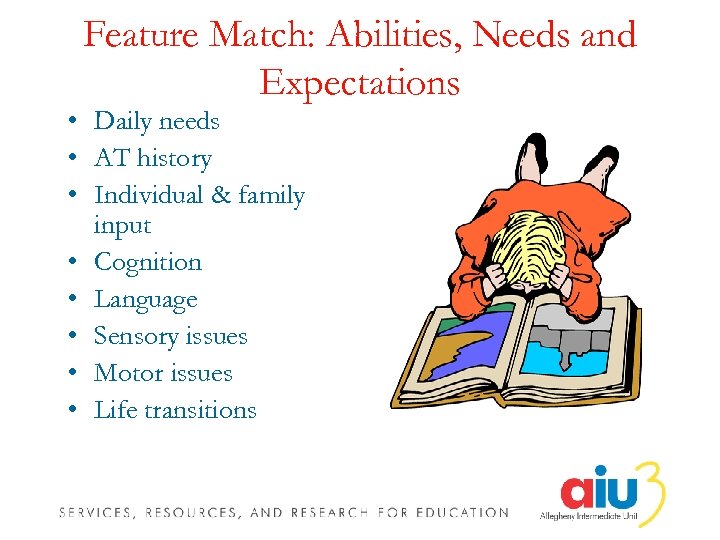 Feature Match: Abilities, Needs and Expectations • Daily needs • AT history • Individual & family input • Cognition • Language • Sensory issues • Motor issues • Life transitions
 Equipment Trials • Team Consensus – Equipment trials and timelines • Emphasis on meaningful, motivating activities – Activities should reflect key environments – Use should be consistent • Careful collection and review of data, outcomes, & recommendations • Closure through team decision-making
 Acquisition of Trial Equipment • District or IU inventory • Pa. TTAN Short Term Loan • Device lending libraries – – PIAT CIL Organizations Schools • Low-tech and no-tech solutions • Manufacturer lease or rental • Purchase with a trial period agreement • Purchase of less expensive items
 Ongoing Implementation • In-house equipment • Low-tech and no-tech solutions • District purchase • Family purchase • Insurance/Medical Access
 Implementation Barriers • • • Assistive Technology as a goal Device breakdown Juggling too many issues Juggling too many environments or tasks Unrealistic expectations Lack of team coordination Short-term planning vs. Long-term objectives Environmental factors Standard equipment maintenance
 Implementation & Training • • • Develop training plan Select target activities Consider no, low, high tech Develop back-up system Physical management of equipment Research and implement effective practices Review training information Participate in on-going trainings Prepare for life transitions
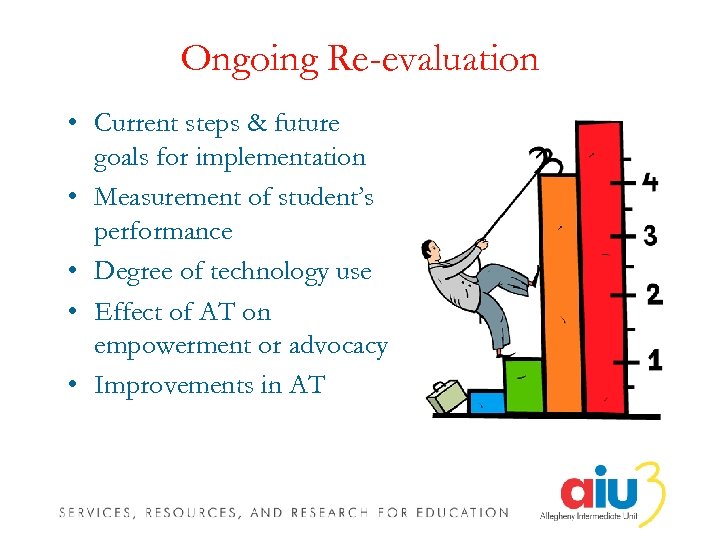 Ongoing Re-evaluation • Current steps & future goals for implementation • Measurement of student’s performance • Degree of technology use • Effect of AT on empowerment or advocacy • Improvements in AT
 Including AT in the IEP • Student’s AT needs should be documented in the Evaluation Report (ER) • Current program modifications/specially designed instruction should be documented in the Individualized Education Plan (IEP) • Outcomes of the AT assessment should be discussed by the IEP Team and included when the IEP is reconvened
 Types of Assistive Technology
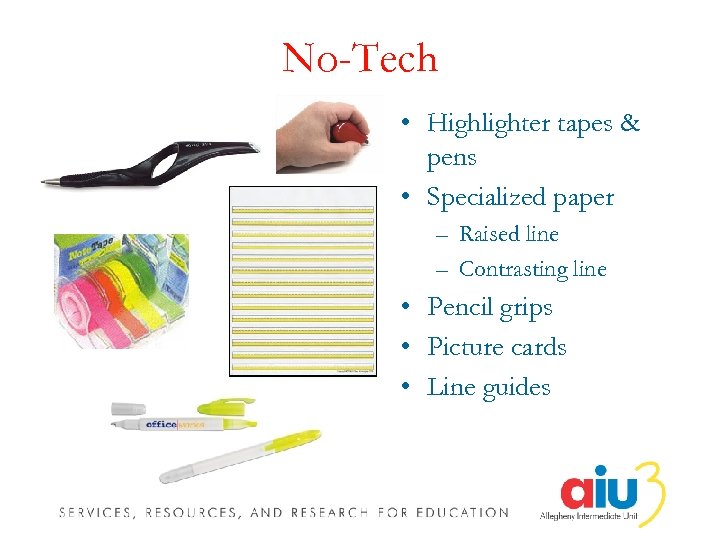 No-Tech • Highlighter tapes & pens • Specialized paper – Raised line – Contrasting line • Pencil grips • Picture cards • Line guides
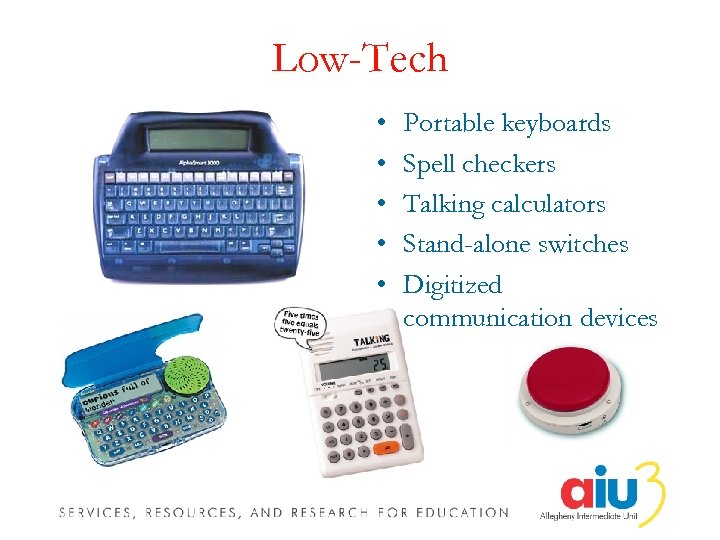 Low-Tech • • • Portable keyboards Spell checkers Talking calculators Stand-alone switches Digitized communication devices
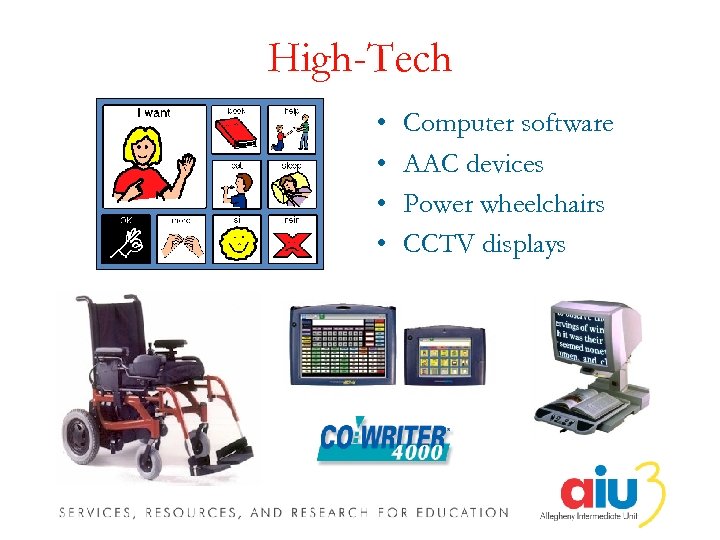 High-Tech • • Computer software AAC devices Power wheelchairs CCTV displays
 Areas of Need
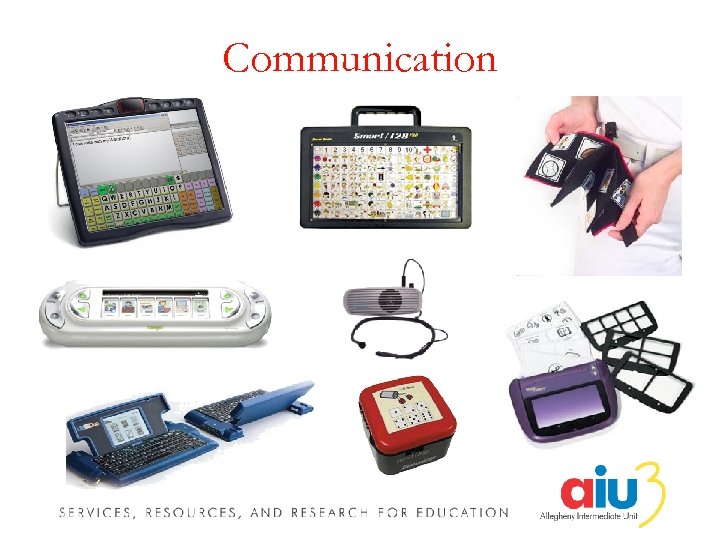 Communication
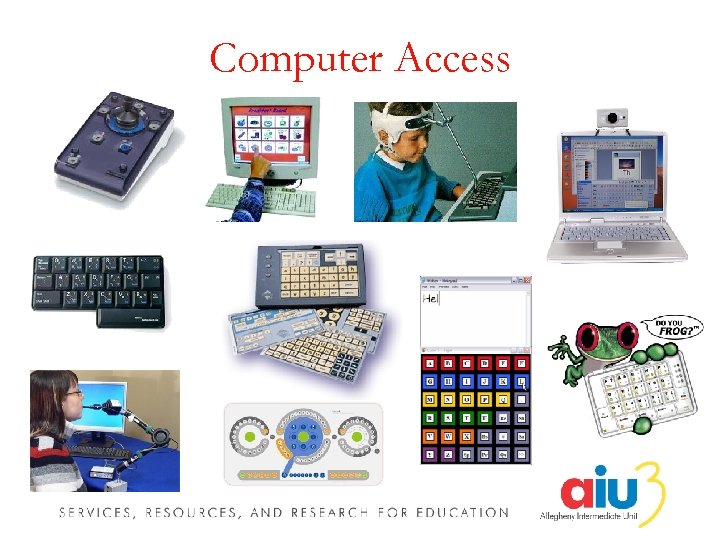 Computer Access
 Mathematics
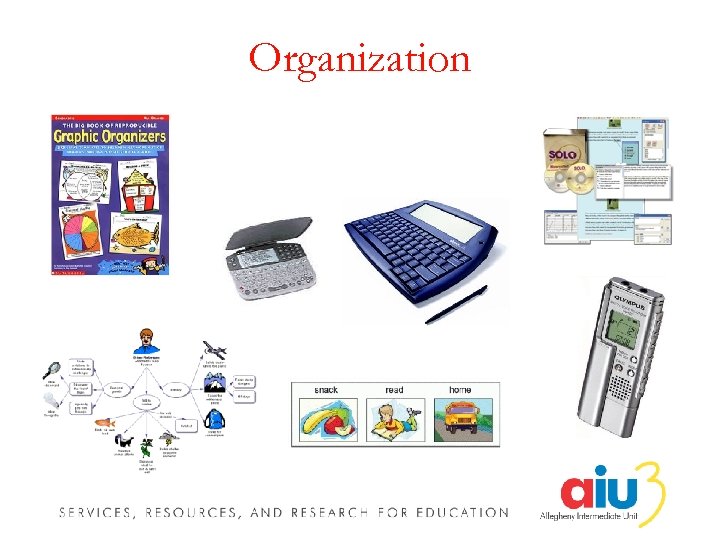 Organization
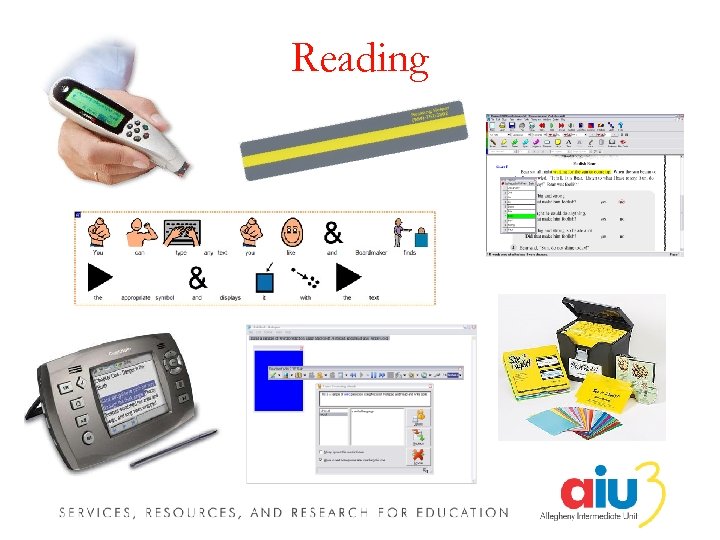 Reading
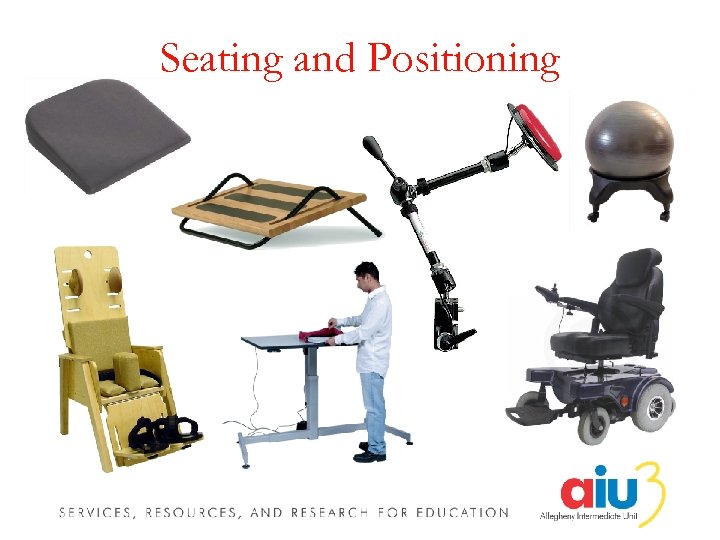 Seating and Positioning
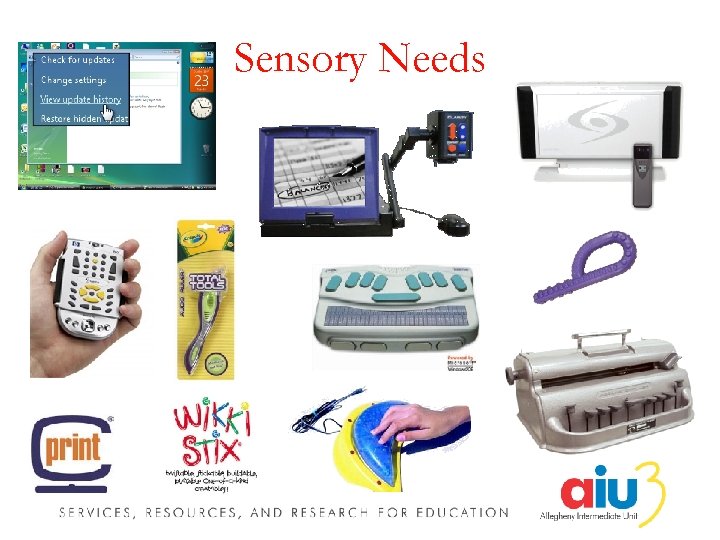 Sensory Needs
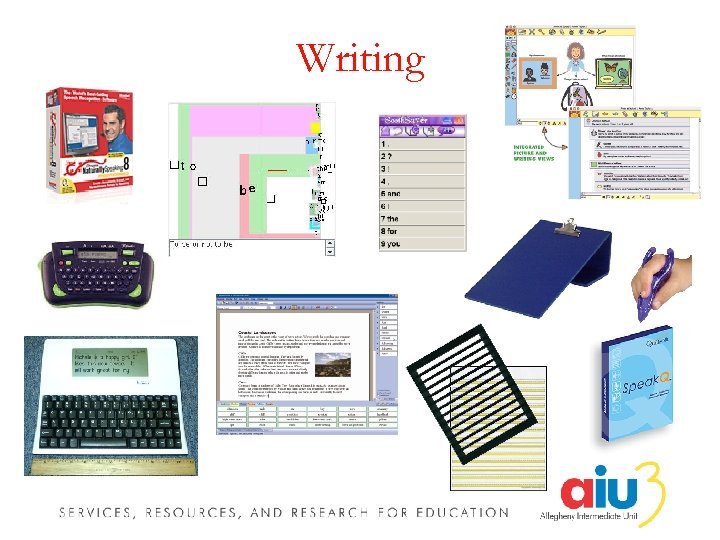 Writing
 Contact Information Kendra Bittner Scott A. Dougherty IDEA Training and Consultation Coordinator, Assistive Technology Allegheny Intermediate Unit #3 475 East Waterfront Drive Homestead, PA 15120 -1144 kendra. bittner@aiu 3. net 412 -394 -5872 ● 412 -394 -5992 (Fax) IDEA Training and Consultation Coordinator, Assistive Technology Allegheny Intermediate Unit #3 475 East Waterfront Drive Homestead, PA 15120 -1144 scott. dougherty@aiu 3. net 412 -394 -1375 ● 412 -394 -5992 (Fax) AIU Assistive Technology Home Page http: //www. aiu 3. net/Level 3. aspx? id=1220