


 Скачать презентацию Welcome to the PA Computer Center Directors Meeting
b3acd2bc3ecdd9a9ea71470ef770064f.ppt
- Количество слайдов: 33
 Welcome to the PA Computer Center Directors Meeting Bucknell University March 19. 1998
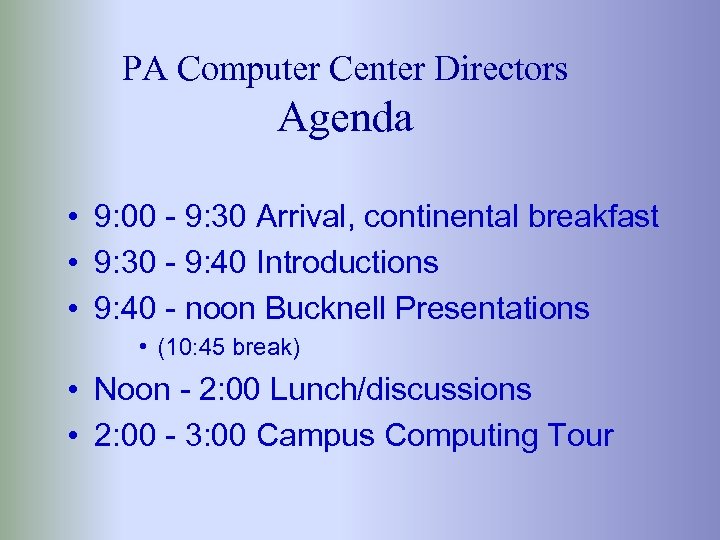 PA Computer Center Directors Agenda • 9: 00 - 9: 30 Arrival, continental breakfast • 9: 30 - 9: 40 Introductions • 9: 40 - noon Bucknell Presentations • (10: 45 break) • Noon - 2: 00 Lunch/discussions • 2: 00 - 3: 00 Campus Computing Tour
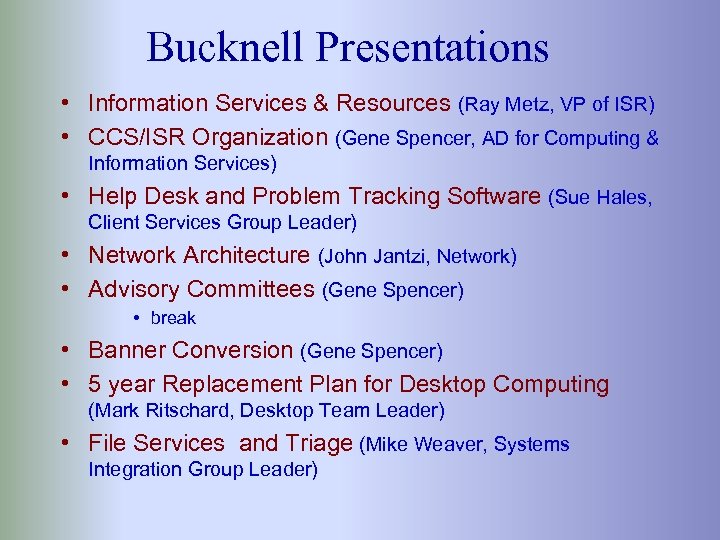 Bucknell Presentations • Information Services & Resources (Ray Metz, VP of ISR) • CCS/ISR Organization (Gene Spencer, AD for Computing & Information Services) • Help Desk and Problem Tracking Software (Sue Hales, Client Services Group Leader) • Network Architecture (John Jantzi, Network) • Advisory Committees (Gene Spencer) • break • Banner Conversion (Gene Spencer) • 5 year Replacement Plan for Desktop Computing (Mark Ritschard, Desktop Team Leader) • File Services and Triage (Mike Weaver, Systems Integration Group Leader)
 File Services For our purposes, I’ll loosely define File Services as storing and sharing files.
 File Services - Goals • All Inclusive: everyone is part of File Services • Consistent: When I want to get something from the finance office, I know what to expect, because it’s the same as my department • Universal Access: from any platform • “Easy to use” • Secure • Reliable
 Functional Requirements • Put personal files that can be accessible from any computer on campus (file storage) – diskless Eudora • A place to share files with others (file sharing) – departments – courses – organizations – other collaborations and communities
 Functional Requirements (cont. ) • A mechanism to “give” files to others • A place for web pages
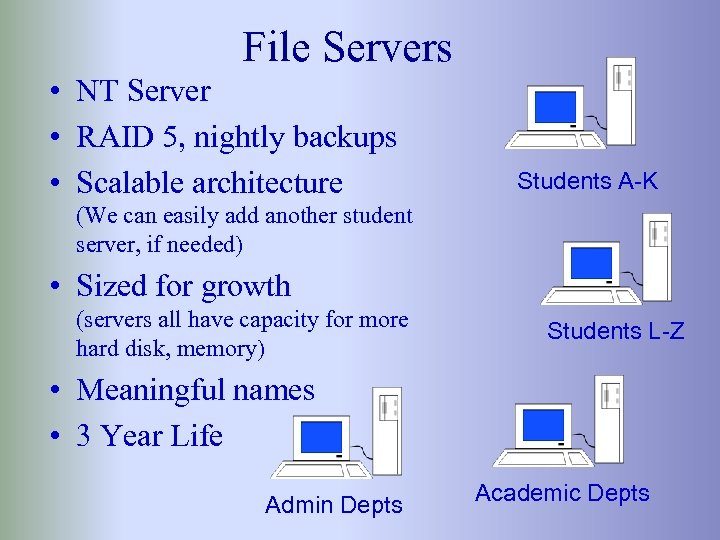 File Servers • NT Server • RAID 5, nightly backups • Scalable architecture Students A-K (We can easily add another student server, if needed) • Sized for growth (servers all have capacity for more hard disk, memory) Students L-Z • Meaningful names • 3 Year Life Admin Depts Academic Depts
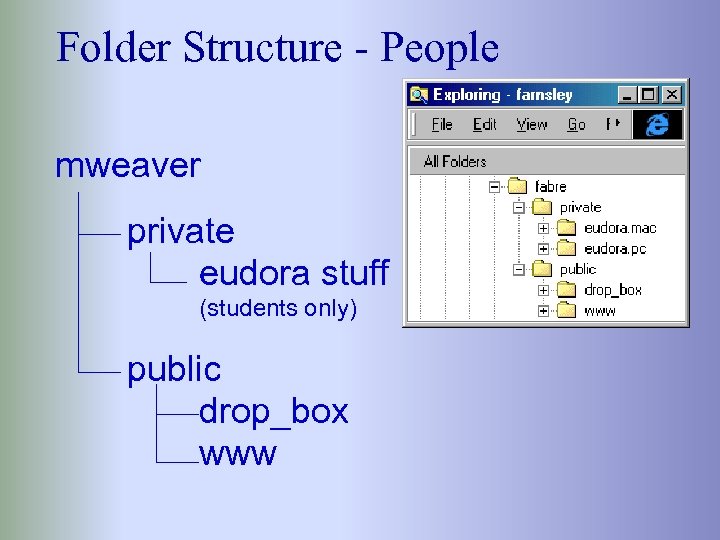 Folder Structure - People mweaver private eudora stuff (students only) public drop_box www
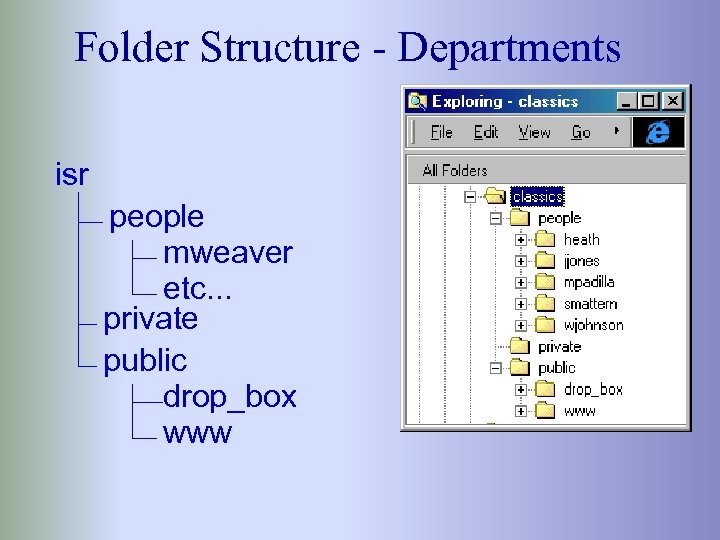 Folder Structure - Departments isr people mweaver etc. . . private public drop_box www
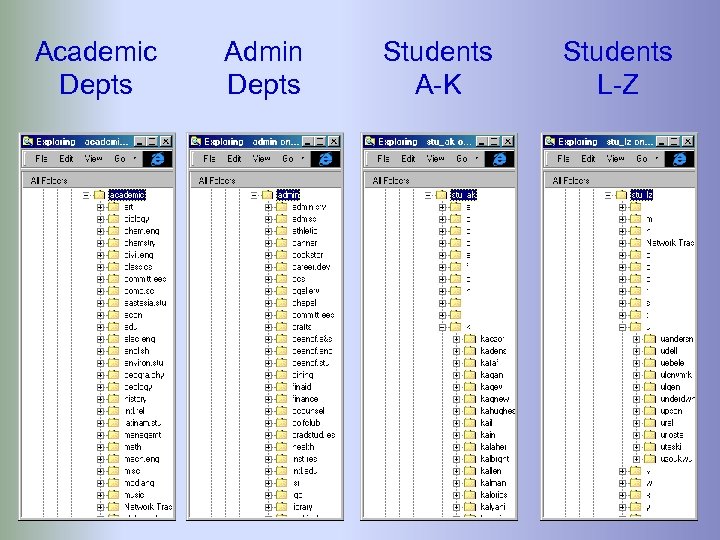 Academic Depts Admin Depts Students A-K Students L-Z
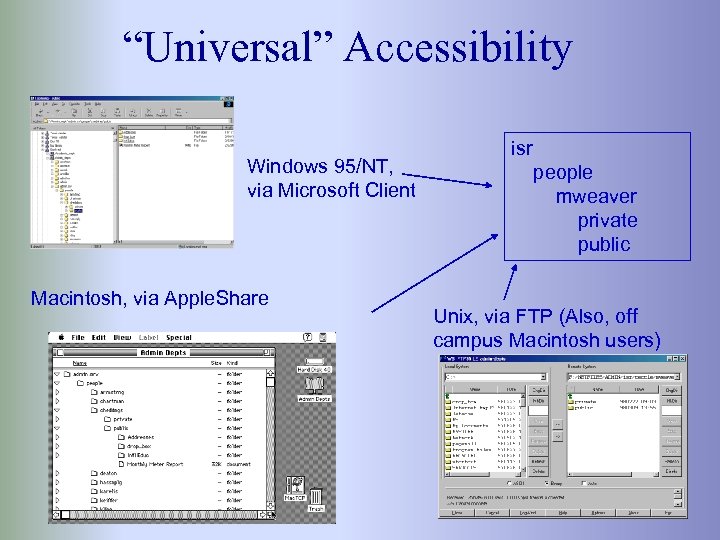 “Universal” Accessibility Windows 95/NT, via Microsoft Client Macintosh, via Apple. Share isr people mweaver private public Unix, via FTP (Also, off campus Macintosh users)
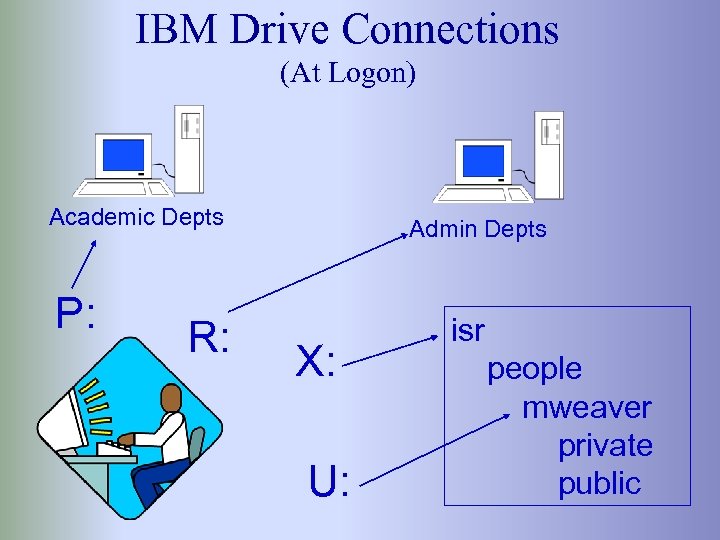 IBM Drive Connections (At Logon) Academic Depts P: R: Admin Depts X: U: isr people mweaver private public
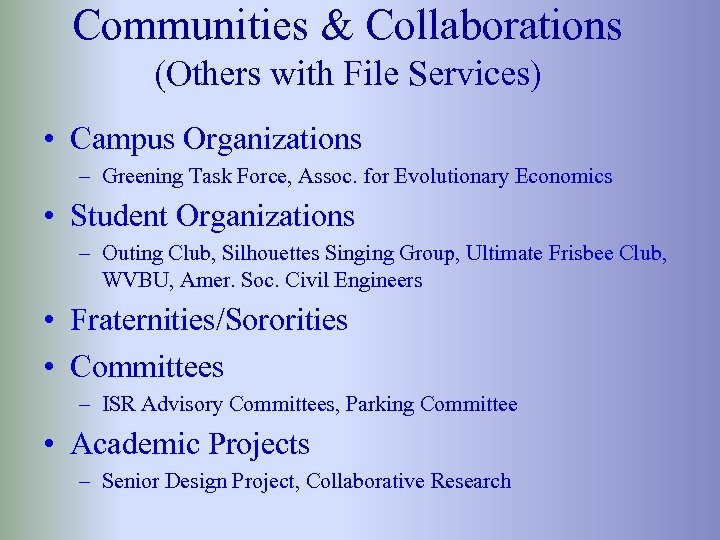 Communities & Collaborations (Others with File Services) • Campus Organizations – Greening Task Force, Assoc. for Evolutionary Economics • Student Organizations – Outing Club, Silhouettes Singing Group, Ultimate Frisbee Club, WVBU, Amer. Soc. Civil Engineers • Fraternities/Sororities • Committees – ISR Advisory Committees, Parking Committee • Academic Projects – Senior Design Project, Collaborative Research
 File Services Also Includes • Application Sharing • Printer Sharing • Software Distribution
 Switching Gears To Web Architecture
 Web Strategy • Started with a single central web server – this is currently www. bucknell. edu – running on Unix – Apache server • Migrating to a strategy of supporting web pages within the existing file services
 Web Server • Windows NT 4. 0 • Microsoft Internet Information Server 4. 0 • Multiple IP Addresses and Host Names • www. facstaff, www. students, www. departments, www. orgs • Allows for scalability - we can easily add one or more additional servers • Will become www. bucknell. edu • Only contains Bucknell’s top level pages
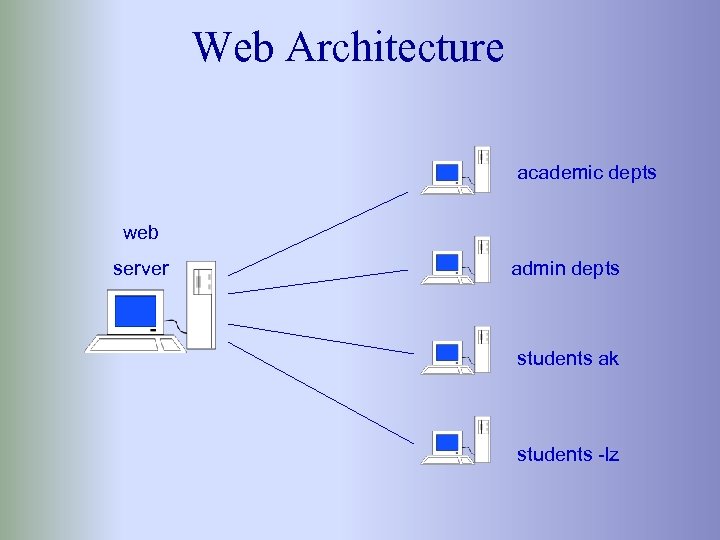 Web Architecture academic depts web server admin depts students ak students -lz
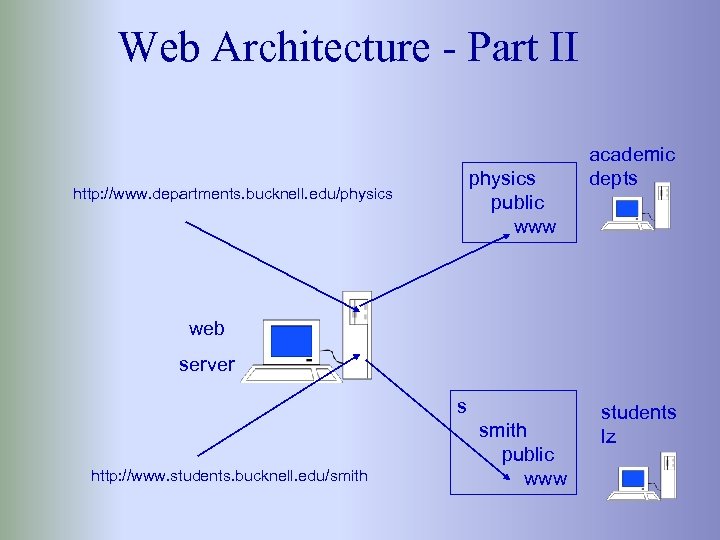 Web Architecture - Part II http: //www. departments. bucknell. edu/physics public www academic depts web server http: //www. students. bucknell. edu/smith s smith public www students lz
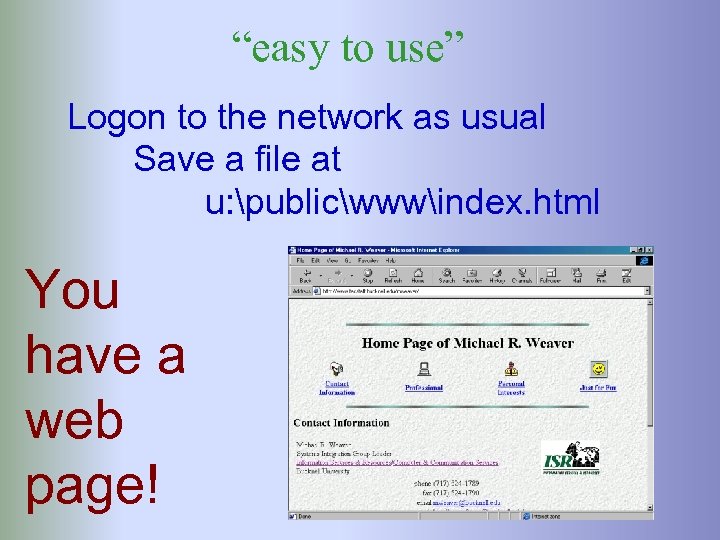 “easy to use” Logon to the network as usual Save a file at u: publicwwwindex. html You have a web page!
 My favorite faculty quote:
 Other Web Servers • Existing Unix/Apache server will remain for processing some account management, cgi’s etc. • www. library. bucknell. edu for library pages • www. banner. bucknell. edu for web access to banner • Web. CT for courseware support • Talking about adding web services to software distribution
 Switching Gears To Building Reliability
 Building Reliability • Programs – “Triage” Students – Automatic System Checks • Includes all systems, not just File Services • Documentation, including • • list of servers and services who’s responsible priority/response expectations hours of support
 “Triage” Students • 3 Students • On call from 5: 00 pm to 8: 00 am, and all weekend • Carry a beeper • Trained to provide a first level diagnosis (triage) when problems are encountered during non-work hours
 “Triage” Students - (cont. ) • Perform system checks at 9: 00 pm and 6: 00 am every day. – send e-mail to themselves – post to a newsgroup – copy a file from each file server – print to lab printers – ping lots of hosts – access servers via Apple. Share – visit web pages on various servers
 Automatic System Checks • Had a homegrown system that: – performed checks every two minutes • pinged lots of devices • copied a file from each server to exercise netbios – provided an audible alert to operators – sent e-mail to appropriate person when a system didn’t respond – worked most of the time
 Automatic System Checks (cont. ) • Recently started using a commercial product – What’s Up Gold – Does many of the same things, only better – Much easier to set up – Can also check services, such as NNTP and SMTP – Flexibility in configuring alerts – Support for e-mail, beepers, pagers, and voice
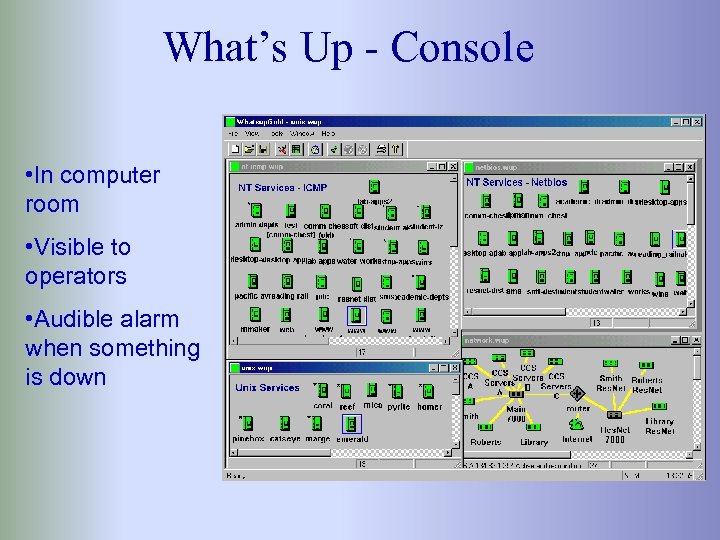 What’s Up - Console • In computer room • Visible to operators • Audible alarm when something is down
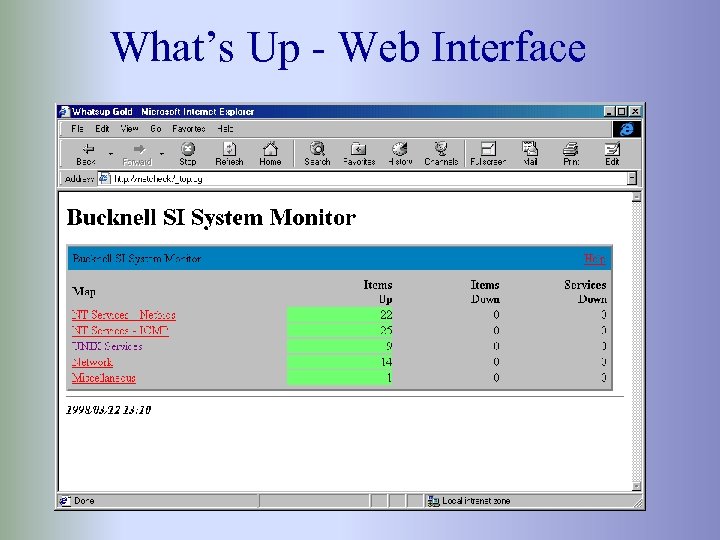 What’s Up - Web Interface
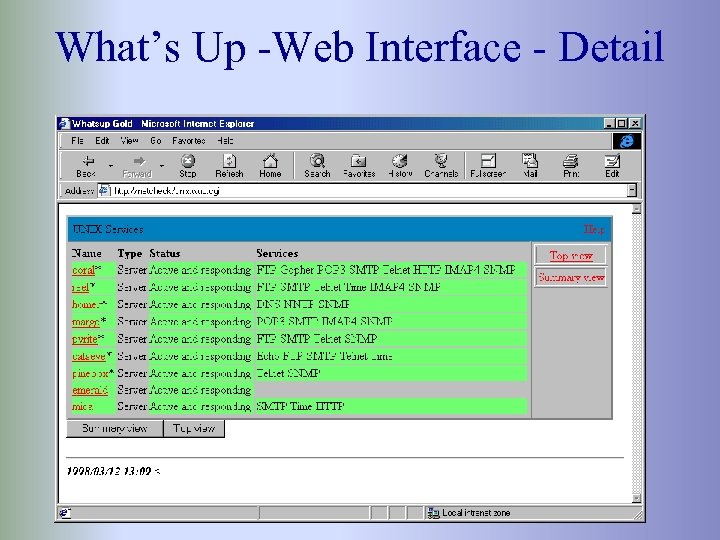 What’s Up -Web Interface - Detail
 The End!