Скачать презентацию WELCOME TO THE LESSON My computer s crashed
Копия WELCOME.pptx
- Количество слайдов: 18
 WELCOME TO THE LESSON!
 My computer’s crashed Computer, computer, I love my computer. My printer, my … , my mouse. I never have … , I use it all day. I never go out of the house. Computer, computer, I hate my computer. My modem, my … , my screen. I always have problems, It’s driving me …. Computers make me want to scream.
 My computer’s crashed Computer, computer, I love my computer. My printer, my keyboard, my mouse. I never have problems , I use it all day. I never go out of the house. Computer, computer, I hate my computer. My modem, my disk drive, my screen. I always have problems, It’s driving me crazy. Computers make me want to scream.
 Ex. I am happy when my computer works well. - happy - excited - fascinated - amazed - bored - sad - disappointed - shocked
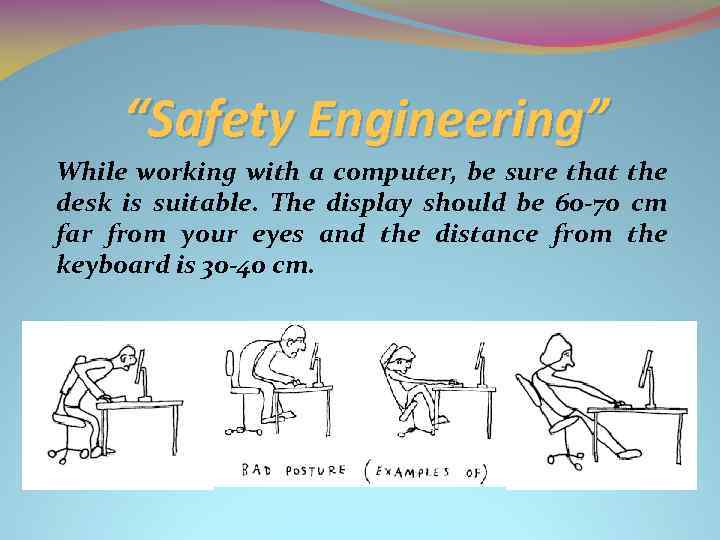 “Safety Engineering” While working with a computer, be sure that the desk is suitable. The display should be 60 -70 cm far from your eyes and the distance from the keyboard is 30 -40 cm.
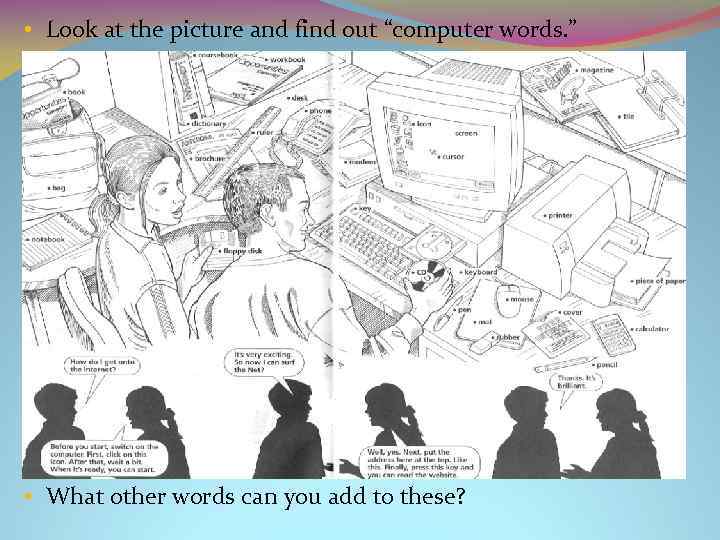 • Look at the picture and find out “computer words. ” • What other words can you add to these?
 Scan the text «The Fundamentals: hardware and software» and find the equivalents of the following words: клавиатура, принтер, устройство, жёсткий диск, процессор, память, существенный, немедленно A computer consists of a screen, a keyboard and a boxlike case with the “brains” of the system. For most tasks you’ll also need a printer and, perhaps, a pointing device called a mouse. This equipment is called hardware. By itself, hardware is like a cassette player without tapes. A computer needs programs, or software, which usually includes one or more computer discs and a printed instruction manual. The price depends on the hardware’s brain power—the type of processor and the size of its memory. How much power do you need? That depends of the software you’ll use. In general, words and numbers demand less from a computer than pictures and sound. Sufficient power is important because a computer works interactively. With hardware that isn’t up to the job, you might have to wait 30 seconds for an on-screen thesaurus to look up a word. But with the right system the entry would appear instantly.
 Read the dialogues and answer the questions: Jane: OK, I see now. All the data is stored in files, and those are kept in directories. Jake: Right. Here we see it all on the screen. The list of files and directories is called a tree. If you want to open a file, you have just to click on a branch of a tree with the left key of the mouse. Jane: That’s a funny name. Jake: Looks like one, doesn’t it? Body and tail. All these pieces of hardware called accessories: the keyboard, the mouse, the modem to connect the computer to the telephone line. So, let’s try to open a file. Jane: Doesn’t work. Jake: I see. We haven’t installed some drivers. Here they are, on CD and floppy discs. Remember, the drivers are called software… Questions: Where is the data kept in computers? How do we open a file? What parts of the computer are called accessories? What is called software?
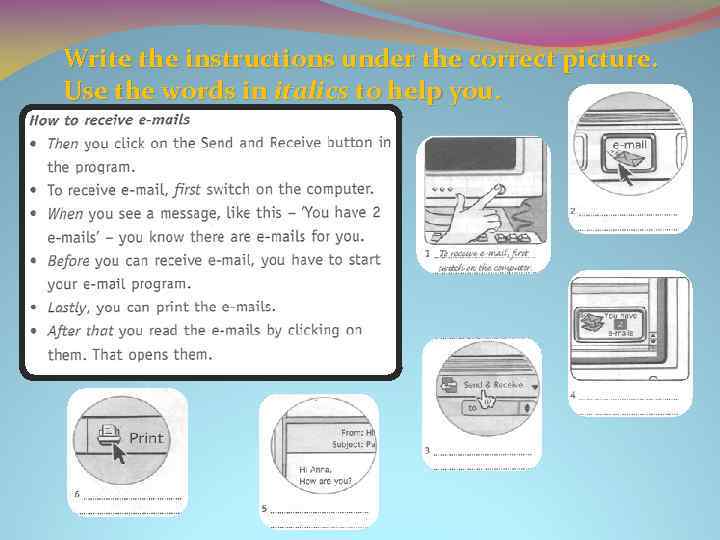 Write the instructions under the correct picture. Use the words in italics to help you.
 : -(
: -(
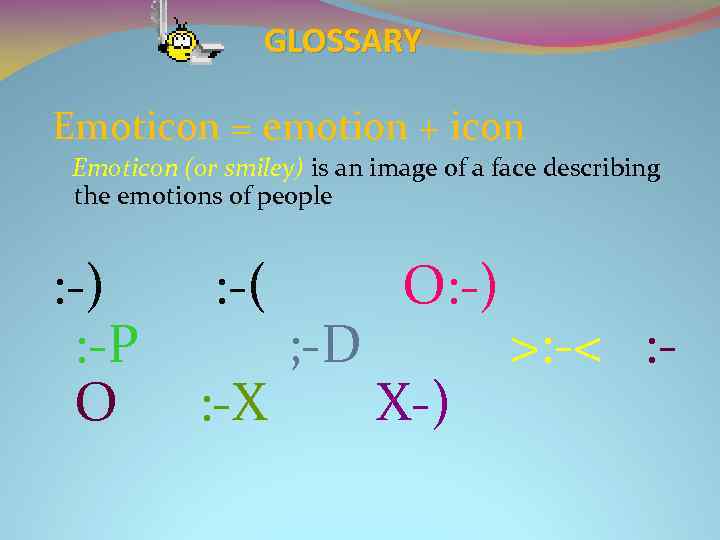 GLOSSARY Emoticon = emotion + icon Emoticon (or smiley) is an image of a face describing the emotions of people : -) : -( O: -) : -P ; -D >: -< : O : -X X-)
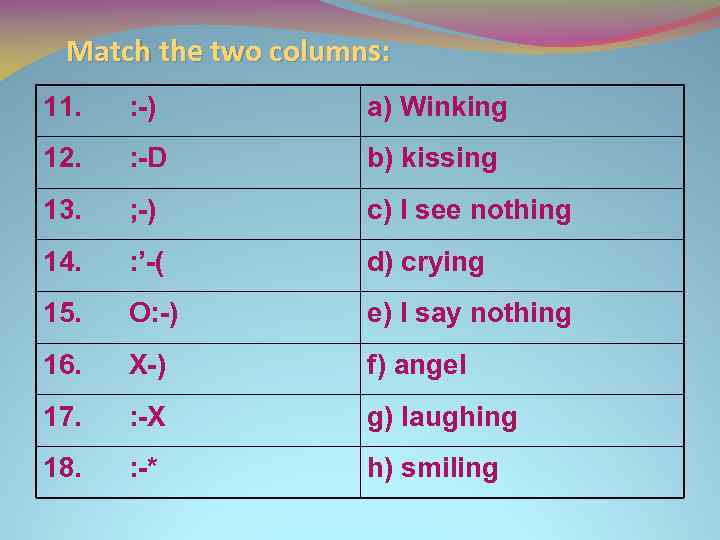 Match the two columns: 11. : -) a) Winking 12. : -D b) kissing 13. ; -) c) I see nothing 14. : ’-( d) crying 15. O: -) e) I say nothing 16. X-) f) angel 17. : -X g) laughing 18. : -* h) smiling
 The Keys 11. : -) h) smiling 12. : -D g) laughing 13. ; -) a) winking 14. : ’-( d) crying 15. O: -) f) angel 16. X-) c) I see nothing 17. : -X e) I say nothing 18. : -* b) kissing
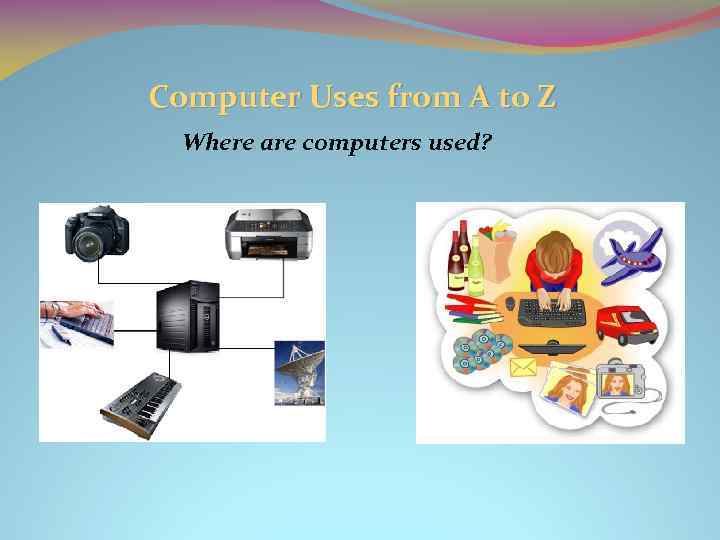 Computer Uses from A to Z Where are computers used?
 Computers Nowadays Read the text and prove the quotation «Computers have entirely entered our life» .
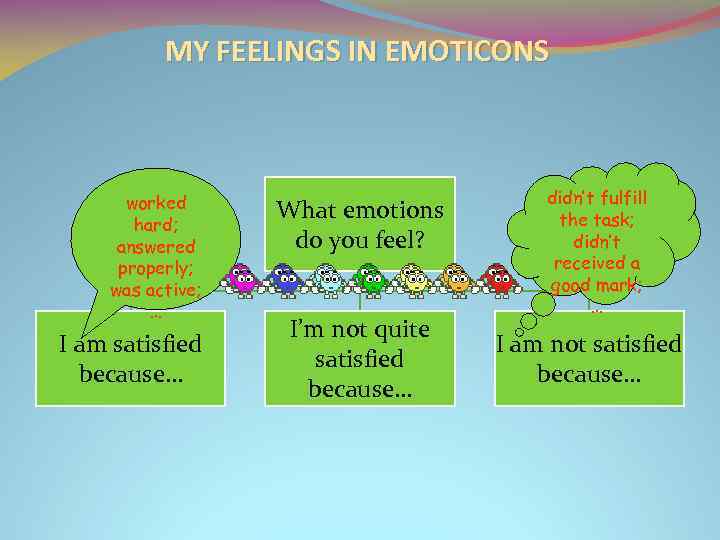 MY FEELINGS IN EMOTICONS worked hard; answered properly; was active; … I am satisfied because… What emotions do you feel? I’m not quite satisfied because… didn’t fulfill the task; didn’t received a good mark; … I am not satisfied because…
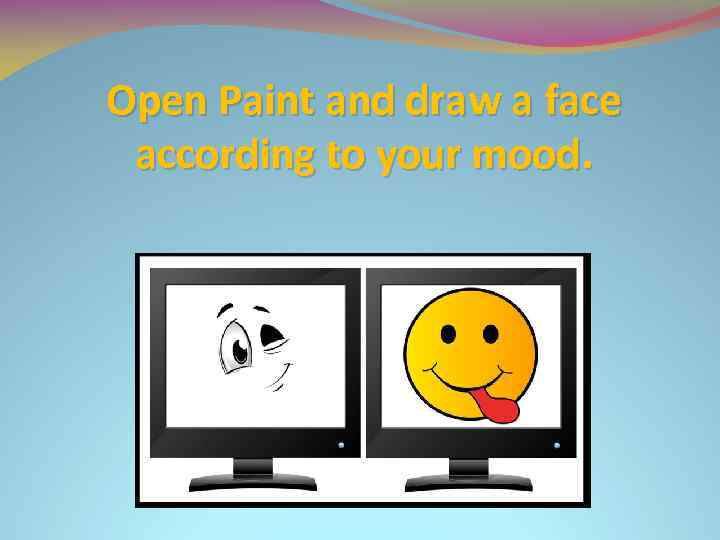 Open Paint and draw a face according to your mood.