


 Скачать презентацию Welcome to Physics 221 Your required course material
ab9baa0c48a804fe7038be1d6900f1f0.ppt
- Количество слайдов: 15
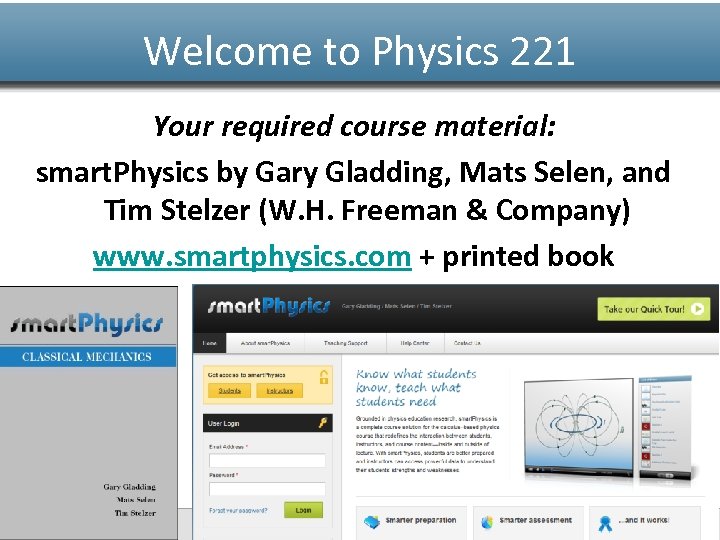 Welcome to Physics 221 Your required course material: smart. Physics by Gary Gladding, Mats Selen, and Tim Stelzer (W. H. Freeman & Company) www. smartphysics. com + printed book www. smartphysics. com
 smart. Physics and Course Overview smart. Physics includes: 1. Online Pre. Lectures (animated lessons, completed before lecture) 2. Online Check. Points (quizzes to check knowledge, completed before lecture) 3. Lectures (interactive, with clicker activities) 4. Online homework exercises 5. Printed textbook (reference, problems) www. smartphysics. com
 So how do you get started? To access to smart. Physics: – Create a smart. Physics account – Purchase access (by activating a printed activation code purchased through the bookstore or purchased online) – Join my course so you can see my assignments and get credit for your work. www. smartphysics. com
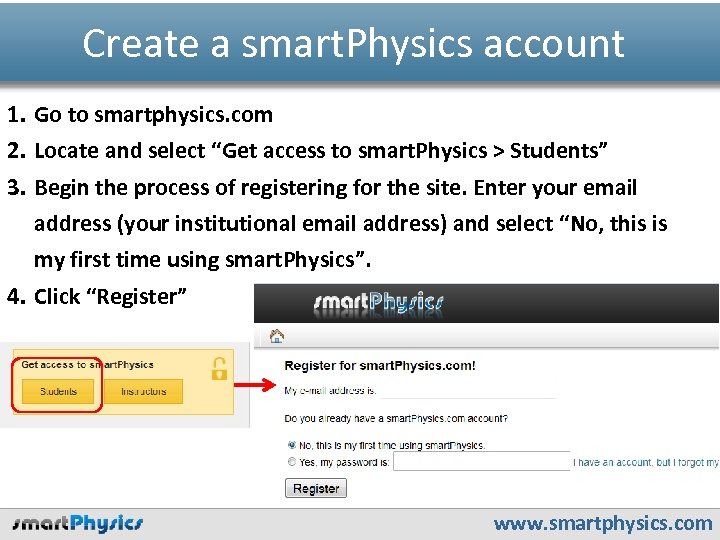 Create a smart. Physics account 1. Go to smartphysics. com 2. Locate and select “Get access to smart. Physics > Students” 3. Begin the process of registering for the site. Enter your email address (your institutional email address) and select “No, this is my first time using smart. Physics”. 4. Click “Register” www. smartphysics. com
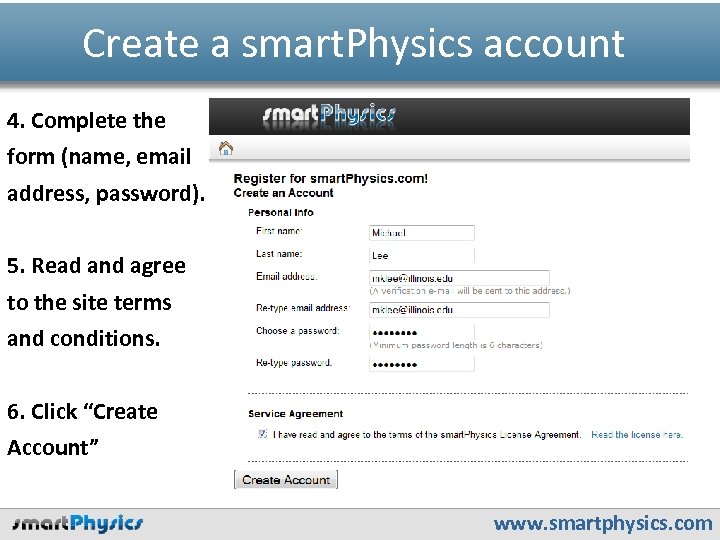 Create a smart. Physics account 4. Complete the form (name, email address, password). 5. Read and agree to the site terms and conditions. 6. Click “Create Account” www. smartphysics. com
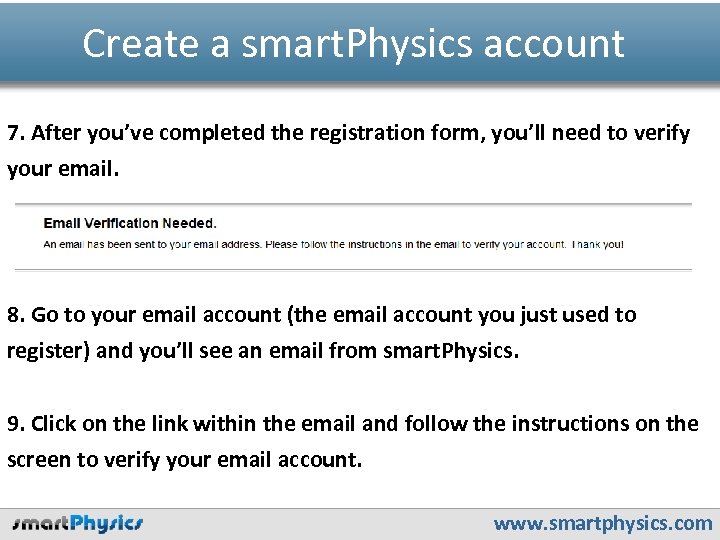 Create a smart. Physics account 7. After you’ve completed the registration form, you’ll need to verify your email. 8. Go to your email account (the email account you just used to register) and you’ll see an email from smart. Physics. 9. Click on the link within the email and follow the instructions on the screen to verify your email account. www. smartphysics. com
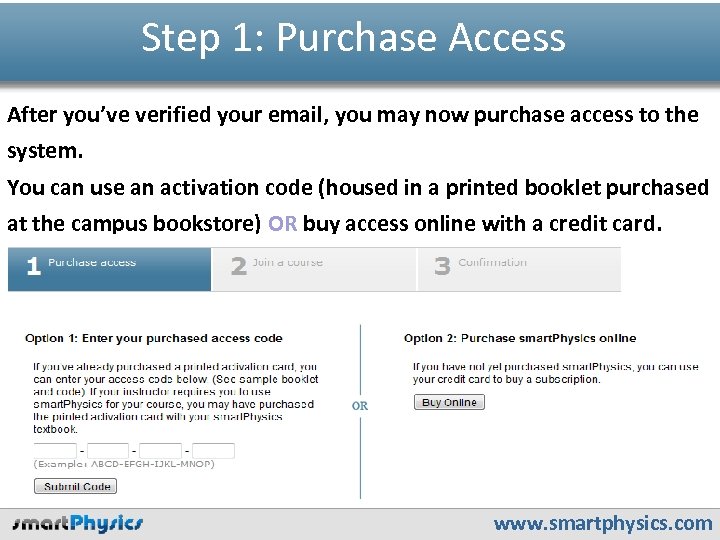 Step 1: Purchase Access After you’ve verified your email, you may now purchase access to the system. You can use an activation code (housed in a printed booklet purchased at the campus bookstore) OR buy access online with a credit card. www. smartphysics. com
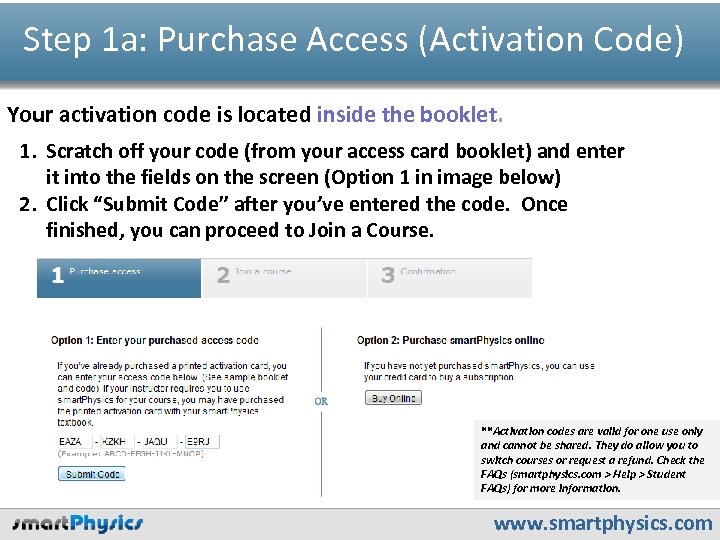 Step 1 a: Purchase Access (Activation Code) Your activation code is located inside the booklet. 1. Scratch off your code (from your access card booklet) and enter it into the fields on the screen (Option 1 in image below) 2. Click “Submit Code” after you’ve entered the code. Once finished, you can proceed to Join a Course. **Activation codes are valid for one use only and cannot be shared. They do allow you to switch courses or request a refund. Check the FAQs (smartphysics. com > Help > Student FAQs) for more information. www. smartphysics. com
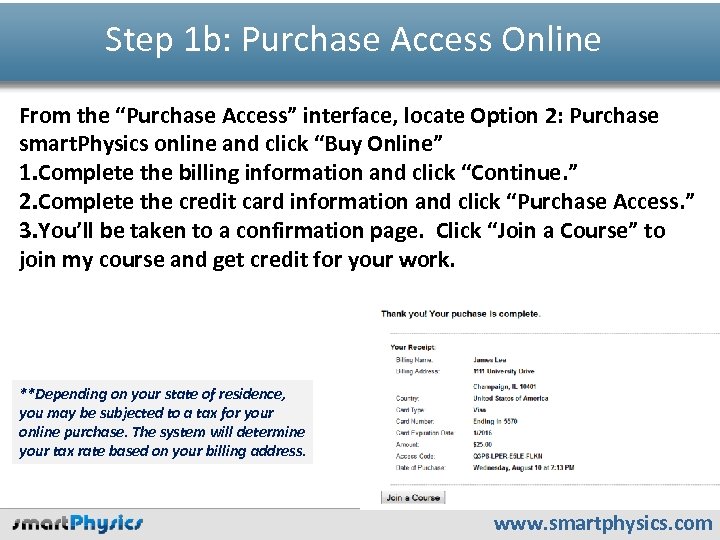 Step 1 b: Purchase Access Online From the “Purchase Access” interface, locate Option 2: Purchase smart. Physics online and click “Buy Online” 1. Complete the billing information and click “Continue. ” 2. Complete the credit card information and click “Purchase Access. ” 3. You’ll be taken to a confirmation page. Click “Join a Course” to join my course and get credit for your work. **Depending on your state of residence, you may be subjected to a tax for your online purchase. The system will determine your tax rate based on your billing address. www. smartphysics. com
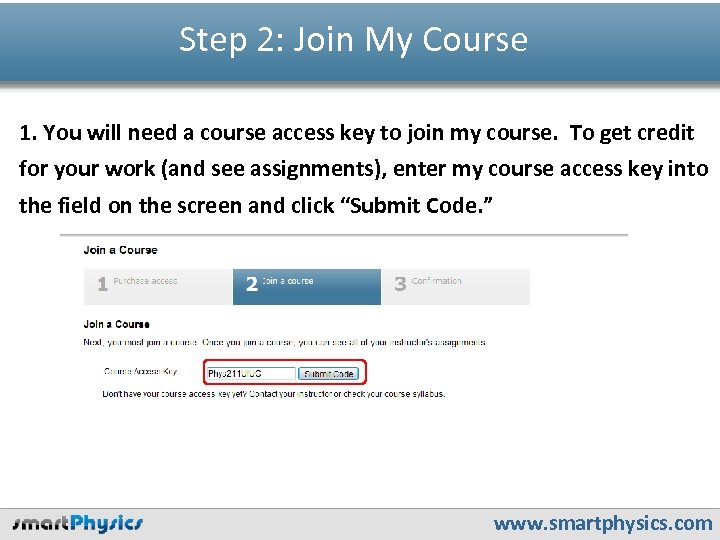 Step 2: Join My Course 1. You will need a course access key to join my course. To get credit for your work (and see assignments), enter my course access key into the field on the screen and click “Submit Code. ” www. smartphysics. com
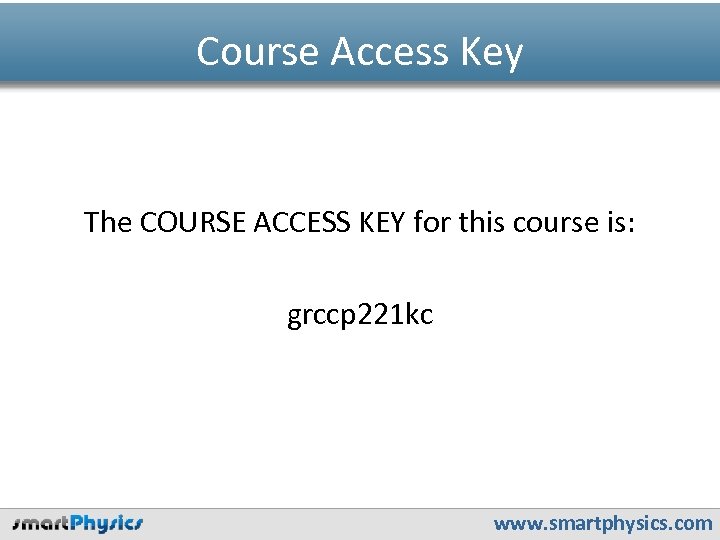 Course Access Key The COURSE ACCESS KEY for this course is: grccp 221 kc www. smartphysics. com
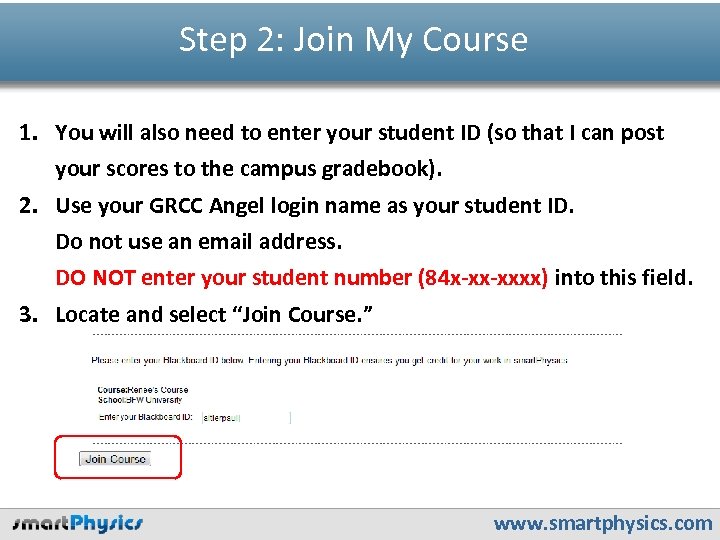 Step 2: Join My Course 1. You will also need to enter your student ID (so that I can post your scores to the campus gradebook). 2. Use your GRCC Angel login name as your student ID. Do not use an email address. DO NOT enter your student number (84 x-xx-xxxx) into this field. 3. Locate and select “Join Course. ” www. smartphysics. com
 To be sure: Student ID Format The STUDENT ID you should use for this course is: Your GRCC Angel login (The same as the login name you use to access Angel at GRCC. ) www. smartphysics. com
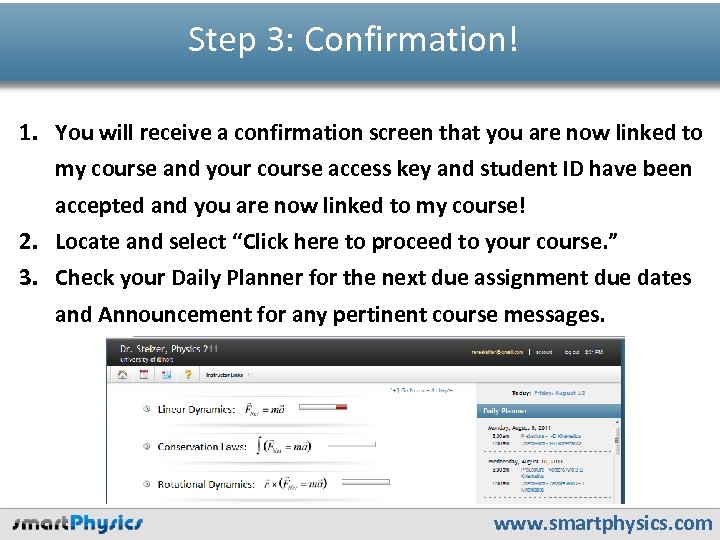 Step 3: Confirmation! 1. You will receive a confirmation screen that you are now linked to my course and your course access key and student ID have been accepted and you are now linked to my course! 2. Locate and select “Click here to proceed to your course. ” 3. Check your Daily Planner for the next due assignment due dates and Announcement for any pertinent course messages. www. smartphysics. com
 Need live help? The smart. Physics technical support team is ready and able to help you and is available 7 days a week by phone and email. techsupport@bfwpub. com www. smartphysics. com