


 Скачать презентацию Welcome to JICA SHORT COURSE ON LINUX The
2c5f439355ca9dffa0582f0a8e529a95.ppt
- Количество слайдов: 5
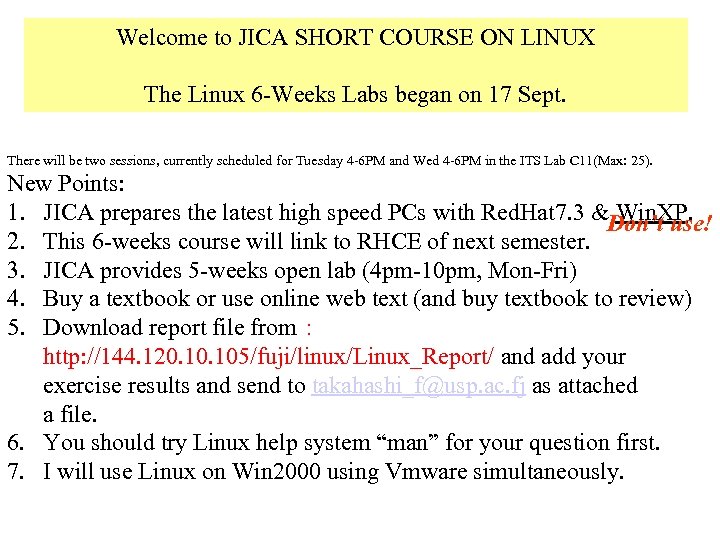 Welcome to JICA SHORT COURSE ON LINUX The Linux 6 -Weeks Labs began on 17 Sept. There will be two sessions, currently scheduled for Tuesday 4 -6 PM and Wed 4 -6 PM in the ITS Lab C 11(Max: 25). New Points: 1. JICA prepares the latest high speed PCs with Red. Hat 7. 3 &Don’t use! Win. XP. 2. This 6 -weeks course will link to RHCE of next semester. 3. JICA provides 5 -weeks open lab (4 pm-10 pm, Mon-Fri) 4. Buy a textbook or use online web text (and buy textbook to review) 5. Download report file from : http: //144. 120. 105/fuji/linux/Linux_Report/ and add your exercise results and send to takahashi_f@usp. ac. fj as attached a file. 6. You should try Linux help system “man” for your question first. 7. I will use Linux on Win 2000 using Vmware simultaneously.
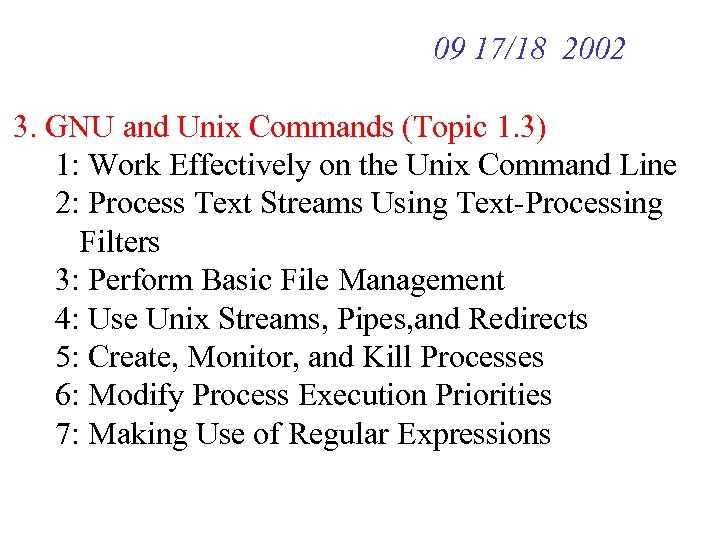 09 17/18 2002 3. GNU and Unix Commands (Topic 1. 3) 1: Work Effectively on the Unix Command Line 2: Process Text Streams Using Text-Processing Filters 3: Perform Basic File Management 4: Use Unix Streams, Pipes, and Redirects 5: Create, Monitor, and Kill Processes 6: Modify Process Execution Priorities 7: Making Use of Regular Expressions
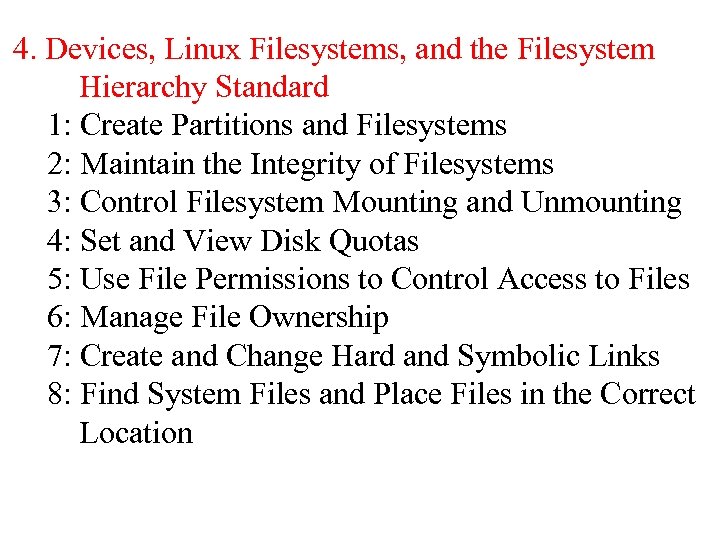 4. Devices, Linux Filesystems, and the Filesystem Hierarchy Standard 1: Create Partitions and Filesystems 2: Maintain the Integrity of Filesystems 3: Control Filesystem Mounting and Unmounting 4: Set and View Disk Quotas 5: Use File Permissions to Control Access to Files 6: Manage File Ownership 7: Create and Change Hard and Symbolic Links 8: Find System Files and Place Files in the Correct Location
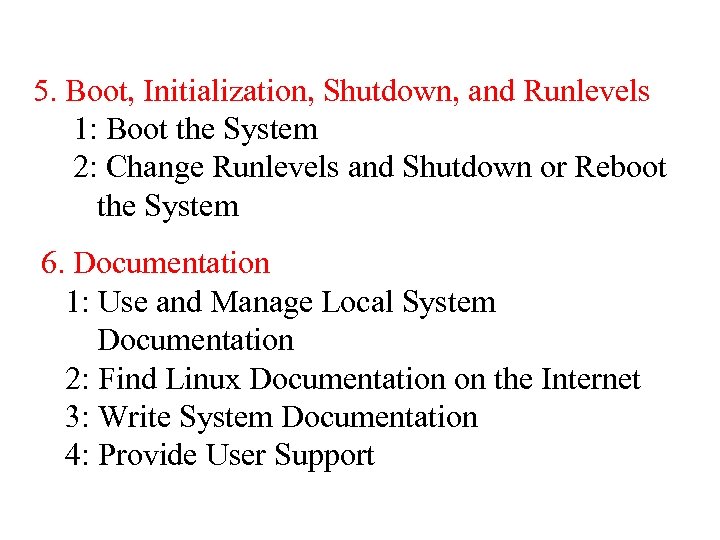 5. Boot, Initialization, Shutdown, and Runlevels 1: Boot the System 2: Change Runlevels and Shutdown or Reboot the System 6. Documentation 1: Use and Manage Local System Documentation 2: Find Linux Documentation on the Internet 3: Write System Documentation 4: Provide User Support
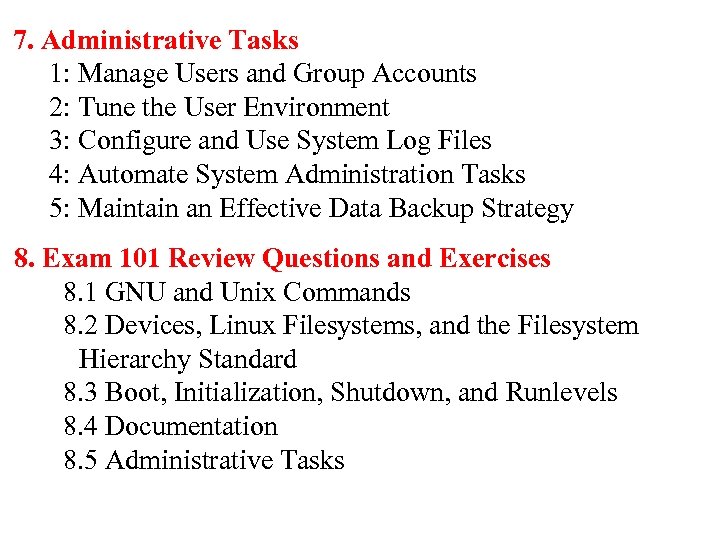 7. Administrative Tasks 1: Manage Users and Group Accounts 2: Tune the User Environment 3: Configure and Use System Log Files 4: Automate System Administration Tasks 5: Maintain an Effective Data Backup Strategy 8. Exam 101 Review Questions and Exercises 8. 1 GNU and Unix Commands 8. 2 Devices, Linux Filesystems, and the Filesystem Hierarchy Standard 8. 3 Boot, Initialization, Shutdown, and Runlevels 8. 4 Documentation 8. 5 Administrative Tasks