 Скачать презентацию Welcome to HNTB Mapping and GIS Technology Ramzi
f373213017999bde3dad1929b59dd0f9.ppt
- Количество слайдов: 45



Welcome to HNTB Mapping and GIS Technology Ramzi K. Bannura National GIS Director
AGENDA Introductions/Announcements u HNTB/GIS Overview u Customizing Arc. GIS using Arc. Objects with VBA u Arc. GIS Tips & Tricks 10 Minute Break u Data. Tra. X: Desktop Rail Management Software u Field Data Collection Solutions u. Q&A u
HNTB: Providing 88 Years of Service In continuous operation since 1914 u Design offices nationwide u More than 2, 900 employees u Our hallmark is outstanding design & quality work u More than 2, 100 current projects u Nearly 1, 000 active clients u
HNTB: Providing 88 Years of Service A pioneer in the transportation industry since 1914 u Expanded into aviation during WWII u Maine Turnpike project launched expansion to toll projects in 1945 u HNTB International Corporation formed in 1964 u Architectural, rail & environmental acquisitions during the 1970 s strengthened service line diversity u 1996: growth focus shifts to mega projects, u

Nine major discipline groups serve an array of clients Architecture u Aviation u Bridges & Tunnels u Construction u Environmental Engineering u Rail Transportation u Technology u Transportation u Urban Design & Planning u
Our Typical Clients Departments of Transportation (DOTs) u Turnpike Authorities u Metropolitan Planning Organizations u Airports u Rail Agencies u Local Governments u
Sampling of HNTB Projects Invesco Field at Mile. High (Denver) u Bartle Hall Expansion (Kansas City) u Midway Airport (Chicago) u Charles River Bridge (Big Dig-Boston) u Golden Gate Bridge Retrofit (San Francisco) u Lions. Gate Community Planning (Kansas City) u I-70 Expansion Studies (Missouri) u Grandview Triangle u KCI Airport Terminal Improvements u

One of the most successful multi-disciplined firms in 2001 #1 US “pure” design firm u #3 in aviation u #4 in sports architecture u #4 in transportation – #4 in highways – #10 in mass transit/light rail u #4 in bridges u Source: ENR, April 16, 2001; ENR Sourcebook, June, 2001
The GIS Connection u Support “Core Businesses” as a value-added service especially in: – – – Aviation Rail Transportation Urban Planning Environmental
GIS Organization National HQ in Kansas City u 60+ Offices nationwide u 23 Offices with GIS staff u GIS Centers of Excellence u • • • All - Kansas City Aviation - Alexandria Environmental - Chicago Transportation - Dallas Urban Planning - Indy
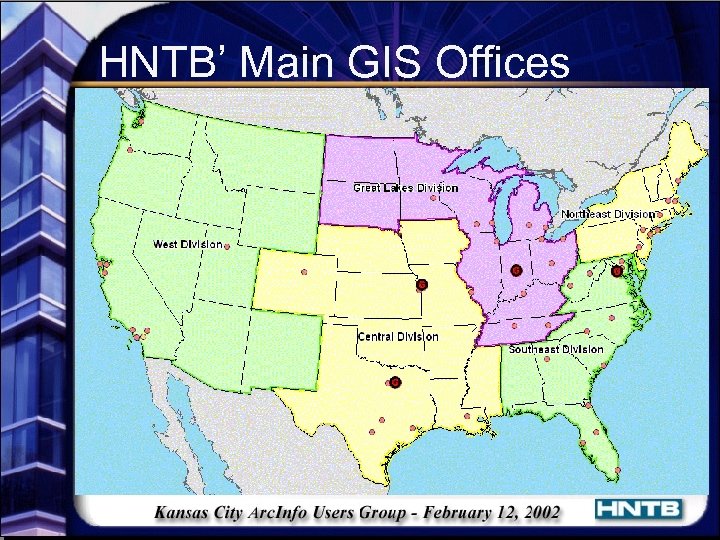
HNTB’ Main GIS Offices
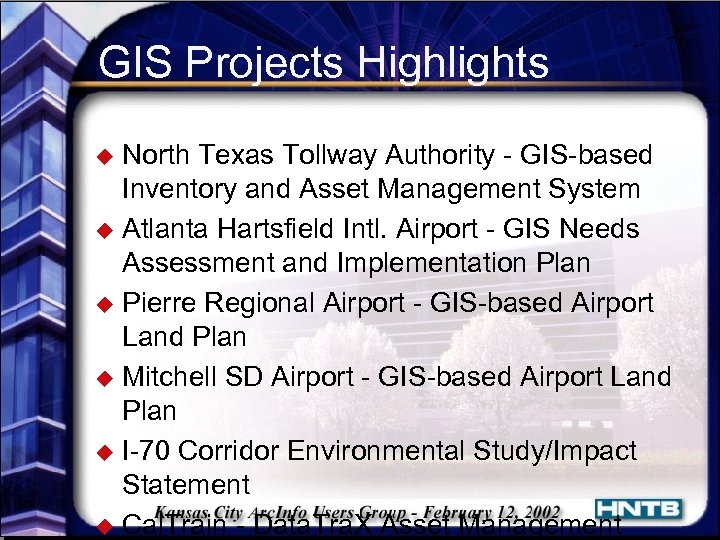
GIS Projects Highlights North Texas Tollway Authority - GIS-based Inventory and Asset Management System u Atlanta Hartsfield Intl. Airport - GIS Needs Assessment and Implementation Plan u Pierre Regional Airport - GIS-based Airport Land Plan u Mitchell SD Airport - GIS-based Airport Land Plan u I-70 Corridor Environmental Study/Impact Statement u Cal. Train - Data. Tra. X Asset Management u
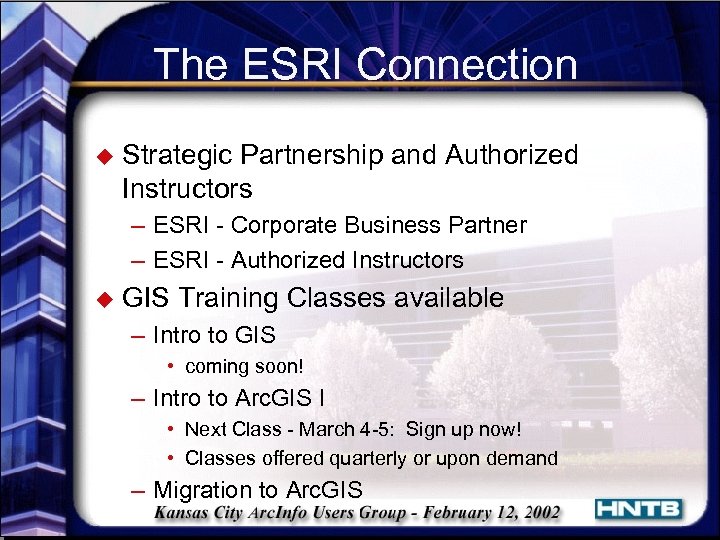
The ESRI Connection u Strategic Partnership and Authorized Instructors – ESRI - Corporate Business Partner – ESRI - Authorized Instructors u GIS Training Classes available – Intro to GIS • coming soon! – Intro to Arc. GIS I • Next Class - March 4 -5: Sign up now! • Classes offered quarterly or upon demand – Migration to Arc. GIS

Thank you!

Arc. Map Tips and Tricks Shaun Martin
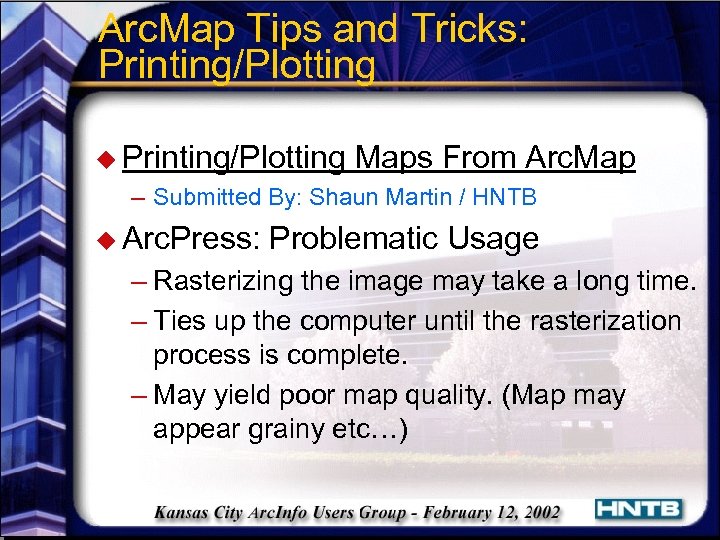
Arc. Map Tips and Tricks: Printing/Plotting u Printing/Plotting Maps From Arc. Map – Submitted By: Shaun Martin / HNTB u Arc. Press: Problematic Usage – Rasterizing the image may take a long time. – Ties up the computer until the rasterization process is complete. – May yield poor map quality. (Map may appear grainy etc…)
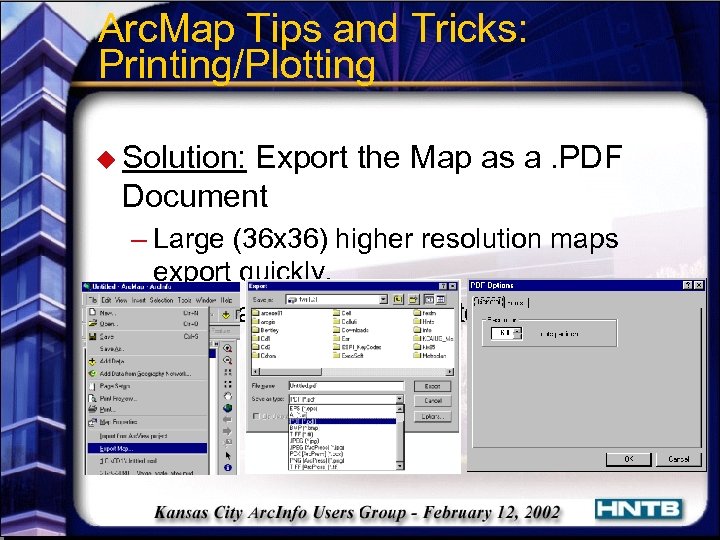
Arc. Map Tips and Tricks: Printing/Plotting u Solution: Export the Map as a. PDF Document – Large (36 x 36) higher resolution maps export quickly. – Yields a high level of cartographic quality.
Arc. Map Tips and Tricks: Linking Excel u Dynamically Link an Excel Spreadsheet to an Arc. Map Layer. – Submitted By: Scott Rice / HNTB u Point Location Data Stored and Updated in Excel. – Constantly Performing Maintenance. • Conversion From. xls to. txt or. dbf file format. • Adding updated table to Arc. Map and Updating Links/Joins.
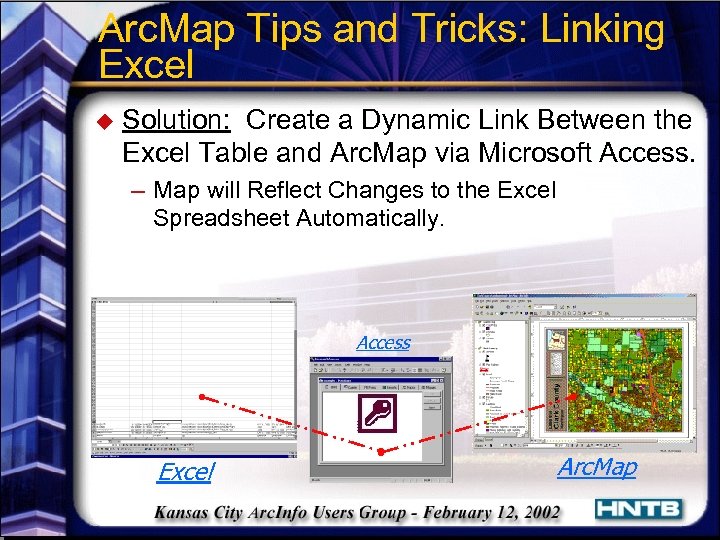
Arc. Map Tips and Tricks: Linking Excel u Solution: Create a Dynamic Link Between the Excel Table and Arc. Map via Microsoft Access. – Map will Reflect Changes to the Excel Spreadsheet Automatically. Access Excel Arc. Map
Arc. Map Tips and Tricks: Legend Edits u Changing Legend Font/Size by Grouping Elements – Submitted By: Justin Pummell / U. S. Army Corp. of Engineers u Modifying Legend Text Elements With Legend Wizard. – Can be Very Time Consuming.
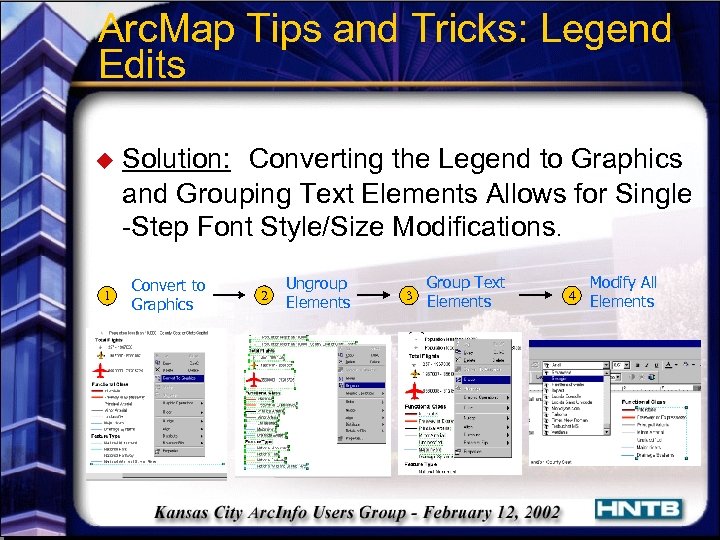
Arc. Map Tips and Tricks: Legend Edits u 1 Solution: Converting the Legend to Graphics and Grouping Text Elements Allows for Single -Step Font Style/Size Modifications. Convert to Graphics 2 Ungroup Elements Group Text 3 Elements Modify All 4 Elements
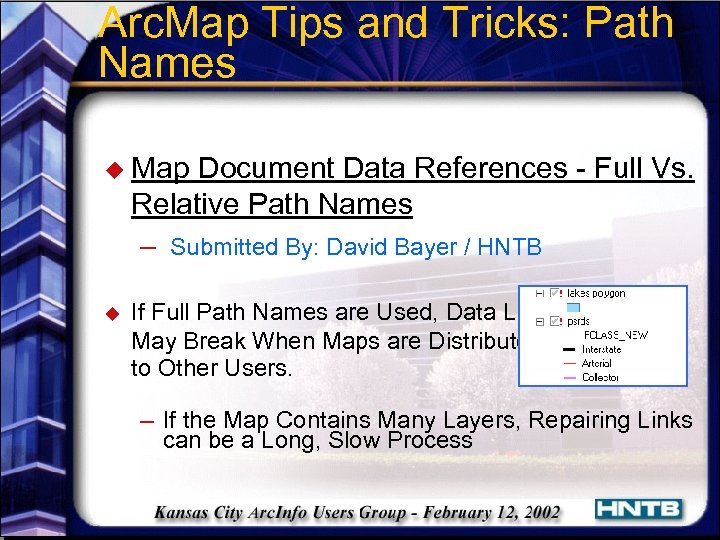
Arc. Map Tips and Tricks: Path Names u Map Document Data References - Full Vs. Relative Path Names – Submitted By: David Bayer / HNTB u If Full Path Names are Used, Data Links May Break When Maps are Distributed to Other Users. – If the Map Contains Many Layers, Repairing Links can be a Long, Slow Process
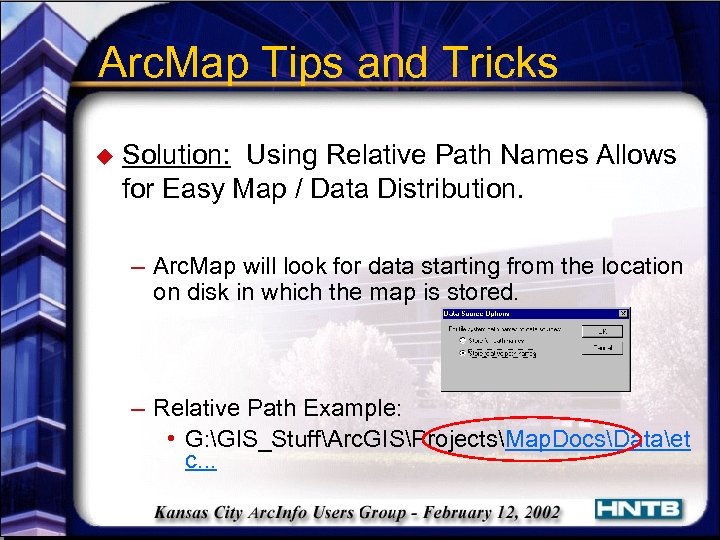
Arc. Map Tips and Tricks u Solution: Using Relative Path Names Allows for Easy Map / Data Distribution. – Arc. Map will look for data starting from the location on disk in which the map is stored. – Relative Path Example: • G: GIS_StuffArc. GISProjectsMap. DocsDataet c. . .
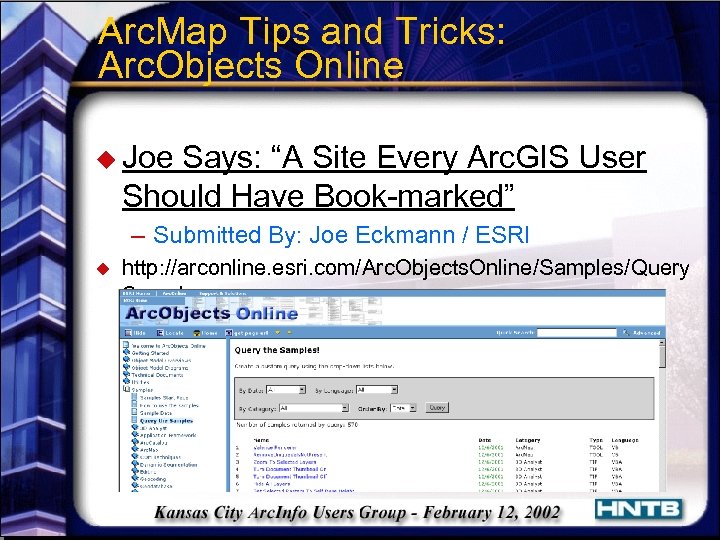
Arc. Map Tips and Tricks: Arc. Objects Online u Joe Says: “A Site Every Arc. GIS User Should Have Book-marked” – Submitted By: Joe Eckmann / ESRI u http: //arconline. esri. com/Arc. Objects. Online/Samples/Query Samples. asp

Customizing Arc. GIS using Arc. Objects with VBA Scott Rice
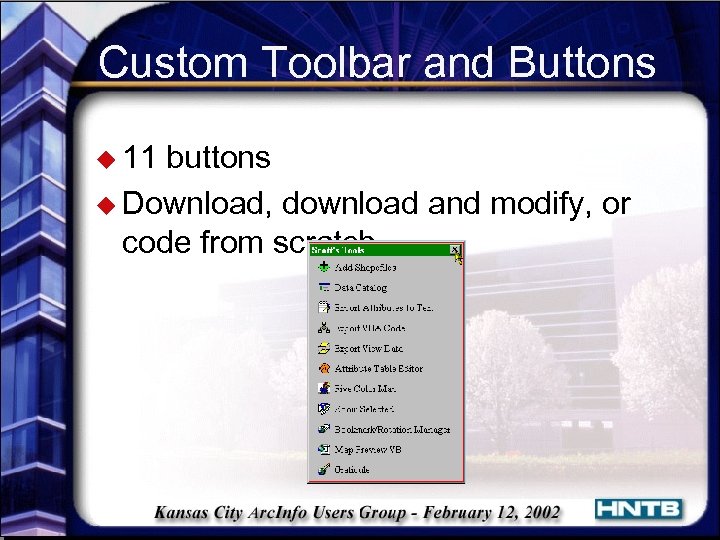
Custom Toolbar and Buttons u 11 buttons u Download, download and modify, or code from scratch
Data. Tra. X v 1. 03 Rail Corridor Management System Jim Vanderweide
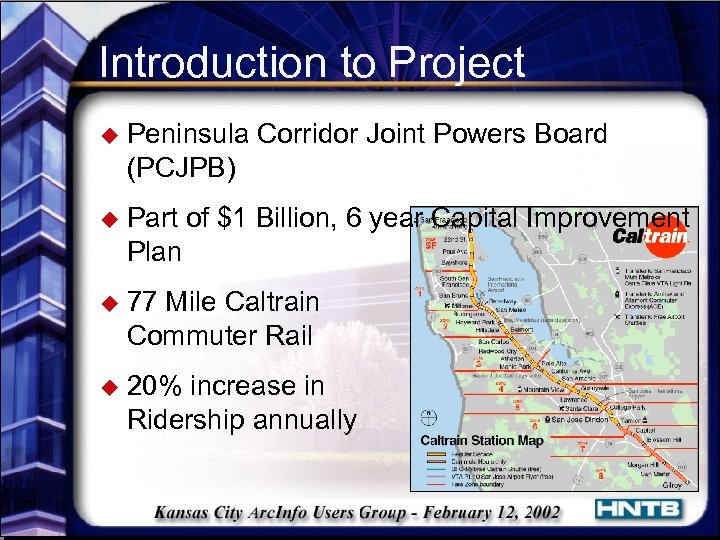
Introduction to Project u Peninsula Corridor Joint Powers Board (PCJPB) u Part of $1 Billion, 6 year Capital Improvement Plan u 77 Mile Caltrain Commuter Rail u 20% increase in Ridership annually
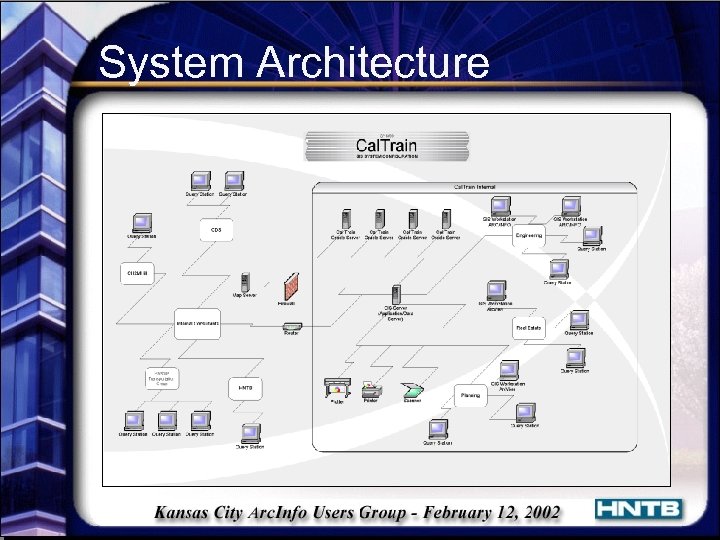
System Architecture
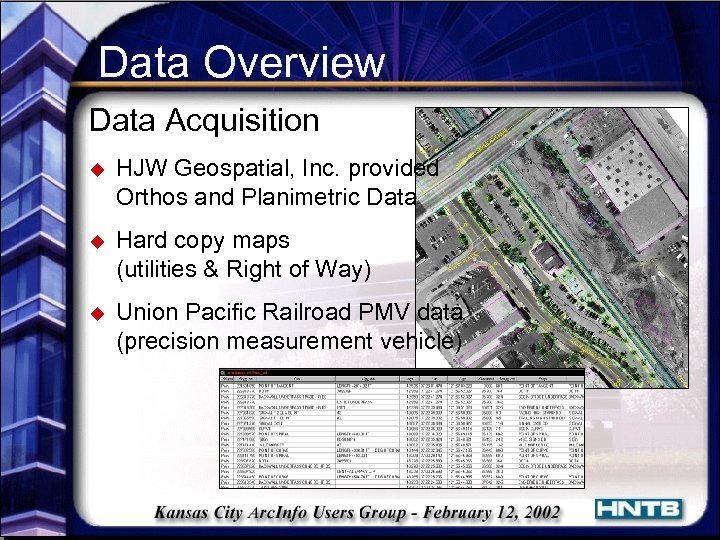
Data Overview Data Acquisition u HJW Geospatial, Inc. provided Orthos and Planimetric Data u Hard copy maps (utilities & Right of Way) u Union Pacific Railroad PMV data (precision measurement vehicle)
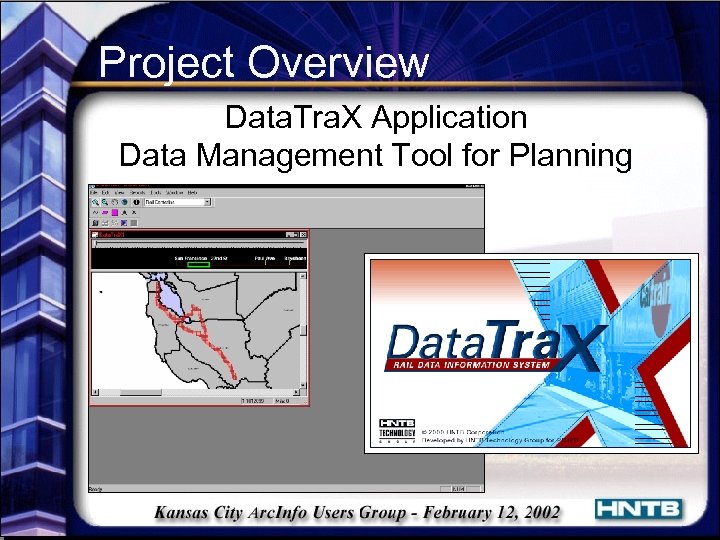
Project Overview Data. Tra. X Application Data Management Tool for Planning
Data. Tra. X Development User Requirements u User friendly Viewing and Query Tool u 30 - 50 end users (engineers, planners, railroad specialist) u Data management system capable of updates u Customized for individual departments within JPB u Capable of expanding functionality to meet future needs
Software Overview Data. Tra. X u ESRI Map. Objects 2. 0 a u Legend Tools for Map. Objects by MPN Components u C++ (Microsoft Visual C++ 6. 0) u Oracle 8 i (8. 1. 7) Additional Software Provided u Arc. GIS 8. 1
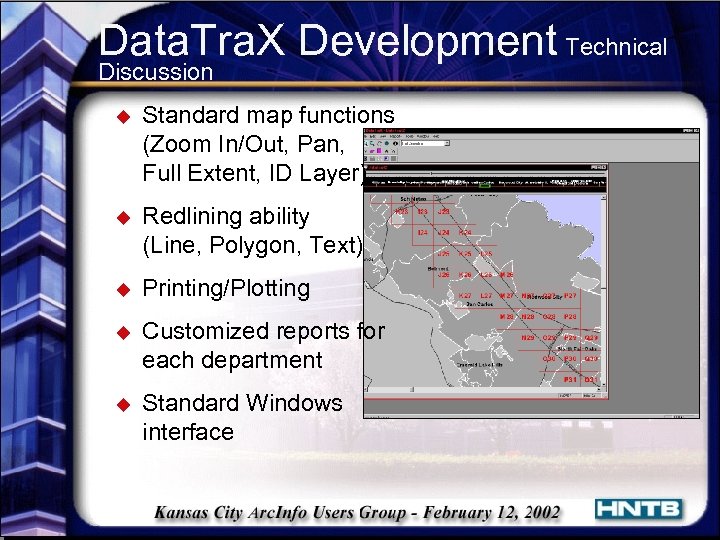
Data. Tra. X Development Technical Discussion u Standard map functions (Zoom In/Out, Pan, Full Extent, ID Layer) u Redlining ability (Line, Polygon, Text) u Printing/Plotting u Customized reports for each department u Standard Windows interface
Future Development for Rail Management Handheld Technology u Compaq i. PAQ u Tablet PC Arc. IMS u Intranet/Internet Mapping Solutions Additional Functionality u Additional Modules to Data. Tra. X u Emergency Response u Automated Trackchart
Data. Tra. X Demo
Field Data Collection Solutions David Bayer
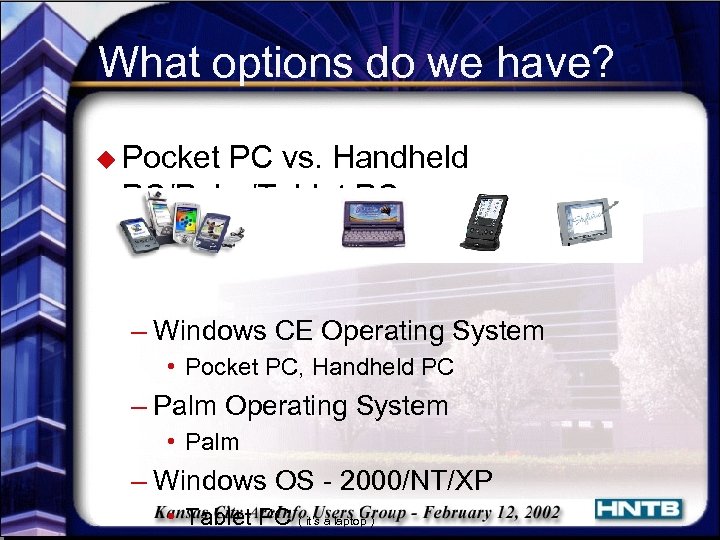
What options do we have? u Pocket PC vs. Handheld PC/Palm/Tablet PC – Windows CE Operating System • Pocket PC, Handheld PC – Palm Operating System • Palm – Windows OS - 2000/NT/XP • Tablet PC ( it’s a laptop )
Why we chose Pocket PC u Supported by ESRI – Arc. Pad bundled with i. PAQ for $995 u Development Environment – Microsoft e. Mbedded Visual Tools • • e. Mbedded Visual Basic e. Mbedded Visual C++ develop for the Pocket PC and Handheld PC free download at http: //www. microsoft. com/mobile/developer/downloads/emvt 30/
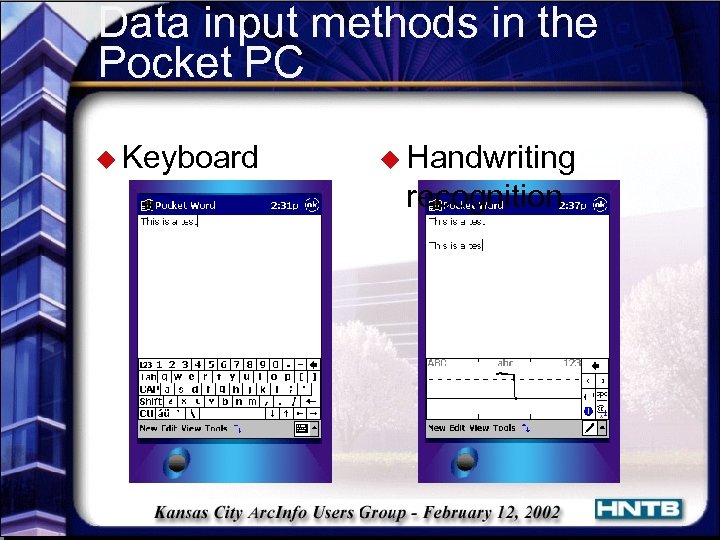
Data input methods in the Pocket PC u Keyboard u Handwriting recognition
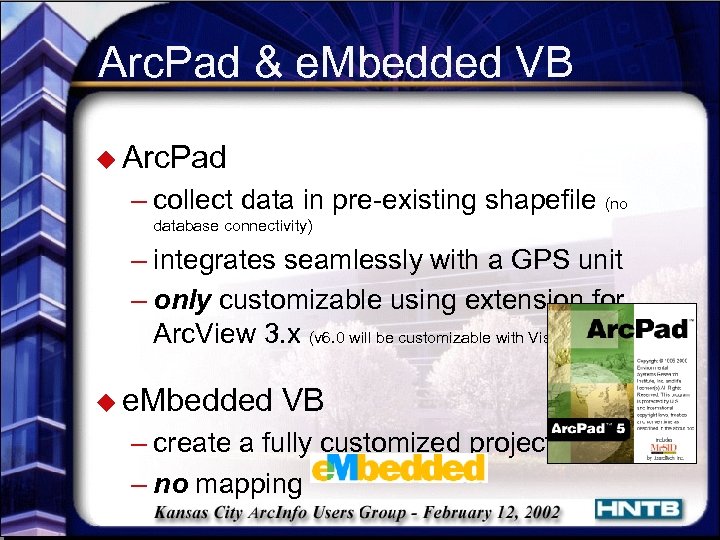
Arc. Pad & e. Mbedded VB u Arc. Pad – collect data in pre-existing shapefile (no database connectivity) – integrates seamlessly with a GPS unit – only customizable using extension for Arc. View 3. x (v 6. 0 will be customizable with Visual Basic Script) u e. Mbedded VB – create a fully customized project – no mapping
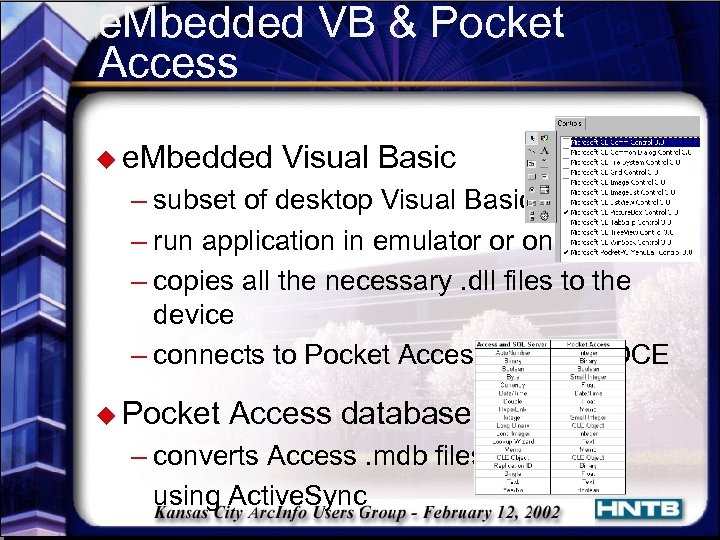
e. Mbedded VB & Pocket Access u e. Mbedded Visual Basic – subset of desktop Visual Basic – run application in emulator or on device – copies all the necessary. dll files to the device – connects to Pocket Access using ADOCE u Pocket Access database – converts Access. mdb files using Active. Sync
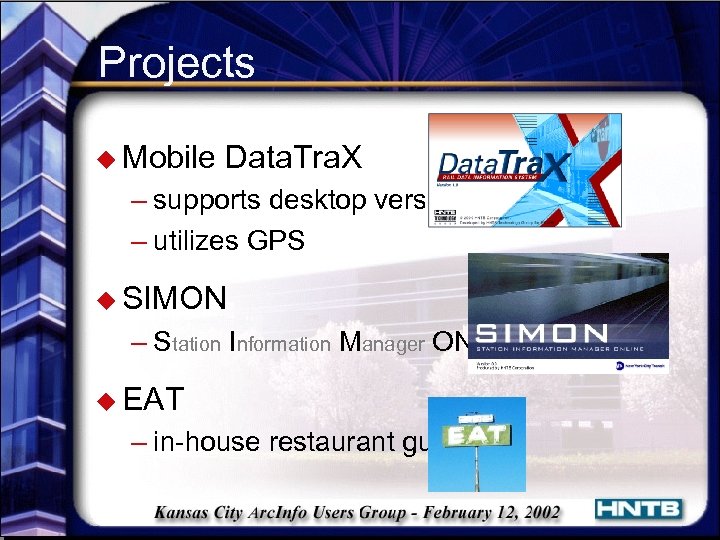
Projects u Mobile Data. Tra. X – supports desktop version – utilizes GPS u SIMON – Station Information Manager ONline u EAT – in-house restaurant guide
Field Data Collection Demo
Ramzi Bannura Ÿ National GIS Director (816) 527 -2497 Ÿ rbannura@hntb. com Arc. GIS Tips & Tricks Shaun Martin Ÿ GIS Analyst (816) 527 -2709 Ÿ sdmartin@hntb. com Customizing Arc. GIS using Arc. Objects with VBA Scott Rice Ÿ GIS Analyst (816) 527 -2240 Ÿ srrice@hntb. com Data. Tra. X: Desktop Rail Management Software Jim Vanderweide Ÿ Senior GIS Analyst (816) 527 -2676 Ÿ jvanderweide@hntb. com Field Data Collection Solutions David Bayer Ÿ GIS Analyst (816) 527 -2496 Ÿ dbayer@hntb. com
Скачать презентацию Welcome to HNTB Mapping and GIS Technology Ramzi
f373213017999bde3dad1929b59dd0f9.ppt