


 Скачать презентацию Welcome to CPSC 206 Structured Programming in C
6459adfaa32009cd1b77dab930c15862.ppt
- Количество слайдов: 55
 Welcome to CPSC 206 Structured Programming in C 1
 Lecture Information http: //people. cs. tamu. edu/ychen/Teaching/CPSC 206 2
 Lecture Topics: 0. Introduction to Computer Science 1. Overview of C Ch 1, 2 Features of C: 2. Flow of control and functions 3. Character processing & fundamental data types 4. File I/O 5. Pointers, Arrays, and Strings 6. Structures, and linked lists Ch 3, 4 Ch 5, 6 Ch 13 Ch 8, 9, 10 Ch 12 7. Enumeration type and storage classes 8. Recursion Ch 7, 8 Ch 11 3
 Introduction to Computer Science CONCEPTS AND PROGRAMMING 4
 Introduction to Computer Science — Outline q. Part I: an overview of computer science. q. Part II: computer hardware and software. q. Part III: computer languages. 5
 Part I: An Overview of Computer Science What is Computer Science? 6
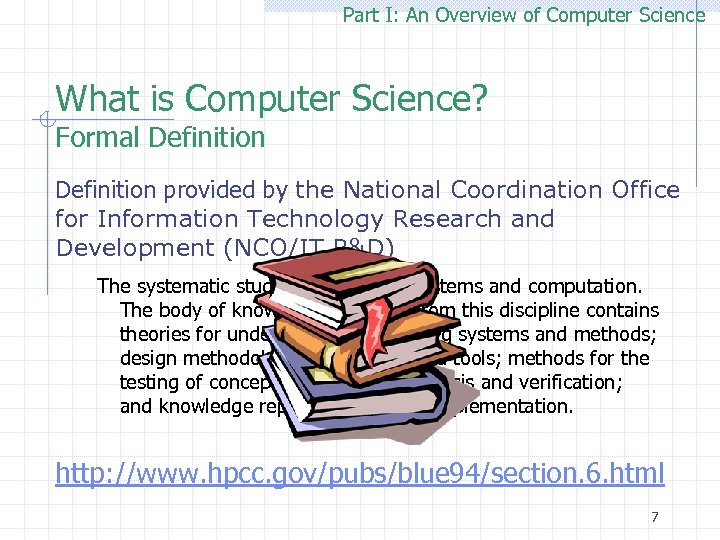 Part I: An Overview of Computer Science What is Computer Science? Formal Definition provided by the National Coordination Office for Information Technology Research and Development (NCO/IT R&D) The systematic study of computing systems and computation. The body of knowledge resulting from this discipline contains theories for understanding computing systems and methods; design methodology, algorithms, and tools; methods for the testing of concepts; methods of analysis and verification; and knowledge representation and implementation. http: //www. hpcc. gov/pubs/blue 94/section. 6. html 7
 Part I: An Overview of Computer Science What is Computer Science? A simple answer The study of how to solve problems with computers. What are the specific research areas of computer science? 8
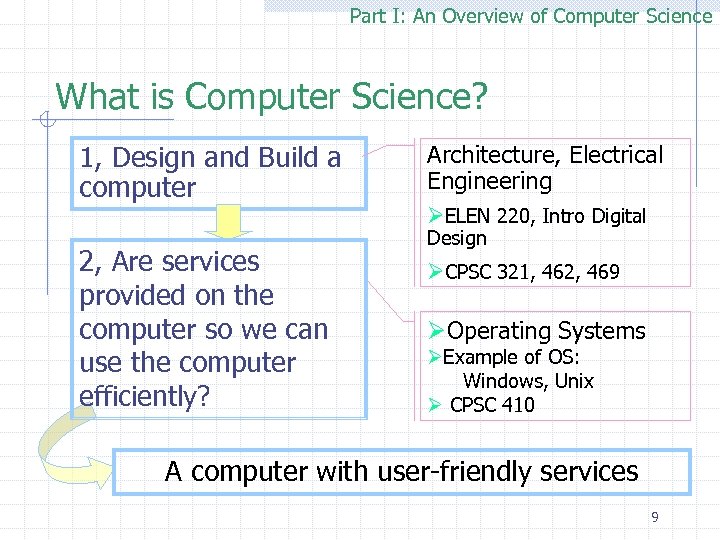 Part I: An Overview of Computer Science What is Computer Science? 1, Design and Build a computer Architecture, Electrical Engineering ØELEN 220, Intro Digital 2, Are services provided on the computer so we can use the computer efficiently? Design ØCPSC 321, 462, 469 ØOperating Systems ØExample of OS: Windows, Unix Ø CPSC 410 A computer with user-friendly services 9
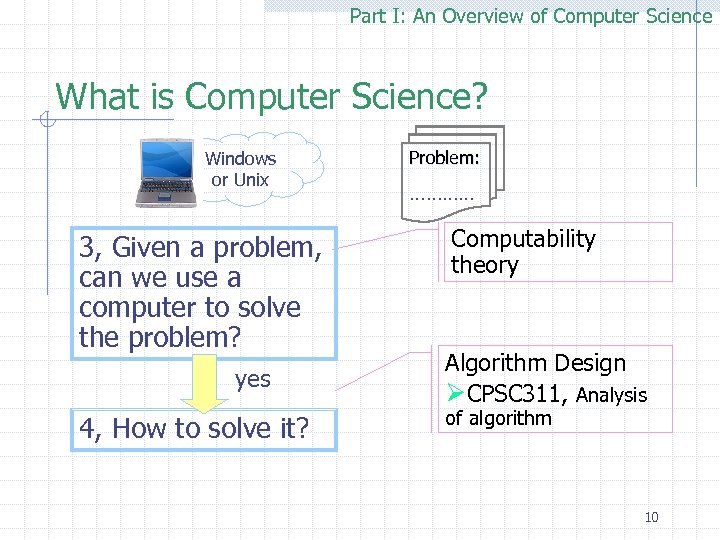 Part I: An Overview of Computer Science What is Computer Science? Windows or Unix 3, Given a problem, can we use a computer to solve the problem? yes 4, How to solve it? Problem: ………… Computability theory Algorithm Design ØCPSC 311, Analysis of algorithm 10
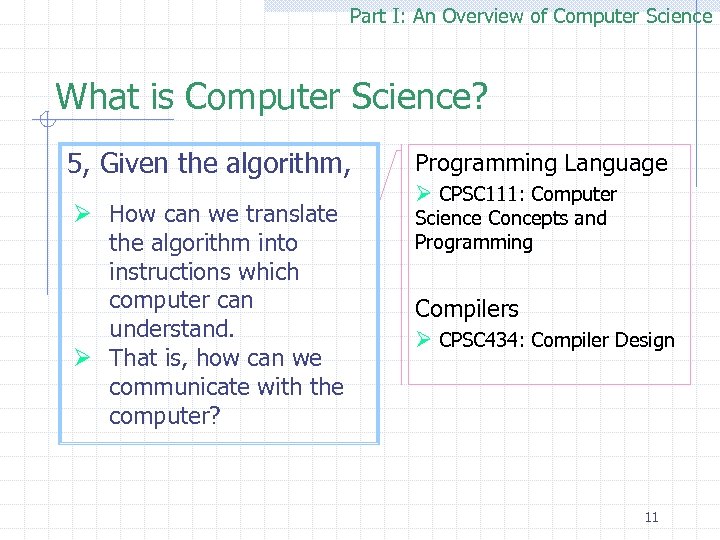 Part I: An Overview of Computer Science What is Computer Science? 5, Given the algorithm, Ø How can we translate the algorithm into instructions which computer can understand. Ø That is, how can we communicate with the computer? Programming Language Ø CPSC 111: Computer Science Concepts and Programming Compilers Ø CPSC 434: Compiler Design 11
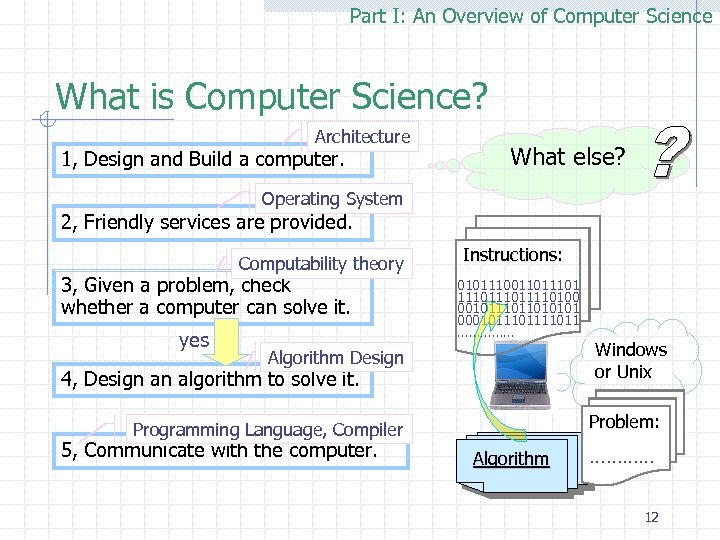 Part I: An Overview of Computer Science What is Computer Science? Architecture 1, Design and Build a computer. What else? Operating System 2, Friendly services are provided. Computability theory 3, Given a problem, check whether a computer can solve it. yes Instructions: 010111001101 111011110100 001011010101 000101111011 …………… Algorithm Design 4, Design an algorithm to solve it. Problem: Programming Language, Compiler 5, Communicate with the computer. Windows or Unix Algorithm ………… 12
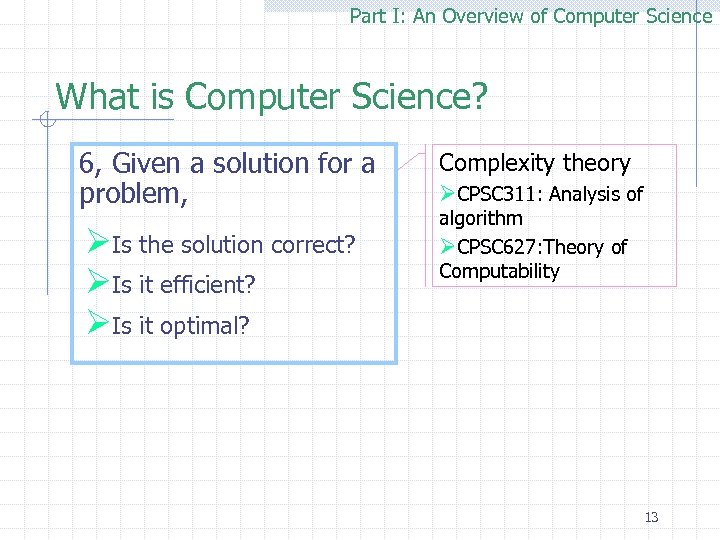 Part I: An Overview of Computer Science What is Computer Science? 6, Given a solution for a problem, ØIs the solution correct? ØIs it efficient? ØIs it optimal? Complexity theory ØCPSC 311: Analysis of algorithm ØCPSC 627: Theory of Computability 13
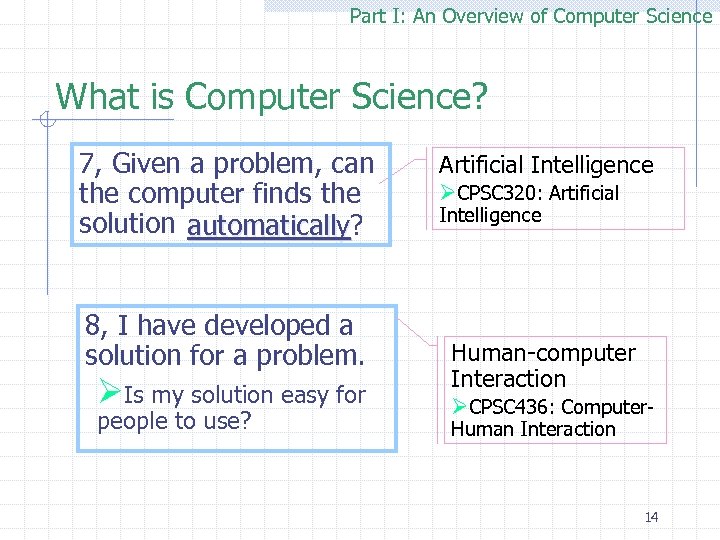 Part I: An Overview of Computer Science What is Computer Science? 7, Given a problem, can the computer finds the solution automatically? automatically 8, I have developed a solution for a problem. ØIs my solution easy for people to use? Artificial Intelligence ØCPSC 320: Artificial Intelligence Human-computer Interaction ØCPSC 436: Computer. Human Interaction 14
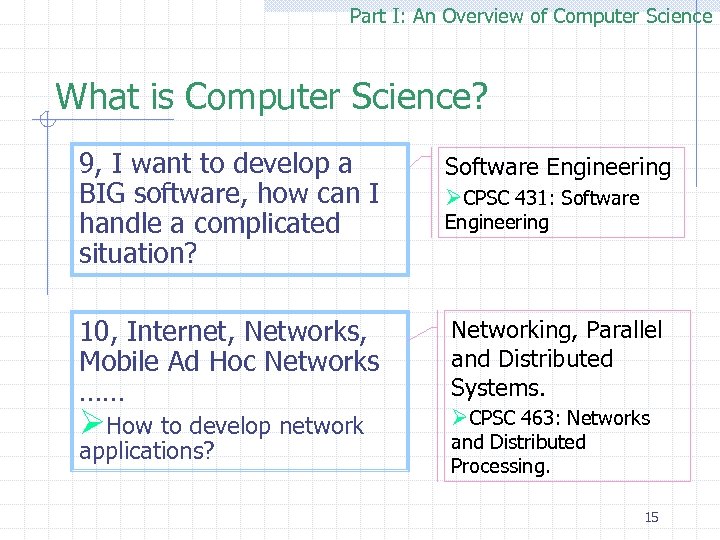 Part I: An Overview of Computer Science What is Computer Science? 9, I want to develop a BIG software, how can I handle a complicated situation? Software Engineering 10, Internet, Networks, Mobile Ad Hoc Networks …… Networking, Parallel and Distributed Systems. applications? and Distributed Processing. ØHow to develop network ØCPSC 431: Software Engineering ØCPSC 463: Networks 15
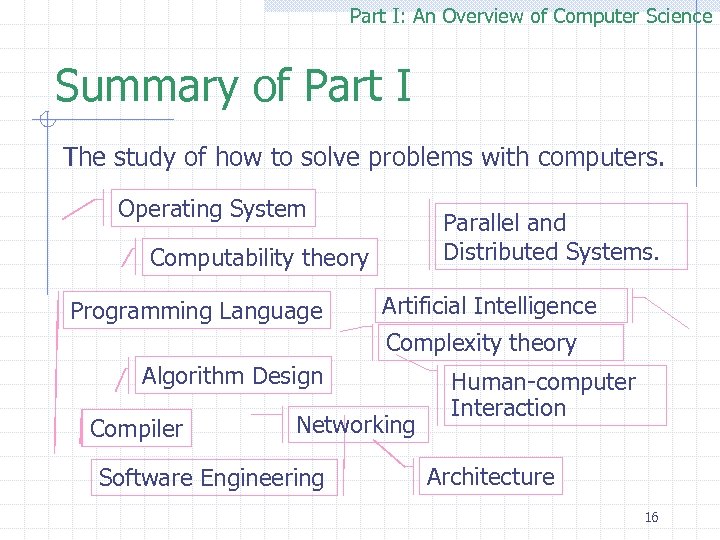 Part I: An Overview of Computer Science Summary of Part I The study of how to solve problems with computers. Operating System Parallel and Distributed Systems. Computability theory Programming Language Artificial Intelligence Complexity theory Algorithm Design Compiler Networking Software Engineering Human-computer Interaction Architecture 16
 Introduction to Computer Science — Outline q. Part I: an overview of computer science. q. Part II: computer hardware and software. q. Part III: computer languages. 17
 Part II: Computer Hardware and Software Outline: The development of modern computer systems. ØComputer organization. ØSolving problems on computers. ØProgramming and software engineering. Ø 18
 Part II: Computer Hardware and Software The development of modern computer systems Check course q Early electronic computers q Mainframes q Time sharing q Microcomputers q Networked computing website for details. http: //students. cs. tamu. edu/ychen/Teaching/CPSC 206/index. htm#_Notes 19
 Part II: Computer Hardware and Software Outline: The development of modern computer systems. ØComputer organization. ØSolving problems on computers. ØProgramming and software engineering. Ø 20
 Part II: Computer Hardware and Software — Computer Organization 21
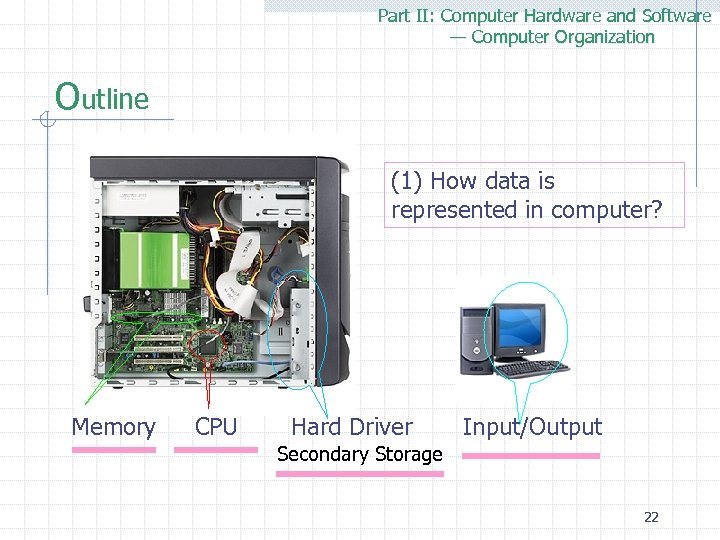 Part II: Computer Hardware and Software — Computer Organization Outline (1) How data is represented in computer? Memory CPU Hard Driver Input/Output Secondary Storage 22
 Part II: Computer Hardware and Software — Computer Organization Outline q Data representation q Main Memory q Central Processing Unit (CPU) q Secondary Storage q Input / Output 23
 Part II: Computer Hardware and Software — Computer Organization Data representation — What is data? The information which a computer processes q. Individual data values may represent data values Ønumbers, Øalphabetic characters, or Øother coded information. 24
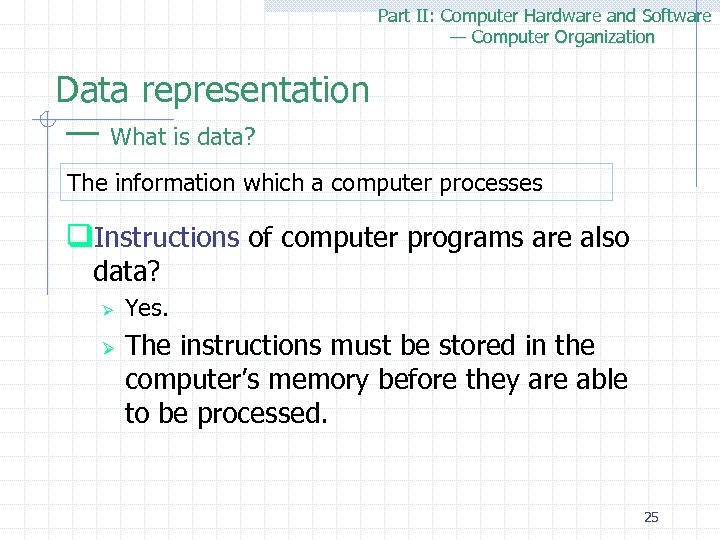 Part II: Computer Hardware and Software — Computer Organization Data representation — What is data? The information which a computer processes q. Instructions of computer programs are also data? Ø Ø Yes. The instructions must be stored in the computer’s memory before they are able to be processed. 25
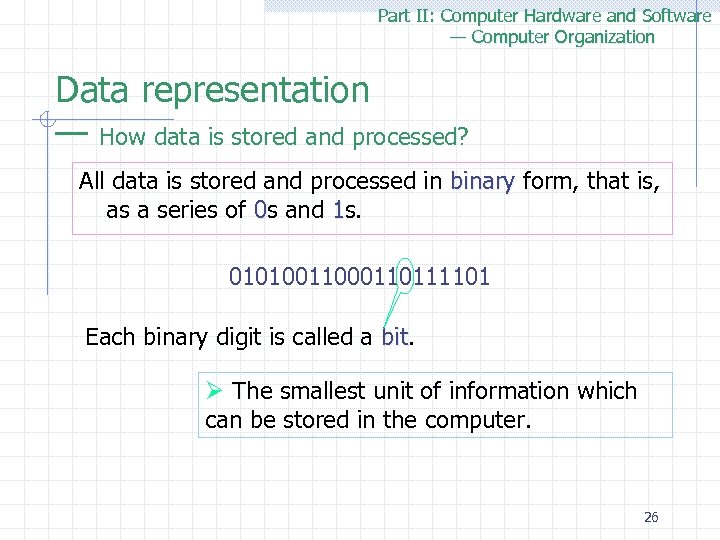 Part II: Computer Hardware and Software — Computer Organization Data representation — How data is stored and processed? All data is stored and processed in binary form, that is, binary as a series of 0 s and 1 s. 010100110111101 Each binary digit is called a bit Ø The smallest unit of information which can be stored in the computer. 26
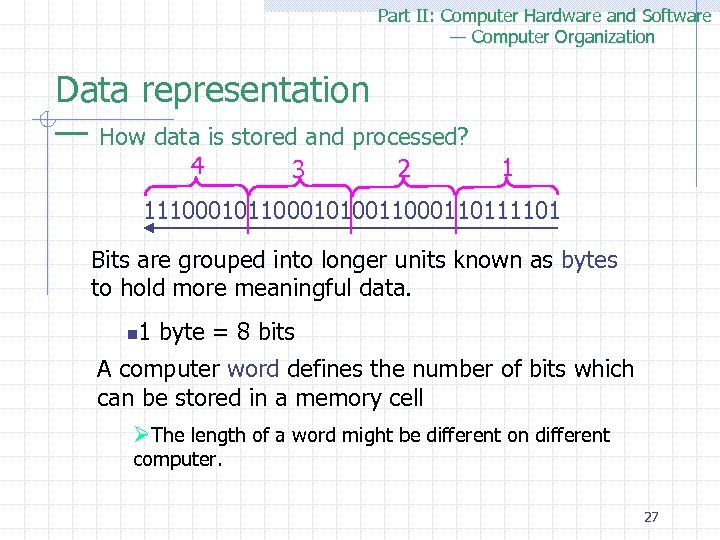 Part II: Computer Hardware and Software — Computer Organization Data representation — How data is stored and processed? 4 3 2 1 11100010100110111101 Bits are grouped into longer units known as bytes to hold more meaningful data. n 1 byte = 8 bits A computer word defines the number of bits which can be stored in a memory cell ØThe length of a word might be different on different computer. 27
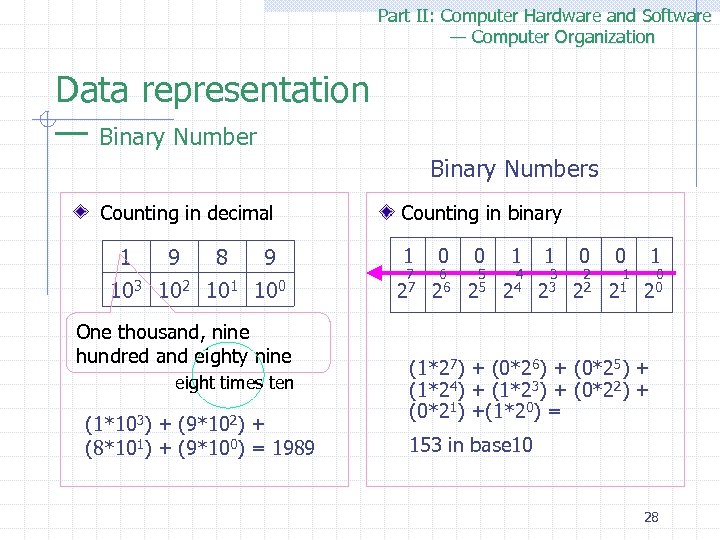 Part II: Computer Hardware and Software — Computer Organization Data representation — Binary Numbers Counting in decimal 1 9 8 9 103 102 101 100 One thousand, nine hundred and eighty nine eight times ten (1*103) + (9*102) + (8*101) + (9*100) = 1989 Counting in binary 1 0 0 1 1 0 0 1 7 6 5 4 3 2 1 0 27 26 25 24 23 22 21 20 (1*27) + (0*26) + (0*25) + (1*24) + (1*23) + (0*22) + (0*21) +(1*20) = 153 in base 10 28
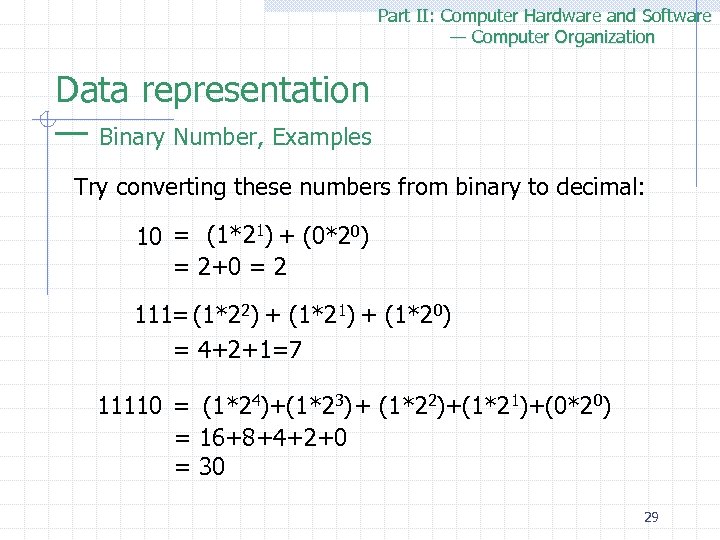 Part II: Computer Hardware and Software — Computer Organization Data representation — Binary Number, Examples Try converting these numbers from binary to decimal: 10 = (1*21) + (0*20) = 2+0 = 2 111= (1*22) + (1*21) + (1*20) = 4+2+1=7 11110 = (1*24)+(1*23)+ (1*22)+(1*21)+(0*20) = 16+8+4+2+0 = 30 29
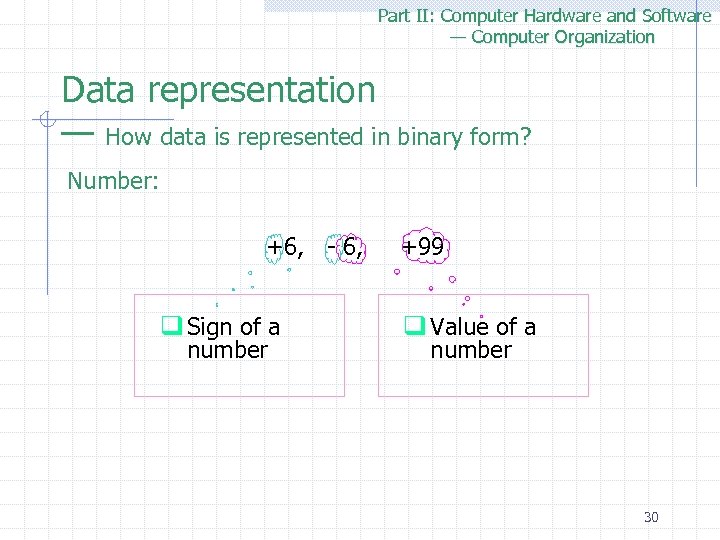 Part II: Computer Hardware and Software — Computer Organization Data representation — How data is represented in binary form? Number: +6, - 6, +99 q Sign of a number q Value of a number 30
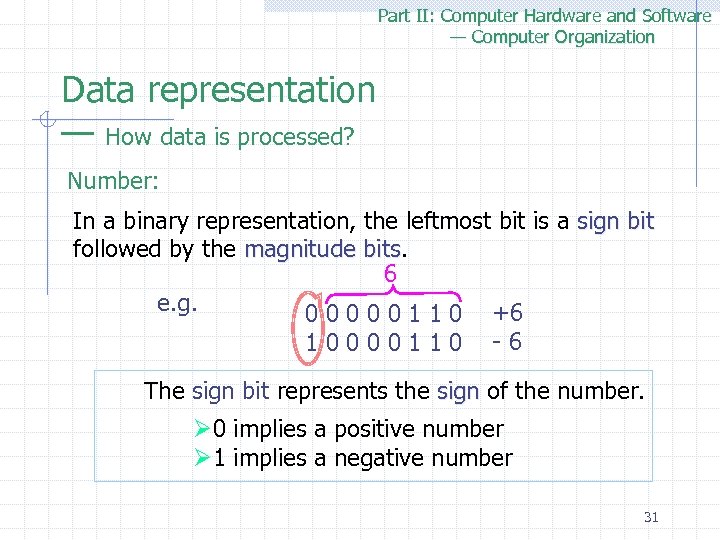 Part II: Computer Hardware and Software — Computer Organization Data representation — How data is processed? Number: In a binary representation, the leftmost bit is a sign bit followed by the magnitude bits 6 e. g. +6 0 0 0 1 1 0 - 6 1 0 0 1 1 0 The sign bit represents the sign of the number. sign Ø 0 implies a positive number Ø 1 implies a negative number 31
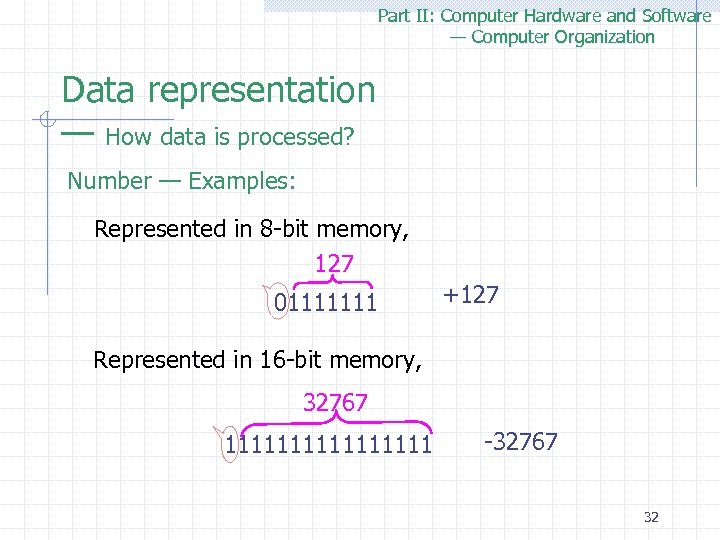 Part II: Computer Hardware and Software — Computer Organization Data representation — How data is processed? Number — Examples: Represented in 8 -bit memory, 127 01111111 +127 Represented in 16 -bit memory, 32767 11111111 -32767 32
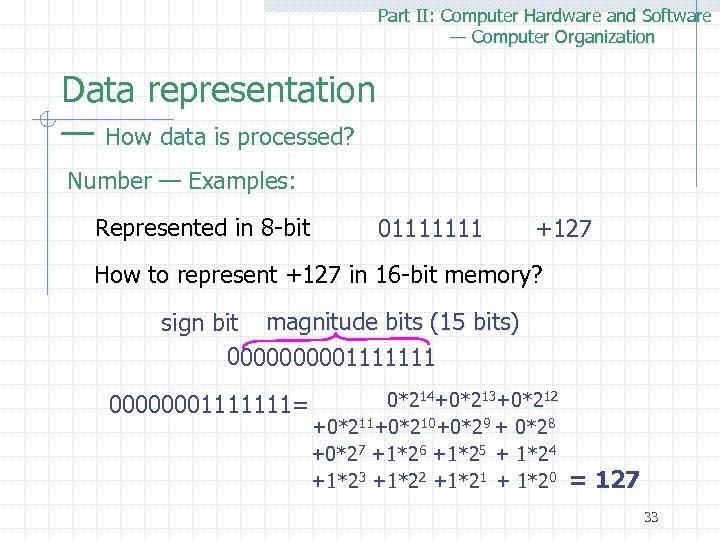 Part II: Computer Hardware and Software — Computer Organization Data representation — How data is processed? Number — Examples: Represented in 8 -bit 01111111 +127 How to represent +127 in 16 -bit memory? sign bit magnitude bits (15 bits) 000001111111 00000001111111= 0*214+0*213+0*212 +0*211+0*210+0*29 + 0*28 +0*27 +1*26 +1*25 + 1*24 +1*23 +1*22 +1*21 + 1*20 = 127 33
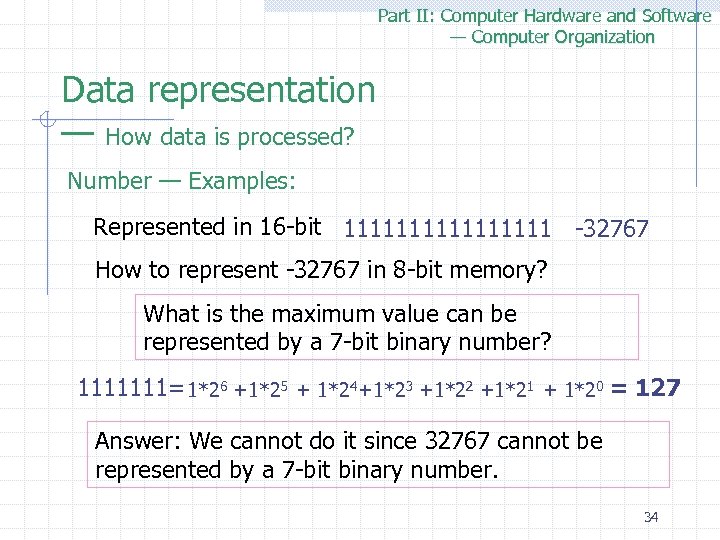 Part II: Computer Hardware and Software — Computer Organization Data representation — How data is processed? Number — Examples: Represented in 16 -bit 11111111 -32767 How to represent -32767 in 8 -bit memory? What is the maximum value can be represented by a 7 -bit binary number? 1111111= 1*26 +1*25 + 1*24 +1*23 +1*22 +1*21 + 1*20 = 127 Answer: We cannot do it since 32767 cannot be represented by a 7 -bit binary number. 34
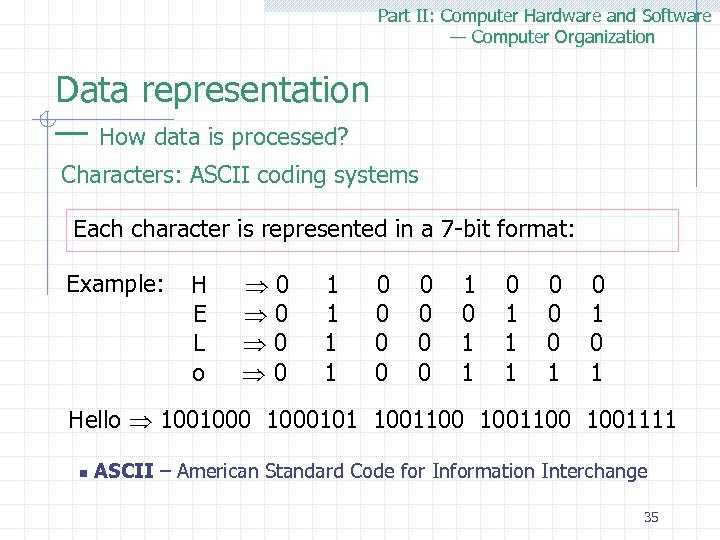 Part II: Computer Hardware and Software — Computer Organization Data representation — How data is processed? Characters: ASCII coding systems Each character is represented in a 7 -bit format: Example: H 0 1 0 0 1 0 0 0 E 0 1 0 0 0 1 L 0 1 0 0 1 1 0 0 o 0 1 0 0 1 1 Hello 1001000101 1001100 1001111 n ASCII – American Standard Code for Information Interchange 35
 Part II: Computer Hardware and Software — Computer Organization Outline q Data representation q Main Memory q Central Processing Unit (CPU) q Secondary Storage q Input / Output 36
 Part II: Computer Hardware and Software — Computer Organization Main memory q. What is Main memory Ø It is part of a computer’s electronic circuitry which holds the binary data which the computer’s program will process. 37
 Part II: Computer Hardware and Software — Computer Organization Main memory q. Memory is divided into cells. q. Each cell is assigned a specific address, from 0 to the maximum size of the computer’s memory capacity. 38
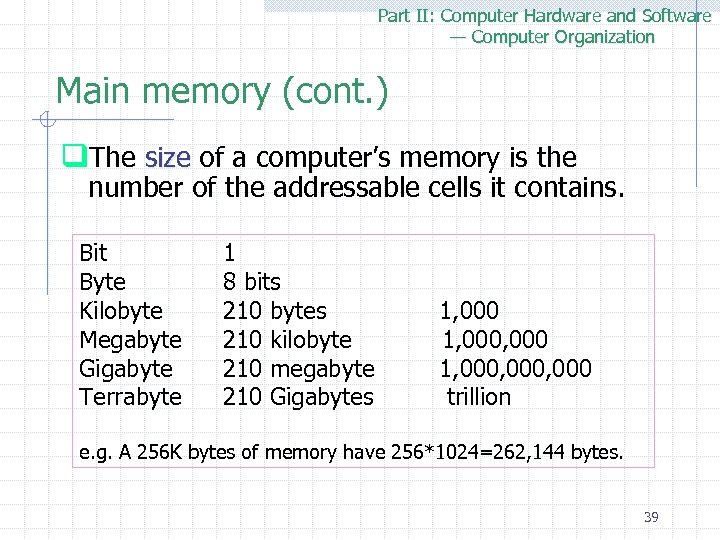 Part II: Computer Hardware and Software — Computer Organization Main memory (cont. ) q. The size of a computer’s memory is the size number of the addressable cells it contains. Bit Byte Kilobyte Megabyte Gigabyte Terrabyte 1 8 bits 210 bytes 1, 000 210 kilobyte 1, 000 210 megabyte 1, 000, 000 210 Gigabytes trillion e. g. A 256 K bytes of memory have 256*1024=262, 144 bytes. 39
 Part II: Computer Hardware and Software — Computer Organization Main memory — Features of Memory q. Random Access q. High-speed q. Read/Write Capability q. Volatility Ø Memory loses its contents when the power is turned off. 40
 Part II: Computer Hardware and Software — Computer Organization Outline q Data representation q Main Memory q Central Processing Unit (CPU) q Secondary Storage q Input / Output 41
 Part II: Computer Hardware and Software — Computer Organization CPU: Central Processing Unit q. CPU is the heart of a computer. Ø Control unit üControl and coordinate the computer’s operations. Ø Arithmetic/Logic Unit (ALU) üperforms all arithmetic computations and logic operations. 42
 Part II: Computer Hardware and Software — Computer Organization Control unit q. Program execution 1. Each computer has a unique instruction set determined by the designers of its architecture. Each instruction includes a code that specifies the operation to be performed, and the memory address of the data value to be acted on. 43
 Part II: Computer Hardware and Software — Computer Organization Control unit q. Program execution 2. All the operations of a computer are directed by a set of instructions, known as a program, which is loaded in the computer’s main memory during execution. 44
 Part II: Computer Hardware and Software — Computer Organization Control unit q. Program execution 3. The control unit locates the appropriate instructions, controls their sequencing, and executes them by activating appropriate circuitry. 45
 Part II: Computer Hardware and Software — Computer Organization Control unit (cont. ) q Program Counter (PC) Øcontains the memory address of the instruction that is currently being executed. q Instruction counter (IC) Øcontains the instruction currently being processed. 46
 Part II: Computer Hardware and Software — Computer Organization Control unit (cont. ) q. Hardware characteristics Ø Ø CPU synchronizes its operations by the regular pulses emitted by an electronic device called a clock. The speed of a computer can be quoted as: w Clock speed, e. g. 100 MHz means 100 million cycles per second. w MIPS, a million instructions per second, or the unit of time it takes to execute one instruction. 47
 Part II: Computer Hardware and Software — Computer Organization Arithmetic/Logical Unit q. ALU performs all arithmetic computations and logical operations. Ø Arithmetic - Add, subtract, multiply, divide exponentiation etc. Ø Logical -Testing for relationships. A
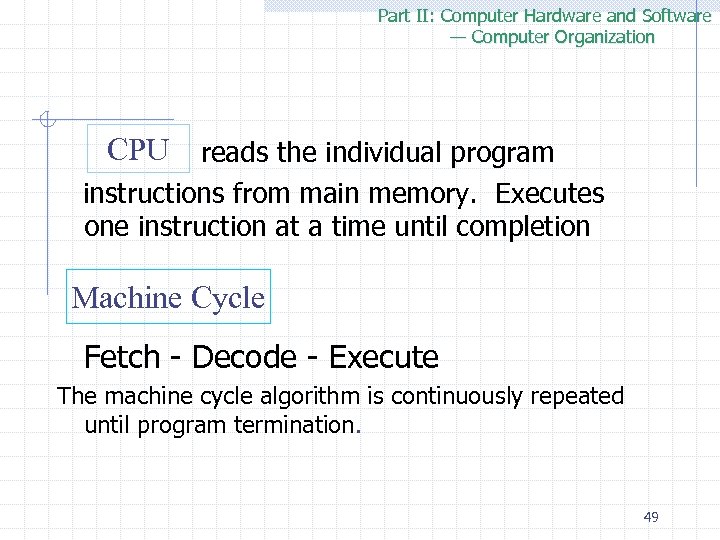 Part II: Computer Hardware and Software — Computer Organization CPU reads the individual program instructions from main memory. Executes one instruction at a time until completion Machine Cycle Fetch - Decode - Execute The machine cycle algorithm is continuously repeated until program termination. 49
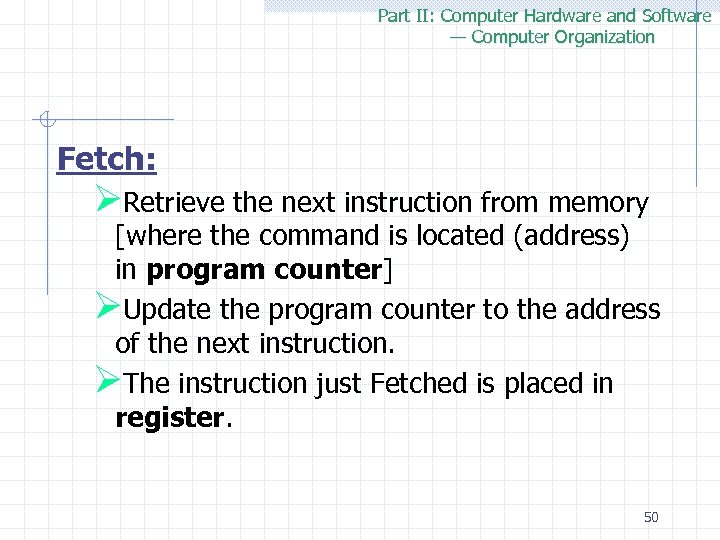 Part II: Computer Hardware and Software — Computer Organization Fetch: ØRetrieve the next instruction from memory [where the command is located (address) in program counter] ØUpdate the program counter to the address of the next instruction. ØThe instruction just Fetched is placed in register. 50
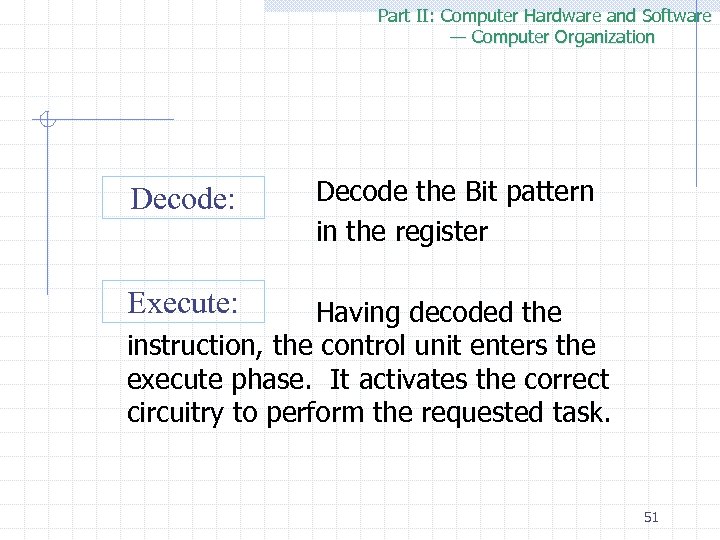 Part II: Computer Hardware and Software — Computer Organization Decode: Decode the Bit pattern in the register Execute: Having decoded the instruction, the control unit enters the execute phase. It activates the correct circuitry to perform the requested task. 51
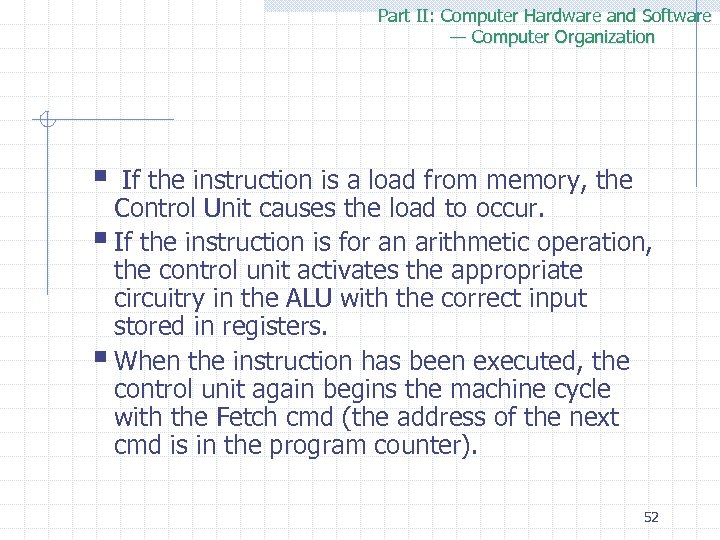 Part II: Computer Hardware and Software — Computer Organization § If the instruction is a load from memory, the Control Unit causes the load to occur. § If the instruction is for an arithmetic operation, the control unit activates the appropriate circuitry in the ALU with the correct input stored in registers. § When the instruction has been executed, the control unit again begins the machine cycle with the Fetch cmd (the address of the next cmd is in the program counter). 52
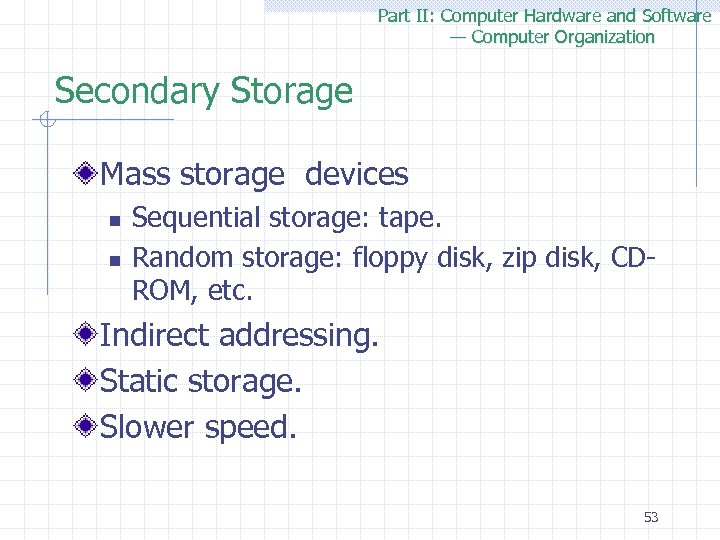 Part II: Computer Hardware and Software — Computer Organization Secondary Storage Mass storage devices n n Sequential storage: tape. Random storage: floppy disk, zip disk, CDROM, etc. Indirect addressing. Static storage. Slower speed. 53
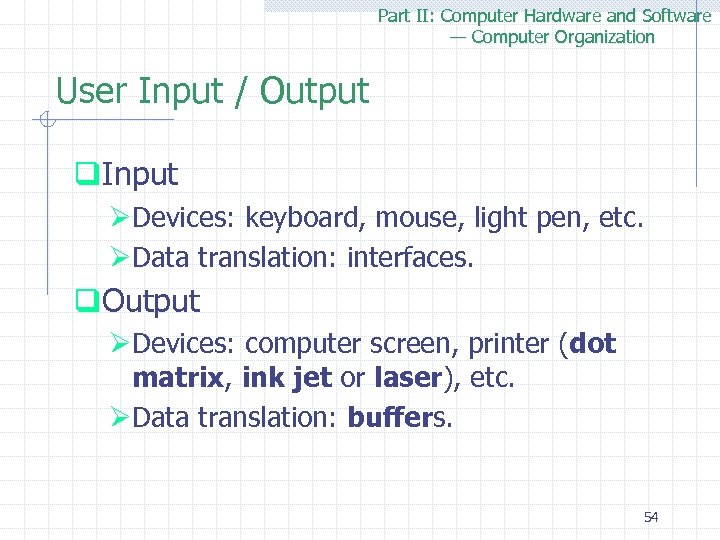 Part II: Computer Hardware and Software — Computer Organization User Input / Output q. Input ØDevices: keyboard, mouse, light pen, etc. ØData translation: interfaces. q. Output ØDevices: computer screen, printer (dot matrix, ink jet or laser), etc. ØData translation: buffers. 54
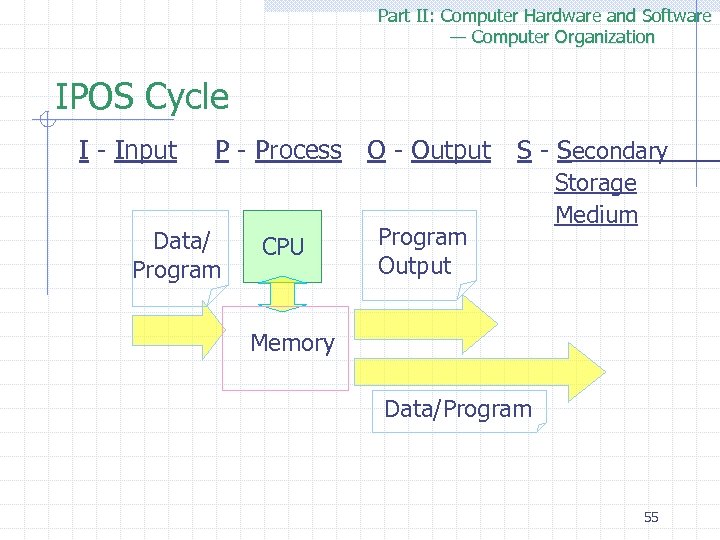 Part II: Computer Hardware and Software — Computer Organization IPOS Cycle I - Input P - Process O - Output Data/ Program CPU Program Output S - Secondary Storage Medium Memory Data/Program 55