 Скачать презентацию Welcome Please remember to turn off cell phones
53f52c98d4ca21218006891b9ecca915.ppt
- Количество слайдов: 95




Welcome Please remember to turn off cell phones
CFO for Hire Accounting Operations & Management 3 E-Comm Square Albany, NY 12207 (518) 694 -3021 Contact Information: ► Jim Lozano, extension 20 or jlozano@cfo-for-hire. com ► Lynn Zeronda, extension 39 or lzeronda@cfo-for-hire. com ►

Brian Wiese brianw@btbsinc. com (518) 813 -9052
Today’s Objectives 1. Provide you with a better understanding of all of Intuit’s products so you can inform and guide your clients more effectively. 2. Show the distinct differences between Quick. Books Pro/Premier and Enterprise Solutions. 3. Dispel the myth that Enterprise Solutions is designed for “bigger” small businesses and not a viable mid-market product. 4. Outline NEW add-on suites to Enterprise and 3 rd Party add-ons along with add-on services for all Quick. Books products.

25 th Hour Accounting Technology Consultants ► Wayne Higdon, Advanced Certified Quick. Books Pro. Advisor and QB Add-on Specialist ► Micki Mauger, Certified Pro. Advisor & Certified POS Advisor www. 25 thhour. biz 518 -489 -4365

Top Five Technologies for you and your clients Wayne Higdon ► a. k. a. “I didn’t know you could do that!”
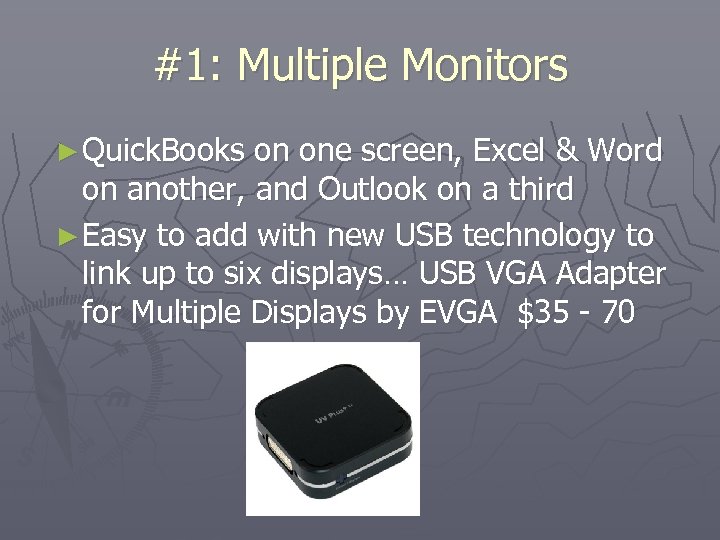
#1: Multiple Monitors ► Quick. Books on one screen, Excel & Word on another, and Outlook on a third ► Easy to add with new USB technology to link up to six displays… USB VGA Adapter for Multiple Displays by EVGA $35 - 70
#2: Unified Communications ► Hosted Outlook Exchange – email, contacts and calendar always in sync with PC, PDA and web access. www. apptix. com/ ► Want it for free…look for webmail that supports IMAP (not POP) ► Fax-to-email and voicemail-to- email…everything to your inbox http: //www. 25 thhouraccounting. com/ourvirtualoffice/faxvoicemail. html
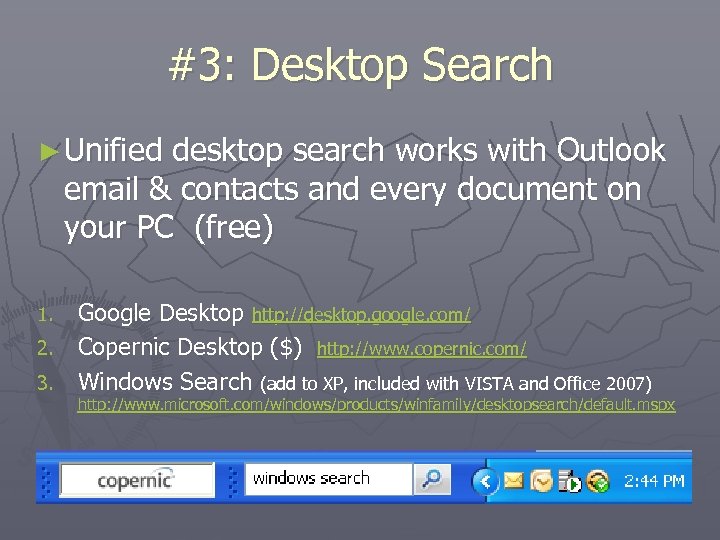
#3: Desktop Search ► Unified desktop search works with Outlook email & contacts and every document on your PC (free) Google Desktop http: //desktop. google. com/ 2. Copernic Desktop ($) http: //www. copernic. com/ 3. Windows Search (add to XP, included with VISTA and Office 2007) 1. http: //www. microsoft. com/windows/products/winfamily/desktopsearch/default. mspx
#4: Virtualization ► Microsoft Virtual PC 2007, or ► VMware Workstation https: //www. vmware. com/ 1. 2. 3. 4. 5. Run two different operating systems on one PC…run XP applications on the upcoming Windows 7 Create safe software testing environment Create demonstration virtual machines VMware Fusion runs Windows on a Mac Server virtualization improves stability and eliminates need for multiple server machines
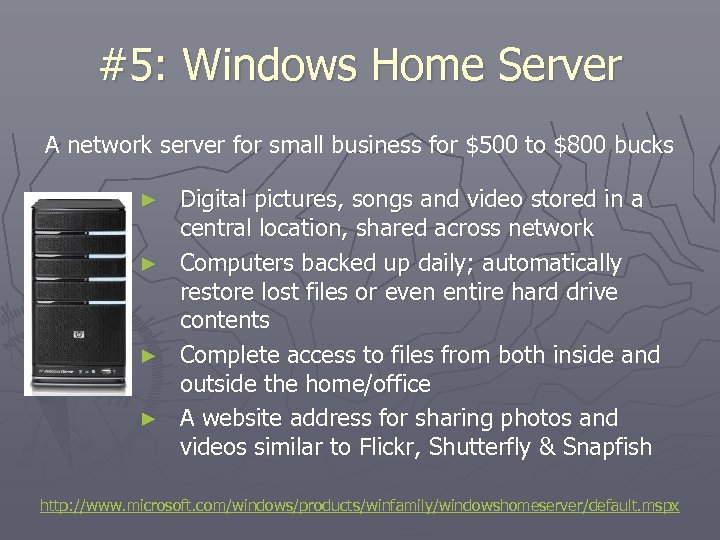
#5: Windows Home Server A network server for small business for $500 to $800 bucks Digital pictures, songs and video stored in a central location, shared across network ► Computers backed up daily; automatically restore lost files or even entire hard drive contents ► Complete access to files from both inside and outside the home/office ► A website address for sharing photos and videos similar to Flickr, Shutterfly & Snapfish ► http: //www. microsoft. com/windows/products/winfamily/windowshomeserver/default. mspx
Quick. Books 2009 family of products Wayne Higdon & Micki Mauger
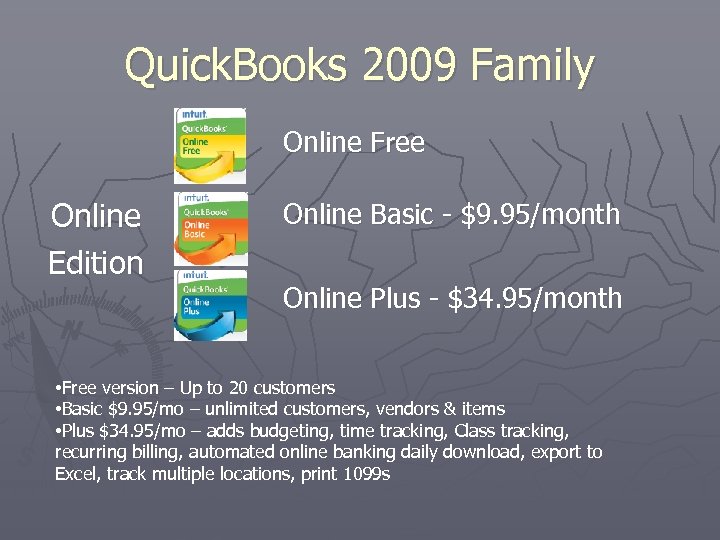
Quick. Books 2009 Family Online Free Online Edition Online Basic - $9. 95/month Online Plus - $34. 95/month • Free version – Up to 20 customers • Basic $9. 95/mo – unlimited customers, vendors & items • Plus $34. 95/mo – adds budgeting, time tracking, Class tracking, recurring billing, automated online banking daily download, export to Excel, track multiple locations, print 1099 s
Quick. Books 2009 Family Simple Start Cash basis books (great for the small “shoebox” client), plus customer invoicing • Free version – up to 20 customers • $99 version
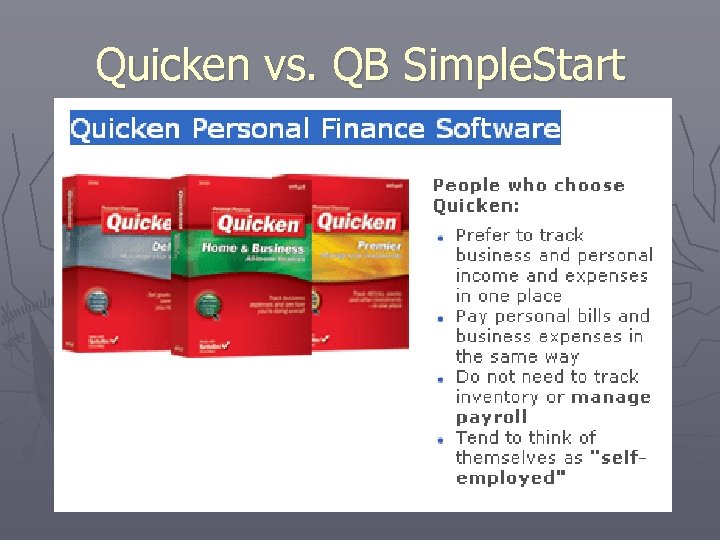
Quicken vs. QB Simple. Start
Quick. Books 2009 Family Quick. Books Pro Quick. Books For Mac $199. 95 per license 2 – User $379. 95 3 – User $549. 95 $199. 95 per license
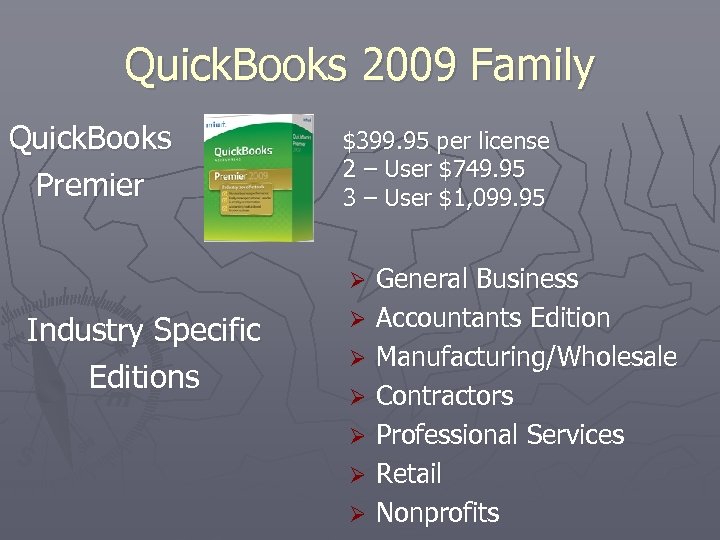
Quick. Books 2009 Family Quick. Books Premier $399. 95 per license 2 – User $749. 95 3 – User $1, 099. 95 Ø Industry Specific Editions Ø Ø Ø General Business Accountants Edition Manufacturing/Wholesale Contractors Professional Services Retail Nonprofits
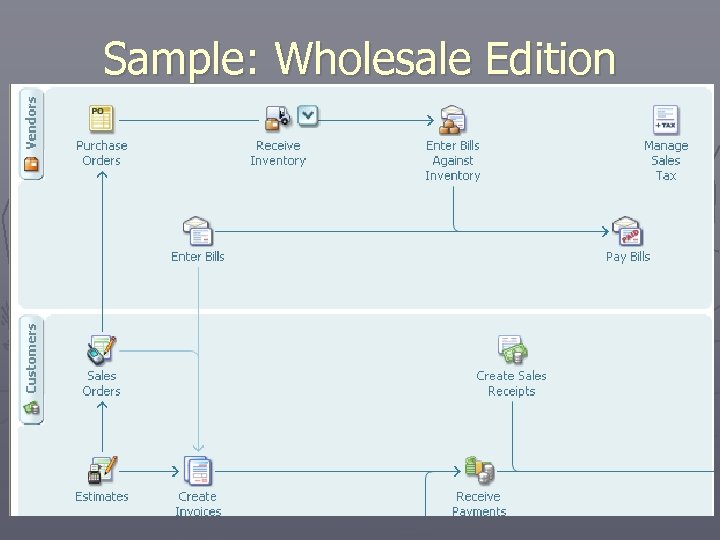
Sample: Wholesale Edition
Online Access to Quick. Books q Quick. Books Online Edition q Log. Me. In or Go. To. My. PC on your desktop q Remote Desktop built into Server 2003/2007 q Microsoft Terminal Services on a server q Outsourced hosting by In. Syn. Q • • Contact Wayne for hosting $65/mo/userthat includes IT Support: http: //www. 25 thhouraccounting. com/ourvirtualoffice/onlineaccounting. html q Method custom input forms •
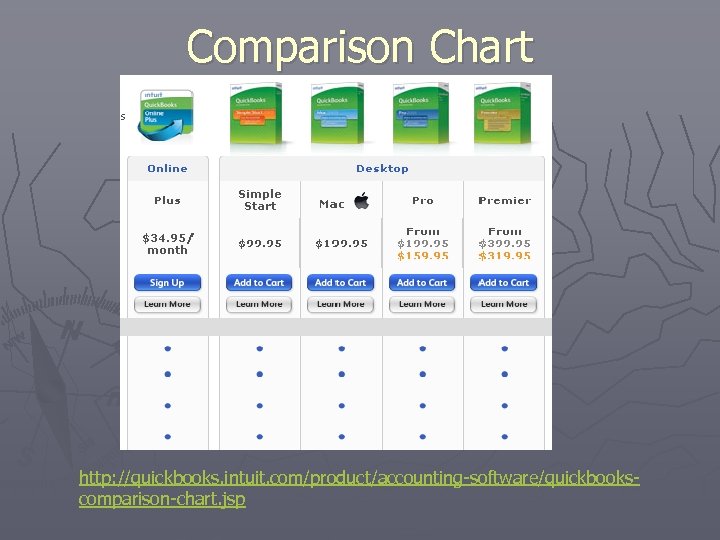
Comparison Chart http: //quickbooks. intuit. com/product/accounting-software/quickbookscomparison-chart. jsp
Quick. Books 2009 Family Quick. Books POS $299. 95 - Software $799. 95 - Cash Register Plus – NEW! with Peripherals Bundle $1, 499. 95 - Intuit-HP Retail Solution with Cash Register Plus
Quick. Books 2009 Family Quick. Books POS $799. 95 - Software POS Basic 8. 0 $1, 499. 95 - POS Basic with Peripherals Bundle $1, 999. 95 - Intuit-HP Retail Solution with POS Basic
Quick. Books 2009 Family Quick. Books POS $1, 199. 95 - Software POS Pro 8. 0 – Single Store $1, 899. 95 - POS Pro with Peripherals Bundle $2, 499. 95 - Intuit-HP Retail Solution with POS Pro
Quick. Books 2009 Family Quick. Books POS $1, 599. 95 - Software POS Pro 8. 0 – Multi Store $2, 299. 95 - POS Pro Multi Store with Peripherals Bundle
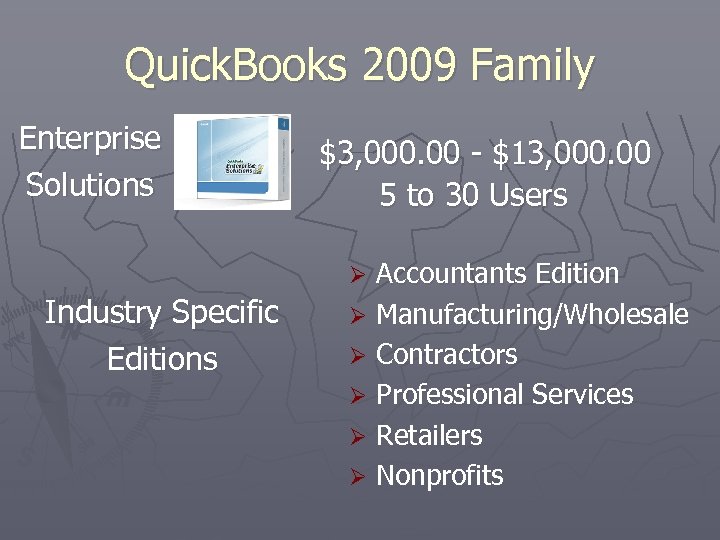
Quick. Books 2009 Family Enterprise Solutions $3, 000. 00 - $13, 000. 00 5 to 30 Users Accountants Edition Ø Manufacturing/Wholesale Ø Contractors Ø Professional Services Ø Retailers Ø Nonprofits Ø Industry Specific Editions
Q&A Quick. Books Family

Enterprise Solutions Brian Wiese
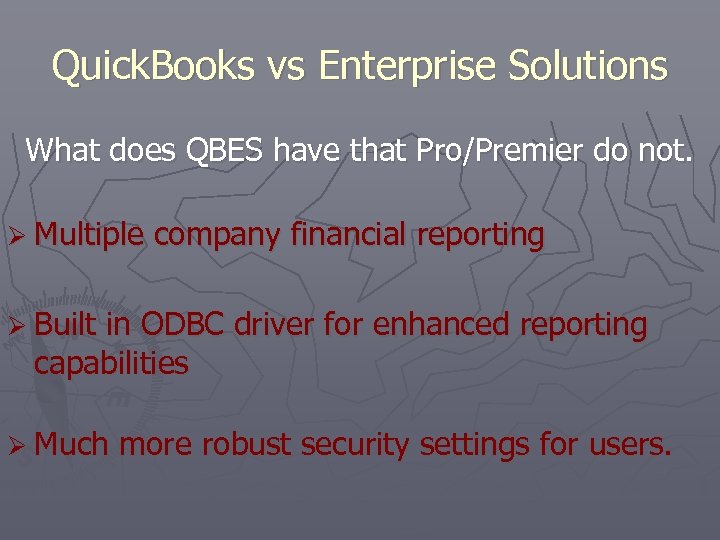
Quick. Books vs Enterprise Solutions What does QBES have that Pro/Premier do not. Ø Multiple company financial reporting Ø Built in ODBC driver for enhanced reporting capabilities Ø Much more robust security settings for users.
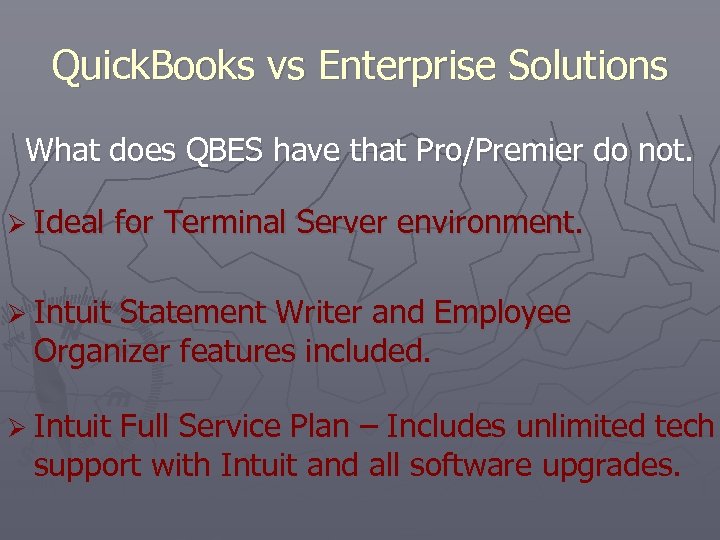
Quick. Books vs Enterprise Solutions What does QBES have that Pro/Premier do not. Ø Ideal for Terminal Server environment. Ø Intuit Statement Writer and Employee Organizer features included. Ø Intuit Full Service Plan – Includes unlimited tech support with Intuit and all software upgrades.
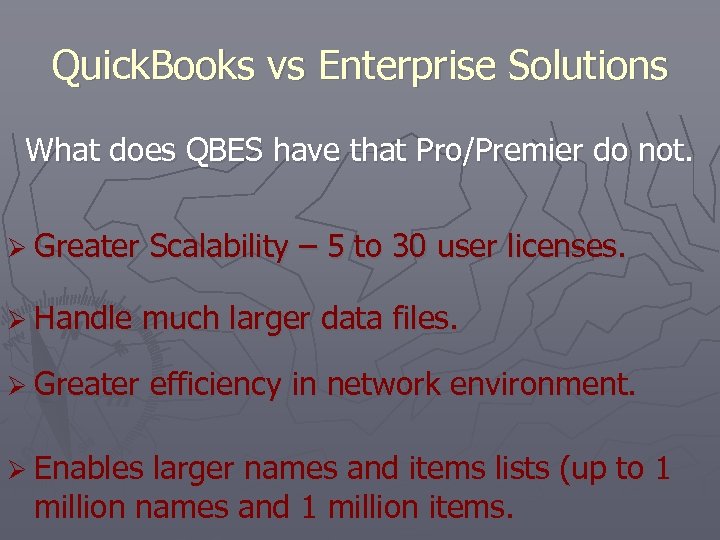
Quick. Books vs Enterprise Solutions What does QBES have that Pro/Premier do not. Ø Greater Scalability – 5 to 30 user licenses. Ø Handle much larger data files. Ø Greater efficiency in network environment. Ø Enables larger names and items lists (up to 1 million names and 1 million items.
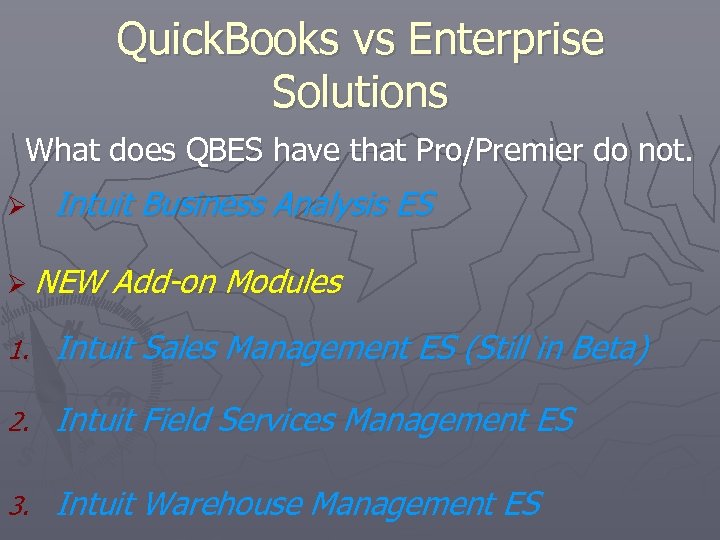
Quick. Books vs Enterprise Solutions What does QBES have that Pro/Premier do not. Ø Intuit Business Analysis ES Ø NEW Add-on Modules 1. Intuit Sales Management ES (Still in Beta) 2. Intuit Field Services Management ES 3. Intuit Warehouse Management ES
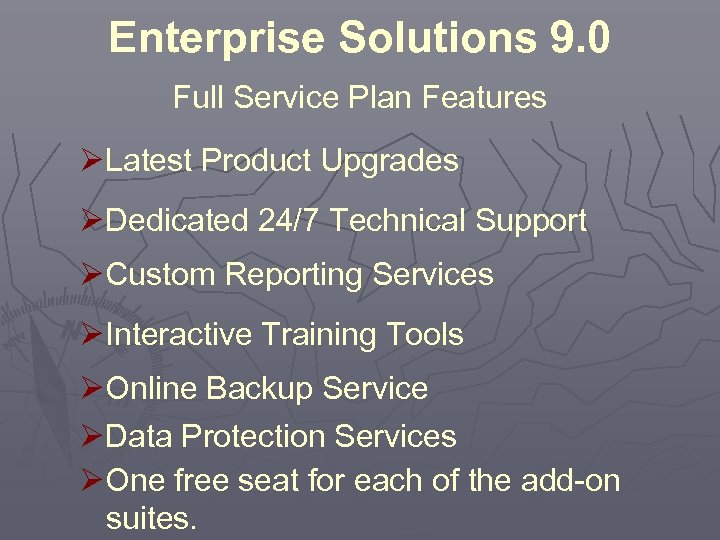
Enterprise Solutions 9. 0 Full Service Plan Features ØLatest Product Upgrades ØDedicated 24/7 Technical Support ØCustom Reporting Services ØInteractive Training Tools ØOnline Backup Service ØData Protection Services ØOne free seat for each of the add-on suites.
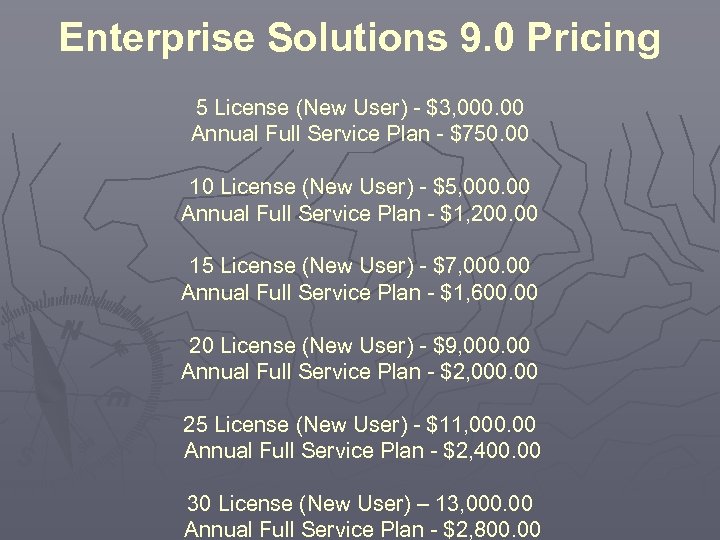
Enterprise Solutions 9. 0 Pricing 5 License (New User) - $3, 000. 00 Annual Full Service Plan - $750. 00 10 License (New User) - $5, 000. 00 Annual Full Service Plan - $1, 200. 00 15 License (New User) - $7, 000. 00 Annual Full Service Plan - $1, 600. 00 20 License (New User) - $9, 000. 00 Annual Full Service Plan - $2, 000. 00 25 License (New User) - $11, 000. 00 Annual Full Service Plan - $2, 400. 00 30 License (New User) – 13, 000. 00 Annual Full Service Plan - $2, 800. 00
About Your Clients ► If you’re clients are outgrowing Quick. Books Pro or Premier, they may need… § More users § Tighter user permissions § More list capacity for tracking inventory and customers § Better performance with large data files § Advanced reporting § Scalability as your business grows ► If you’re clients are considering switching from another accounting solution, they may be looking for… § Real-time access to your data § Software that’s easy to learn and easy to use § Low cost of ownership § Help migrating your existing data to your new software
Q&A Enterprise Solutions

What’s New in 09? Brian Wiese
What’s New With Quick. Books 2009 New Features For ALL Quick. Books Accounting Software Multi-Currency Capabilities – Client’s will now be able to convert foreign currency into their “home currency” simplifying the accounting in international business. Ø Intuit Quick. Books Time Tracker – Improved time tracking of billable and non-billable hours. Ø Ø Quick. Books Instant Messenger – Now employees can communicate right within the Quick. Books file with all who are signed in. Ø Improved Bank Reconciliation – New data sorting capabilities. You can now sort by check #, date, amount, payee, and other column headers.
What’s New With Quick. Books 2009 New Features For ALL Quick. Books Accounting Software Ø Improved Online Banking – Improvements in functionality, setup, and now “re-naming logic” enables easy transition from transitioning online transactions to payee info in Quick. Books. Ø Improved Multi-user Functionality – Perform backups in multi-user mode. Ø Company Snapshot – New feature that brings in most widely utilized financial information in one central window.
What’s New With Quick. Books 2009 New Features Exclusive To Accountant’s Edition Ø Client Data Review - Powerful tool that streamlines the review process of your client’s data file. Feature can be turned on in other Quick. Books products by the setup of the new “External Accountant” user. Ø Accountant’s Copy Enhancements – Improvements made to client data importing and added account mapping of fields in the 1099 form. Ø Intuit Statement Writer – Stand-alone module that replaces the Financial Statement Writer. Additional Fee $149. 95. Free with Enterprise Solutions 9. 0.
What’s New With Quick. Books 2009 New Features Exclusive To Enterprise Solutions Ø Employee Organizer – FREE with QBES 9. 0 Ø Intuit Statement Writer – FREE with QBES 9. 0 Ø More Licenses For Growing Clients – Expanded to 25 or 30 user licenses now available with QBES 9. 0.
What’s New With Quick. Books 2009 New Features Exclusive To Enterprise Solutions New Line of Business Add-On Solutions: 1. Sales Management ES – Enables client’s sales force to manage critical info needed to handle their sales pipeline. (Still In Beta Testing) 2. Field Service Management ES – Great product to streamline the processes for the service based, work order driven client. 3. Warehouse Management ES – Enhances the inventory module by adding features to handle lot/serial # tracking and multi-location controls. Note: One free seat of each solution is provided with the full service plan. Ø

Q&A What’s New

BREAK TIME
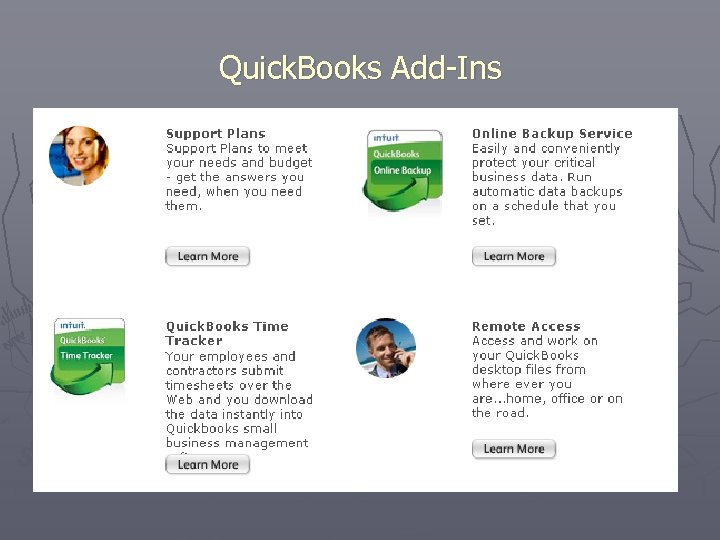
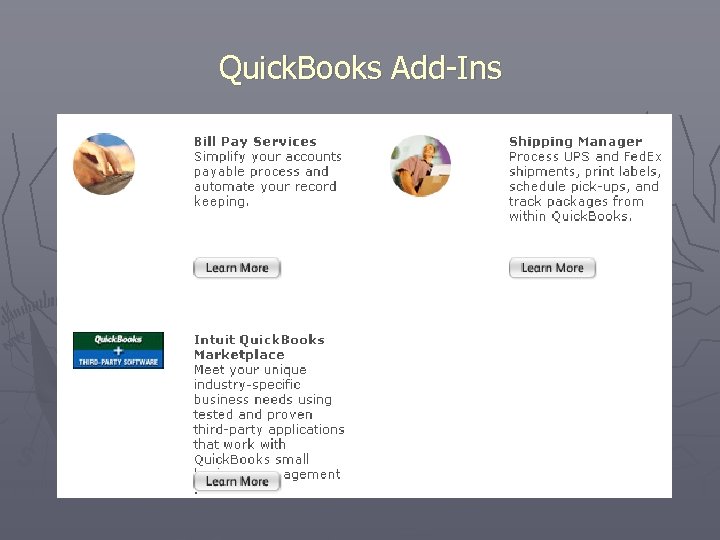
Quick. Books Add-Ins ► Accessed within the software ► Advertised in the program ► From Intuit, often with a partner ► Usually at additional cost
Quick. Books Add-Ins ►W ayn e H igdo n
Quick. Books Add-Ins
Quick. Books Add-Ins
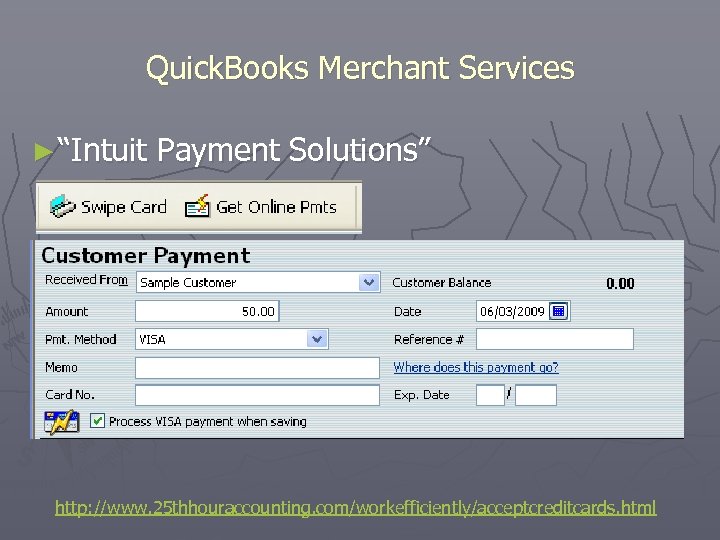
Quick. Books Merchant Services ► “Intuit Payment Solutions” http: //www. 25 thhouraccounting. com/workefficiently/acceptcreditcards. html
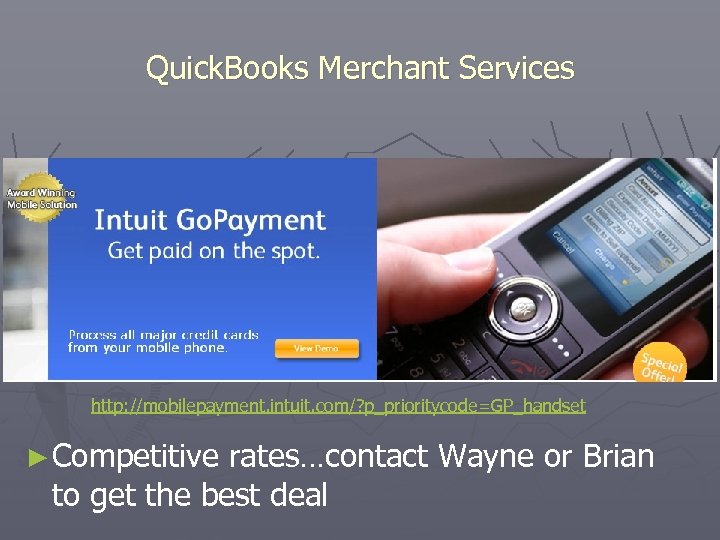
Quick. Books Merchant Services http: //mobilepayment. intuit. com/? p_prioritycode=GP_handset ► Competitive rates…contact Wayne or Brian to get the best deal
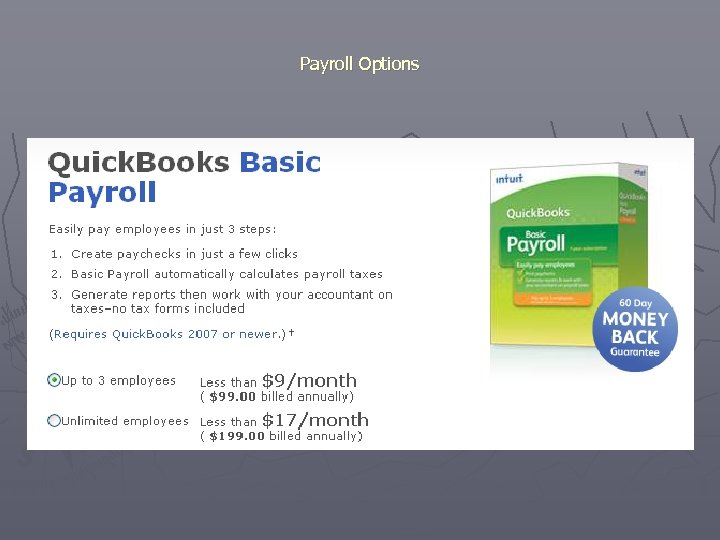
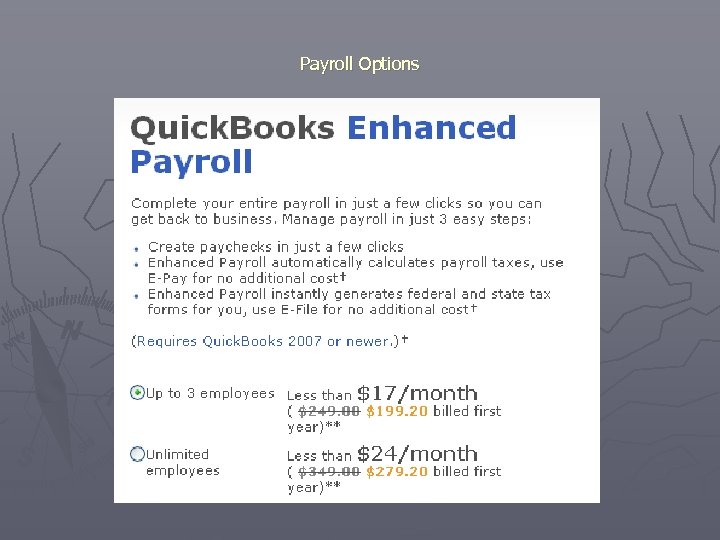
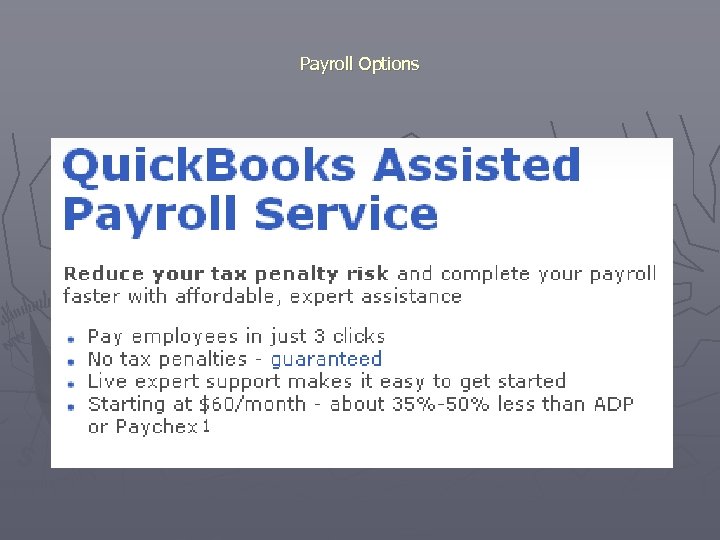
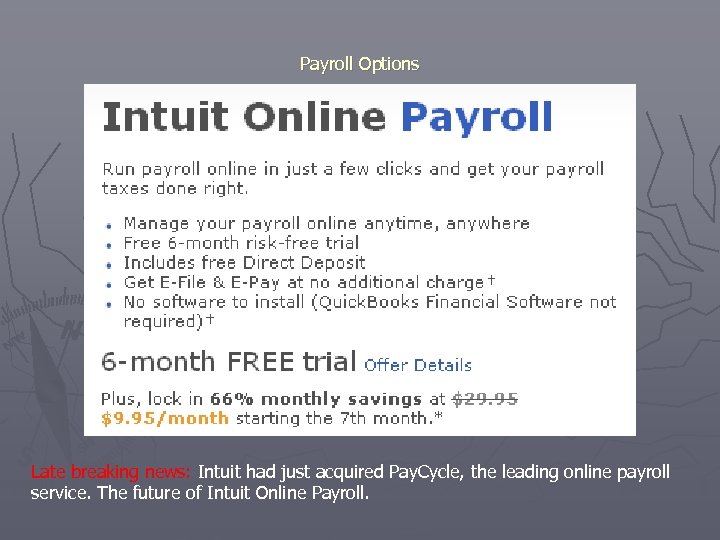
Payroll Options ► #1: Use a payroll service ► … then download transactions, or use a summary journal entry, or use Write Checks, etc. ► Use a ‘zero dollar’ check to allocate costs to Jobs and/or Classes
Payroll Options
Payroll Options
Payroll Options
Payroll Options Late breaking news: Intuit had just acquired Pay. Cycle, the leading online payroll service. The future of Intuit Online Payroll.
Payroll Options ► Pay-as-you-go Work Comp Insurance…put an end to up-front deposits and audit adjustments How it works: 1. You run your payrolls through Quick. Books® 2. Utility automatically uploads your payroll data 3. calculates the exact premium for that payroll period 4. draws the premium payment from your bank account Contact Wayne, who will work with a Hartford agent to get this set up.
Q & A Add-in • Merchant Service • Payroll Options •
Enterprise Solutions Ø NEW Add-on Modules 1. Intuit Sales Management ES (Still in Beta) 2. Intuit Field Services Management ES 3. Intuit Warehouse Management ES http: //enterprisesuite. intuit. com/
= Vans = Trucks = Desk Jobs
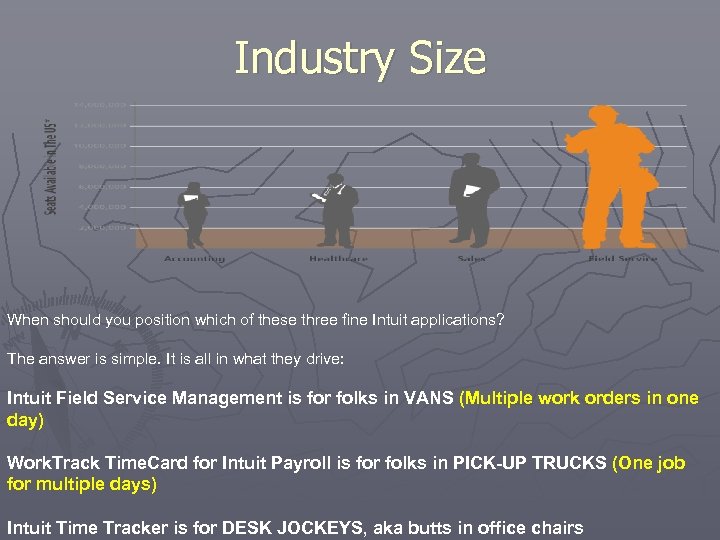
Industry Size When should you position which of these three fine Intuit applications? The answer is simple. It is all in what they drive: Intuit Field Service Management is for folks in VANS (Multiple work orders in one day) Work. Track Time. Card for Intuit Payroll is for folks in PICK-UP TRUCKS (One job for multiple days) Intuit Time Tracker is for DESK JOCKEYS, aka butts in office chairs
Intuit Field Service Management – VANS ► When the repair guy rolls up to the curb, he usually gets out of a van. ► These are the targets for Intuit Field Service Management. Typically these plumbing, HVAC, electrical or other specialty trade types do multiple work orders a day installing, repairing, and/or maintaining customer's equipment. ► The solution benefits of getting more jobs done every week, getting paid faster and tracking payroll better make this solution very compelling for that “Van” market. ►
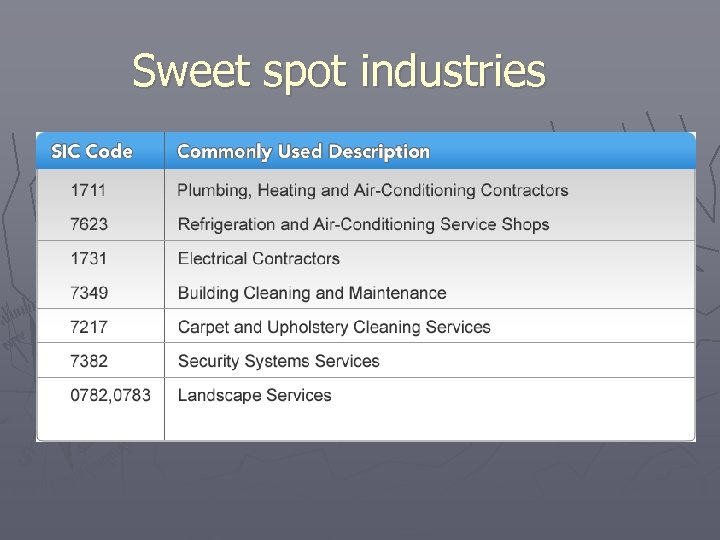
Sweet spot industries
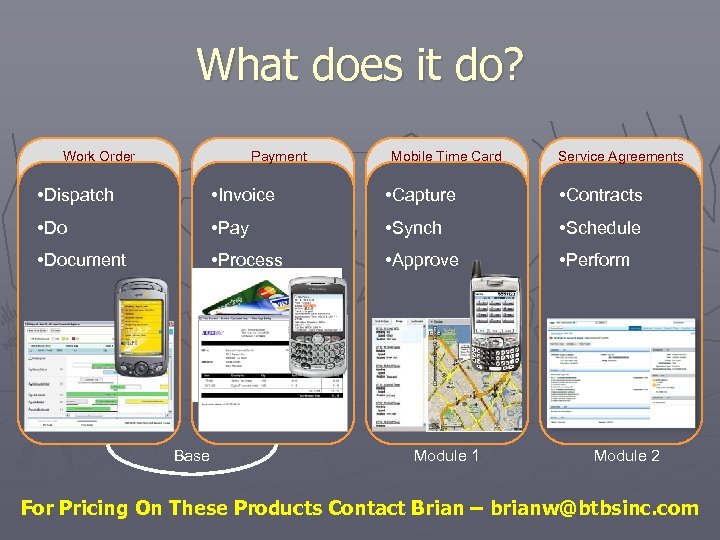
What does it do? Work Order Payment Mobile Time Card Service Agreements • Dispatch • Invoice • Capture • Contracts • Do • Pay • Synch • Schedule • Document • Process • Approve • Perform Base Module 1 Module 2 For Pricing On These Products Contact Brian – brianw@btbsinc. com
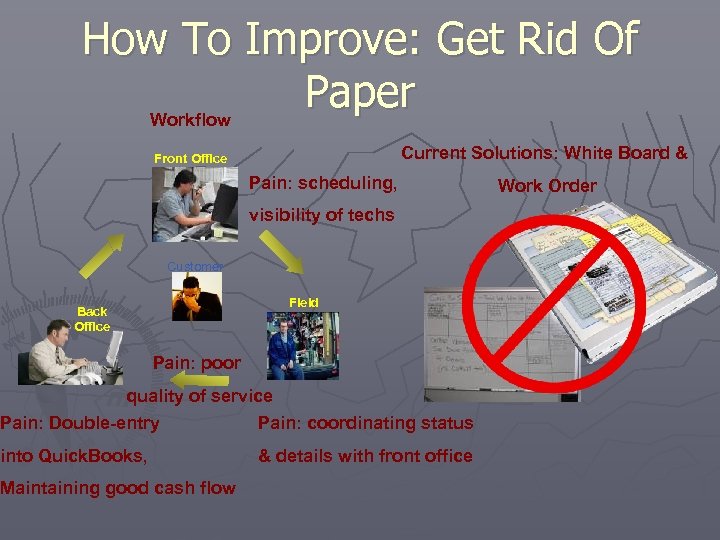
How To Improve: Get Rid Of Paper Workflow Current Solutions: White Board & Front Office Pain: scheduling, visibility of techs Customer Field Back Office Pain: poor quality of service Pain: Double-entry Pain: coordinating status into Quick. Books, & details with front office Maintaining good cash flow Work Order
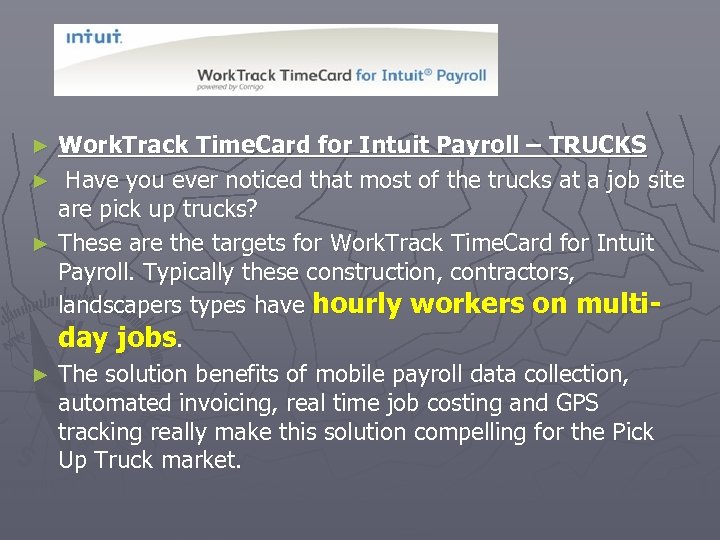
Work. Track Time. Card for Intuit Payroll – TRUCKS ► Have you ever noticed that most of the trucks at a job site are pick up trucks? ► These are the targets for Work. Track Time. Card for Intuit Payroll. Typically these construction, contractors, landscapers types have hourly workers on multiday jobs. ► The solution benefits of mobile payroll data collection, automated invoicing, real time job costing and GPS tracking really make this solution compelling for the Pick Up Truck market. ►
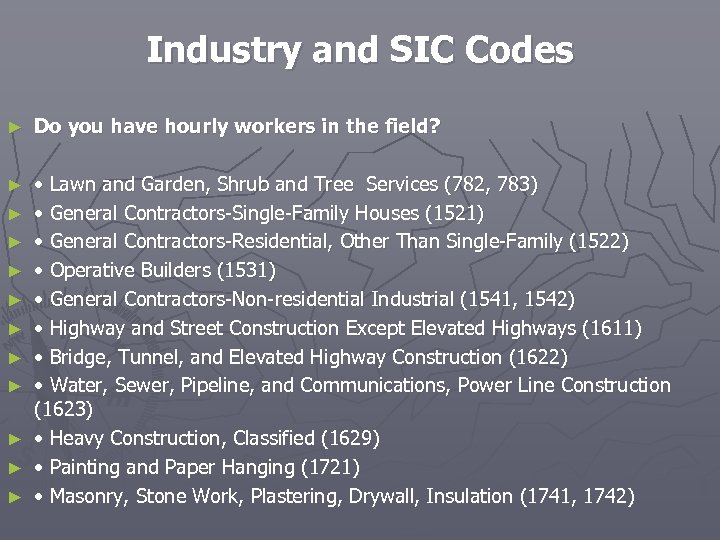
Industry and SIC Codes ► Do you have hourly workers in the field? ► • Lawn and Garden, Shrub and Tree Services (782, 783) • General Contractors-Single-Family Houses (1521) • General Contractors-Residential, Other Than Single-Family (1522) • Operative Builders (1531) • General Contractors-Non-residential Industrial (1541, 1542) • Highway and Street Construction Except Elevated Highways (1611) • Bridge, Tunnel, and Elevated Highway Construction (1622) • Water, Sewer, Pipeline, and Communications, Power Line Construction (1623) • Heavy Construction, Classified (1629) • Painting and Paper Hanging (1721) • Masonry, Stone Work, Plastering, Drywall, Insulation (1741, 1742) ► ► ► ► ►
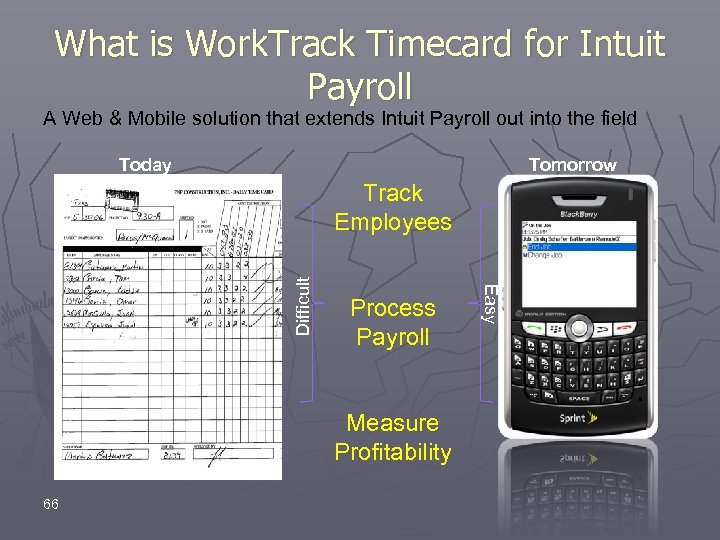
What is Work. Track Timecard for Intuit Payroll A Web & Mobile solution that extends Intuit Payroll out into the field Today Tomorrow Process Payroll Measure Profitability 66 Easy Difficult Track Employees
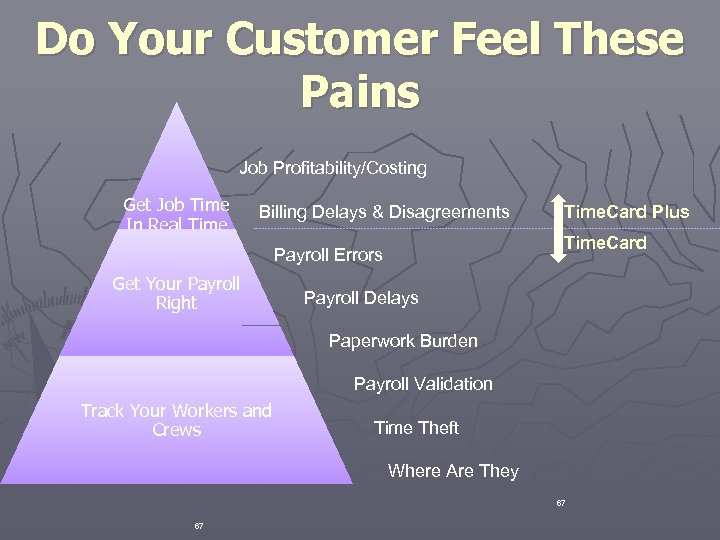
Do Your Customer Feel These Pains Job Profitability/Costing Get Job Time Billing Delays & Disagreements In Real Time Payroll Errors Time. Card Plus Time. Card Get Your Payroll Payroll Delays Right Paperwork Burden Payroll Validation Track Your Workers and Time Theft Crews Where Are They 67 67
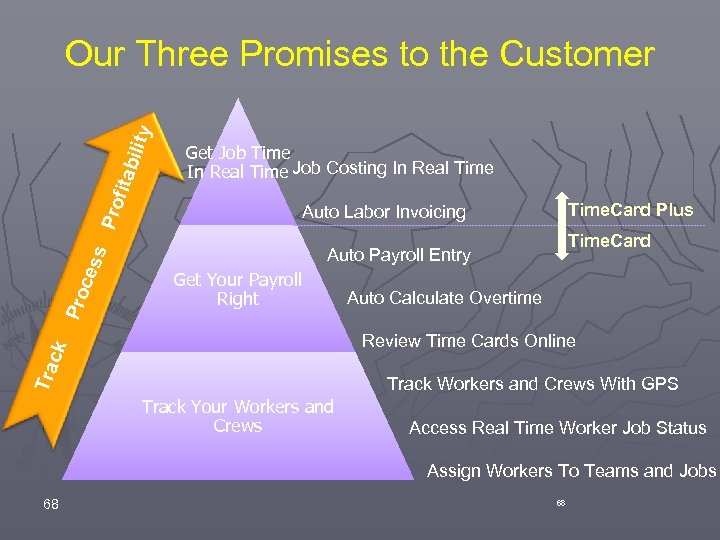
Tra c k Pro ces s Pro fita bilit y Our Three Promises to the Customer Get Job Time Job Costing In Real Time. Card Plus Auto Labor Invoicing Time. Card Auto Payroll Entry Get Your Payroll Right Auto Calculate Overtime Review Time Cards Online Track Workers and Crews With GPS Track Your Workers and Crews Access Real Time Worker Job Status Assign Workers To Teams and Jobs 68 68
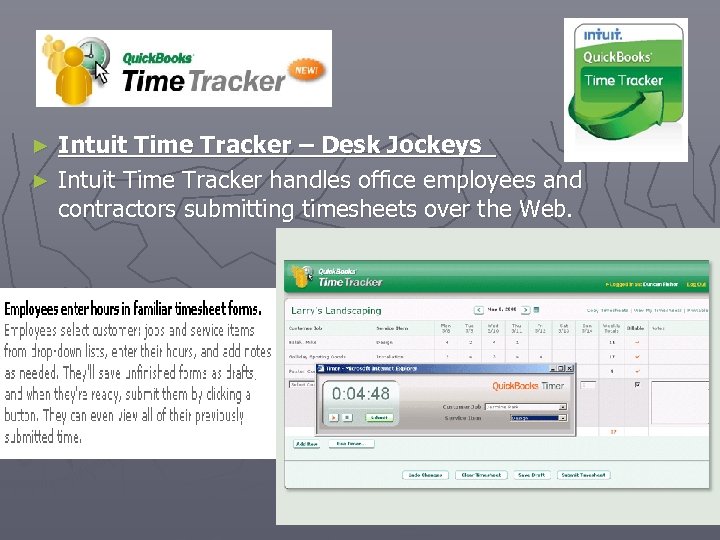
Intuit Time Tracker – Desk Jockeys ► Intuit Time Tracker handles office employees and contractors submitting timesheets over the Web. ►
All of these solutions tie very nicely to: ►Intuit’s Assisted Payroll Service ►Intuit’s Merchant Service Solution
Enterprise Suite Q&A
Quick. Books Add-On Integrated Software ► Software from other publishers ► “Vertical Market” products for specific industries ► “Horizontal Market” utilities and programs serve many industries ► Find them at: http: //marketplace. intuit. com/
Vertical Add-Ons Product-based businesses using inventory: All Orders by Number. Cruncher, starting at $949 but typically at least $2, 500 plus $2, 500 for training § Fish. Bowl Inventory, starting at $1895 but typically at least $5, 000 plus the same for training § Retailers use QB POS or Accu. POS or software specific to their niche § ► The products may add FIFO/LIFO valuation, serialized items, bar code scanning, multiple warehouses, CRM Find more info at 25 thhour. biz and http: //marketplace. intuit. com
Vertical Add-Ons Professional Services billing for time: Bill. Quick by BQE, starting at $495 per user § Big. Time by Attison’s Attic. $895 § EZtime for web. $3. 99 per user per month § Get. My. Time. $2. 75 per user per month § ► The products may add time tracking, Web & PDA versions, Outlook sync, time billing against retainers, contact and calendar management, project task tracking. They usually do the invoicing, then send information to QB Find more info at 25 thhour. biz and http: //marketplace. intuit. com
Vertical Add-Ons Other industries with specialized needs: Property Management…units, vacancies, leases § Construction/Contractors…estimating, AIA forms § Hospitality…room reservations § Nonprofits…accounting and fundraising § Find more info at 25 thhour. biz and http: //marketplace. intuit. com
Add-Ons for All “Horizontal Market” utilities and programs that serve many industries… ► Mini utilities such as for shipping and label printing ► Full applications such as for Customer Relationship Management (CRM) and ‘paperless office’ Find more info at 25 thhour. biz and http: //marketplace. intuit. com
Software that works with Quickbooks Utilities DYMO Label. Writer Twin Turbo ü Deposit Now! Checks deposited online ü A/R Connection collection calls ü Print. Boss or Multi. Chax printing on generic check stock ü Xpanded Reports, QOBDC Driver, Access. Books, QReport. Builder ü Data Transfer Utility, Transaction Pro Importer, Beginning Balance Transfer, etc. ü www. 25 thhour. biz
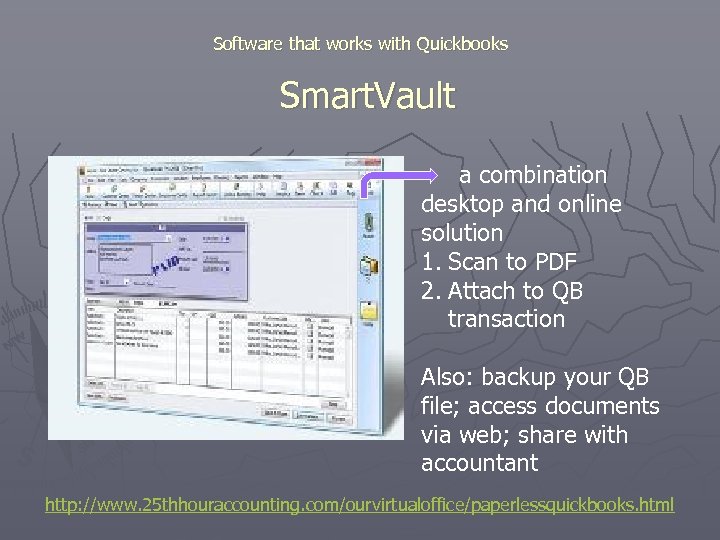
Software that works with Quickbooks Smart. Vault a combination desktop and online solution 1. Scan to PDF 2. Attach to QB transaction Also: backup your QB file; access documents via web; share with accountant http: //www. 25 thhouraccounting. com/ourvirtualoffice/paperlessquickbooks. html

Software that works with Quickbooks http: //www. 25 thhouraccounting. com/ourvirtualoffice/onlinebillpay. html
Software that works with Quickbooks Other ‘paperless’ options Source. Link – desktop software with optional approval flow routing (www. 25 thhour. biz) o Form. Cli. Q – scanning software that also reads so it can pre-fill your QB transaction…best for repetitive data entry (www. formcliq. com) o Most CRM and Time Billing packages include the ability to attach documents to customers o TIP: Buy a fast scanner with document feeder and place it close to your desk http: //www. 25 thhouraccounting. com/ourvirtualoffice/paperlessquickbooks. html
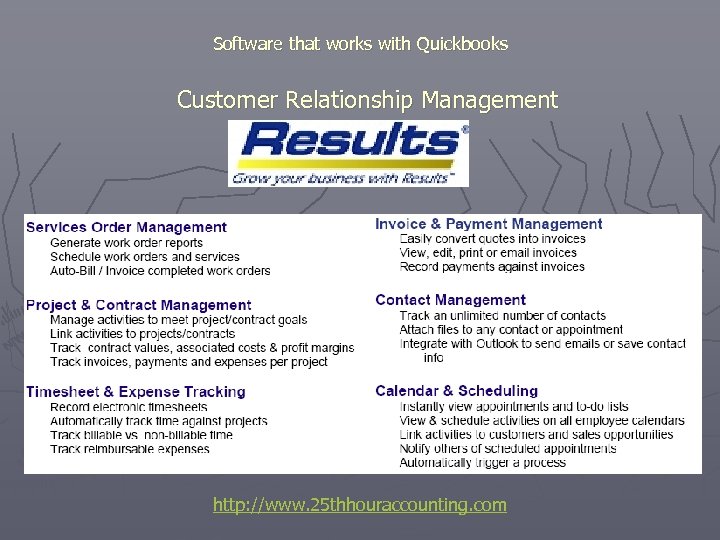
Software that works with Quickbooks Customer Relationship Management http: //www. 25 thhouraccounting. com
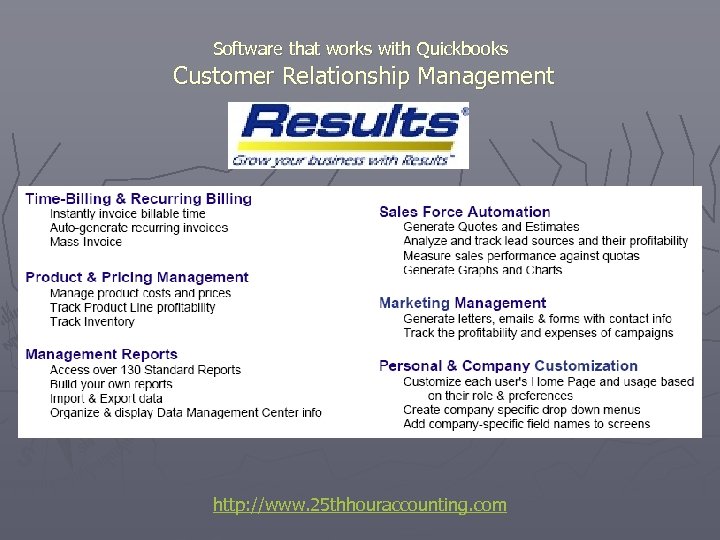
Software that works with Quickbooks Customer Relationship Management http: //www. 25 thhouraccounting. com
Software that works with Quickbooks Customer Relationship Management ► Pricing example: 3 full users plus 7 remote users = $5, 300 (include one year support plan) Contact Wayne for more information and pricing quotations. http: //www. 25 thhouraccounting. com
Software that works with Quickbooks Customer Relationship Management ► Other CRM options include: § § § Circle. Dog CRM single-user $299 (Coming soon: Quick. Books Customer Manager Online from Intuit) Le. Grand CRM Various industry-specific packages such as Bill. Quick for professionals and Fishbowl for distributors Outlook with Business Contact Manager http: //www. 25 thhouraccounting. com
Software that works with Quickbooks Web Shopping Cart e. Commerce ECommerce shopping cart software for Quick. Books users! Real-time syncing of product, inventory, pricing, customers, transactions and more. ONE TIME COST WITH NO RECURRING FEES! (most others charge per month. ) Pricing Starts At $798. 00 for a very small store, $1198 for average store (includes setup consultations) http: //www. 25 thhouraccounting. com
Add-ons Q & A
Reports ► How the software can be used to maximize the use of reports, and how the use of experts in the software can be of benefit

Client: Ambulance Sales Company
Challenges Ø Ø An unorganized chart of accounts Unable to easily track individual ambulance sales and service No way to track the profitability of each sale Needed the ability to track inventory to ensure key items were on hand at all times
Actions The Chart of accounts was numbered and subsets added Customers are now set up with Jobs attached to them. Each Job represents an ambulance sale and the subsequent service work provided “Classes” are now used to track New Ambulance Sales, Service Work, Warranty Work and Operations Inventory Items have been set up in the system and purchase orders are now created when orders are placed to ensure all costs associated with each job are accounted for

Client: Sewer Disposal Utility Provider Topic: Convert a Client to Quickbooks Situation § § § A provider of utility disposal sewer lines in a Suburban area of upstate ny Over 2, 000 customers who are billed for quarterly service Lacking a sound financial reporting process for management to track revenue & expenses
Challenges § § § Help the company move from an antiquated DOS based software to Quickbooks Organizing all 2, 000+ customers in QB for ease of tracking and reporting Ensuring that customer history reports were accurate and kept up with ever changing owners of properties
Actions § § Identified property owners as the job related to the customers which were the physical address Provided the ability to change property owners (jobs) of the properties (customers) as the properties we sold to new owners Helped the client prepare accurate customer reports based on actual customers serviced Gave customer better tracking of accounts receivable which led to a more expeditious process for account collection
Closing Remarks ► Lynn/Jim ► Wayne – please join our group at Meetup. com for notice of future meetings ► Brian – lunch session If you are interested in seeing a demo of any software discussed, please see one of us. We can answer quick questions now, and schedule demonstrations for another time at your convenience.

LUNCH TIME
Скачать презентацию Welcome Please remember to turn off cell phones
53f52c98d4ca21218006891b9ecca915.ppt