 Скачать презентацию Welcome Introductions Shameem Ibrahim Channel Manager www
b503cd1f152c3bcd13a7bf64ac03202d.ppt
- Количество слайдов: 17



Welcome & Introductions Shameem Ibrahim, Channel Manager www. logfiller. com
Agenda Introduction to Logfiller What is Layer 8? Benefits of Layer 8 insight What can I do with Layer 8 data? How Layer 8 works Demonstration
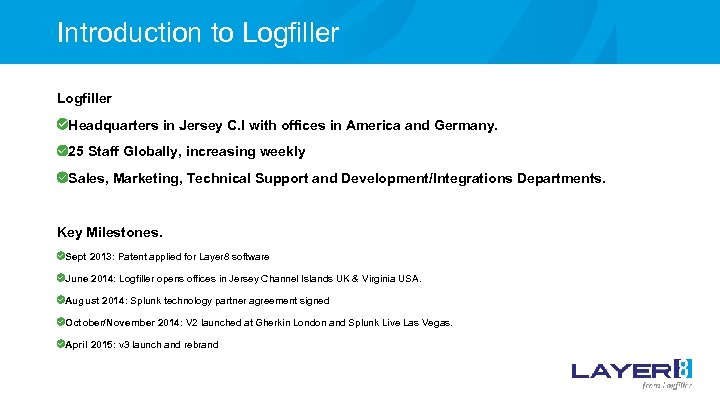
Introduction to Logfiller Headquarters in Jersey C. I with offices in America and Germany. 25 Staff Globally, increasing weekly Sales, Marketing, Technical Support and Development/Integrations Departments. Key Milestones. Sept 2013: Patent applied for Layer 8 software June 2014: Logfiller opens offices in Jersey Channel Islands UK & Virginia USA. August 2014: Splunk technology partner agreement signed October/November 2014: V 2 launched at Gherkin London and Splunk Live Las Vegas. April 2015: v 3 launch and rebrand
What is Layer 8? Layer 8 is patent pending technology that provides powerful user experience insight to help improve operational efficiency, cyber security and compliance with systems and applications
Questions to consider… What challenges around User Experience do you have? How long do your users take to logon in the morning? Is Windows XP faster than Windows 7, or are Virtual Desktops faster than physical systems? Can you list all applications (and specific versions) that are actively being used across your network? Can you measure the impact on the user experience upgrading to a new version of an application, OS or web browser? Are your users actually using your licensed applications? Could you use cheaper / free alternatives? Can you measure system performance trends over time? What is the true User Experience for remote workers using terminal services / Citrix? Can you tell if your users are bypassing web controls by using anonymous proxies? Can you discover unexpected system use - out of hours, or at weekends perhaps? Can you irrefutably monitor Web browsing habits and activity?
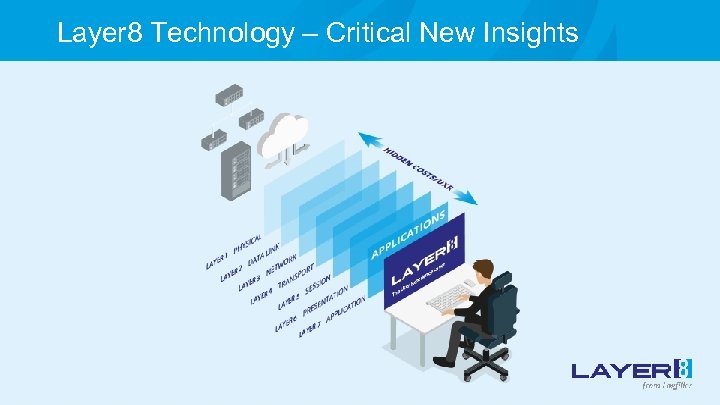
Layer 8 Technology – Critical New Insights
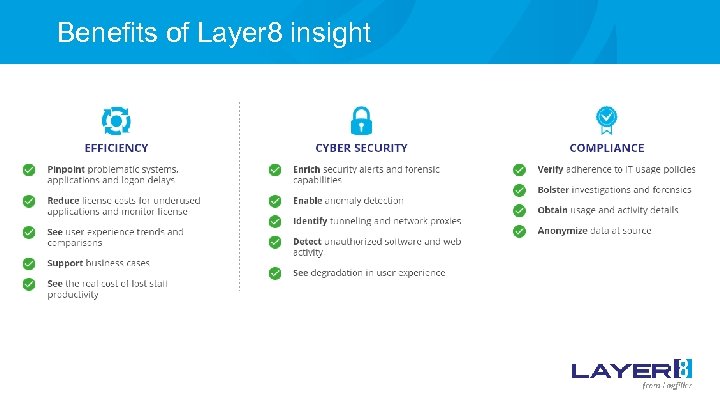
Benefits of Layer 8 insight
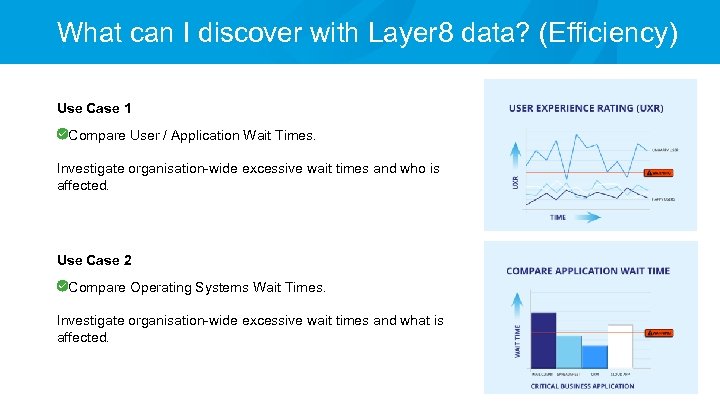
What can I discover with Layer 8 data? (Efficiency) Use Case 1 Compare User / Application Wait Times. Investigate organisation-wide excessive wait times and who is affected. Use Case 2 Compare Operating Systems Wait Times. Investigate organisation-wide excessive wait times and what is affected.
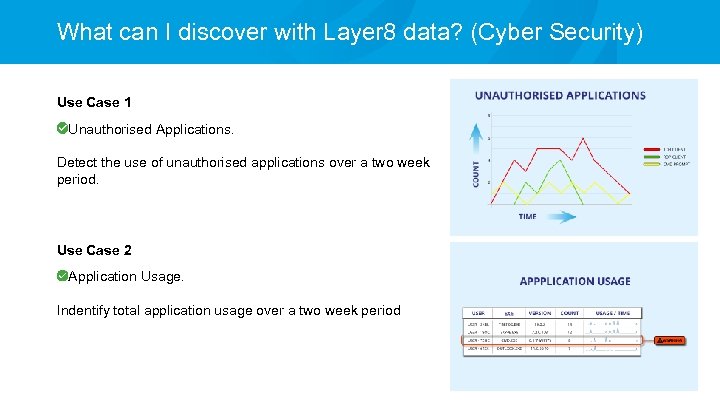
What can I discover with Layer 8 data? (Cyber Security) Use Case 1 Unauthorised Applications. Detect the use of unauthorised applications over a two week period. Use Case 2 Application Usage. Indentify total application usage over a two week period
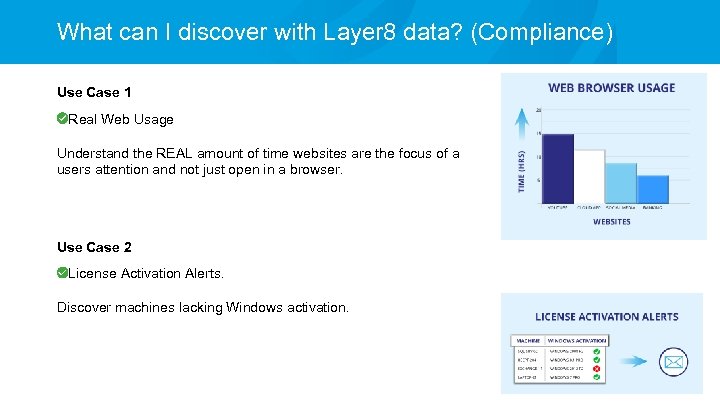
What can I discover with Layer 8 data? (Compliance) Use Case 1 Real Web Usage Understand the REAL amount of time websites are the focus of a users attention and not just open in a browser. Use Case 2 License Activation Alerts. Discover machines lacking Windows activation.
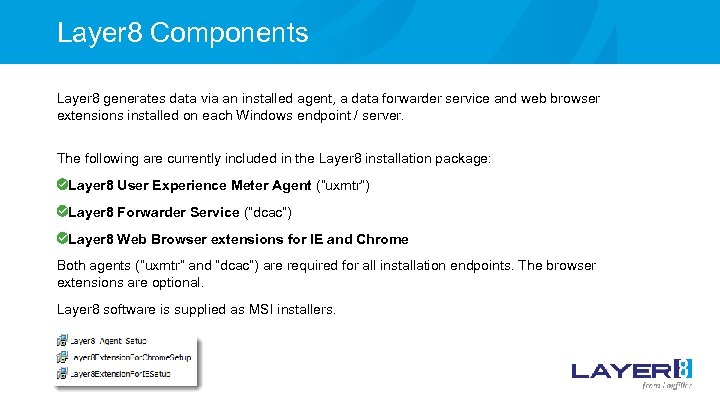
Layer 8 Components Layer 8 generates data via an installed agent, a data forwarder service and web browser extensions installed on each Windows endpoint / server. The following are currently included in the Layer 8 installation package: Layer 8 User Experience Meter Agent (“uxmtr”) Layer 8 Forwarder Service (“dcac”) Layer 8 Web Browser extensions for IE and Chrome Both agents (“uxmtr” and “dcac”) are required for all installation endpoints. The browser extensions are optional. Layer 8 software is supplied as MSI installers.
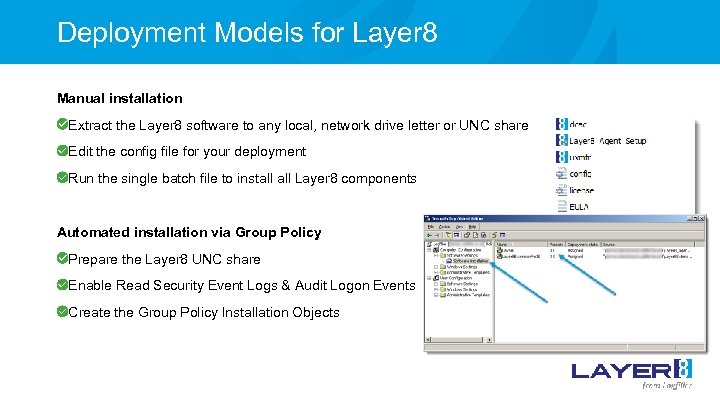
Deployment Models for Layer 8 Manual installation Extract the Layer 8 software to any local, network drive letter or UNC share Edit the config file for your deployment Run the single batch file to install Layer 8 components Automated installation via Group Policy Prepare the Layer 8 UNC share Enable Read Security Event Logs & Audit Logon Events Create the Group Policy Installation Objects
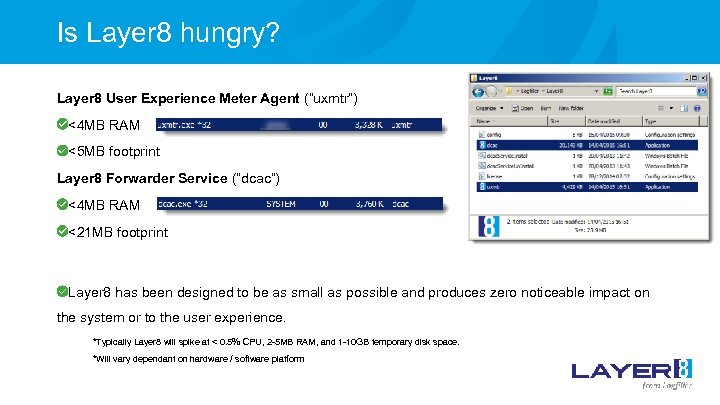
Is Layer 8 hungry? Layer 8 User Experience Meter Agent (“uxmtr”) <4 MB RAM <5 MB footprint Layer 8 Forwarder Service (“dcac”) <4 MB RAM <21 MB footprint Layer 8 has been designed to be as small as possible and produces zero noticeable impact on the system or to the user experience. *Typically Layer 8 will spike at < 0. 5% CPU, 2 -5 MB RAM, and 1 -10 GB temporary disk space. *Will vary dependant on hardware / software platform
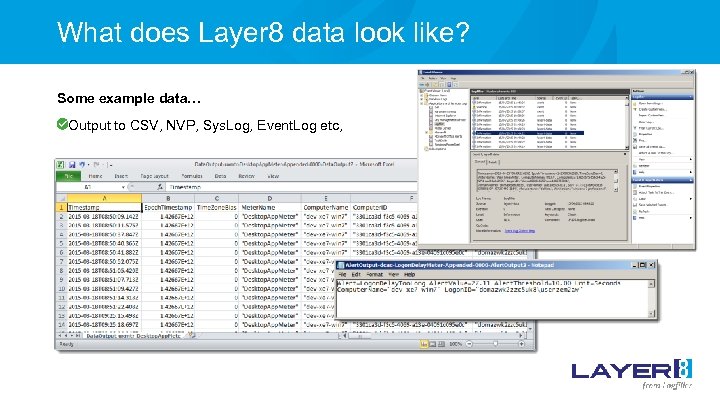
What does Layer 8 data look like? Some example data… Output to CSV, NVP, Sys. Log, Event. Log etc,

Live Demonstration John Gillies, Technical Consultant
Clients / Technical Partners Classified UK Government Department through Assuria The Salvation Army Investment Bank (non-disclosed at present) Integration partners:
Presentation complete Thank you for your time to see what insight Layer 8 can provide on: Application activity times Application wait times Logon delays Web/Cloud app activity times Web/Cloud app loading times Application window titles Alert/dialogue box events
Скачать презентацию Welcome Introductions Shameem Ibrahim Channel Manager www
b503cd1f152c3bcd13a7bf64ac03202d.ppt