


 Скачать презентацию Week 10 UI UX User Interface We did
c9c0ef4b9cd933ba0128750bbb9e0ef0.ppt
- Количество слайдов: 26
 Week 10 UI/UX
 User Interface We did not talk about UI at all – in the 7 tomes of CG gems there is no discussion of UI issues – Some descriptive articles • http: //www. gamasutra. com/blogs/Anthony. Stonehouse/20140227/211823/User_interface_design_in_video_games. php • http: //arstechnica. com/gaming/2013/07/heads-up-history-a-visual-look-at-the-evolution-of-the-hud • http: //www. smashingmagazine. com/2012/07/25/playful-ux-design-building-better-game/ – Some blogs • http: //thatgamesux. com/ – Not so much solid research
 UI vs UX “UI is the saddle, the stirrups, and the reigns. UX is the feeling you get being able to ride the horse. ” UX designer defines the feel of the application, thinking of user emotions in the process UI designer lays out UI elements – menus, buttons, etc. – to create that feel.
 e. g. : Principles of UX design 1. Predict what the user wants to know, and give them that information 2. Information must be easy to find 3. Your UI should be easy to use and navigate Use established patterns where you can 4. Make the user's location in the menu system obvious, and make it obvious where the user can go and what they can do from there 5. Minimise load times and avoid animations in your menus 6. Eliminate or simplify repetitive tasks 7. Consider the platform
 How is Game UX different? • Broader range of emotions: fear, pain, stress, despair, death… • Less tolerance for bad UX – no other incentive to play but having fun • Broader range of styles – users want novelty • • …but expect consistency Added layer of fiction – player/character dichotomy
 What Game UI is used for? • GUI elements: buttons, menus etc. • Direct interaction with the world (hands) – Picking objects, opening doors, attacking. . . • Avatar’s movement in the world (feet) • Camera control (eyes) Media theory: extensions of motor functions (Marshall Mc. Luhan)
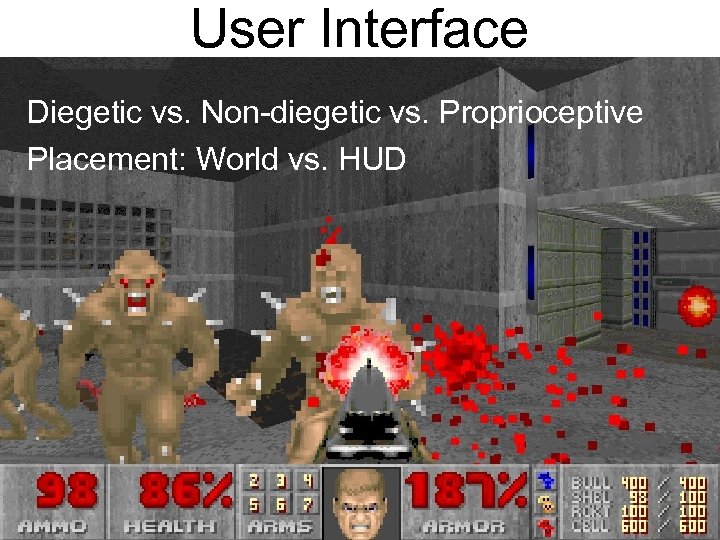 User Interface Diegetic vs. Non-diegetic vs. Proprioceptive Placement: World vs. HUD
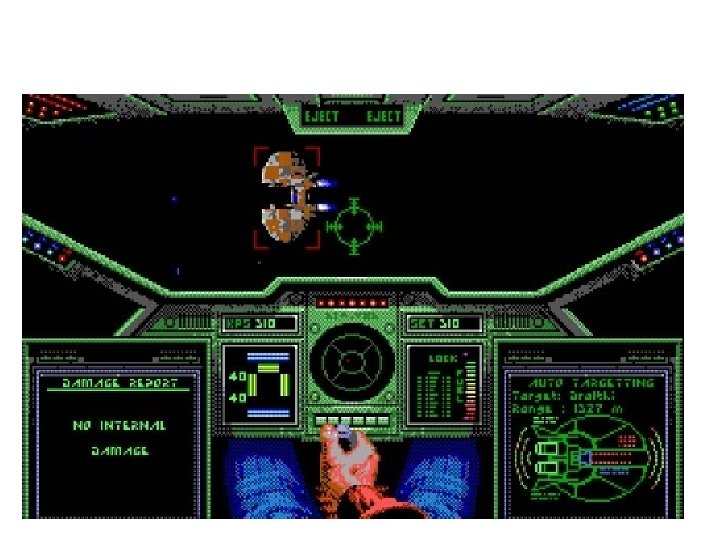
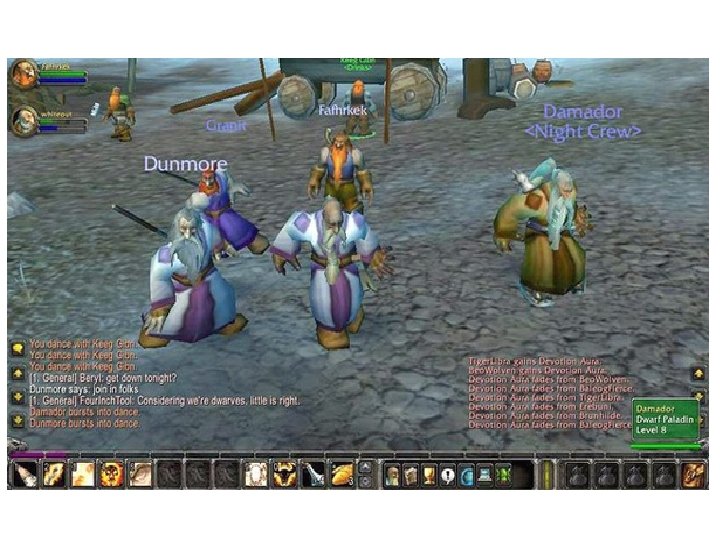
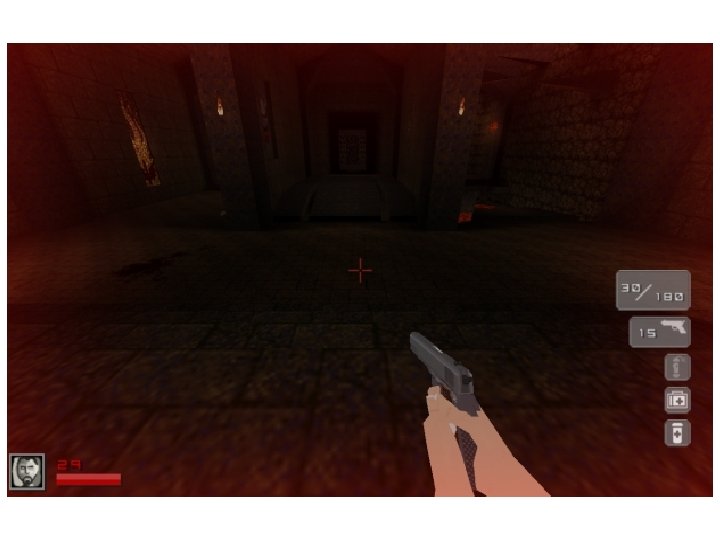
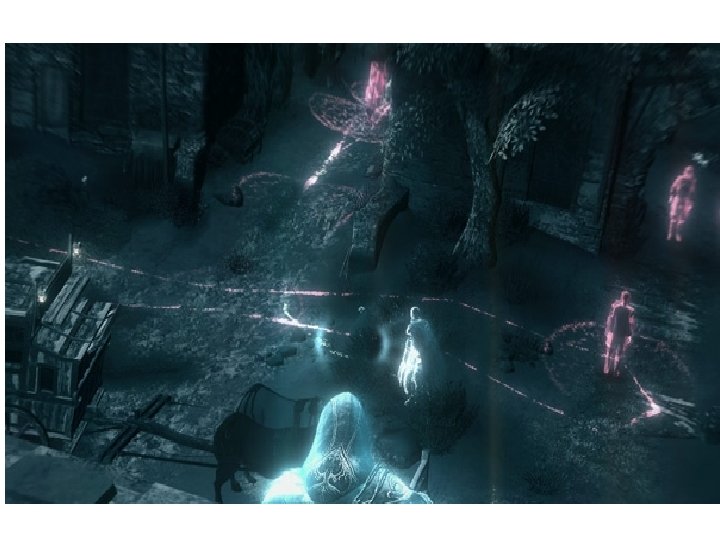
 Immersion and UX One of the major aspects of immersion is that user actions affect the world in a clear and immediate way Breaking that immediacy breaks the immersion see Oblivion, Assassin Creed, and many other games poorly adapted from console to PC
 Example: Lag Whatever you do, someone will try to run it on lower specs (PC or network) than you intended (and blame you for it) Lag in the ‘response of the world’: – Feeling that the world is cranky – Bad, but tolerable Lag in ‘user’s own actions’: – – Loss of control No feeling of ‘being in the world’ Paralysis BAD
 Solutions of lag Move the perceived lag to ‘the world’ Process interaction in a separate thread – just rendering the cursor is enough Immediate reaction to user actions, before the response comes from a server – Can lead to duplication of code between client and server
 Camera control
 Reminder: camera setup Camera is defined by position, orientation, frustum and far/near planes From camera parameters, view and projection transformation matrices are calculated Helper functions exist, e. g. lookat(…)
 Where to set up camera? • Fixed camera • Bird’s-eye • Tracking camera – First-person view – Over-the-shoulder • Interactive vs. automated • Immersion vs. expression
 Camera in cinematography • Rich cultural language • Somewhat constrained by the technology • Extremely expressive – e. g. Hitchcock zoom http: //classes. yale. edu/film-analysis/
 Pros and cons • Fixed camera • First-person view • Over-the-shoulder • Birds-eye
 How to: first-person view Camera position and orientation are taken from avatar Adding body movements helps immersion but induces nausea
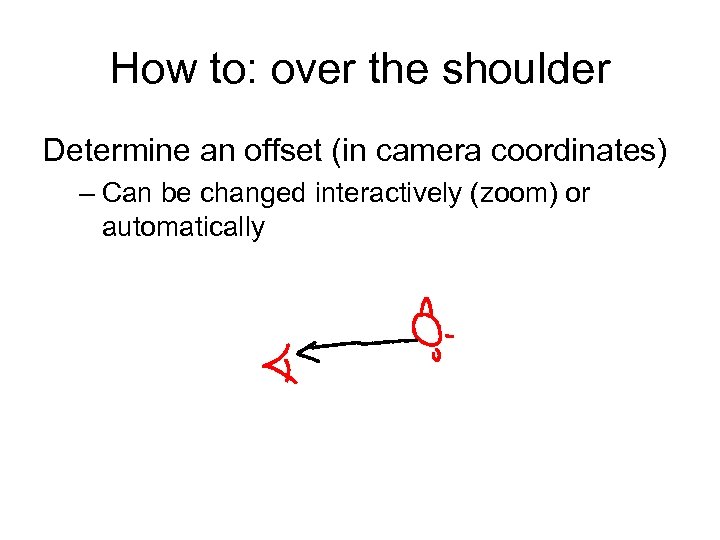 How to: over the shoulder Determine an offset (in camera coordinates) – Can be changed interactively (zoom) or automatically
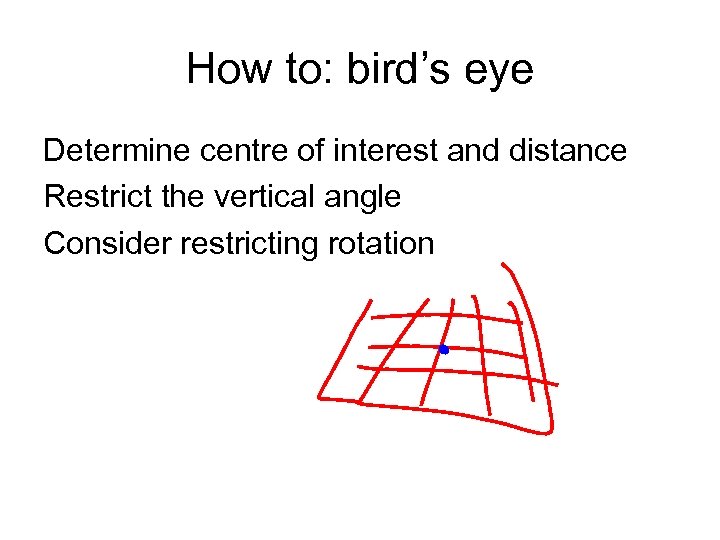 How to: bird’s eye Determine centre of interest and distance Restrict the vertical angle Consider restricting rotation
 Camera transitions • Smooth move – Quaternion interpolation – Linear or non-linear • Linear is mechanical, non-linear is more organic • Cut / fade • Fast motion blur
 ‘Camera in the wall’ Happens in over-the-shoulder and birds-eye views – Users can not see what they want – And might see what they should not Solutions – Reposition the camera • Easy to implement • Takes the control of the camera from the user, breaking immersion – Calculate view relative to the camera, and visibility relative to the avatar • Make objects that are in the way semi-transparent
 Camera with attention What would the player want to see? – – – Account for all objects of interest Weigh them according to importance Account for novelty: new objects have higher weight Calculate weighted average position Look. At() there
 Camera with feelings and desires A virtual agent modeling the cameraman’s work – Has mood: cheerful, anxious, relaxed, afraid… – Receives messages from other objects, e. g. “I am ready for close up” – Plans in terms of shots: short sequences of frames • Exposition, dialogue, combat, close-up http: //www. ics. uci. edu/~wmt/pubs/autonomous. Agents 00. pdf