 Скачать презентацию Website Design What is a Web site
a9fdd08427531a5e5bc6fd73fa4b6877.ppt
- Количество слайдов: 12



Website Design
What is a Web site? A web site is: l a presentation tool; l a way to communicate; l a learning tool; l a teaching tool; l a marketing important tool; introduction why examples
Step 1 l Think! ¡Before you do anything else, you need to spend time thinking about the 4 w’s. l Whatis the purpose of the web page/site? l Whois your target audience? l Whatwill bring your audience back? l Wherewill your audience be using the site? introduction why examples
Step 2: Follow The Rules ¡ To creat a we site you must follow theses rules: l Rule 1: YOU are NOT the USER. • What you understand is not what a user will understand; ask the users to design the site the way they want. l Rule 2: USERS are NOT PROFESIONALS • Users will not think carefully about the new added features in the Web site without your directions. l Rule 3: Give the common user a little control • Allow the user some choices and the ability to control color and themes on their accounts. introduction why examples
Step 2: Follow The Rules l Rule 4 Make sure the visual contents of a site relates to its : function. ¡ A nice-looking design must enforce the website functionality l Rule 5 Respect GUI and Web interface conventions. : ¡ Designers need to respect conventions of navigation choices, navigation placement, colors, and so on. l Rule 6 Know and respect the Web and Internet medium : constraints. • Don’t ignore the differences in the emerging Web medium, color reproduction, bandwidth limitations, and so on. introduction why examples
Step 3 l Go on a Roundup. ¡Locate images, files, animations, etc. that you might use and place them in your www directory. It is important that all files be in the same folder. ¡If you are going to work at home or some place other than the university computer lab, create a www directoryon the hard drive, USB drive or whatever. introduction why examples
Step 4 l Open Website designing tools like Dreamweaver , Front. Page , Sea. Monkey , …and start designing your web pages. l Save your work often!!!! ¡Typically we name the home page in a web site “index. html” index. html introduction why examples
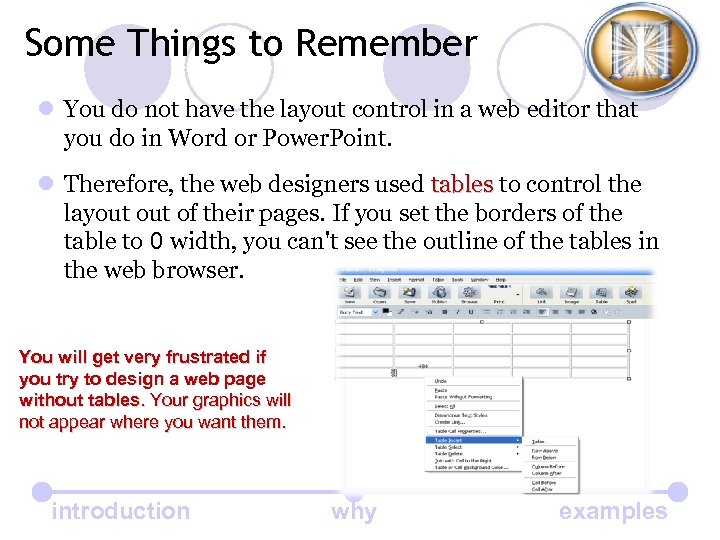
Some Things to Remember l You do not have the layout control in a web editor that you do in Word or Power. Point. l Therefore, the web designers used tables to control the layout of their pages. If you set the borders of the table to 0 width, you can't see the outline of the tables in the web browser. You will get very frustrated if you try to design a web page without tables. Your graphics will not appear where you want them. introduction why examples
Note: Naming Web Files: l Use all lower case (it will be easier to communicate the URL to others if it is all lower case). l DO NOT have spaces in file names (some old browsers cannot handle spaces. You should rename graphic files if they have spaces) l Try to keep file names as short as possible (this prevents errors in typing in URLs) l URL(Universal Resource Locator)= Site Address ex: URL of hotmail is : www. hotmail. com introduction why examples
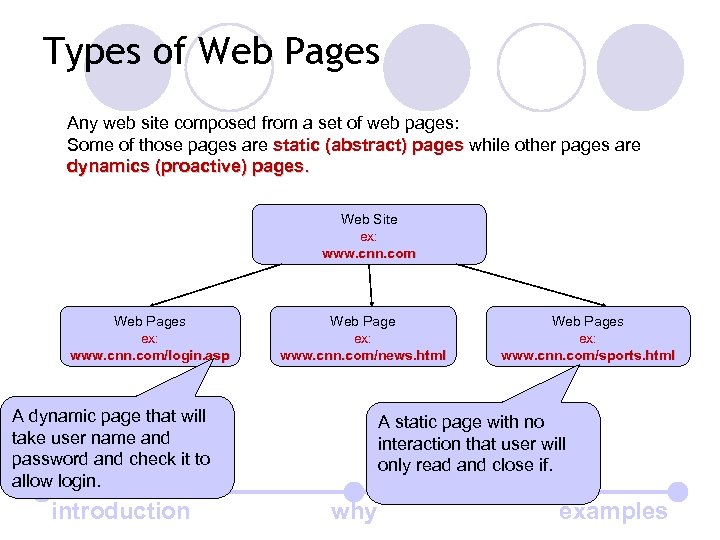
Types of Web Pages Any web site composed from a set of web pages: Some of those pages are static (abstract) pages while other pages are dynamics (proactive) pages. Web Site ex: www. cnn. com Web Pages ex: www. cnn. com/login. asp Web Page ex: www. cnn. com/news. html A dynamic page that will take user name and password and check it to allow login. introduction Web Pages ex: www. cnn. com/sports. html A static page with no interaction that user will only read and close if. why examples
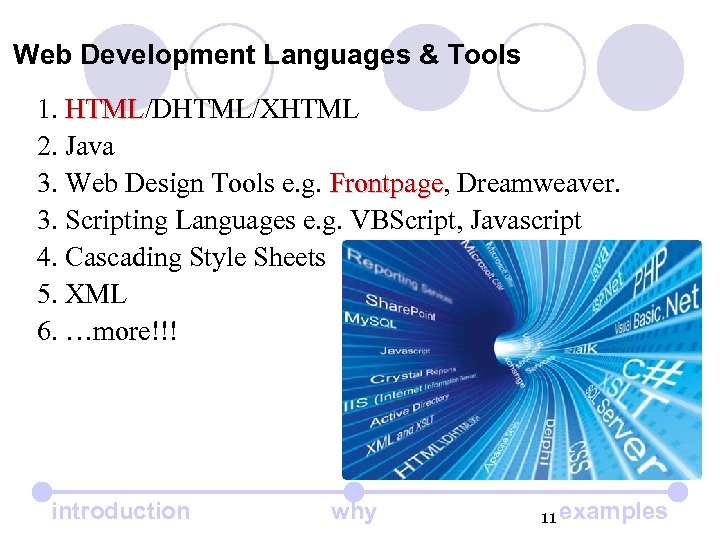
Web Development Languages & Tools 1. HTML/DHTML/XHTML 2. Java 3. Web Design Tools e. g. Frontpage, Dreamweaver. Frontpage 3. Scripting Languages e. g. VBScript, Javascript 4. Cascading Style Sheets 5. XML 6. …more!!! introduction why 11 examples
Let’s go to build a website A good advice “Don’t reinvent the wheel “ • Use pre-designed templates. • Download lovely icons, backgrounds and images from the internet. • Use pre-programmed scripts. Let’s go to use Microsoft Front. Page. And learn how to build powerful website introduction why examples
Скачать презентацию Website Design What is a Web site
a9fdd08427531a5e5bc6fd73fa4b6877.ppt