 Скачать презентацию Web Testing CIS 376 Bruce R Maxim UM-Dearborn
ebccb0152f9c75df50c607344308a3e9.ppt
- Количество слайдов: 36



Web Testing CIS 376 Bruce R. Maxim UM-Dearborn 1
Assessing Web Quality - 1 • Content evaluated at both syntactic and semantic levels • Function tested to uncover lack of conformance to requirements • Structure is assessed to ensure proper content and function are delivered • Usability is tested to ensure that each category of user can be supported as new content or functionality is added 2
Assessing Web Quality - 2 • Navigability is tested to ensure that all navigation syntax and semantics are exercised • Performance is tested under a variety of operating conditions, configurations, and loading to ensure a reasonable level of user response • Compatibility tested by executing Web. App using a variety of client and server configurations 3
Assessing Web Quality - 3 • Interoperability tested to ensure proper interfaces to other applications and databases • Security is tested by assessing potential vulnerabilities and trying to exploit each of them 4
Web Error Concerns - 1 • Many types of Web. App tests uncover problems evidenced on the client side using an specific interface (e. g. may be an error symptom, not the error itself) • It may be difficult to reproduce errors outside of the environment in which the error was originally encountered • Many errors can be traced to the Web. App configuration, incorrect design, or improper HTML 5
Web Error Concerns - 2 • It is hard to determine whether errors are caused by problems with the server, the client, or the network itself • Some errors are attributable to problems in the static operating environment and some are attributable to the dynamic operating environment 6
Testing Web Apps - 1 • Web. App content model is reviewed to uncover errors. • Interface model is reviewed to ensure all usecases are accommodated. • Design model for Web. App is reviewed to uncover navigation errors. • User interface is tested to uncover presentation errors and/or navigation mechanics problems. 7
Testing Web Apps - 2 • Selected functional components are unit tested. • Navigation throughout the architecture is tested. • Web. App is implemented in a variety of different environmental configurations and the compatibility of Web. App with each is assessed. • Security tests are conducted. 8
Testing Web Apps - 3 • Performance tests are conducted. • Web. App is tested by a monitored group of selected end-users looking for – content errors – navigation errors – usability concerns – compatibility issues – performance 9
Web App Testing Process - 1 • Content testing – tries to uncover content errors • Interface testing – exercises interaction mechanisms and validates aesthetic aspects of UI • Navigation testing – use-cases basis for design of test cases that exercise each usage scenarios against the navigation design (integration testing) 10
Web App Testing Process - 2 • Component testing – exercises the Web. App content and functional units (integration testing) • Configuration testing – attempts to uncover errors traceable to a specific client or server environment – cross-reference table is useful 11
Web App Testing Process - 3 • Performance testing to assess – Web. App response time and reliability under varying system loads – Which Web. App components are responsible for system degradation – How performance degradation impacts overall Web. App requirements • Security testing – tests designed to exploit Web. App or environment vulnerabilities 12
Web Testing Task Set - 1 • Review stakeholder requirements • Establish priorities to ensure each user goal will be adequately tested • Define Web. App testing strategy by describing the types of tests that will be conducted 13
Web Testing Task Set - 2 • Develop test plan – Define test schedule and assign testing responsibilities – Specify automated testing tools – Define acceptance criteria for each class of test – Specify defect tracking mechanisms – Define problem reporting mechanisms 14
Web Testing Task Set - 3 • Perform unit tests – Review content for syntax and semantics errors – Review content for proper permissions – Test operation of interface mechanisms – Test each component for proper function 15
Web Testing Task Set - 4 • Perform integration tests – Test interface semantics against use-cases – Conduct navigation tests • Perform configuration tests – Assess client-side compatibility – Assess server-side configurations • Conduct performance tests • Conduct security tests 16
Content Testing Objectives • Uncover syntactic errors in all media – (e. g. typos) • Uncover semantic errors – (e. g. errors in completeness or accuracy) • Find errors in organization or structure of content presented to end-user 17
Database Testing - 1 • The original query must be checked to uncover errors in translating the user’s request to SQL • Problems in communicating between the Web. App server and Database server need to be tested. 18
Database Testing - 2 • Need to demonstrate the validity of the raw data sent from the database to the Web. App and the validity of the transformations applied to the raw data. • Need to test validity of dynamic content object formats transmitted to the user and the validity of the transformations to make the data visible to the user. 19
User Interface Testing - 1 • Interface features are tested to ensure that design rules, aesthetics, and related visual content is available for user without error. • Individual interface mechanisms are tested using unit testing strategies. • Each interface mechanism is tested in the context of a use-case of navigation semantic unit (e. g. thread) for a specific user category 20
User Interface Testing - 2 • Complete interface is tested against selected use-cases and navigation semantic unit to uncover interface semantic errors • Interface is tested in a variety of environments to ensure compatibility 21
Testable Web Mechanisms - 1 • Links – each link is listed and tested • Forms – check labels, field navigation, data entry, error checking, data transmission, meaningful error messages • Client-side scripting – black box testing and compatibility tests 22
Testable Web Mechanisms - 2 • Dynamic HTML – correctness of generated HTML – compatibility tests • Client-side pop-up windows – proper size and placement of pop-up – working controls – consistent with appearance of Web page • Streaming content (demonstrate existence, accuracy, and control over content display) 23
Testable Web Mechanisms - 3 • Streaming content (demonstrate existence, accuracy, and control over content display) • Cookies – – check that server constructs cookie correctly cookie transmitted correctly ensure proper level of persistence check to see Web. App attaches the correct cookies • Application specific interface mechanisms 24
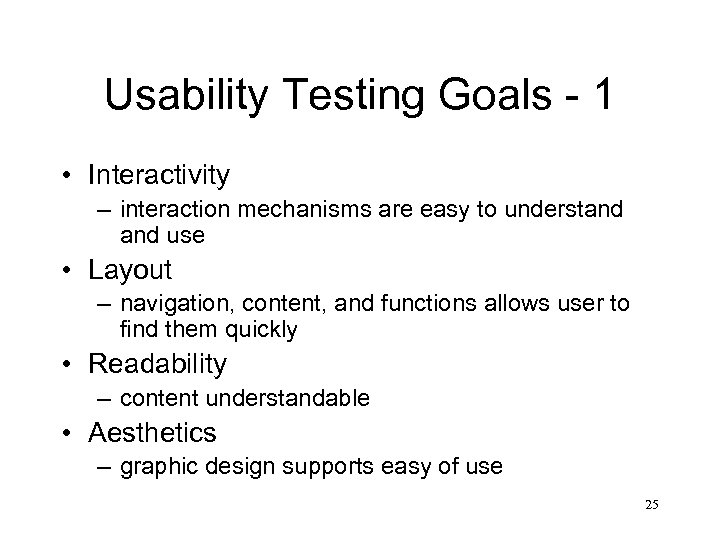
Usability Testing Goals - 1 • Interactivity – interaction mechanisms are easy to understand use • Layout – navigation, content, and functions allows user to find them quickly • Readability – content understandable • Aesthetics – graphic design supports easy of use 25
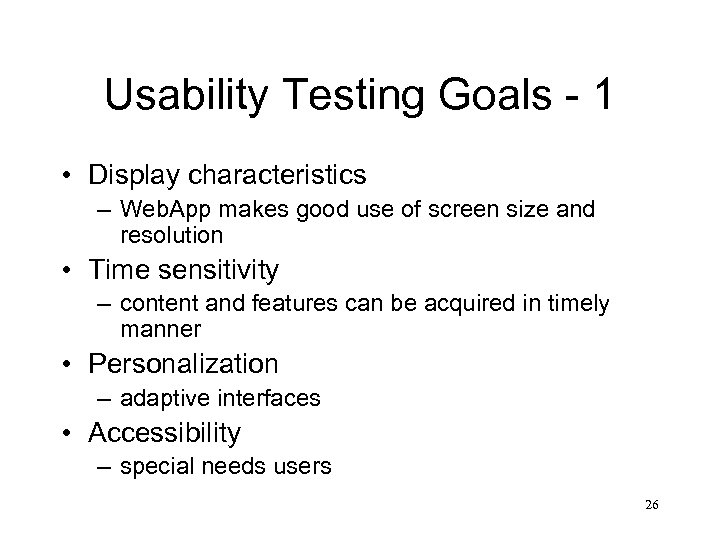
Usability Testing Goals - 1 • Display characteristics – Web. App makes good use of screen size and resolution • Time sensitivity – content and features can be acquired in timely manner • Personalization – adaptive interfaces • Accessibility – special needs users 26
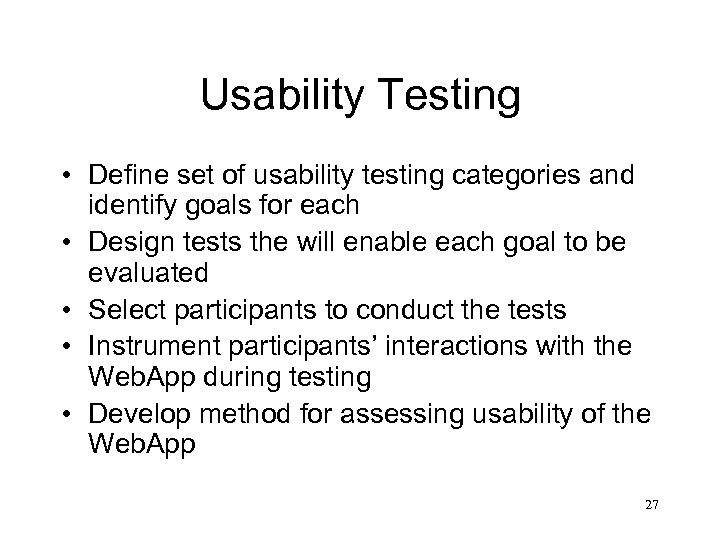
Usability Testing • Define set of usability testing categories and identify goals for each • Design tests the will enable each goal to be evaluated • Select participants to conduct the tests • Instrument participants’ interactions with the Web. App during testing • Develop method for assessing usability of the Web. App 27
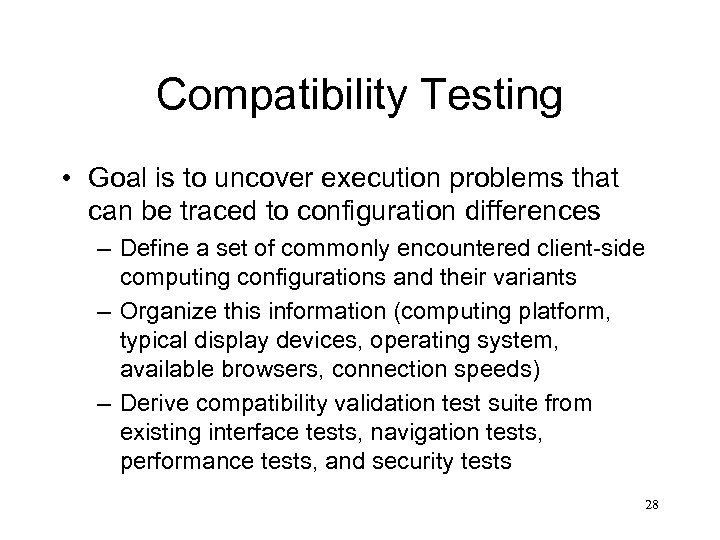
Compatibility Testing • Goal is to uncover execution problems that can be traced to configuration differences – Define a set of commonly encountered client-side computing configurations and their variants – Organize this information (computing platform, typical display devices, operating system, available browsers, connection speeds) – Derive compatibility validation test suite from existing interface tests, navigation tests, performance tests, and security tests 28
Component Level Testing • Black box and white box testing of each Web. App function • Useful test case design methods – Equivalence partitioning – Boundary value analysis (esp. form field values) – Path testing – Forced error testing 29
Syntactic Navigation Testing • • • Links Redirects Bookmarks Frames and framesets Site maps Internal search engines 30
Semantic Navigation Testing • Navigation semantic units are defined by a set of pathways that connect navigation nodes • Each NSU must allows a user from a defined user category achieve specific requirements defined by a use-case • Testing needs to ensure that each path is executed in its entity without error • Every relevant path must be tested • User must be given guidance to follow or discontinue each path based on current location in site map 31
Configuration Testing Server-Side • Compatibility of Web. App with server OS • Correct file and directory creation by Web. App • System security measures do not degrade user service by Web. App • Testing Web. App with distributed server configuration • Web. App properly integrated with database software • Correct execution of Web. App scripts • Examination system administration errors for impact on Web. App • On-site testing of proxy servers 32
Configuration Testing Client-Side • • • Hardware Operating systems Browser software User interface components Plug-ins Conectivity 33
Testable Security Elements • • Firewalls Authentication Encryption Authorization 34
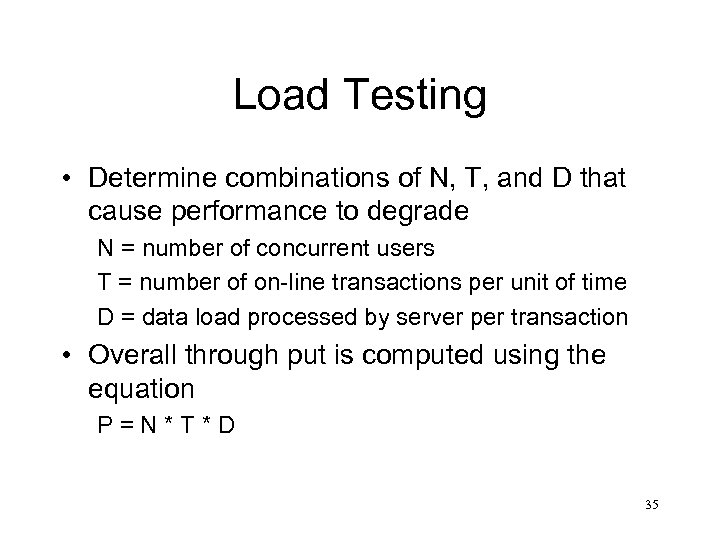
Load Testing • Determine combinations of N, T, and D that cause performance to degrade N = number of concurrent users T = number of on-line transactions per unit of time D = data load processed by server per transaction • Overall through put is computed using the equation P=N*T*D 35
Stress Testing • Does system degrade gracefully? • Are users made aware that they cannot reach the server? • Does server queue resource requests during heavy demand then process the queue when demand lessens? • Are transactions lost as capacity is exceeded? • Is data integrity affected when capacity is exceeded? • How long till system comes back on-line after a failure? • Are certain Web. App functions discontinued as capacity is reached? 36
Скачать презентацию Web Testing CIS 376 Bruce R Maxim UM-Dearborn
ebccb0152f9c75df50c607344308a3e9.ppt