 Скачать презентацию Web Technology Nick Foxall SM 5312 week 5
0e01d463730542b982114fad1cc69b0e.ppt
- Количество слайдов: 33



Web Technology Nick Foxall SM 5312 week 5: web technology basics 1
We need to answer… …How is the Internet organised? …How do we find and retrieve pages on the Internet? …How is this data (web pages, etc) transmitted over the Internet? …How is what we see in the browser window defined as a collection of data? SM 5312 week 5: web technology basics 2
Clients and Servers The Web is a client/server application: Web browsers are clients which send requests to Web servers, which send responses back. SM 5312 week 5: web technology basics 3
Fetching Pages over the Internet Architecturally, the Internet consists of a collection of layers, each one providing services for the one above it: The Internet Layer gets packets to their destinations; The Transport Layer sends streams of data; The Application Layer provides high-level services to applications such as Web browsers. SM 5312 week 5: web technology basics 4
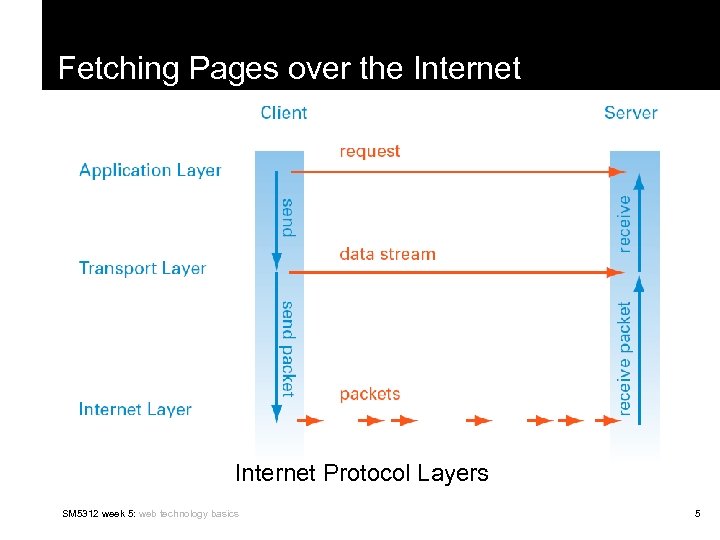
Fetching Pages over the Internet Protocol Layers SM 5312 week 5: web technology basics 5
HTTP makes use of TCP to open connections between clients and servers and to pass the requests and responses between them. When a user clicks a link or types a web address: 1. A TCP connection is opened between browser and server 2. Then requests and responses are sent back and forth using HTTP is a stateless protocol, meaning each request for data is dealt with in isolation; once the server sends the response, it forgets everything about the original request. SM 5312 week 5: web technology basics 6
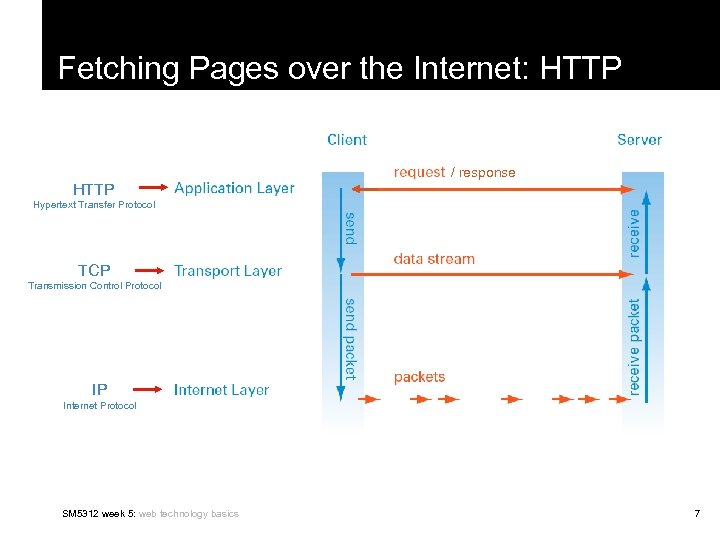
Fetching Pages over the Internet: HTTP / response Hypertext Transfer Protocol TCP Transmission Control Protocol IP Internet Protocol SM 5312 week 5: web technology basics 7
Uniform Resource Locators (URLs) Without a universal addressing mechanism, it would be impossible to navigate to a site, and page linking would not be feasible Uniform Resource Locators (URLs) are used to identify Web pages — basically a URL is a web address URLs have 3 components: A Prefix (usually http: // ) A Hostname: (such as www. cityu. edu. hk) A Path: (such as /scm/index. htm) SM 5312 week 5: web technology basics 8
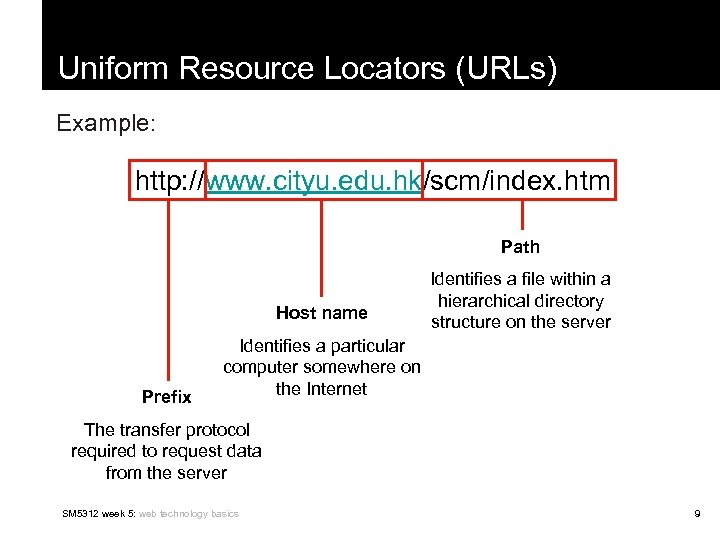
Uniform Resource Locators (URLs) Example: http: //www. cityu. edu. hk/scm/index. htm Path Host name Prefix Identifies a file within a hierarchical directory structure on the server Identifies a particular computer somewhere on the Internet The transfer protocol required to request data from the server SM 5312 week 5: web technology basics 9
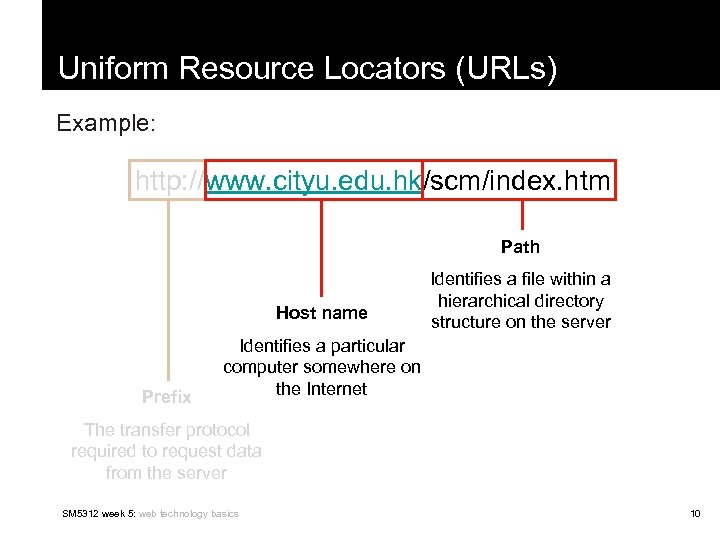
Uniform Resource Locators (URLs) Example: http: //www. cityu. edu. hk/scm/index. htm Path Host name Prefix Identifies a file within a hierarchical directory structure on the server Identifies a particular computer somewhere on the Internet The transfer protocol required to request data from the server SM 5312 week 5: web technology basics 10
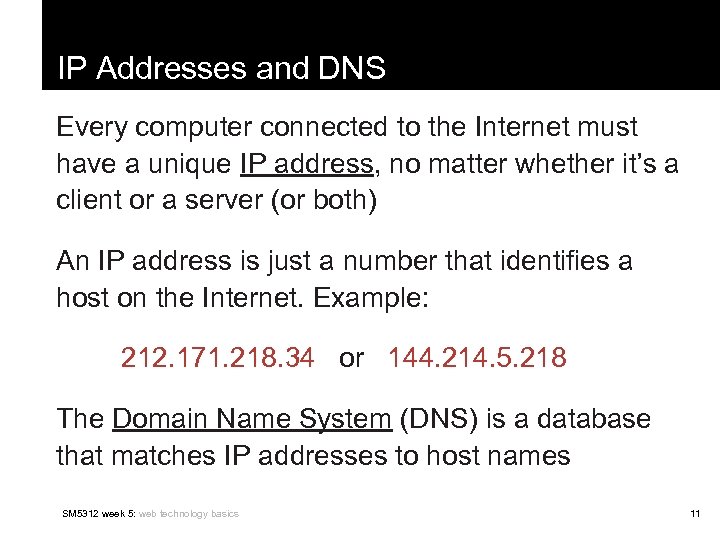
IP Addresses and DNS Every computer connected to the Internet must have a unique IP address, no matter whether it’s a client or a server (or both) An IP address is just a number that identifies a host on the Internet. Example: 212. 171. 218. 34 or 144. 214. 5. 218 The Domain Name System (DNS) is a database that matches IP addresses to host names SM 5312 week 5: web technology basics 11
Domain Names And the Domain Name System (DNS) translates host names into IP addresses, which are then used by TCP to establish connections between HTTP clients and servers. Domain names are administered in such a way that they are guaranteed to be unique. Domain names are organised in a hierarchical structure…. SM 5312 week 5: web technology basics 12
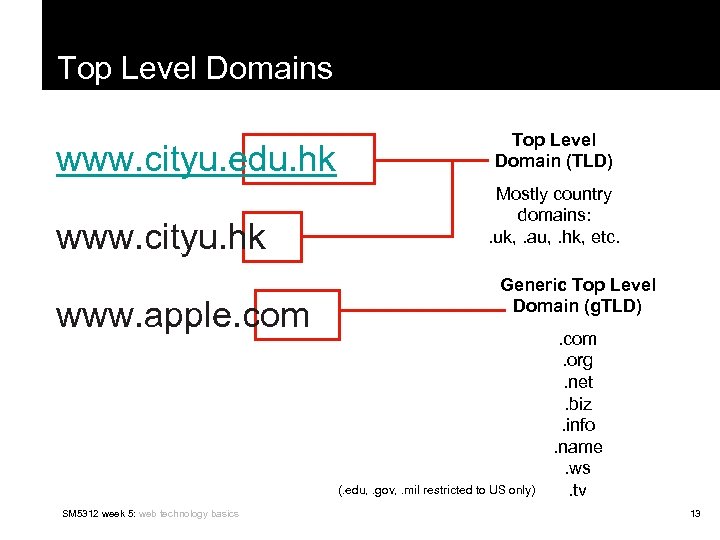
Top Level Domains www. cityu. edu. hk www. cityu. hk www. apple. com Top Level Domain (TLD) Mostly country domains: . uk, . au, . hk, etc. Generic Top Level Domain (g. TLD) (. edu, . gov, . mil restricted to US only) SM 5312 week 5: web technology basics . com. org. net. biz. info. name. ws. tv 13
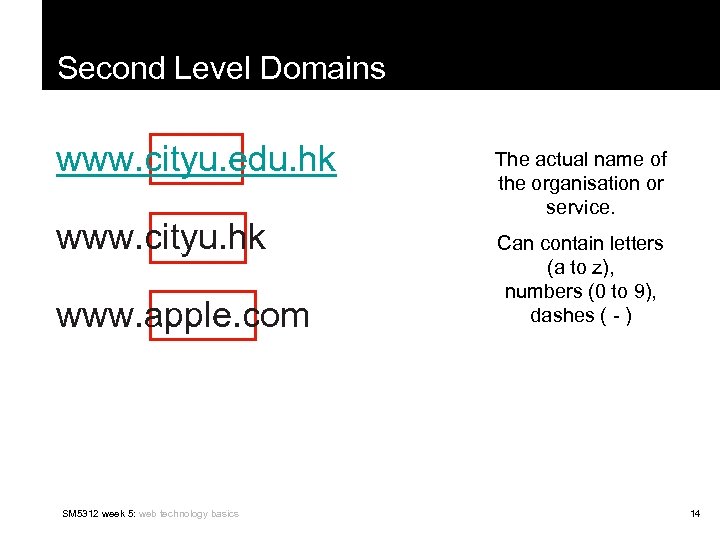
Second Level Domains www. cityu. edu. hk www. cityu. hk www. apple. com SM 5312 week 5: web technology basics The actual name of the organisation or service. Can contain letters (a to z), numbers (0 to 9), dashes ( - ) 14
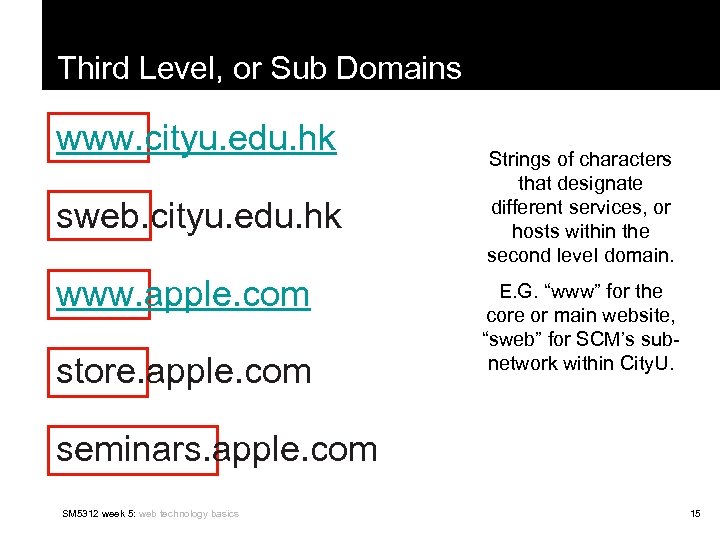
Third Level, or Sub Domains www. cityu. edu. hk sweb. cityu. edu. hk www. apple. com store. apple. com Strings of characters that designate different services, or hosts within the second level domain. E. G. “www” for the core or main website, “sweb” for SCM’s subnetwork within City. U. seminars. apple. com SM 5312 week 5: web technology basics 15
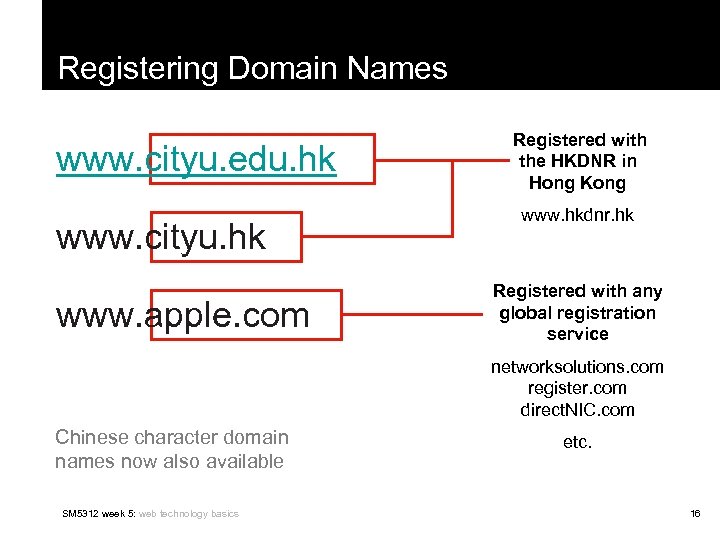
Registering Domain Names www. cityu. edu. hk www. cityu. hk www. apple. com Registered with the HKDNR in Hong Kong www. hkdnr. hk Registered with any global registration service networksolutions. com register. com direct. NIC. com Chinese character domain names now also available SM 5312 week 5: web technology basics etc. 16
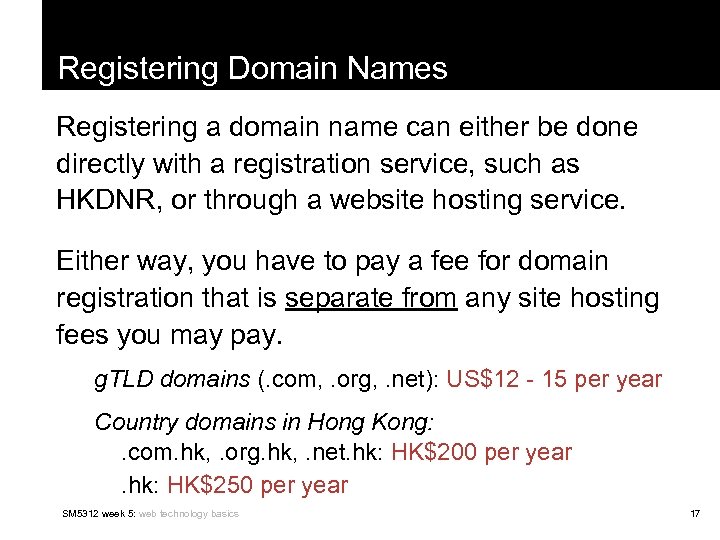
Registering Domain Names Registering a domain name can either be done directly with a registration service, such as HKDNR, or through a website hosting service. Either way, you have to pay a fee for domain registration that is separate from any site hosting fees you may pay. g. TLD domains (. com, . org, . net): US$12 - 15 per year Country domains in Hong Kong: . com. hk, . org. hk, . net. hk: HK$200 per year. hk: HK$250 per year SM 5312 week 5: web technology basics 17
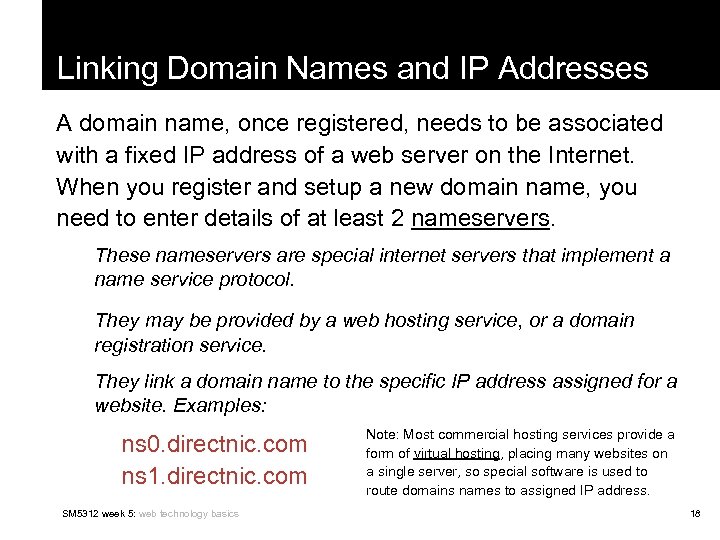
Linking Domain Names and IP Addresses A domain name, once registered, needs to be associated with a fixed IP address of a web server on the Internet. When you register and setup a new domain name, you need to enter details of at least 2 nameservers. These nameservers are special internet servers that implement a name service protocol. They may be provided by a web hosting service, or a domain registration service. They link a domain name to the specific IP address assigned for a website. Examples: ns 0. directnic. com ns 1. directnic. com SM 5312 week 5: web technology basics Note: Most commercial hosting services provide a form of virtual hosting, placing many websites on a single server, so special software is used to route domains names to assigned IP address. 18
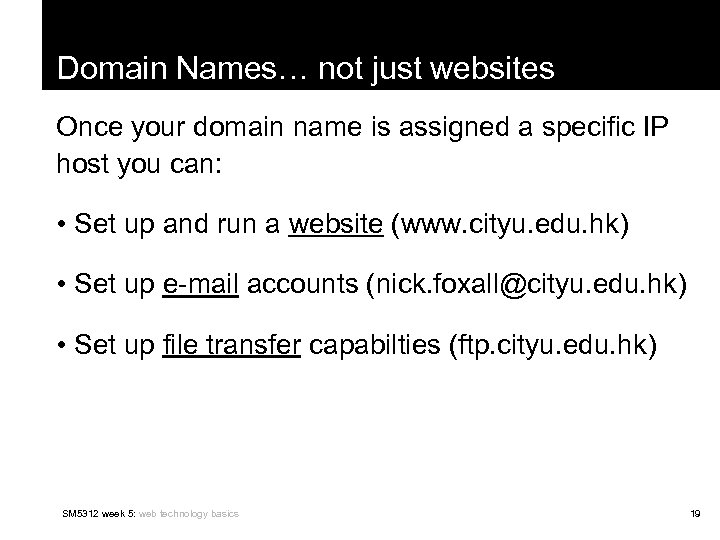
Domain Names… not just websites Once your domain name is assigned a specific IP host you can: • Set up and run a website (www. cityu. edu. hk) • Set up e-mail accounts (nick. foxall@cityu. edu. hk) • Set up file transfer capabilties (ftp. cityu. edu. hk) SM 5312 week 5: web technology basics 19
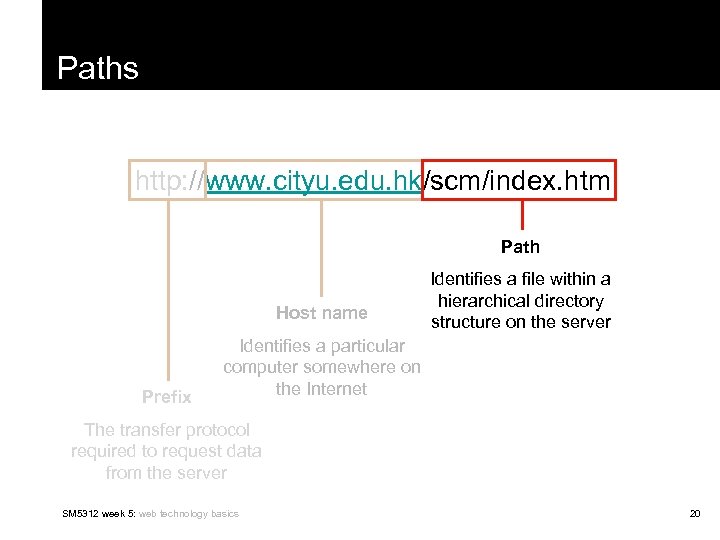
Paths http: //www. cityu. edu. hk/scm/index. htm Path Host name Prefix Identifies a file within a hierarchical directory structure on the server Identifies a particular computer somewhere on the Internet The transfer protocol required to request data from the server SM 5312 week 5: web technology basics 20
Paths and Pathnames A pathname shows the hierarchical directory structure and location of a specific file or resource on a server. A directory is represented visually these days as a folder SM 5312 week 5: web technology basics 21
Absolute and Relative Paths An absolute path is a path that points to the same location on one file system. It is usually written in reference to a root directory. The root directory is the first or topmost directory in a hierarchy, indicated with a single slash / or backslash . Example: C: Documents and SettingsmnfoxallMy DocumentsMy Files SM 5312 week 5: web technology basics 22
Absolute and Relative Paths A relative path is a path relative to the current working directory, so the full absolute path may not need to be shown or referred to. This works for creating websites, because it allows hypertext links to be made between files relative to a pre-defined working directory. That is, they do not have to always reference the root directory or topmost directory on a server (or computer). SM 5312 week 5: web technology basics 23
Absolute Paths C Example: to hyperlink from index. htm to products. htm If an absolute pathname: <a href=“C: \UsersMy%20 DocumentsWebsitesCompanyproducts. htm”> SM 5312 week 5: web technology basics 24
Relative Paths C Example: to hyperlink from index. htm to products. htm If a relative pathname, with /Company defined as the working or site root directory root <a href=“products. htm”> SM 5312 week 5: web technology basics 25
Relative Paths To hyperlink from index. htm to logo. jpg root <a href=“images/logo. jpg”> SM 5312 week 5: web technology basics 26
Relative Paths To hyperlink from shoes. htm to index. htm (i. e. back up one level in the directory hierarchy) root 2 dots and a slash <a href=“. . /index. htm”> SM 5312 week 5: web technology basics 27
Relative Paths for Websites In website development, it’s much easier to use relative paths. A site developed locally on one computer (under an assigned site root directory or folder), is much easier to transfer and manage on the final web server using relative paths. In Dreamweaver, the first thing to do is set up a new site using the ‘Site Definition’ interface. This way, a local ‘site root’ folder can be created to gather and manage all files related to the site. SM 5312 week 5: web technology basics 28
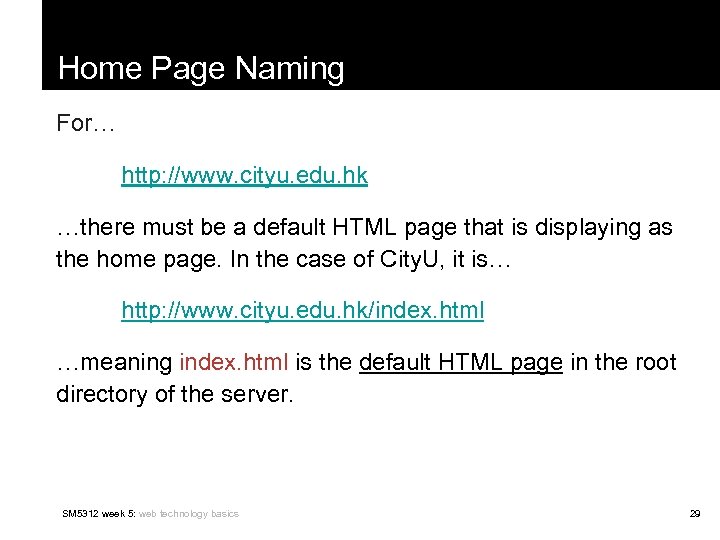
Home Page Naming For… http: //www. cityu. edu. hk …there must be a default HTML page that is displaying as the home page. In the case of City. U, it is… http: //www. cityu. edu. hk/index. html …meaning index. html is the default HTML page in the root directory of the server. SM 5312 week 5: web technology basics 29
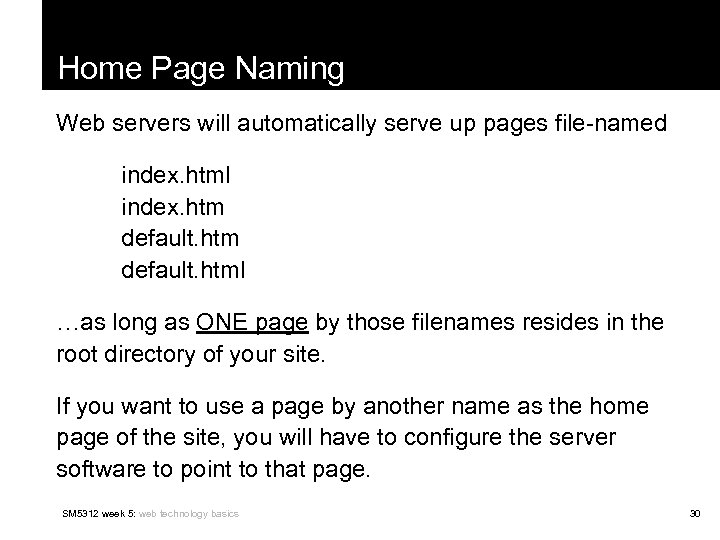
Home Page Naming Web servers will automatically serve up pages file-named index. html index. htm default. html …as long as ONE page by those filenames resides in the root directory of your site. If you want to use a page by another name as the home page of the site, you will have to configure the server software to point to that page. SM 5312 week 5: web technology basics 30
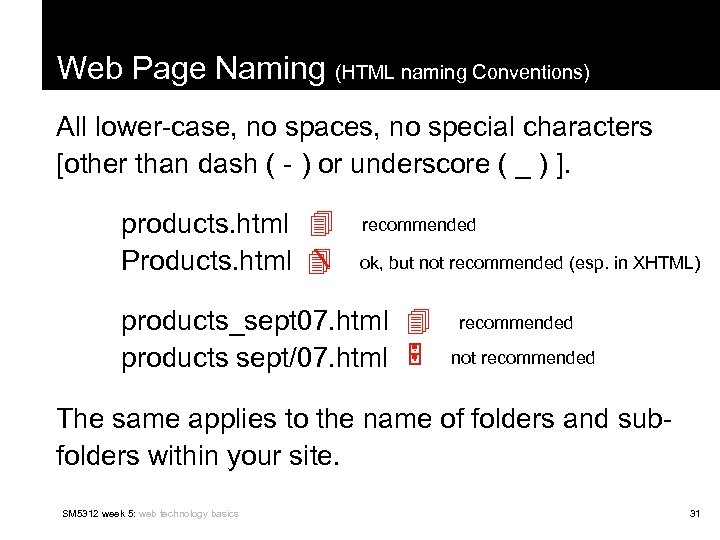
Web Page Naming (HTML naming Conventions) All lower-case, no spaces, no special characters [other than dash ( - ) or underscore ( _ ) ]. products. html recommended Products. html ok, but not recommended (esp. in XHTML) products_sept 07. html recommended products sept/07. html not recommended The same applies to the name of folders and subfolders within your site. SM 5312 week 5: web technology basics 31
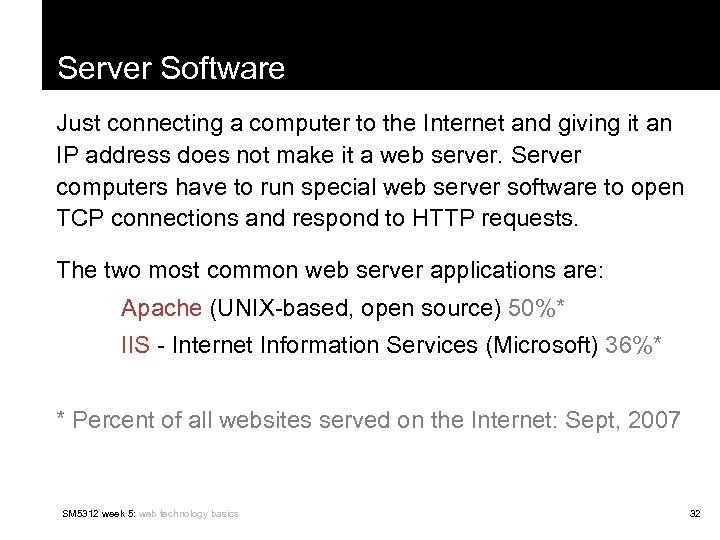
Server Software Just connecting a computer to the Internet and giving it an IP address does not make it a web server. Server computers have to run special web server software to open TCP connections and respond to HTTP requests. The two most common web server applications are: Apache (UNIX-based, open source) 50%* IIS - Internet Information Services (Microsoft) 36%* * Percent of all websites served on the Internet: Sept, 2007 SM 5312 week 5: web technology basics 32
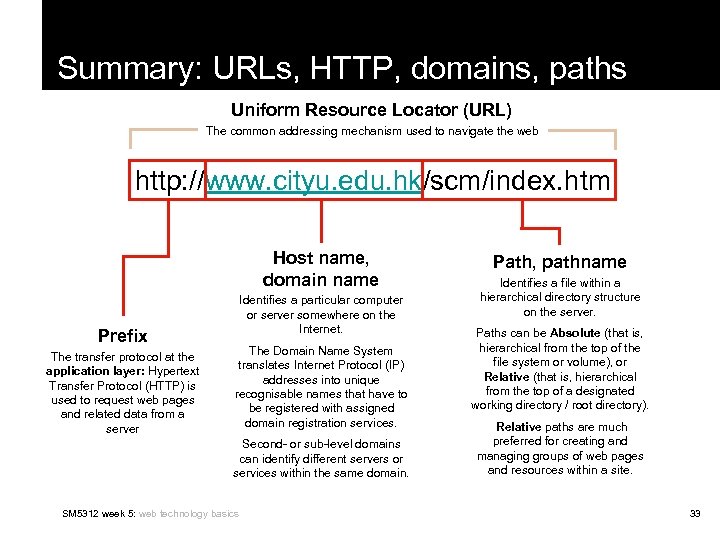
Summary: URLs, HTTP, domains, paths Uniform Resource Locator (URL) The common addressing mechanism used to navigate the web http: //www. cityu. edu. hk/scm/index. htm Host name, domain name Prefix The transfer protocol at the application layer: Hypertext Transfer Protocol (HTTP) is used to request web pages and related data from a server Identifies a particular computer or server somewhere on the Internet. The Domain Name System translates Internet Protocol (IP) addresses into unique recognisable names that have to be registered with assigned domain registration services. Second- or sub-level domains can identify different servers or services within the same domain. SM 5312 week 5: web technology basics Path, pathname Identifies a file within a hierarchical directory structure on the server. Paths can be Absolute (that is, hierarchical from the top of the file system or volume), or Relative (that is, hierarchical from the top of a designated working directory / root directory). Relative paths are much preferred for creating and managing groups of web pages and resources within a site. 33
Скачать презентацию Web Technology Nick Foxall SM 5312 week 5
0e01d463730542b982114fad1cc69b0e.ppt