 Скачать презентацию Web Services Part II CS 236607 Spring
725eb18aa242ff3154a735b03a1c1980.ppt
- Количество слайдов: 40



Web Services – Part II CS 236607, Spring 2008/9 1
Axis : Apache EXtensible Interaction System 2
What is AXIS(2)? n n The Apache Axis 2 project is a Java-based implementation of both the client and server sides of the Web services equation. Axis is essentially a SOAP engine – a framework for constructing SOAP processors q q n client side server side It enables you to : q q q Send, receive and process SOAP messages Create a Web service out of a plain Java class Create implementation classes for both the server and client using WSDL Easily retrieve the WSDL for a service Create or utilize a REST-based Web service And more… 3
Remote Method Invocation is not New n n java. rmi has been in Java since Java’s early versions In Java RMI, objects can invoke methods of objects that reside on a remote computer q n (RMI = Remote Method Invocation) So, what has been changed? q q q Using HTTP for communication Using agreed protocols, Java can invoke methods that were not written in Java (e. g. , . NET methods) and vice versa A complex registry procedure has been required in RMI 4
What We Would Like to Create n n n Client applications: applications that can call a remote Web service Services: methods that can be called by remote applications Service descriptions: WSDL files that describe our methods 5
Live Demo n n We will build a web service (both server and client side) using Eclipse WTP (already integrated in your J 2 EE Eclipse version) We will use AXIS 2 version 1. 3 The demo is based on “Eclipse WTP Tutorials Creating Bottom Up Web Service via Apache Axis 2” with some extensions Guidlelines appear in the following slides 6
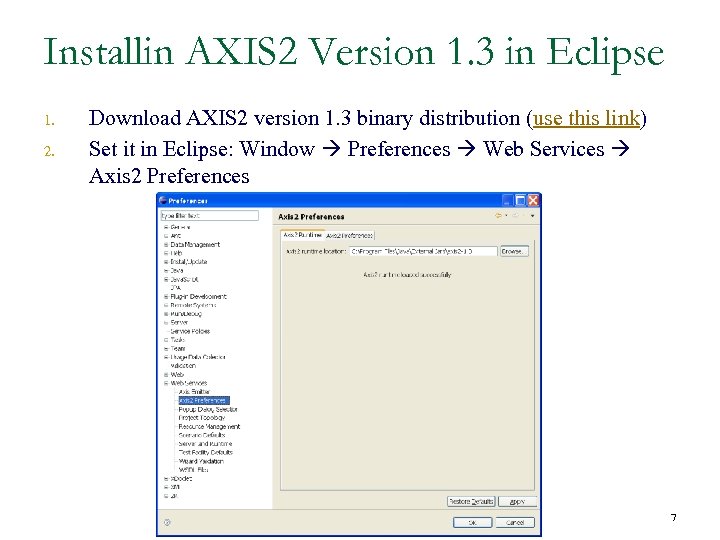
Installin AXIS 2 Version 1. 3 in Eclipse 1. 2. Download AXIS 2 version 1. 3 binary distribution (use this link) Set it in Eclipse: Window Preferences Web Services Axis 2 Preferences 7
Client Applications 8
Calling Web Services n By now, we already know how to invoke a remote Web service in Java: q q q n Open a socket to the remote server Through the socket, send a SOAP request wrapped by a HTTP request Parse the response (e. g. , using SAX/DOM) However, this approach is cumbersome, and most of it can be automated q This is the whole point of using standards… 9
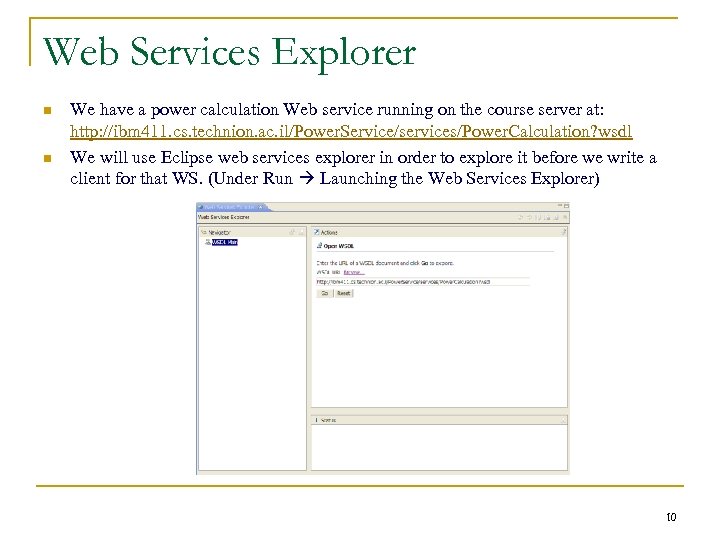
Web Services Explorer n n We have a power calculation Web service running on the course server at: http: //ibm 411. cs. technion. ac. il/Power. Service/services/Power. Calculation? wsdl We will use Eclipse web services explorer in order to explore it before we write a client for that WS. (Under Run Launching the Web Services Explorer) 10
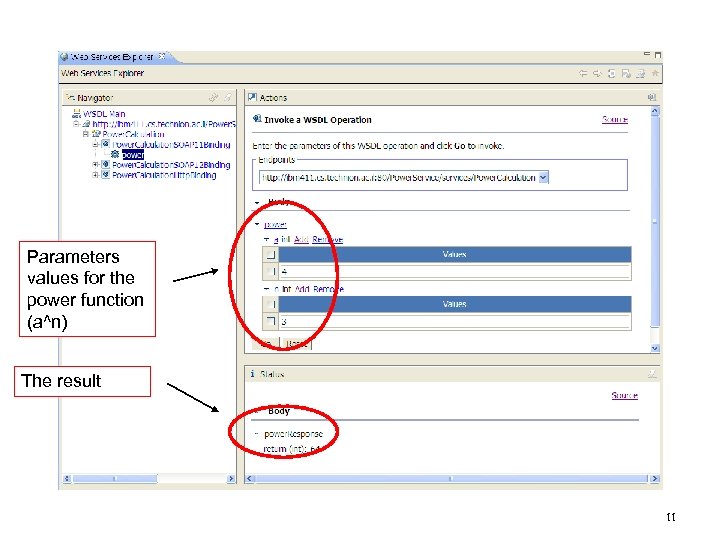
Parameters values for the power function (a^n) The result 11
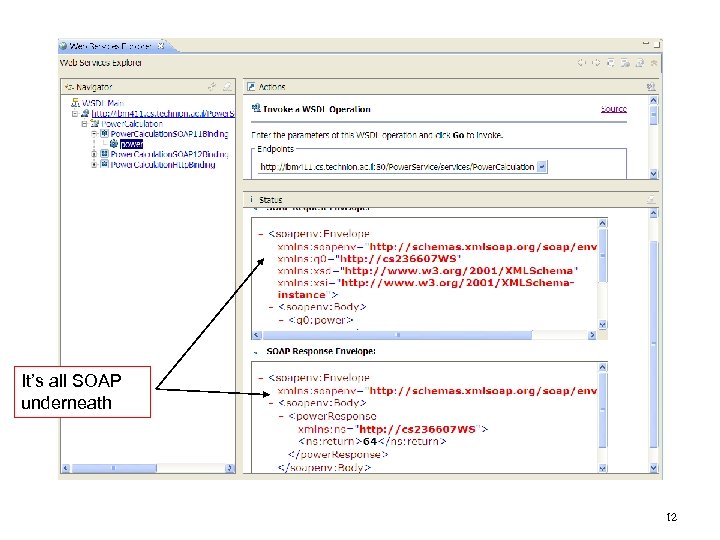
It’s all SOAP underneath 12
The WSDL 2 Java Application n n Axis provides a mechanism for communicating with a Web service using stubs That is, generation of regular Java classes that have an interface similar to that of the Web service and implementation that wraps Web service management 13
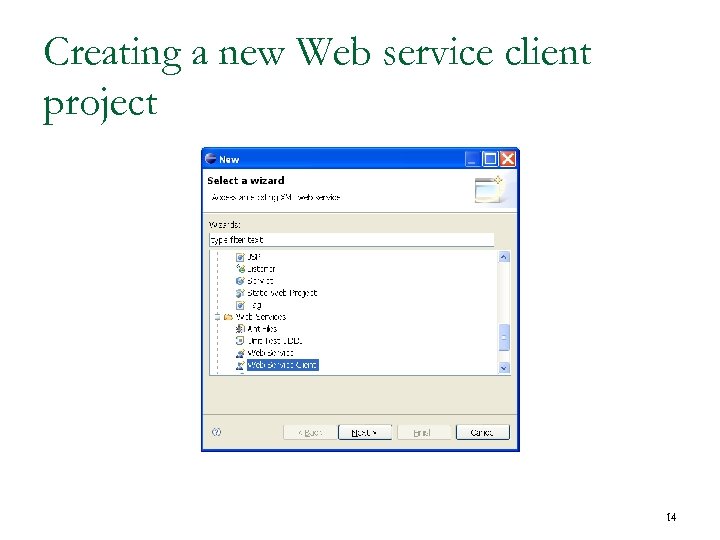
Creating a new Web service client project 14
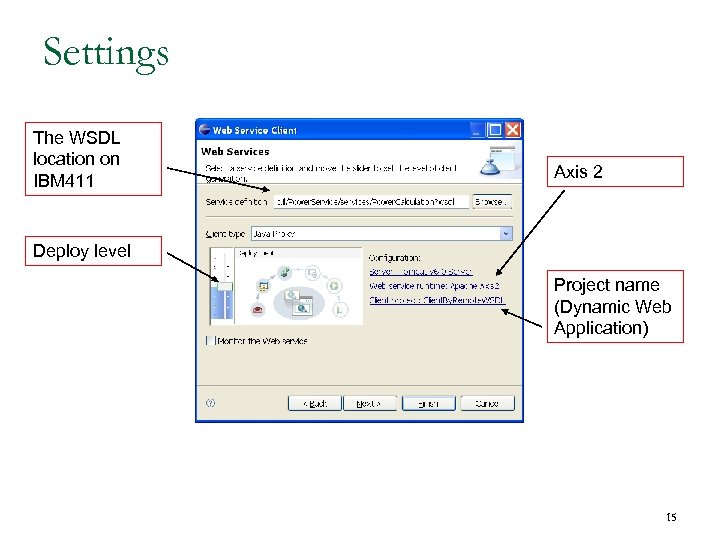
Settings The WSDL location on IBM 411 Axis 2 Deploy level Project name (Dynamic Web Application) 15
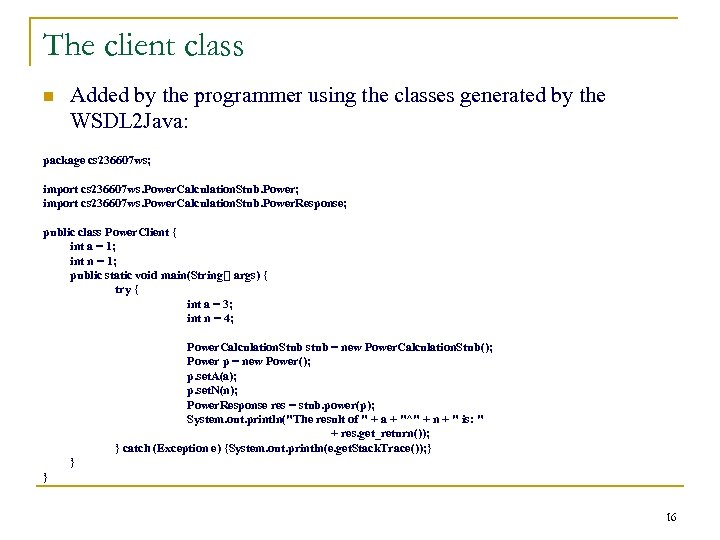
The client class n Added by the programmer using the classes generated by the WSDL 2 Java: package cs 236607 ws; import cs 236607 ws. Power. Calculation. Stub. Power. Response; public class Power. Client { int a = 1; int n = 1; public static void main(String[] args) { try { int a = 3; int n = 4; Power. Calculation. Stub stub = new Power. Calculation. Stub(); Power p = new Power(); p. set. A(a); p. set. N(n); Power. Response res = stub. power(p); System. out. println("The result of " + a + "^" + n + " is: " + res. get_return()); } catch (Exception e) {System. out. println(e. get. Stack. Trace()); } } } 16
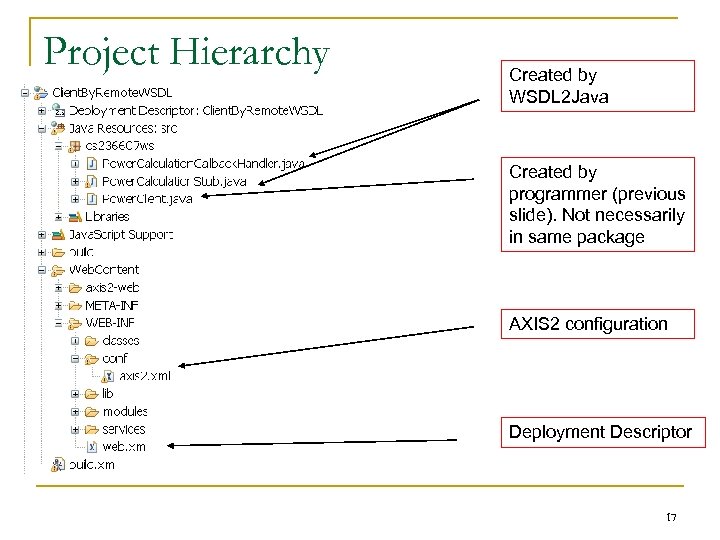
Project Hierarchy Created by WSDL 2 Java Created by programmer (previous slide). Not necessarily in same package AXIS 2 configuration Deployment Descriptor 17
Server Applications 18
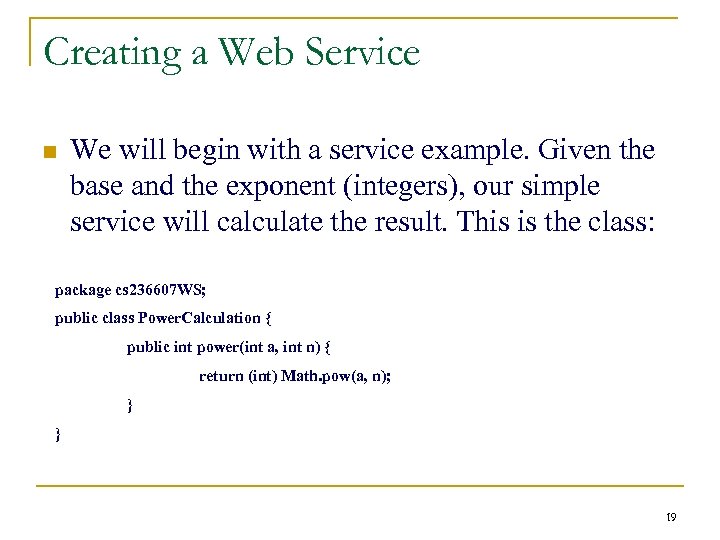
Creating a Web Service n We will begin with a service example. Given the base and the exponent (integers), our simple service will calculate the result. This is the class: package cs 236607 WS; public class Power. Calculation { public int power(int a, int n) { return (int) Math. pow(a, n); } } 19
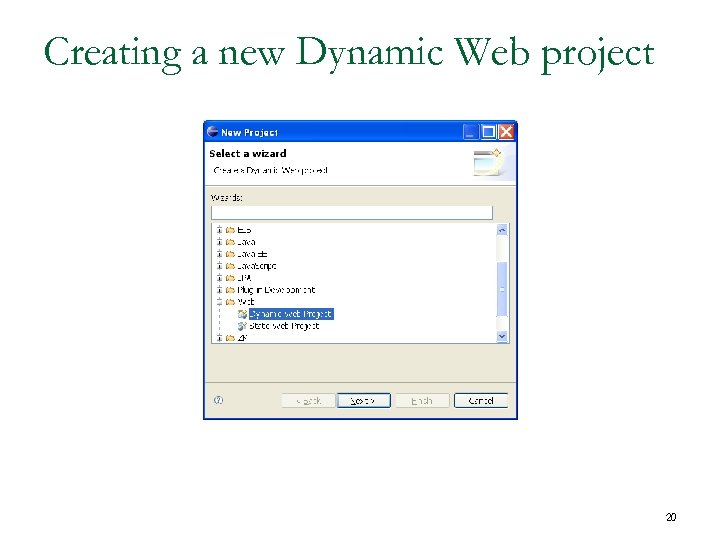
Creating a new Dynamic Web project 20
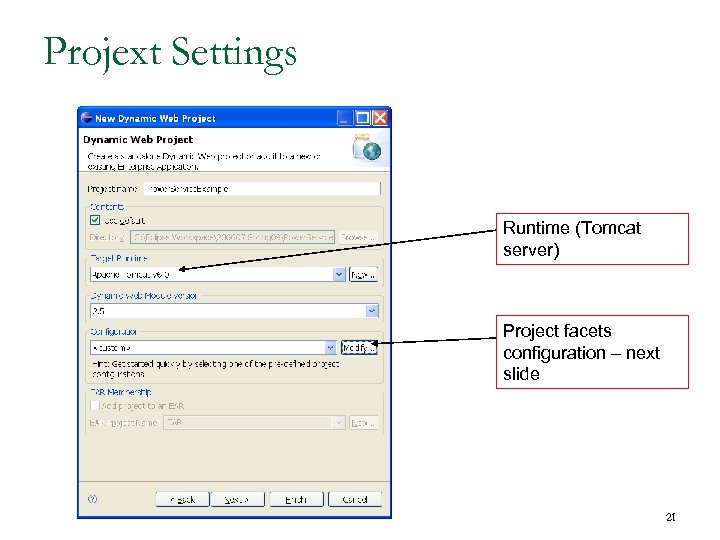
Projext Settings Runtime (Tomcat server) Project facets configuration – next slide 21
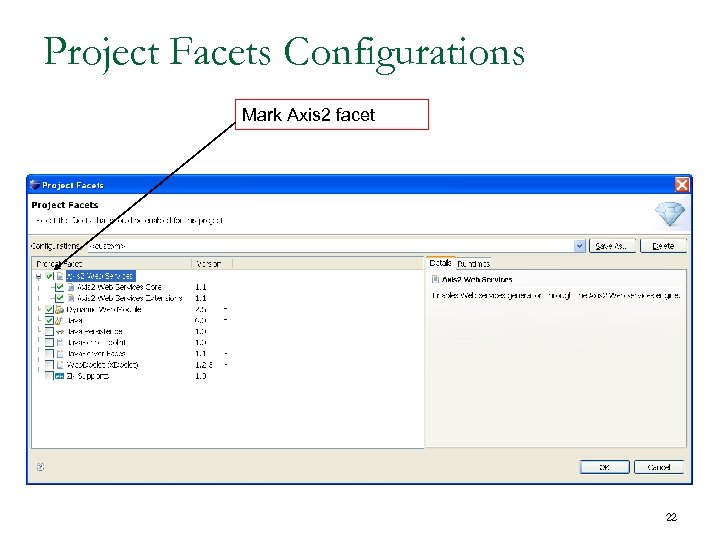
Project Facets Configurations Mark Axis 2 facet 22
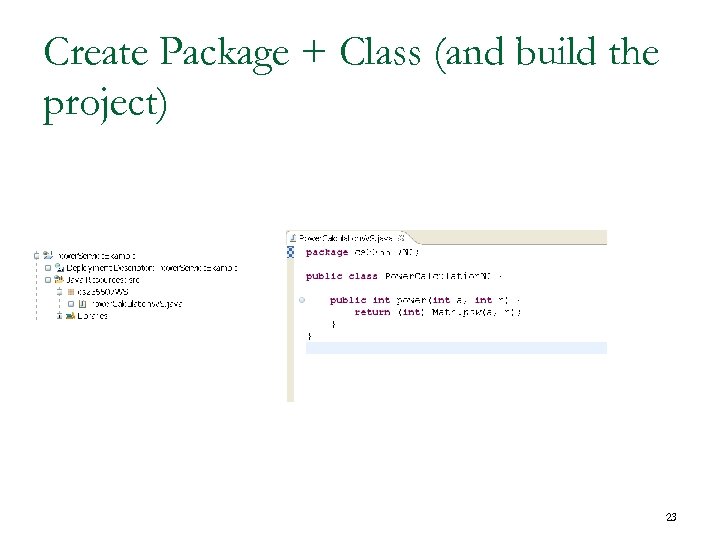
Create Package + Class (and build the project) 23
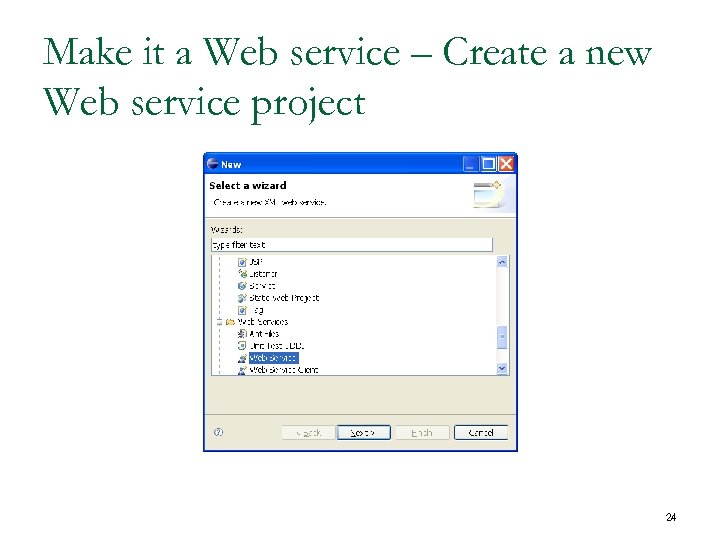
Make it a Web service – Create a new Web service project 24
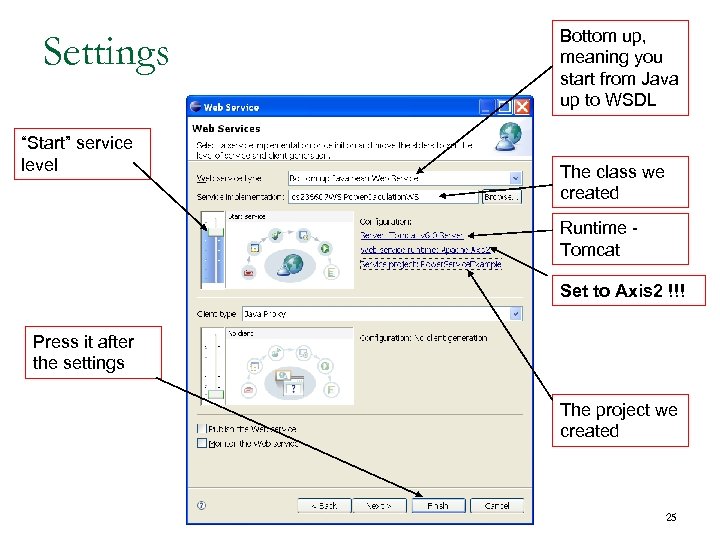
Settings “Start” service level Bottom up, meaning you start from Java up to WSDL The class we created Runtime Tomcat Set to Axis 2 !!! Press it after the settings The project we created 25
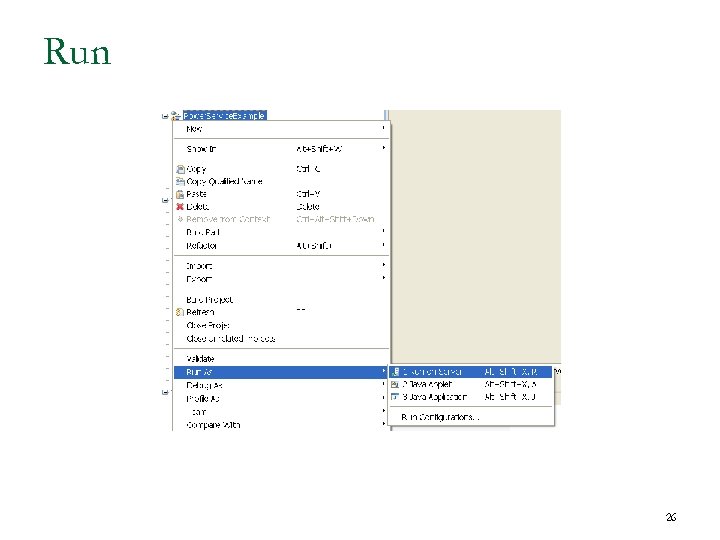
Run 26
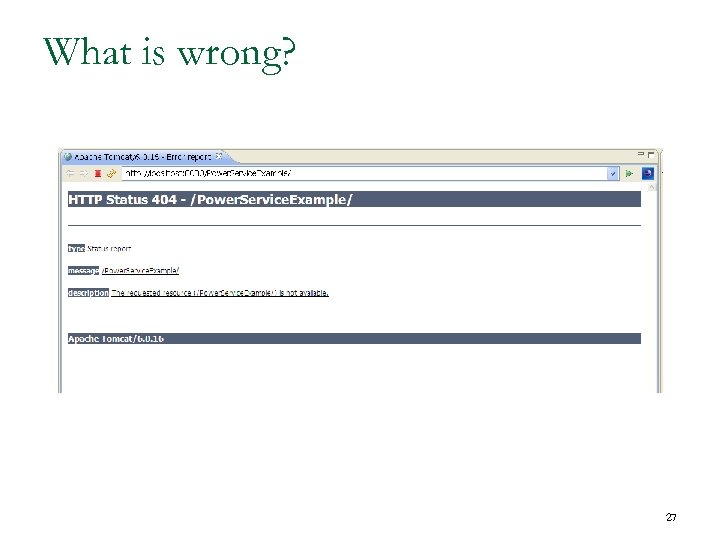
What is wrong? 27
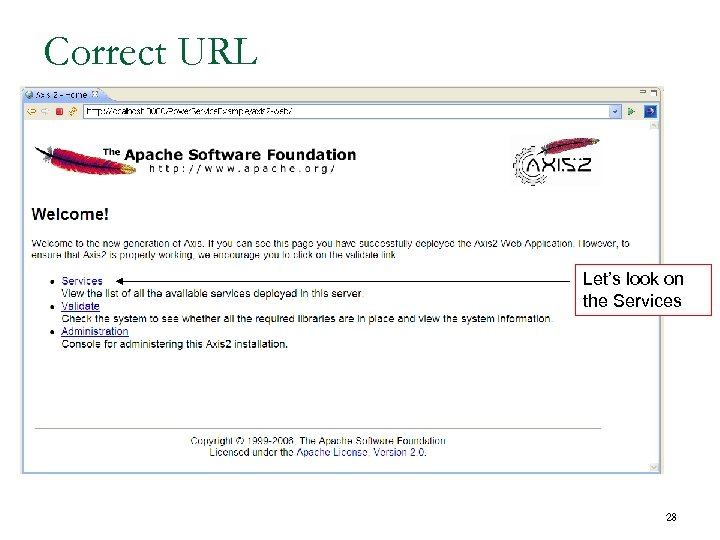
Correct URL Let’s look on the Services 28
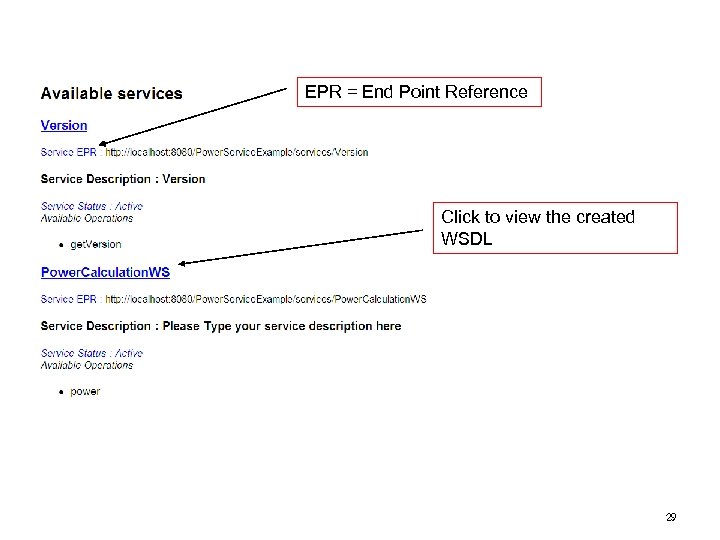
EPR = End Point Reference Click to view the created WSDL 29
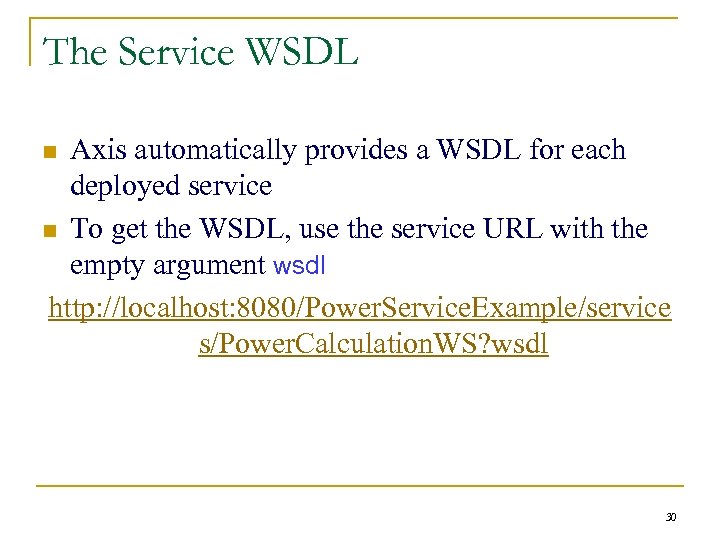
The Service WSDL Axis automatically provides a WSDL for each deployed service n To get the WSDL, use the service URL with the empty argument wsdl http: //localhost: 8080/Power. Service. Example/service s/Power. Calculation. WS? wsdl n 30
How Does it Work? n n The Servlet Axis. Servlet of this application is responsible for invoking services All URLs of the form /services/* are mapped to the Axis. Servlet q Where is it written? 31
How Does it Work? (Cont. ) n When a SOAP request arrives, the Axis. Servlet object parses the request and invokes the corresponding method of the class associated with the service URL (According to the services that were deployed) 32
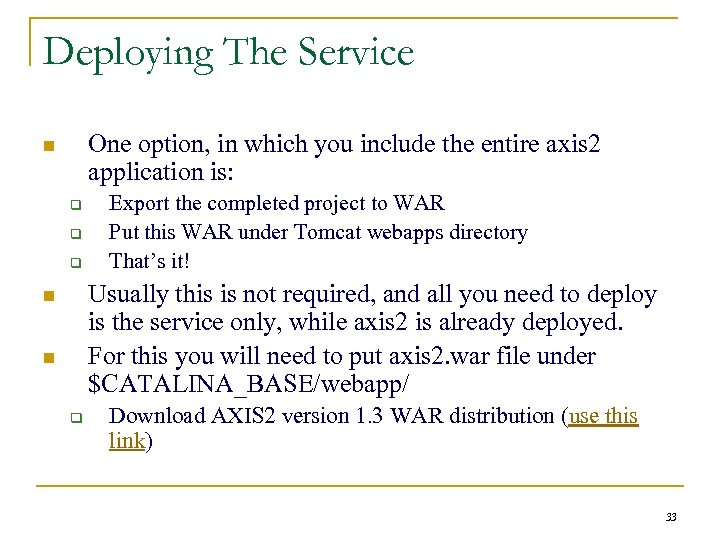
Deploying The Service One option, in which you include the entire axis 2 application is: n q q q Export the completed project to WAR Put this WAR under Tomcat webapps directory That’s it! Usually this is not required, and all you need to deploy is the service only, while axis 2 is already deployed. For this you will need to put axis 2. war file under $CATALINA_BASE/webapp/ n n q Download AXIS 2 version 1. 3 WAR distribution (use this link) 33
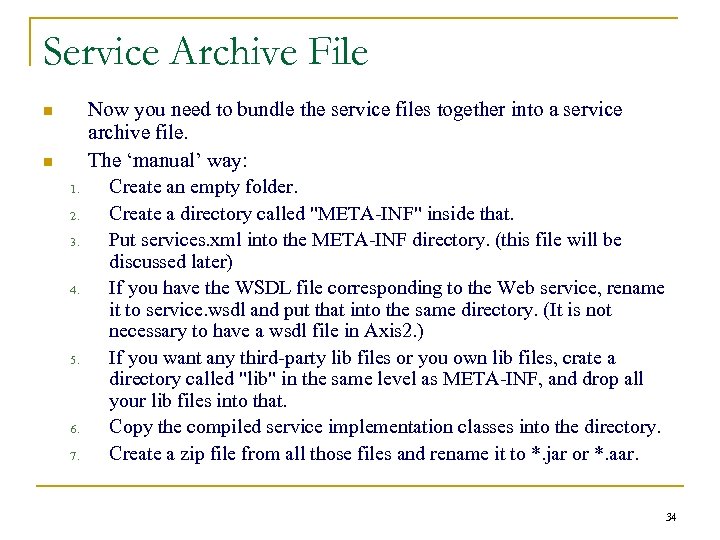
Service Archive File n n 1. 2. 3. 4. 5. 6. 7. Now you need to bundle the service files together into a service archive file. The ‘manual’ way: Create an empty folder. Create a directory called "META-INF" inside that. Put services. xml into the META-INF directory. (this file will be discussed later) If you have the WSDL file corresponding to the Web service, rename it to service. wsdl and put that into the same directory. (It is not necessary to have a wsdl file in Axis 2. ) If you want any third-party lib files or you own lib files, crate a directory called "lib" in the same level as META-INF, and drop all your lib files into that. Copy the compiled service implementation classes into the directory. Create a zip file from all those files and rename it to *. jar or *. aar. 34
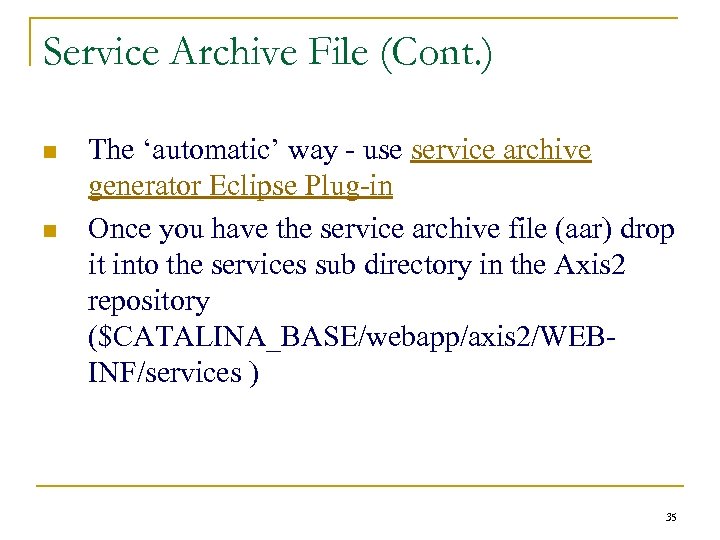
Service Archive File (Cont. ) n n The ‘automatic’ way - use service archive generator Eclipse Plug-in Once you have the service archive file (aar) drop it into the services sub directory in the Axis 2 repository ($CATALINA_BASE/webapp/axis 2/WEBINF/services ) 35
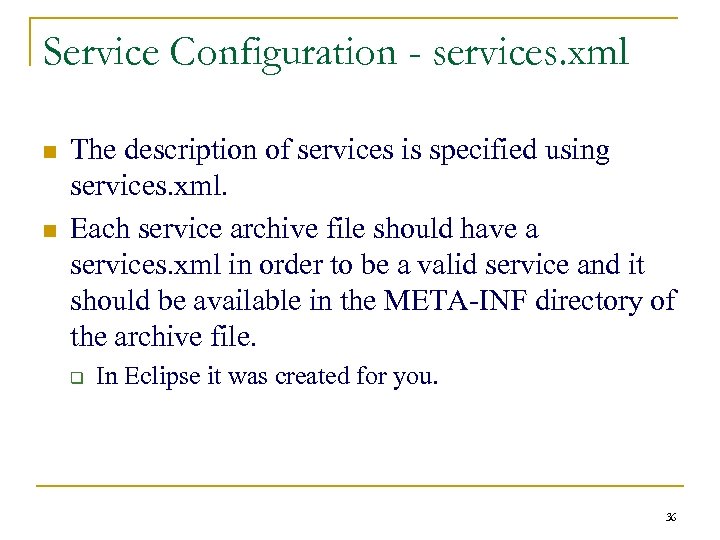
Service Configuration - services. xml n n The description of services is specified using services. xml. Each service archive file should have a services. xml in order to be a valid service and it should be available in the META-INF directory of the archive file. q In Eclipse it was created for you. 36
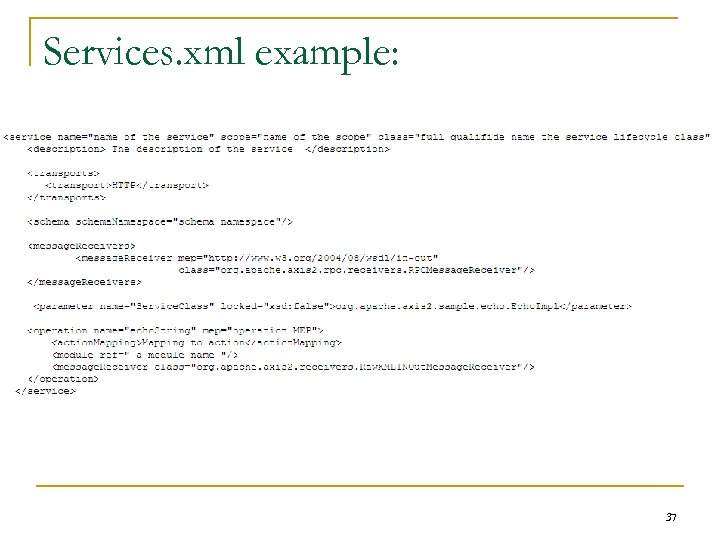
Services. xml example: 37
Service Configuration - services. xml (Cont. ) n Among the attributes & elements of services. xml are: q q Name (service element attribute): The service name will be the name of the archive file if the. aar file contains only one service, or else the name of the service will be the name given by the name attribute. Scope (service element attribute): The time period during which runtime information of the deployed services will be available. The default value (if you don't enter any value) will be "Request“. 38
Service Configuration - services. xml (Cont. ) n n Axis 2 configuration page A short tutorial about writing your own services. xml 39
Resources n n n AXIS 2 1. 3 Download Eclipse WTP Tutorials - Creating Bottom Up Web Service via Apache Axis 2 HU Developer. com Axis 2 Documentation 40
Скачать презентацию Web Services Part II CS 236607 Spring
725eb18aa242ff3154a735b03a1c1980.ppt