 Скачать презентацию Web Engineering Requirements Engineering for Web Applications
e1d28fe5126f9e2c2ed81f1f5713e244.ppt
- Количество слайдов: 54



Web Engineering Requirements Engineering for Web Applications © Copyright 2015 Ioan Toma & Nelia Lassiera 1
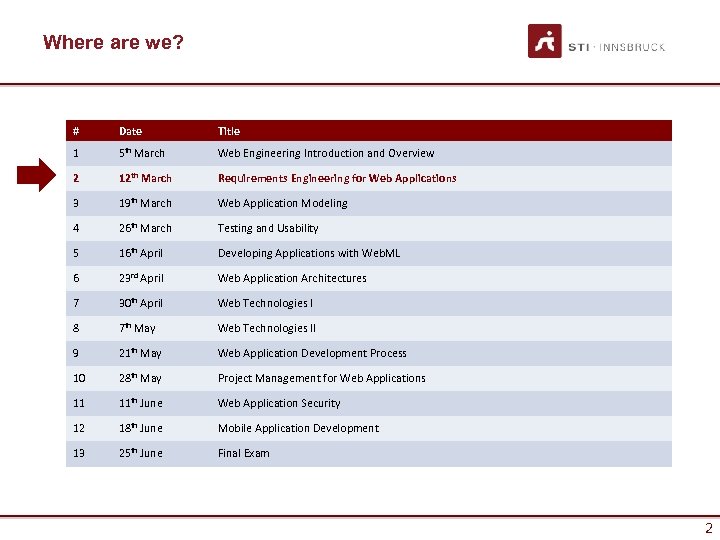
Where are we? # Date Title 1 5 th March Web Engineering Introduction and Overview 2 12 th March Requirements Engineering for Web Applications 3 19 th March Web Application Modeling 4 26 th March Testing and Usability 5 16 th April Developing Applications with Web. ML 6 23 rd April Web Application Architectures 7 30 th April Web Technologies I 8 7 th May Web Technologies II 9 21 th May Web Application Development Process 10 28 th May Project Management for Web Applications 11 11 th June Web Application Security 12 18 th June Mobile Application Development 13 25 th June Final Exam 2
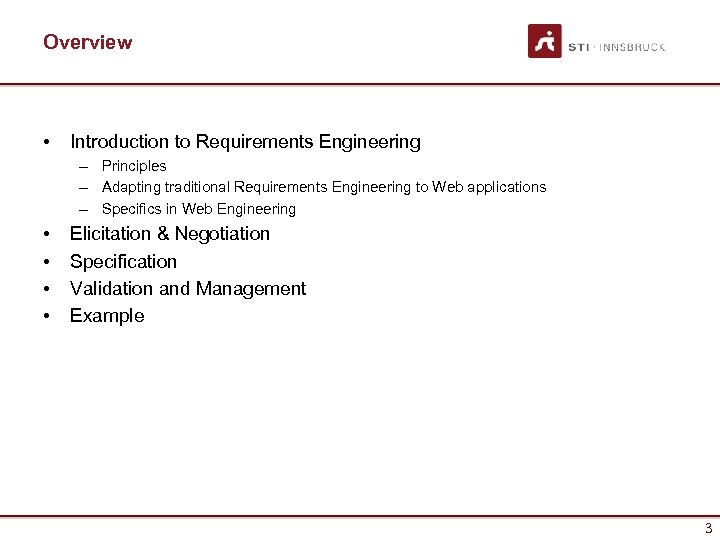
Overview • Introduction to Requirements Engineering – Principles – Adapting traditional Requirements Engineering to Web applications – Specifics in Web Engineering • • Elicitation & Negotiation Specification Validation and Management Example 3
Why do we need Requirements Engineering? INTRODUCTION 4
Introduction • Requirements Engineering (RE) – the principles, methods and tools for eliciting, describing, validating, and managing project goals and needs. • Given the complexity of Web apps, RE is a critical initial stage, but often poorly executed. • What are the consequences? – Inadequate software architectures – “Unforeseen” problems • Budget overruns • Production delays • “That’s not what I asked for” – Low user acceptance 5
What is a Requirement? • A requirement describes a property to be met or a service to be provided by a system. • IEEE 601. 12 definition of a requirement: 1. 2. 3. • Condition needed to solve a problem of a user. Condition to be met or possessed by the system to satisfy a formal agreement (e. g. , contract). Documented representation of conditions as in 1 and 2. Stakeholders: persons or organizations that are involved in the Web application and have direct influence on the requirements. 6
Tasks of requirements • • Requirements indentification and negotiation Requirements description Requirements validation Requirements management 7
Requirement elicitation • Requirements not by simple questionnaires • Requirements are a result of a joint learning and consensus finding process • Various methods: – – – Creativity techniques Scenario based Multi-criteria decision processes Moderation techniques Interviews Document analysis 8
Requirement description • Requirement analysis document • Various forms – Informal (e. g. Users stories from extreme programming) – Semi-formal (e. g. Use cases) – Formal • Decision depends on – Project risk – Stakeholders 9
Validating requirements • Validation (Did we specify the right thing? ) • Verification (Did we specify correctly? ) • Methods – Reviews – Inspections – Prototyping 10
Requirements management • Changes are natural • Requirements are not static but change • Requirements management includes – Adding new requirements – Changing – Management of inter-dependencies 11
Stakeholder • • Customer User Developer For Web apps extremely relevant: – – • Content providers (responsibles) Domain experts Usability experts Responsibles for market and target group analysis Goals: – – Requirements on a higher level of abstraction. Means to define a shared vision. 12
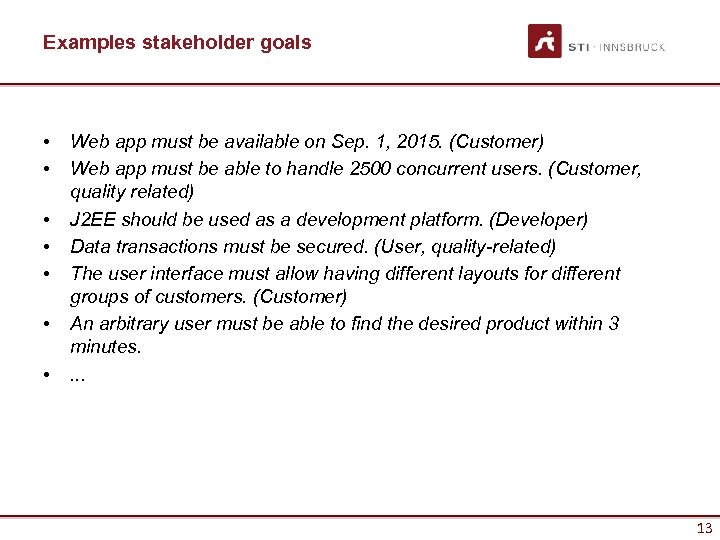
Examples stakeholder goals • • Web app must be available on Sep. 1, 2015. (Customer) Web app must be able to handle 2500 concurrent users. (Customer, quality related) J 2 EE should be used as a development platform. (Developer) Data transactions must be secured. (User, quality-related) The user interface must allow having different layouts for different groups of customers. (Customer) An arbitrary user must be able to find the desired product within 3 minutes. . 13
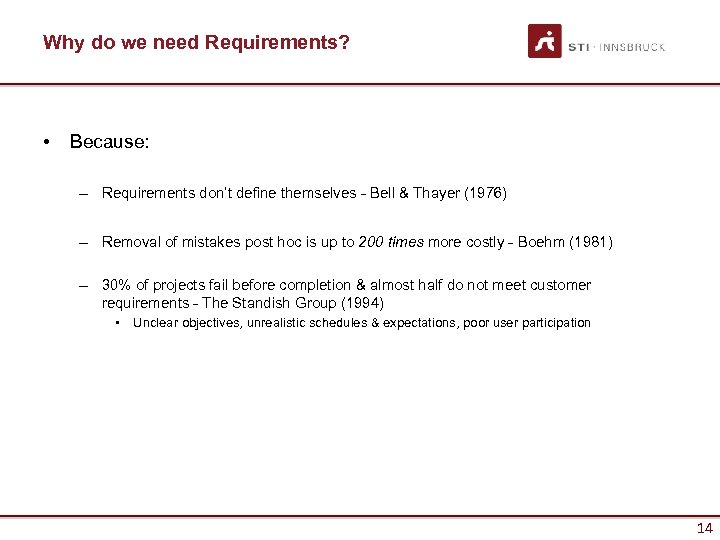
Why do we need Requirements? • Because: – Requirements don’t define themselves - Bell & Thayer (1976) – Removal of mistakes post hoc is up to 200 times more costly - Boehm (1981) – 30% of projects fail before completion & almost half do not meet customer requirements - The Standish Group (1994) • Unclear objectives, unrealistic schedules & expectations, poor user participation 14
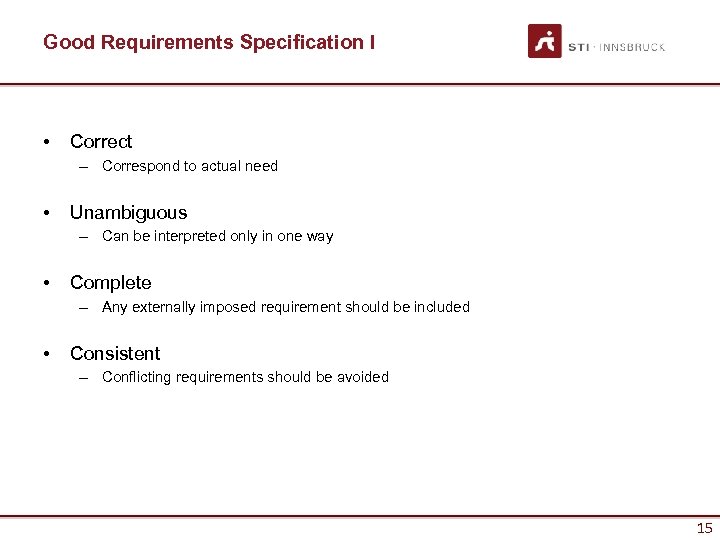
Good Requirements Specification I • Correct – Correspond to actual need • Unambiguous – Can be interpreted only in one way • Complete – Any externally imposed requirement should be included • Consistent – Conflicting requirements should be avoided 15
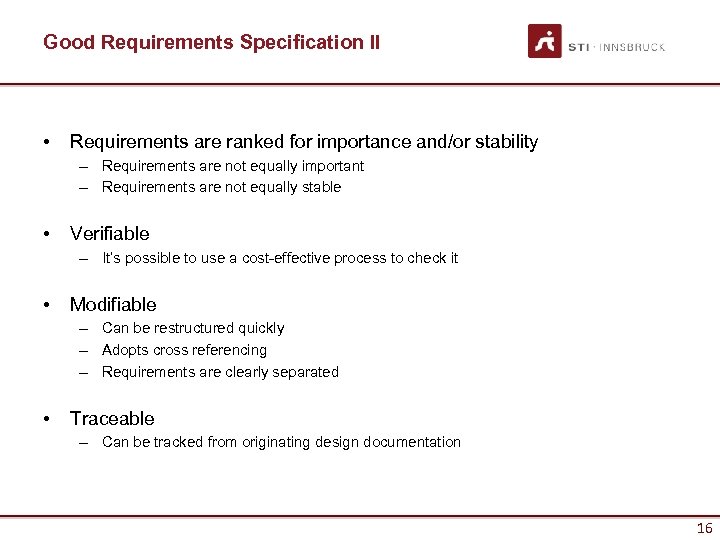
Good Requirements Specification II • Requirements are ranked for importance and/or stability – Requirements are not equally important – Requirements are not equally stable • Verifiable – It’s possible to use a cost-effective process to check it • Modifiable – Can be restructured quickly – Adopts cross referencing – Requirements are clearly separated • Traceable – Can be tracked from originating design documentation 16
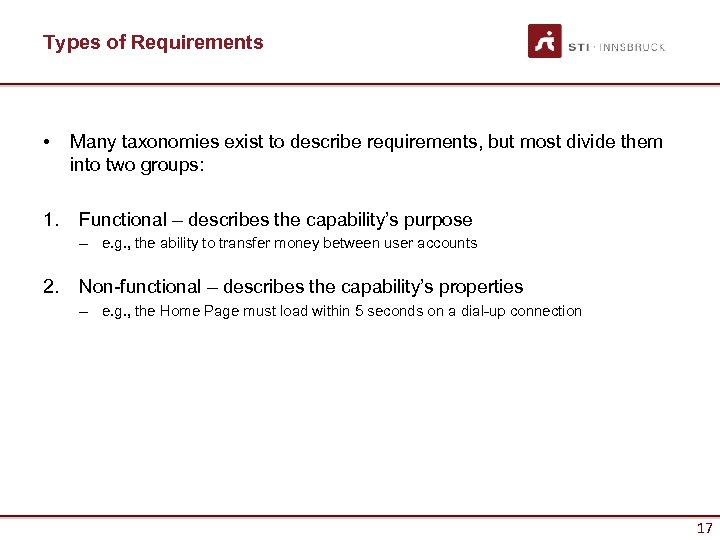
Types of Requirements • 1. Many taxonomies exist to describe requirements, but most divide them into two groups: Functional – describes the capability’s purpose – e. g. , the ability to transfer money between user accounts 2. Non-functional – describes the capability’s properties – e. g. , the Home Page must load within 5 seconds on a dial-up connection 17
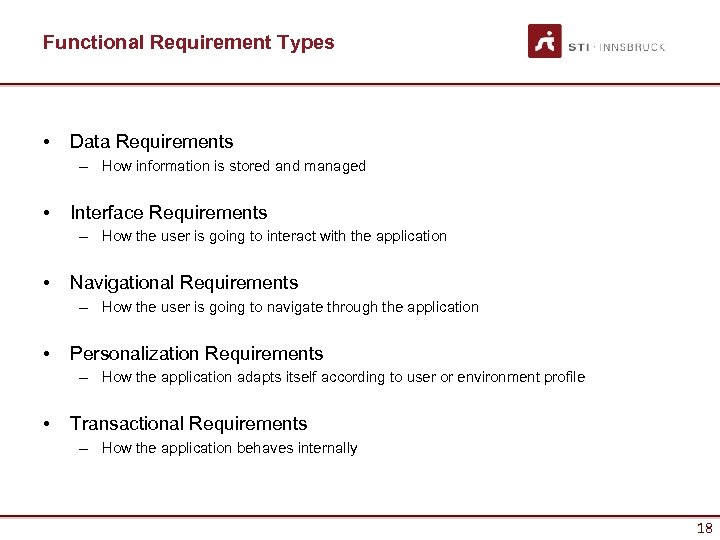
Functional Requirement Types • Data Requirements – How information is stored and managed • Interface Requirements – How the user is going to interact with the application • Navigational Requirements – How the user is going to navigate through the application • Personalization Requirements – How the application adapts itself according to user or environment profile • Transactional Requirements – How the application behaves internally 18
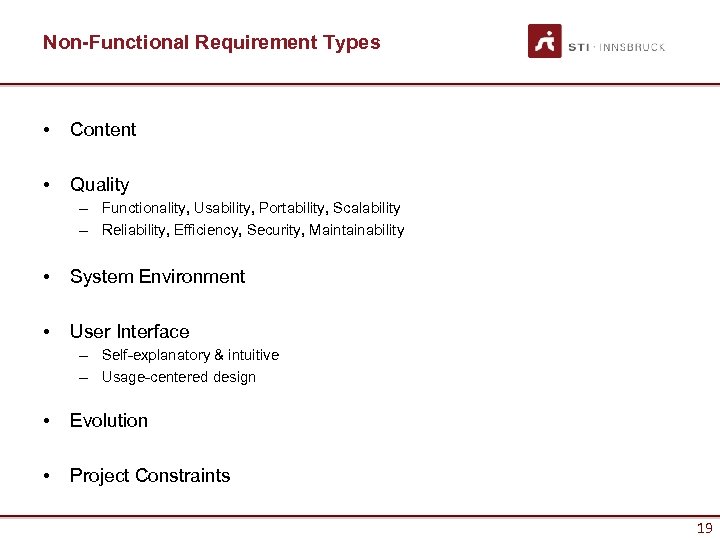
Non-Functional Requirement Types • Content • Quality – Functionality, Usability, Portability, Scalability – Reliability, Efficiency, Security, Maintainability • System Environment • User Interface – Self-explanatory & intuitive – Usage-centered design • Evolution • Project Constraints 19
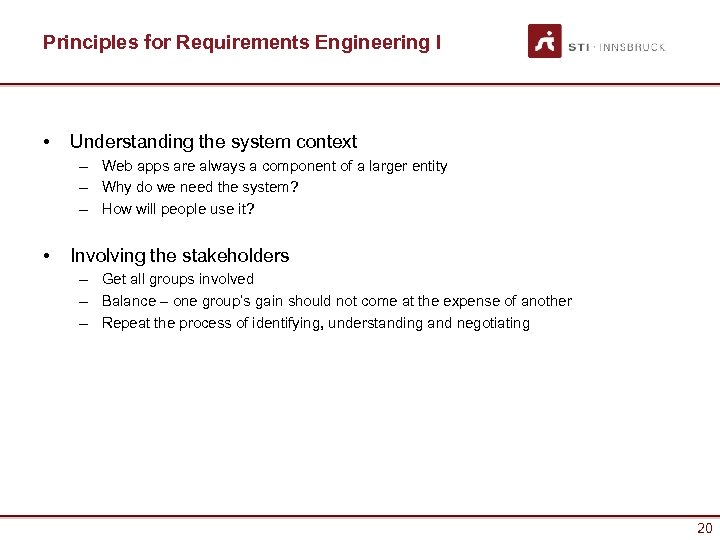
Principles for Requirements Engineering I • Understanding the system context – Web apps are always a component of a larger entity – Why do we need the system? – How will people use it? • Involving the stakeholders – Get all groups involved – Balance – one group’s gain should not come at the expense of another – Repeat the process of identifying, understanding and negotiating 20
Principles for Requirements Engineering II • Iteratively define requirements – Requirements need to be consistent with other system aspects (UI, content, test cases) – Start with key requirements at a high level; these will serve as the basis for: • Feasible architectures • Key system use cases • Initial plans for the project – As the project progresses, requirements can become more concrete 21
Principles for Requirements Engineering III • Focusing on the System Architecture – The “solution space” – existing technologies & legacy systems – defines the “problem space” – The architecture must be considered in the elicitation stage – Refine requirements and architecture iteratively with increasing level of detail 22
Principles for Requirements Engineering IV • Risk Orientation – Risk management is at the heart of the analysis process – What are the typical risks? • Integration issues w/ legacy systems • Expected vs. actual system quality • Inexperience of developers – How to mitigate risks? • Prototyping (avoid IKIWISI) • Show changes to customer iteratively • Integrate existing systems sooner than later 23
Specifics in Web Engineering • Is RE for the Web really that different than RE for conventional software? • Top 6 distinguishing characteristics – Multidisciplinary teams • Experts from various areas (multimedia, authors, software architects, usability experts, database experts, domain experts, …) – Unavailability of stakeholders • E. g. future users. Challenge is to find suitable representatives. – Rapidly changing requirements & constraints • Dynamics of Web (technology, devices, etc. ) – Unpredictable operational environment • Web changing constantly, usage is hard to predict, some factors are not under the control of the team. – No manual for the user interface • I know it when I see it. – Content Management • Provision and maintenance of content 24
Specifics in Web Engineering – Content Management: provision and maintenance of content. • Quality factors: – – – – Correctness Detail Objectivity Relevance Up to dateness Completeness Consistency Lack of experience with technology • • • Technologies are new New tools, techniques Wrong estimates 25
Adapting RE to Web Applications • There isn’t one single “right way” to do RE among the many methods, techniques, and tools available • For your Web application project, ask the following questions: – What are the critical requirements? – How should requirements be documented? – What tools should be used, if any? 26
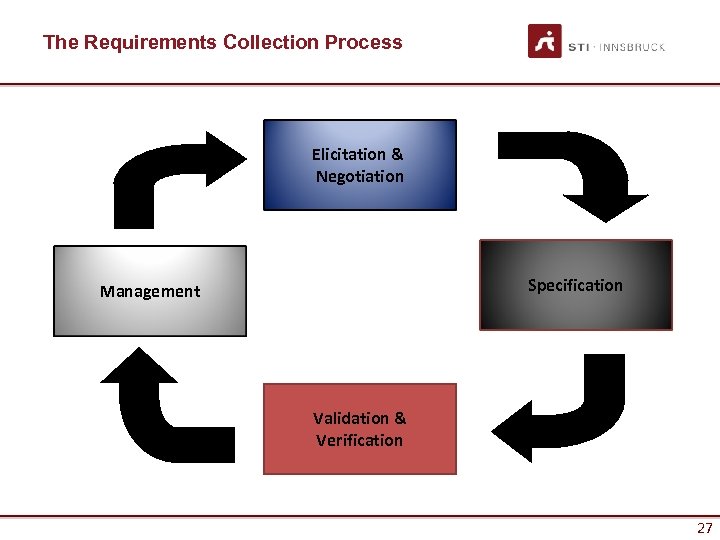
The Requirements Collection Process Elicitation & Negotiation Specification Management Validation & Verification 27
How to interact with Stakeholders ELICITATION & NEGOTIATION 28
Elicitation & Negotiation • Identify and involve (if possible) the stakeholders – Those that directly influence the requirements – Customers, users, developers • What are their expectations? – May be misaligned or in conflict. – May be too narrowly focused or unrealistic. • Why is the web application being developed in the first place? 29
Techniques for Elicitation & Negotiation • • Interviewing Joint Application Design Brainstorming Concept Mapping Storyboard Use Case Modeling Questionnaires Terminology Comparison 30
Challenges with Stakeholders - Mc. Connell (1996) • • Users don’t know what they want. Lack of commitment. Ever-expanding requirements. Communication delays. Users don’t take part in reviews. Users don’t understand the technology. Users don’t understand the process. 31
Challenges with Developers • Users and engineers/developers speak different “languages”. • The tendency to “shoe-horn” the requirements into an existing model – Saves time for developers, but results may not meet user’s needs. • Engineers & developers are also asked to do RE, but sometimes lack negotiating skills and domain knowledge. 32
How to “formalize” received inputs SPECIFICATION 33
Specification – Traditional RE • 4 main categories of notation – Stories • Plain-language scenarios; understandable to non-technical persons. – Itemized Requirements • Plain-language lists of requirements – Formatted Requirements • Accurately-defined, but allow for plain-language descriptions – Ex. Use case scenarios in UML – Formal Specifications • Expressed in formal syntax & semantics; rarely used in Web applications. 34
Specification – RE for Web Apps • So, what’s best for a Web development project? – Formatted requirements (i. e. use cases) and stories are heavily used – Low to medium accuracy is suitable for Web apps; formal specifications very rarely required. – Keep effort for eliciting and managing requirements low. – Scalability is (most likely) important. 35
VALIDATION AND MANAGEMENT 36
Validation • This step is essential to verify that requirements specification corresponds to user’s needs and customer’s requirements. • Iterative feedback from stakeholders is essential – Is the requirement feasible? – Do the results meet stakeholders’ expectations? • We will discuss testing in greater detail later 37
Validation Techniques • Review or walk-through – Reading and correcting the requirements definition documentation and models • Audit – Partial check of the results presented in the review documentation • Traceability Matrix – Comparison of the application objectives with the requirements of the system • Prototyping for Validation – Implement a partial set of functional requirements but provide a global vision of the user interface 38
Management • Several tools are available to support requirements management (also Open Source) – INCOSE Requirements Management Tools Survey • http: //www. incose. org/Products. Pubs/products/rmsurvey. aspx • Tool support is crucial for big projects • Enable – Traceability – Modifiability – Verifiability 39
Taken from Web. ML Acer Usecase: News management system EXAMPLE 40
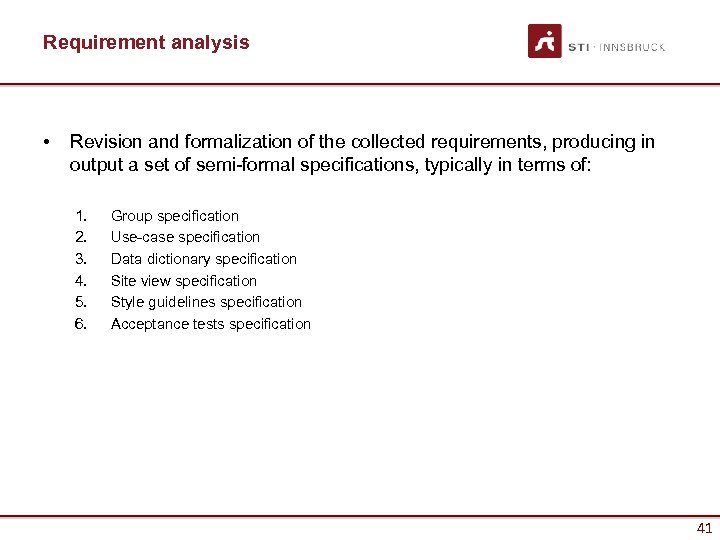
Requirement analysis • Revision and formalization of the collected requirements, producing in output a set of semi-formal specifications, typically in terms of: 1. 2. 3. 4. 5. 6. Group specification Use-case specification Data dictionary specification Site view specification Style guidelines specification Acceptance tests specification 41
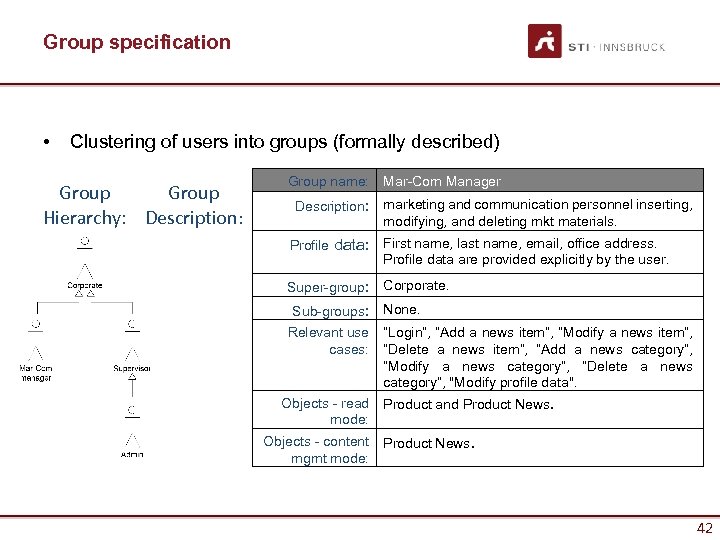
Group specification • Clustering of users into groups (formally described) Group Hierarchy: Description: Group name: Description: Mar-Com Manager marketing and communication personnel inserting, modifying, and deleting mkt materials. Profile data: First name, last name, email, office address. Profile data are provided explicitly by the user. Super-group: Corporate. Sub-groups: Relevant use cases: Objects - read mode: Objects - content mgmt mode: None. “Login”, “Add a news item”, “Modify a news item”, “Delete a news item”, “Add a news category”, “Modify a news category”, “Delete a news category”, "Modify profile data". Product and Product News. 42
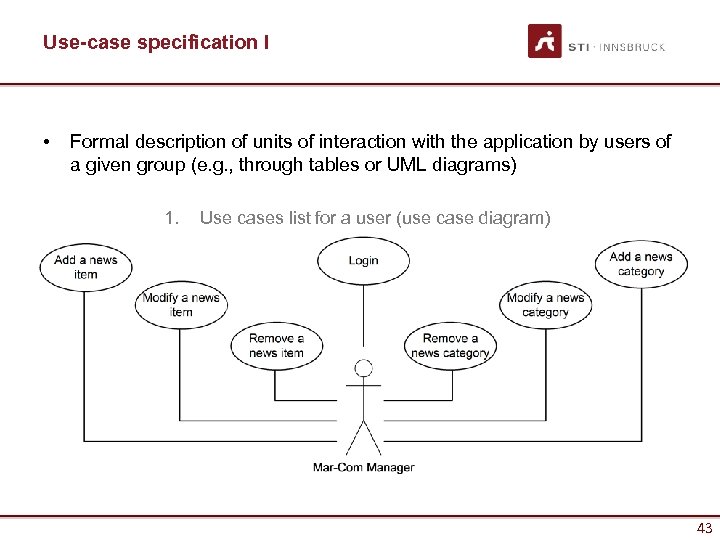
Use-case specification I • Formal description of units of interaction with the application by users of a given group (e. g. , through tables or UML diagrams) 1. Use cases list for a user (use case diagram) 43
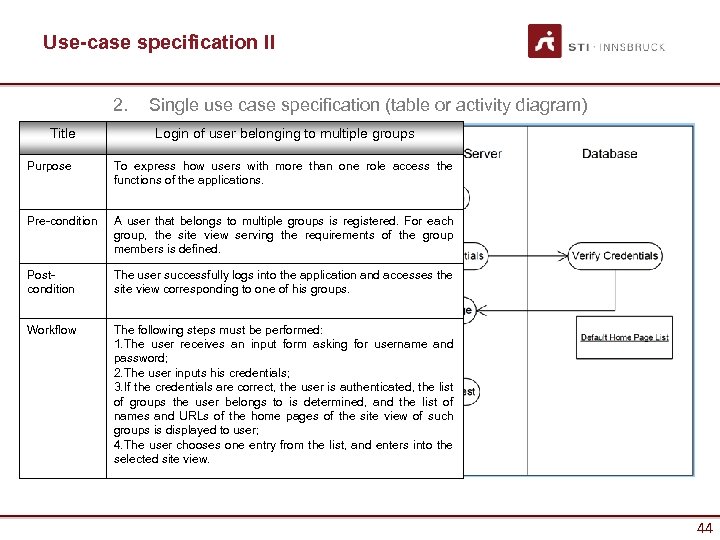
Use-case specification II 2. Title Single use case specification (table or activity diagram) Login of user belonging to multiple groups Purpose To express how users with more than one role access the functions of the applications. Pre-condition A user that belongs to multiple groups is registered. For each group, the site view serving the requirements of the group members is defined. Postcondition The user successfully logs into the application and accesses the site view corresponding to one of his groups. Workflow The following steps must be performed: 1. The user receives an input form asking for username and password; 2. The user inputs his credentials; 3. If the credentials are correct, the user is authenticated, the list of groups the user belongs to is determined, and the list of names and URLs of the home pages of the site view of such groups is displayed to user; 4. The user chooses one entry from the list, and enters into the selected site view. 44
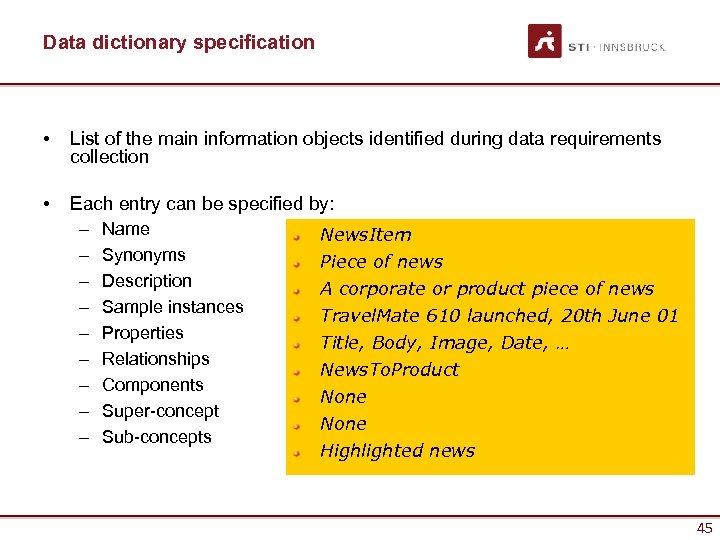
Data dictionary specification • List of the main information objects identified during data requirements collection • Each entry can be specified by: – Name News. Item – Synonyms Piece of news – Description A corporate or product piece of news – Sample instances Travel. Mate 610 launched, 20 th June 01 – Properties Title, Body, Image, Date, … – Relationships News. To. Product – Components None – Super-concept None – Sub-concepts Highlighted news 45
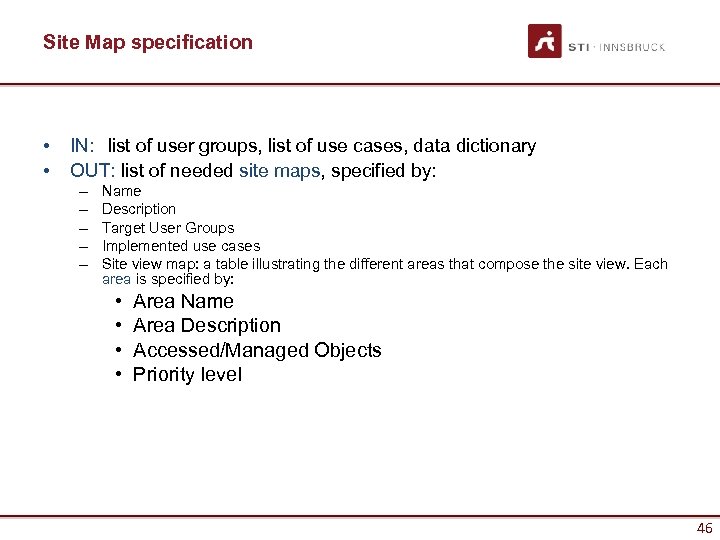
Site Map specification • • IN: list of user groups, list of use cases, data dictionary OUT: list of needed site maps, specified by: – – – Name Description Target User Groups Implemented use cases Site view map: a table illustrating the different areas that compose the site view. Each area is specified by: • • Area Name Area Description Accessed/Managed Objects Priority level 46
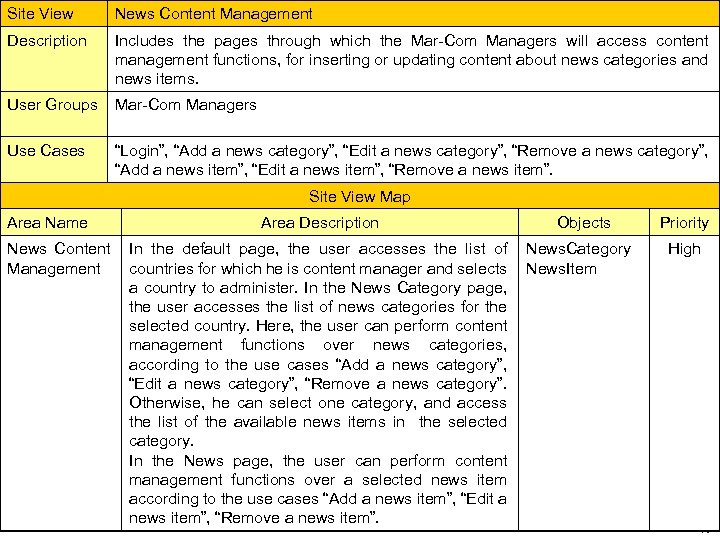
Site View Description 1. 2. d News Content Management Includes specification example Site view the pages through which the Mar-Com Managers will access content management functions, for inserting or updating content about news categories and news items. User Groups Mar-Com Managers Use Cases “Login”, “Add a news category”, “Edit a news category”, “Remove a news category”, “Add a news item”, “Edit a news item”, “Remove a news item”. Site View Map Area Name News Content Management Area Description In the default page, the user accesses the list of countries for which he is content manager and selects a country to administer. In the News Category page, the user accesses the list of news categories for the selected country. Here, the user can perform content management functions over news categories, according to the use cases “Add a news category”, “Edit a news category”, “Remove a news category”. Otherwise, he can select one category, and access the list of the available news items in the selected category. In the News page, the user can perform content management functions over a selected news item according to the use cases “Add a news item”, “Edit a news item”, “Remove a news item”. Objects News. Category News. Item Priority High 47
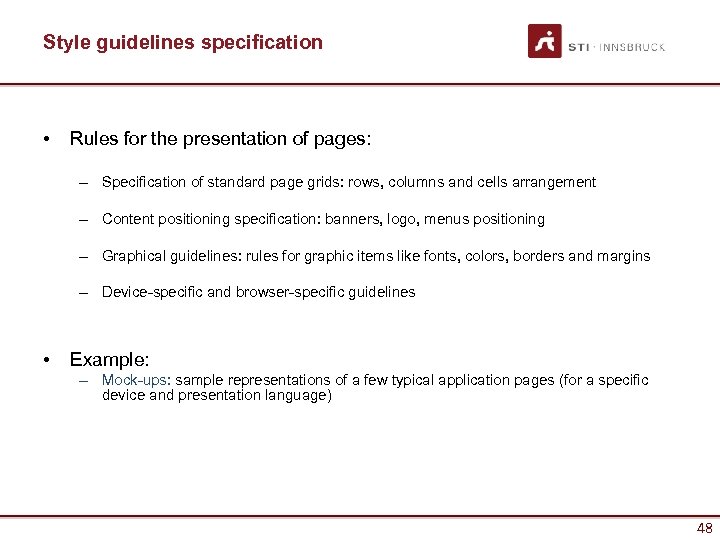
Style guidelines specification • Rules for the presentation of pages: – Specification of standard page grids: rows, columns and cells arrangement – Content positioning specification: banners, logo, menus positioning – Graphical guidelines: rules for graphic items like fonts, colors, borders and margins – Device-specific and browser-specific guidelines • Example: – Mock-ups: sample representations of a few typical application pages (for a specific device and presentation language) 48
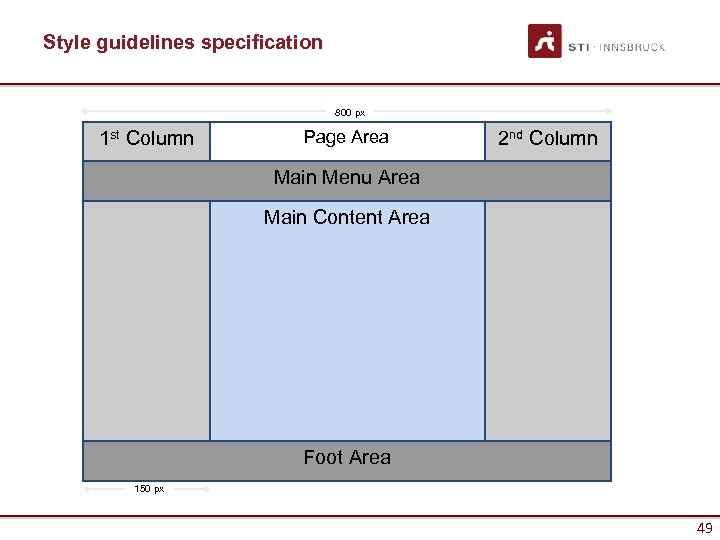
Style guidelines specification 800 px 1 st Column Page Area 2 nd Column Main Menu Area Main Content Area Foot Area 150 px 49
That’s almost all for day… WRAP-UP 50
Things to keep in mind • Know your Audience & Objectives – Balancing stakeholder interests – Focus on high-level requirements first • Elicitation & Negotiation is a learning process • Requirements Engineering requires flexibility – Iterative changes should be expected – Be sure stakeholders understand this! • Clear documentation is critical 51
Bibliography • Mandatory reading – Kappel, G. , Proll, B. Reich, S. & Retschitzegger, W. (2006). Web Engineering, Wiley & Sons. 2 nd Chapter – M. J. Escalona and N. Koch, Requirements Engineering for Web Applications - A Comparative Study, JWE Vol. 2, N. 3 • Suggested – IEEE Recommended Practice for Software Requirements Specifications • IEEE Std 830 -1998 • Wiki and Web references – Requirements Management http: //en. wikipedia. org/wiki/Requirements_management 52
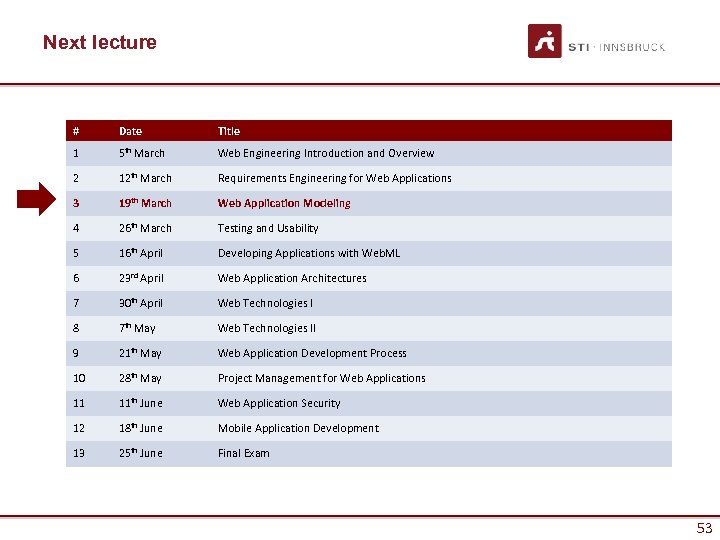
Next lecture # Date Title 1 5 th March Web Engineering Introduction and Overview 2 12 th March Requirements Engineering for Web Applications 3 19 th March Web Application Modeling 4 26 th March Testing and Usability 5 16 th April Developing Applications with Web. ML 6 23 rd April Web Application Architectures 7 30 th April Web Technologies I 8 7 th May Web Technologies II 9 21 th May Web Application Development Process 10 28 th May Project Management for Web Applications 11 11 th June Web Application Security 12 18 th June Mobile Application Development 13 25 th June Final Exam 53
Questions? 54
Скачать презентацию Web Engineering Requirements Engineering for Web Applications
e1d28fe5126f9e2c2ed81f1f5713e244.ppt