 Скачать презентацию Web Design Introduction Professor Pepper 2 Computers
286fc60cb3bb5af8f0460512b660ca0f.ppt
- Количество слайдов: 8



Web Design Introduction Professor Pepper
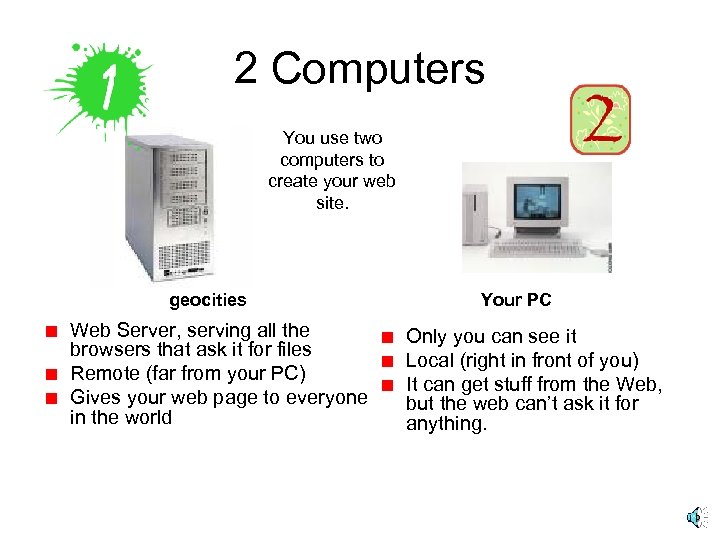
2 Computers You use two computers to create your web site. geocities Web Server, serving all the browsers that ask it for files Remote (far from your PC) Gives your web page to everyone in the world Your PC Only you can see it Local (right in front of you) It can get stuff from the Web, but the web can’t ask it for anything.
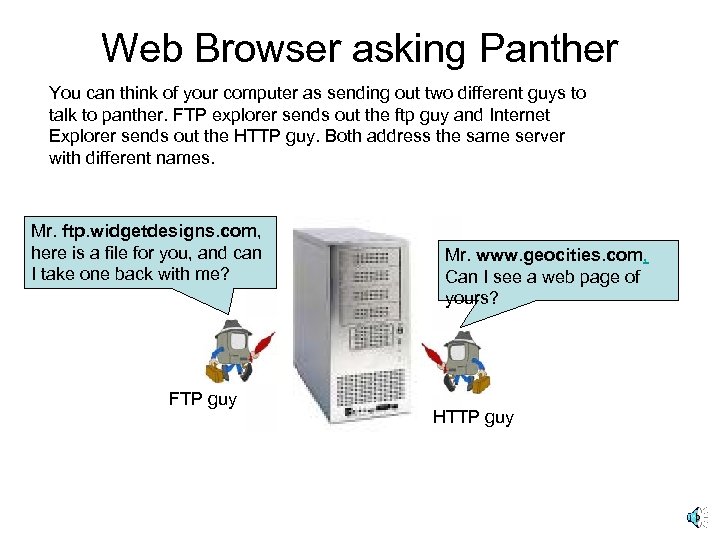
Web Browser asking Panther You can think of your computer as sending out two different guys to talk to panther. FTP explorer sends out the ftp guy and Internet Explorer sends out the HTTP guy. Both address the same server with different names. Mr. ftp. widgetdesigns. com, here is a file for you, and can I take one back with me? FTP guy Mr. www. geocities. com, Can I see a web page of yours? HTTP guy
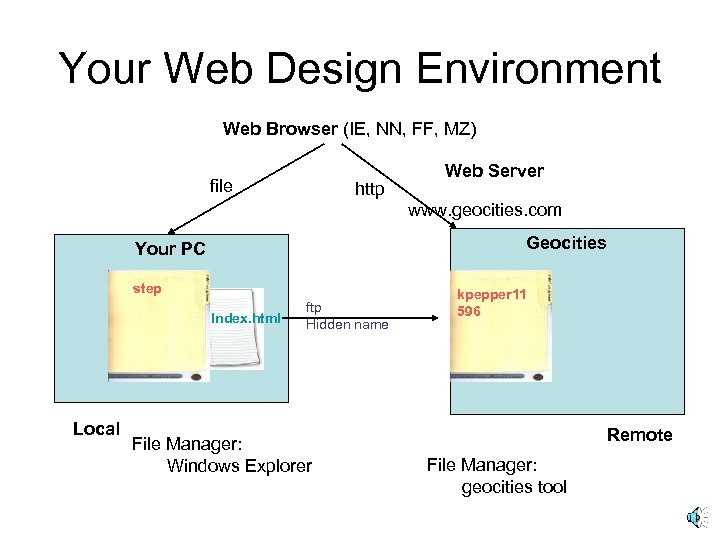
Your Web Design Environment Web Browser (IE, NN, FF, MZ) file http Web Server www. geocities. com Geocities Your PC step Index. html Local ftp Hidden name File Manager: Windows Explorer kpepper 11 596 Remote File Manager: geocities tool
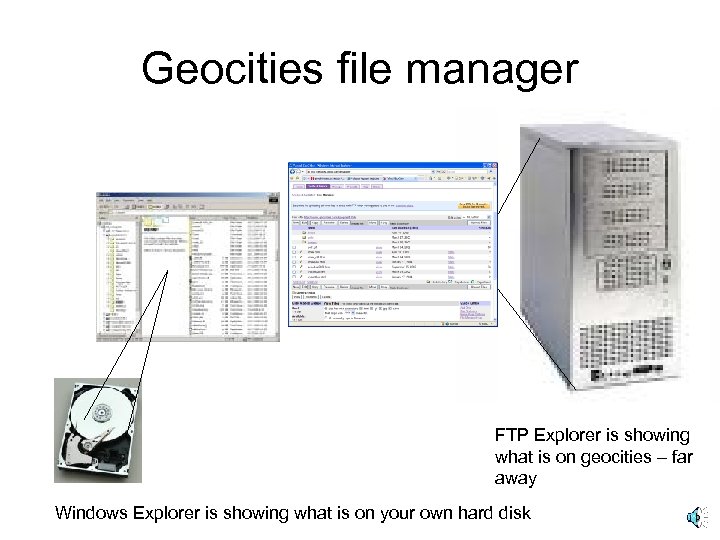
Geocities file manager FTP Explorer is showing what is on geocities – far away Windows Explorer is showing what is on your own hard disk
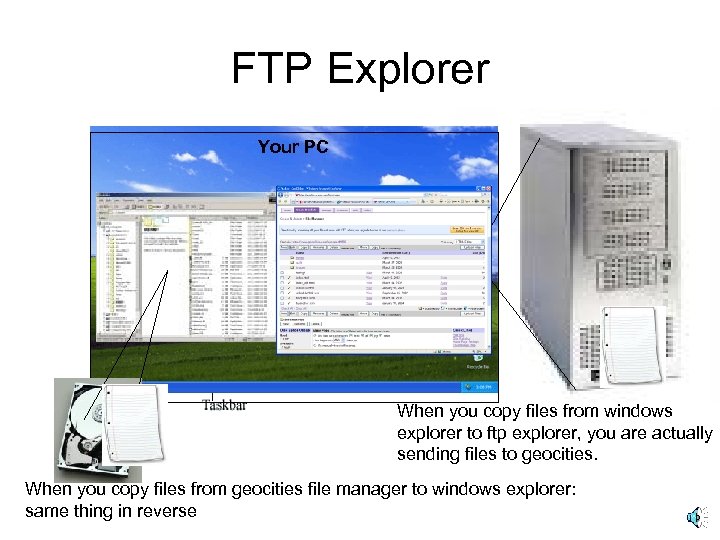
FTP Explorer Your PC When you copy files from windows explorer to ftp explorer, you are actually sending files to geocities. When you copy files from geocities file manager to windows explorer: same thing in reverse
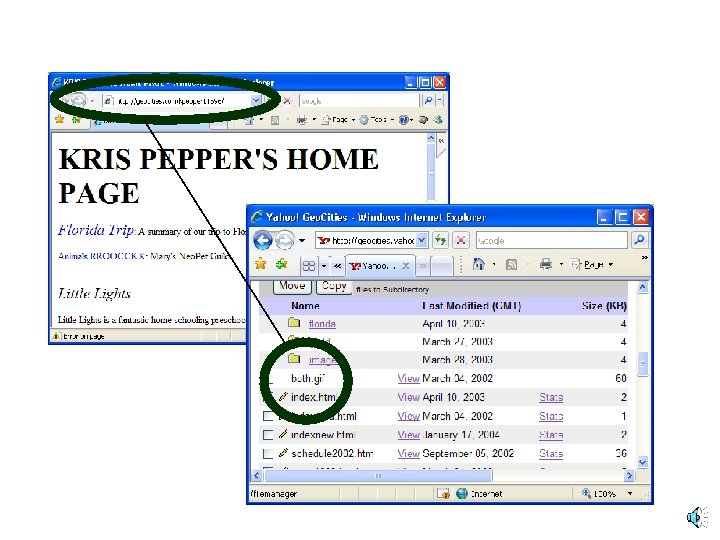
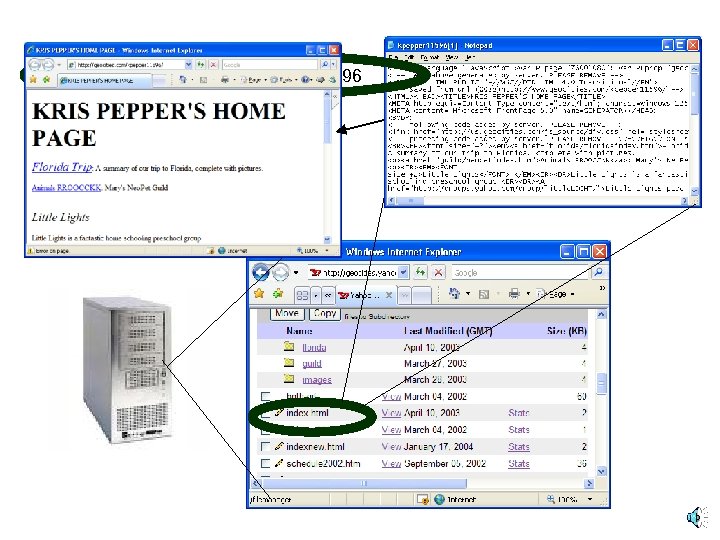
www. geocities. com/kpepper 11596
Скачать презентацию Web Design Introduction Professor Pepper 2 Computers
286fc60cb3bb5af8f0460512b660ca0f.ppt