 Скачать презентацию Web Collaboration Tools WWG 2010 A presentation and
ba464f65de7ca1a1a9b7c914b7106f24.ppt
- Количество слайдов: 83



Web Collaboration Tools WWG 2010 A presentation and discussion of what tools staff use to collaborate with external partners. Where do EPA's enterprise tools fall short? What are the best approaches to fill those needs? What are the web policy barriers to web-based collaboration, and how to do we work within those constraints? What we're allowed to do, what we're not allowed to do, and what we can do within those constraints to best accomplish standard work tasks
Agenda 8: 30 - 9: 30 am- Presentations by Jean, Kol, Jeremy. 9: 30 -10: 20 am- Discussion. Brainstorm about viable approaches moving forward. -------------------- Introduction (30 minutes) Kol 1. 2. 3. Kol has been working on leveraging 3 rd party tools. Jean has a handle on what EPA actually has to offer. Jeremy has run web-based collaboration sites for EPA and other cross-agency workgroups. 1. definitions of types of web conferencing tools/functionality 2. dealing with federal constraints. Jean - Tools (30 mins) 1. focus on tools in-house at EPA and real-time tools such as web conferencing 2. matrix of tool availability Jeremy - How to get group to use tools for collaboration (15 minutes) 1. building collaborative community, 2. asynchronous communication tools such as group sites --------------------- Group Discussion. Biggest complaints/needs. What next?
First let's define what we're talking about. Definitions of Web Collaboration/Web Conference Functions Synchronous 1. Video conferencing – streaming from video hardware to other video hardware 2. Video chat- streaming from webcam to webcam via web browser or free app 3. Screen sharing- sharing desktop with others two way 4. Webcasting - sharing desktop with others one way 5. Instant messaging- sharing text and small graphics with others 6. Audio conferencing- groups of people talking to one another remotely Asynchronous 1. Media/ document sharing workspace - hosting content and documents for others to view and download 2. Document collaboration - collaborating on documents together virtually 3. Discussions forum- facilitating collective knowledge management. 4. Listservs- archived and managed email database tool with a defined groups 5. Wikis- web pages that anyone can edit 6. Social networking - systems for direct or broadly distributed communication with identified individuals 7. Social voting tools, comments, discussion threads- user feedback on items 8. Blogs- one to many, archived, search-able communication Other functions/needs?
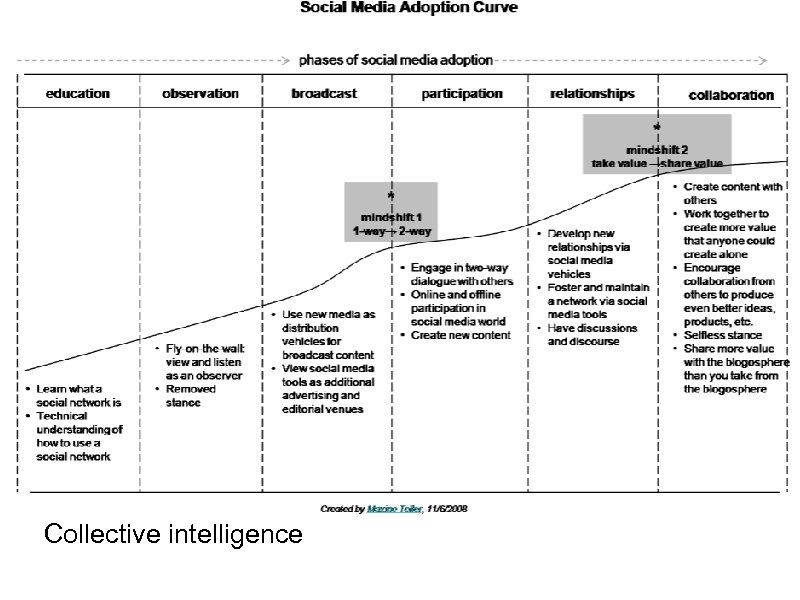
Collective intelligence


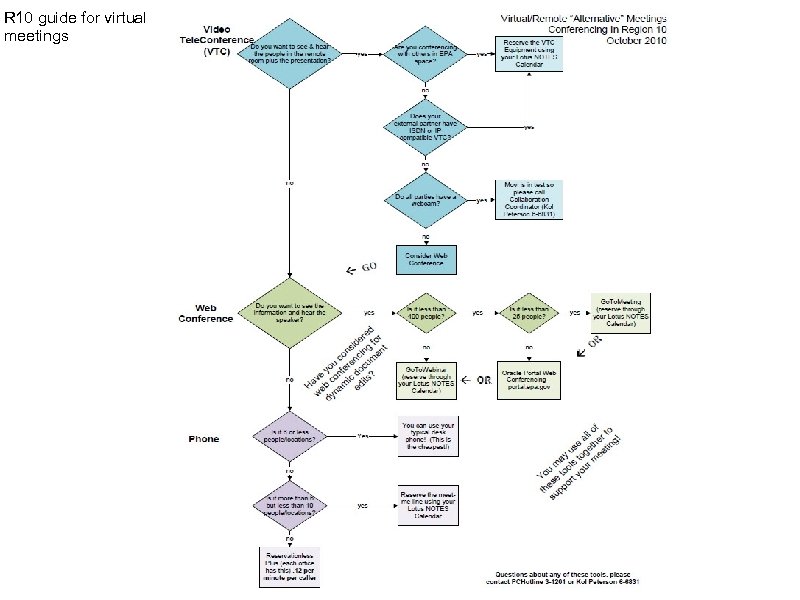
R 10 guide for virtual meetings
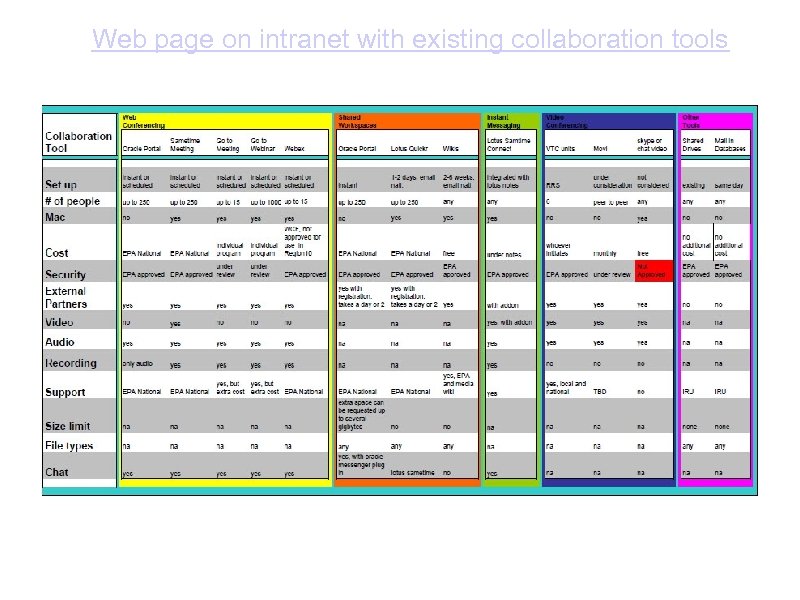
Web page on intranet with existing collaboration tools
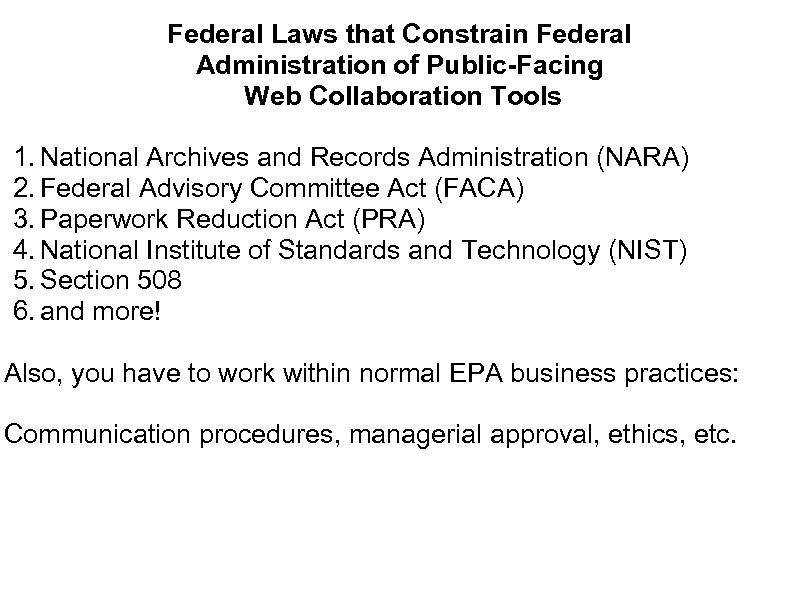
Federal Laws that Constrain Federal Administration of Public-Facing Web Collaboration Tools 1. National Archives and Records Administration (NARA) 2. Federal Advisory Committee Act (FACA) 3. Paperwork Reduction Act (PRA) 4. National Institute of Standards and Technology (NIST) 5. Section 508 6. and more! Also, you have to work within normal EPA business practices: Communication procedures, managerial approval, ethics, etc.
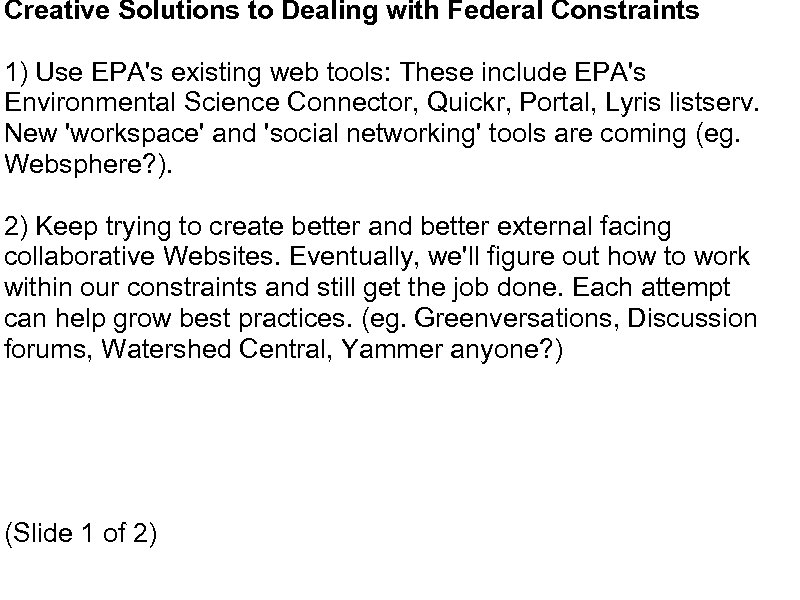
Creative Solutions to Dealing with Federal Constraints 1) Use EPA's existing web tools: These include EPA's Environmental Science Connector, Quickr, Portal, Lyris listserv. New 'workspace' and 'social networking' tools are coming (eg. Websphere? ). 2) Keep trying to create better and better external facing collaborative Websites. Eventually, we'll figure out how to work within our constraints and still get the job done. Each attempt can help grow best practices. (eg. Greenversations, Discussion forums, Watershed Central, Yammer anyone? ) (Slide 1 of 2)
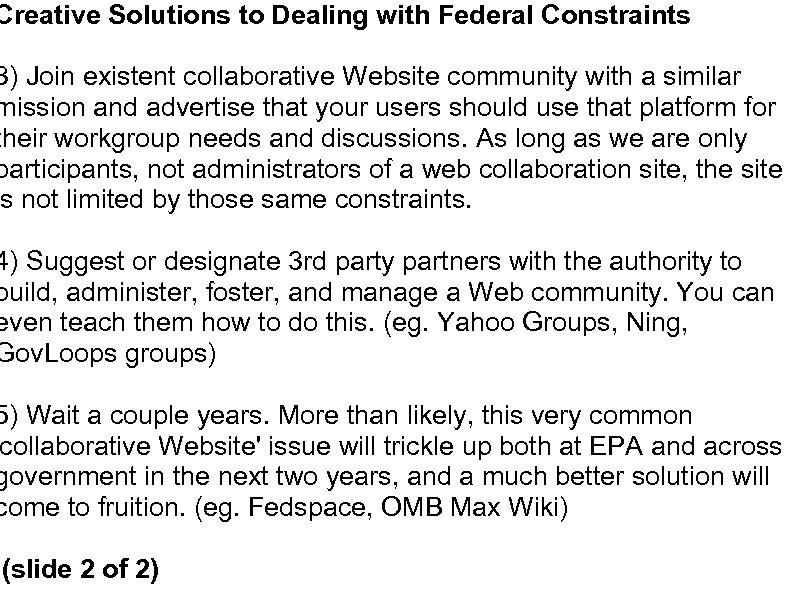
Creative Solutions to Dealing with Federal Constraints 3) Join existent collaborative Website community with a similar mission and advertise that your users should use that platform for their workgroup needs and discussions. As long as we are only participants, not administrators of a web collaboration site, the site is not limited by those same constraints. 4) Suggest or designate 3 rd party partners with the authority to build, administer, foster, and manage a Web community. You can even teach them how to do this. (eg. Yahoo Groups, Ning, Gov. Loops groups) 5) Wait a couple years. More than likely, this very common collaborative Website' issue will trickle up both at EPA and across government in the next two years, and a much better solution will come to fruition. (eg. Fedspace, OMB Max Wiki) (slide 2 of 2)
Collaboration Tools What does EPA have to offer? Jean M Balent, OSWER Technology Innovation and Field Services Division
A reminder before we look at collaboration tools 1. Everything that we will cover today is a tool, not a salvation 2. These tools can be used to efficiently communicate with team members and centrally manage information for a project 3. Their success depends on your implementation, enforcement, and support!
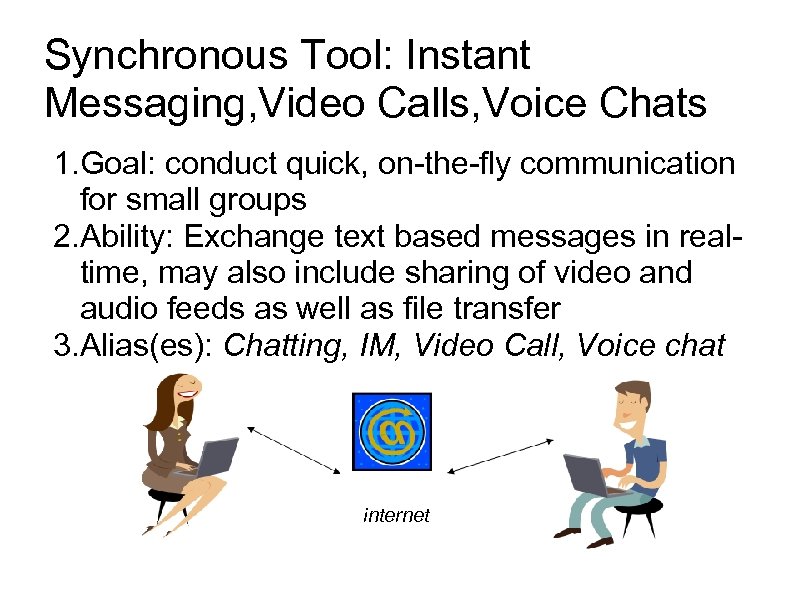
Synchronous Tool: Instant Messaging, Video Calls, Voice Chats 1. Goal: conduct quick, on-the-fly communication for small groups 2. Ability: Exchange text based messages in realtime, may also include sharing of video and audio feeds as well as file transfer 3. Alias(es): Chatting, IM, Video Call, Voice chat internet
Why would you use this? Everlasting conference call….
Why would you use this? 1. Emails can be inaccessible due to travel or become “lost” 2. People may work in multiple locations so you may never know where to find them/how to reach them 3. Telephone/emails lack personal “face-toface” interaction 4. Internal video conferencing equipment may be inaccessible
Instant Messaging Tools available across EPA Any EPA employee may use these tools with EPA and some with non-EPA participants 1. Sametime Connect 1. 2. Available in Lotus Notes Download from External Sametime Server https: //epastx. rtp. epa. gov/stsrc. nsf/Web. Connect. Launch? Open Form 2. Oracle Messenger 1. Download http: //hawkeye. epa. gov/welcome/download. jsp 3. AOL’s Instant Messenger 1. Download www. aim. com
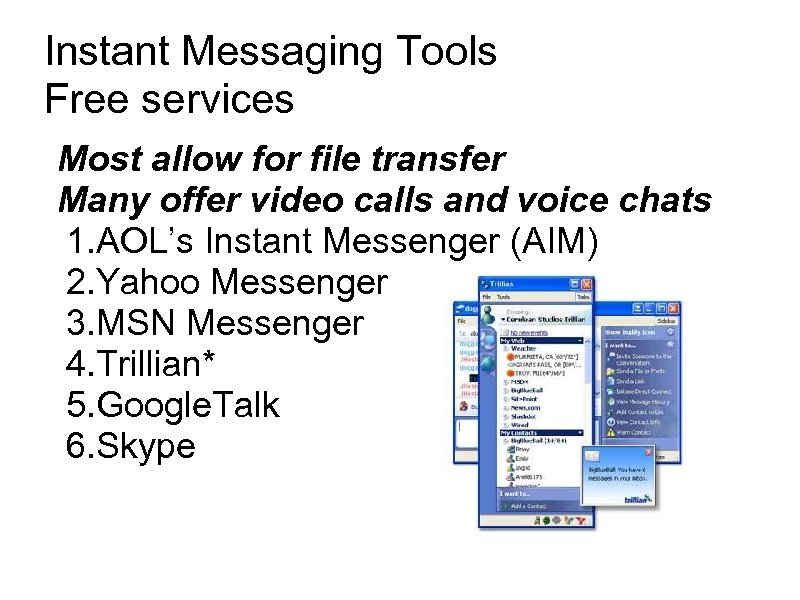
Instant Messaging Tools Free services Most allow for file transfer Many offer video calls and voice chats 1. AOL’s Instant Messenger (AIM) 2. Yahoo Messenger 3. MSN Messenger 4. Trillian* 5. Google. Talk 6. Skype
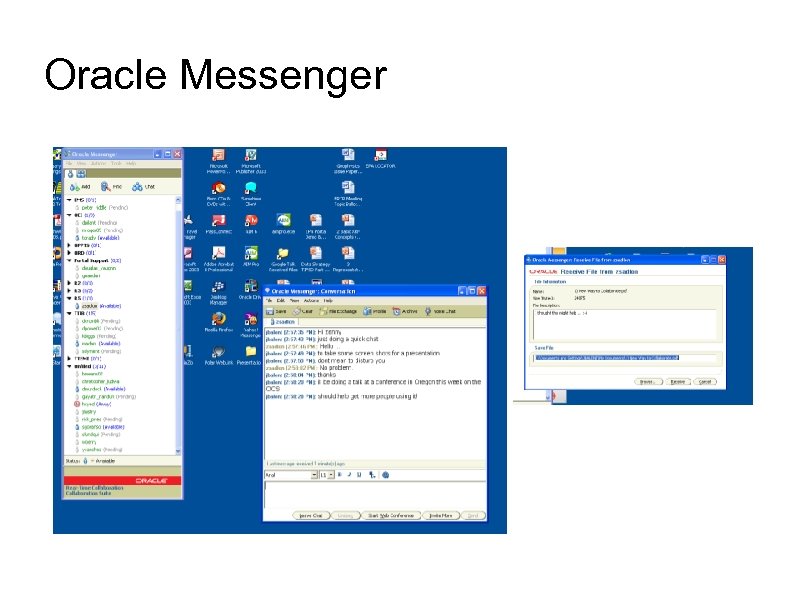
Oracle Messenger
Oracle Messenger Pros 1. Send real time text messages to users logged in 2. Stores archived messages for offline users 3. Use with EPA and sponsored non-EPA 4. Auto updating user status 5. Send files through a chat interface 6. Open web conference with 1 click 7. Use mic to enhance communication 8. Create and share contact lists 9. Save chats in history Cons 1. Many people do not understand why they would chat instead of email, call or go see person 2. No video sharing 3. Must manually add users to contact list 4. Must create an account to use for external partners 5. No linkage with other popular IM integration clients (eg AIM, Google. Talk, MSN Messenger, Yahoo Messenger, etc) 6. File exchange only supported behind firewall 7. No web version, must install desktop app
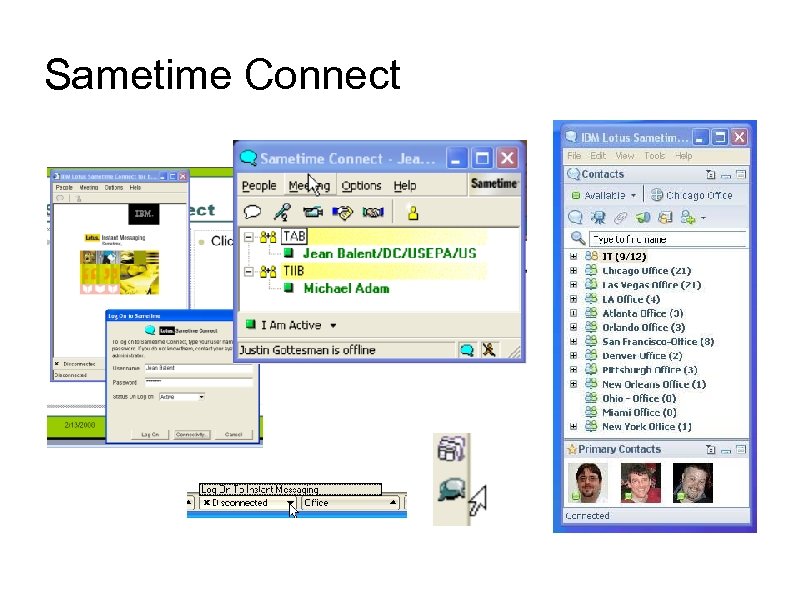
Sametime Connect
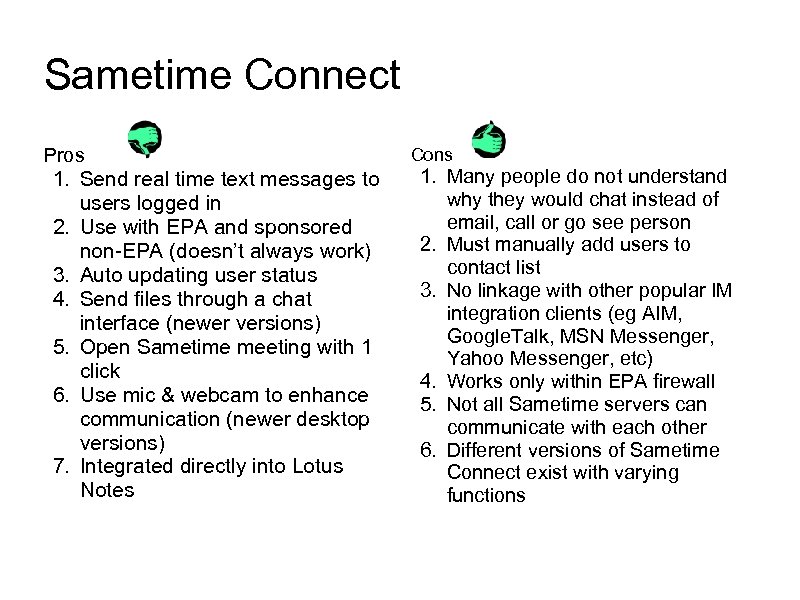
Sametime Connect Pros 1. Send real time text messages to users logged in 2. Use with EPA and sponsored non-EPA (doesn’t always work) 3. Auto updating user status 4. Send files through a chat interface (newer versions) 5. Open Sametime meeting with 1 click 6. Use mic & webcam to enhance communication (newer desktop versions) 7. Integrated directly into Lotus Notes Cons 1. Many people do not understand why they would chat instead of email, call or go see person 2. Must manually add users to contact list 3. No linkage with other popular IM integration clients (eg AIM, Google. Talk, MSN Messenger, Yahoo Messenger, etc) 4. Works only within EPA firewall 5. Not all Sametime servers can communicate with each other 6. Different versions of Sametime Connect exist with varying functions
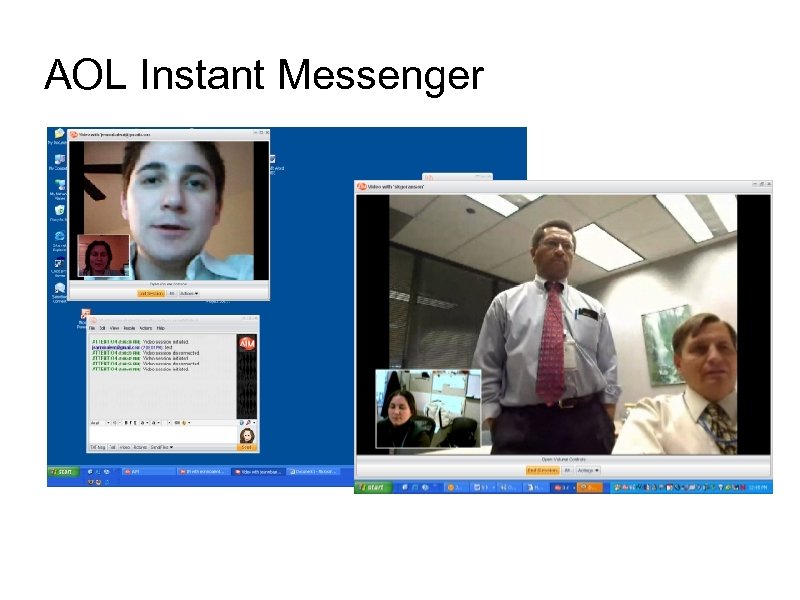
AOL Instant Messenger
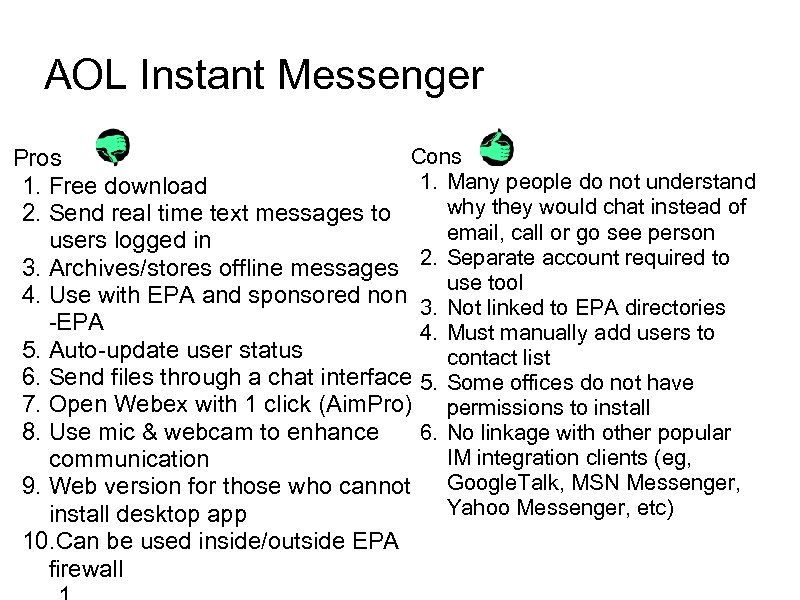
AOL Instant Messenger Cons Pros 1. Many people do not understand 1. Free download why they would chat instead of 2. Send real time text messages to email, call or go see person users logged in 3. Archives/stores offline messages 2. Separate account required to use tool 4. Use with EPA and sponsored non 3. Not linked to EPA directories -EPA 4. Must manually add users to 5. Auto-update user status contact list 6. Send files through a chat interface 5. Some offices do not have 7. Open Webex with 1 click (Aim. Pro) permissions to install 8. Use mic & webcam to enhance 6. No linkage with other popular IM integration clients (eg, communication 9. Web version for those who cannot Google. Talk, MSN Messenger, Yahoo Messenger, etc) install desktop app 10. Can be used inside/outside EPA firewall
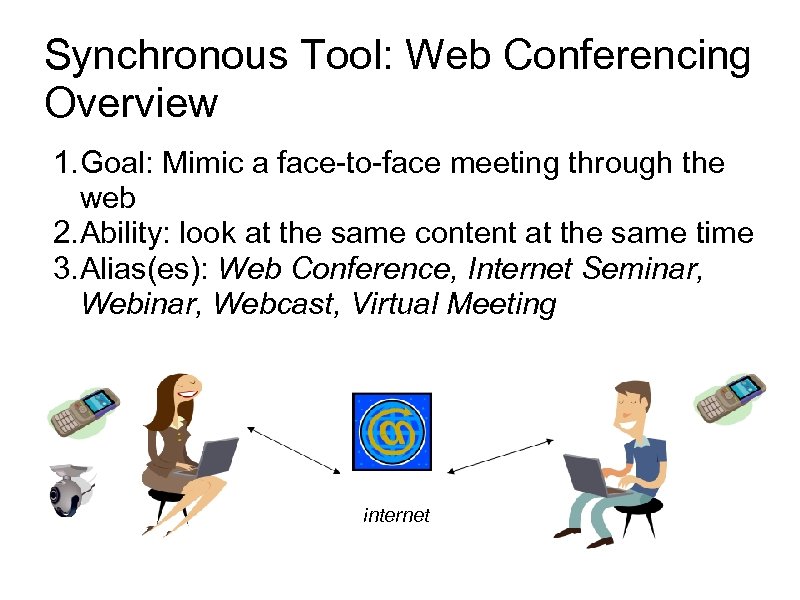
Synchronous Tool: Web Conferencing Overview 1. Goal: Mimic a face-to-face meeting through the web 2. Ability: look at the same content at the same time 3. Alias(es): Web Conference, Internet Seminar, Webcast, Virtual Meeting internet
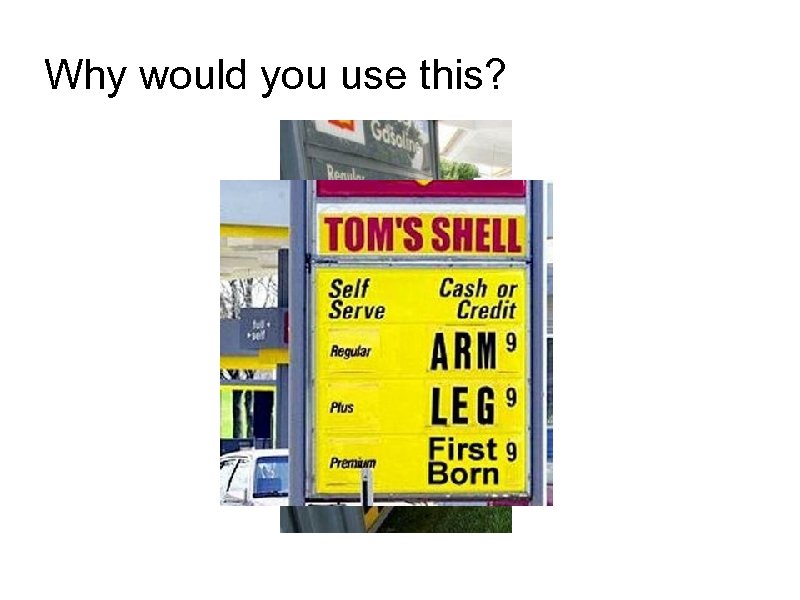
Why would you use this?
Why would you use this tool? 1. Limited travel funds 2. Reduced budgets for training 3. Schedule conflicts make travel difficult 4. Flexiplace, Alternative Work Schedule have staff spread out physically 5. Pandemic Situations, COOP 6. Increased need to outreach to public & partners
Web Conferencing Tools available across EPA Any EPA employee may use these tools with EPA and non-EPA participants 1. Oracle Web Conference 1. http: //portal. epa. gov/webconference 2. Sametime 1. https: //epastx. rtp. epa. gov/epacenter. nsf 3. Web. Ex or Microsoft Live Meeting through Meeting Visuals (WCF) 1. www. meetingvisuals. com
Web Conferencing Tools Commercial Services (pay to use) Participating in events is free, scheduling/hosting events costs $ Most offer free trials 1. Web. Ex 2. Go. To. Meeting/Goto. Webinar 3. Sametime 4. Microsoft Live Meeting (formerly Netmeeting) 5. Adobe Connect
Web Conferencing Tools Free services Usually allow free meetings between limited groups (2 -10), disable advanced features like recording 1. AIM Pro – coupled with Web. Ex 2. Vyew. com 3. Mikongo. com 4. Dimdim. com
Sametime 1. Screenshare to allow others to view materials available only on your desktop (eg modeling software) 2. Chatting 3. Upload files in advance for annotation 4. Send instant messages and files to your coworkers in real time (Sametime Connect) 5. Communicate with computer audio and video * 6. Edit shared files and saving you changes 7. Send Web pages and poll questions to meeting participants 8. Whiteboard to actively graphically illustrate 9. Record your meeting so that other people can view it later *
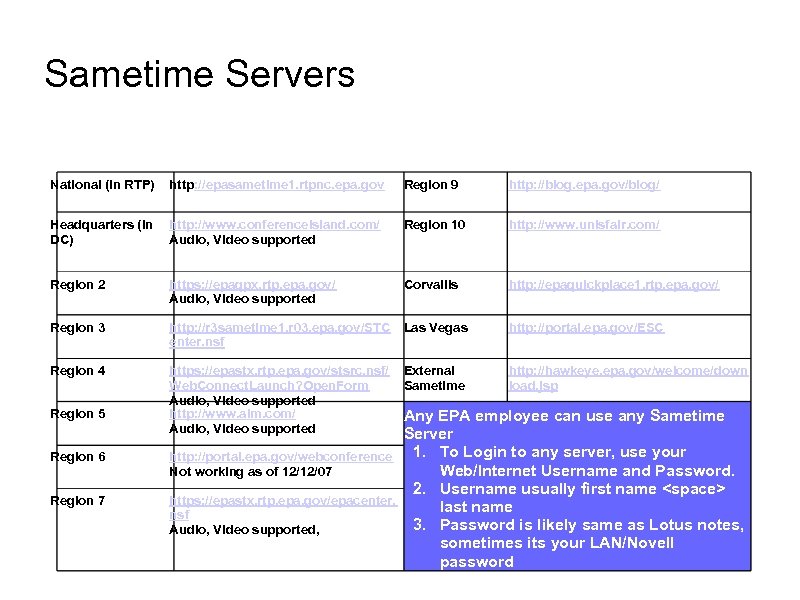
Sametime Servers National (in RTP) Region 9 http: //blog. epa. gov/blog/ Headquarters (in http: //www. conferenceisland. com/ DC) Audio, Video supported Region 10 http: //www. unisfair. com/ Region 2 https: //epaqpx. rtp. epa. gov/ Audio, Video supported Corvallis http: //epaquickplace 1. rtp. epa. gov/ Region 3 http: //r 3 sametime 1. r 03. epa. gov/STC enter. nsf Las Vegas http: //portal. epa. gov/ESC Region 4 https: //epastx. rtp. epa. gov/stsrc. nsf/ Web. Connect. Launch? Open. Form Audio, Video supported http: //www. aim. com/ Audio, Video supported External Sametime http: //hawkeye. epa. gov/welcome/down load. jsp Region 5 Region 6 Region 7 http: //epasametime 1. rtpnc. epa. gov Any EPA employee can use any Sametime Server 1. To Login to any server, use your http: //portal. epa. gov/webconference Web/Internet Username and Password. Not working as of 12/12/07 2. Username usually first name <space> https: //epastx. rtp. epa. gov/epacenter. last name nsf 3. Password is likely same as Lotus notes, Audio, Video supported, sometimes its your LAN/Novell password
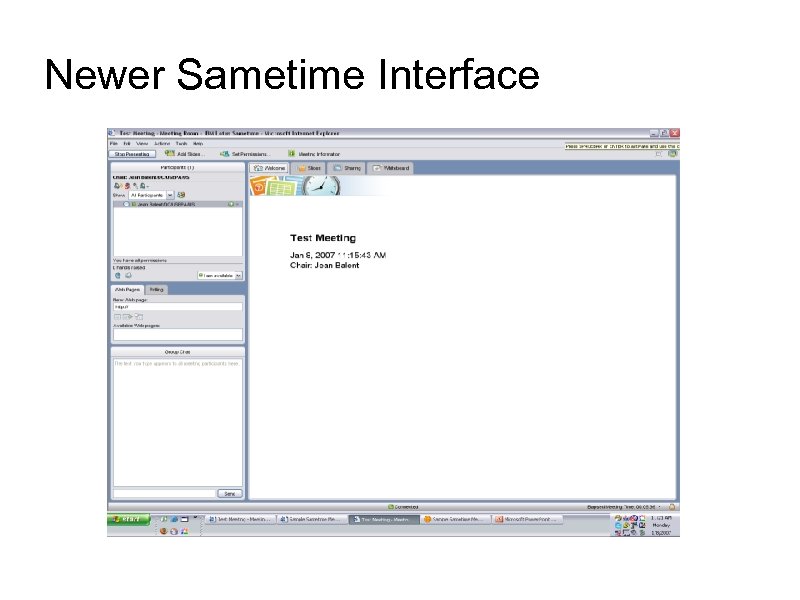
Newer Sametime Interface
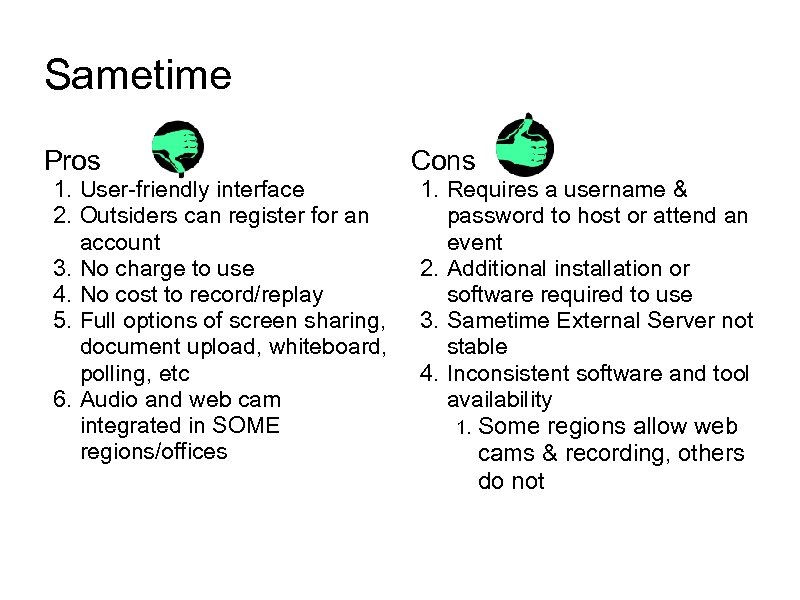
Sametime Pros 1. User-friendly interface 2. Outsiders can register for an account 3. No charge to use 4. No cost to record/replay 5. Full options of screen sharing, document upload, whiteboard, polling, etc 6. Audio and web cam integrated in SOME regions/offices Cons 1. Requires a username & password to host or attend an event 2. Additional installation or software required to use 3. Sametime External Server not stable 4. Inconsistent software and tool availability 1. Some regions allow web cams & recording, others do not
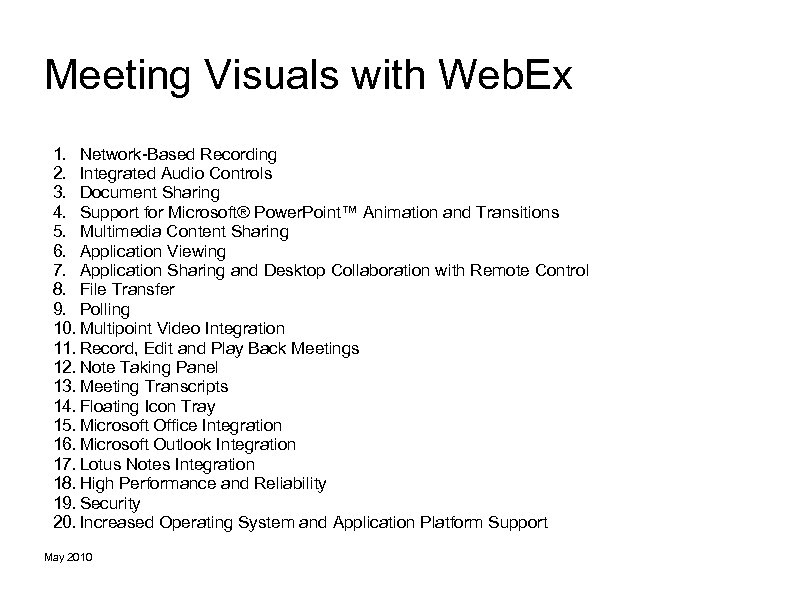
Meeting Visuals with Web. Ex 1. Network-Based Recording 2. Integrated Audio Controls 3. Document Sharing 4. Support for Microsoft® Power. Point™ Animation and Transitions 5. Multimedia Content Sharing 6. Application Viewing 7. Application Sharing and Desktop Collaboration with Remote Control 8. File Transfer 9. Polling 10. Multipoint Video Integration 11. Record, Edit and Play Back Meetings 12. Note Taking Panel 13. Meeting Transcripts 14. Floating Icon Tray 15. Microsoft Office Integration 16. Microsoft Outlook Integration 17. Lotus Notes Integration 18. High Performance and Reliability 19. Security 20. Increased Operating System and Application Platform Support May 2010
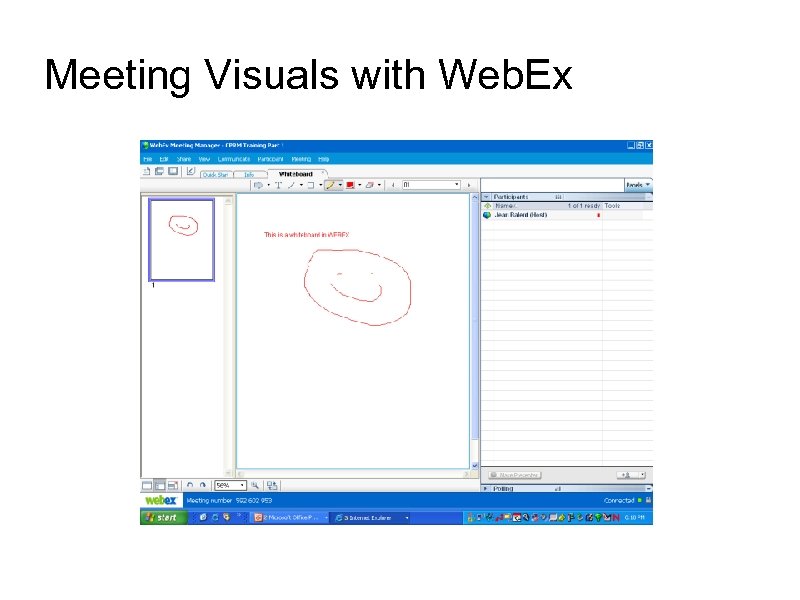
Meeting Visuals with Web. Ex
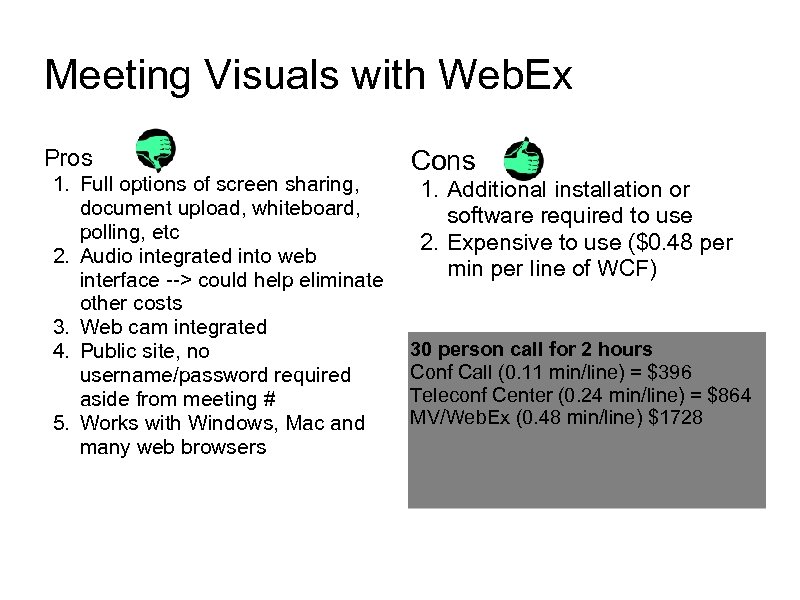
Meeting Visuals with Web. Ex Pros 1. Full options of screen sharing, document upload, whiteboard, polling, etc 2. Audio integrated into web interface --> could help eliminate other costs 3. Web cam integrated 4. Public site, no username/password required aside from meeting # 5. Works with Windows, Mac and many web browsers Cons 1. Additional installation or software required to use 2. Expensive to use ($0. 48 per min per line of WCF) 30 person call for 2 hours Conf Call (0. 11 min/line) = $396 Teleconf Center (0. 24 min/line) = $864 MV/Web. Ex (0. 48 min/line) $1728
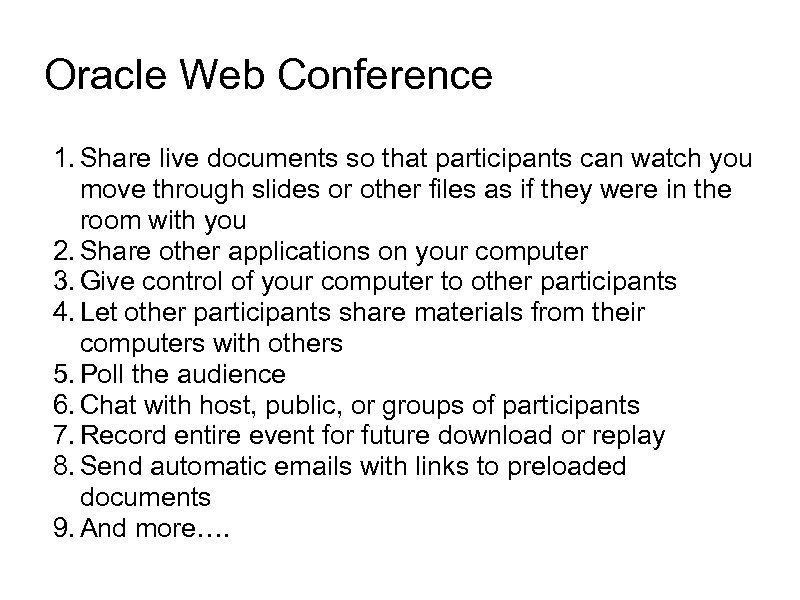
Oracle Web Conference 1. Share live documents so that participants can watch you move through slides or other files as if they were in the room with you 2. Share other applications on your computer 3. Give control of your computer to other participants 4. Let other participants share materials from their computers with others 5. Poll the audience 6. Chat with host, public, or groups of participants 7. Record entire event for future download or replay 8. Send automatic emails with links to preloaded documents 9. And more….
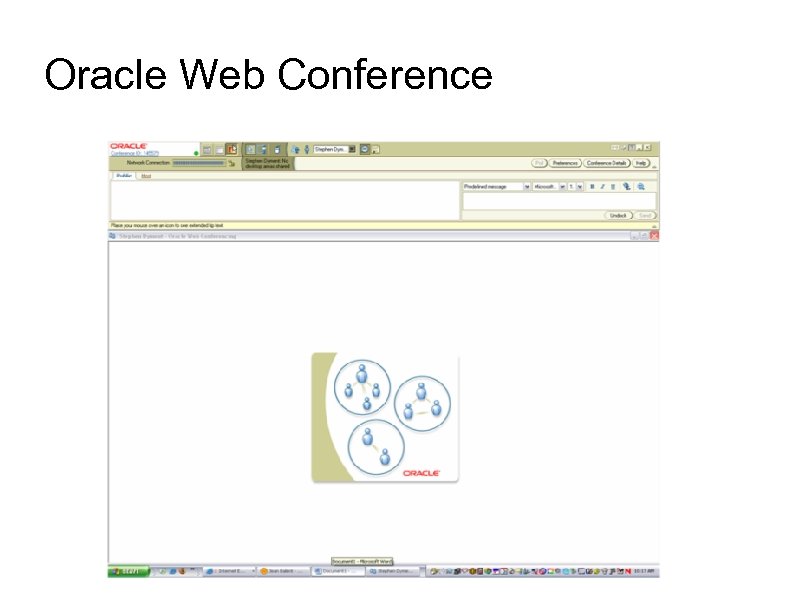
Oracle Web Conference
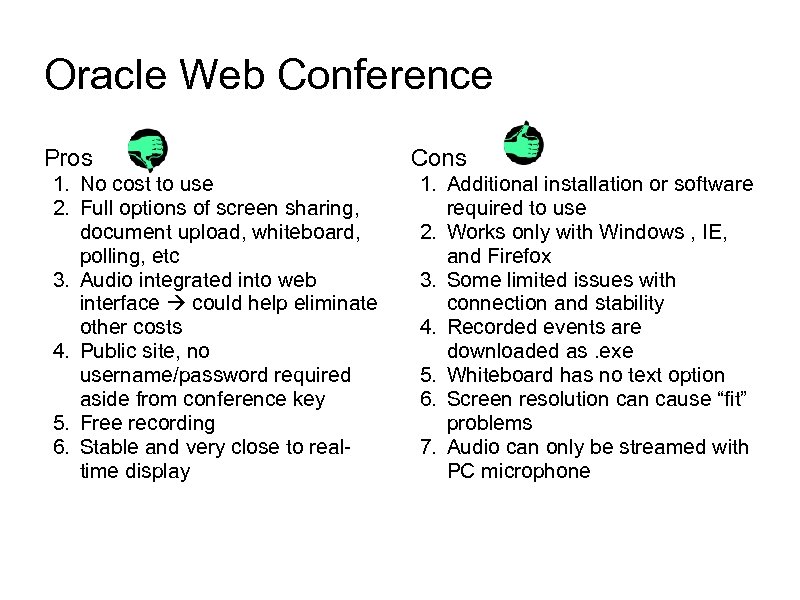
Oracle Web Conference Pros 1. No cost to use 2. Full options of screen sharing, document upload, whiteboard, polling, etc 3. Audio integrated into web interface could help eliminate other costs 4. Public site, no username/password required aside from conference key 5. Free recording 6. Stable and very close to realtime display Cons 1. Additional installation or software required to use 2. Works only with Windows , IE, and Firefox 3. Some limited issues with connection and stability 4. Recorded events are downloaded as. exe 5. Whiteboard has no text option 6. Screen resolution cause “fit” problems 7. Audio can only be streamed with PC microphone
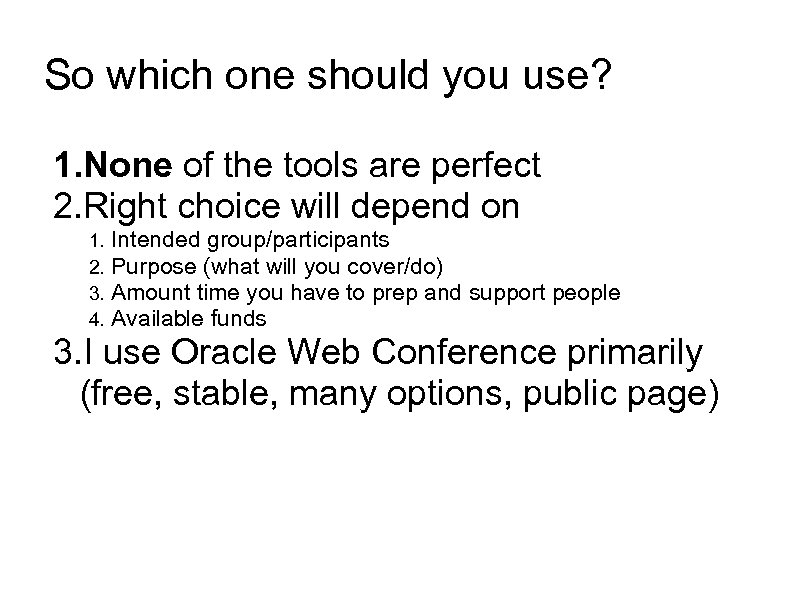
So which one should you use? 1. None of the tools are perfect 2. Right choice will depend on 1. 2. 3. 4. Intended group/participants Purpose (what will you cover/do) Amount time you have to prep and support people Available funds 3. I use Oracle Web Conference primarily (free, stable, many options, public page)
OSWER Experiences with Oracle Web Conferences 1. CPRM Training 2. Superfund Remedy Review Board 3. ORD/OSWER Seminar Series 4. Triad Conference Planning 5. R 3 Technical Support Meeting 6. Quick. Place “tech support” 7. Flexiplace
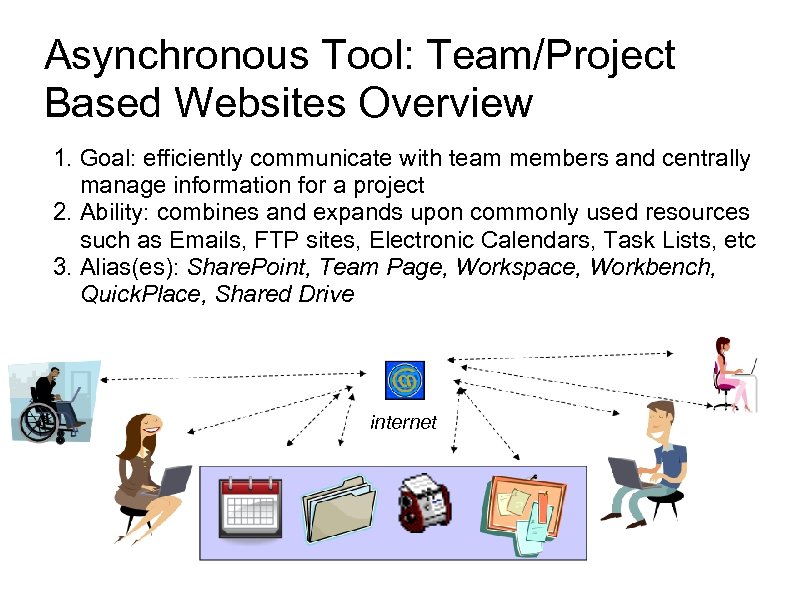
Asynchronous Tool: Team/Project Based Websites Overview 1. Goal: efficiently communicate with team members and centrally manage information for a project 2. Ability: combines and expands upon commonly used resources such as Emails, FTP sites, Electronic Calendars, Task Lists, etc 3. Alias(es): Share. Point, Team Page, Workspace, Workbench, Quick. Place, Shared Drive internet
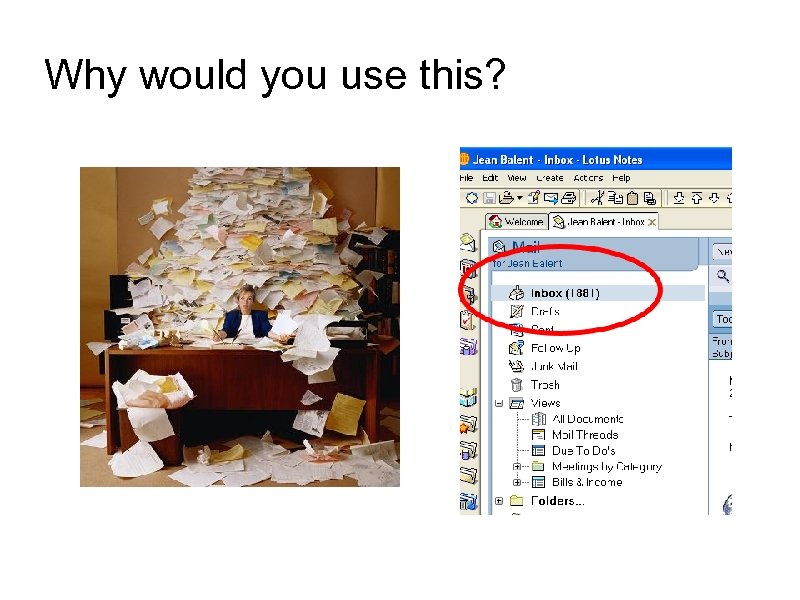
Why would you use this?
Why would you use this? 1. How many times have you been involved with a project and said: 1. I can’t find that email, can you resend it? 1. I deleted it…can you resend it? I’m on travel and can’t access your email… That file is too large to send by email! What’s the file name? I can’t find it on your FTP site. Can you forward all the previous emails on that topic? I wasn’t involved from the beginning and need to get up to speed. 6. What version are we working with? 7. Who edited this file? 8. We need to meet, tell me when you are free and we can schedule something… 2. 3. 4. 5.
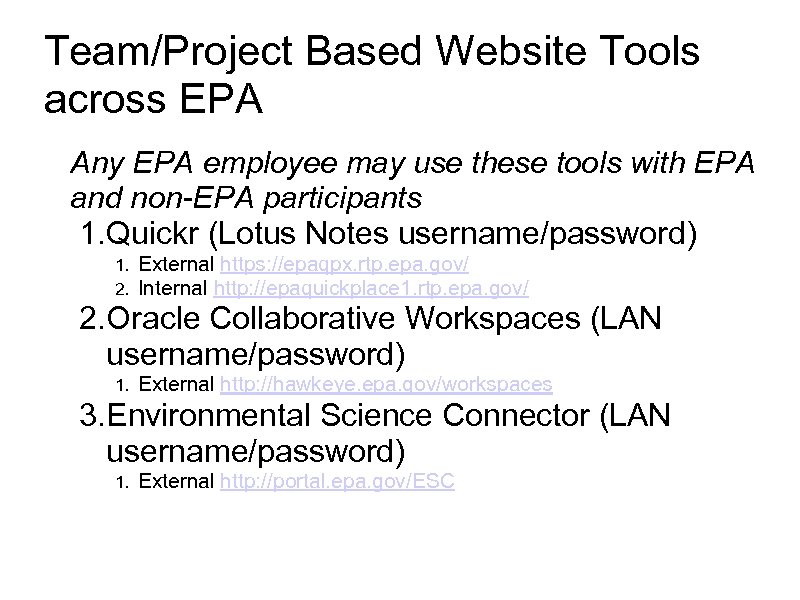
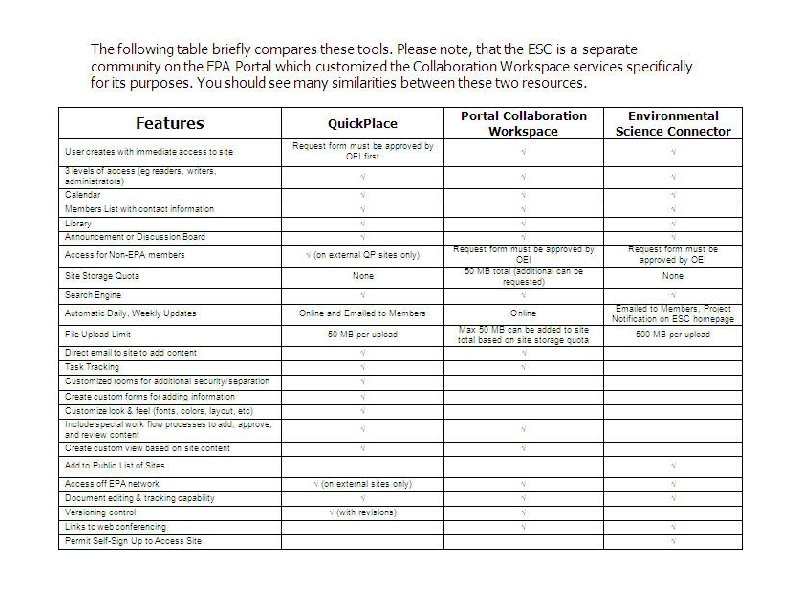
Team/Project Based Website Tools across EPA Any EPA employee may use these tools with EPA and non-EPA participants 1. Quickr (Lotus Notes username/password) 1. 2. External https: //epaqpx. rtp. epa. gov/ Internal http: //epaquickplace 1. rtp. epa. gov/ 2. Oracle Collaborative Workspaces (LAN username/password) 1. External http: //hawkeye. epa. gov/workspaces 3. Environmental Science Connector (LAN username/password) 1. External http: //portal. epa. gov/ESC
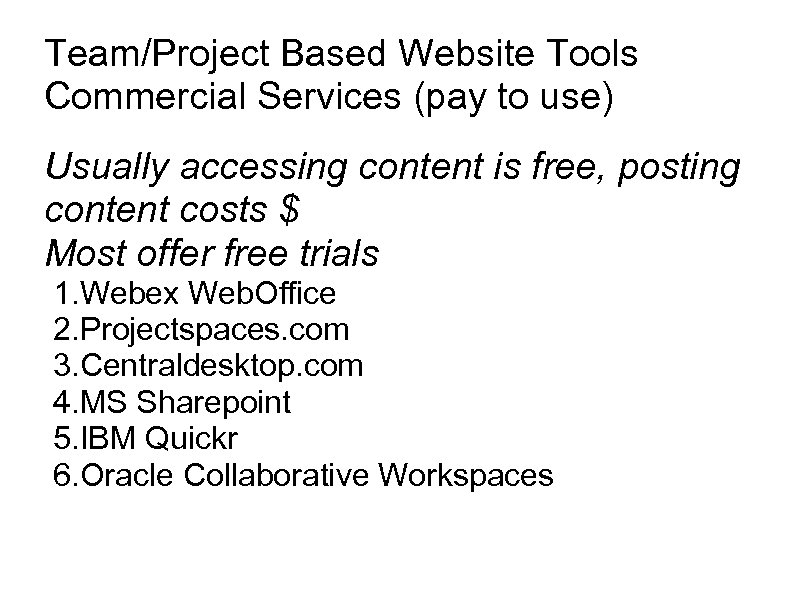
Team/Project Based Website Tools Commercial Services (pay to use) Usually accessing content is free, posting content costs $ Most offer free trials 1. Webex Web. Office 2. Projectspaces. com 3. Centraldesktop. com 4. MS Sharepoint 5. IBM Quickr 6. Oracle Collaborative Workspaces
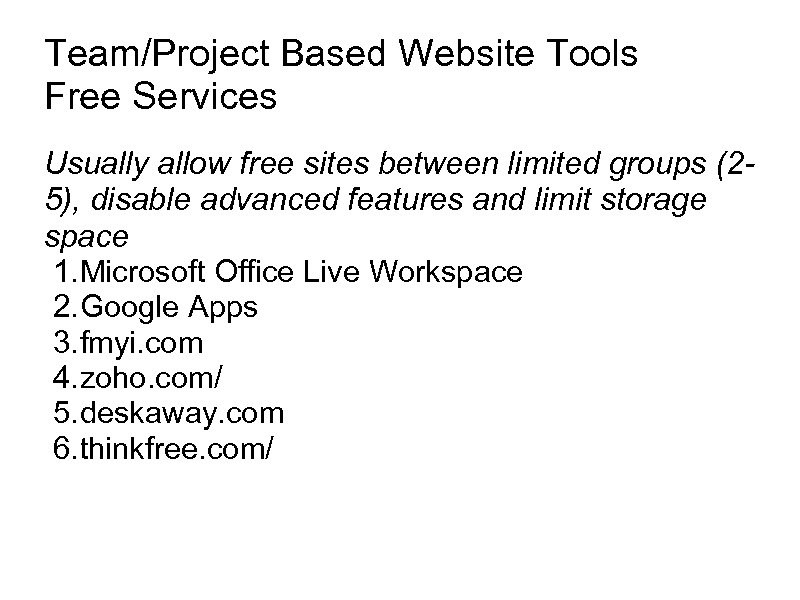
Team/Project Based Website Tools Free Services Usually allow free sites between limited groups (25), disable advanced features and limit storage space 1. Microsoft Office Live Workspace 2. Google Apps 3. fmyi. com 4. zoho. com/ 5. deskaway. com 6. thinkfree. com/
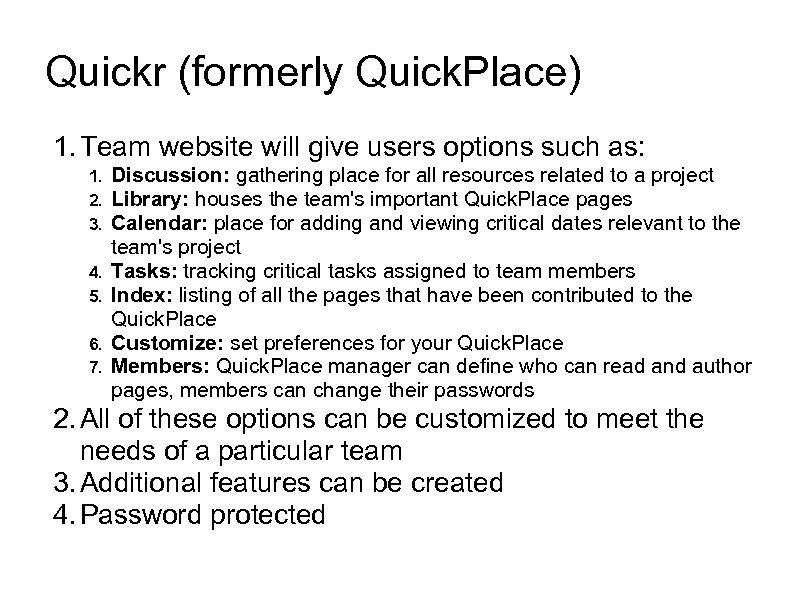
Quickr (formerly Quick. Place) 1. Team website will give users options such as: 1. 2. 3. 4. 5. 6. 7. Discussion: gathering place for all resources related to a project Library: houses the team's important Quick. Place pages Calendar: place for adding and viewing critical dates relevant to the team's project Tasks: tracking critical tasks assigned to team members Index: listing of all the pages that have been contributed to the Quick. Place Customize: set preferences for your Quick. Place Members: Quick. Place manager can define who can read and author pages, members can change their passwords 2. All of these options can be customized to meet the needs of a particular team 3. Additional features can be created 4. Password protected
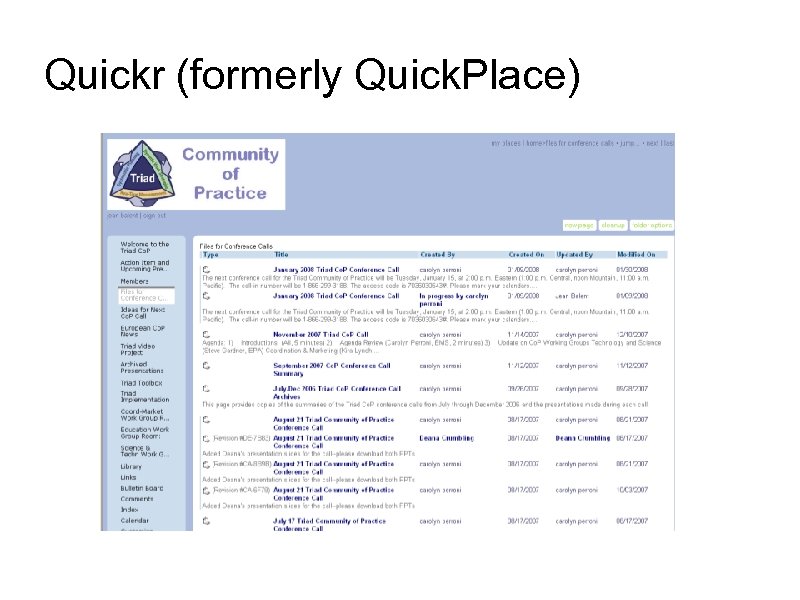
Quickr (formerly Quick. Place)
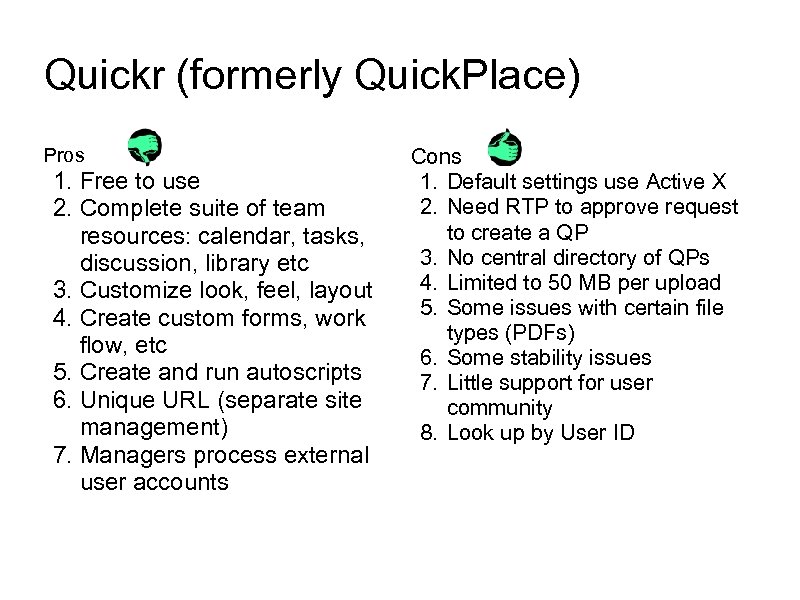
Quickr (formerly Quick. Place) Pros 1. Free to use 2. Complete suite of team resources: calendar, tasks, discussion, library etc 3. Customize look, feel, layout 4. Create custom forms, work flow, etc 5. Create and run autoscripts 6. Unique URL (separate site management) 7. Managers process external user accounts Cons 1. Default settings use Active X 2. Need RTP to approve request to create a QP 3. No central directory of QPs 4. Limited to 50 MB per upload 5. Some issues with certain file types (PDFs) 6. Some stability issues 7. Little support for user community 8. Look up by User ID
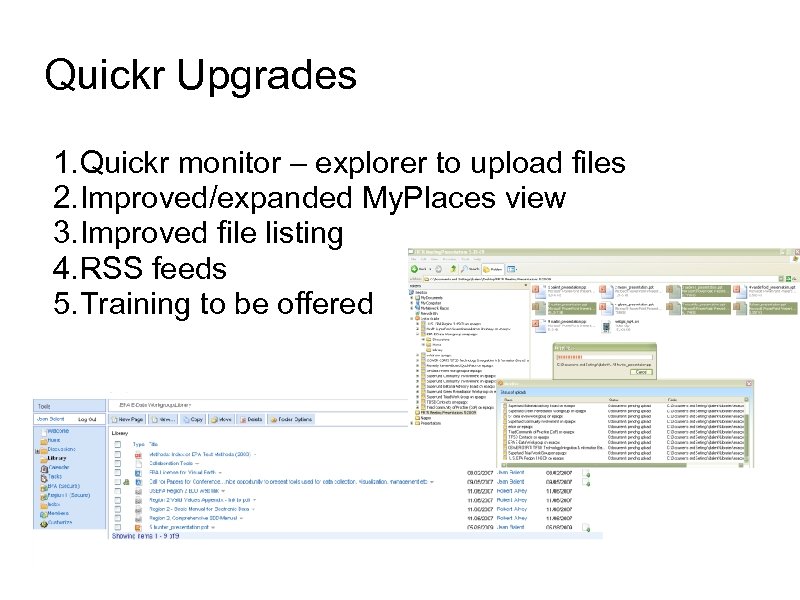
Quickr Upgrades 1. Quickr monitor – explorer to upload files 2. Improved/expanded My. Places view 3. Improved file listing 4. RSS feeds 5. Training to be offered
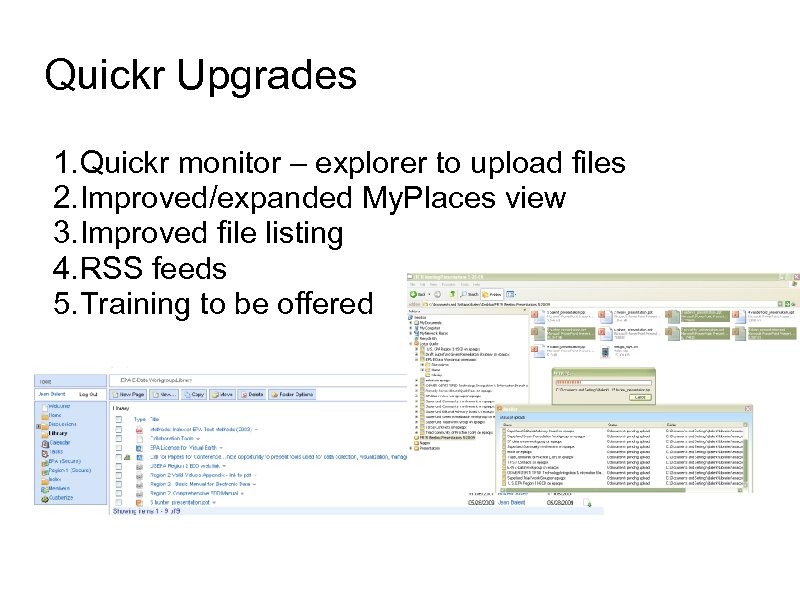
Quickr Upgrades 1. Quickr monitor – explorer to upload files 2. Improved/expanded My. Places view 3. Improved file listing 4. RSS feeds 5. Training to be offered
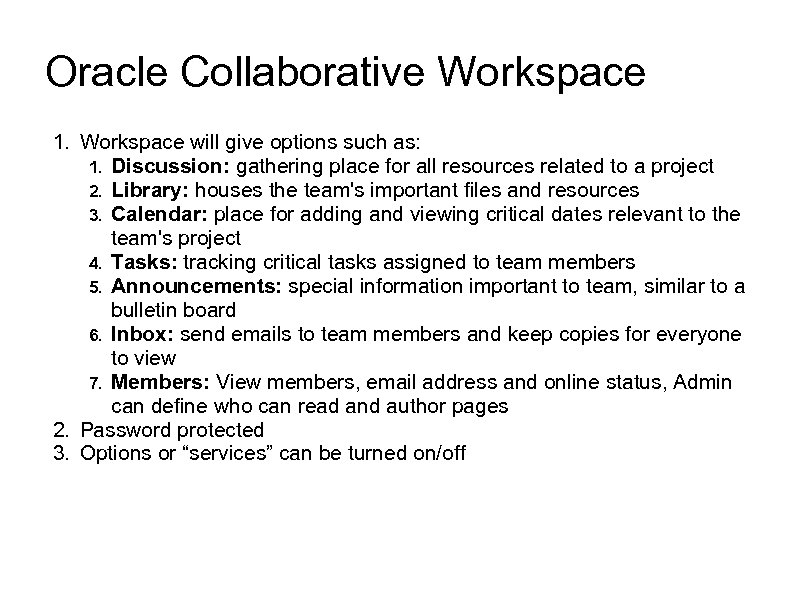
Oracle Collaborative Workspace 1. Workspace will give options such as: 1. Discussion: gathering place for all resources related to a project 2. Library: houses the team's important files and resources 3. Calendar: place for adding and viewing critical dates relevant to the team's project 4. Tasks: tracking critical tasks assigned to team members 5. Announcements: special information important to team, similar to a bulletin board 6. Inbox: send emails to team members and keep copies for everyone to view 7. Members: View members, email address and online status, Admin can define who can read and author pages 2. Password protected 3. Options or “services” can be turned on/off
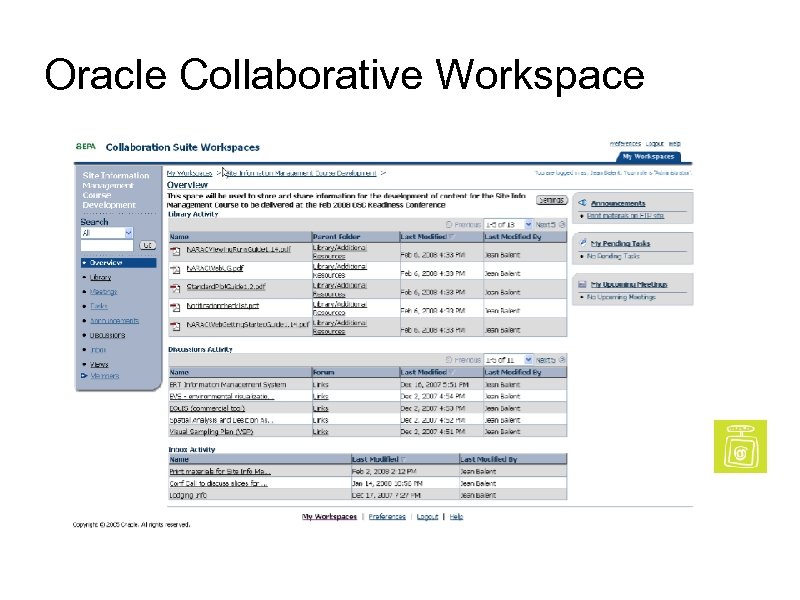
Oracle Collaborative Workspace
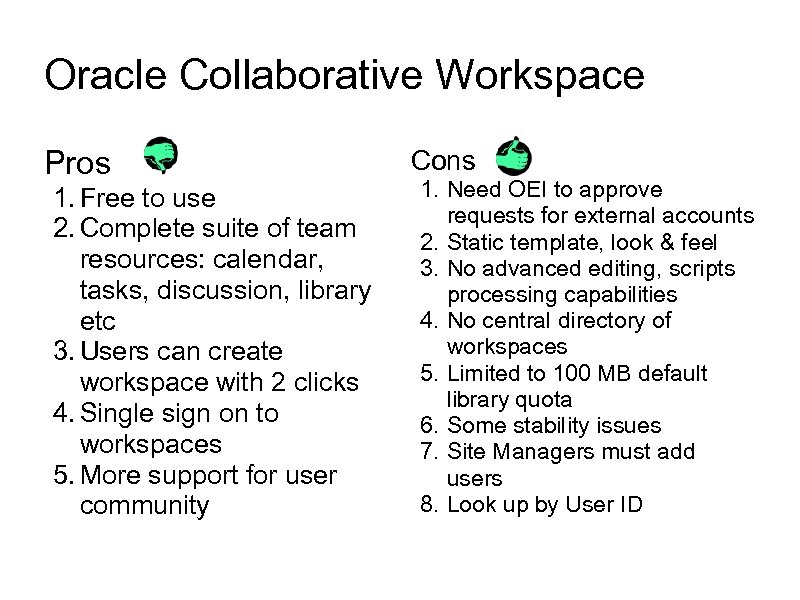
Oracle Collaborative Workspace Pros 1. Free to use 2. Complete suite of team resources: calendar, tasks, discussion, library etc 3. Users can create workspace with 2 clicks 4. Single sign on to workspaces 5. More support for user community Cons 1. Need OEI to approve requests for external accounts 2. Static template, look & feel 3. No advanced editing, scripts processing capabilities 4. No central directory of workspaces 5. Limited to 100 MB default library quota 6. Some stability issues 7. Site Managers must add users 8. Look up by User ID
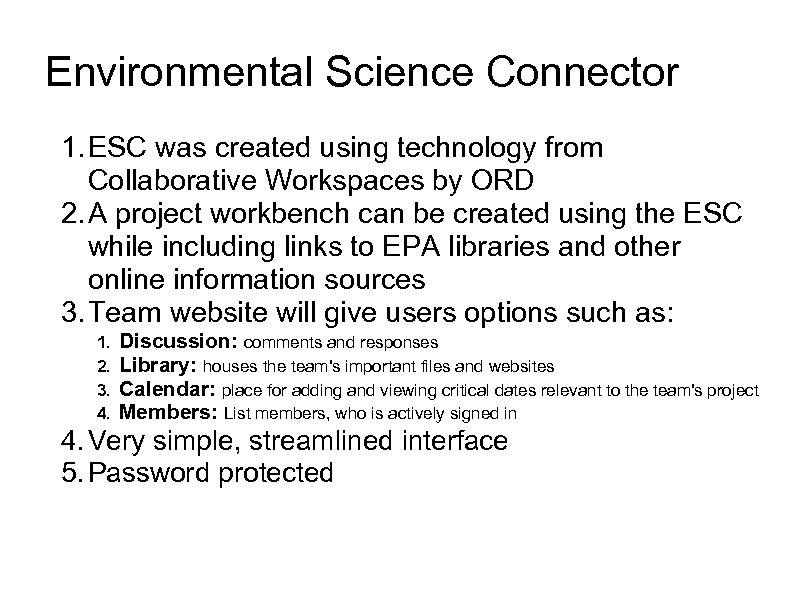
Environmental Science Connector 1. ESC was created using technology from Collaborative Workspaces by ORD 2. A project workbench can be created using the ESC while including links to EPA libraries and other online information sources 3. Team website will give users options such as: 1. 2. 3. 4. Discussion: comments and responses Library: houses the team's important files and websites Calendar: place for adding and viewing critical dates relevant to the team's project Members: List members, who is actively signed in 4. Very simple, streamlined interface 5. Password protected
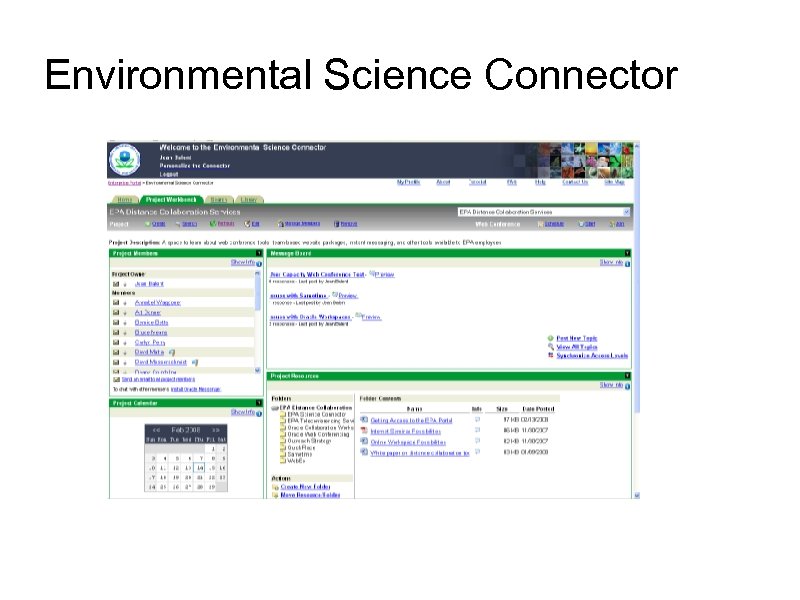
Environmental Science Connector
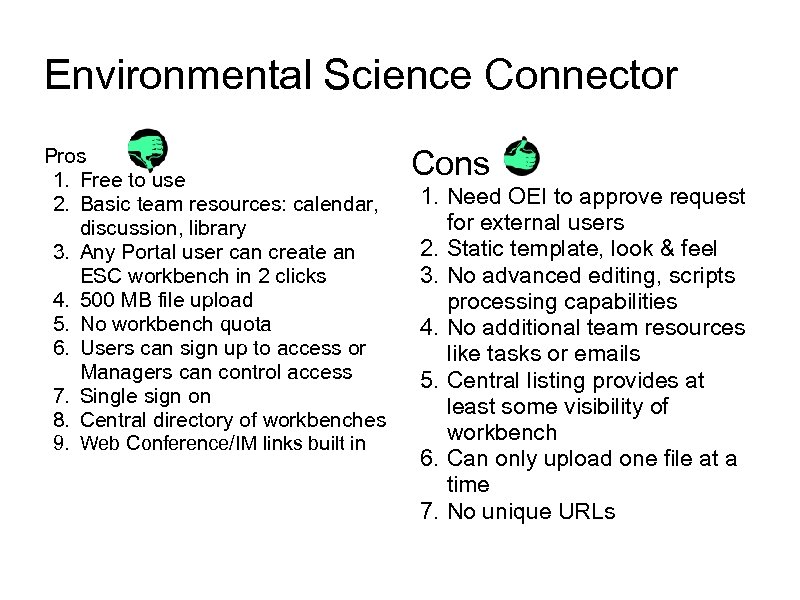
Environmental Science Connector Pros 1. Free to use 2. Basic team resources: calendar, discussion, library 3. Any Portal user can create an ESC workbench in 2 clicks 4. 500 MB file upload 5. No workbench quota 6. Users can sign up to access or Managers can control access 7. Single sign on 8. Central directory of workbenches 9. Web Conference/IM links built in Cons 1. Need OEI to approve request for external users 2. Static template, look & feel 3. No advanced editing, scripts processing capabilities 4. No additional team resources like tasks or emails 5. Central listing provides at least some visibility of workbench 6. Can only upload one file at a time 7. No unique URLs
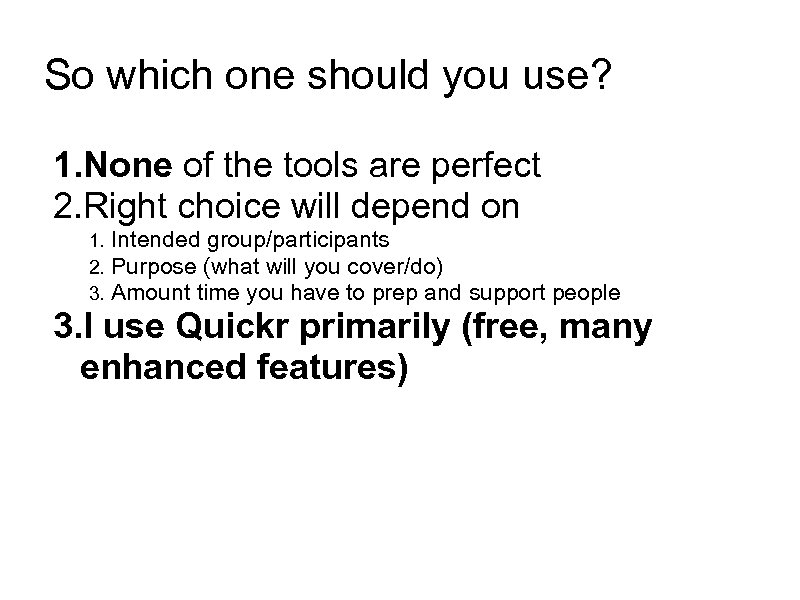
So which one should you use? 1. None of the tools are perfect 2. Right choice will depend on 1. 2. 3. Intended group/participants Purpose (what will you cover/do) Amount time you have to prep and support people 3. I use Quickr primarily (free, many enhanced features)
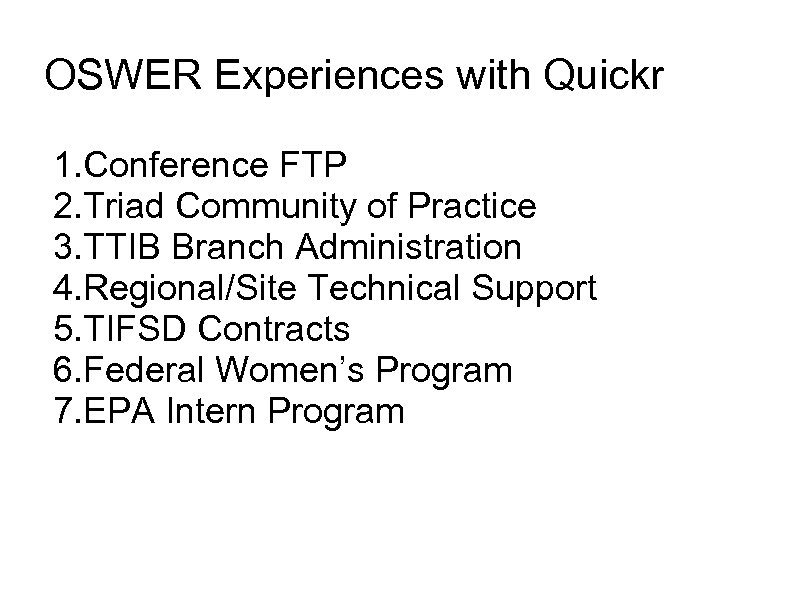
OSWER Experiences with Quickr 1. Conference FTP 2. Triad Community of Practice 3. TTIB Branch Administration 4. Regional/Site Technical Support 5. TIFSD Contracts 6. Federal Women’s Program 7. EPA Intern Program
Brainstorming and Discussions Summary of known issues and obstacles to using tools
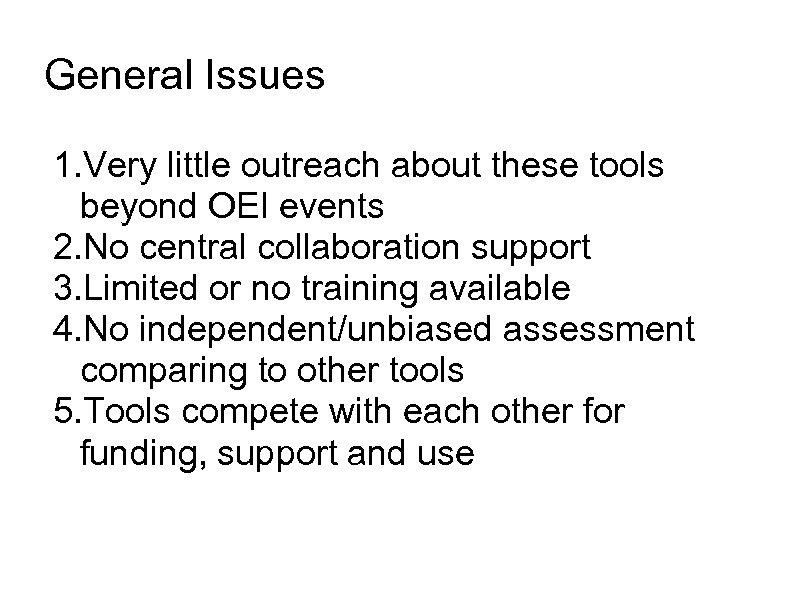
General Issues 1. Very little outreach about these tools beyond OEI events 2. No central collaboration support 3. Limited or no training available 4. No independent/unbiased assessment comparing to other tools 5. Tools compete with each other for funding, support and use
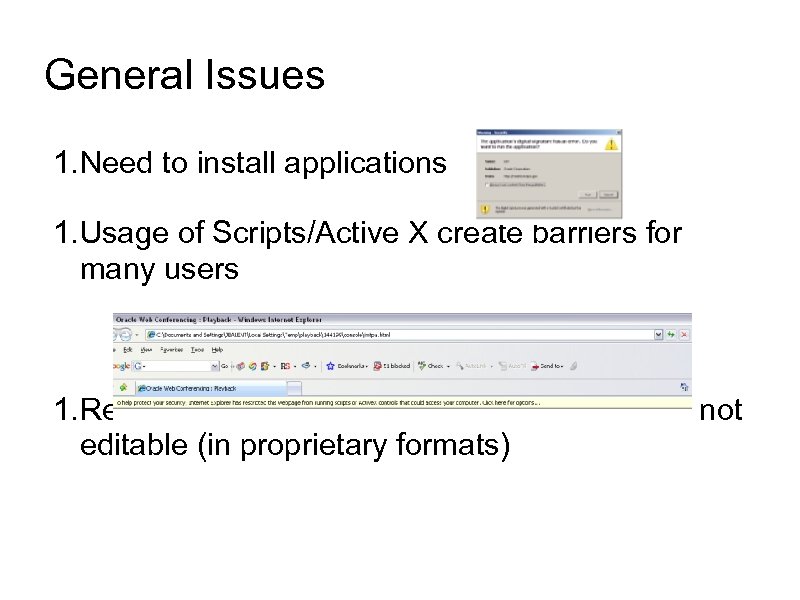
General Issues 1. Need to install applications 1. Usage of Scripts/Active X create barriers for many users 1. Recorded Web Conferences are. exe files or not editable (in proprietary formats)
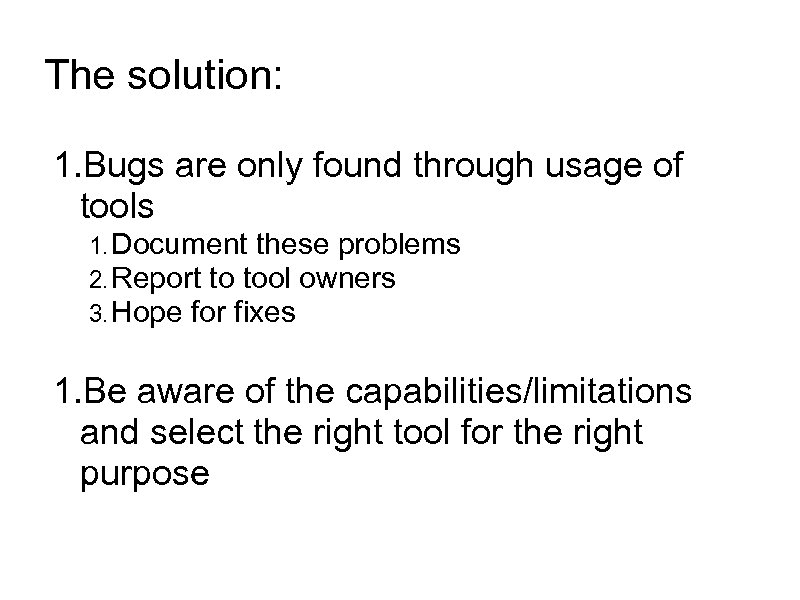
The solution: 1. Bugs are only found through usage of tools 1. Document these problems 2. Report to tool owners 3. Hope for fixes 1. Be aware of the capabilities/limitations and select the right tool for the right purpose
General Issues 1. No where for users and customer base to interact and share information/knowledge 1. When QP goes down, what happens? 2. When someone learns a new trick how can they share it with others? 2. Tool managers/owners don’t 1. Know what we are doing with their resources, 2. Don’t understand the value (time & cost savings), 3. Have info to make best decisions for customers (you and me)
For more information EPA Intranet Page on Collaboration Tools: http: //intranet. epa. gov/agcyintr/collaboration. htm EPA Portal Page on Collaboration Tools: http: //oaspub. epa. gov/portal/page/portal/GENERAL_PAGE_GR OUP/TEAM_RESOURCES Further discussion and tools for online collaboration http: //en. wikipedia. org/wiki/Collaborative_software 15 Free Collaboration Tools and Apps http: //www. missiontolearn. com/2009/08/free-onlinecollaboration/

Building Your Online Community It’s REALLY Hard” – Steve Ressler, Gov. Loop
Getting Started • Who is your target audience? • What is their shared mission? • Do they already self-identify as a community? • How are they currently collaborating? • What resources do you/ they have to work with?
Building Your Online Community “It’s REALLY Hard” – Steve Ressler, Gov. Loop
Getting Started 1. Who is your target audience? 2. What is their shared mission? 3. Do they already self-identify as a community? 4. How are they currently collaborating? 5. What resources do you/ they have to work with?
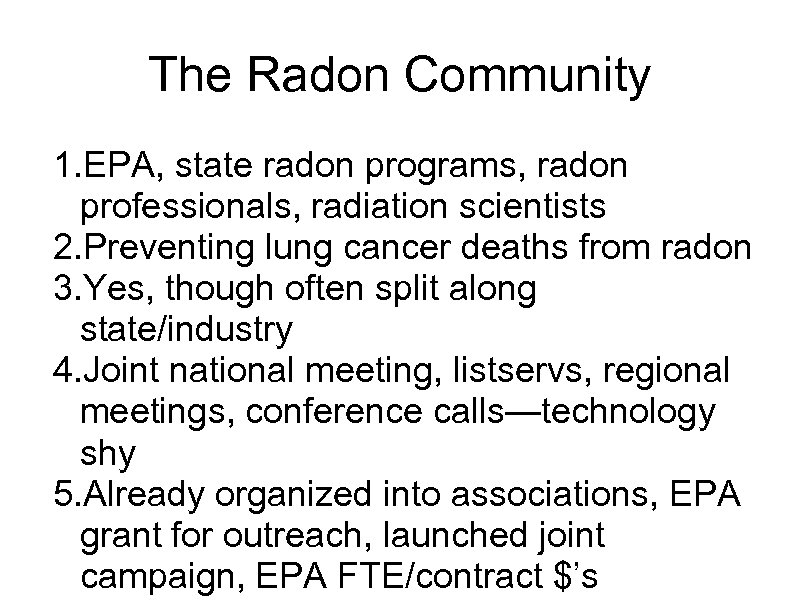
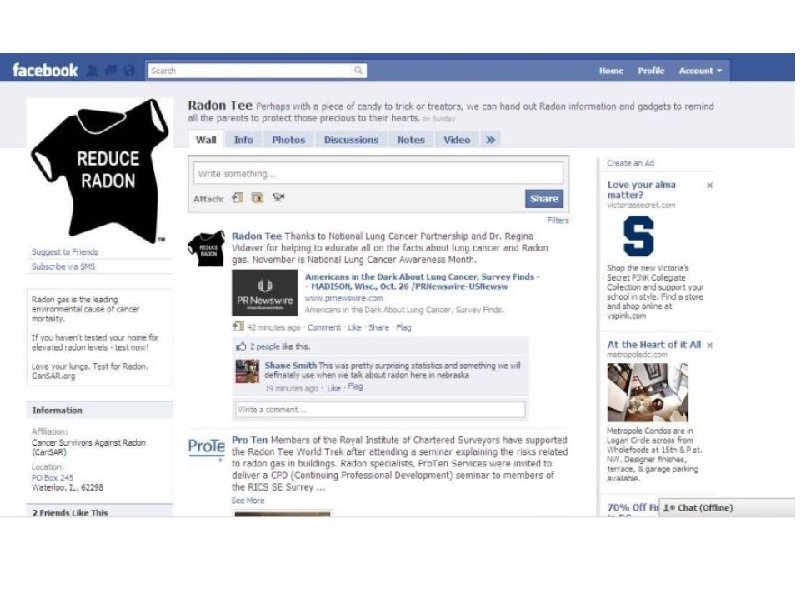
The Radon Community 1. EPA, state radon programs, radon professionals, radiation scientists 2. Preventing lung cancer deaths from radon 3. Yes, though often split along state/industry 4. Joint national meeting, listservs, regional meetings, conference calls—technology shy 5. Already organized into associations, EPA grant for outreach, launched joint campaign, EPA FTE/contract $’s
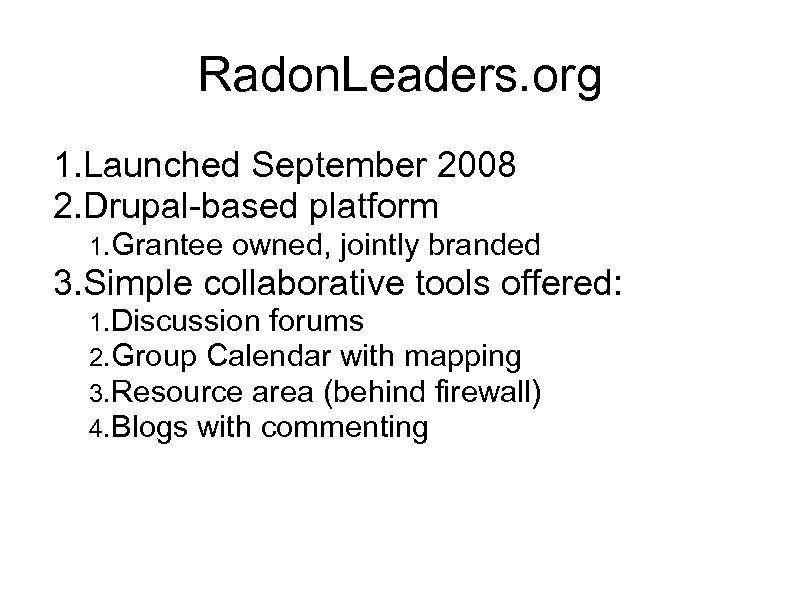
Radon. Leaders. org 1. Launched September 2008 2. Drupal-based platform 1. Grantee owned, jointly branded 3. Simple collaborative tools offered: 1. Discussion forums 2. Group Calendar with mapping 3. Resource area (behind firewall) 4. Blogs with commenting
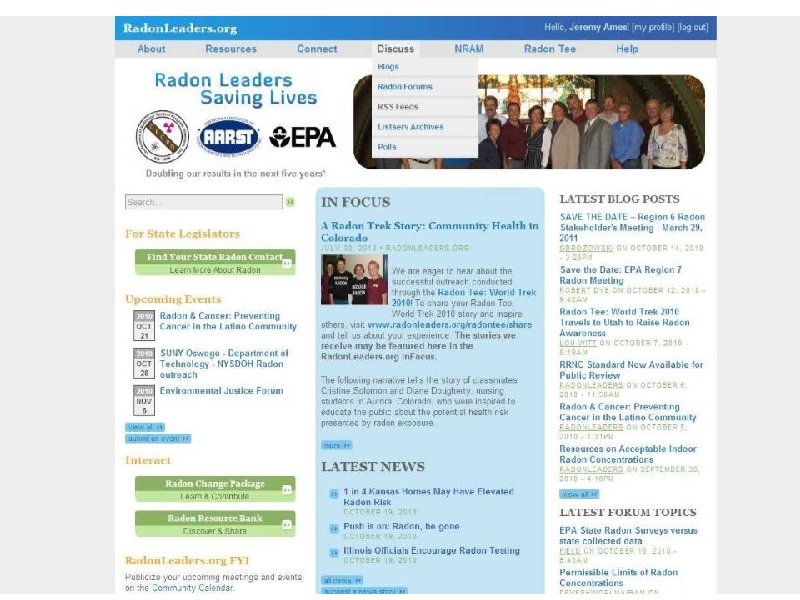
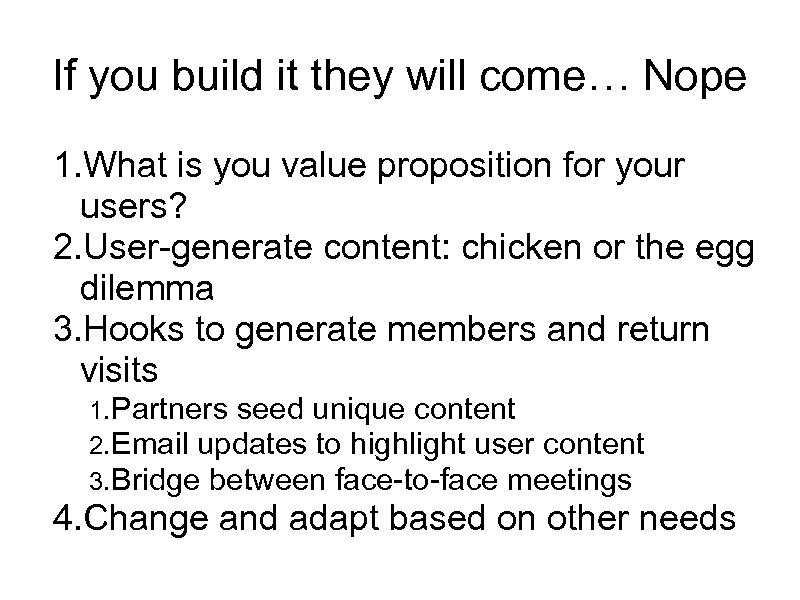
If you build it they will come… Nope 1. What is you value proposition for your users? 2. User-generate content: chicken or the egg dilemma 3. Hooks to generate members and return visits 1. Partners seed unique content 2. Email updates to highlight user content 3. Bridge between face-to-face meetings 4. Change and adapt based on other needs
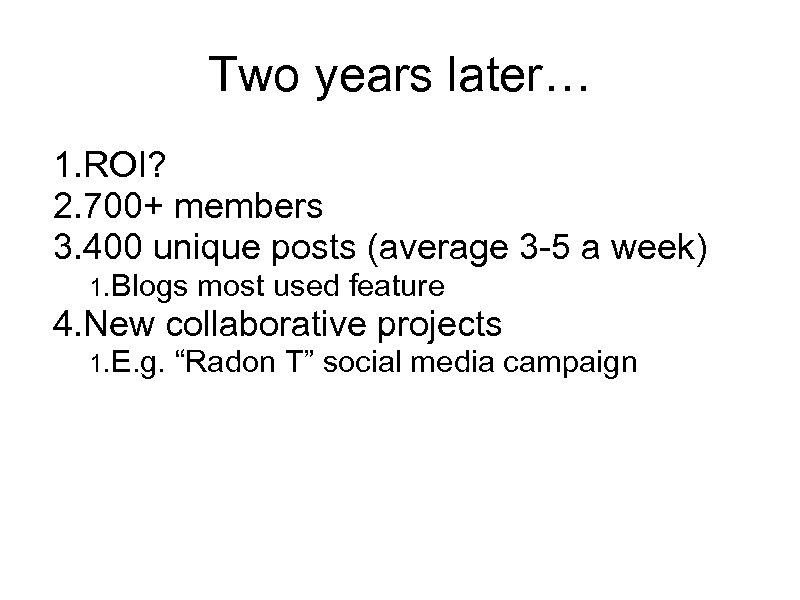
Two years later… 1. ROI? 2. 700+ members 3. 400 unique posts (average 3 -5 a week) 1. Blogs most used feature 4. New collaborative projects 1. E. g. “Radon T” social media campaign
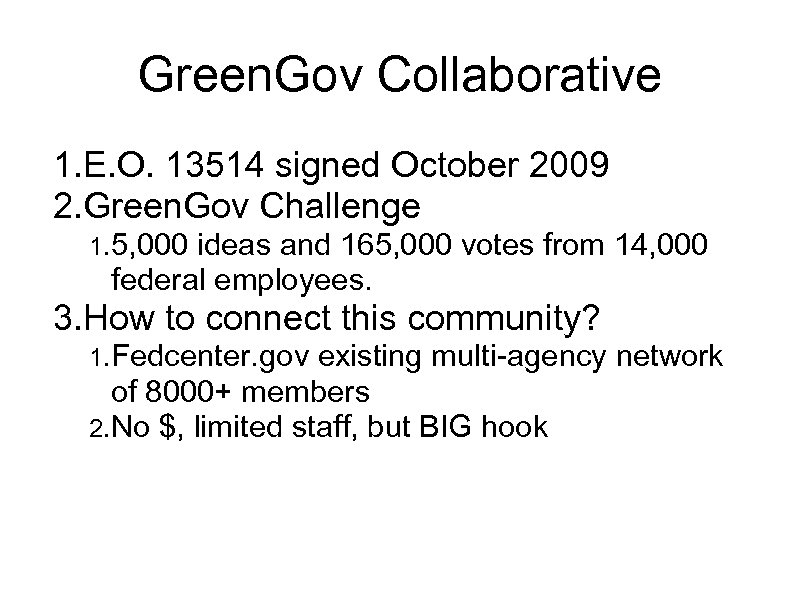
Green. Gov Collaborative 1. E. O. 13514 signed October 2009 2. Green. Gov Challenge 1. 5, 000 ideas and 165, 000 votes from 14, 000 federal employees. 3. How to connect this community? 1. Fedcenter. gov existing multi-agency network of 8000+ members 2. No $, limited staff, but BIG hook
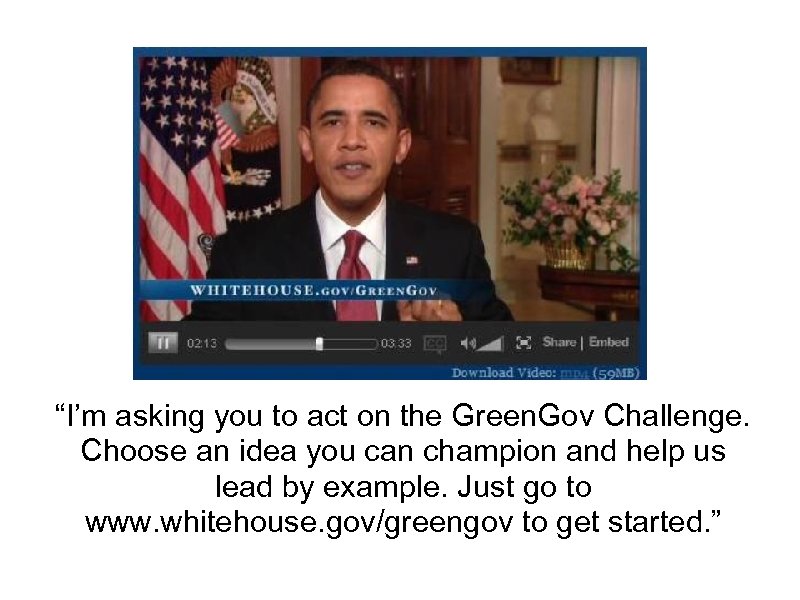
“I’m asking you to act on the Green. Gov Challenge. Choose an idea you can champion and help us lead by example. Just go to www. whitehouse. gov/greengov to get started. ”
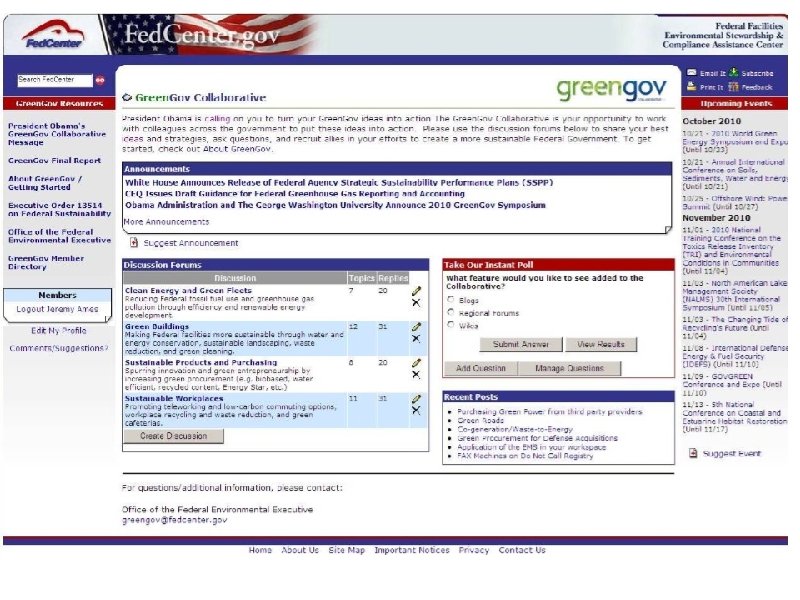
9 months later 1. Promotion 1. Newsletter and regular email updates 2. Tie to Green. Gov Symposium & Awards 3. Whitehouse. gov landing page 2. 1400 members (all feds) 3. 100 forum posts, average 25 views a piece 4. Network still a work in progress 1. Next steps? Regional green teams, blogs, case studies, progress reports
Take Aways 1. Have a plan and commitment to ongoing care and feeding of your online community 2. Be adaptable and fail fast 1. Community will evolve in ways you didn’t anticipate 3. Persistence and patience are key
Скачать презентацию Web Collaboration Tools WWG 2010 A presentation and
ba464f65de7ca1a1a9b7c914b7106f24.ppt