 Скачать презентацию Web-application s performance testing Ilkka Myllylä Reaaliprosessi Ltd
704d96262b206639a4c3d9298bbcc8c2.ppt
- Количество слайдов: 90



Web-application’s performance testing Ilkka Myllylä Reaaliprosessi Ltd
Agenda l l l Research results about web-application scalability Performance requirements specification Load testing tools Load test preparation Load test execution Analysis – – – What is bottleneck and how to find it ? Optimization and tuning What is root cause and how to fix it ?

Research results about web-application scalability
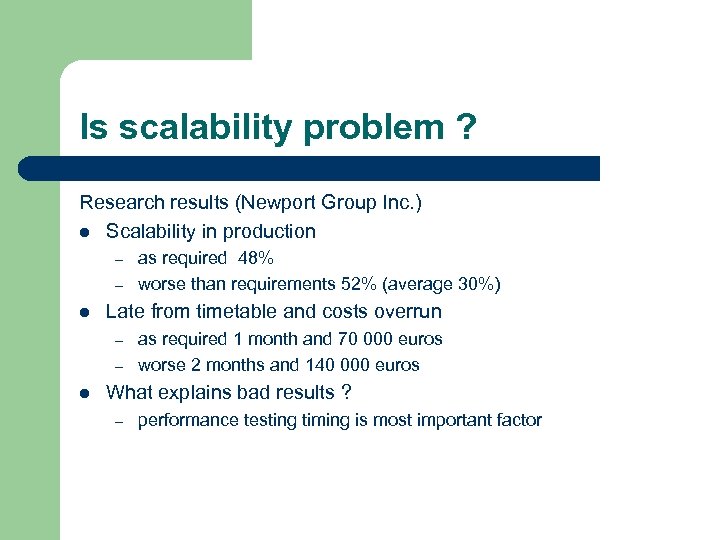
Is scalability problem ? Research results (Newport Group Inc. ) l Scalability in production – – l Late from timetable and costs overrun – – l as required 48% worse than requirements 52% (average 30%) as required 1 month and 70 000 euros worse 2 months and 140 000 euros What explains bad results ? – performance testing timing is most important factor
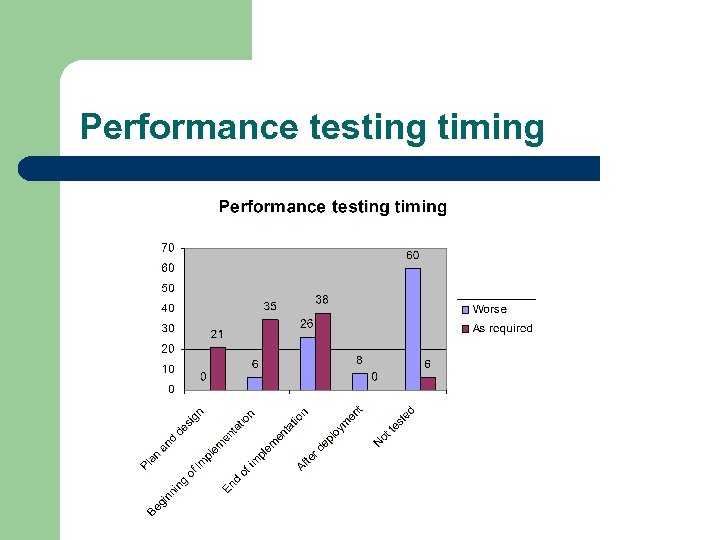
Performance testing timing
Early start of testing is profitable l Efficiency – l one and 2 -5 user tests show average 80% of bottlenecks Costs – late fixing costs many times more -> wrong architecture risk for example
When to test performance ? l Architecture validation l Component performance l New application system performance test l Major changes to application made
Realistic performance testing is not easy l Too optimistic results are common problem – l Bad environment – l Testing environment not equal to production Bad design + implementation – l ”It worked in tests !” says 32 % (Gartner Group) Load testing tool not used right way Wrong tool for a job – Load test tool used not functional / does not include features needed
Performance requirements specification
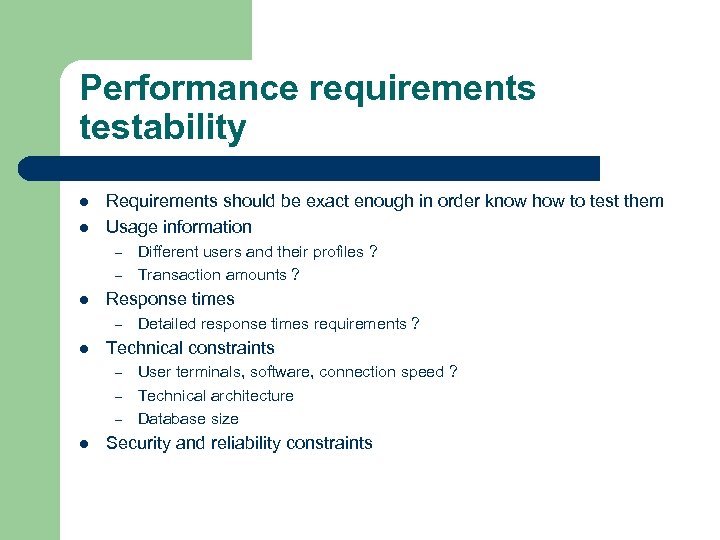
Performance requirements testability l l Requirements should be exact enough in order know how to test them Usage information – – l Response times – l Detailed response times requirements ? Technical constraints – – – l Different users and their profiles ? Transaction amounts ? User terminals, software, connection speed ? Technical architecture Database size Security and reliability constraints
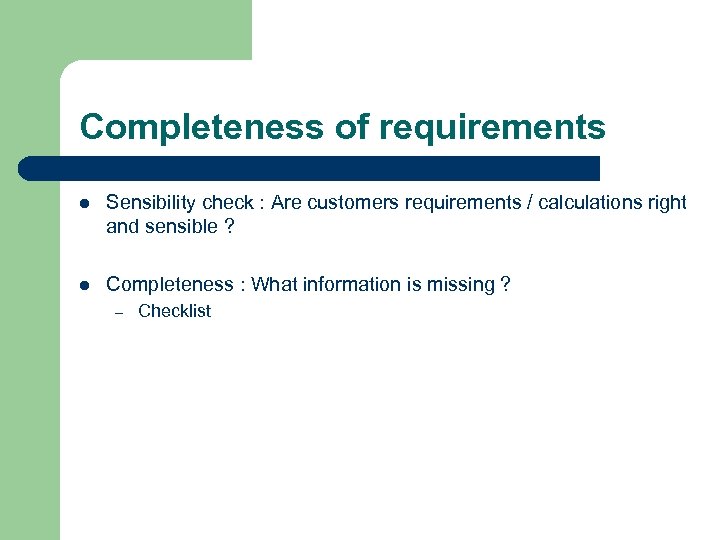
Completeness of requirements l Sensibility check : Are customers requirements / calculations right and sensible ? l Completeness : What information is missing ? – Checklist
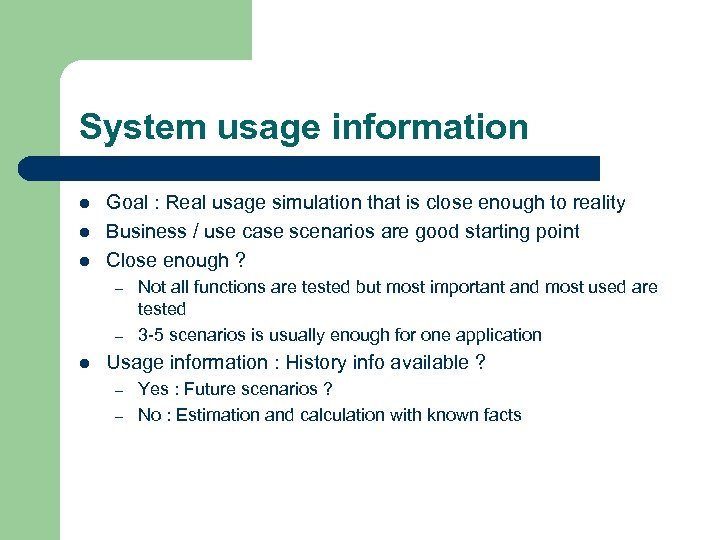
System usage information l l l Goal : Real usage simulation that is close enough to reality Business / use case scenarios are good starting point Close enough ? – – l Not all functions are tested but most important and most used are tested 3 -5 scenarios is usually enough for one application Usage information : History info available ? – – Yes : Future scenarios ? No : Estimation and calculation with known facts
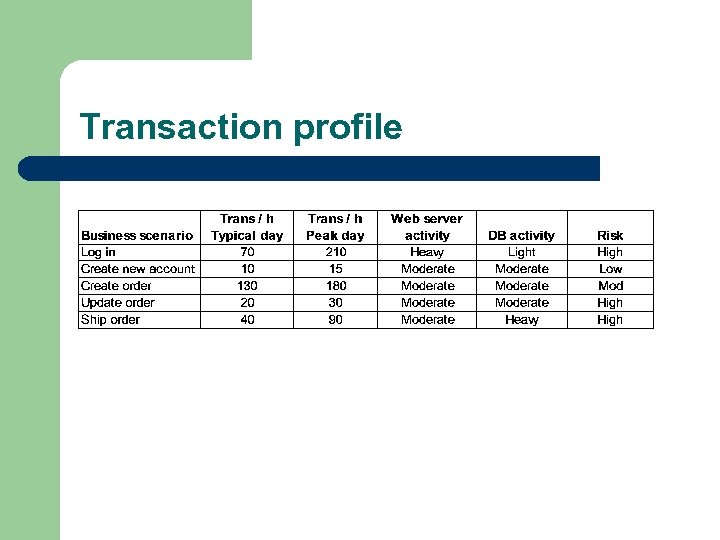
Transaction profile
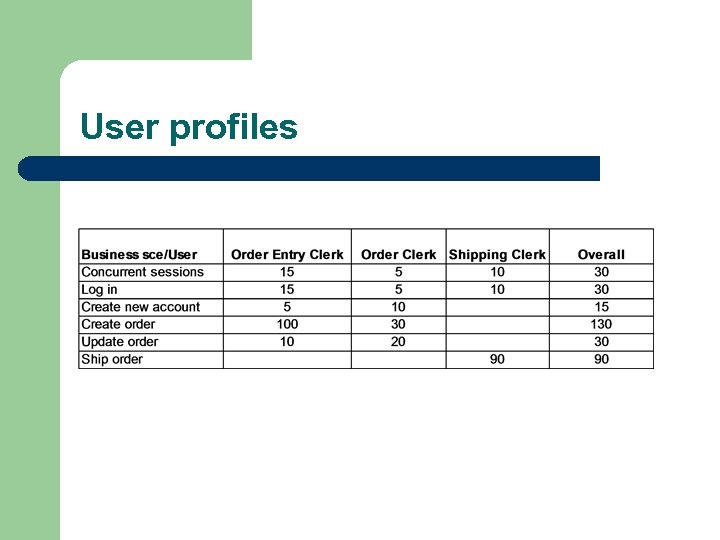
User profiles
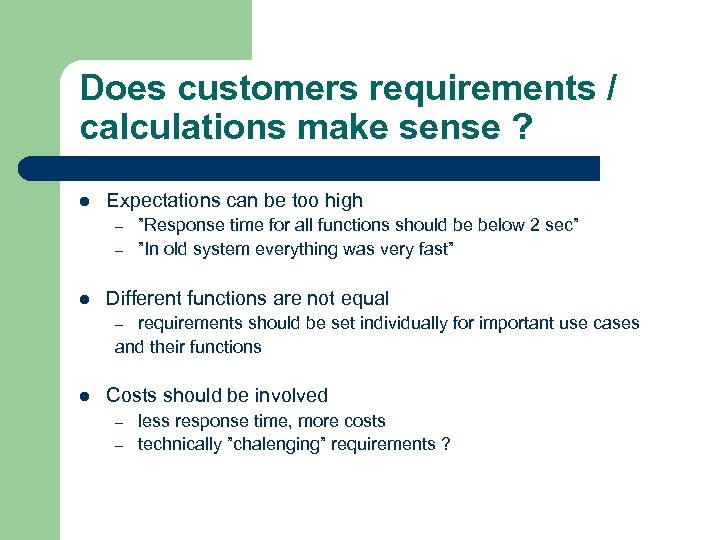
Does customers requirements / calculations make sense ? l Expectations can be too high – – l ”Response time for all functions should be below 2 sec” ”In old system everything was very fast” Different functions are not equal requirements should be set individually for important use cases and their functions – l Costs should be involved – – less response time, more costs technically ”chalenging” requirements ?
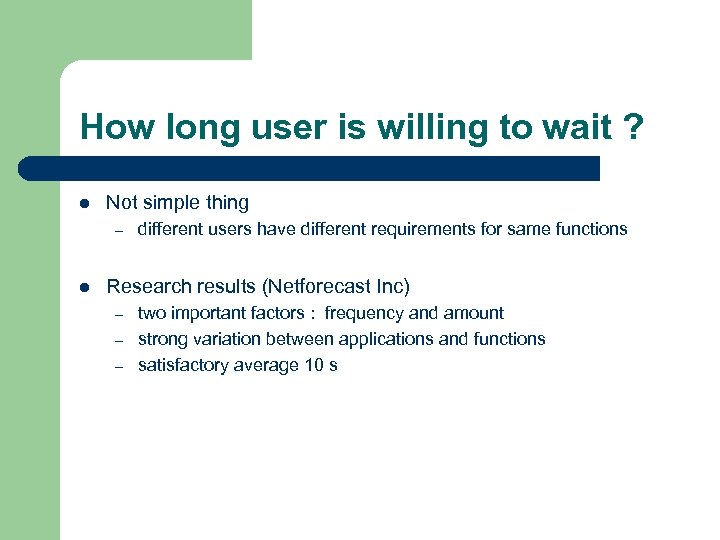
How long user is willing to wait ? l Not simple thing – l different users have different requirements for same functions Research results (Netforecast Inc) – – – two important factors : frequency and amount strong variation between applications and functions satisfactory average 10 s
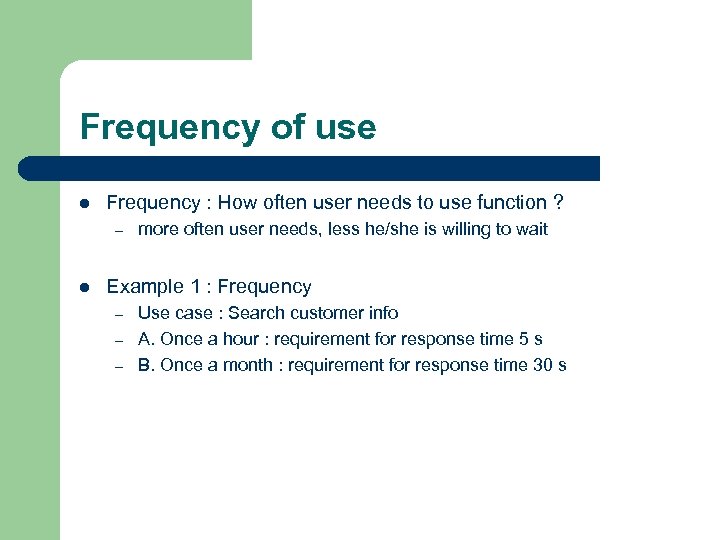
Frequency of use l Frequency : How often user needs to use function ? – l more often user needs, less he/she is willing to wait Example 1 : Frequency – – – Use case : Search customer info A. Once a hour : requirement for response time 5 s B. Once a month : requirement for response time 30 s
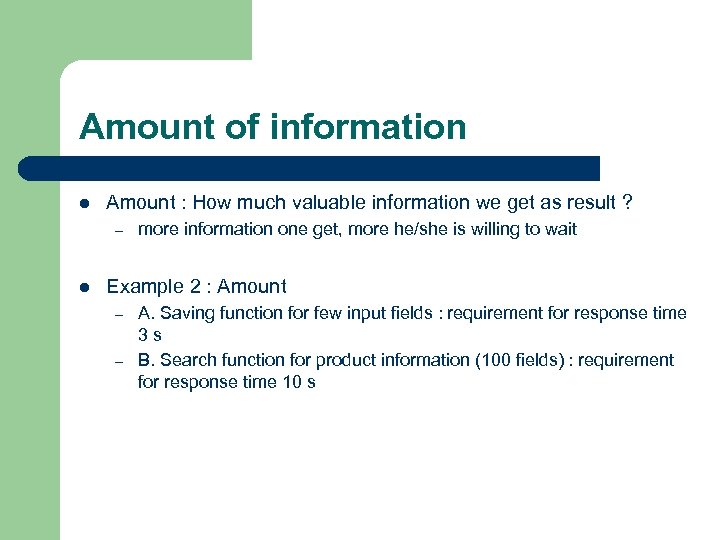
Amount of information l Amount : How much valuable information we get as result ? – l more information one get, more he/she is willing to wait Example 2 : Amount – – A. Saving function for few input fields : requirement for response time 3 s B. Search function for product information (100 fields) : requirement for response time 10 s
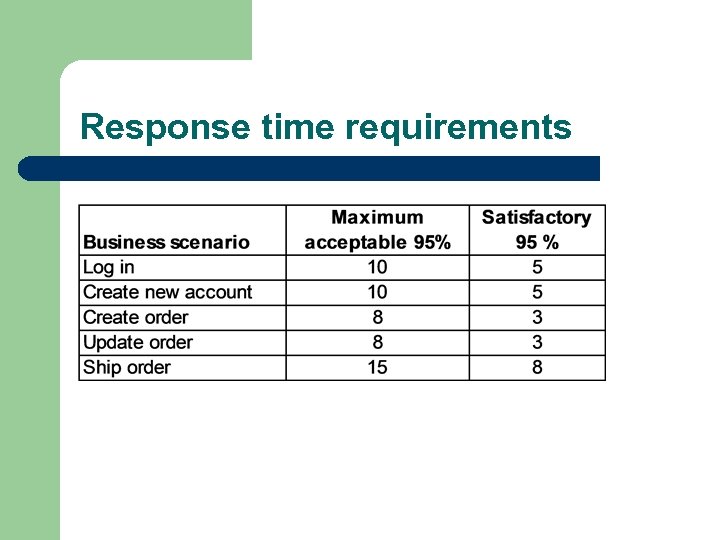
Response time requirements
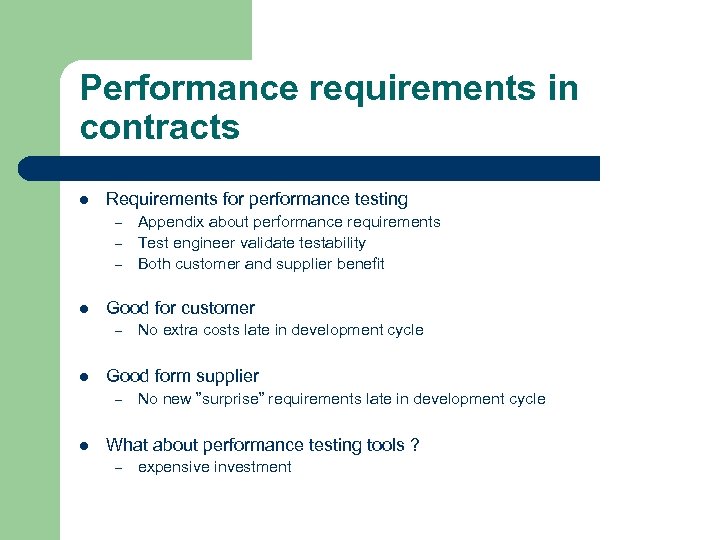
Performance requirements in contracts l Requirements for performance testing – – – l Good for customer – l No extra costs late in development cycle Good form supplier – l Appendix about performance requirements Test engineer validate testability Both customer and supplier benefit No new ”surprise” requirements late in development cycle What about performance testing tools ? – expensive investment
Load testing tools
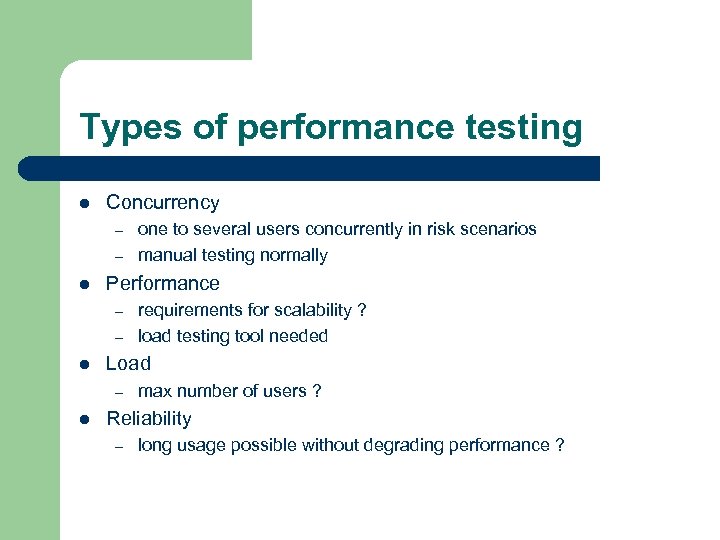
Types of performance testing l Concurrency – – l Performance – – l requirements for scalability ? load testing tool needed Load – l one to several users concurrently in risk scenarios manual testing normally max number of users ? Reliability – long usage possible without degrading performance ?
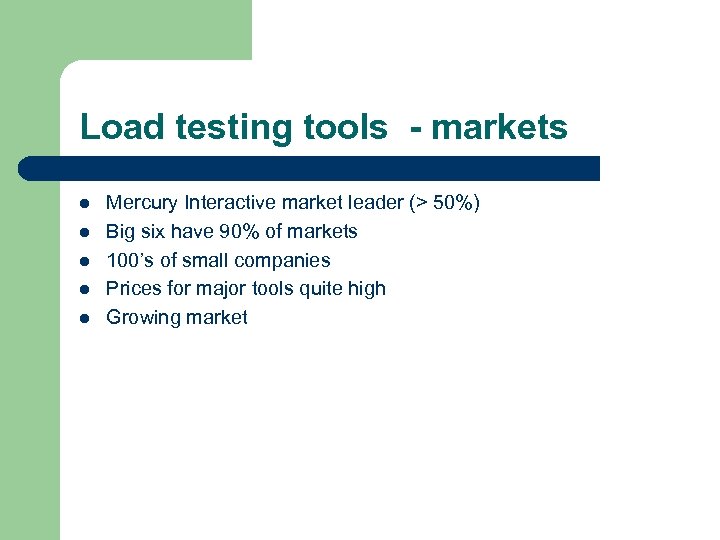
Load testing tools - markets l l l Mercury Interactive market leader (> 50%) Big six have 90% of markets 100’s of small companies Prices for major tools quite high Growing market
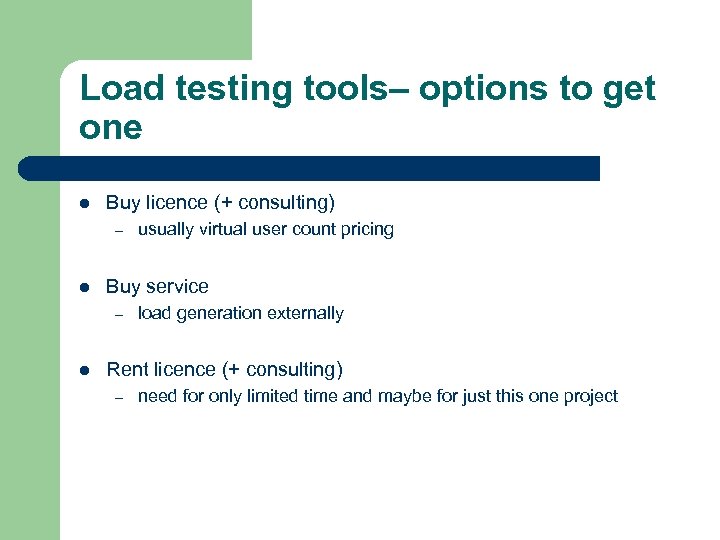
Load testing tools– options to get one l Buy licence (+ consulting) – l Buy service – l usually virtual user count pricing load generation externally Rent licence (+ consulting) – need for only limited time and maybe for just this one project
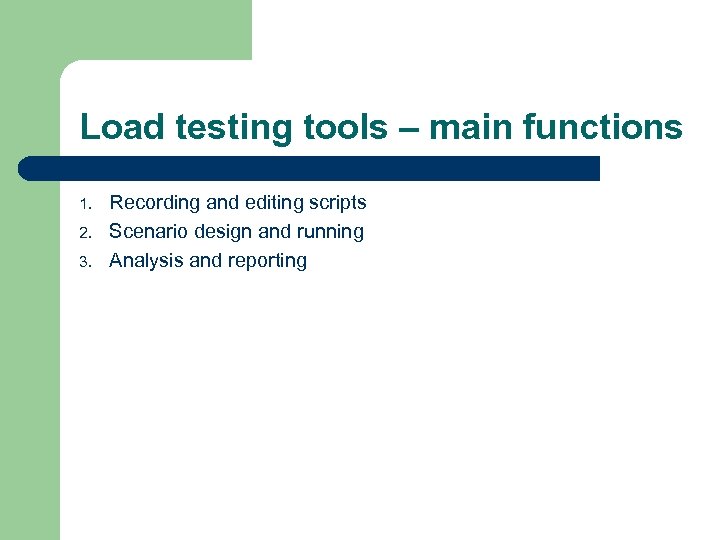
Load testing tools – main functions 1. 2. 3. Recording and editing scripts Scenario design and running Analysis and reporting
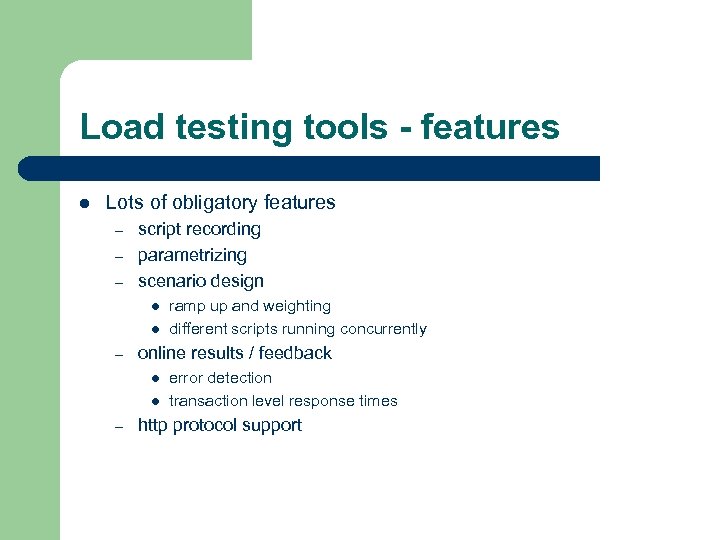
Load testing tools - features l Lots of obligatory features – – – script recording parametrizing scenario design l l – online results / feedback l l – ramp up and weighting different scripts running concurrently error detection transaction level response times http protocol support
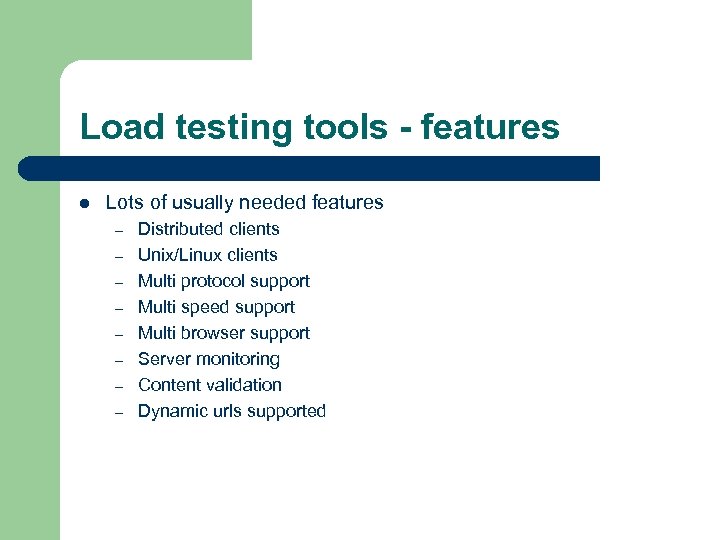
Load testing tools - features l Lots of usually needed features – – – – Distributed clients Unix/Linux clients Multi protocol support Multi speed support Multi browser support Server monitoring Content validation Dynamic urls supported
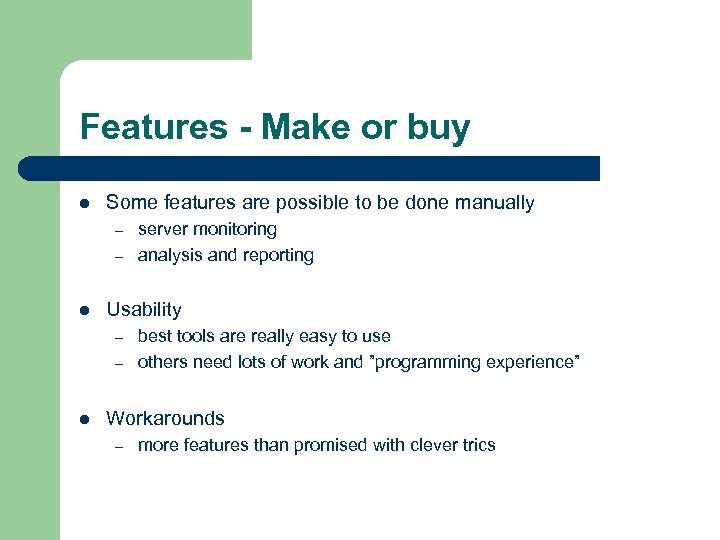
Features - Make or buy l Some features are possible to be done manually – – l Usability – – l server monitoring analysis and reporting best tools are really easy to use others need lots of work and ”programming experience” Workarounds – more features than promised with clever trics
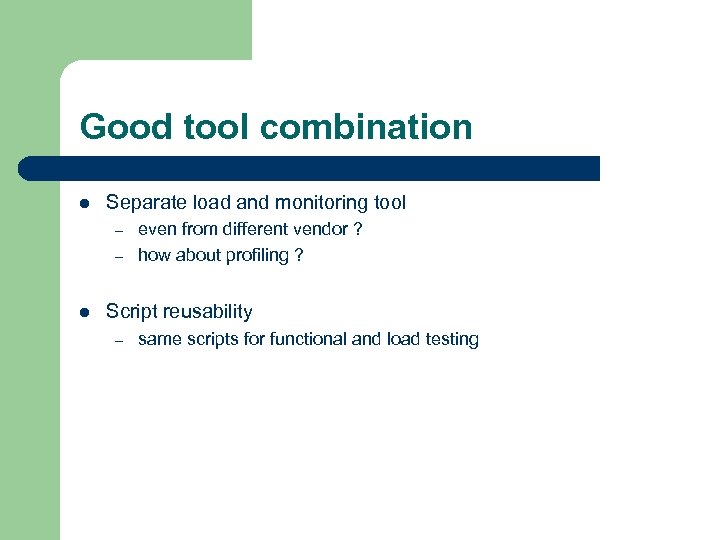
Good tool combination l Separate load and monitoring tool – – l even from different vendor ? how about profiling ? Script reusability – same scripts for functional and load testing
Load test preparation
Testing environment l Same as production environment – l Other applications dividing same resources (firewall etc) ? Controllable – No outside disturbance
”Basic” optimization made l What is basic optimization ? – – l Server parameters are validated by responsible persons and list of values given to load testers Database : sql performance checked and necessary indexes exists Without basic optimization load test is waste of time – just first obvious bottleneck is found and no real information exists
Load test cases l First each script separately with ramp-up usage – l Real usage scenario with weighted scripts – – – l usually many test runs before goals are achieved’ time for repeated tests usual usage first then special occasions What-if scenarios – l easier to see what is problem straight away one change at time to see influence of changing factor Risk based testing – – different location and speed testing hacker testing -> Dos attack etc
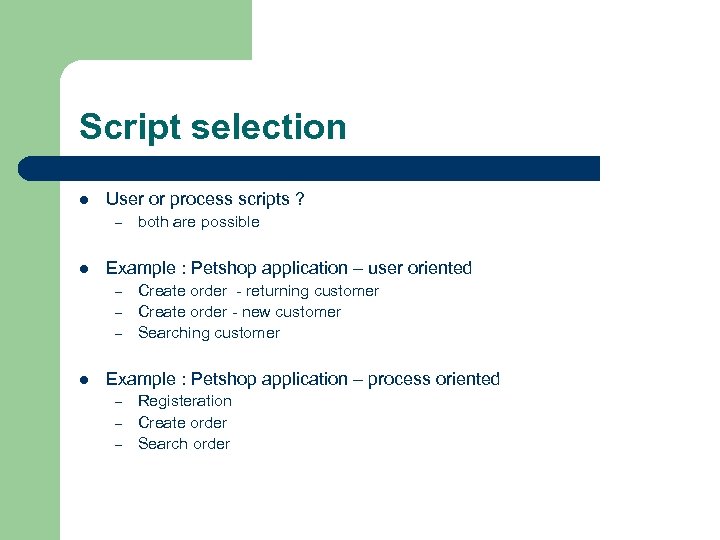
Script selection l User or process scripts ? – l Example : Petshop application – user oriented – – – l both are possible Create order - returning customer Create order - new customer Searching customer Example : Petshop application – process oriented – – – Registeration Create order Search order
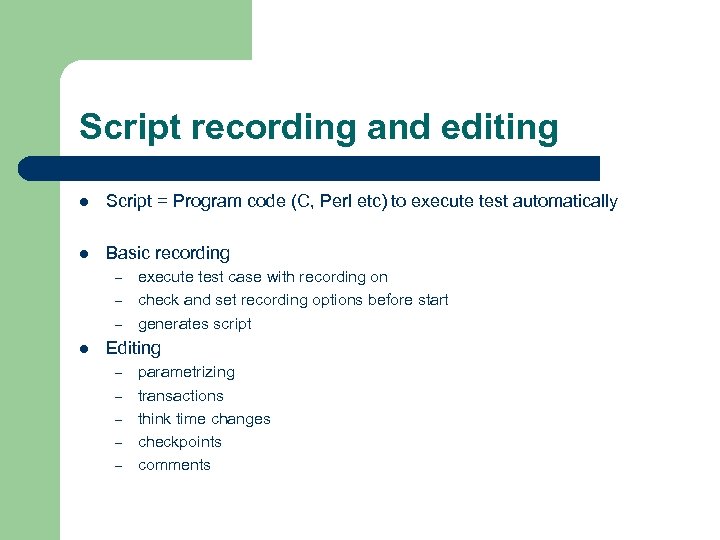
Script recording and editing l Script = Program code (C, Perl etc) to execute test automatically l Basic recording – – – l execute test case with recording on check and set recording options before start generates script Editing – – – parametrizing transactions think time changes checkpoints comments
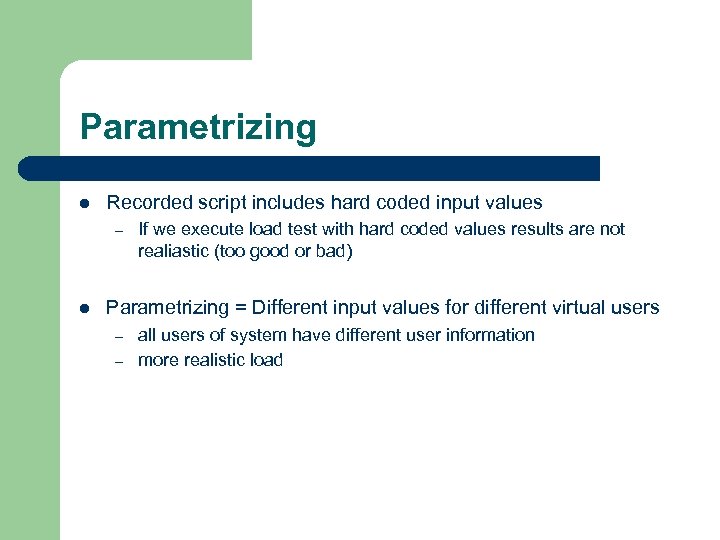
Parametrizing l Recorded script includes hard coded input values – l If we execute load test with hard coded values results are not realiastic (too good or bad) Parametrizing = Different input values for different virtual users – – all users of system have different user information more realistic load
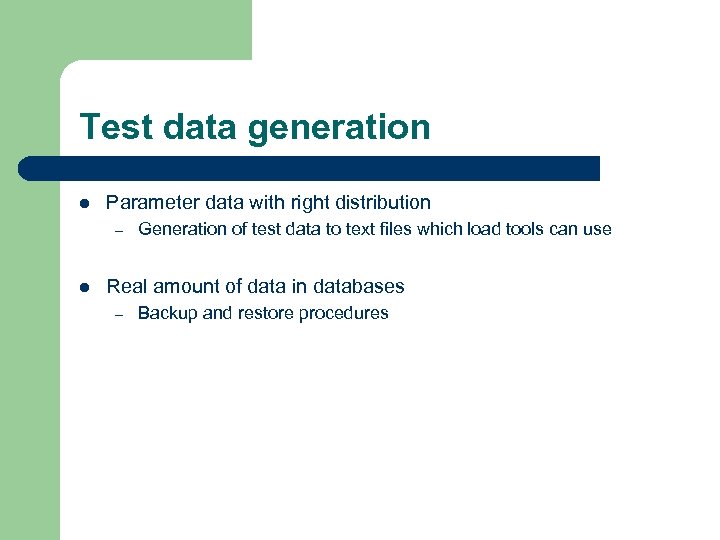
Test data generation l Parameter data with right distribution – l Generation of test data to text files which load tools can use Real amount of data in databases – Backup and restore procedures
Transaction l Detailed response time information inside script l Exact execution times and problem transactions could be seen – script with 10 transactions -> when response time increase, are all the tranasactions equally slow or just some ?
Checkpoint l Functions in script that check correctness of results during execution l In some tools could be set automatically – l Others need manual implementation Find errors otherwise not seen
Think time l Think time = Time user uses for looking and input before making next request to server l Important parameter when estimating usage – l Less think time means more frequent request and more load to servers Example – – 100 users logged to system with 10 s average think time = 1 user 6 transactions/ minute and 100 users 600 t/min = 10 tps If think time is 30 s load is 3 tps
Comments l Making and testing scripts = software development – – comments for meintenance tools own naming is not always good -> changes needed to get readability
Script testing l Executing single script succesfully – – at least twice with checkpoints and parameters
Scenario creation and testing l Usage information and ramp-up of different scripts in same scenario l Designed counters available and working for testing l Test run with couple of users
Ramp-up l Ramp-up – – l User amount increase little by little In real life usually amounts does not change immediately When user amount increase little by little, it is easy to see how response time and utilization develop Stabilizing before next level of load Example : 1000 users use system at same time – first 50 users then 50 more every 10 minutes until response time is bad or errors start to increase
Collection of performance counters l Responsiblity of getting performance counters is usually divided between – – – l administrators developers testers -> Load Tool monitors Load tool monitors should tested – not always so easy to get information from servers as vendor says
Load test execution
Reset and warm-up l Reset situation – l Old tests should not influence Warm-up – Before actual test, some usage need to done
Synchronizing people involved l Test manager gets ready from all people involved l When test ends syncronization again to stop monitors l Collection of results
Active online following l Counters – – – l following online monitors response time and throughput client and server system counters (cpu, memory, disk) Error messages – – if lot of errors occured test should be stopped errors occur often before application run out of system resourches
Response time l l Most important counter for performance Response time = time user needs to wait before able to continue Industry standard for response time : 8 seconds With response time usage information is needed too – l simultaneous user amount and what most of they are doing Example – – 100 simultaneous sessions, 50% update and 50% search Response time requirement 4 s to 95% of insert and update of bill insert. To other functions requirement is 8 s.
Throughput l l l Another important counter for validating scalability Amount of transactions, events, bytes or hits per second usual counter tps (=transaction per second) Requirements could be told as throughput value Bottleneck could be seen easily with saturation point of throughput
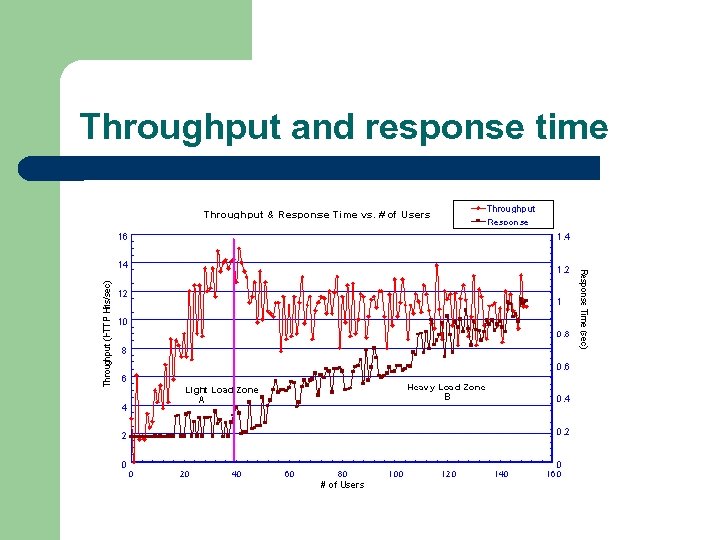
Throughput and response time
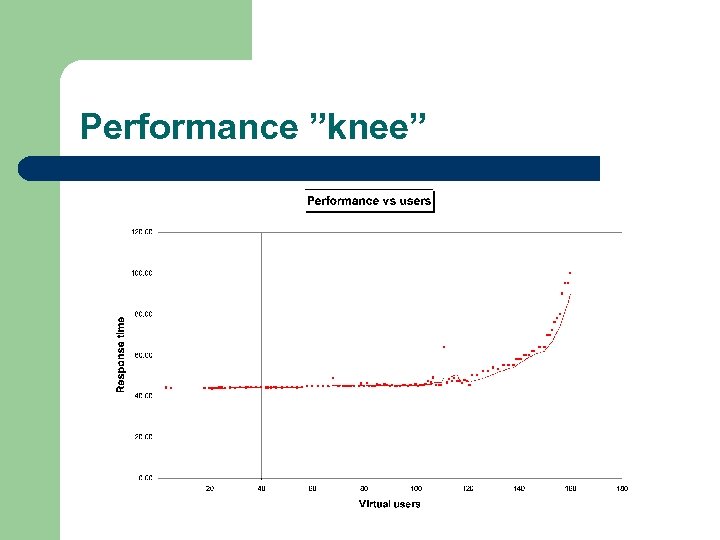
Performance ”knee”

What is bottleneck and how to find it ?
What is bottleneck and why it is important ? l Any resource (software, hardware, network) which limits speed of application – – l Bootleneck is result – – l under requirements from good to even better (changing requirements) reason should be analysed and fixed for example disk i/o is bootleneck and fix is to distribute log file and database files to different disks ”Chain is as strong as it’s weakest link” – application is as fast as worse bottleneck permits
How can we identify bottleneck ? l Using application and measuring – – l One user – l ralative slowness and resourche utilization (= not yet bottleneck but possible to see that bigger amounts of users will couse one) Several users – l response time and throughput resourche usage measuring trends possible to see already (=1 user 1 s, 5 users 3 s, 1000 users ? s) Required amount of users – Actual max usage scenatio
Not so nice features of bottleneck l Real bottleneck influence load of other resources – – l ”everything influences everything” when disk is bottleneck, processor looks like one too (but is not) when real bottleneck is fixed other problem will be solved too if we increase processor power, it does not help Real bottleneck ”create” other problems but hide them too – first bottleneck should be solved in order to see next real bottleneck
Amount and finding of bottlenecks l One application has usually many bottlenecks – l many changes are needed in order to One test finds only one bottleneck – many iterations are needed in order to fix all bottlenecks
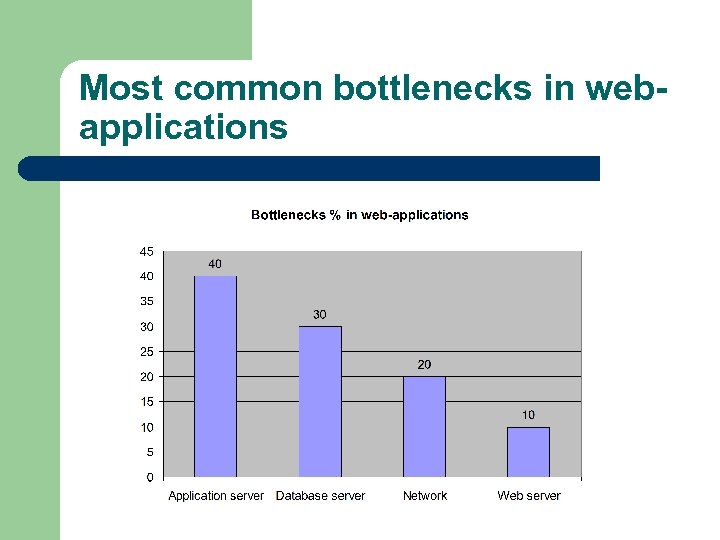
Most common bottlenecks in webapplications
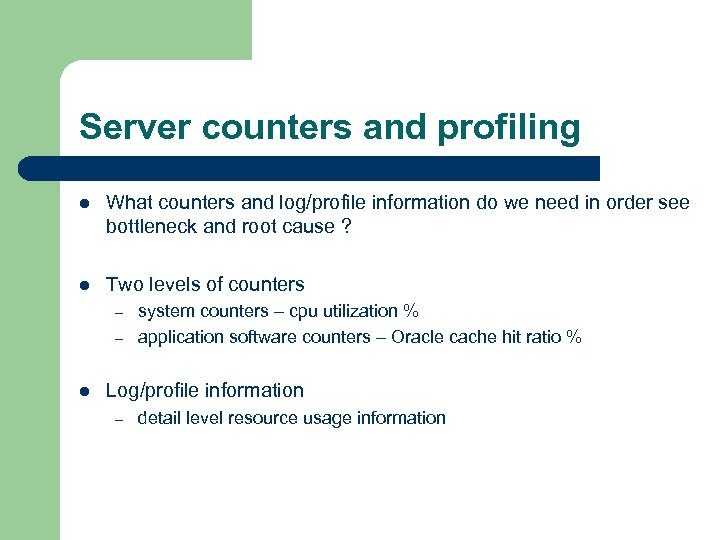
Server counters and profiling l What counters and log/profile information do we need in order see bottleneck and root cause ? l Two levels of counters – – l system counters – cpu utilization % application software counters – Oracle cache hit ratio % Log/profile information – detail level resource usage information
Collecting system counters l Memory, CPU, network and disk counters could be collected – – with operating system dependent programs like Windows Performance monitor or Unixin sar, top etc with load testing programs like Load. Runner or QALoad l Collecting with load testing programs is easier and information is in easy to analyze/report form l Counters for all four are needed
Interpreting system counters l Most important counters – – l CPU – queue length tells if it is too busy Disk – queue length tells if it is too busy Network - queue length tells if it is too busy Memory – hard page faults (disk) tells if it is too small However one counter is not enough – – to be sure more counters are needed to see root couse more counters are needed
Application counters l Collecting with load testing programs is easy and information is in easy to analyze/report form l However all counters are not available to load testing tools – l online monitors (Websphere, Web. Logic) could be used to complement information Different products have different counters – need for understanding that particular product
Profiling tools l Collecting exact information in call level – – – l memory usage disk i/o usage response time Collecting information may influence quite much to results – one solution is to make two test runs : one without logging/profiling and other with them
Example 1 : One clear bottleneck l One of four system resources is busy – easy to see bottleneck
Example 2 : More than one system resources looks bad l However only one resource is real bottleneck – others are ”side effects” of real bottleneck
Example 3 : None of system resources looks bad l Where is the bottleneck then ? – usually some software application uses works inefficiently internally or interface queue to external systems does not work efficiently
What is root cause and how to fix it ?
How to see root cause ? l Application level information is usually needed and always good to have – l Software code problems could be solved when we see which is slow function Some root causes are easy to see while others needs sophisticated monitoring and profiling
Software implementation l Database server – – l Application server – – l Bad sql from performance point of view (works but not efficiently) No or not good enough indexes used Object references not freed -> too much objects in heap Bad methods used from performance point of view Idea is to decrease load to hardware resouches
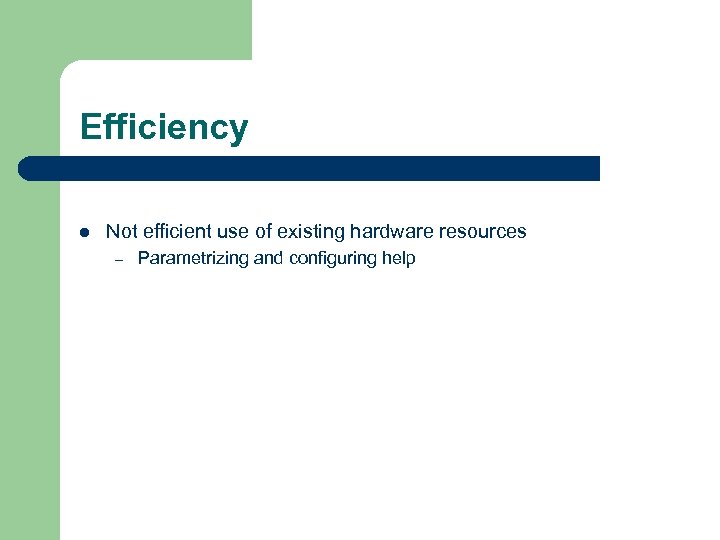
Efficiency l Not efficient use of existing hardware resources – Parametrizing and configuring help
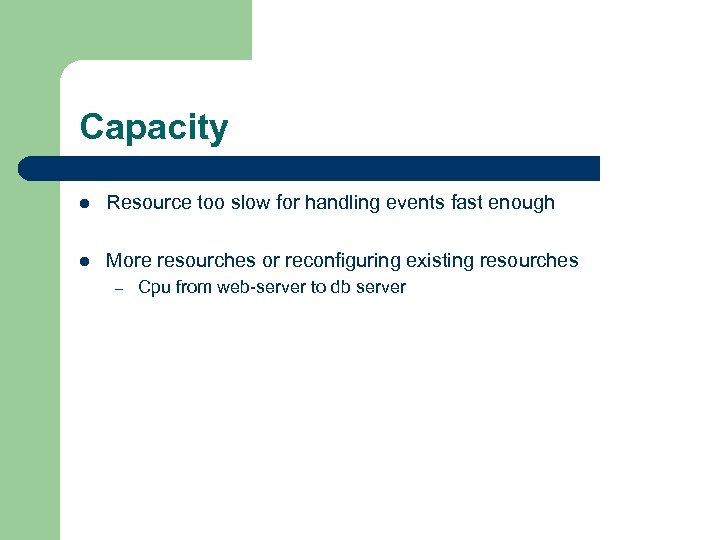
Capacity l Resource too slow for handling events fast enough l More resourches or reconfiguring existing resourches – Cpu from web-server to db server
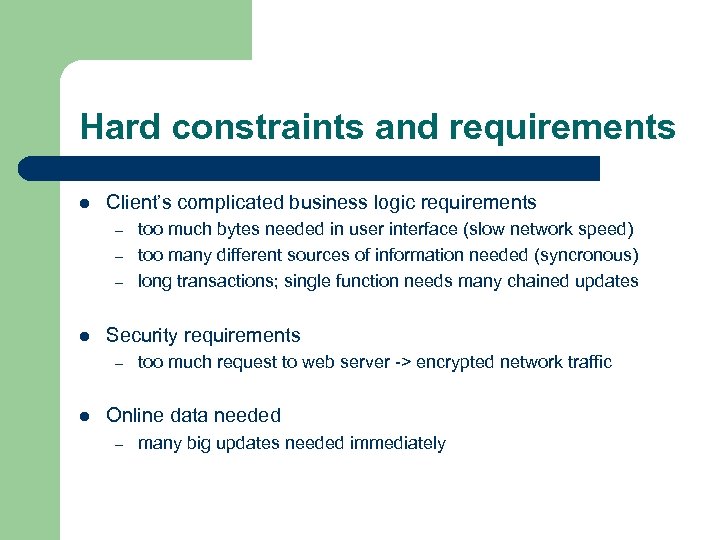
Hard constraints and requirements l Client’s complicated business logic requirements – – – l Security requirements – l too much bytes needed in user interface (slow network speed) too many different sources of information needed (syncronous) long transactions; single function needs many chained updates too much request to web server -> encrypted network traffic Online data needed – many big updates needed immediately
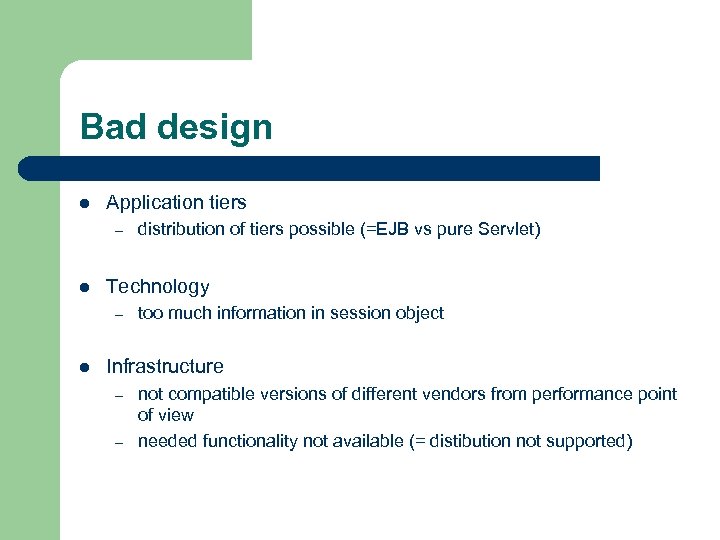
Bad design l Application tiers – l Technology – l distribution of tiers possible (=EJB vs pure Servlet) too much information in session object Infrastructure – – not compatible versions of different vendors from performance point of view needed functionality not available (= distibution not supported)
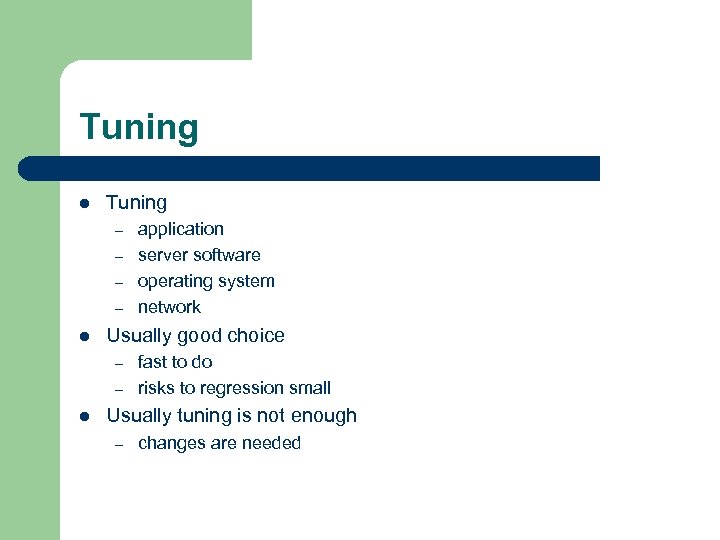
Tuning l Tuning – – l Usually good choice – – l application server software operating system network fast to do risks to regression small Usually tuning is not enough – changes are needed
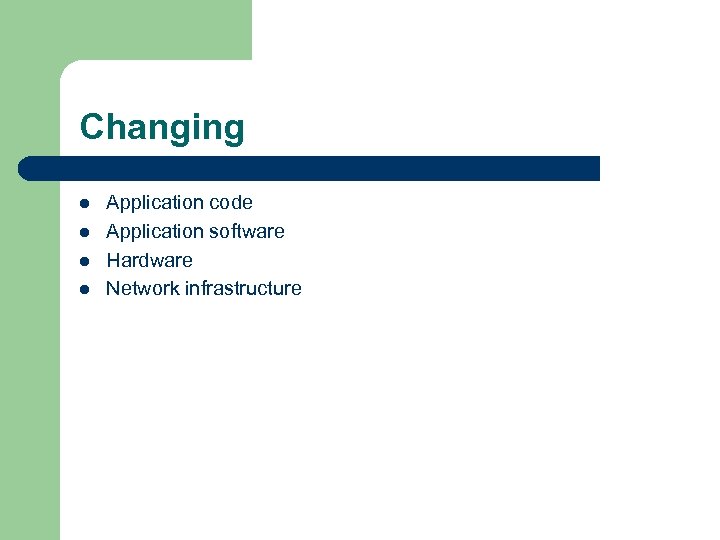
Changing l l Application code Application software Hardware Network infrastructure
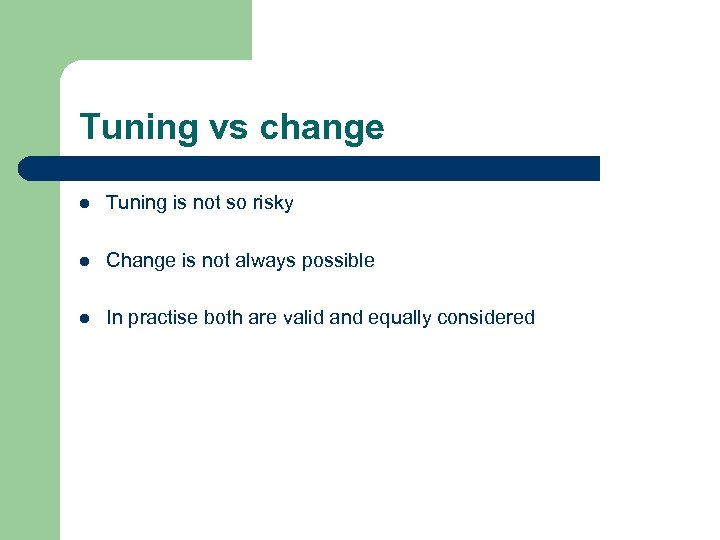
Tuning vs change l Tuning is not so risky l Change is not always possible l In practise both are valid and equally considered
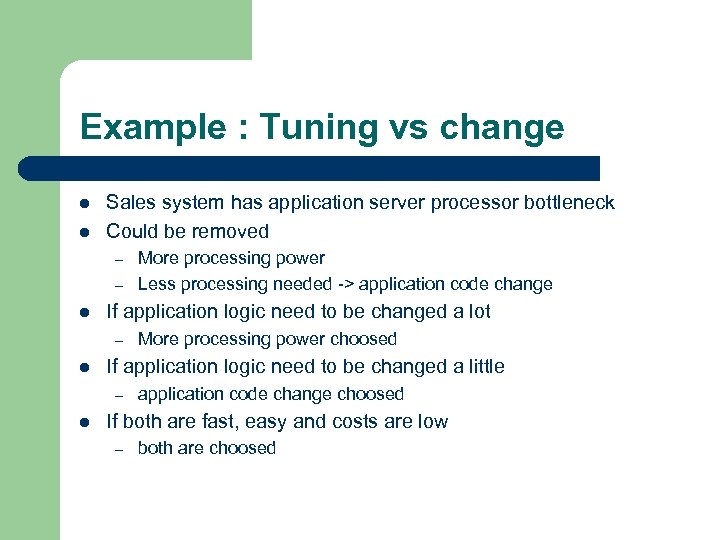
Example : Tuning vs change l l Sales system has application server processor bottleneck Could be removed – – l If application logic need to be changed a lot – l More processing power choosed If application logic need to be changed a little – l More processing power Less processing needed -> application code change choosed If both are fast, easy and costs are low – both are choosed
Removing bottlenecks l Idea : Removing root cause of bottleneck one by one l Rerun same test to see influence
Testing part of system l Sometimes it is difficult to see bottleneck and root cause – – l More information is needed in order to understand system better Testing just one suspect at time is usually possible but could need much effort Testing only one extent at time is ultimate way
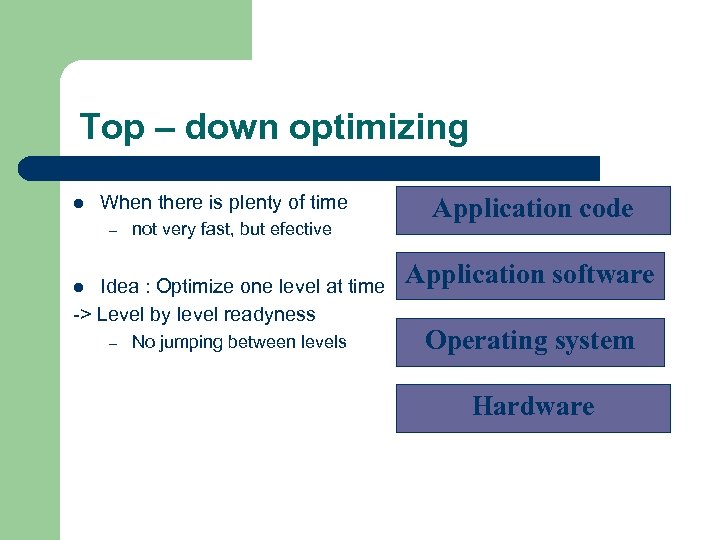
Top – down optimizing l When there is plenty of time – not very fast, but efective Idea : Optimize one level at time -> Level by level readyness l – No jumping between levels Application code Application software Operating system Hardware
Memory–cache-pool-area usage l Idea : Data or service that application needs is already in memory as much as possible l System level – – l big enough memory -> not much swapping needed proxy server caches content Application level – – big enough database connection pool -> new objects not needed big enough database sort area -> not much swapping needed
Connection and thread pools l Creating many objects at startup – – new user gets object from pool when used object returns to pool
Synchronous and asynchronous traffic l If possible actions could happen asyncronously (= no need to wait that action is ready) l Interfaces to other systems
Distributing load l Between servers – l Inside server – – l load balancing cpus disks Between networks – segments
Cut down features l Sometimes only possibility is to cut down features and requirements – – deadline too neat to make other optimizing costs or risks too big when doing anything else
Making recomendations for correcting actions l Need usually interpretion of results from different persons – l however understanding and criticality is needed Results should be clear – usual ”It is not our software but yours” conversations could be avoided if nobody can question results and recomendations – need to show where problem is not !
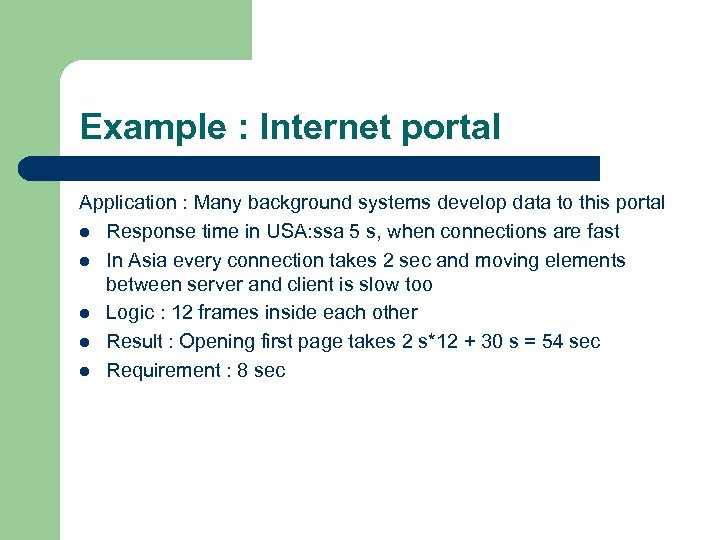
Example : Internet portal Application : Many background systems develop data to this portal l Response time in USA: ssa 5 s, when connections are fast l In Asia every connection takes 2 sec and moving elements between server and client is slow too l Logic : 12 frames inside each other l Result : Opening first page takes 2 s*12 + 30 s = 54 sec l Requirement : 8 sec
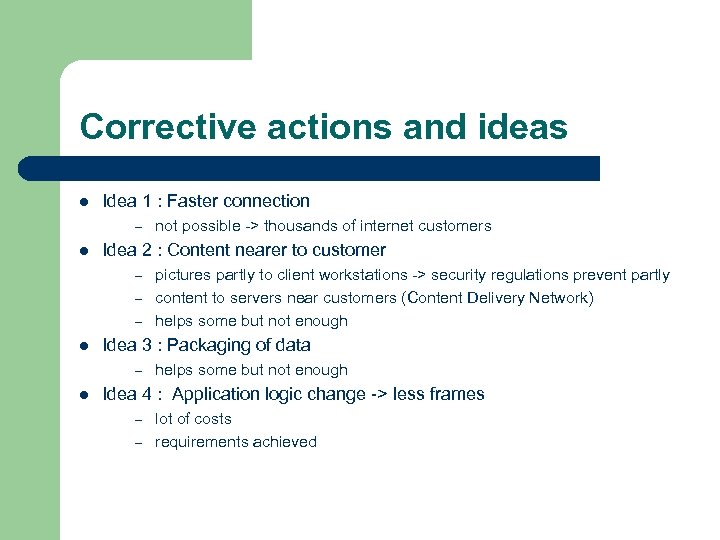
Corrective actions and ideas l Idea 1 : Faster connection – l Idea 2 : Content nearer to customer – – – l pictures partly to client workstations -> security regulations prevent partly content to servers near customers (Content Delivery Network) helps some but not enough Idea 3 : Packaging of data – l not possible -> thousands of internet customers helps some but not enough Idea 4 : Application logic change -> less frames – – lot of costs requirements achieved
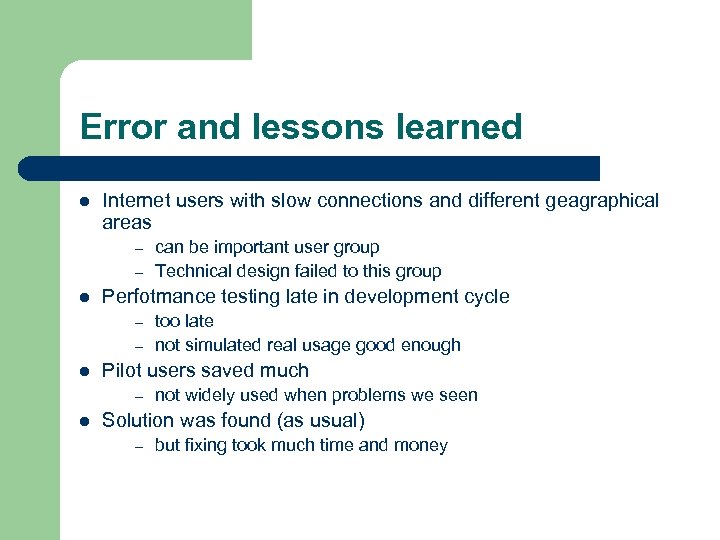
Error and lessons learned l Internet users with slow connections and different geagraphical areas – – l Perfotmance testing late in development cycle – – l too late not simulated real usage good enough Pilot users saved much – l can be important user group Technical design failed to this group not widely used when problems we seen Solution was found (as usual) – but fixing took much time and money
Скачать презентацию Web-application s performance testing Ilkka Myllylä Reaaliprosessi Ltd
704d96262b206639a4c3d9298bbcc8c2.ppt