 Скачать презентацию Web 2 Storage Corp Vista Rally Summit June
f6b72b7ad79aa5d931180816b814917a.ppt
- Количество слайдов: 13



Web 2 Storage Corp Vista Rally Summit June 05, 2008 Bring Pn. P-X from Rally to the Forefront Scott Smyth, CTO
Web 2 Storage: the Rally Experience Demonstration and Lessons Learned Demonstration of two products: Web 2 Drive and Web 2 Server Both products were re-architected as we explored more of Rally Lessons learned about how to use and test Pn. P-X Throughout demo we will bring attention to the Pn. P -X lessons learned
Web 2 Storage Technology Focus Two products-One Concept: Simplicity Web 2 Drive: the consumer storage ecosystem Vista solution to “backup” service Simple install makes Web 2 Drive show up like a local drive letter or USB device Can integrate with and provide storage for other household media devices Provides local and secure remote access Web 2 Server: the micro-business storage ecosystem No IT personnel needed for setup/maintenance Allows standardization of software for multiple users Provides automated data protection Provides secure remote access to data
W 2 S Core Technologies • Secure Web 2. 0 Services running on Vista (WS Compliant) • Complete Rally integration (Pn. P-X, LLTD, and Qo. S, etc) • Architecture IP for transformation of appliances to services (whole solution for home and business) • 3 rd party software integration WS (marketing API) • Icon and Context Menu WS (marketing API) • Solution for DVR and Media Server DRM storage expansion • MS Windows Update Testing (by association)
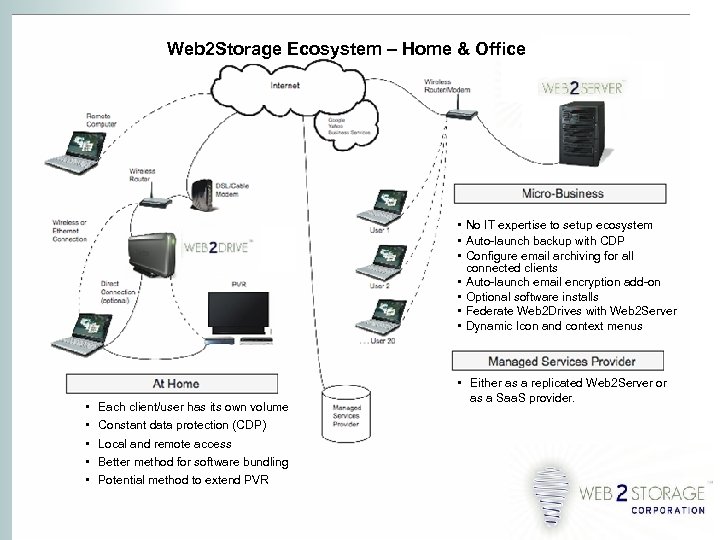
Web 2 Storage Ecosystem – Home & Office • No IT expertise to setup ecosystem • Auto-launch backup with CDP • Configure email archiving for all connected clients • Auto-launch email encryption add-on • Optional software installs • Federate Web 2 Drives with Web 2 Server • Dynamic Icon and context menus • • • Each client/user has its own volume Constant data protection (CDP) Local and remote access Better method for software bundling Potential method to extend PVR • Either as a replicated Web 2 Server or as a Saa. S provider.
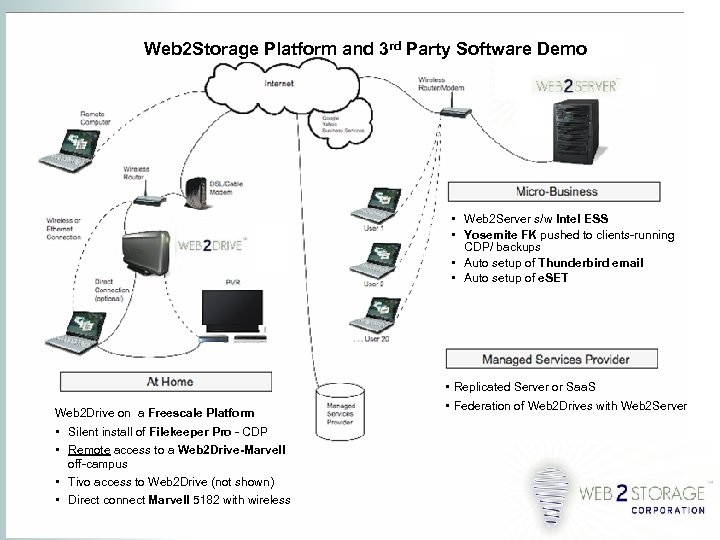
Web 2 Storage Platform and 3 rd Party Software Demo • Web 2 Server s/w Intel ESS • Yosemite FK pushed to clients-running CDP/ backups • Auto setup of Thunderbird email • Auto setup of e. SET Web 2 Drive on a Freescale Platform • Silent install of Filekeeper Pro - CDP • Remote access to a Web 2 Drive-Marvell off-campus • Tivo access to Web 2 Drive (not shown) • Direct connect Marvell 5182 with wireless • Replicated Server or Saa. S • Federation of Web 2 Drives with Web 2 Server
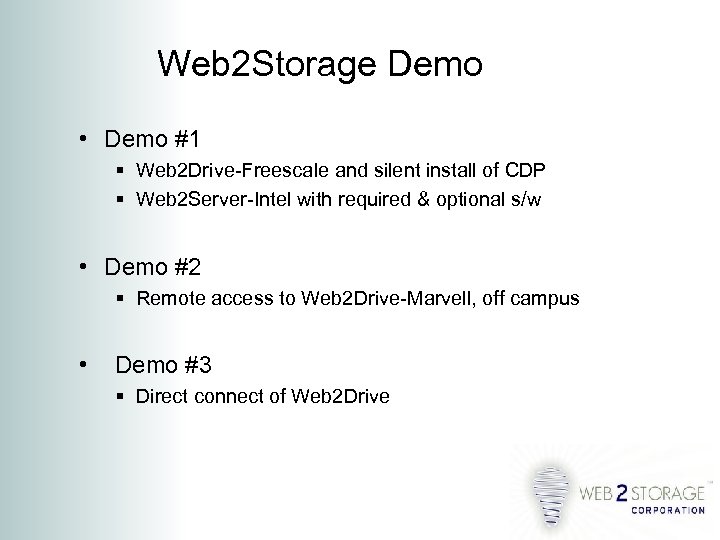
Web 2 Storage Demo • Demo #1 Web 2 Drive-Freescale and silent install of CDP Web 2 Server-Intel with required & optional s/w • Demo #2 Remote access to Web 2 Drive-Marvell, off campus • Demo #3 Direct connect of Web 2 Drive
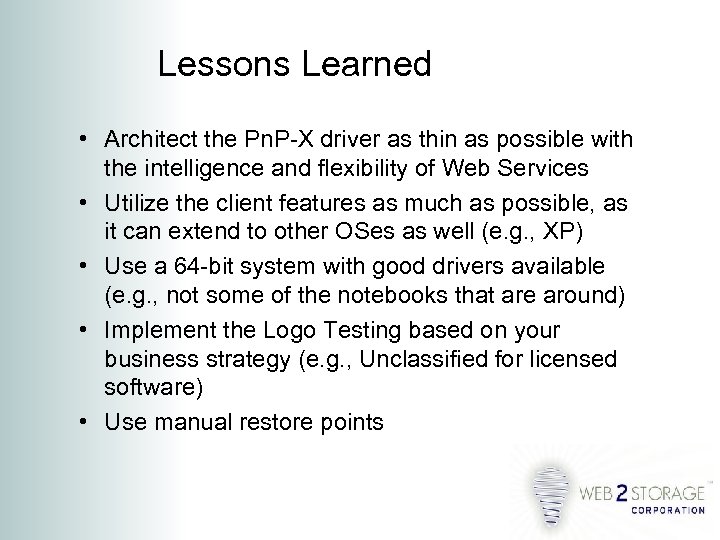
Lessons Learned • Architect the Pn. P-X driver as thin as possible with the intelligence and flexibility of Web Services • Utilize the client features as much as possible, as it can extend to other OSes as well (e. g. , XP) • Use a 64 -bit system with good drivers available (e. g. , not some of the notebooks that are around) • Implement the Logo Testing based on your business strategy (e. g. , Unclassified for licensed software) • Use manual restore points
Testing for Unclassified Device Category • How. To Addendum for DTM client for Pn. P-X Unclassified Category • Some configuration strategies when using DTM for Pn. P-X (x 86 vs x 64) • What not to do with DTM and Pn. P-X (or DTM, in general)
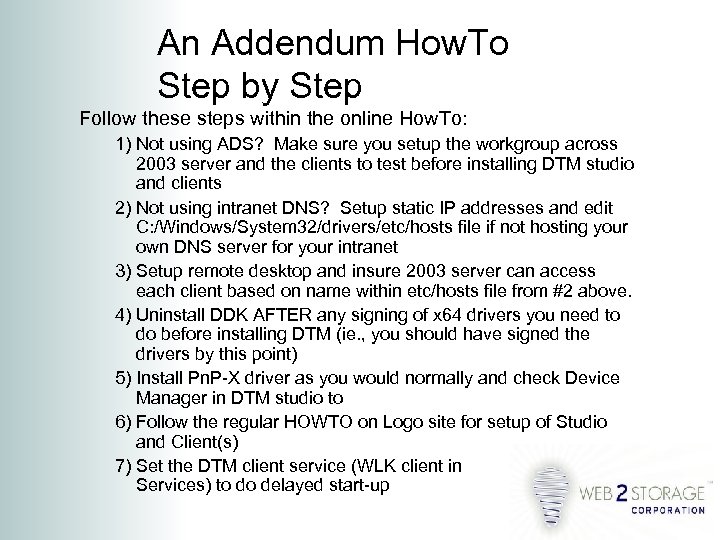
An Addendum How. To Step by Step Follow these steps within the online How. To: 1) Not using ADS? Make sure you setup the workgroup across 2003 server and the clients to test before installing DTM studio and clients 2) Not using intranet DNS? Setup static IP addresses and edit C: /Windows/System 32/drivers/etc/hosts file if not hosting your own DNS server for your intranet 3) Setup remote desktop and insure 2003 server can access each client based on name within etc/hosts file from #2 above. 4) Uninstall DDK AFTER any signing of x 64 drivers you need to do before installing DTM (ie. , you should have signed the drivers by this point) 5) Install Pn. P-X driver as you would normally and check Device Manager in DTM studio to 6) Follow the regular HOWTO on Logo site for setup of Studio and Client(s) 7) Set the DTM client service (WLK client in Services) to do delayed start-up
Some Other Configuration Issues • Make sure you sign your drivers for x 64 on the same computer you are testing (do not forget to uninstall DDK before installing DTM client!) • Do NOT use VMware™ for any of the clients because of sleep states initiated with I/O tests • If you keep getting the “heartbeat not found for 30 minutes, ” uninstall and reinstall the entire DTM • Turn off automatic updates for 2003 and do them manually up to SP 1 • Do not let networked Pn. P-X devices go into sleep state unless network wake-up
Useful Web Sites for DTM • Mailing List: microsoft. com/whdc/resources • Blogs: blogs. msdn. com/craigrow/default. aspx • URLs: www. microsoft. com/whdc/whql/WHQLerr. mspx
Web 2 Storage Corp. Web 2 Drive: “Simple” networked consumer storage Web 2 Server: “Simple” networked micro-business storage ecosystem Thank you for your attention this afternoon. Scott Smyth CTO Web 2 Storage Corp. Seattle WA Mobile 206. 851. 0979
Скачать презентацию Web 2 Storage Corp Vista Rally Summit June
f6b72b7ad79aa5d931180816b814917a.ppt