 Скачать презентацию Walking the Talk Showcasing Best Practice Using Blackboard s
ce917fcf31b5acf48fef3c1526819d59.ppt
- Количество слайдов: 20



Walking the Talk Showcasing Best Practice Using Blackboard's Community Engagement Tools Richard Walker & Wayne Britcliffe University of York Bb. World Europe 2009
Focus of the presentation § Our objectives in designing a support site for academics § How we achieved this - our use of Bb's community portal tools § How the support site is being used to foster best practice
Our objectives in designing a support site § Create a highly visible VLE support site for academics § Present this as the definitive place & first reference point for guidance & support materials § Use it as a communication channel to the user community § Showcase best practice (interviews, case studies, archived modules)

How we achieved this
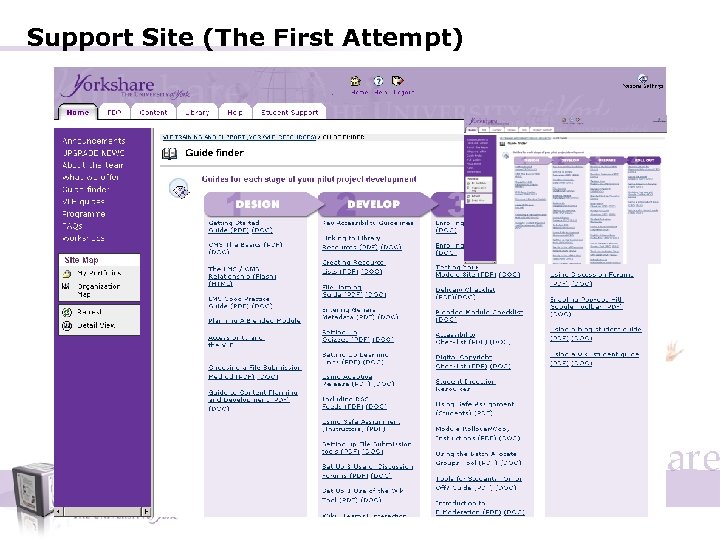
Support Site (The First Attempt) § Organisation/Community module created § Great resources and content – Guide finder born etc. § Big launch and promotion – Workshops – Lunch meetings § Disappointingly very little discernible traffic
What was felt to be the main problem? § Authentication – Potential Yorkshare users would actually already need to know how to login to Yorkshare – If they know how to login they would then need to find the support module – We need to keep ALL staff enrolled in the module § Other reasons – Limited presentation options for focus on transient or key support information – Limits our ability to easily “showcase” good practice examples – Useful content is more “buried”
Considered Website Instead § Pros § Cons § No authentication barrier § Content already in Blackboard § Complete design control § Guilt pangs – we should practice what we preach § We already had web space that needed attention § Content easier to index § Would require “skills” to maintain and also to develop new content
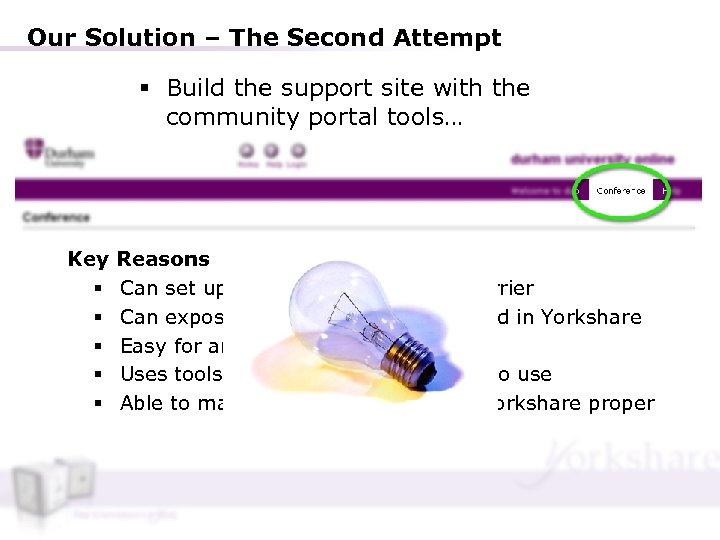
Our Solution – The Second Attempt § Build the support site with the community portal tools… Key § § § Reasons Can set up with no authentication barrier Can expose content already developed in Yorkshare Easy for any team member to update Uses tools we expect academic staff to use Able to make it the “gate way” into Yorkshare proper
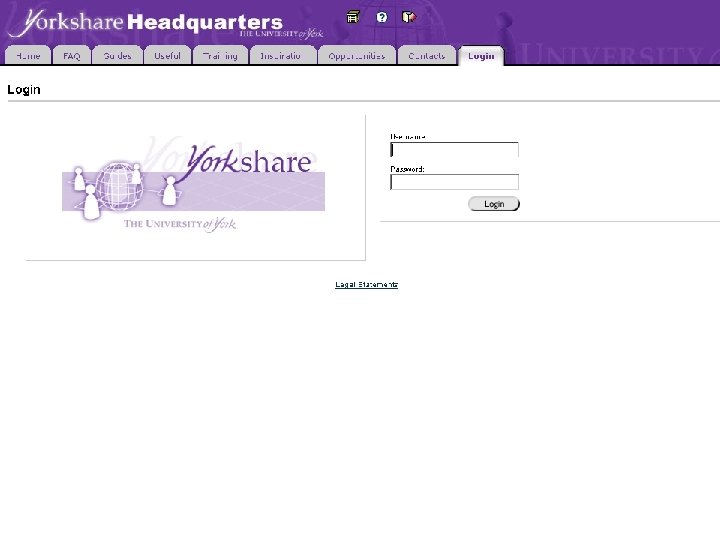
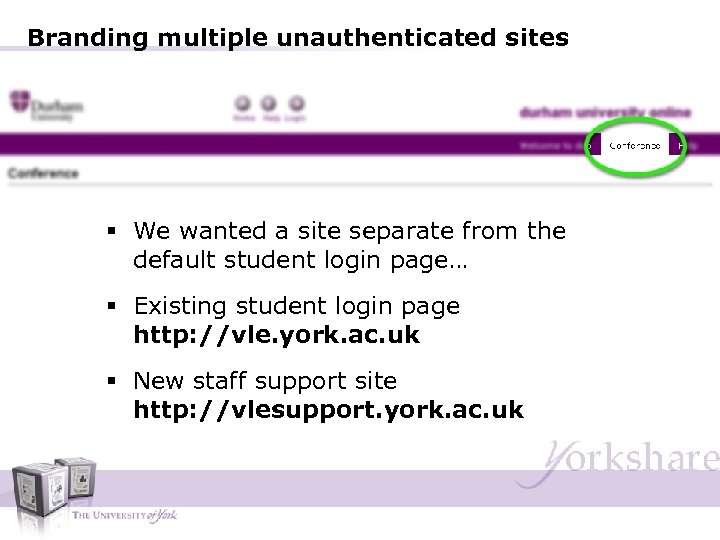
Branding multiple unauthenticated sites § We wanted a site separate from the default student login page… § Existing student login page http: //vle. york. ac. uk § New staff support site http: //vlesupport. york. ac. uk
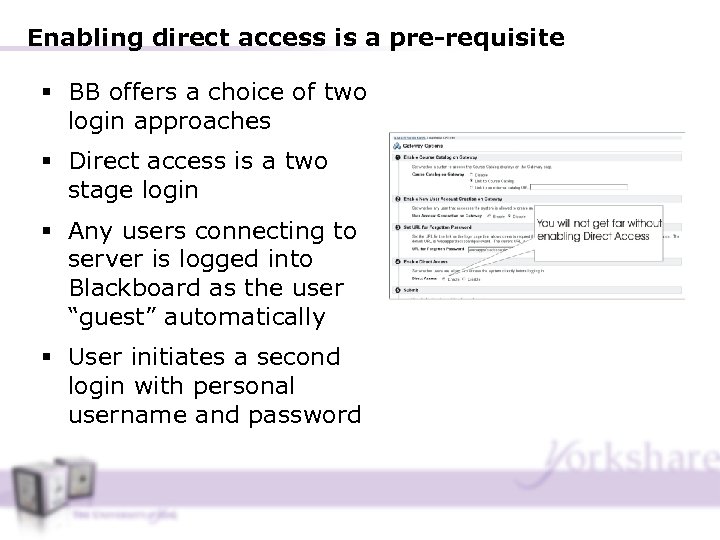
Enabling direct access is a pre-requisite § BB offers a choice of two login approaches § Direct access is a two stage login § Any users connecting to server is logged into Blackboard as the user “guest” automatically § User initiates a second login with personal username and password
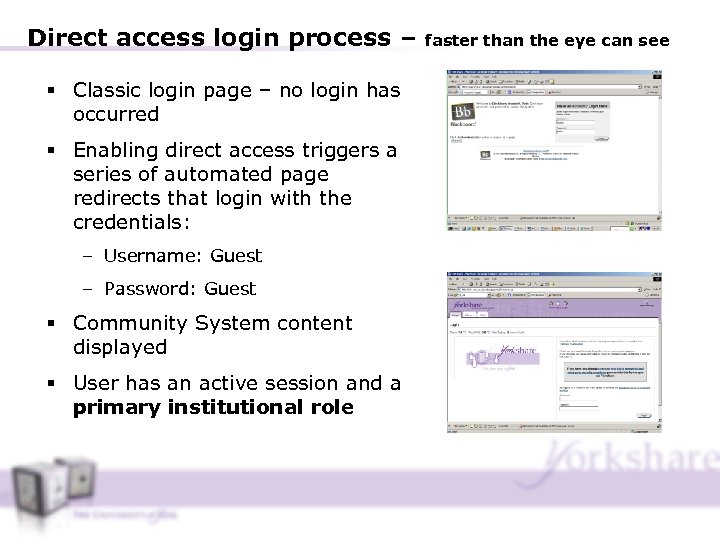
Direct access login process – § Classic login page – no login has occurred § Enabling direct access triggers a series of automated page redirects that login with the credentials: – Username: Guest – Password: Guest § Community System content displayed § User has an active session and a primary institutional role faster than the eye can see
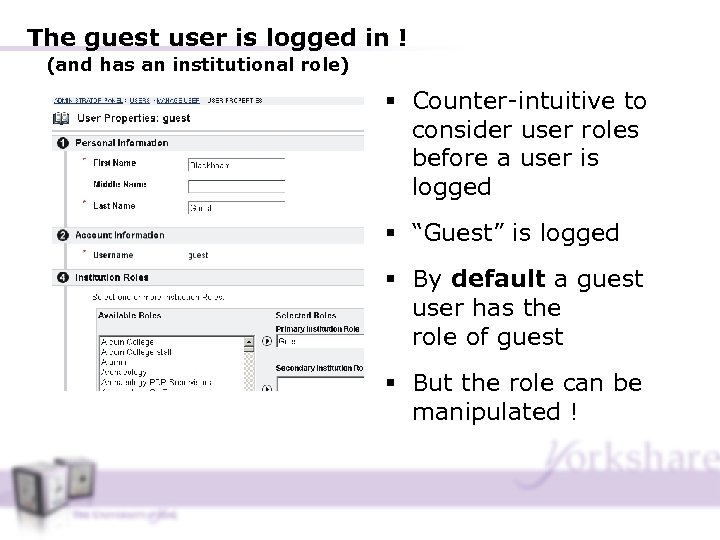
The guest user is logged in ! (and has an institutional role) § Counter-intuitive to consider user roles before a user is logged § “Guest” is logged § By default a guest user has the role of guest § But the role can be manipulated !
Summary § A hostname (url) can be configured to manipulate the institutional role of the guest user logged in – When setting up a new brand, you indicate an institutional role to override the default role of guest user – So, create new institutional role, create a brand to manipulate the role, associate the role with the Brand § All exposed resources stored in the Bd CMS – This includes: the html pointed at for HTML Tabs, images used in portlets, documents made available through the HQ brand etc. § Use of Coldfusion – CF Script contains SQL that retrieves data from the BB database: This is used for the random content portlets, the Training Tab and the Inspiration Tab
Site Usage Stats § Steadily increased for first 2 -3 months § 750 to over a 1000 distinct visits (sessions) per week § Lots of interest from around the globe on how the community system has been used & positive comments on site design
How the support site is being used to foster best practice
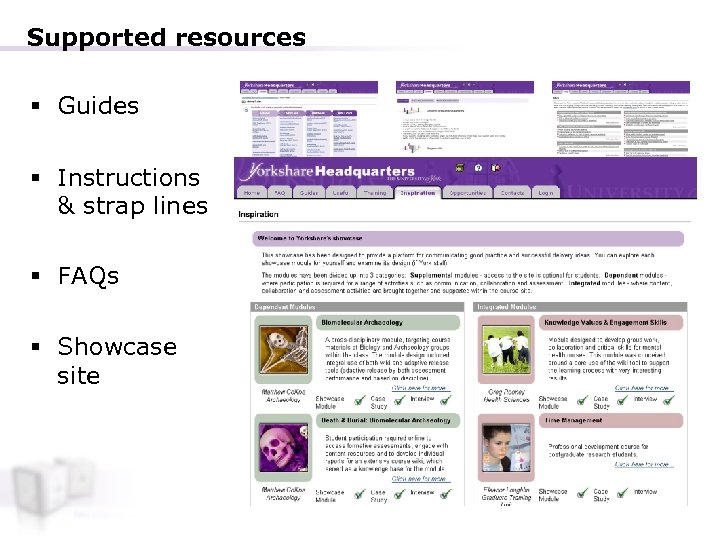
Supported resources § Guides § Instructions & strap lines § FAQs § Showcase site
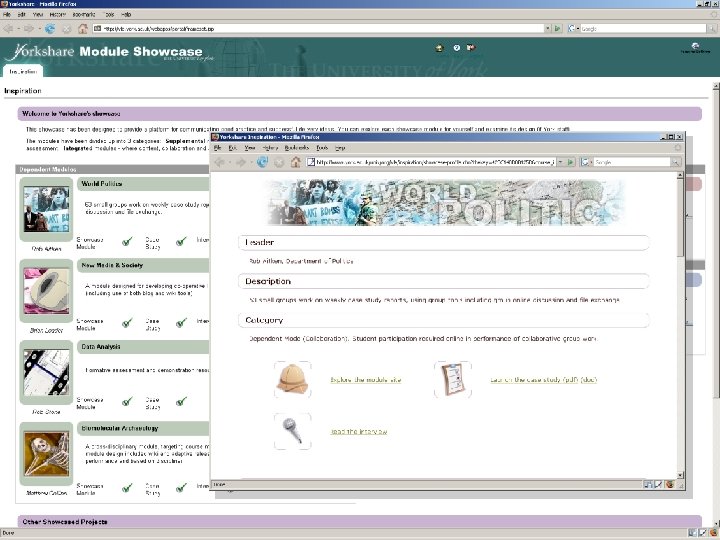
Communicating the research The case studies: § Target an audience of practitioners: dissemination and application a priority, reinforced in f 2 f gatherings § Are presented in a ‘whole course’ context with course artefacts such as module site and resources available to explore § Inform training activities, informally and formally in a virtuous cycle
Impact on organisational learning § Case study research helps us to identify generalisable features of learning experience (adoption trends; characteristics of the student population) § Lessons learned contribute to evolving framework of instructional responsibilities (course design & delivery methods) § Outcomes inform departmental strategy & support activities § Outcomes inform staff training and support services and influence institutional policy (e. g. accessibility training)

Questions
Скачать презентацию Walking the Talk Showcasing Best Practice Using Blackboard s
ce917fcf31b5acf48fef3c1526819d59.ppt