


 Скачать презентацию W 2 K Auditing Intrusion Detection Secure
29b9dd449819ce8af30c13081f805c29.ppt
- Количество слайдов: 59
 W 2 K Auditing / Intrusion Detection Secure Labs
 Overview l l l l What is Auditing / Effective Auditing Strategy / Intrusion Detection Strategy W 2 K Auditing Functionality / Event Logs Audit Policy / Group Policy Types of Auditing Utilities and Tools What to look for ? Questions ?
 Windows 2000 Security Features l l l l Active Directory Kerberose Encrypting File System (EFS) Public Key Certificate Manager Internet Protocol Security (IPSec) Enhanced VPN (L 2 TP) Enhanced Access Control Enhanced Auditing Subsystem
 What is Auditing l l Auditing tracks the activity of users and processes by recording selected types of events in the logs of a server or workstation. Will provide information required to spot attempted attacks, to investigate what happened when an incident occurred, and to possibly provide evidence in support of an investigation
 Without Auditing l l l Finding security problems can be difficult if not impossible You cannot fix it – if you don’t know about it ! System will remain open or vulnerable to attack
 What is an Event ? l Any significant occurrence in a system that requires notification – Example l l Service did not start Driver did not load Information from an application Logon Failure
 What is Intrusion Detection (ID) ? l The ability to detect inappropriate, incorrect, or anomalous activity l www. sans. org/newlook/resources/IDFAQ/ID_FAQ. htm
 Host vs. Network Based ID l Host based ID involves loading software(s) on the system to be monitored – l Uses log files or auditing agents for information Network based ID monitors actual network traffic (packets) – Uses packets as the source of information
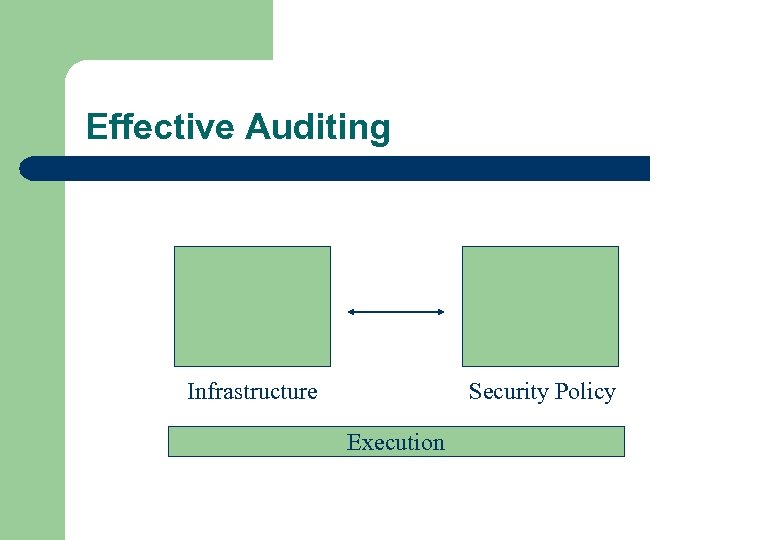 Effective Auditing Infrastructure Security Policy Execution
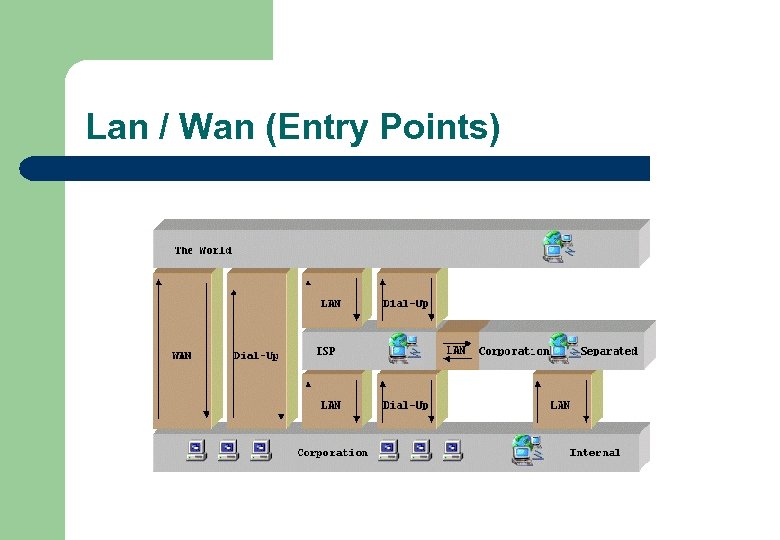 Lan / Wan (Entry Points)
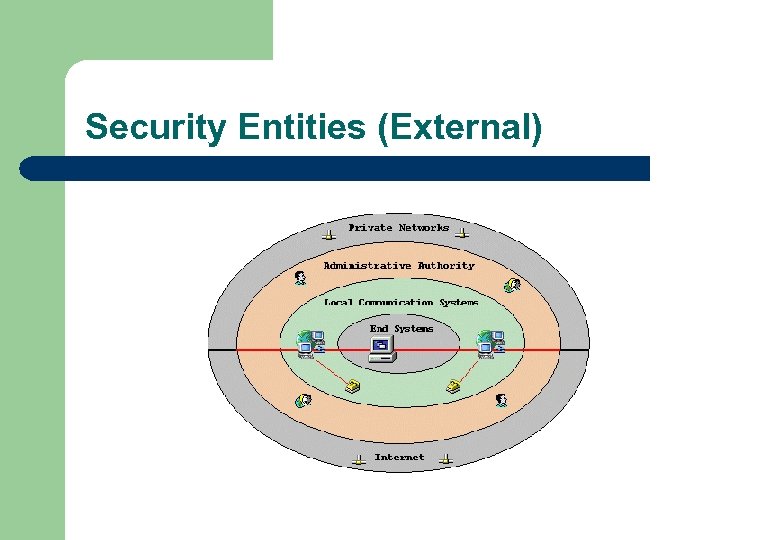 Security Entities (External)
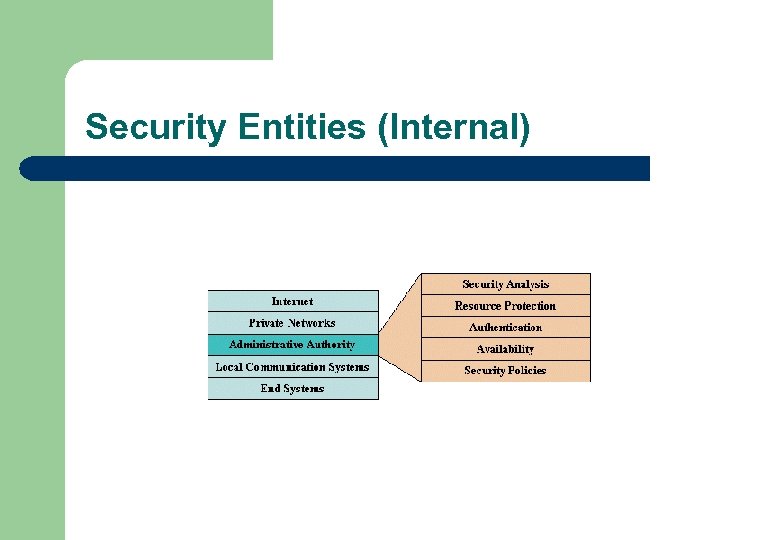 Security Entities (Internal)
 Auditing Strategy l l l Why are you auditing ? Do you need different policy for different systems ? Who is responsible for log collection and analysis ? Who should have access to the audit logs ? Is the loss of some audit information acceptable ?
 Auditing Strategy (cont. ) l l l Who reviews the logs ? How long should you keep them ? What is the escalation procedure should an intrusion be detected ? Does the discovery of certain events require immediate actions ? Do audit logs need to be collected analyzed centrally ? Will the logs be used for legal action ?
 Effective Auditing l Auditing – Vulnerability Management l – Threat Management l – Checking current configuration against a defined baseline Real-time detection of a threat or actual intrusion Collection and Analysis Management l Ability to reveal information related to use and abuse
 Effective Auditing (cont. ) l Too Much Auditing – – – l Performance Impact Could hide significant events The first rule in Auditing is “Restraint” Too Little Auditing – Not effective
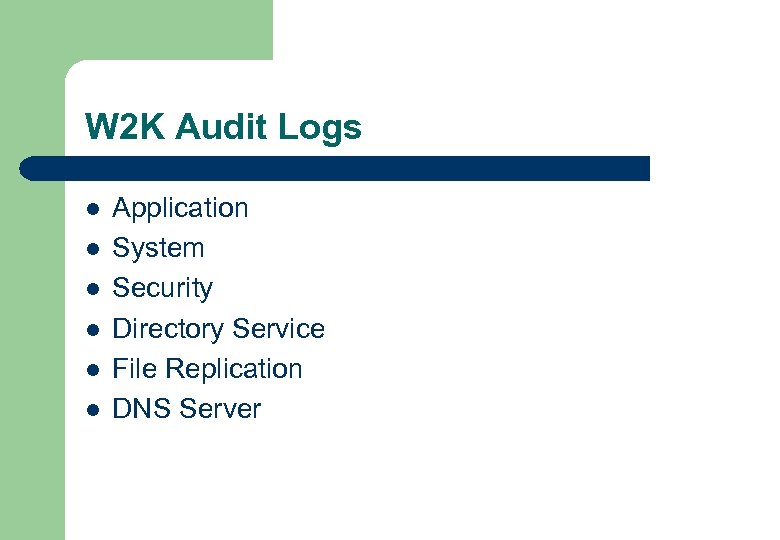 W 2 K Audit Logs l l l Application System Security Directory Service File Replication DNS Server
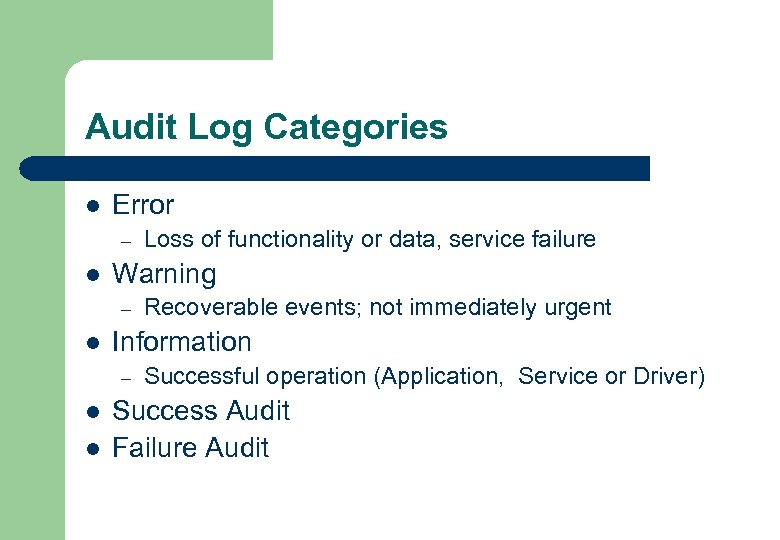 Audit Log Categories l Error – l Warning – l l Recoverable events; not immediately urgent Information – l Loss of functionality or data, service failure Successful operation (Application, Service or Driver) Success Audit Failure Audit
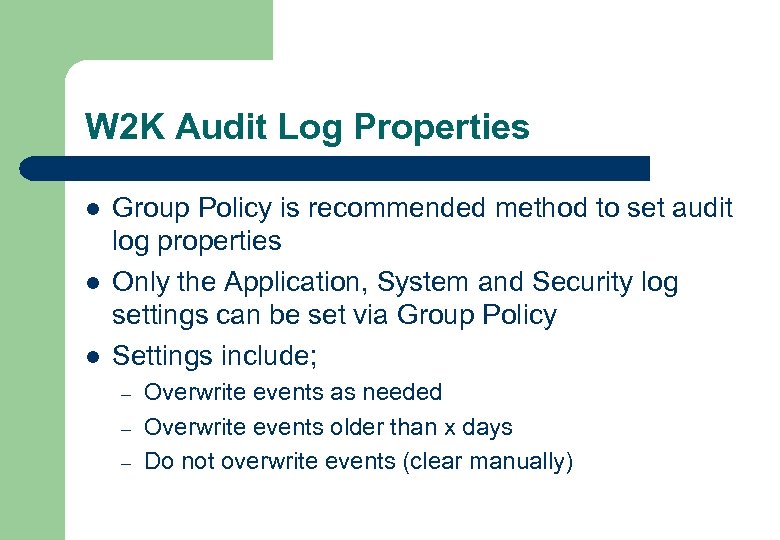 W 2 K Audit Log Properties l l l Group Policy is recommended method to set audit log properties Only the Application, System and Security log settings can be set via Group Policy Settings include; – – – Overwrite events as needed Overwrite events older than x days Do not overwrite events (clear manually)
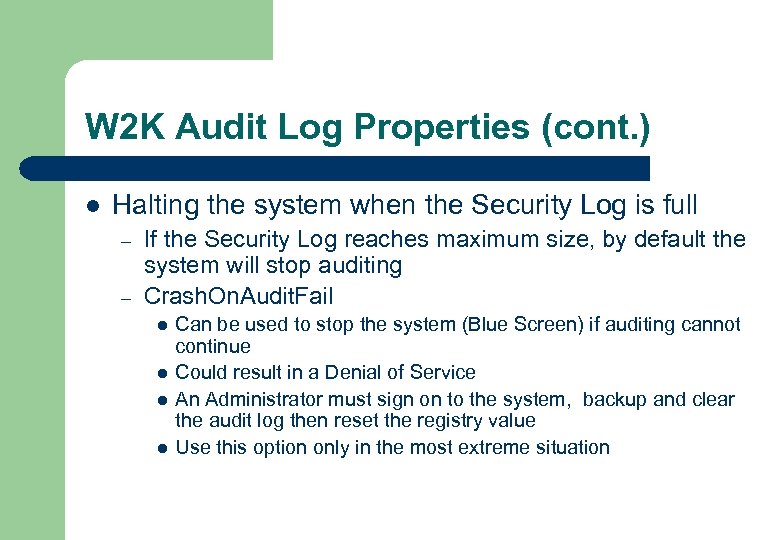 W 2 K Audit Log Properties (cont. ) l Halting the system when the Security Log is full – – If the Security Log reaches maximum size, by default the system will stop auditing Crash. On. Audit. Fail l l Can be used to stop the system (Blue Screen) if auditing cannot continue Could result in a Denial of Service An Administrator must sign on to the system, backup and clear the audit log then reset the registry value Use this option only in the most extreme situation
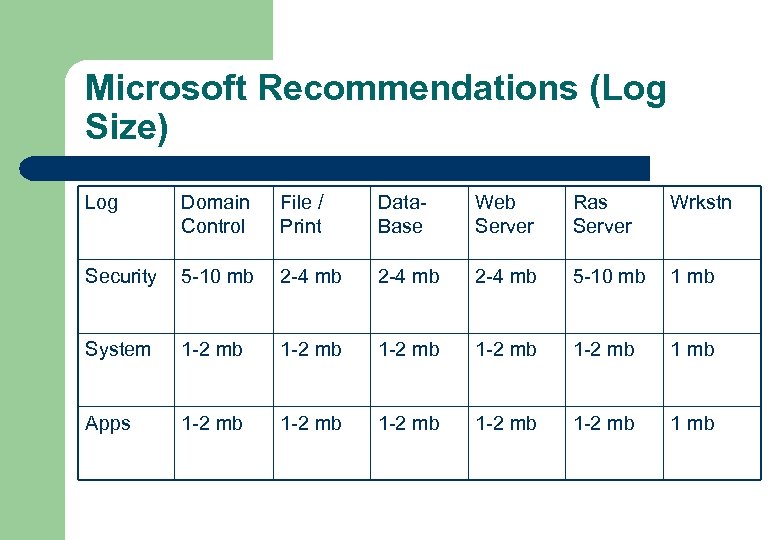 Microsoft Recommendations (Log Size) Log Domain Control File / Print Data. Base Web Server Ras Server Wrkstn Security 5 -10 mb 2 -4 mb 5 -10 mb 1 mb System 1 -2 mb 1 -2 mb 1 mb Apps 1 -2 mb 1 -2 mb 1 mb
 Event Viewer l l l View audit information for all logs Manage audit logs (View, Export and Archive) Apply filters to current view Configure audit log properties Open saved audit logs (. EVT)
 Event Log Security l l Access to the event logs is controlled to prevent unauthorized modification or viewing Four Type of Accounts are used for the logs; – – Local. System Administrator Server. Operator Everyone
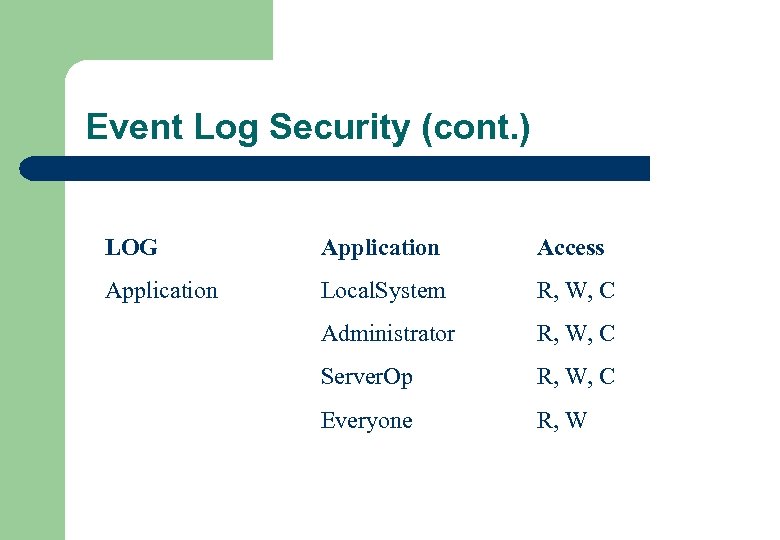 Event Log Security (cont. ) LOG Application Access Application Local. System R, W, C Administrator R, W, C Server. Op R, W, C Everyone R, W
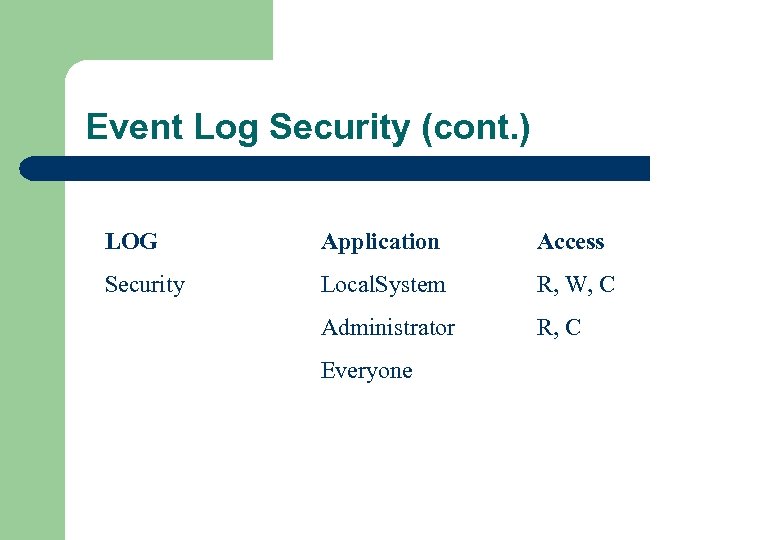 Event Log Security (cont. ) LOG Application Access Security Local. System R, W, C Administrator R, C Everyone
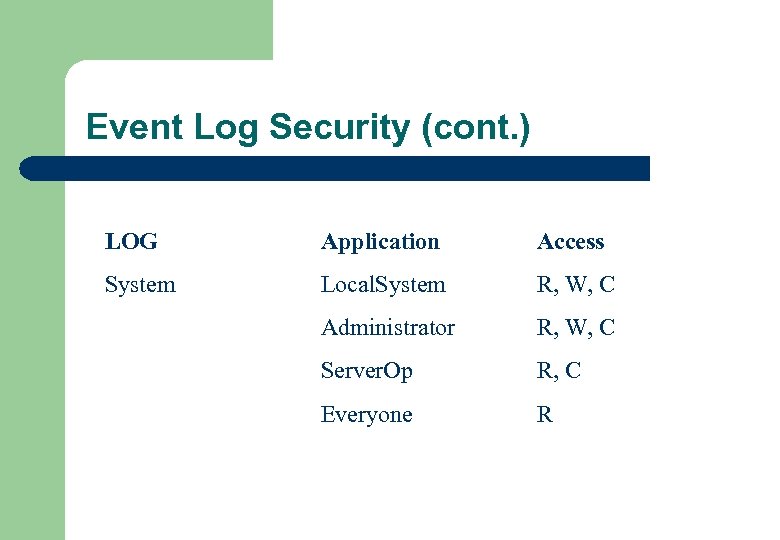 Event Log Security (cont. ) LOG Application Access System Local. System R, W, C Administrator R, W, C Server. Op R, C Everyone R
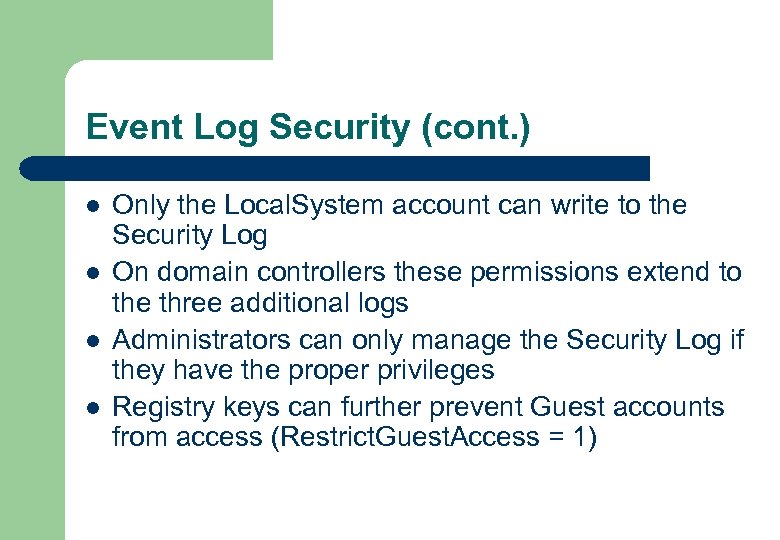 Event Log Security (cont. ) l l Only the Local. System account can write to the Security Log On domain controllers these permissions extend to the three additional logs Administrators can only manage the Security Log if they have the proper privileges Registry keys can further prevent Guest accounts from access (Restrict. Guest. Access = 1)
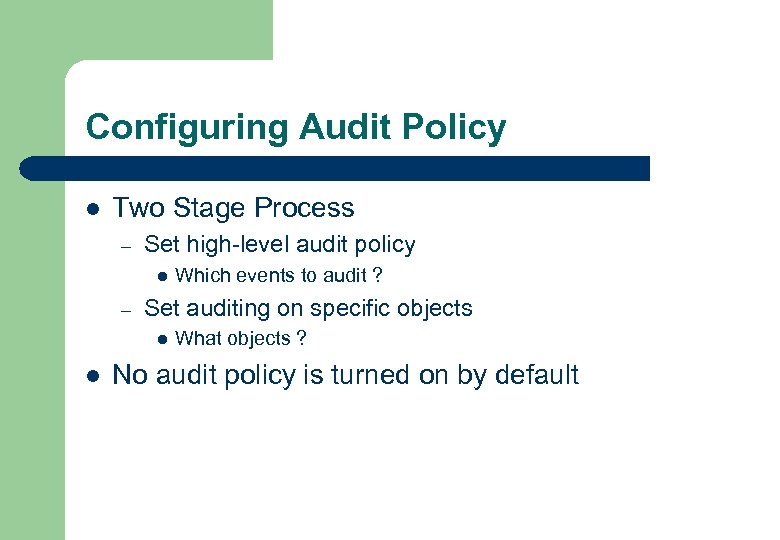 Configuring Audit Policy l Two Stage Process – Set high-level audit policy l – Set auditing on specific objects l l Which events to audit ? What objects ? No audit policy is turned on by default
 Configuring Audit Policy (cont. ) l Event Categories – Audit Account Logon Events l – This will record the success or failure of a user to authenticate to the local computer across the network Audit Account Management l This audits the creation, modification or deletion of user accounts or groups
 Configuring Audit Policy (cont. ) l Event Categories (cont. ) – Audit Directory Service Access l l – Audit Logon Events l – Administrators can monitor access to Active Directory Only available on Domain Controllers Records the success or failure of a user to interactively log on to the local computer Audit Object Access l Records the successful or failed attempts to access a specific object such as directory, file and printer objects
 Configuring Audit Policy (cont. ) l Event Categories (cont. ) – Audit Policy Change l – Records any successful or failed attempts to make high level changes to security policy – including privilege assignments and audit policy changes Audit Privilege Use l Records all successful and failed attempts to use a privilege
 Configuring Audit Policy (cont. ) l Event Categories (cont. ) – Audit Process Tracking l – Provide detailed tracking information for events such as process activation handle dups, indirect object access and exits from processes Audit System Events l Records events that affect the security of the whole system
 Audit Privileges l To be able to implement and configure audit policy settings, you must have the following privileges; – Generate Security Audits l – Allows a process to make entries to the Security Log Managing Auditing and Security Log l Allows a user to specify object access auditing options
 Group Policy l l l Allows central management of W 2 K computers Domain Group Policy will override Local Policy Group Policy Objects (GPO) – A collection of configuration settings l Computer Configuration – l User Configuration – l Settings applied at boot time Settings applied at logon time W 2 K reapplies Group Policy at specified intervals
 Group Policy (cont. ) l Hierarchy – – l l Apply configuration of local computers GPO Apply configuration of computers site-linked GPO Apply configuration of domain-linked GPO Apply configuration of computers OU-linked GPO settings can conflict, last applied wins Setting can be set to “Not Configured”
 Configuring Object Auditing l l Each object has a Security Descriptor associated with it that details the Groups or users that can access the object, and the types of access granted to those groups and users (DACL)-discretionary access control list Each Security descriptor also contains auditing information (SACL)-system access control list
 Auditing File and Folder Objects l l Must be a NTFS file system Must specify the files or folders to audit Must specify the action that will trigger the audit event Must be logged on as a member of the Administrators group to enable auditing
 Type of Folder Access l l l l l Displaying names of files in the folder Displaying the folders attributes Changing the folders attributes Creating subdirectories and files Going to the folders subdirectories Displaying the folders owners and permissions Deleting the folder Changing the folders permissions Changing the folders ownership
 Type of File Access l l l l l Displaying the files data Displaying the files attributes Displaying the files owner and Permissions Changing the files attributes Running the file Deleting the file Changing the file permissions Changing the files ownership
 Setup Auditing on a File or Folder l l l l Open Windows Explorer Locate the File or Folder Right Click, Select Properties, Select Security Tab Select Advanced, Select Audit Tab Select Add Type the name of the User, Select OK Under Access, Select Successful, Failure or Both To prevent other Folders/Files from inheriting these audit entries, Select “Apply These Auditing Entries to Objects and/or Containers Within This Container Only”
 Auditing Printers l Options for Print Object Auditing – – – Print Manage Printers Manage Documents Read Permissions Change Permissions Take Ownership
 Auditing the Registry l Options for Registry Auditing – – – – – Query Value Set Value Create Subkey Enumerate Subkeys Notify Create Link Delete Write DACL Write Owner Read Control
 Auditing DHCP l Windows 2000 Server has enhanced DHCP Auditing – – – Can specify the dir path of the DHCP log files Can specify a maximum size restriction in mb for all audit logs managed by the DHCP service Can specify an interval for writes to the audit log before checking available disk space Can specify minimum disk requirements to continue DHCP auditing Can disable / enable audit logging at each DHCP server
 Auditing Message Queues l l Audit messages for a single Message Queue object get logged on the computer that performs the operation. Therefore, audit messages for Message Queue objects may be scattered around the network Audit messages are only created when a queue is accessed, not each time a message is received or sent
 Auditing IPSEC Security l Can be filtered using “Oakley” in the Security log
 Microsoft Audit Recommendations l See Excel Spreadsheet
 Windows 2000 Resource Kit l l l Error and Event Messages (Help File) Logevent. exe – Utility to add entries to the Event Log Cyber Safe Log Analyst – Event Log analysis tool w/ reporting W 2000 events. mdb – Access DB of all events for the System, Security and Applications logs Audit. Pol. exe – Command line utility to change audit policy
 Windows 2000 Resource Kit (cont. ) l Elogdmp. exe – l Dumpel. exe – l Event log query tool Event log dump utility w/ filter capabilities; Dumps to tab separated text file Uptime. exe – – Event log utility to determine Availability, Reliability and current Uptime Can also monitor Service Pack and OS Failures
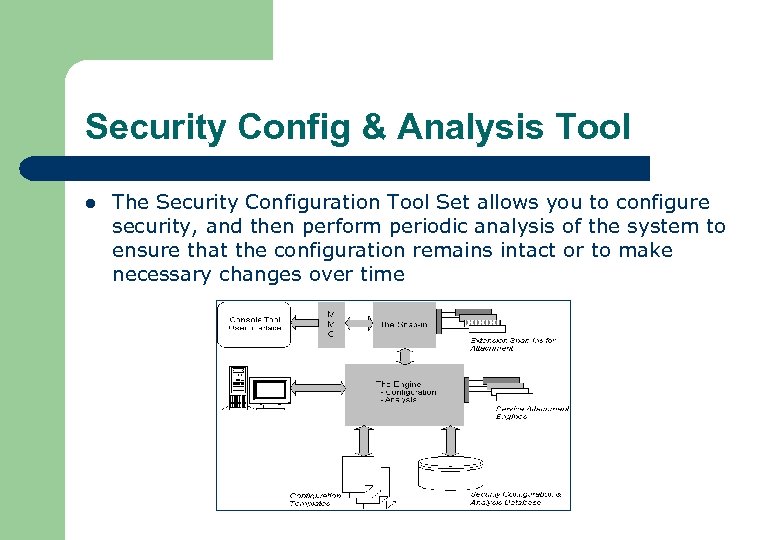 Security Config & Analysis Tool l The Security Configuration Tool Set allows you to configure security, and then perform periodic analysis of the system to ensure that the configuration remains intact or to make necessary changes over time
 Managing Logs - Export Log l l Use Event View MMC to export the current view on the log to a text file Will use current filter settings
 Managing Logs - Archive Log l l l If you archive a log in log-file format, you can reopen it in Event Viewer. Logs saved as event log files (*. evt) retain the binary data for each event recorded When you archive a log file, the entire log is saved, regardless of filtering options The sort order is not retained when logs are saved.
 Managing - Archive Log (cont. ) l l If you archive a log in text or comma-delimited format (*. txt and *. csv, respectively), you can reopen the log in other programs such as word processing or spreadsheet programs. Logs saved in text or comma-delimited format do not retain the binary data Archiving has no effect on the current contents of the active log
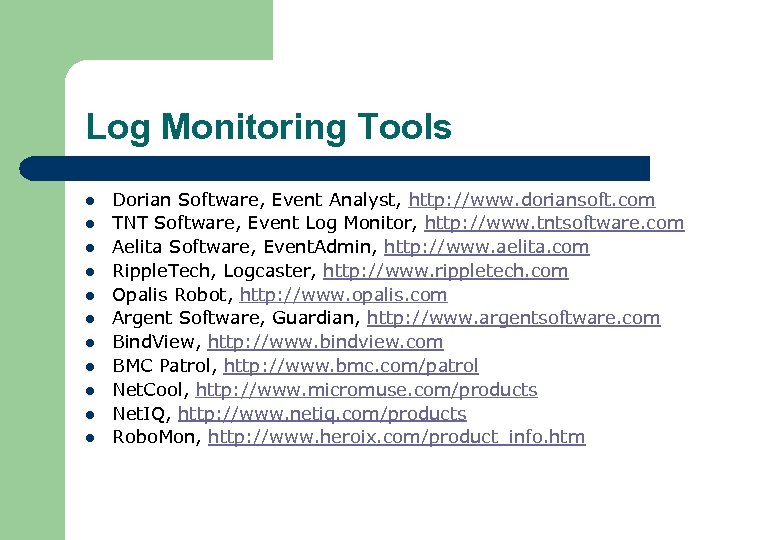 Log Monitoring Tools l l l Dorian Software, Event Analyst, http: //www. doriansoft. com TNT Software, Event Log Monitor, http: //www. tntsoftware. com Aelita Software, Event. Admin, http: //www. aelita. com Ripple. Tech, Logcaster, http: //www. rippletech. com Opalis Robot, http: //www. opalis. com Argent Software, Guardian, http: //www. argentsoftware. com Bind. View, http: //www. bindview. com BMC Patrol, http: //www. bmc. com/patrol Net. Cool, http: //www. micromuse. com/products Net. IQ, http: //www. netiq. com/products Robo. Mon, http: //www. heroix. com/product_info. htm
 Event Log - Targeted l Event Log cleared at random – – l A manual log should be kept for each server When an event log is cleared, it should correspond to an entry in the manual event log Event Log flooding – – – Used to overwhelm the administrator Used as a Denial of Service Sophisticated hackers could write to the security log
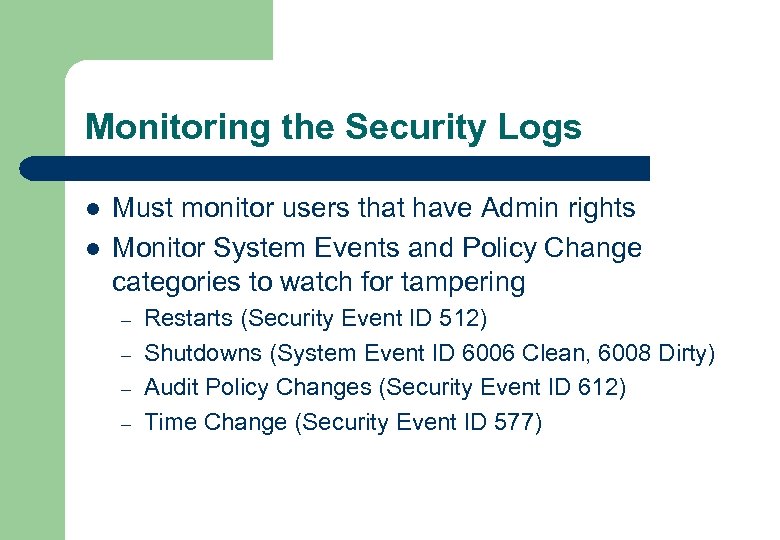 Monitoring the Security Logs l l Must monitor users that have Admin rights Monitor System Events and Policy Change categories to watch for tampering – – Restarts (Security Event ID 512) Shutdowns (System Event ID 6006 Clean, 6008 Dirty) Audit Policy Changes (Security Event ID 612) Time Change (Security Event ID 577)
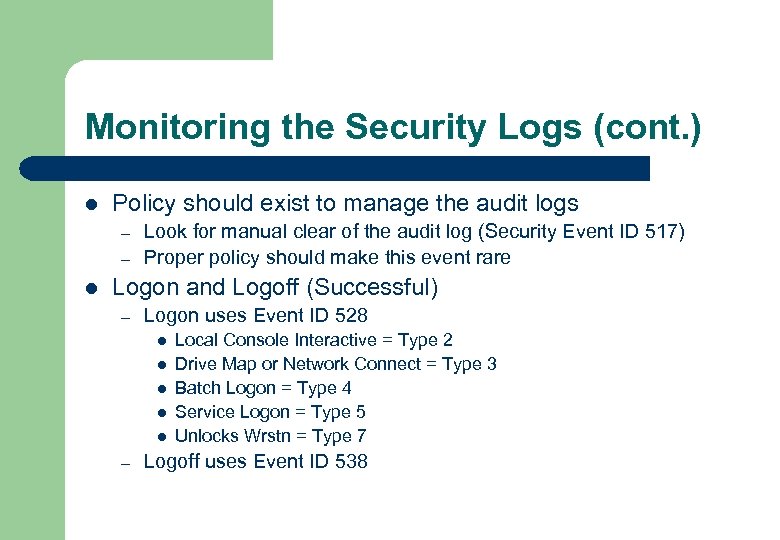 Monitoring the Security Logs (cont. ) l Policy should exist to manage the audit logs – – l Look for manual clear of the audit log (Security Event ID 517) Proper policy should make this event rare Logon and Logoff (Successful) – Logon uses Event ID 528 l l l – Local Console Interactive = Type 2 Drive Map or Network Connect = Type 3 Batch Logon = Type 4 Service Logon = Type 5 Unlocks Wrstn = Type 7 Logoff uses Event ID 538
 Monitoring the Security Logs (cont. ) l Logon and Logoff (Un-successful) – – Have Event Ids that represent the reason for the failure Most common failure l l – – l “Unknown user name or bad password” Event ID 529 Disabled Account = Event ID 531 Account Lockout = Event ID 539 Logon Outside of time allowed = Event ID 530 Event ID 534 is logged in the case of insufficient rights to perform an action; such as log on at the console or gain access to a computer Event ID 537 is a general failure “An unexpected error occurred during logon” Watch for Intrusions by monitoring Event Ids 529 – 537 and 539
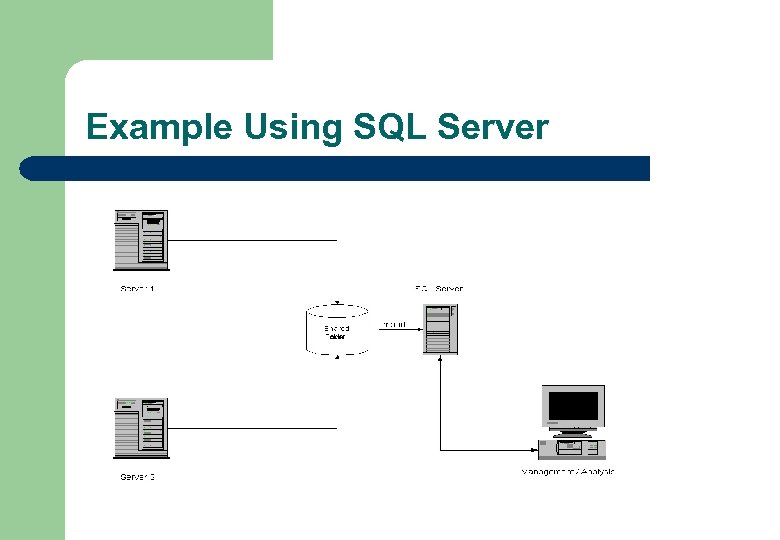 Example Using SQL Server
 If All Else Fails…. “And if you wrong us, shall we not revenge ? ” William Shakespeare