 Скачать презентацию Vo IP and Asterisk for Newbies or Welcome
cfee105b50561d23a133090be68d6b98.ppt
- Количество слайдов: 73



Vo. IP and Asterisk for Newbies or “Welcome to Asterisk…”




















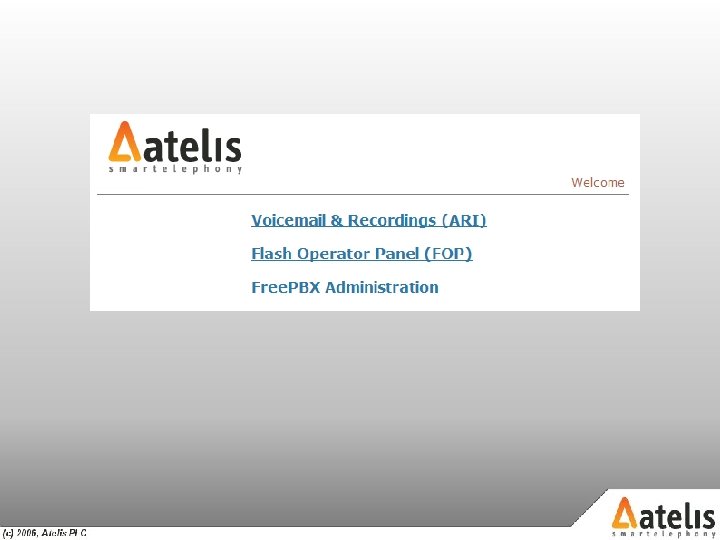
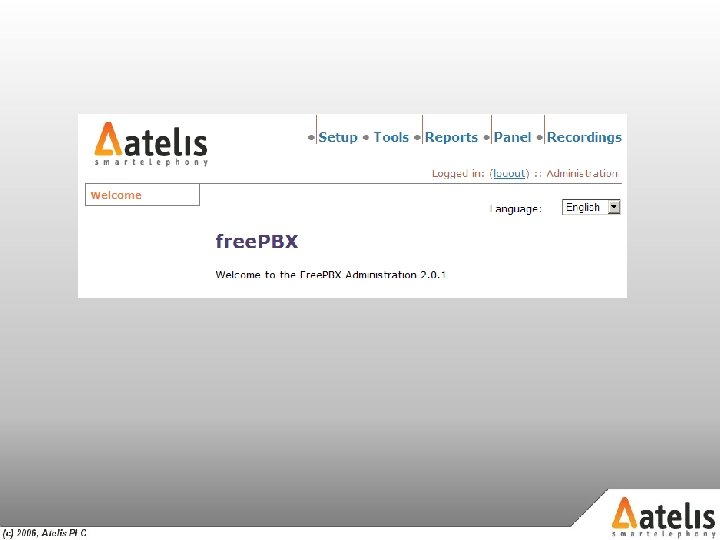
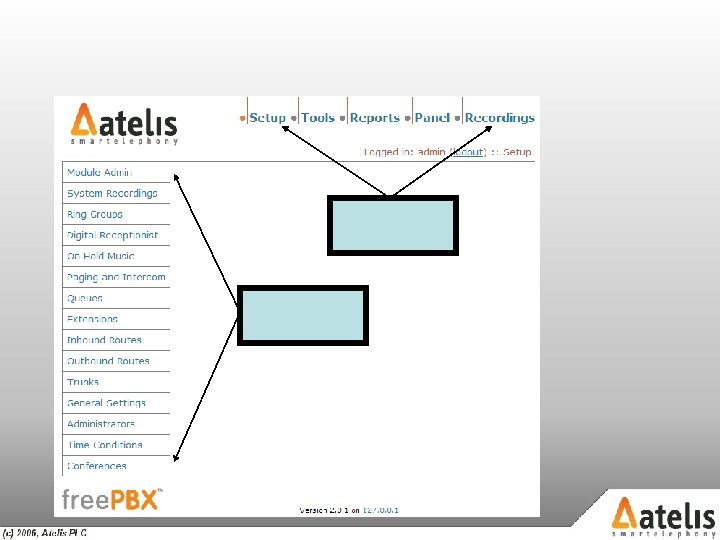


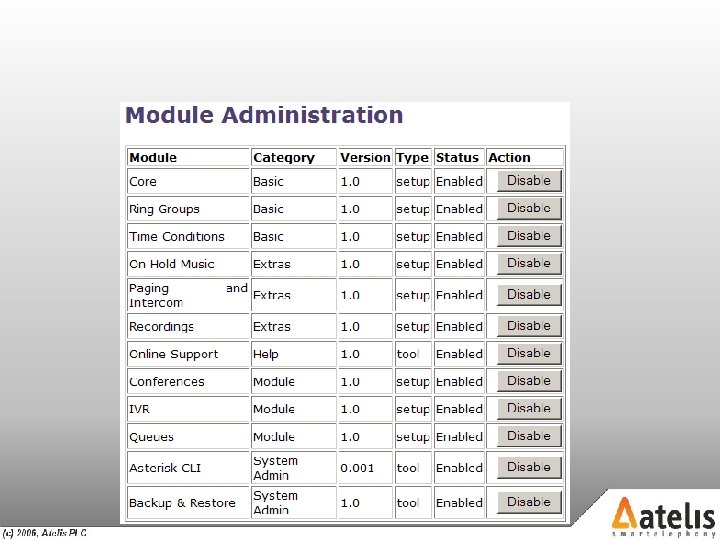
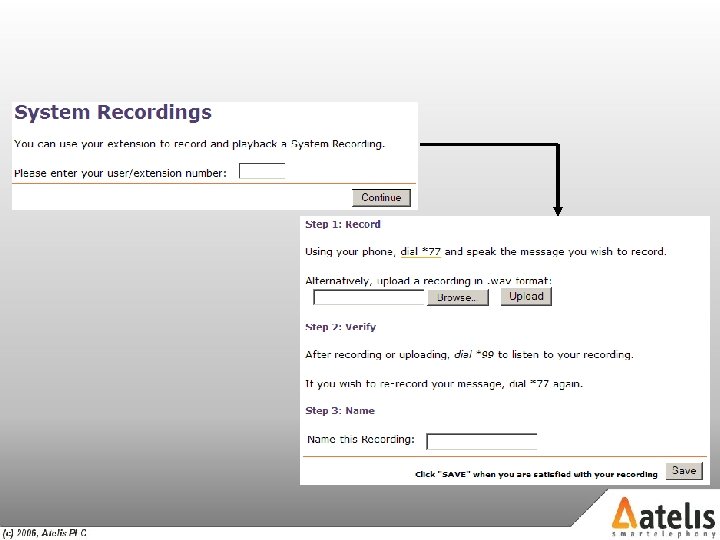
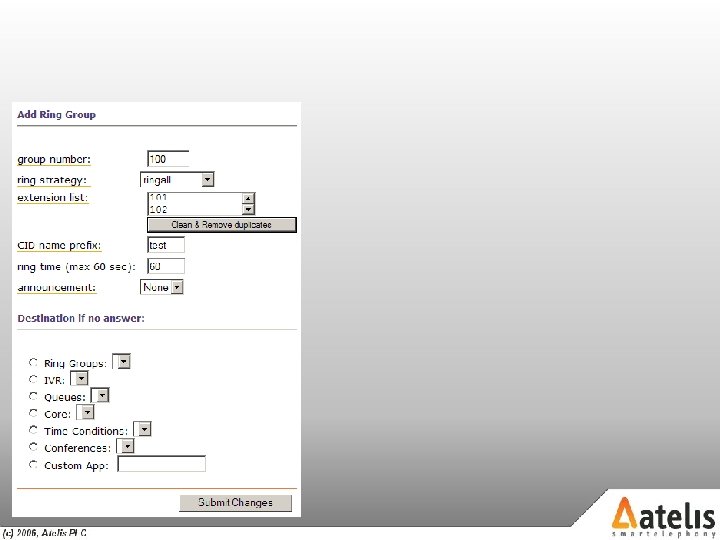
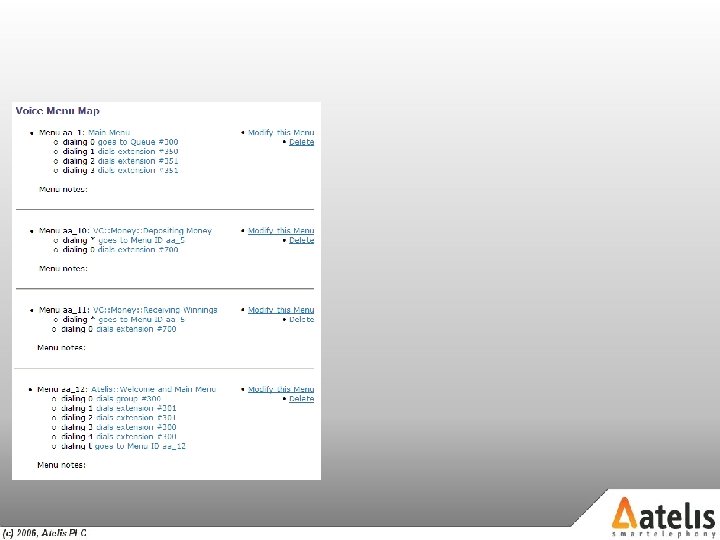
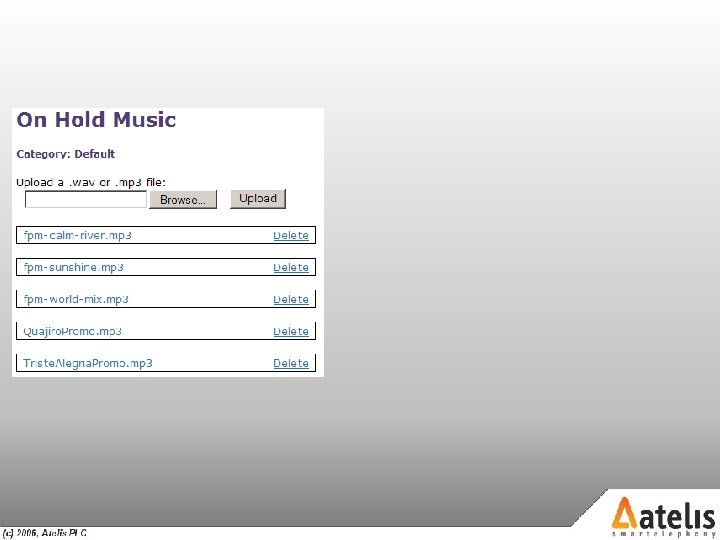

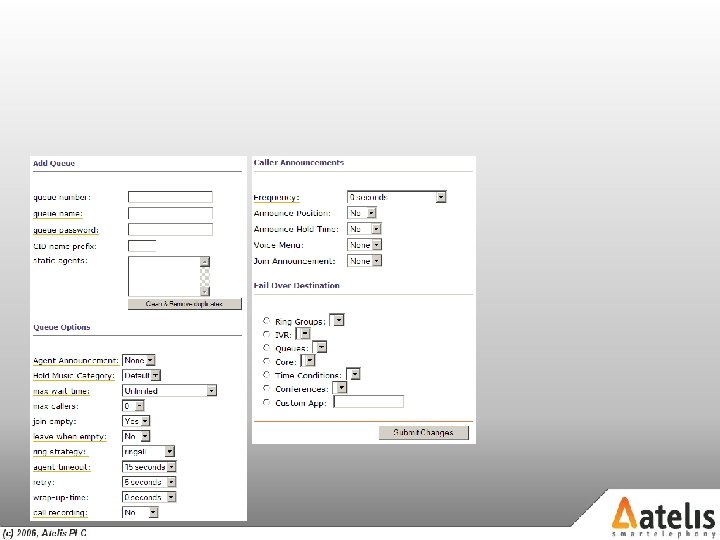




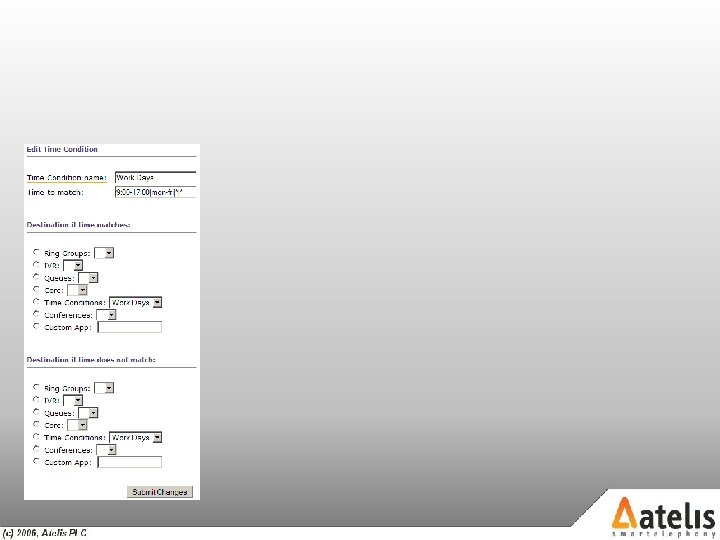
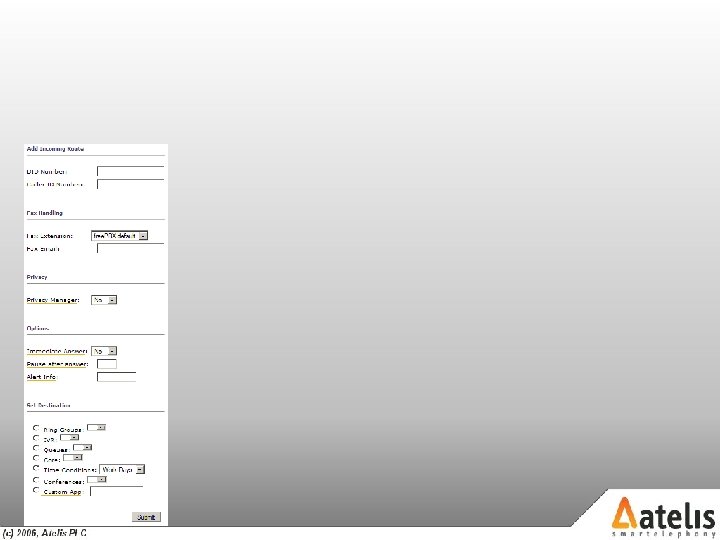
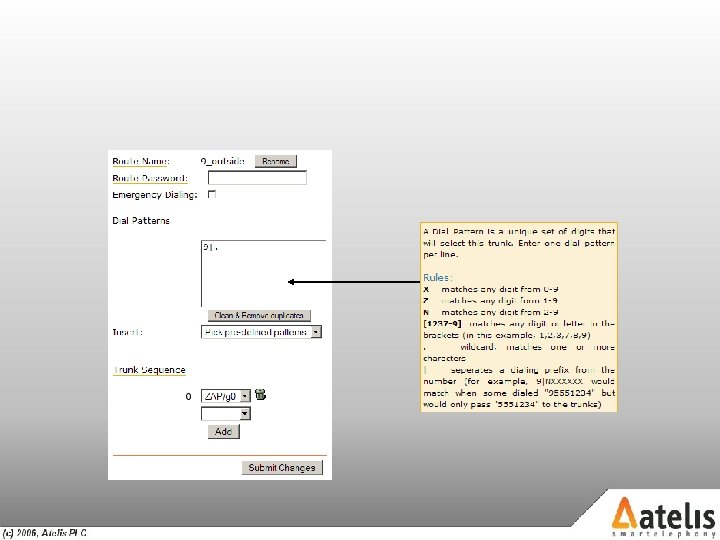
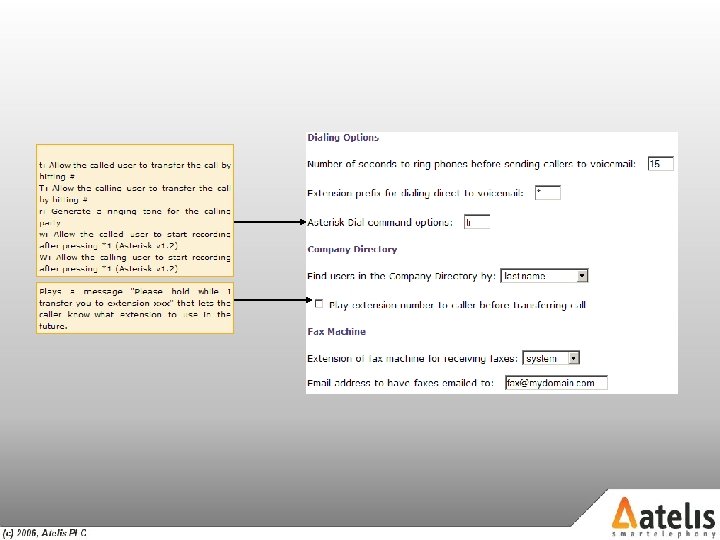
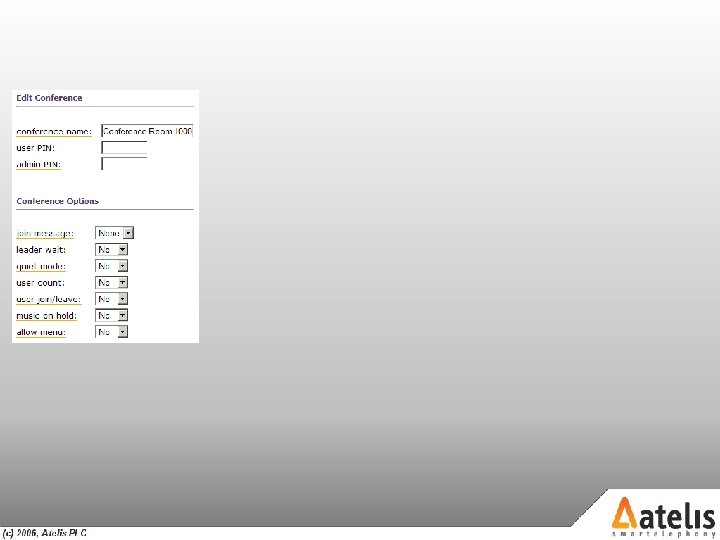



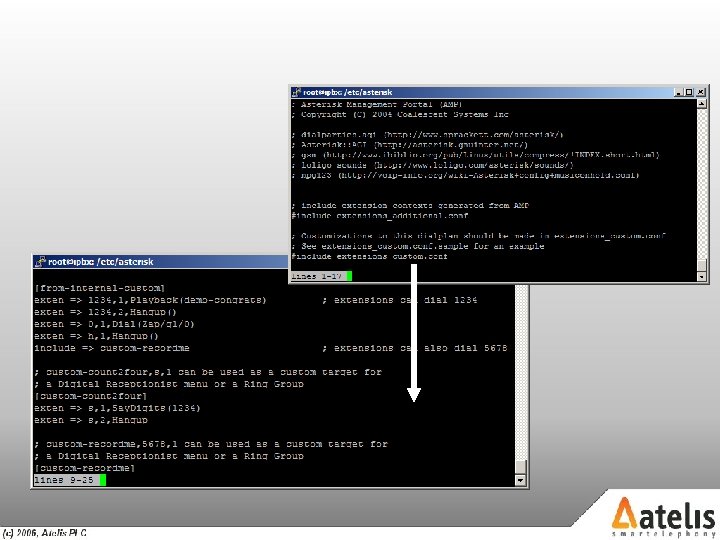
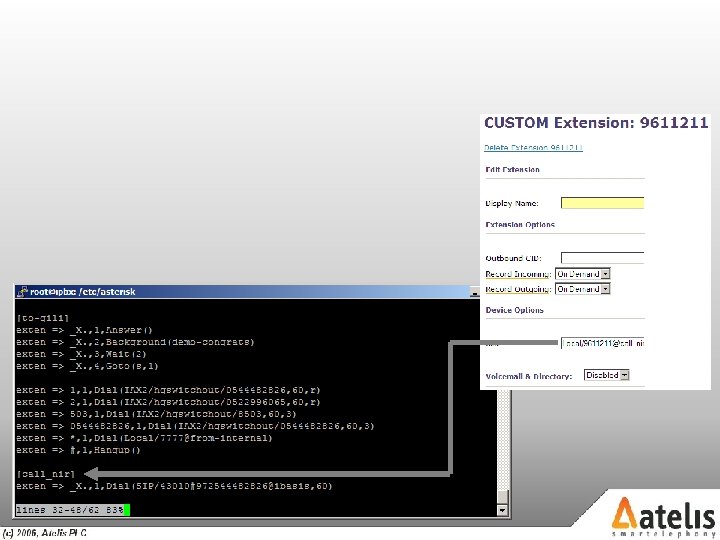
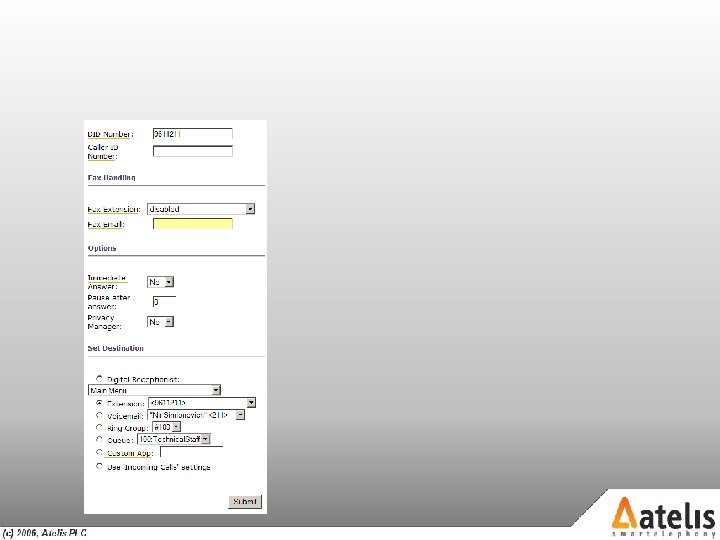
Unlike most configuration tools, that usually hide the full functionality of a system, Free. PBX™ enables the creation of custom built configuration files and configuration scenarios. In example, you had created your own Micro Payment IVR system, based upon the Asterisk™ Open Source PBX, and you would now like to integrate it into your production PBX. Using the custom configuration files and a carefully planned incoming route this can be achieved fairly easily. In order to do so, we will now explain the structure of the Free. PBX™ configuration files.
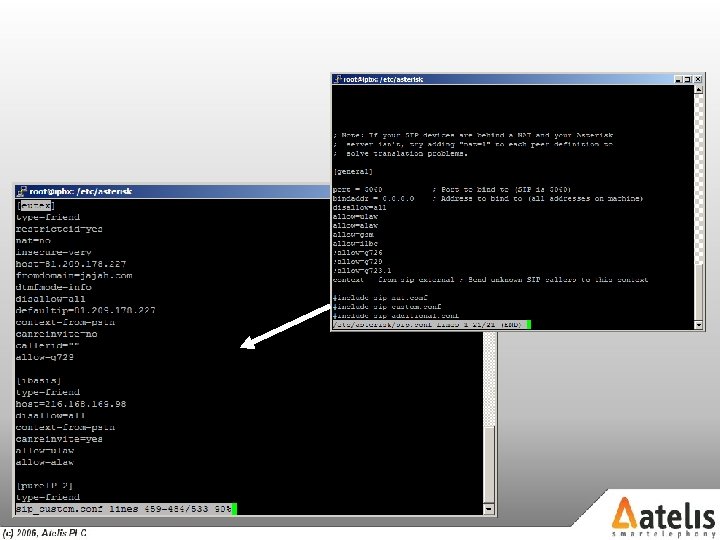
As detailed above, all Asterisk™ configuration files are located under the /etc/asterisk directory. When using Free. PBX™, there is virtually no difference, apart from the fact that additions to configuration files must be performed via the files suffixed by ‘_custom’. This means that general SIP settings will be located in the file sip. conf, automatically generated configurations will be located in the file sip_additional. conf while custom configurations will be located in the file sip_custom. conf Upon loading or reloading the Asterisk™ configuration, the _additional and _custom files are loaded into the Asterisk™ state machine, via an include statement located in the master. conf file.



 Скачать презентацию Vo IP and Asterisk for Newbies or Welcome
cfee105b50561d23a133090be68d6b98.ppt