


 Скачать презентацию Visualization Tools and Techniques for Transportation Projects Presented
bbe6fe50ad2664a94134c24a2fc045a5.ppt
- Количество слайдов: 16
 Visualization Tools and Techniques for Transportation Projects Presented to: Georgia Planning Association Spring Conference Claudia M. Bilotto, AICP March 26, 2009
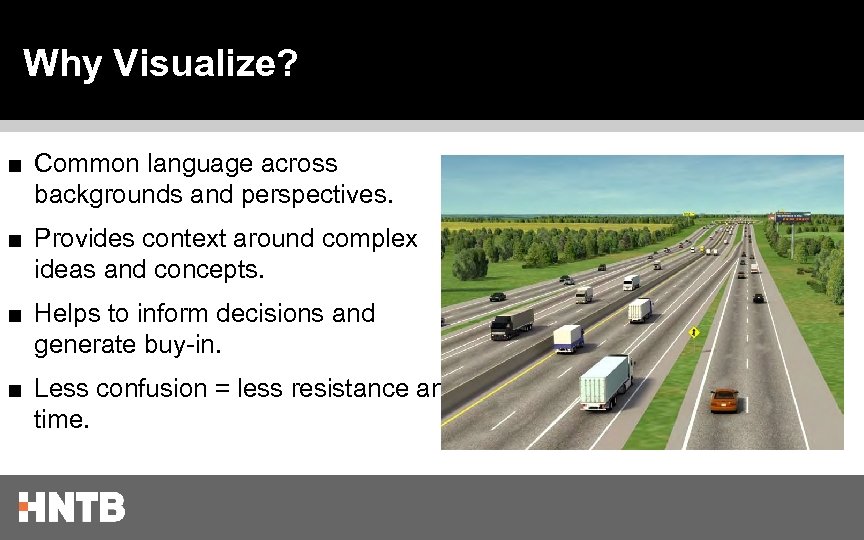 Why Visualize? ■ Common language across backgrounds and perspectives. ■ Provides context around complex ideas and concepts. ■ Helps to inform decisions and generate buy-in. ■ Less confusion = less resistance and time.
 Visualization and SAFETEA - LU ■ MPOs and States “shall employ” visualization techniques to describe the Regional Transportation Plan (RTP) and Statewide Transportation Plan ■ Techniques include: GIS, Traffic Simulation, Visual Preference Surveys, Videos, Renderings, Overlays
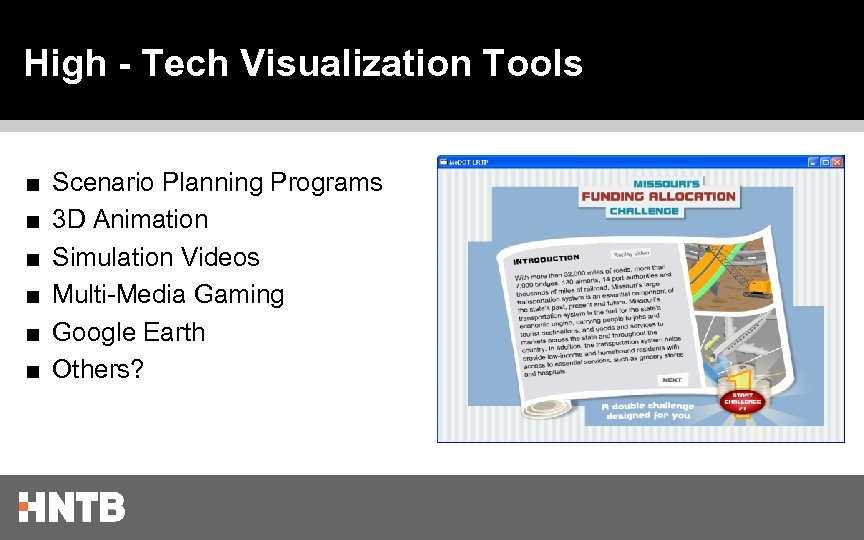 High - Tech Visualization Tools ■ ■ ■ Scenario Planning Programs 3 D Animation Simulation Videos Multi-Media Gaming Google Earth Others?
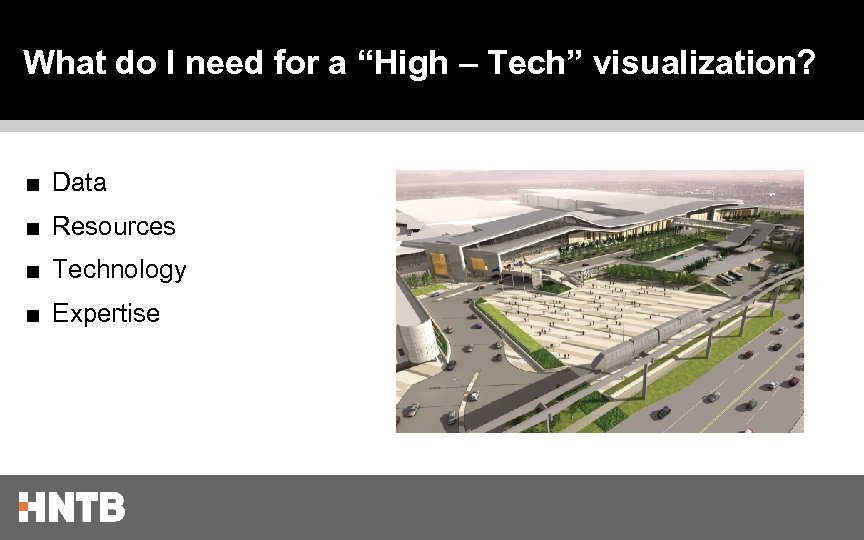 What do I need for a “High – Tech” visualization? ■ Data ■ Resources ■ Technology ■ Expertise
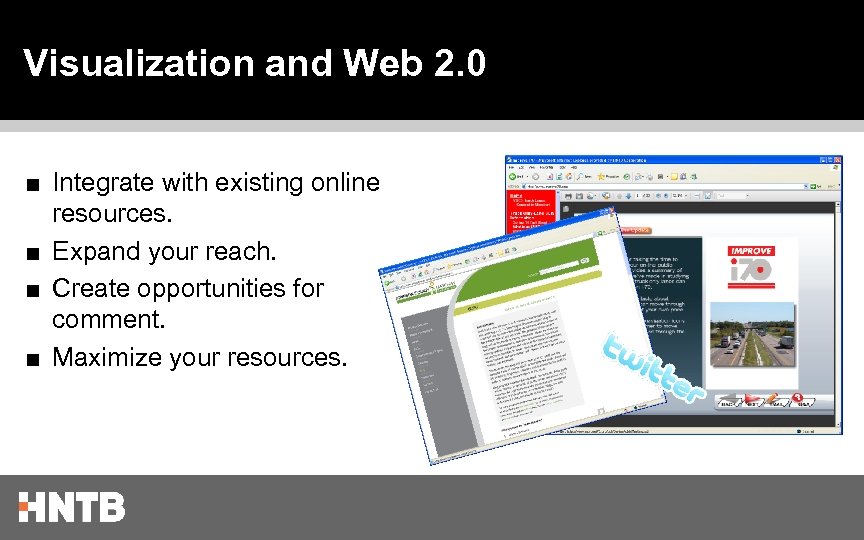 Visualization and Web 2. 0 ■ Integrate with existing online resources. ■ Expand your reach. ■ Create opportunities for comment. ■ Maximize your resources.
 Examples ■ I-85 and GA 400, Atlanta, GA ■ Windy Hill Road Extension, Cobb County, GA ■ IH-30 Managed Lanes, Dallas, TX ■ Missouri Statewide Transportation Plan, MO ■ I-70 SEIS www. improvei 70. org/ , MO ■ Missouri River Pedestrian Bridge, Omaha, NE
 I-85 at GA 400 Interchange, Atlanta, GA The Project: New ramp connection between two of Atlanta’s most frequently traveled highways. The Challenge: Demonstrate the impact and engineering feasibility of a flyover connection in tight right-of-way with a minimal public outreach program. The Result: Buy-in from the client, the engineering community, and the public at-large.
 Windy Hill Road Extension, Cobb County, GA The Project: New location roadway extending Windy Hill Road from Austell Road to Macland Road. The Challenge: Design and build consensus on a feasible alternative while working with citizens directly impacted by the project. The Result: Consensus alternative developed with support from the community.
 Missouri Statewide Transportation Plan The Project: Statewide Transportation Plan for the State of Missouri The Challenge: Communicate the funding challenges faced by transportation decision makers. The Result: Public education, input, and interest in the Statewide plan development process.
 IH-30 Managed Lanes, Dallas, TX The Project: Managed lanes in the Dallas, TX Region The Challenge: Demonstrate proposed declaration gantries for managed lanes access and operations The Result: Public education and understanding of facility operation without misconceptions.
 I-70 Supplemental EIS, Missouri The Project: Supplemental Environmental Impact Statement for potential truck only lanes along the most important transportation corridor in Missouri. The Challenge: Engage citizens from across the state and communicate the purpose, function, and operation of truck only lanes. The Result: Nearly 600 downloads and 400 comments generated – far more than traditional public outreach programs.
 Missouri River Pedestrian Bridge, Omaha, NE The Project: Pedestrian bridge connecting Omaha Riverfront and Council Bluffs, Iowa. The Challenge: Communicate a vision, highlight design features, and receive conceptual approval prior to detailed engineering. The Result: Buy-in from local citizen groups, businesses, and elected officials on the centerpiece of a billion dollar revitalization effort.
 Lessons Learned ■ High-tech visualization is a tool for understanding concepts but is more than “eye candy”. ■ Portability / accessibility can maximize investment in hightech visualization – practicality is key. ■ Interactive visualization tools promote inclusiveness and consensus.
 For more information ■ FHWA Visualization in Planning Website: http: //www. fhwa. dot. gov/planning/vip/index. htm ■ TRB Committee on Visualization in Transportation http: //www. trbvis. org/
 Questions and Answers Thank you! Claudia M. Bilotto, AICP HNTB Corporation cbilotto@hntb. com 404. 946. 5747