 Скачать презентацию Virtually Anything is Possible December 2006 Peter Fitzsimon
14b92aa216772003e23d44dacdee1144.ppt
- Количество слайдов: 52



Virtually: Anything is Possible December, 2006 Peter Fitzsimon Principal Technology Specialist Global Solutions Technical Team, APAC Windows Server Division Microsoft Corporation
Imagine. . . AD Exch SQL Web Build Your Datacenter
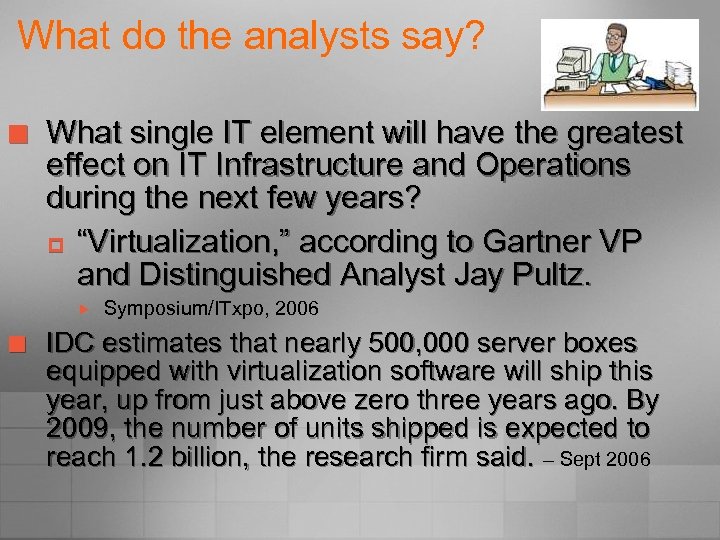
What do the analysts say? ¢ What single IT element will have the greatest effect on IT Infrastructure and Operations during the next few years? p “Virtualization, ” according to Gartner VP and Distinguished Analyst Jay Pultz. ¢ Symposium/ITxpo, 2006 IDC estimates that nearly 500, 000 server boxes equipped with virtualization software will ship this year, up from just above zero three years ago. By 2009, the number of units shipped is expected to reach 1. 2 billion, the research firm said. – Sept 2006
What will we cover today? ¢ ¢ ¢ What is Virtualization? What can we do different? What is Microsoft doing? What’s happening on the desktop? Licencing changes to cater for Virtualization Windows Server® Virtualization Road Map p ¢ Windows virtualization futures How to manage it all
Businesses Need Efficiency ¢ ¢ ¢ Need to make hardware environments more efficient IT Depts need greater flexibility Standardize and consolidate hardware and software to simplify support Save money by increasing utilization and IT responsiveness Disaster Recovery/Business Continuity is more critical than ever
Virtualization: Could it be the answer? ¢ Allows multiple operating systems to run simultaneously on the same machine p p ¢ Gain better hardware utilization Economic hardware purchasing Reductions in power, air conditioning and floor space Faster time to provision server environments Each independent virtual machine functions as a self-contained computer p p p Flexibility, portability and isolation Flexible recovery options Meet Business continuity needs
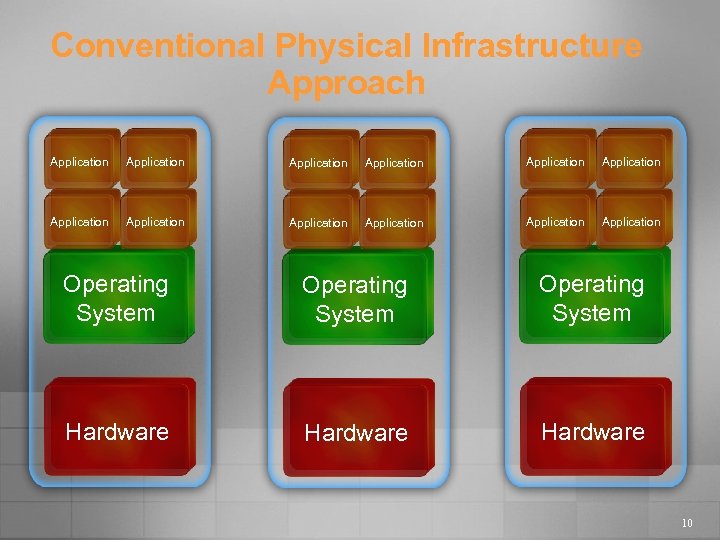
Conventional Physical Infrastructure Approach Application Application Application Operating System Hardware 10
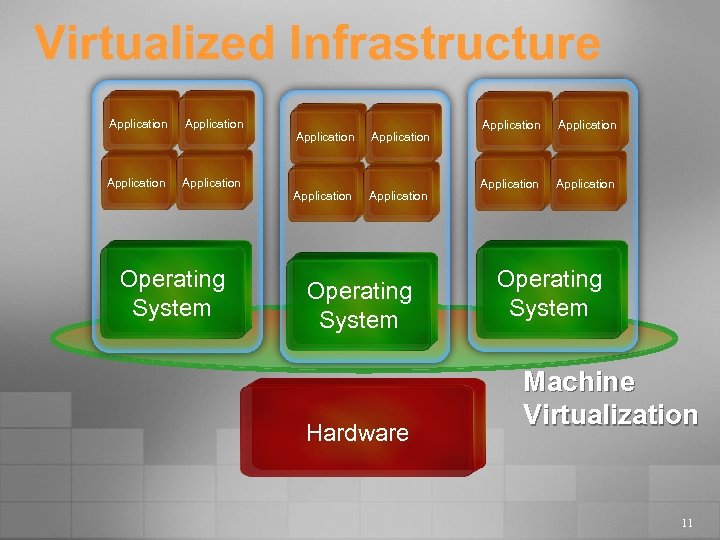
Virtualized Infrastructure Application Application Operating System Hardware Application Operating System Machine Virtualization 11
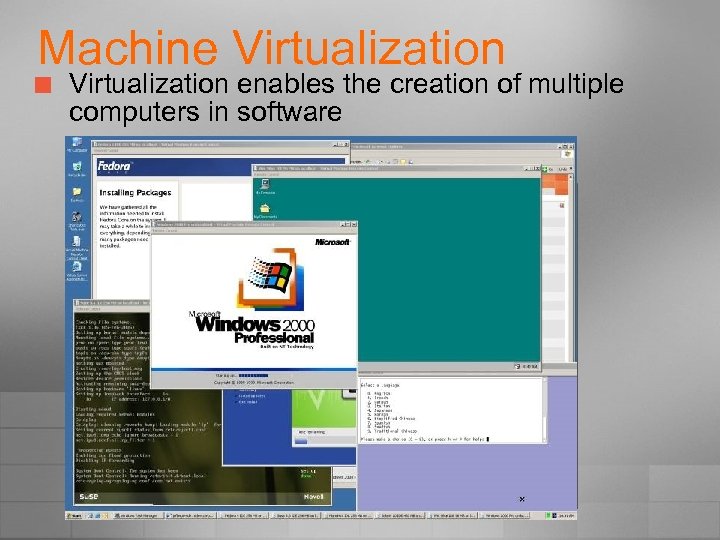
Machine Virtualization ¢ Virtualization enables the creation of multiple computers in software
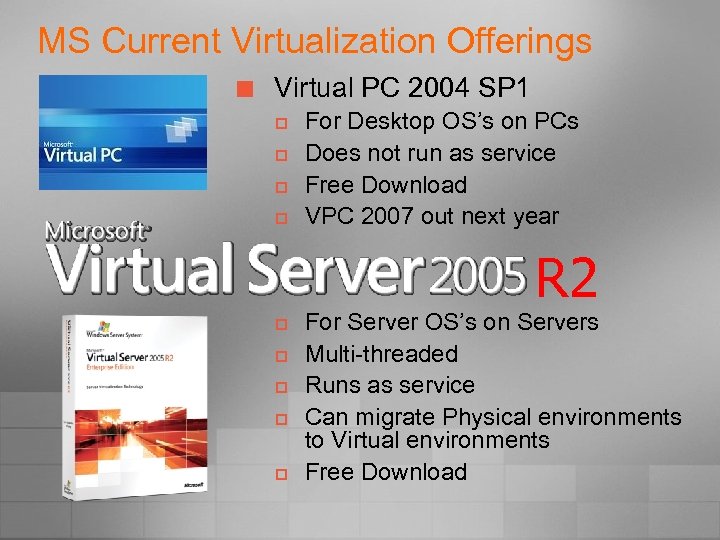
MS Current Virtualization Offerings ¢ Virtual PC 2004 SP 1 p p For Desktop OS’s on PCs Does not run as service Free Download VPC 2007 out next year R 2 p p p For Server OS’s on Servers Multi-threaded Runs as service Can migrate Physical environments to Virtual environments Free Download
What can we do different? Development and Testing ¢ Cloning of Production Systems for Test ¢ Legacy Application Re-hosting ¢ Server & Branch Office Consolidation ¢ Disaster Recovery/Business Continuity ¢ Teaching & Training Environments ¢
Test and Development ¢ ¢ Consolidate and automate software test and development environments p Virtual Server enables side-by-side testing and production on the same system Greater flexibility Better test coverage Developer productivity User experience Test distributed server applications on a single physical server
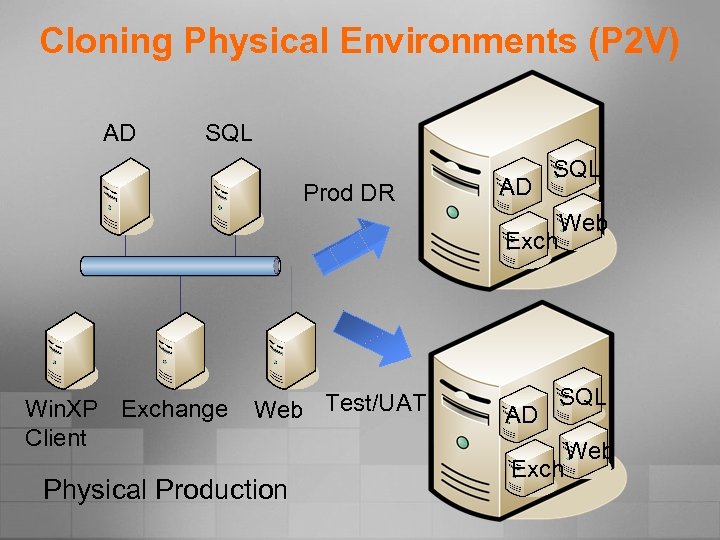
Cloning Physical Environments (P 2 V) AD SQL Prod DR AD SQL Exch Win. XP Exchange Client Web Test/UAT Physical Production AD Web SQL Exch Web
Re-Host Legacy Applications ¢ ¢ Applications often outlive their original OS or hardware Virtual Server enables better choice p p p Smooth application re-hosting with solid application compatibility Upgrade infrastructure without having to upgrade or rewrite applications Run legacy applications in native environments in virtual machines
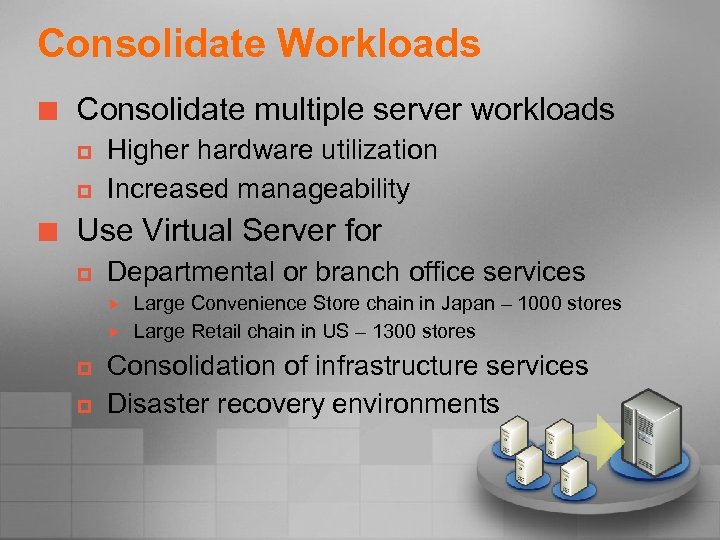
Consolidate Workloads ¢ Consolidate multiple server workloads p p ¢ Higher hardware utilization Increased manageability Use Virtual Server for p Departmental or branch office services p p Large Convenience Store chain in Japan – 1000 stores Large Retail chain in US – 1300 stores Consolidation of infrastructure services Disaster recovery environments
Disaster Recovery ¢ ¢ Consolidation reduces number of physical assets that can be damaged Virtual machines can be hosted anywhere for recovery Speeds up recovery time Maximizes flexibility
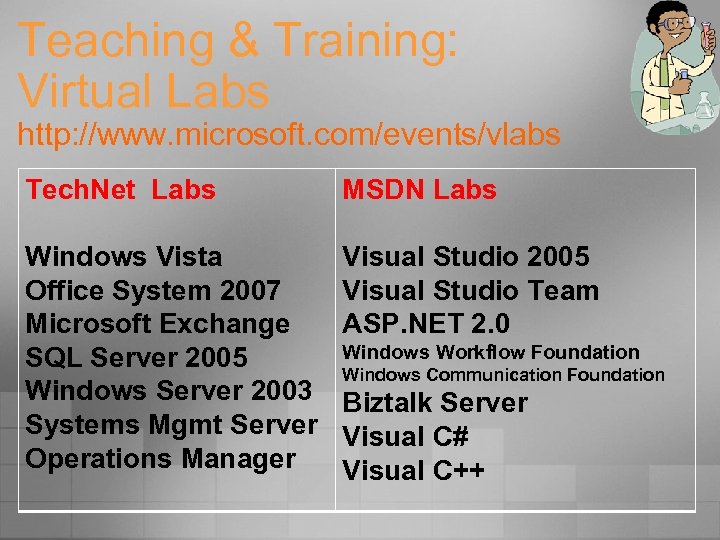
Teaching & Training: Virtual Labs http: //www. microsoft. com/events/vlabs Tech. Net Labs MSDN Labs Windows Vista Office System 2007 Microsoft Exchange SQL Server 2005 Windows Server 2003 Systems Mgmt Server Operations Manager Visual Studio 2005 Visual Studio Team ASP. NET 2. 0 Windows Workflow Foundation Windows Communication Foundation Biztalk Server Visual C# Visual C++
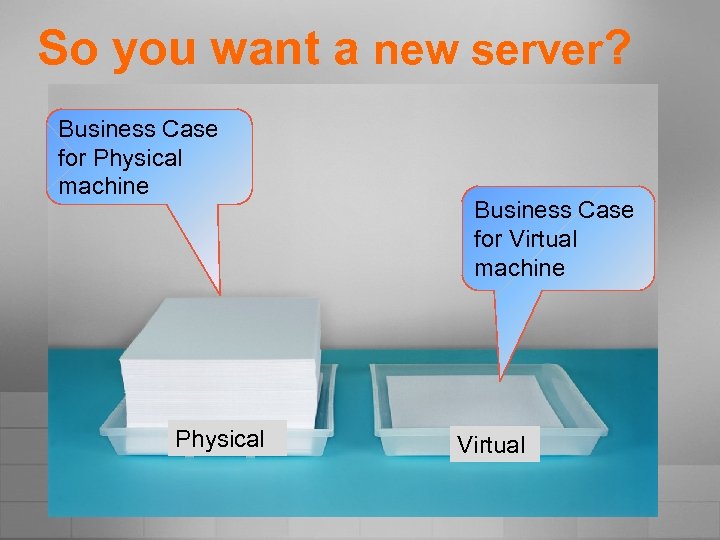
So you want a new server? Business Case for Physical machine Physical Business Case for Virtual machine Virtual
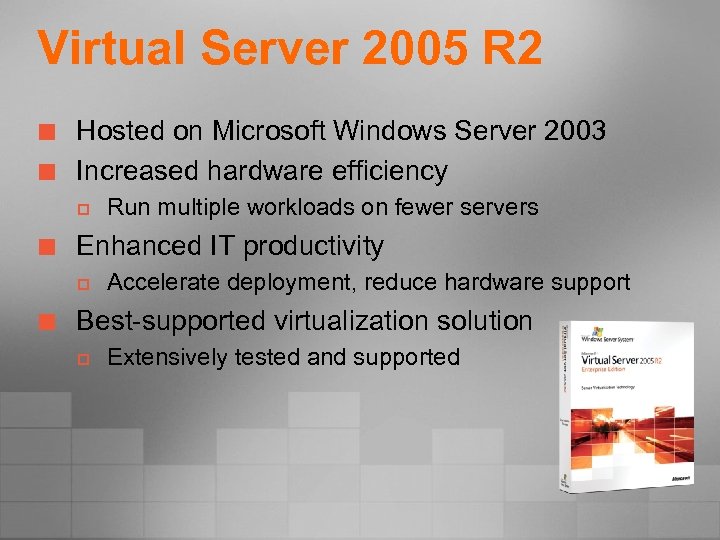
Virtual Server 2005 R 2 ¢ ¢ Hosted on Microsoft Windows Server 2003 Increased hardware efficiency p ¢ Enhanced IT productivity p ¢ Run multiple workloads on fewer servers Accelerate deployment, reduce hardware support Best-supported virtualization solution p Extensively tested and supported
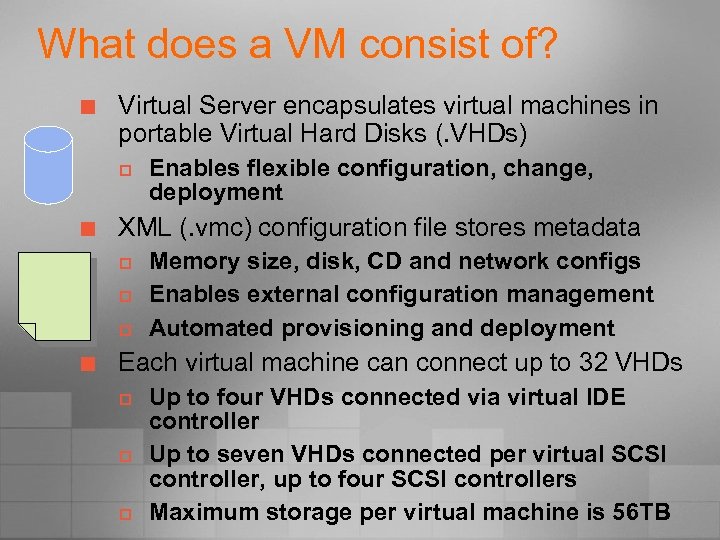
What does a VM consist of? ¢ Virtual Server encapsulates virtual machines in portable Virtual Hard Disks (. VHDs) p ¢ XML (. vmc) configuration file stores metadata p p p ¢ Enables flexible configuration, change, deployment Memory size, disk, CD and network configs Enables external configuration management Automated provisioning and deployment Each virtual machine can connect up to 32 VHDs p p p Up to four VHDs connected via virtual IDE controller Up to seven VHDs connected per virtual SCSI controller, up to four SCSI controllers Maximum storage per virtual machine is 56 TB
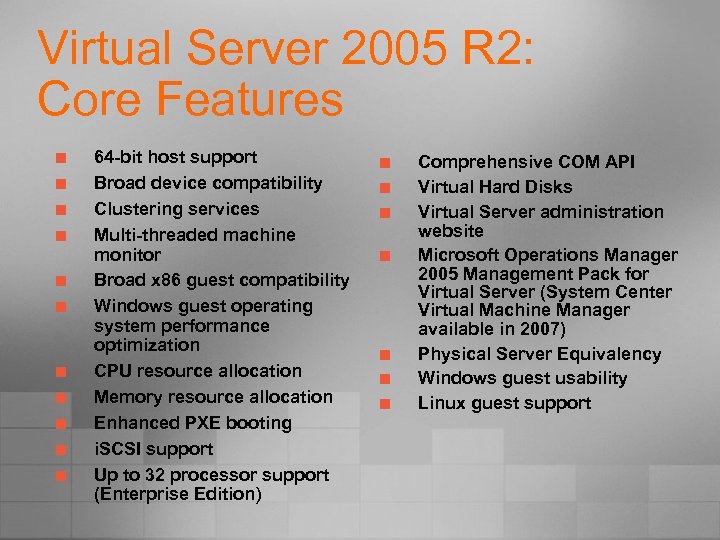
Virtual Server 2005 R 2: Core Features ¢ ¢ ¢ 64 -bit host support Broad device compatibility Clustering services Multi-threaded machine monitor Broad x 86 guest compatibility Windows guest operating system performance optimization CPU resource allocation Memory resource allocation Enhanced PXE booting i. SCSI support Up to 32 processor support (Enterprise Edition) ¢ ¢ ¢ ¢ Comprehensive COM API Virtual Hard Disks Virtual Server administration website Microsoft Operations Manager 2005 Management Pack for Virtual Server (System Center Virtual Machine Manager available in 2007) Physical Server Equivalency Windows guest usability Linux guest support
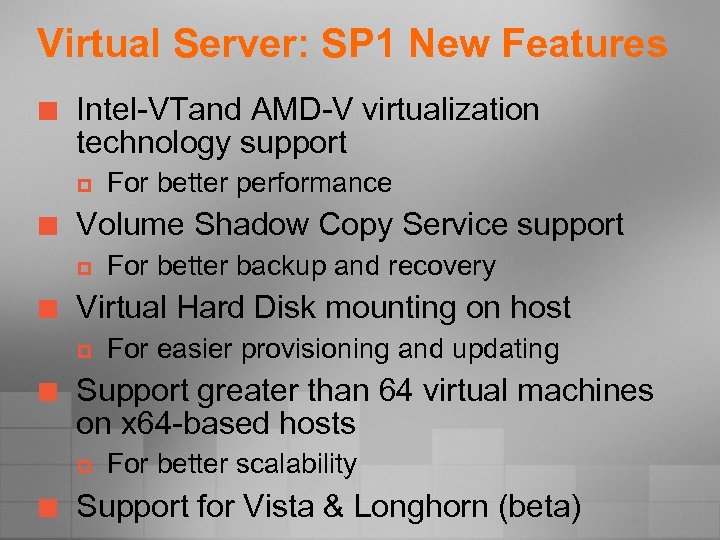
Virtual Server: SP 1 New Features ¢ Intel-VTand AMD-V virtualization technology support p ¢ Volume Shadow Copy Service support p ¢ For easier provisioning and updating Support greater than 64 virtual machines on x 64 -based hosts p ¢ For better backup and recovery Virtual Hard Disk mounting on host p ¢ For better performance For better scalability Support for Vista & Longhorn (beta)
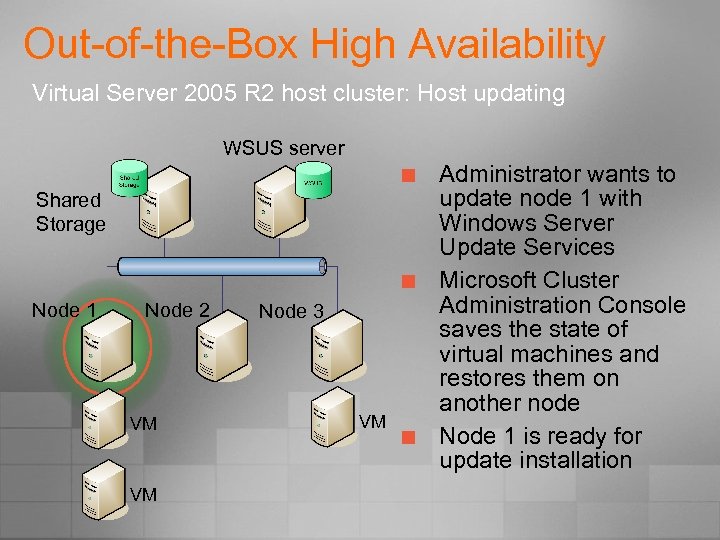
Out-of-the-Box High Availability Virtual Server 2005 R 2 host cluster: Host updating WSUS server ¢ Shared Storage ¢ Node 1 Node 2 VM VM Node 3 VM ¢ Administrator wants to update node 1 with Windows Server Update Services Microsoft Cluster Administration Console saves the state of virtual machines and restores them on another node Node 1 is ready for update installation
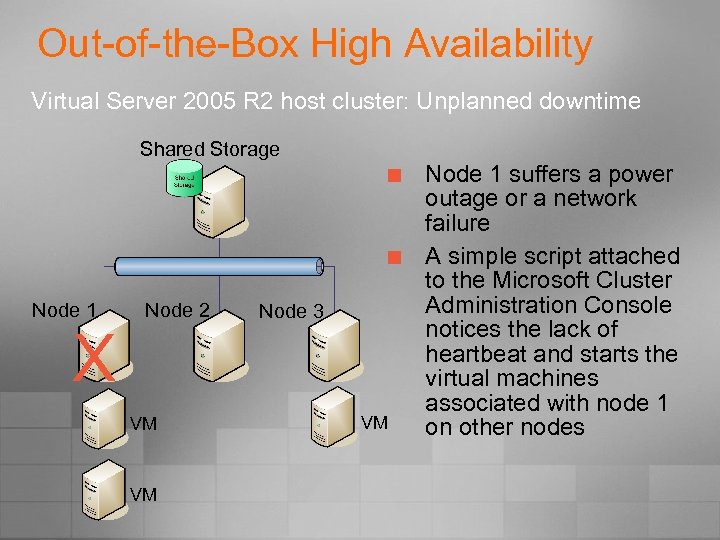
Out-of-the-Box High Availability Virtual Server 2005 R 2 host cluster: Unplanned downtime Shared Storage ¢ ¢ Node 1 X Node 2 VM VM Node 3 VM Node 1 suffers a power outage or a network failure A simple script attached to the Microsoft Cluster Administration Console notices the lack of heartbeat and starts the virtual machines associated with node 1 on other nodes
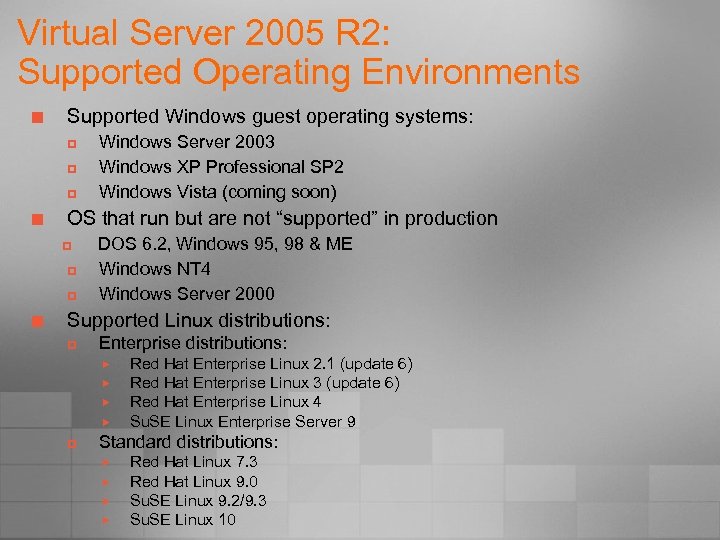
Virtual Server 2005 R 2: Supported Operating Environments ¢ Supported Windows guest operating systems: p p p ¢ OS that run but are not “supported” in production p p p ¢ Windows Server 2003 Windows XP Professional SP 2 Windows Vista (coming soon) DOS 6. 2, Windows 95, 98 & ME Windows NT 4 Windows Server 2000 Supported Linux distributions: p Enterprise distributions: p Red Hat Enterprise Linux 2. 1 (update 6) Red Hat Enterprise Linux 3 (update 6) Red Hat Enterprise Linux 4 Su. SE Linux Enterprise Server 9 Standard distributions: Red Hat Linux 7. 3 Red Hat Linux 9. 0 Su. SE Linux 9. 2/9. 3 Su. SE Linux 10
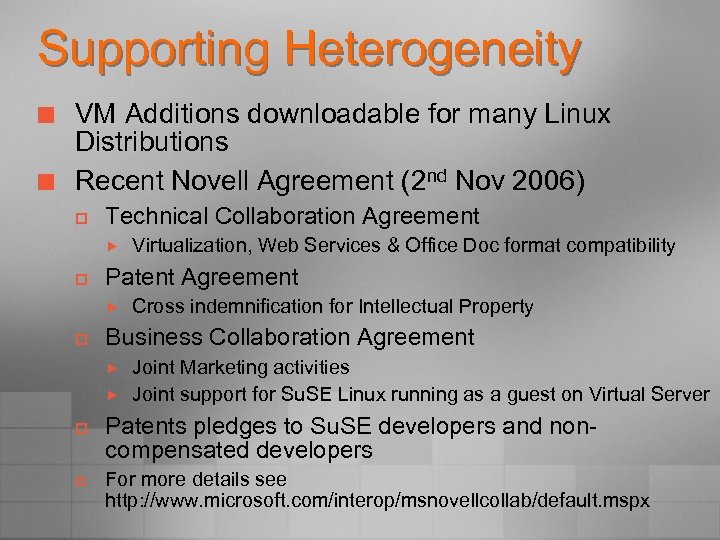
Supporting Heterogeneity ¢ ¢ VM Additions downloadable for many Linux Distributions Recent Novell Agreement (2 nd Nov 2006) p Technical Collaboration Agreement p Patent Agreement p p Cross indemnification for Intellectual Property Business Collaboration Agreement p Virtualization, Web Services & Office Doc format compatibility Joint Marketing activities Joint support for Su. SE Linux running as a guest on Virtual Server Patents pledges to Su. SE developers and noncompensated developers For more details see http: //www. microsoft. com/interop/msnovellcollab/default. mspx
Changing the way we try and buy software VHD Test Drive Program – Nov 2006
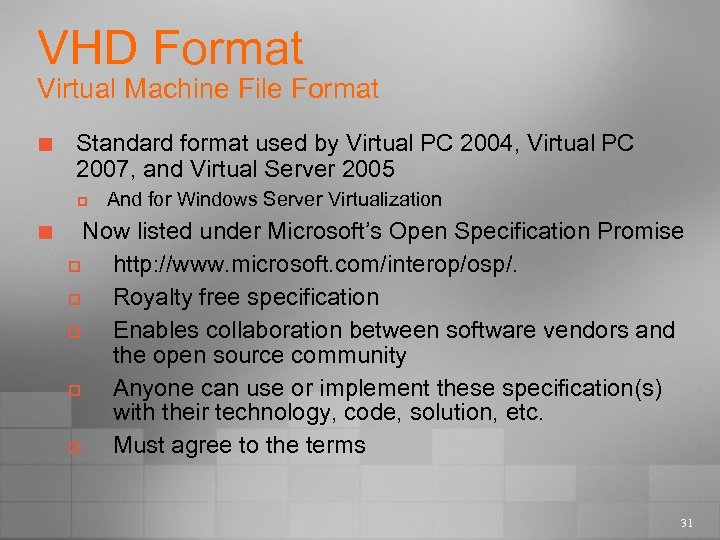
VHD Format Virtual Machine File Format ¢ Standard format used by Virtual PC 2004, Virtual PC 2007, and Virtual Server 2005 p ¢ And for Windows Server Virtualization Now listed under Microsoft’s Open Specification Promise p http: //www. microsoft. com/interop/osp/. p Royalty free specification p Enables collaboration between software vendors and the open source community p Anyone can use or implement these specification(s) with their technology, code, solution, etc. p Must agree to the terms 31
VHD Test Drive Program ¢ ¢ ¢ Provides downloadable, fully-functional virtual machines with evaluation software preinstalled and preconfigured Reduces cost and complexity of software evaluation Enables evaluation in isolated environments
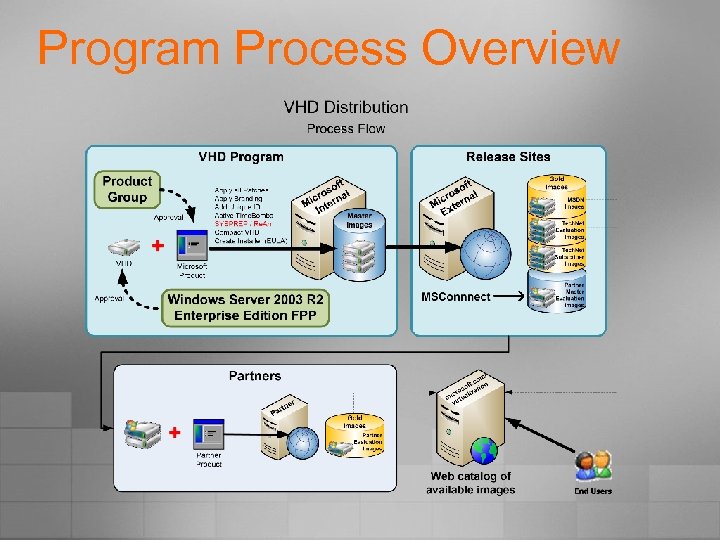
Program Process Overview
VHD Test Drive Program Benefits ¢ Software Vendors: provide pre-configured installations of software to customers p Convenient and simple process for creation of application images p Widespread distribution of applications p Testing and evaluation of applications accelerated ¢ Customers: a quick and easy way to evaluate Microsoft and partner software p Simple and convenient evaluation of products p Safe contained environment p Reduced costs by delivering quick, easy evaluations
Licensing Changes to Support Virtualization
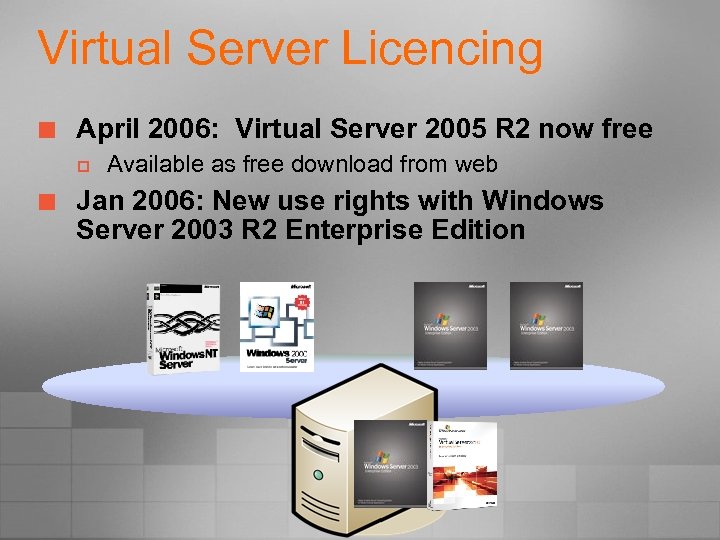
Virtual Server Licencing ¢ April 2006: Virtual Server 2005 R 2 now free p ¢ Available as free download from web Jan 2006: New use rights with Windows Server 2003 R 2 Enterprise Edition
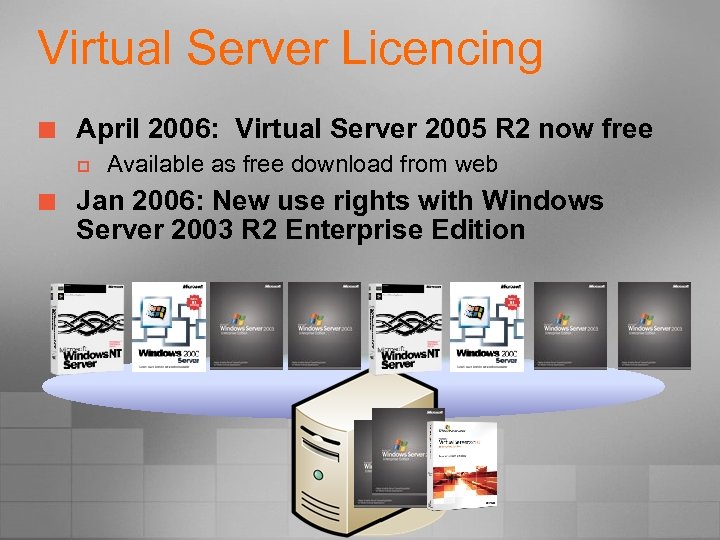
Virtual Server Licencing ¢ April 2006: Virtual Server 2005 R 2 now free p ¢ Available as free download from web Jan 2006: New use rights with Windows Server 2003 R 2 Enterprise Edition
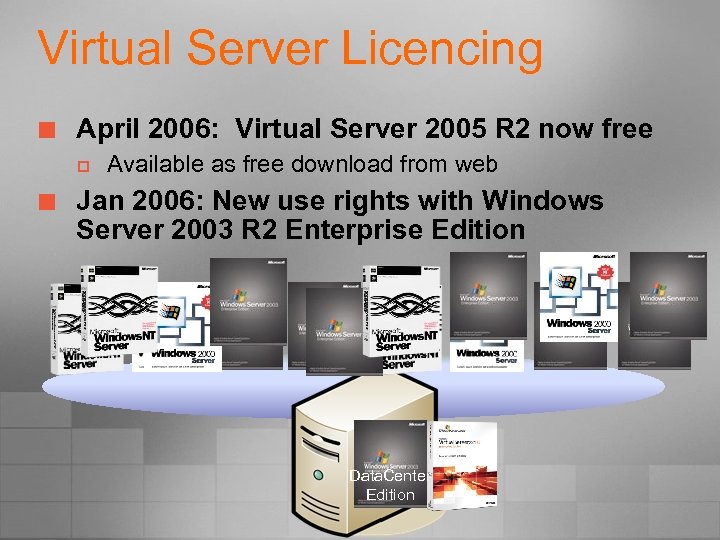
Virtual Server Licencing ¢ April 2006: Virtual Server 2005 R 2 now free p ¢ Available as free download from web Jan 2006: New use rights with Windows Server 2003 R 2 Enterprise Edition Data. Center Edition
Virtual Server Licencing ¢ April 2006: Virtual Server 2005 R 2 now free p ¢ Jan 2006: New use rights with Windows Server 2003 R 2 Enterprise Edition p p ¢ Available as free download from web WS 2003 R 2 EE allows you to run 1 host plus 4 Virtual guests for a single licence of EE WS 2003 R 2 Data. Center allows you to run unlimited VMs on a single host Jan 2006: Virtualization Licencing Changes p p Only need to licence for running servers Per Proc licencing per “virtual processor” instead of per physical proc
What’s happening on the Desktop? Application Virtualization using Softricity
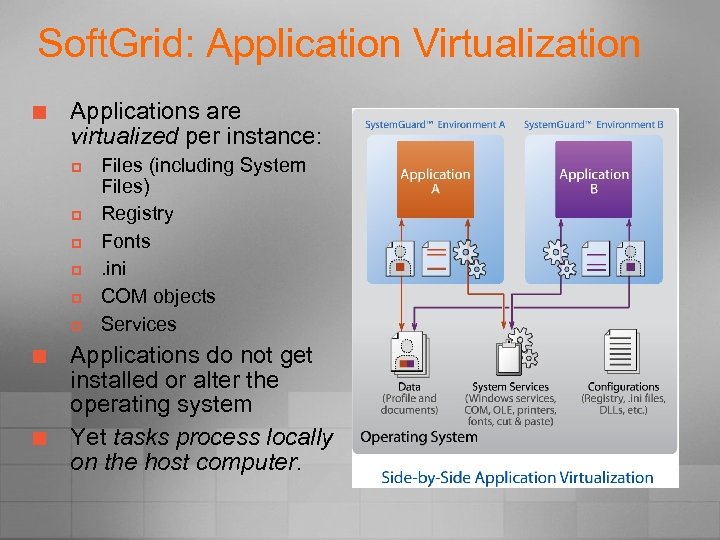
Soft. Grid: Application Virtualization ¢ Applications are virtualized per instance: p p p ¢ ¢ Files (including System Files) Registry Fonts. ini COM objects Services Applications do not get installed or alter the operating system Yet tasks process locally on the host computer.
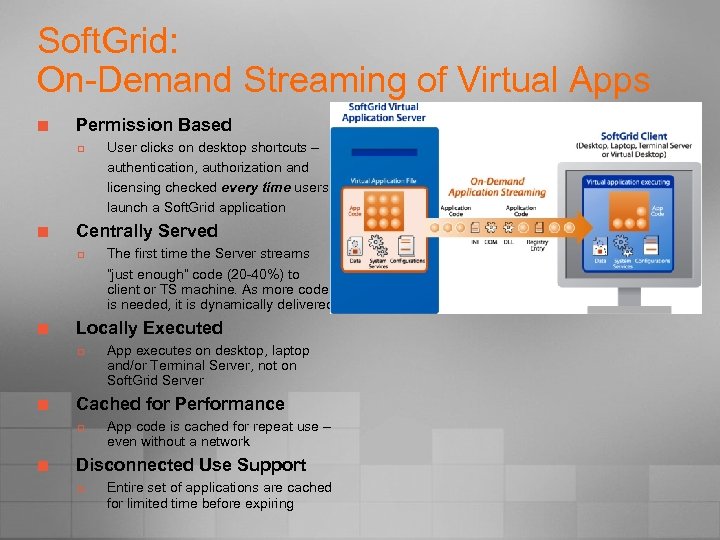
Soft. Grid: On-Demand Streaming of Virtual Apps ¢ Permission Based p ¢ Centrally Served p ¢ App executes on desktop, laptop and/or Terminal Server, not on Soft. Grid Server Cached for Performance p ¢ The first time the Server streams “just enough” code (20 -40%) to client or TS machine. As more code is needed, it is dynamically delivered. Locally Executed p ¢ User clicks on desktop shortcuts – authentication, authorization and licensing checked every time users launch a Soft. Grid application App code is cached for repeat use – even without a network Disconnected Use Support p Entire set of applications are cached for limited time before expiring
The Future of Microsoft’s Virtualization
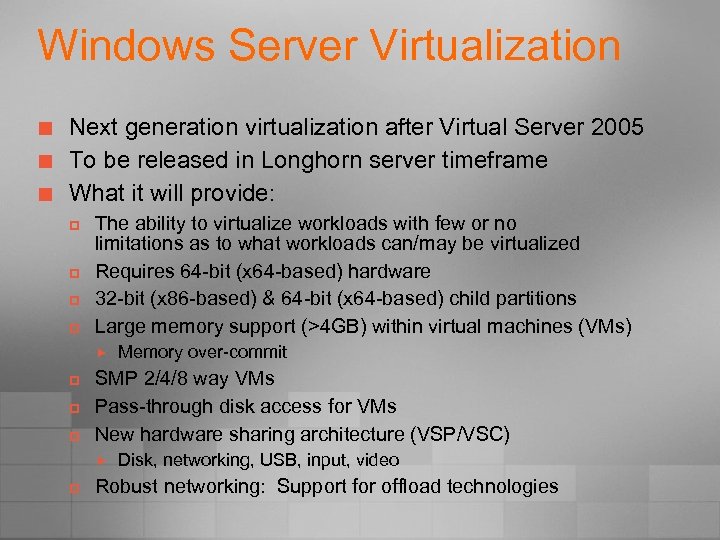
Windows Server Virtualization ¢ ¢ ¢ Next generation virtualization after Virtual Server 2005 To be released in Longhorn server timeframe What it will provide: p p The ability to virtualize workloads with few or no limitations as to what workloads can/may be virtualized Requires 64 -bit (x 64 -based) hardware 32 -bit (x 86 -based) & 64 -bit (x 64 -based) child partitions Large memory support (>4 GB) within virtual machines (VMs) p p p SMP 2/4/8 way VMs Pass-through disk access for VMs New hardware sharing architecture (VSP/VSC) p Memory over-commit Disk, networking, USB, input, video Robust networking: Support for offload technologies
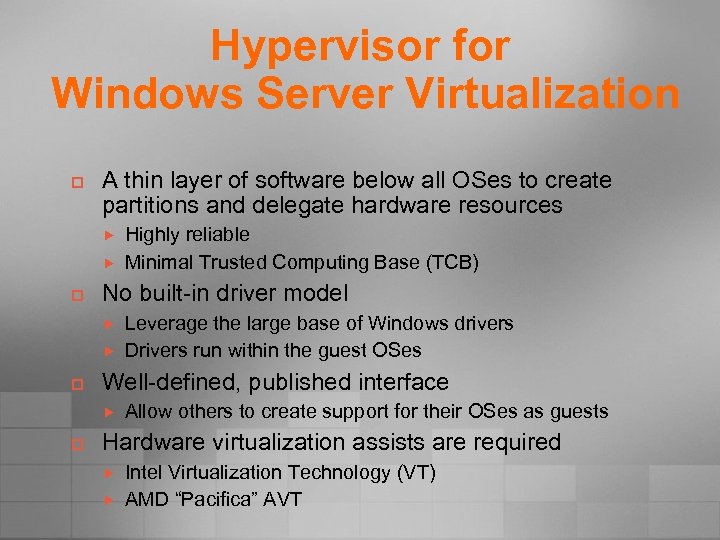
Hypervisor for Windows Server Virtualization p A thin layer of software below all OSes to create partitions and delegate hardware resources p No built-in driver model p Leverage the large base of Windows drivers Drivers run within the guest OSes Well-defined, published interface p Highly reliable Minimal Trusted Computing Base (TCB) Allow others to create support for their OSes as guests Hardware virtualization assists are required Intel Virtualization Technology (VT) AMD “Pacifica” AVT
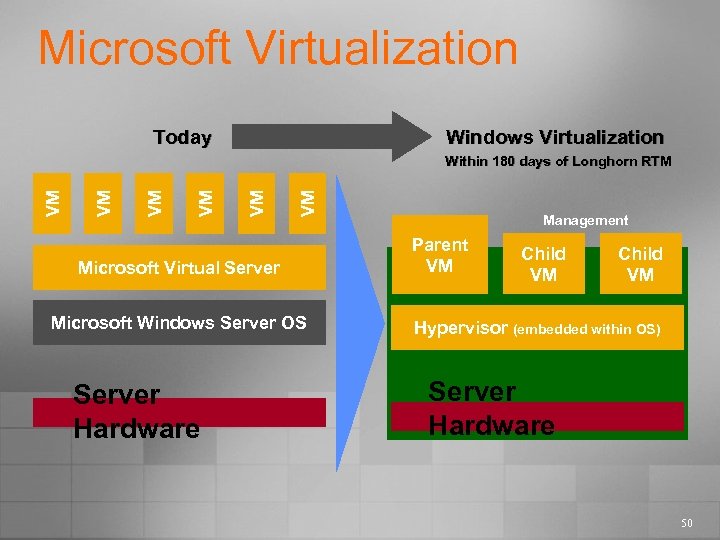
Microsoft Virtualization Today Windows Virtualization VM VM VM Within 180 days of Longhorn RTM Microsoft Virtual Server Microsoft Windows Server OS Server Hardware Management Parent VM Child VM Hypervisor (embedded within OS) Server Hardware 50
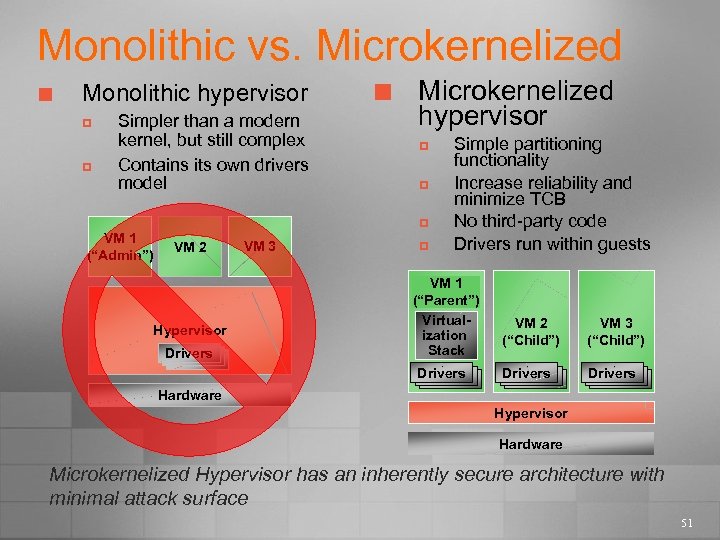
Monolithic vs. Microkernelized ¢ Monolithic hypervisor p p Simpler than a modern kernel, but still complex Contains its own drivers model ¢ Microkernelized hypervisor p p p VM 1 (“Admin”) VM 2 Hypervisor Drivers VM 3 p Simple partitioning functionality Increase reliability and minimize TCB No third-party code Drivers run within guests VM 1 (“Parent”) Virtualization Stack Drivers VM 2 (“Child”) VM 3 (“Child”) Drivers Drivers Hardware Hypervisor Hardware Microkernelized Hypervisor has an inherently secure architecture with minimal attack surface 51
How do we manage all this?
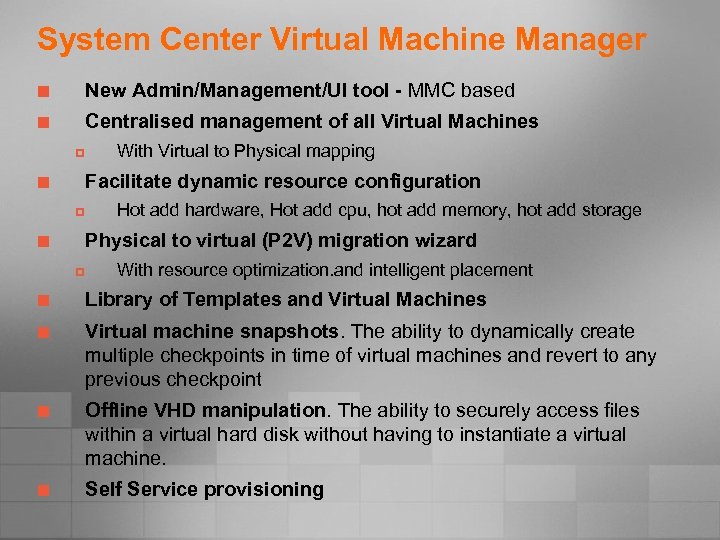
System Center Virtual Machine Manager ¢ New Admin/Management/UI tool - MMC based ¢ Centralised management of all Virtual Machines p With Virtual to Physical mapping Facilitate dynamic resource configuration ¢ p Hot add hardware, Hot add cpu, hot add memory, hot add storage Physical to virtual (P 2 V) migration wizard ¢ p With resource optimization. and intelligent placement ¢ Library of Templates and Virtual Machines ¢ Virtual machine snapshots. The ability to dynamically create multiple checkpoints in time of virtual machines and revert to any previous checkpoint ¢ Offline VHD manipulation. The ability to securely access files within a virtual hard disk without having to instantiate a virtual machine. ¢ Self Service provisioning
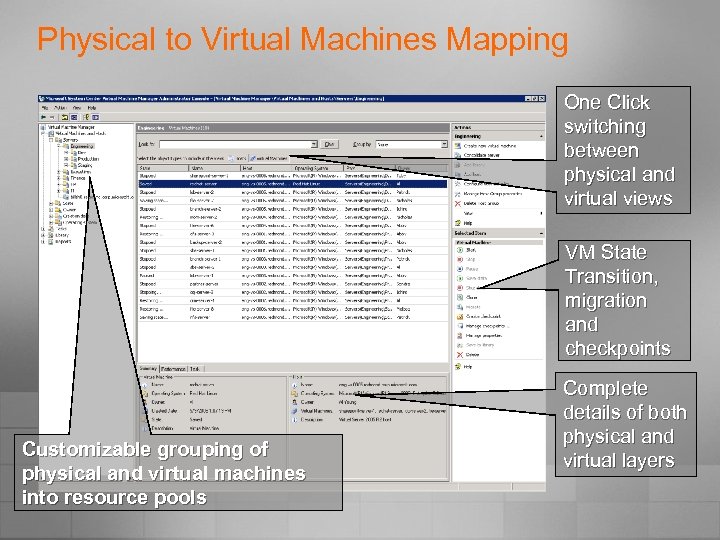
Physical to Virtual Machines Mapping One Click switching between physical and virtual views VM State Transition, migration and checkpoints Customizable grouping of physical and virtual machines into resource pools Complete details of both physical and virtual layers
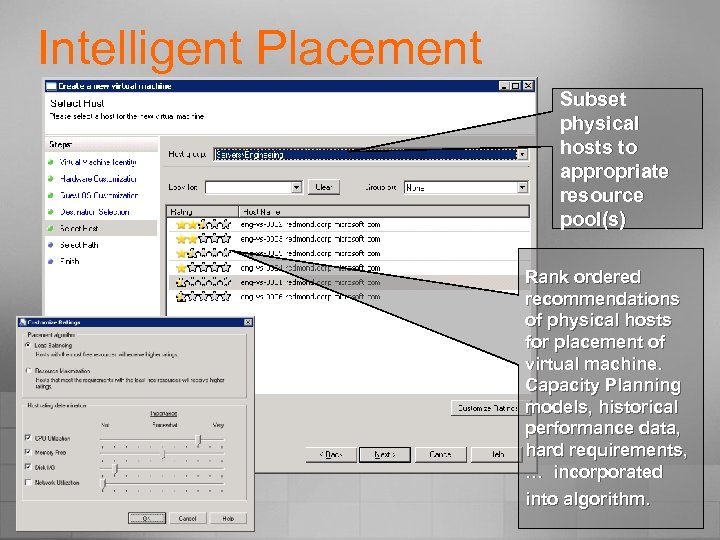
Intelligent Placement Subset physical hosts to appropriate resource pool(s) Rank ordered recommendations of physical hosts for placement of virtual machine. Capacity Planning models, historical performance data, hard requirements, … incorporated into algorithm.
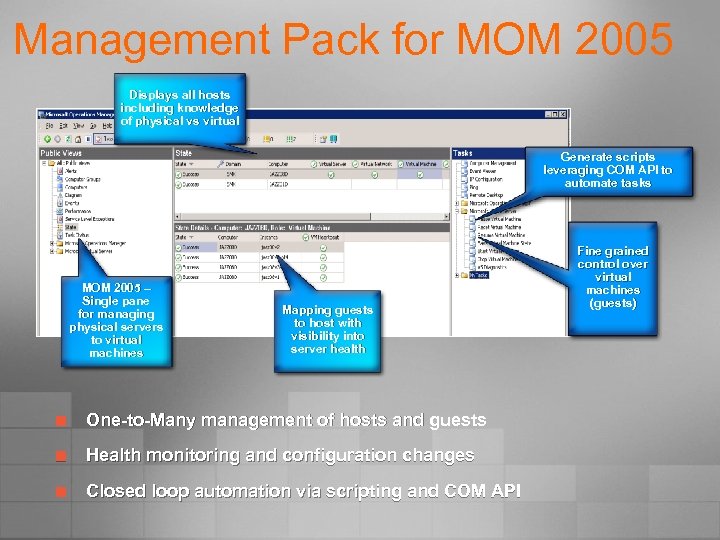
Management Pack for MOM 2005 Displays all hosts including knowledge of physical vs virtual Generate scripts leveraging COM API to automate tasks MOM 2005 – Single pane for managing physical servers to virtual machines Mapping guests to host with visibility into server health ¢ One-to-Many management of hosts and guests ¢ Health monitoring and configuration changes ¢ Closed loop automation via scripting and COM API Fine grained control over virtual machines (guests)
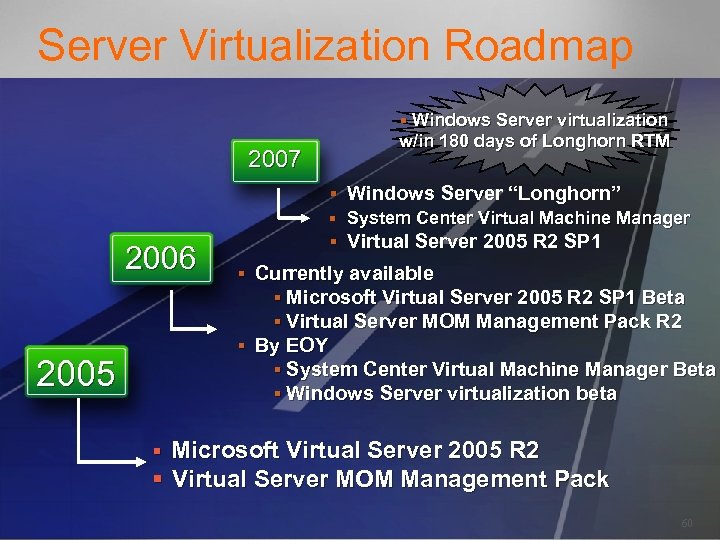
Server Virtualization Roadmap § Windows Server virtualization 2007 2006 2005 w/in 180 days of Longhorn RTM § Windows Server “Longhorn” § System Center Virtual Machine Manager § Virtual Server 2005 R 2 SP 1 § Currently available § Microsoft Virtual Server 2005 R 2 SP 1 Beta § Virtual Server MOM Management Pack R 2 § By EOY § System Center Virtual Machine Manager Beta § Windows Server virtualization beta § Microsoft Virtual Server 2005 R 2 § Virtual Server MOM Management Pack 60
So Virtually. . we can: ¢ ¢ Lower our IT costs Get better hardware utilization Get greater flexibility of where we run our applications Easy fit into existing MS environments p ¢ ¢ ¢ Leverage System Center Products for Mgmt Develop Business Continuity plans Look forward to Windows Server Virtualization Make almost anything is possible …
 Скачать презентацию Virtually Anything is Possible December 2006 Peter Fitzsimon
14b92aa216772003e23d44dacdee1144.ppt