


 Скачать презентацию Virtual Gradle Workshop Course Structure 10 topics
Gradle.pptx
- Количество слайдов: 118
 Virtual Gradle Workshop
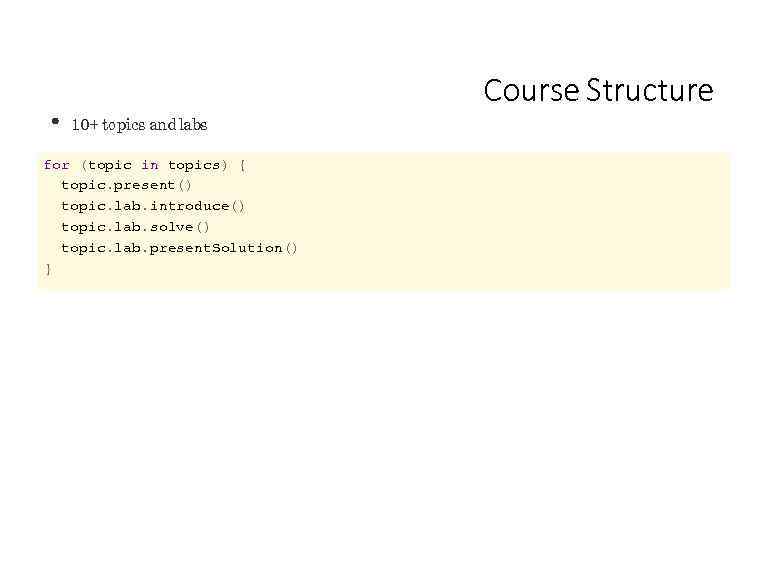 Course Structure 10+ topics and labs for (topic in topics) { topic. present() topic. lab. introduce() topic. lab. solve() topic. lab. present. Solution() }
 Experience with Java projects. Some experience with automated builds. Prerequisites
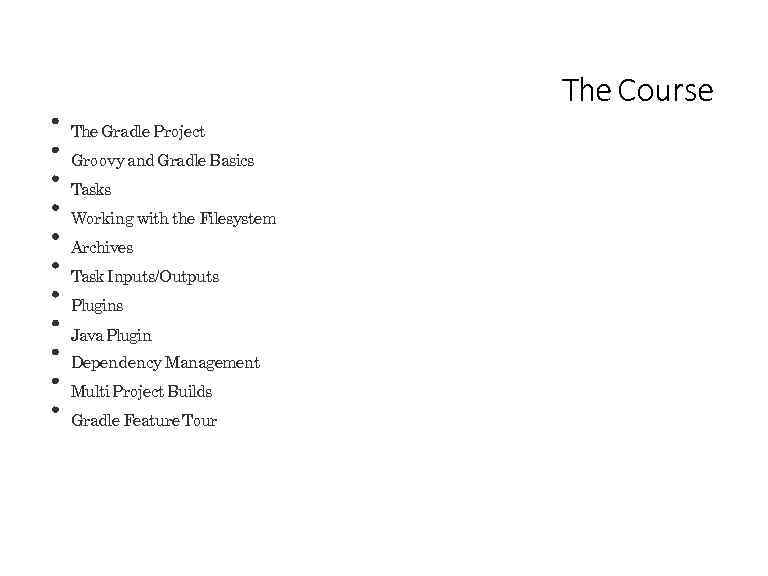 The Course The Gradle Project Groovy and Gradle Basics Tasks Working with the Filesystem Archives Task Inputs/Outputs Plugins Java Plugin Dependency Management Multi Project Builds Gradle Feature Tour
 Ou t of Scope Android/C++/Scala Builds Continuous Integration/Delivery IDE Integration etc.
 Gradle About the tool.
 Gradle is a build tool with a focus on whole project automation and support for multi-language development. Created in 2008 Implemented in Java (Groovy outer layer) 100% Free Open Source - Apache Standard License 2. 0 http: //www. gradle. org
 Gradleware The company behind Gradle. Employs full time engineers Gradle consulting, support, development services etc. Training: online, public and in-house General build automation services Germany, Australia, UK, Poland, Austria, Canada and the US. http: //www. gradleware. com
 Gradle Project Open Source (Apache v 2 license), free to use and modify Source code at github. com/gradle Community centered around forums. gradle. org
 http: //gradle. org/documentation User Guide 300+ pages, many complete samples In depth explanations, introductions single page HTML multi page HTML PDF DSL Reference (gradle. org/docs/current/dsl/) API reference Frequently accessed Links through to Javadoc Gradle D ocumentation
 http: //gradle. org/downloads Gradle D ownloads -bin distribution contains just the runtime. -all distribution contains the runtime, source, and all documentation.
 Gradle 1. 12 Released on April 29 th. Latest version (2. 0 is next).
 Groovy & Gradle Basics
 Groovy Modern "scripting" language for the JVM Easy to learn for Java developers Based on Java syntax and APIs Compiles to byte code
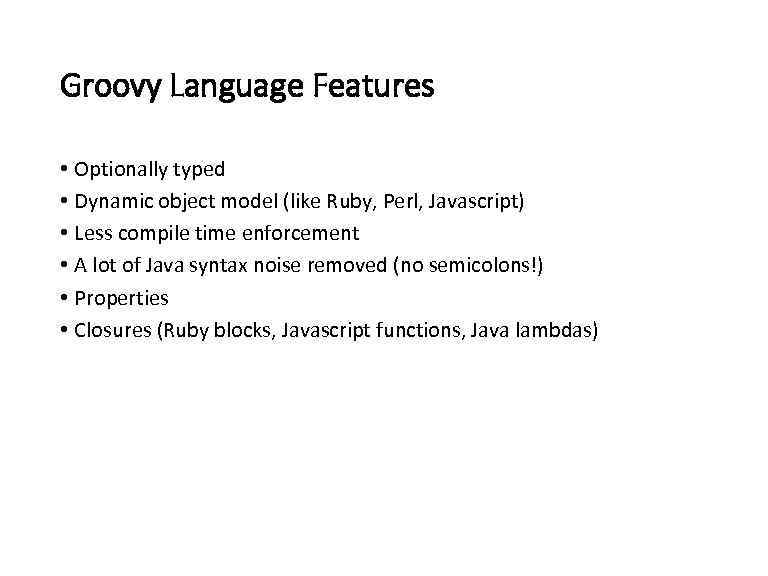 Groovy Language Features • Optionally typed • Dynamic object model (like Ruby, Perl, Javascript) • Less compile time enforcement • A lot of Java syntax noise removed (no semicolons!) • Properties • Closures (Ruby blocks, Javascript functions, Java lambdas)
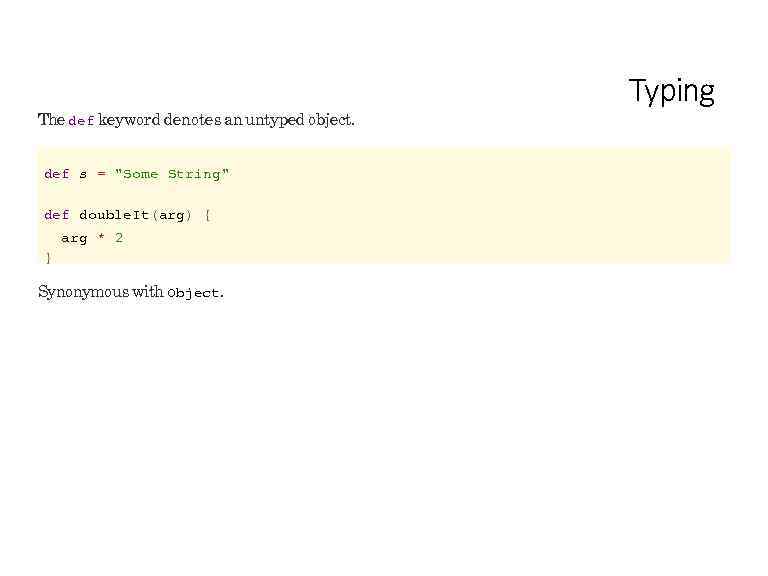 The def keyword denotes an untyped object. def s = "Some String" def double. It(arg) { arg * 2 } Synonymous with Object. Typing
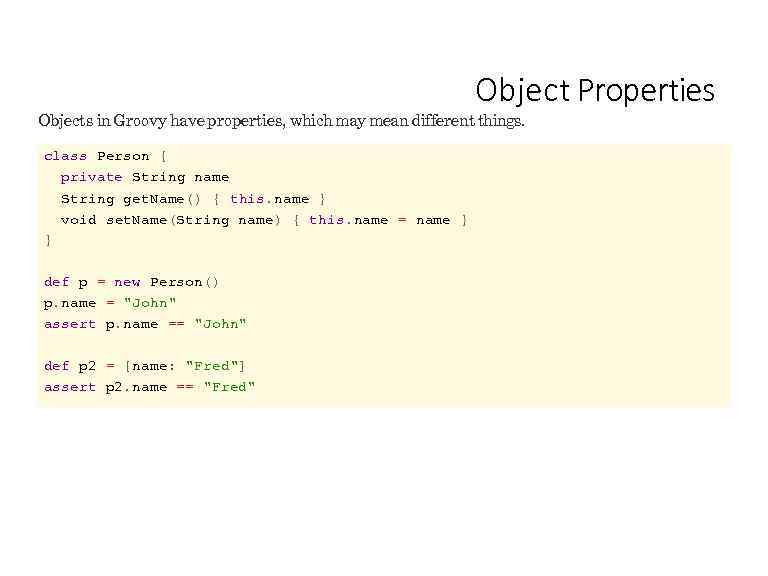 Object Properties Objects in Groovy have properties, which may mean different things. class Person { private String name String get. Name() { this. name } void set. Name(String name) { this. name = name } } def p = new Person() p. name = "John" assert p. name == "John" def p 2 = [name: "Fred"] assert p 2. name == "Fred"
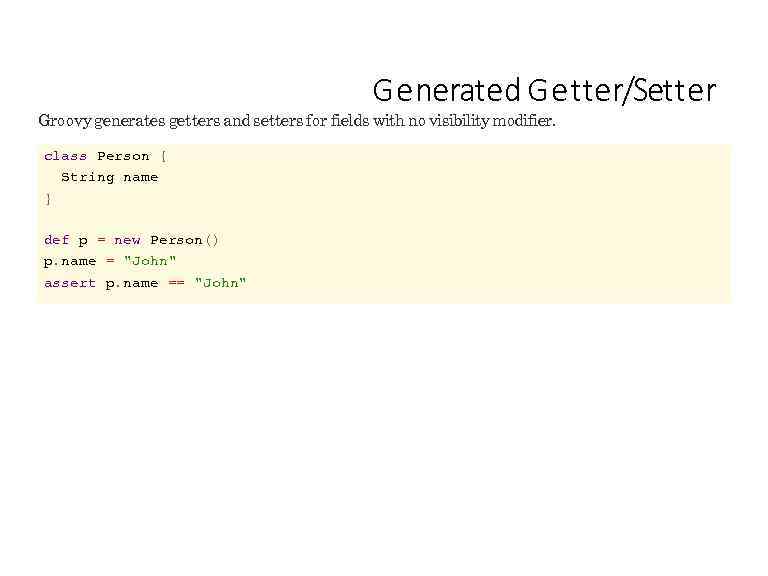 G e nerated G e tter/Setter Groovy generates getters and setters for fields with no visibility modifier. class Person { String name } def p = new Person() p. name = "John" assert p. name == "John"
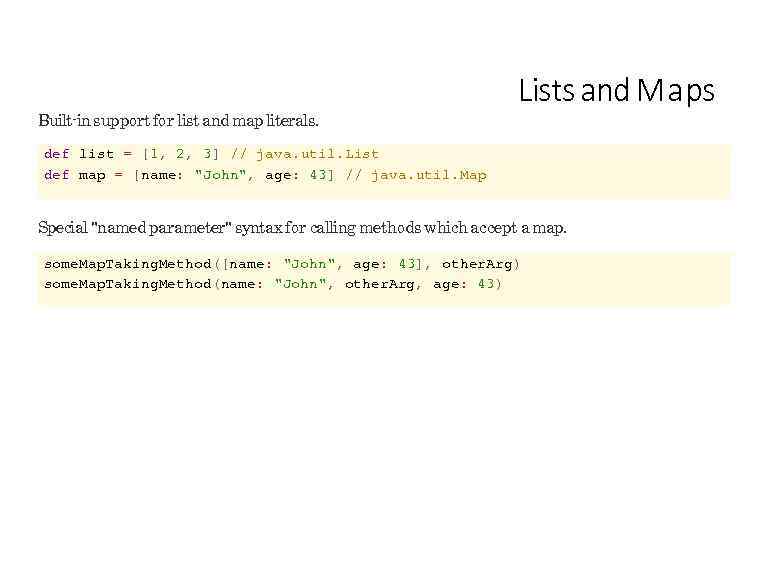 Built-in support for list and map literals. Lists and M a ps def list = [1, 2, 3] // java. util. List def map = [name: "John", age: 43] // java. util. Map Special "named parameter" syntax for calling methods which accept a map. some. Map. Taking. Method([name: "John", age: 43], other. Arg) some. Map. Taking. Method(name: "John", other. Arg, age: 43)
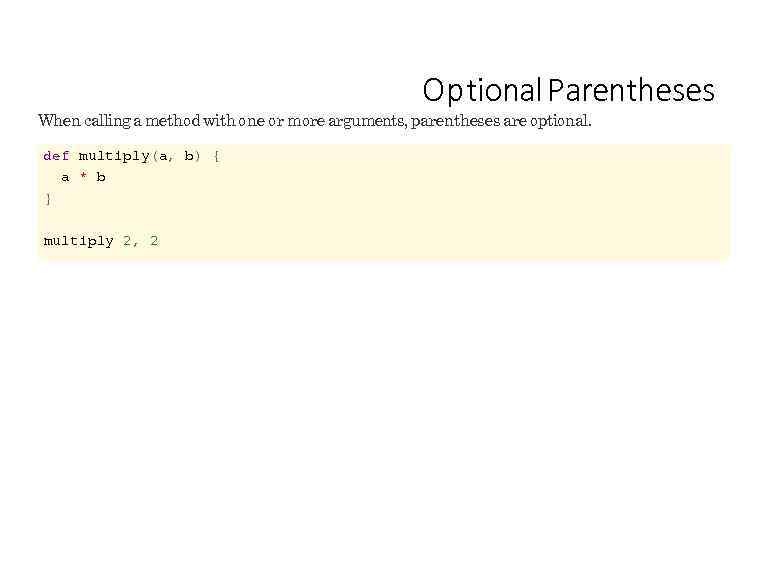 Op tional Parentheses When calling a method with one or more arguments, parentheses are optional. def multiply(a, b) { a * b } multiply 2, 2
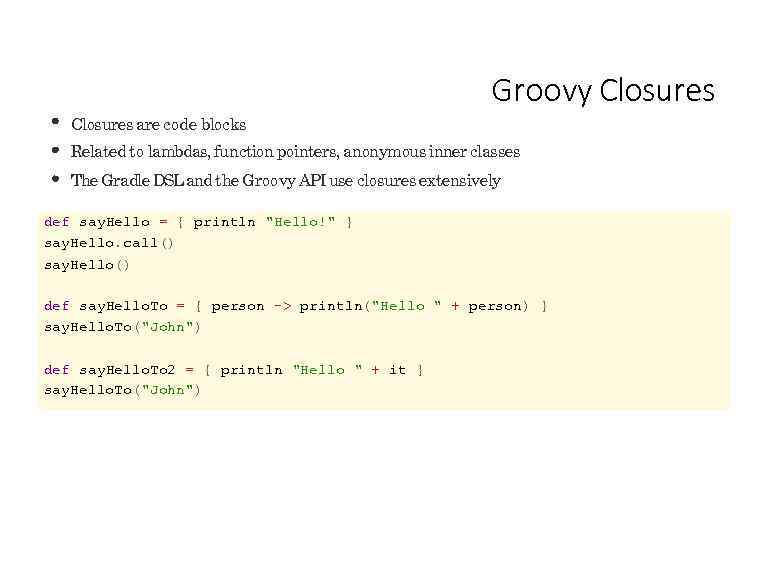 Groovy Closures are code blocks Related to lambdas, function pointers, anonymous inner classes The Gradle DSL and the Groovy API use closures extensively def say. Hello = { println "Hello!" } say. Hello. call() say. Hello() def say. Hello. To = { person -> println("Hello " + person) } say. Hello. To("John") def say. Hello. To 2 = { println "Hello " + it } say. Hello. To("John")
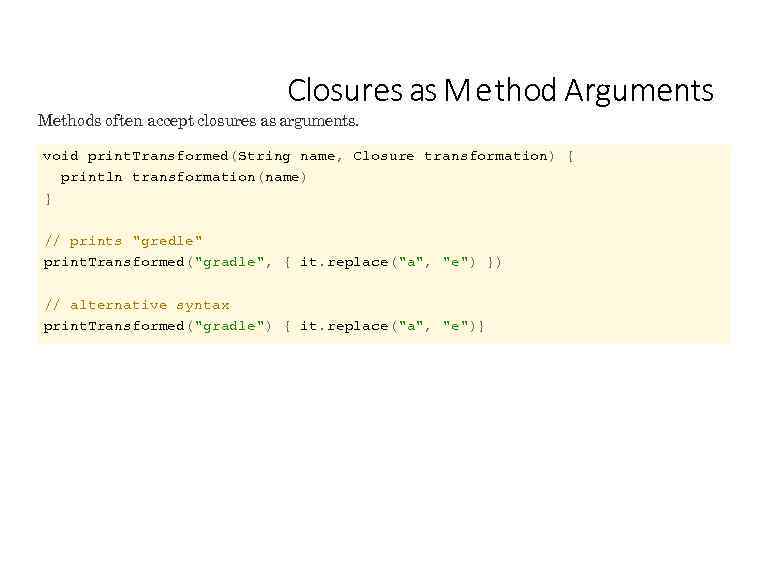 Closures as M e thod Arguments Methods often accept closures as arguments. void print. Transformed(String name, Closure transformation) { println transformation(name) } // prints "gredle" print. Transformed("gradle", { it. replace("a", "e") }) // alternative syntax print. Transformed("gradle") { it. replace("a", "e")}
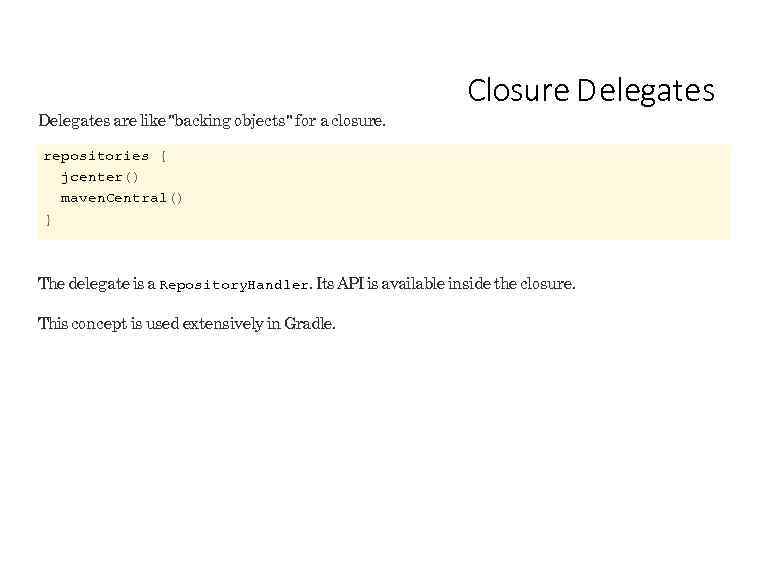 Delegates are like "backing objects" for a closure. Closure D elegates repositories { jcenter() maven. Central() } The delegate is a Repository. Handler. Its API is available inside the closure. This concept is used extensively in Gradle.
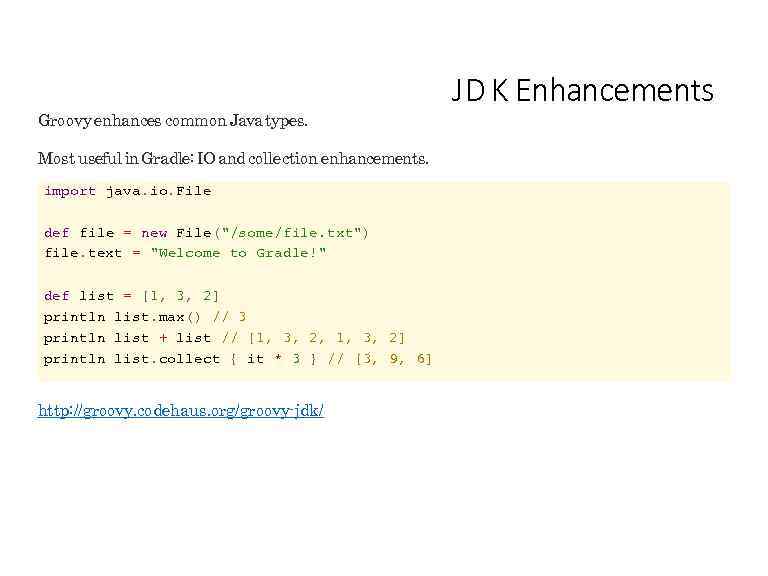 Groovy enhances common Java types. Most useful in Gradle: IO and collection enhancements. import java. io. File def file = new File("/some/file. txt") file. text = "Welcome to Gradle!" def list = [1, 3, 2] println list. max() // 3 println list + list // [1, 3, 2, 1, 3, 2] println list. collect { it * 3 } // [3, 9, 6] http: //groovy. codehaus. org/groovy-jdk/ J D K Enhancements
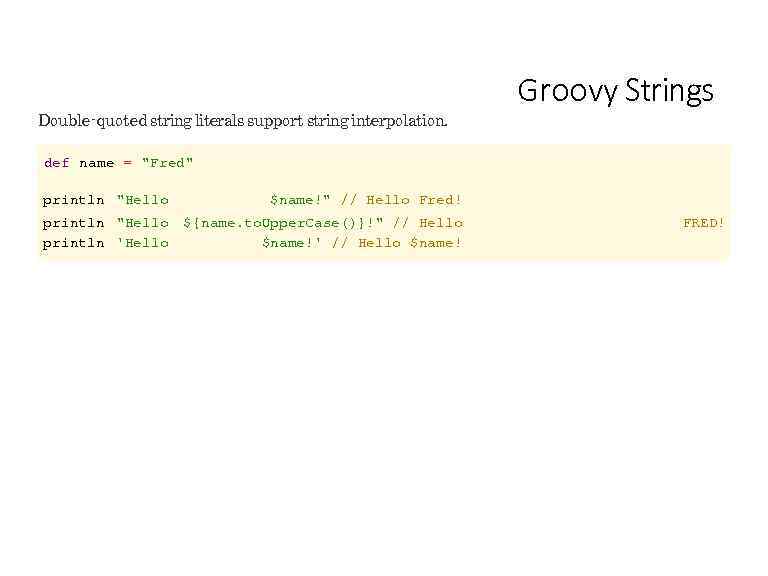 Double-quoted string literals support string interpolation. Groovy Strings def name = "Fred" println "Hello $name!" // Hello Fred! println "Hello println 'Hello ${name. to. Upper. Case()}!" // Hello $name!' // Hello $name! FRED!
 More Groovy has many uses outside Gradle. Particularly good for testing Java code bases. The Groovy In Action (2 nd Ed) book is a great source for more Groovy goodness.
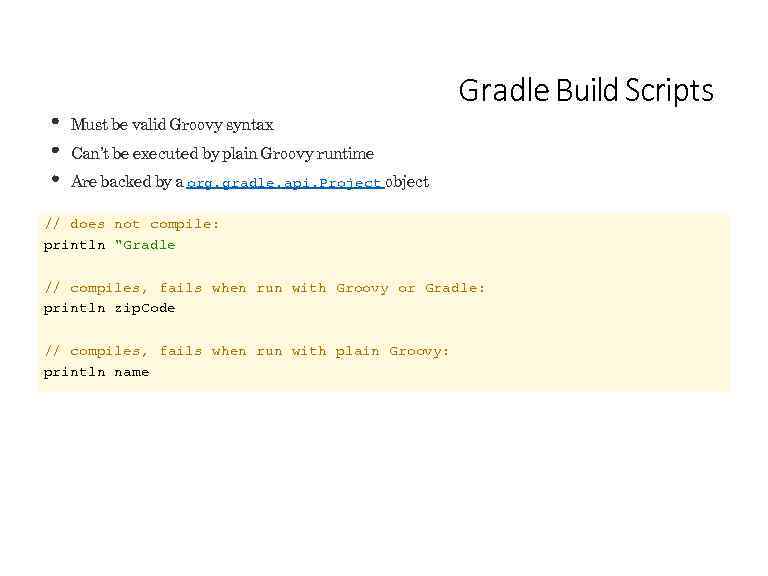 Gradle Build Scripts Must be valid Groovy syntax Can’t be executed by plain Groovy runtime Are backed by a org. gradle. api. Project object // does not compile: println "Gradle // compiles, fails when run with Groovy or Gradle: println zip. Code // compiles, fails when run with plain Groovy: println name
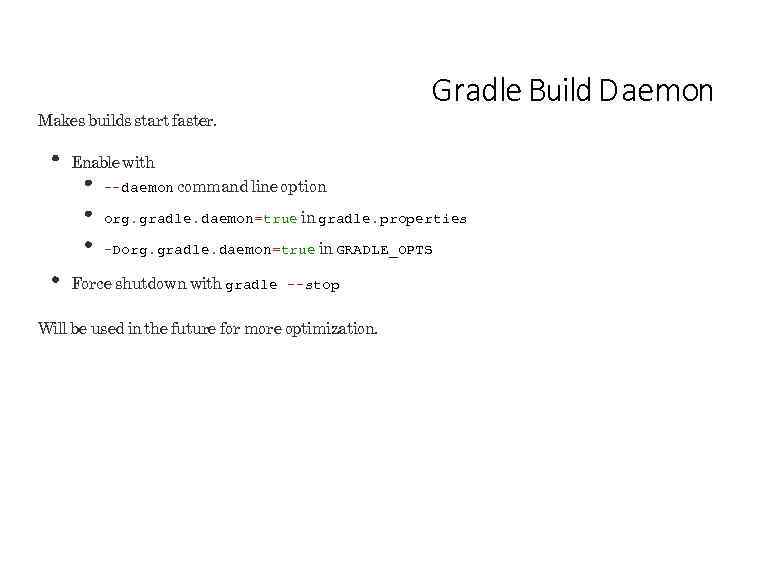 Makes builds start faster. Gradle Build D aemon Enable with --daemon command line option org. gradle. daemon=true in gradle. properties -Dorg. gradle. daemon=true in GRADLE_OPTS Force shutdown with gradle --stop Will be used in the future for more optimization.
 Lab 01 -daemon-setup
 Tasks
Tasks
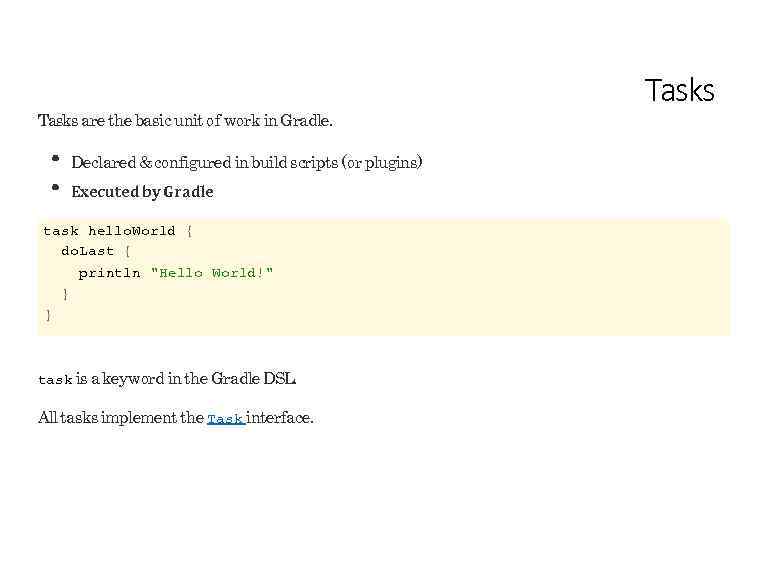 Tasks are the basic unit of work in Gradle. Declared & configured in build scripts (or plugins) Executed by Gradle task hello. World { do. Last { println "Hello World!" } } task is a keyword in the Gradle DSL. All tasks implement the Task interface. Tasks
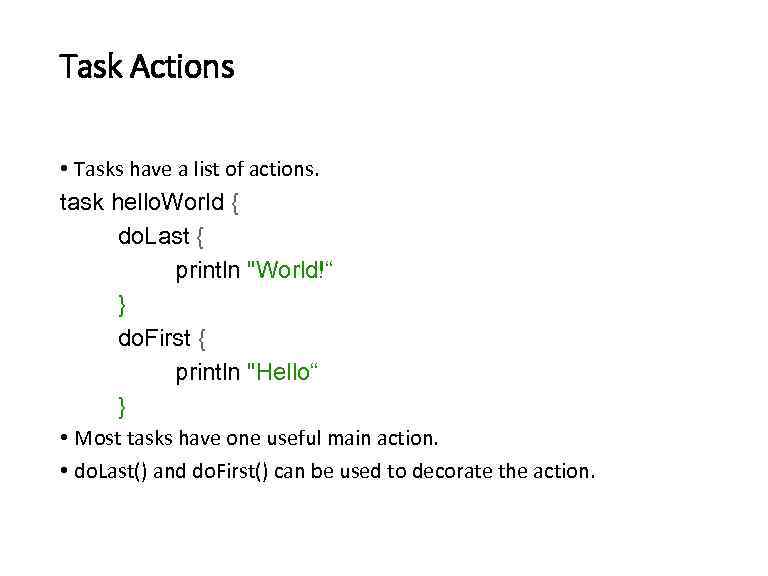 Task Actions • Tasks have a list of actions. task hello. World { do. Last { println "World!“ } do. First { println "Hello“ } • Most tasks have one useful main action. • do. Last() and do. First() can be used to decorate the action.
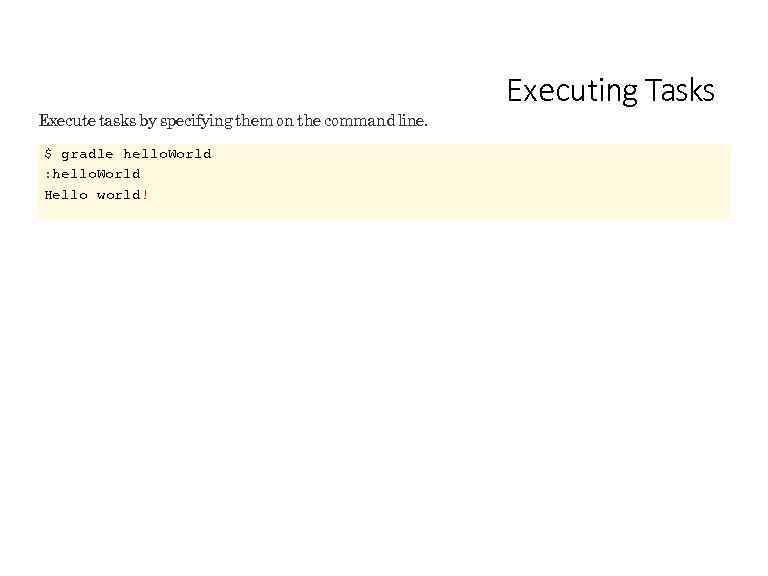 Execute tasks by specifying them on the command line. $ gradle hello. World : hello. World Hello world! Executing Tasks
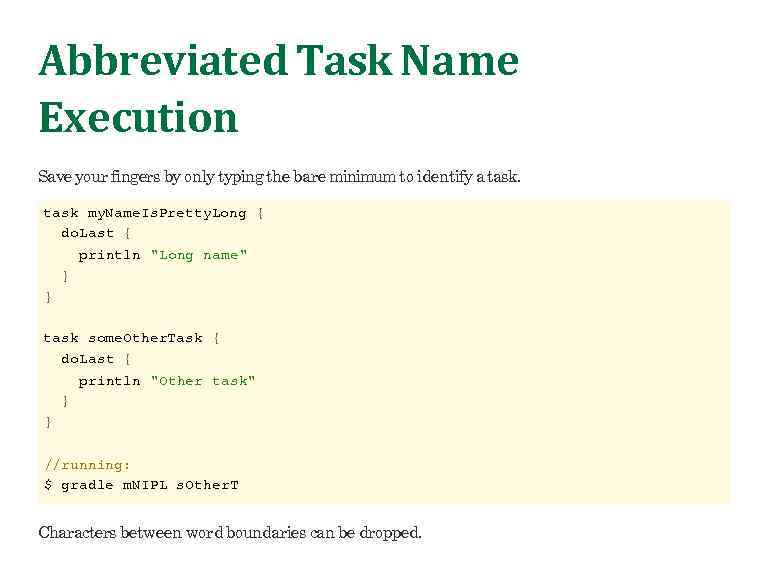 Abbreviated Task Name Execution Save your fingers by only typing the bare minimum to identify a task my. Name. Is. Pretty. Long { do. Last { println "Long name" } } task some. Other. Task { do. Last { println "Other task" } } //running: $ gradle m. NIPL s. Other. T Characters between word boundaries can be dropped.
 Lab 02 -tasks
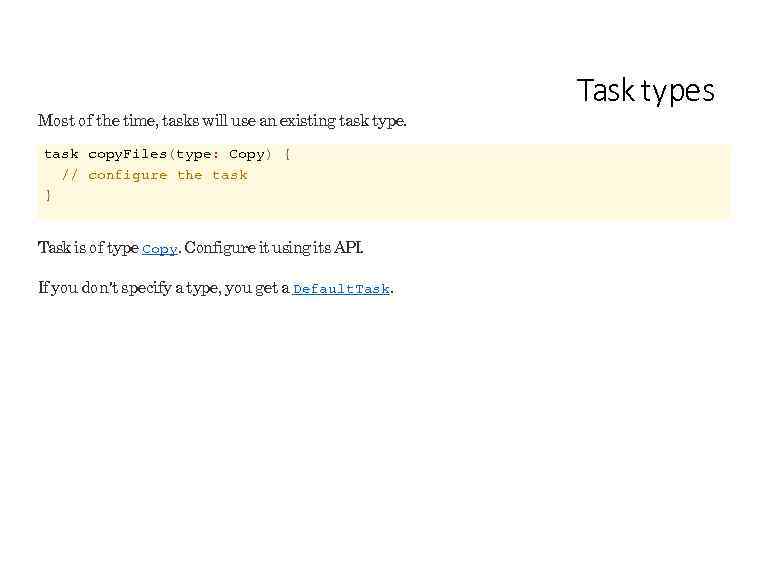 Most of the time, tasks will use an existing task type. task copy. Files(type: Copy) { // configure the task } Task is of type Copy. Configure it using its API. If you don't specify a type, you get a Default. Task types
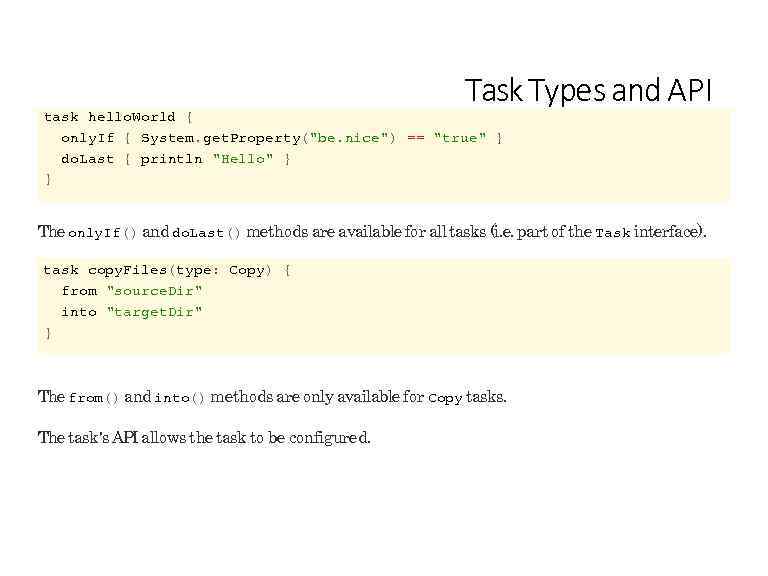 Task Types and API task hello. World { only. If { System. get. Property("be. nice") == "true" } do. Last { println "Hello" } } The only. If() and do. Last() methods are available for all tasks (i. e. part of the Task interface). task copy. Files(type: Copy) { from "source. Dir" into "target. Dir" } The from() and into() methods are only available for Copy tasks. The task's API allows the task to be configured.
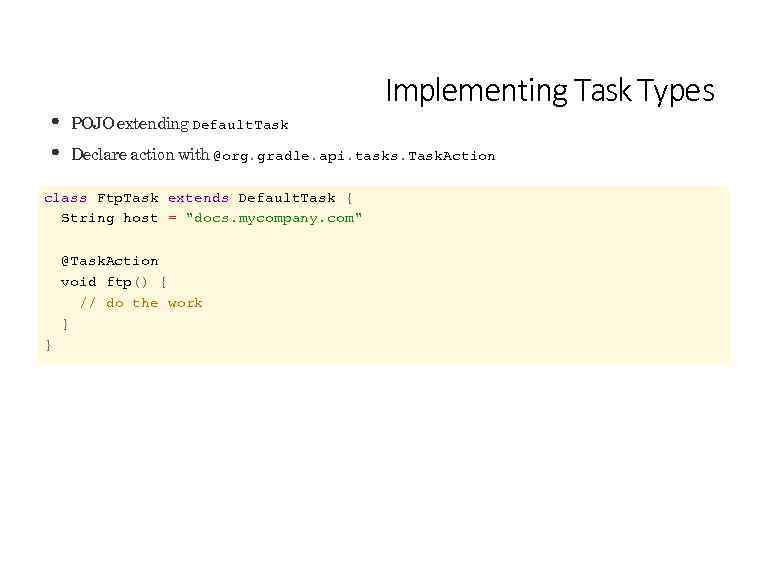 Implementing Task Types POJO extending Default. Task Declare action with @org. gradle. api. tasks. Task. Action class Ftp. Task extends Default. Task { String host = "docs. mycompany. com" @Task. Action void ftp() { // do the work } }
 Lab 03 -custom-tasks
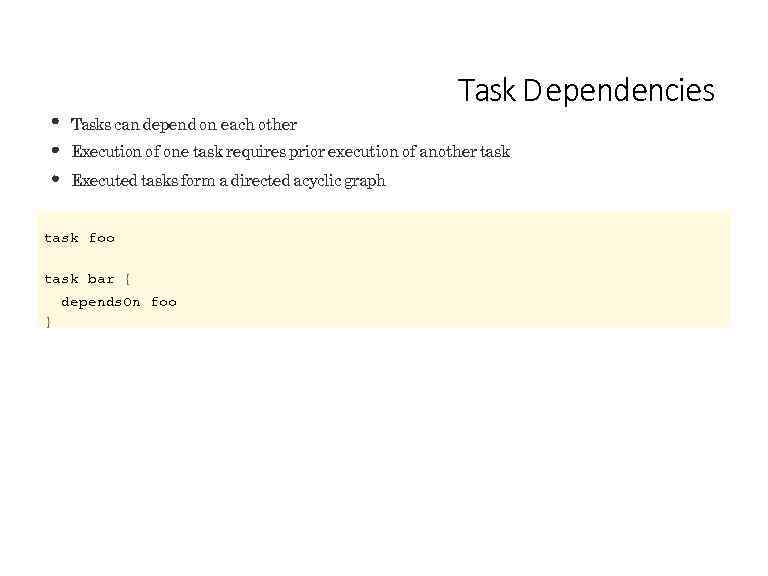 Task D ependencies Tasks can depend on each other Execution of one task requires prior execution of another task Executed tasks form a directed acyclic graph task foo task bar { depends. On foo }
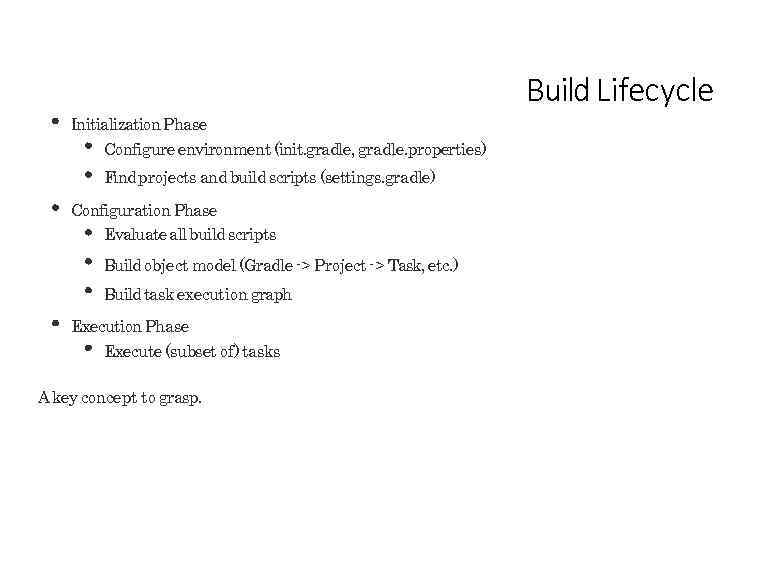 Build Lifecycle Initialization Phase Configure environment (init. gradle, gradle. properties) Find projects and build scripts (settings. gradle) Configuration Phase Evaluate all build scripts Build object model (Gradle -> Project -> Task, etc. ) Build task execution graph Execution Phase Execute (subset of) tasks A key concept to grasp.
 Lab 04 -build-lifecycle
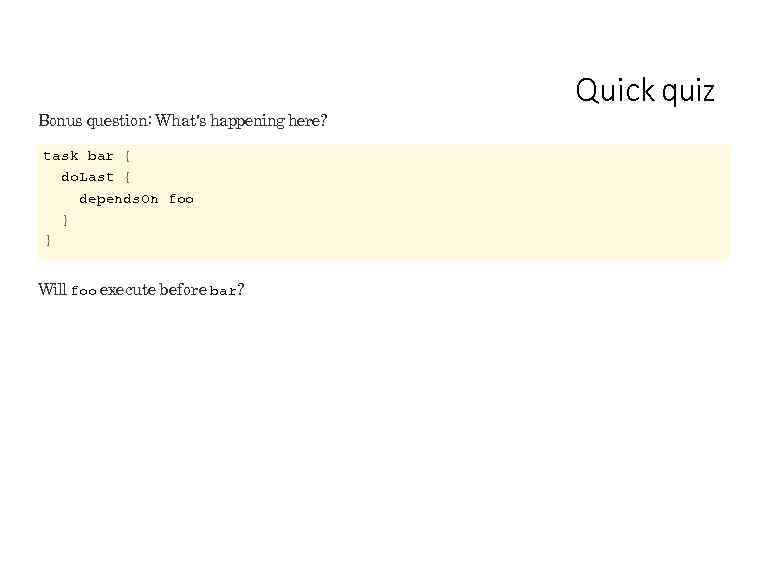 Bonus question: What's happening here? task bar { do. Last { depends. On foo } } Will foo execute before bar? Quick quiz
 Working with the Filesystem
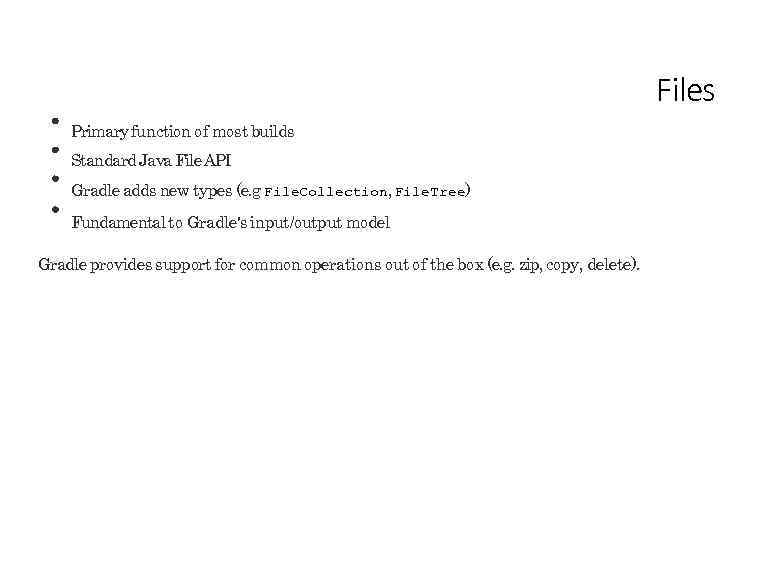 Files Primary function of most builds Standard Java File API Gradle adds new types (e. g File. Collection, File. Tree) Fundamental to Gradle's input/output model Gradle provides support for common operations out of the box (e. g. zip, copy, delete).
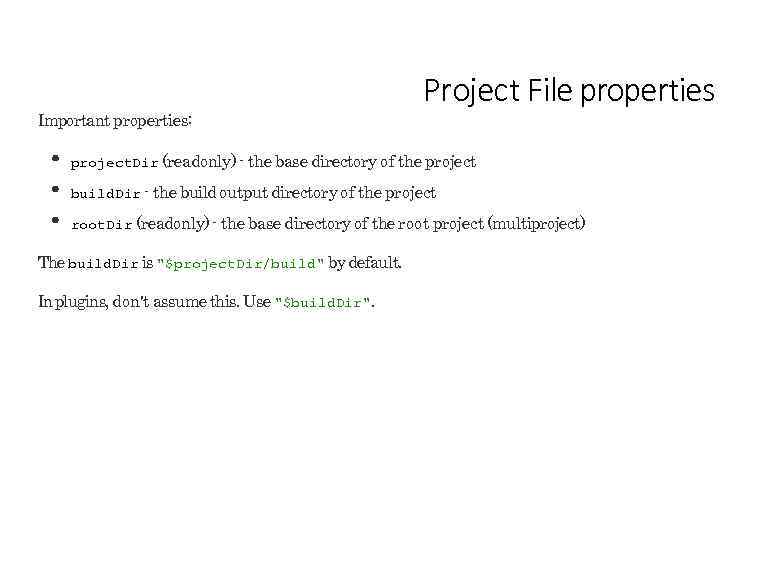 Important properties: Project File properties project. Dir (readonly) - the base directory of the project build. Dir - the build output directory of the project root. Dir (readonly) - the base directory of the root project (multiproject) The build. Dir is "$project. Dir/build" by default. In plugins, don't assume this. Use "$build. Dir".
Don't do this: new File("src/main/java/Thing. java") You don't know what the working directory of the JVM is. Use: project. file("src/main/java/Thing. java") Project. file(Object) always resolves relative to the project. Dir. Many tasks accept Object for file types; resolved by project. file(). Relative files
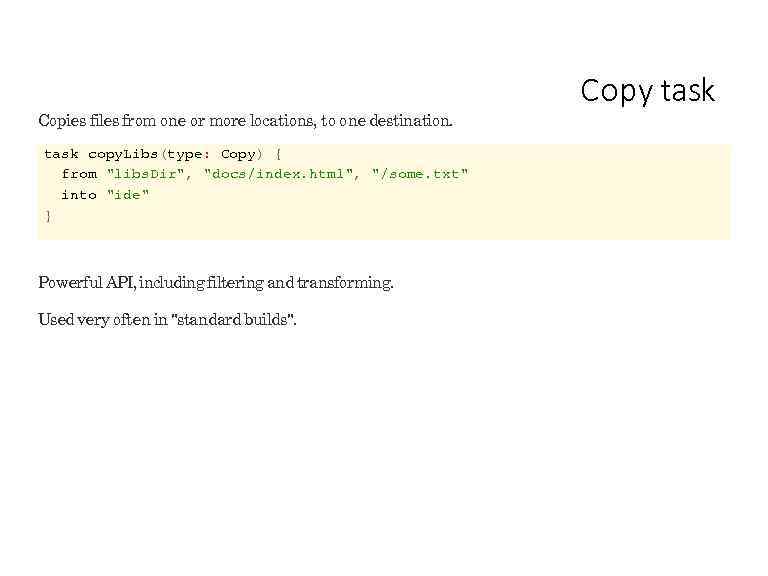 Copies files from one or more locations, to one destination. task copy. Libs(type: Copy) { from "libs. Dir", "docs/index. html", "/some. txt" into "ide" } Powerful API, including filtering and transforming. Used very often in "standard builds". Copy task
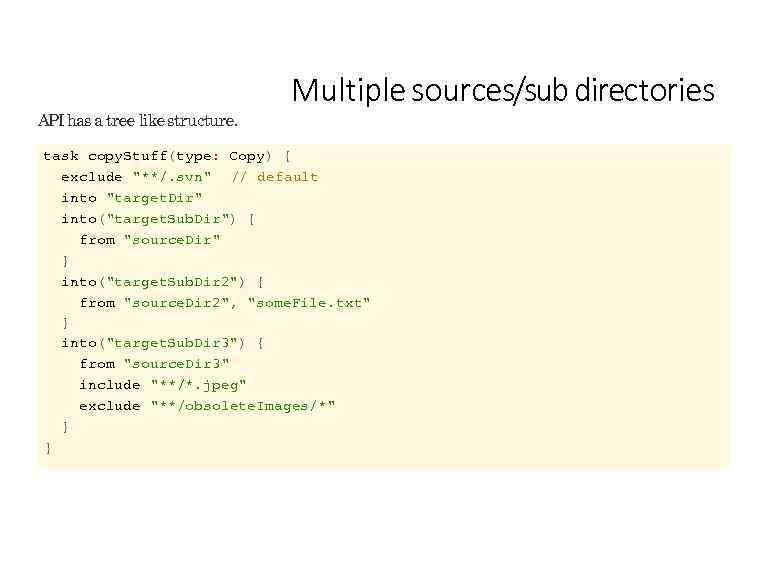 API has a tree like structure. Multiple sources/sub directories task copy. Stuff(type: Copy) { exclude "**/. svn" // default into "target. Dir" into("target. Sub. Dir") { from "source. Dir" } into("target. Sub. Dir 2") { from "source. Dir 2", "some. File. txt" } into("target. Sub. Dir 3") { from "source. Dir 3" include "**/*. jpeg" exclude "**/obsolete. Images/*" } }
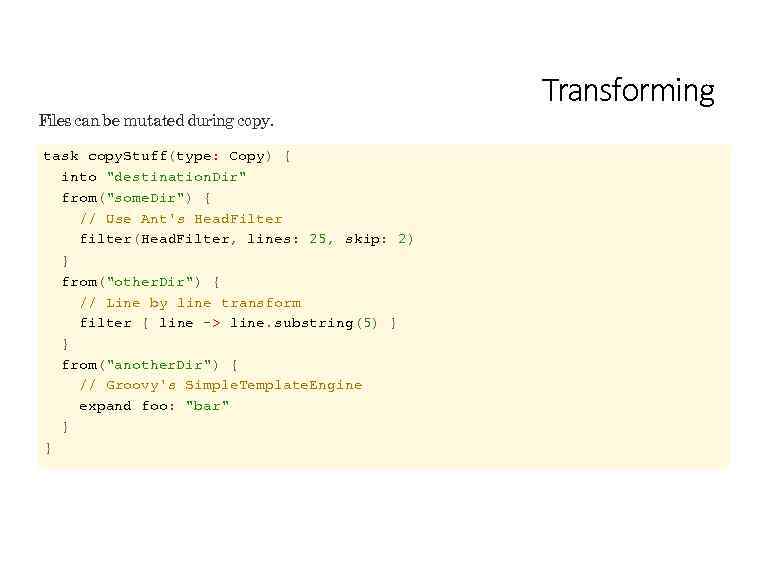 Files can be mutated during copy. task copy. Stuff(type: Copy) { into "destination. Dir" from("some. Dir") { // Use Ant's Head. Filter filter(Head. Filter, lines: 25, skip: 2) } from("other. Dir") { // Line by line transform filter { line -> line. substring(5) } } from("another. Dir") { // Groovy's Simple. Template. Engine expand foo: "bar" } } Transforming
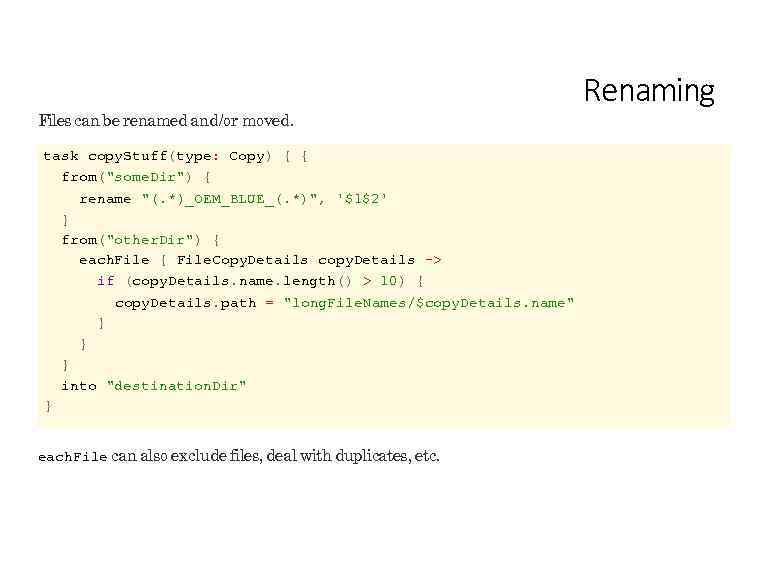 Files can be renamed and/or moved. task copy. Stuff(type: Copy) { { from("some. Dir") { rename "(. *)_OEM_BLUE_(. *)", '$1$2' } from("other. Dir") { each. File { File. Copy. Details copy. Details -> if (copy. Details. name. length() > 10) { copy. Details. path = "long. File. Names/$copy. Details. name" } } } into "destination. Dir" } each. File can also exclude files, deal with duplicates, etc. Renaming
 Lab 05 -copy
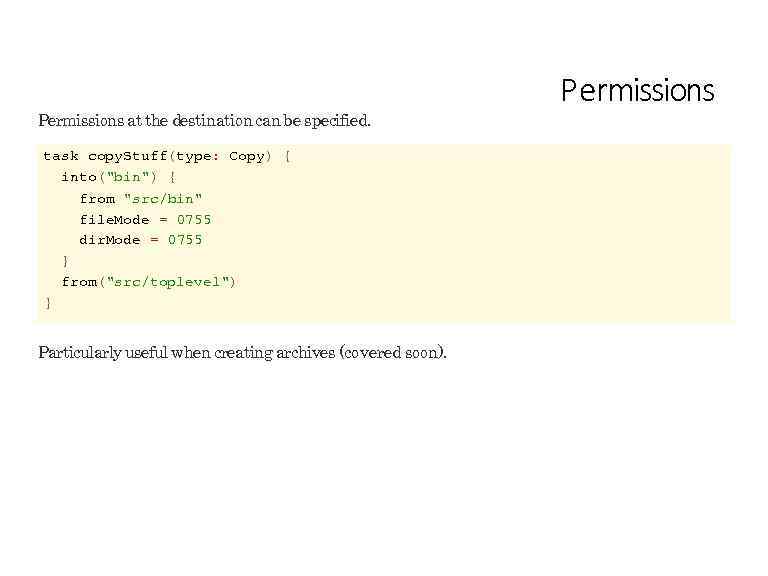 Permissions at the destination can be specified. task copy. Stuff(type: Copy) { into("bin") { from "src/bin" file. Mode = 0755 dir. Mode = 0755 } from("src/toplevel") } Particularly useful when creating archives (covered soon). Permissions
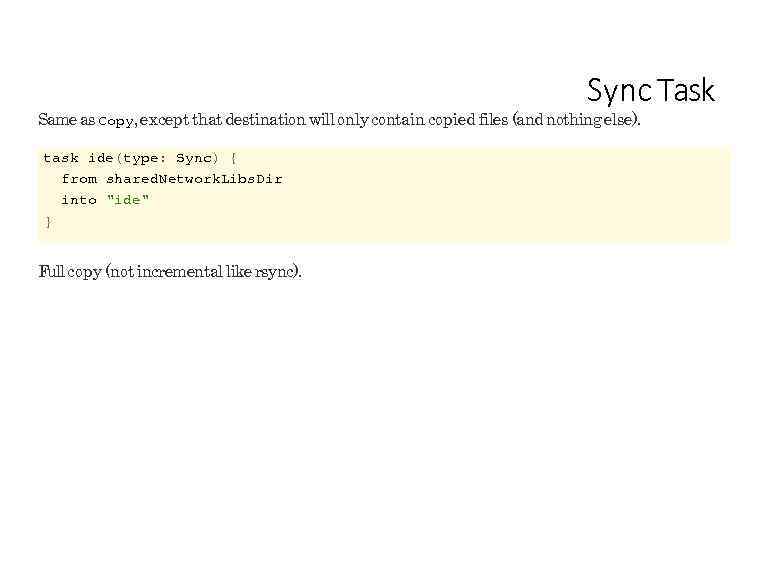 Sync Task Same as Copy, except that destination will only contain copied files (and nothing else). task ide(type: Sync) { from shared. Network. Libs. Dir into "ide" } Full copy (not incremental like rsync).
 Archives
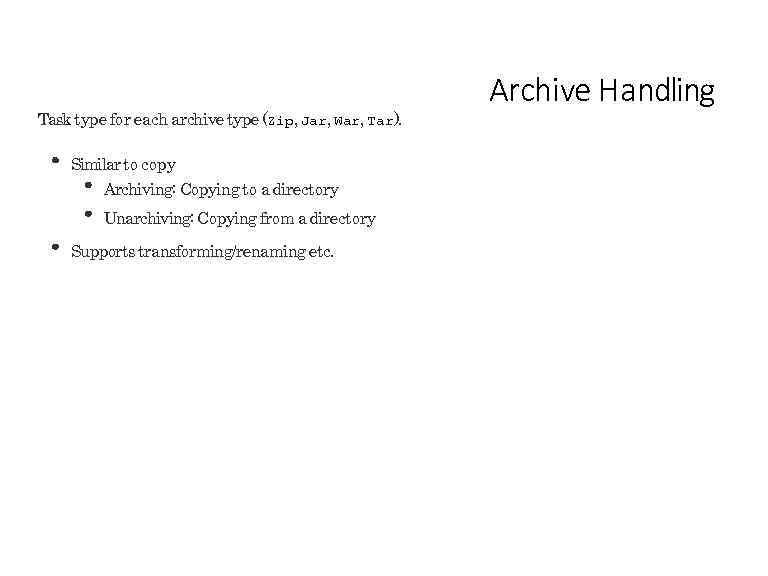 Task type for each archive type (Zip, Jar, War, Tar). Similar to copy Archiving: Copying to a directory Unarchiving: Copying from a directory Supports transforming/renaming etc. Archive Handling
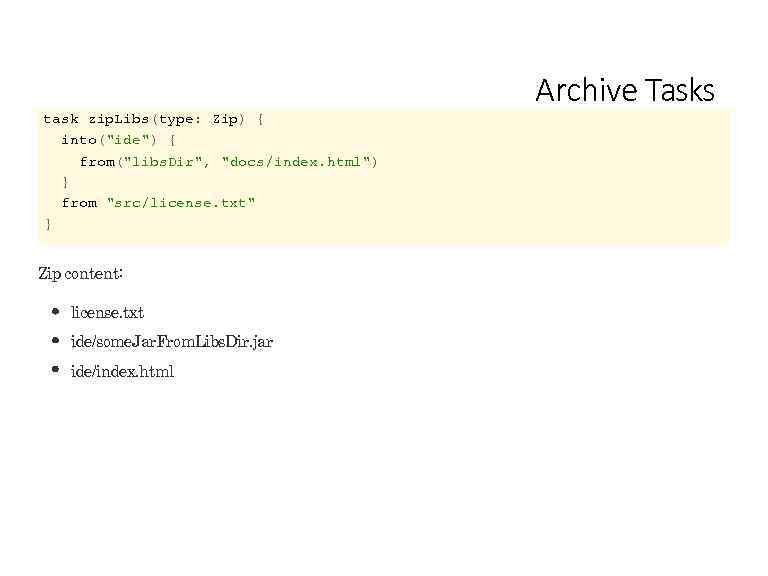 Archive Tasks task zip. Libs(type: Zip) { into("ide") { from("libs. Dir", "docs/index. html") } from "src/license. txt" } Zip content: license. txt ide/some. Jar. From. Libs. Dir. jar ide/index. html
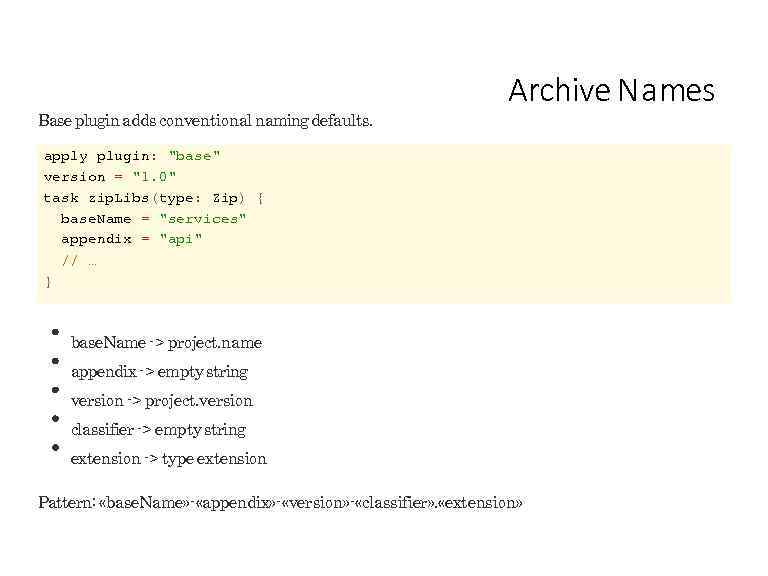 Base plugin adds conventional naming defaults. Archive N a mes apply plugin: "base" version = "1. 0" task zip. Libs(type: Zip) { base. Name = "services" appendix = "api" // … } base. Name -> project. name appendix -> empty string version -> project. version classifier -> empty string extension -> type extension Pattern: «base. Name» - «appendix» - «version» - «classifier» . «extension»
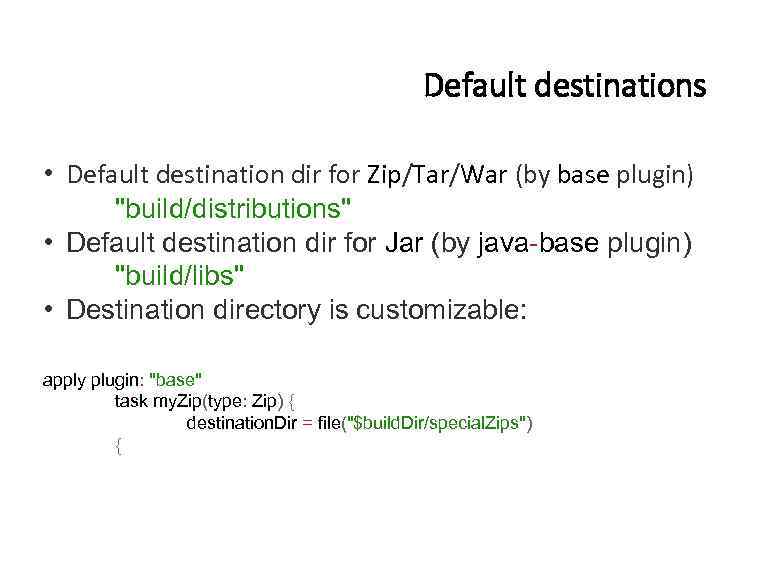 Default destinations • Default destination dir for Zip/Tar/War (by base plugin) "build/distributions" • Default destination dir for Jar (by java-base plugin) "build/libs" • Destination directory is customizable: apply plugin: "base" task my. Zip(type: Zip) { destination. Dir = file("$build. Dir/special. Zips") {
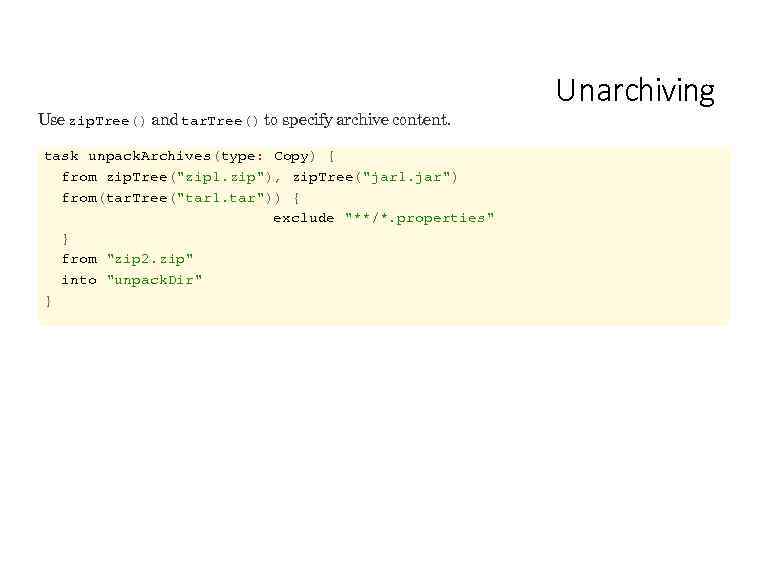 Use zip. Tree() and tar. Tree() to specify archive content. task unpack. Archives(type: Copy) { from zip. Tree("zip 1. zip"), zip. Tree("jar 1. jar") from(tar. Tree("tar 1. tar")) { exclude "**/*. properties" } from "zip 2. zip" into "unpack. Dir" } Unarchiving
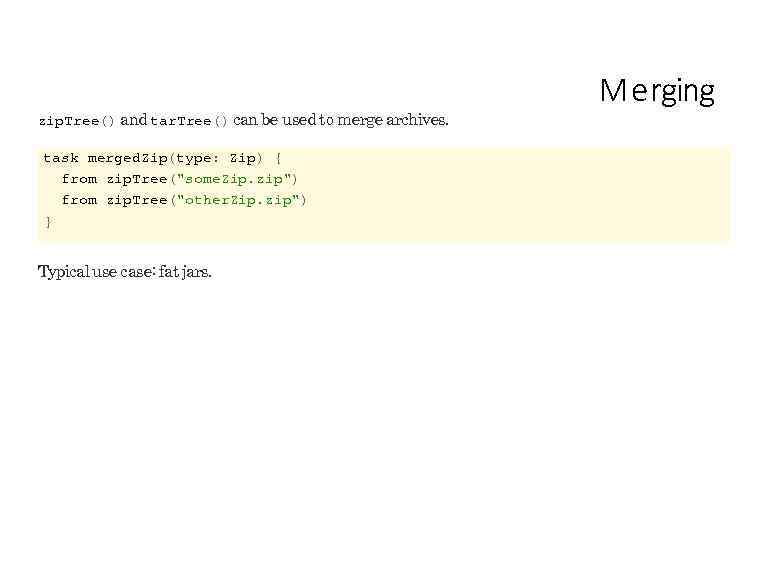 zip. Tree() and tar. Tree() can be used to merge archives. task merged. Zip(type: Zip) { from zip. Tree("some. Zip. zip") from zip. Tree("other. Zip. zip") } Typical use case: fat jars. M e rging
 Lab 06 -archives
 Task Inputs/Outputs Modeling tasks as functions
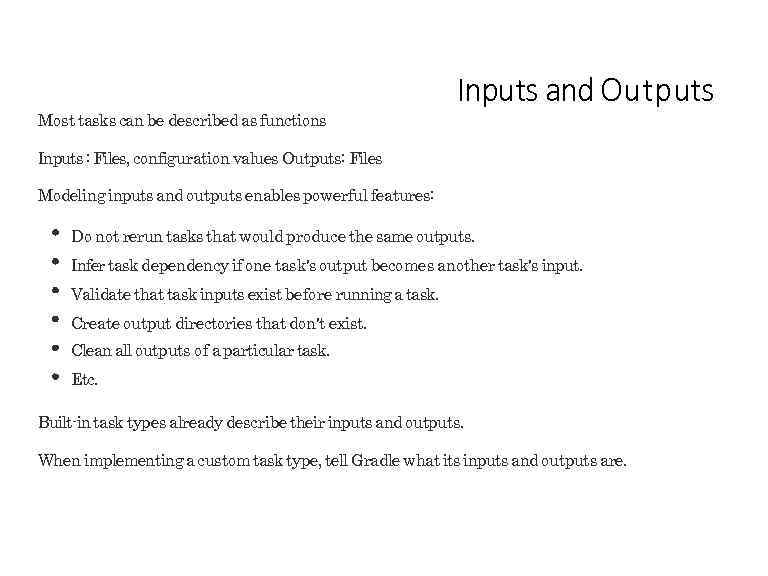 Most tasks can be described as functions Inputs and Outputs Inputs : Files, configuration values Outputs: Files Modeling inputs and outputs enables powerful features: Do not rerun tasks that would produce the same outputs. Infer task dependency if one task's output becomes another task's input. Validate that task inputs exist before running a task. Create output directories that don't exist. Clean all outputs of a particular task. Etc. Built-in task types already describe their inputs and outputs. When implementing a custom task type, tell Gradle what its inputs and outputs are.
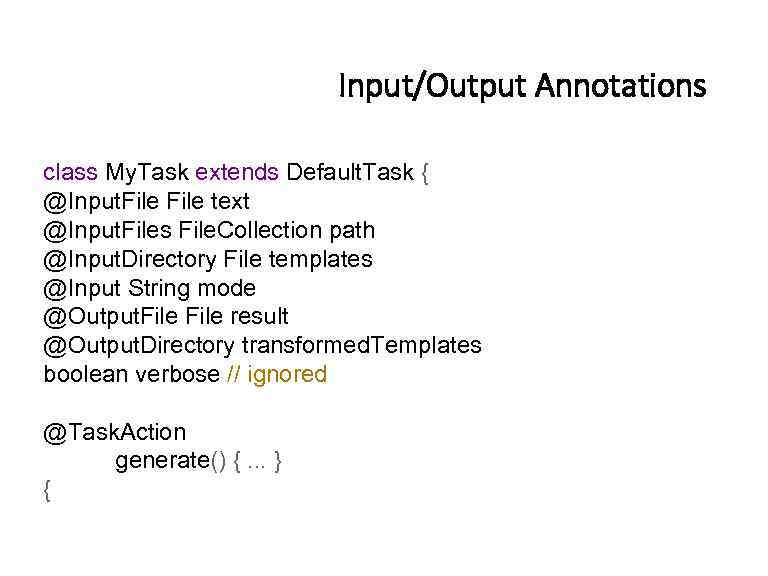 Input/Output Annotations class My. Task extends Default. Task { @Input. File text @Input. Files File. Collection path @Input. Directory File templates @Input String mode @Output. File result @Output. Directory transformed. Templates boolean verbose // ignored @Task. Action generate() {. . . } {
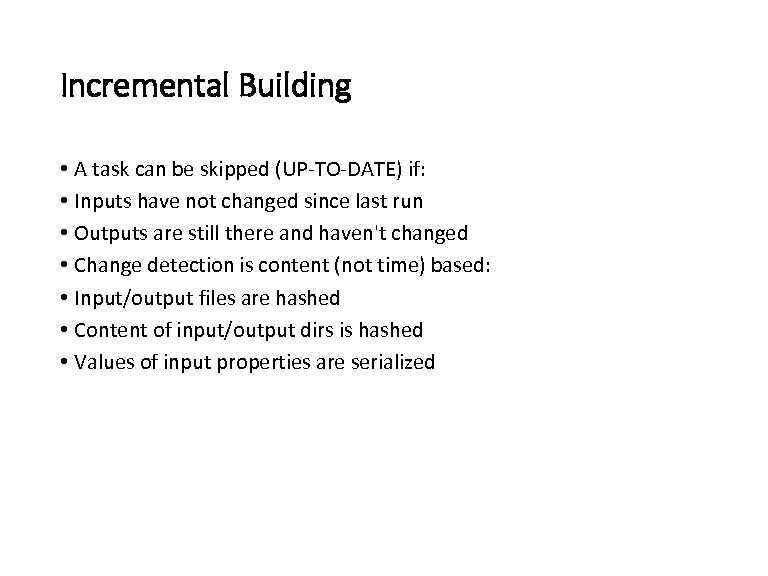 Incremental Building • A task can be skipped (UP-TO-DATE) if: • Inputs have not changed since last run • Outputs are still there and haven't changed • Change detection is content (not time) based: • Input/output files are hashed • Content of input/output dirs is hashed • Values of input properties are serialized
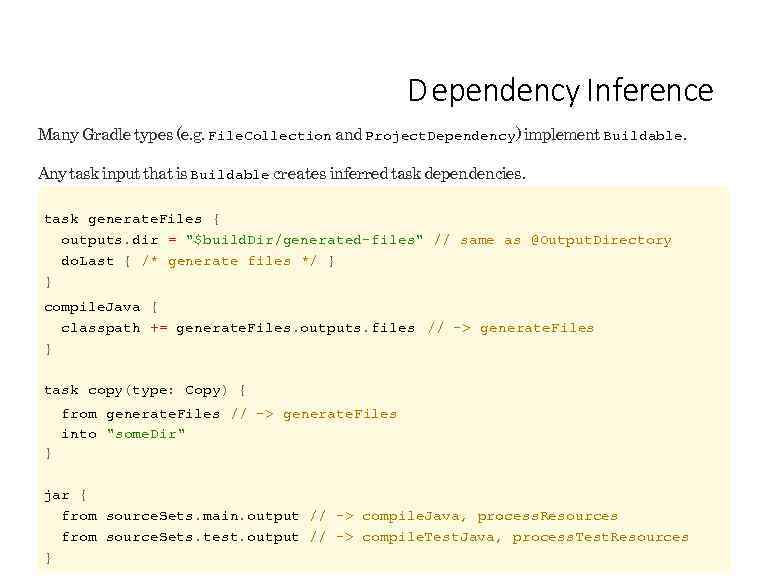 D ependency Inference Many Gradle types (e. g. File. Collection and Project. Dependency) implement Buildable. Any task input that is Buildable creates inferred task dependencies. task generate. Files { outputs. dir = "$build. Dir/generated-files" // same as @Output. Directory do. Last { /* generate files */ } } compile. Java { classpath += generate. Files. outputs. files // -> generate. Files } task copy(type: Copy) { from generate. Files // -> generate. Files into "some. Dir" } jar { from source. Sets. main. output // -> compile. Java, process. Resources from source. Sets. test. output // -> compile. Test. Java, process. Test. Resources }
 Lab 07 -task-input-output
 Plugins
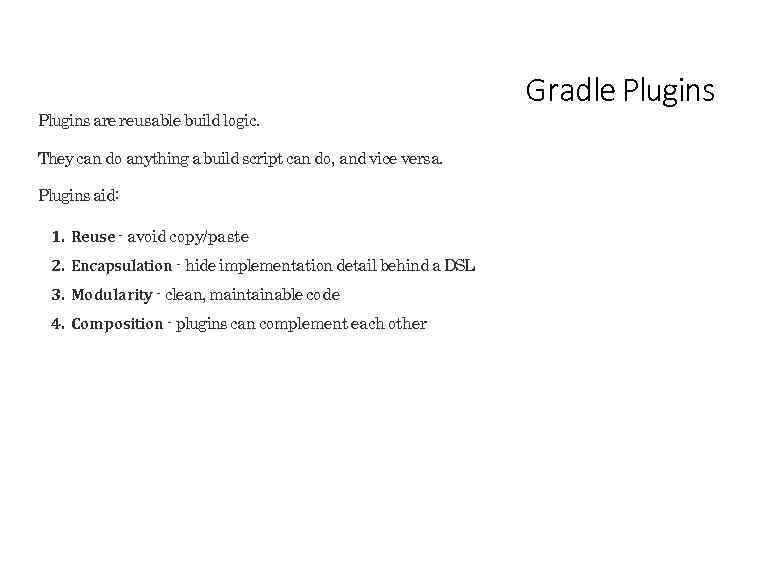 Plugins are reusable build logic. They can do anything a build script can do, and vice versa. Plugins aid: 1. Reuse - avoid copy/paste 2. Encapsulation - hide implementation detail behind a DSL 3. Modularity - clean, maintainable code 4. Composition - plugins can complement each other Gradle Plugins
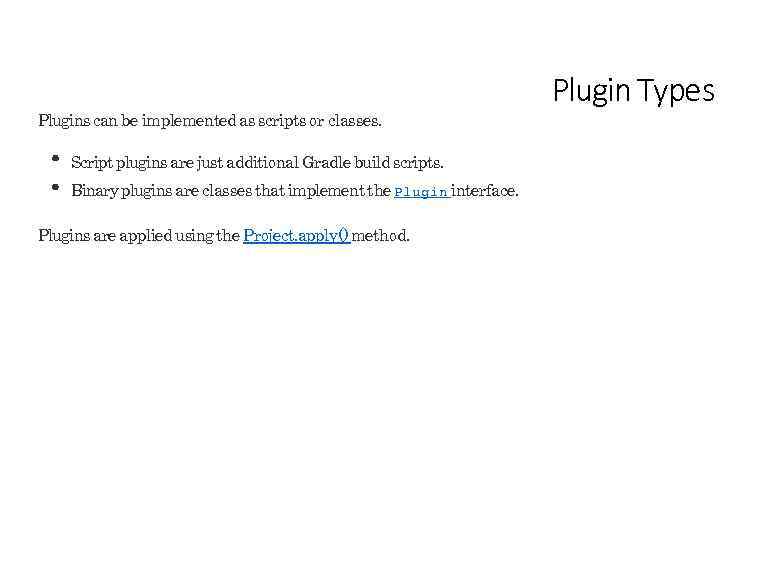 Plugins can be implemented as scripts or classes. Script plugins are just additional Gradle build scripts. Binary plugins are classes that implement the Plugin interface. Plugins are applied using the Project. apply() method. Plugin Types
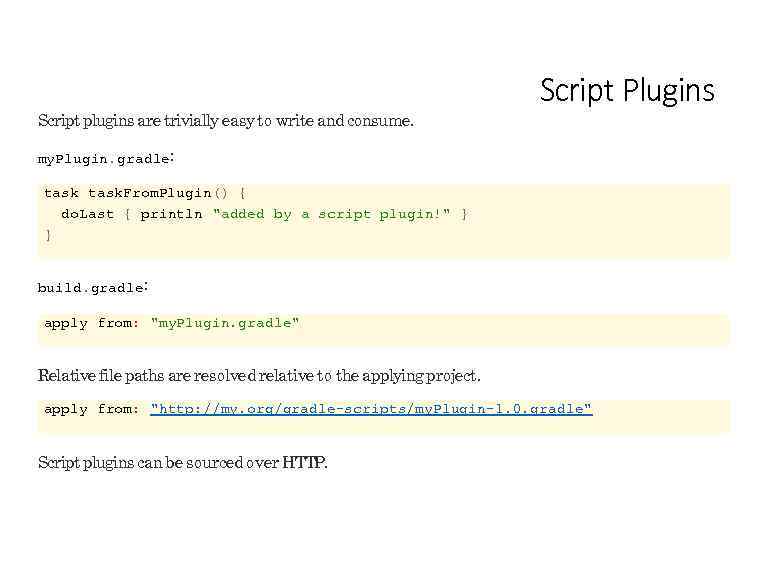 Script plugins are trivially easy to write and consume. Script Plugins my. Plugin. gradle: task. From. Plugin() { do. Last { println "added by a script plugin!" } } build. gradle: apply from: "my. Plugin. gradle" Relative file paths are resolved relative to the applying project. apply from: "http: //my. org/gradle-scripts/my. Plugin-1. 0. gradle" Script plugins can be sourced over HTTP.
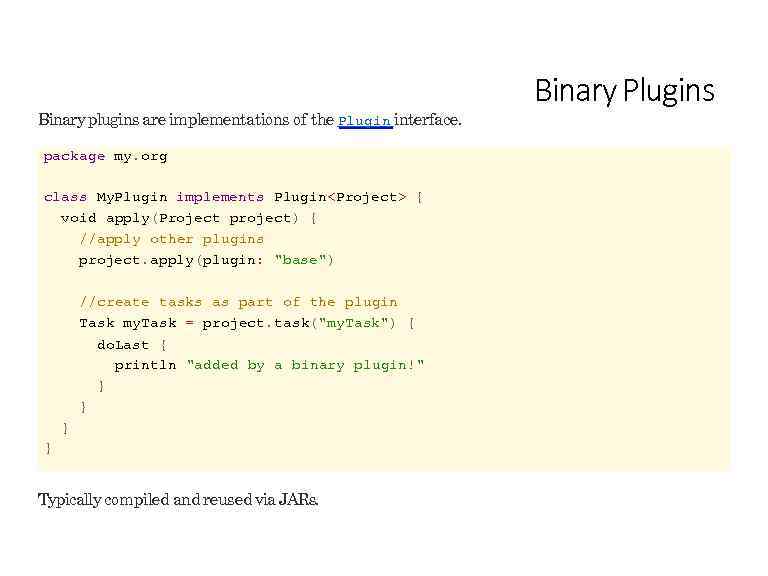 Binary plugins are implementations of the Plugin interface. package my. org class My. Plugin implements Plugin
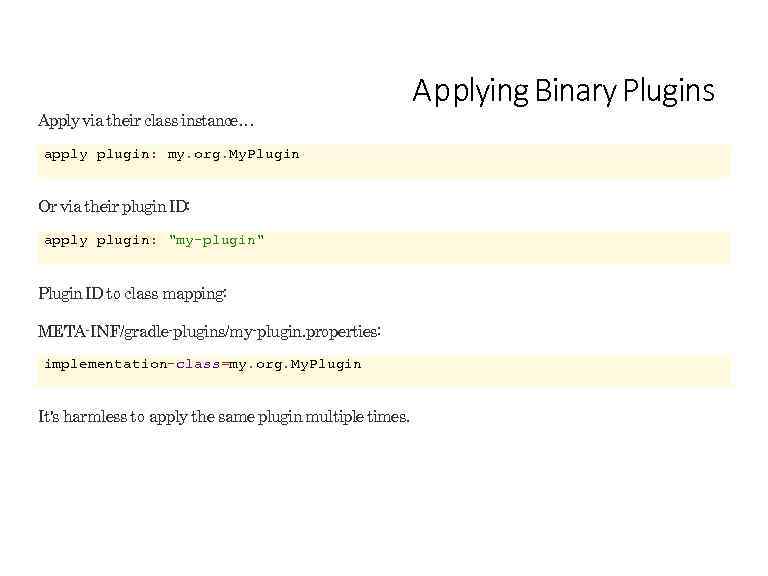 Apply via their class instance… apply plugin: my. org. My. Plugin Or via their plugin ID: apply plugin: "my-plugin" Plugin ID to class mapping: META-INF/gradle-plugins/my-plugin. properties: implementation-class=my. org. My. Plugin It's harmless to apply the same plugin multiple times. Applying Binary Plugins
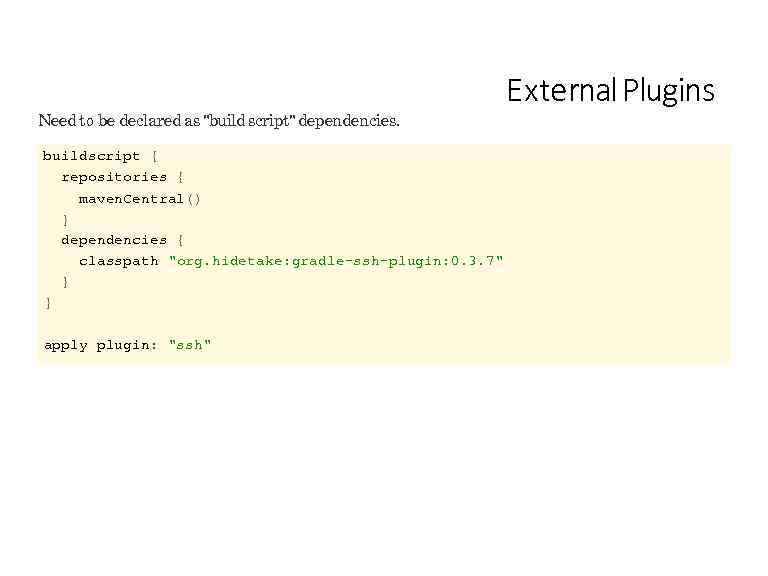 Need to be declared as "build script" dependencies. buildscript { repositories { maven. Central() } dependencies { classpath "org. hidetake: gradle-ssh-plugin: 0. 3. 7" } } apply plugin: "ssh" External Plugins
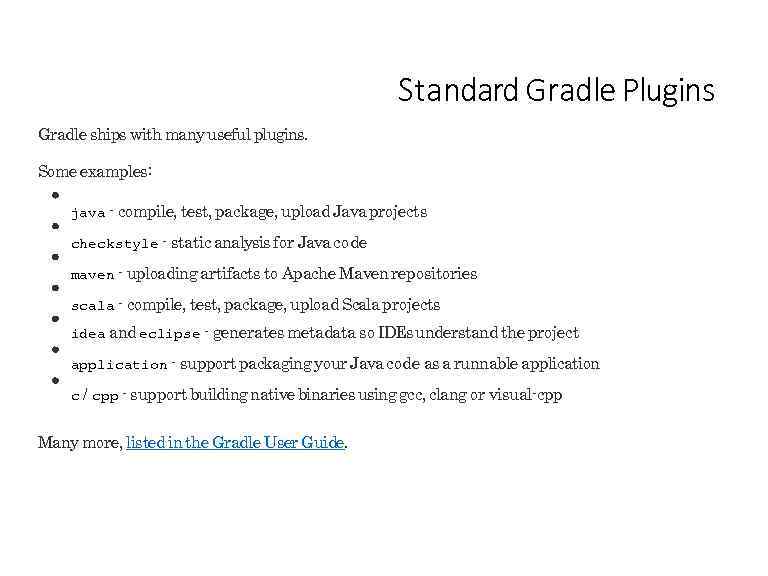 Standard Gradle Plugins Gradle ships with many useful plugins. Some examples: java - compile, test, package, upload Java projects checkstyle - static analysis for Java code maven - uploading artifacts to Apache Maven repositories scala - compile, test, package, upload Scala projects idea and eclipse - generates metadata so IDEs understand the project application - support packaging your Java code as a runnable application c / cpp - support building native binaries using gcc, clang or visual-cpp Many more, listed in the Gradle User Guide.
 Lab 08 -plugins
 Java Plugin
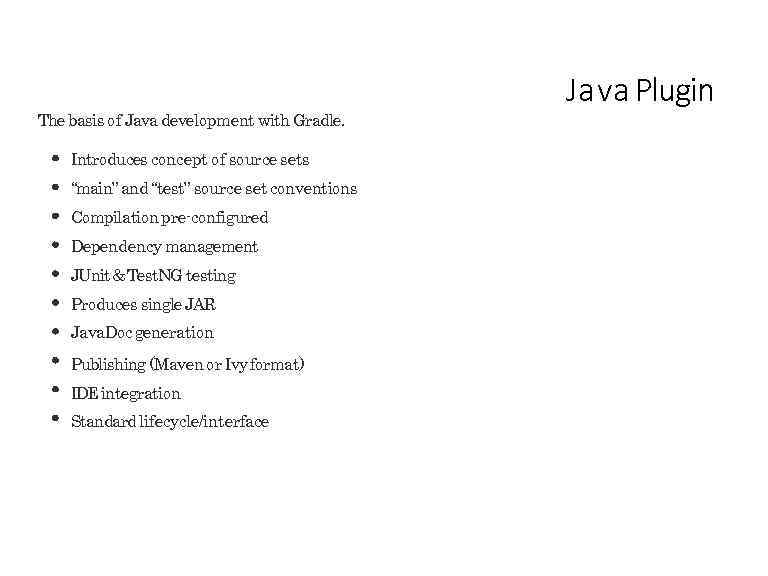 The basis of Java development with Gradle. Introduces concept of source sets “main” and “test” source set conventions Compilation pre-configured Dependency management JUnit & Test. NG testing Produces single JAR Java. Doc generation Publishing (Maven or Ivy format) IDE integration Standard lifecycle/interface J a va Plugin
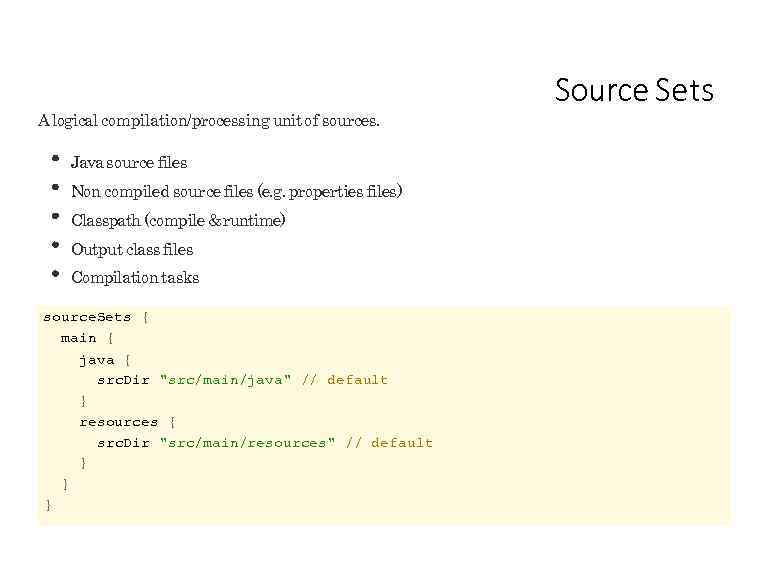 A logical compilation/processing unit of sources. Java source files Non compiled source files (e. g. properties files) Classpath (compile & runtime) Output class files Compilation tasks source. Sets { main { java { src. Dir "src/main/java" // default } resources { src. Dir "src/main/resources" // default } } } Source Sets
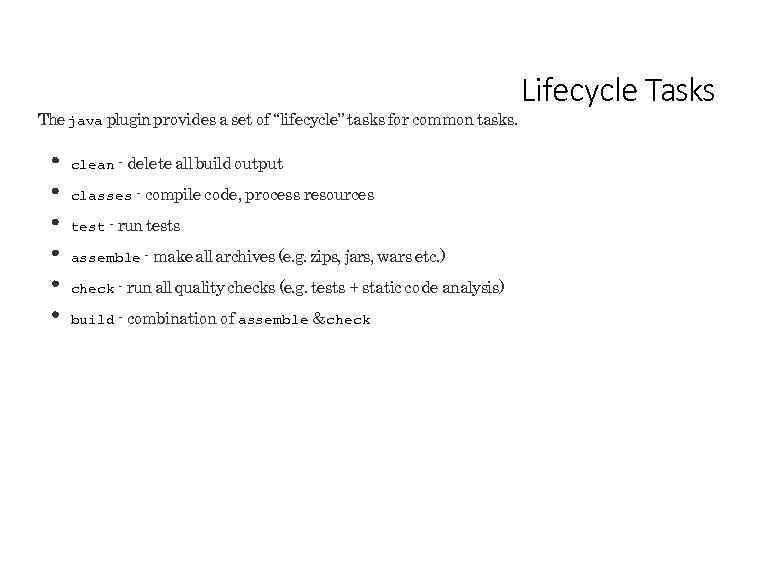 The java plugin provides a set of “lifecycle” tasks for common tasks. clean - delete all build output classes - compile code, process resources test - run tests assemble - make all archives (e. g. zips, jars, wars etc. ) check - run all quality checks (e. g. tests + static code analysis) build - combination of assemble & check Lifecycle Tasks
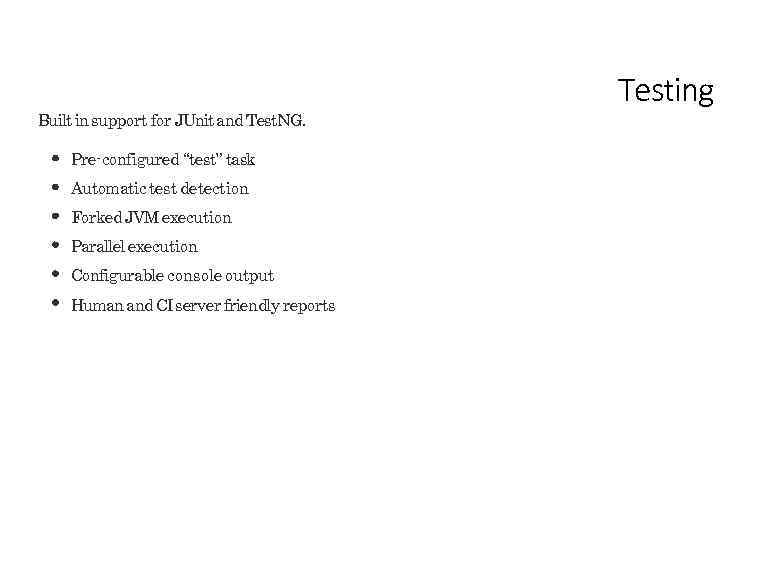 Built in support for JUnit and Test. NG. Pre-configured “test” task Automatic test detection Forked JVM execution Parallel execution Configurable console output Human and CI server friendly reports Testing
 Lab 09 -java-plugin
 Dependency Management
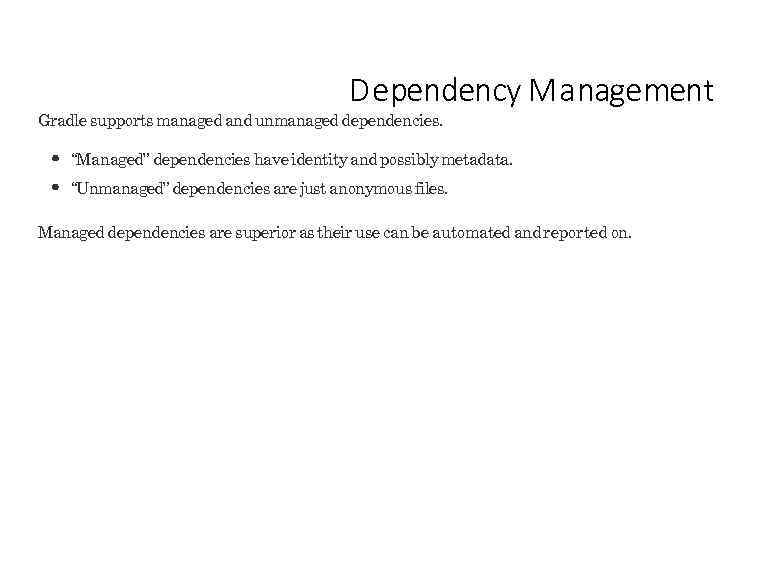 D ependency M a nagement Gradle supports managed and unmanaged dependencies. “Managed” dependencies have identity and possibly metadata. “Unmanaged” dependencies are just anonymous files. Managed dependencies are superior as their use can be automated and reported on.
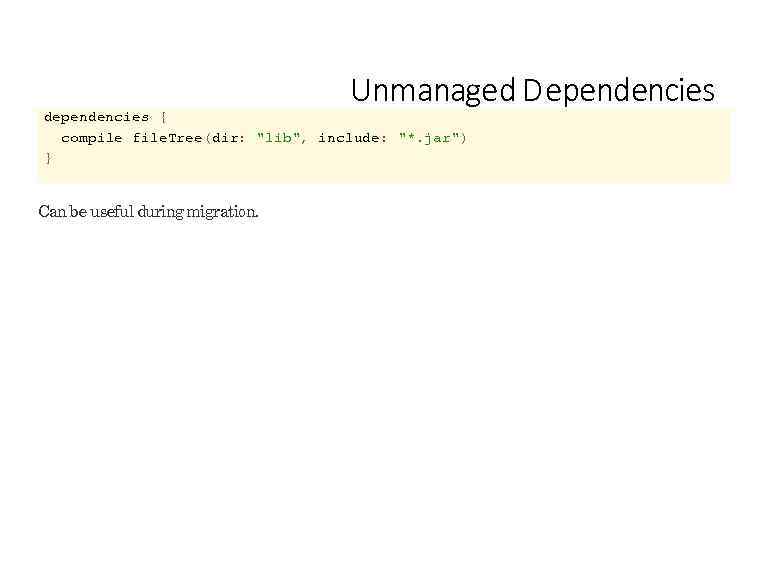 Unmanaged D ependencies dependencies { compile file. Tree(dir: "lib", include: "*. jar") } Can be useful during migration.
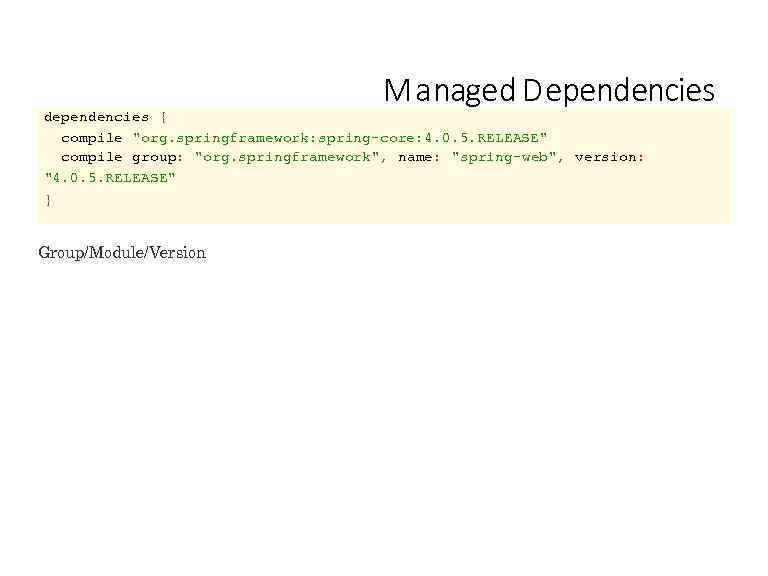 M a naged D ependencies dependencies { compile "org. springframework: spring-core: 4. 0. 5. RELEASE" compile group: "org. springframework", name: "spring-web", version: "4. 0. 5. RELEASE" } Group/Module/Version
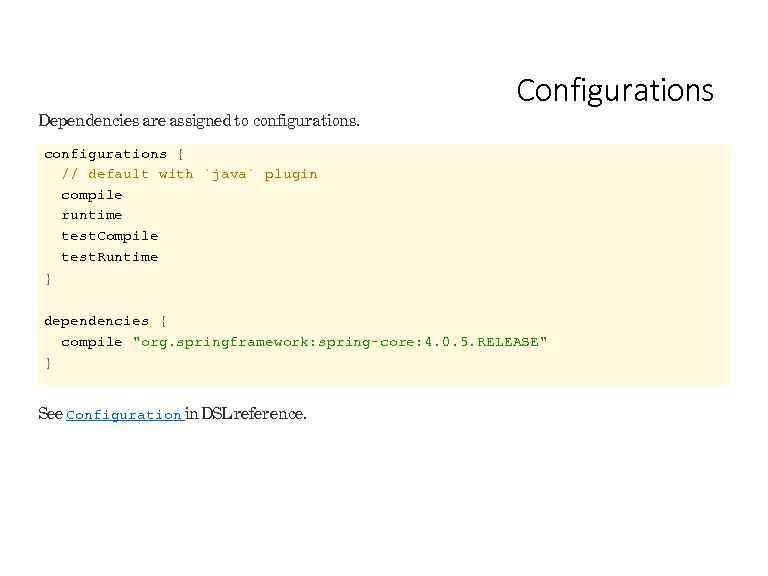 Dependencies are assigned to configurations. Configurations configurations { // default with `java` plugin compile runtime test. Compile test. Runtime } dependencies { compile "org. springframework: spring-core: 4. 0. 5. RELEASE" } See Configuration in DSL reference.
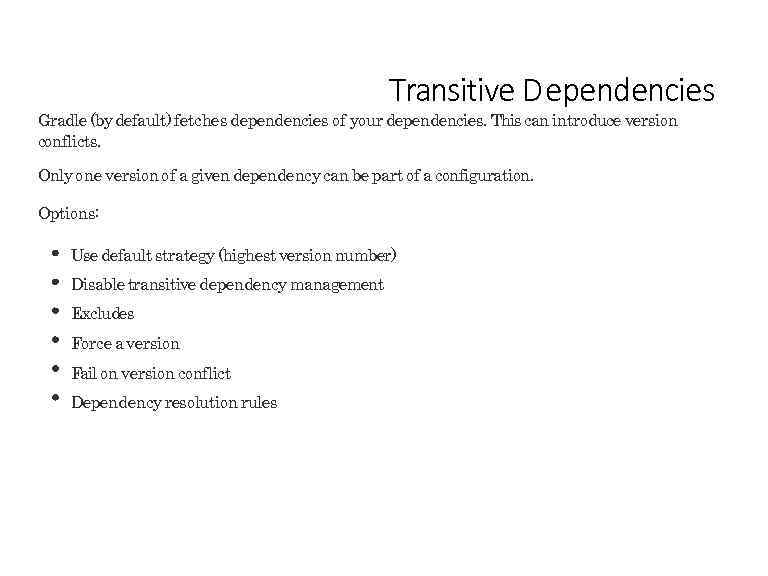 Transitive D ependencies Gradle (by default) fetches dependencies of your dependencies. This can introduce version conflicts. Only one version of a given dependency can be part of a configuration. Options: Use default strategy (highest version number) Disable transitive dependency management Excludes Force a version Fail on version conflict Dependency resolution rules
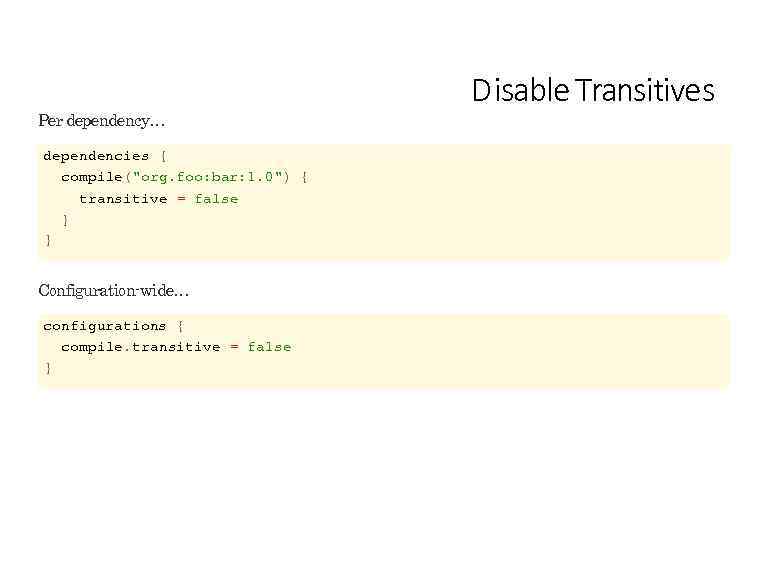 Per dependency… dependencies { compile("org. foo: bar: 1. 0") { transitive = false } } Configuration-wide… configurations { compile. transitive = false } D isable Transitives
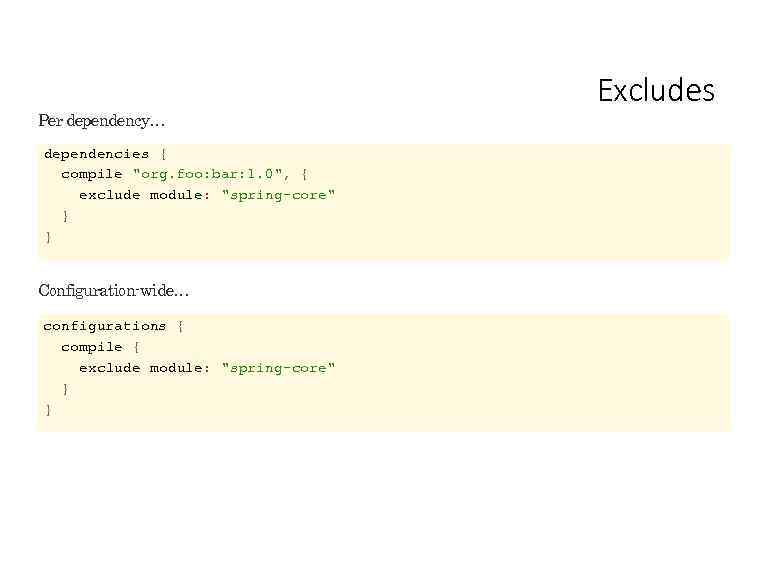 Per dependency… dependencies { compile "org. foo: bar: 1. 0", { exclude module: "spring-core" } } Configuration-wide… configurations { compile { exclude module: "spring-core" } } Excludes
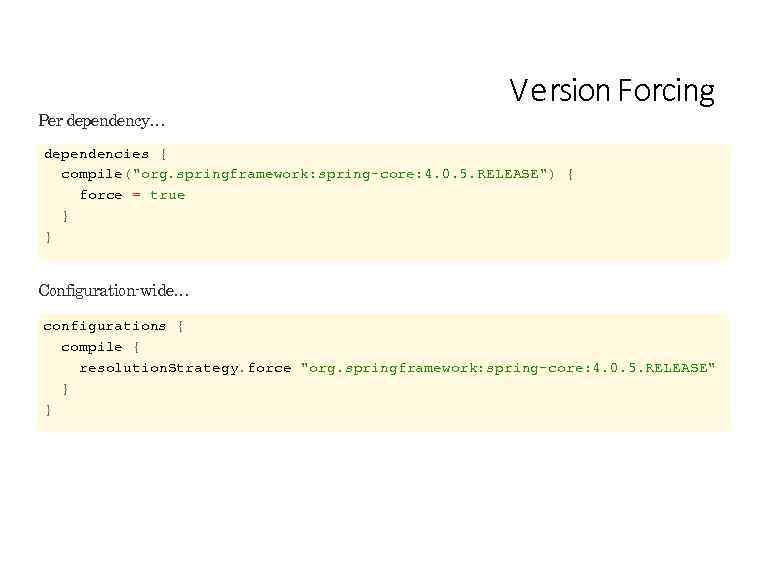 Per dependency… V e rsion Forcing dependencies { compile("org. springframework: spring-core: 4. 0. 5. RELEASE") { force = true } } Configuration-wide… configurations { compile { resolution. Strategy. force "org. springframework: spring-core: 4. 0. 5. RELEASE" } }
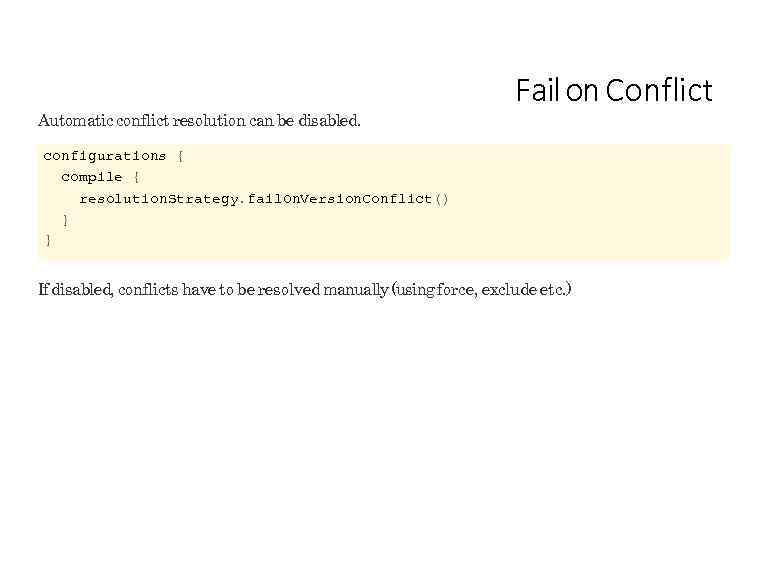 Automatic conflict resolution can be disabled. Fail on Conflict configurations { compile { resolution. Strategy. fail. On. Version. Conflict() } } If disabled, conflicts have to be resolved manually (using force, exclude etc. )
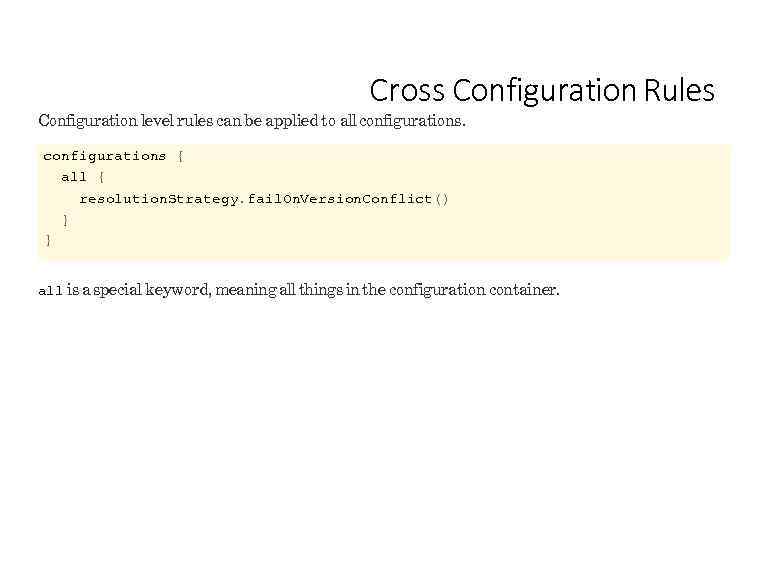 Cross Configuration Rules Configuration level rules can be applied to all configurations { all { resolution. Strategy. fail. On. Version. Conflict() } } all is a special keyword, meaning all things in the configuration container.
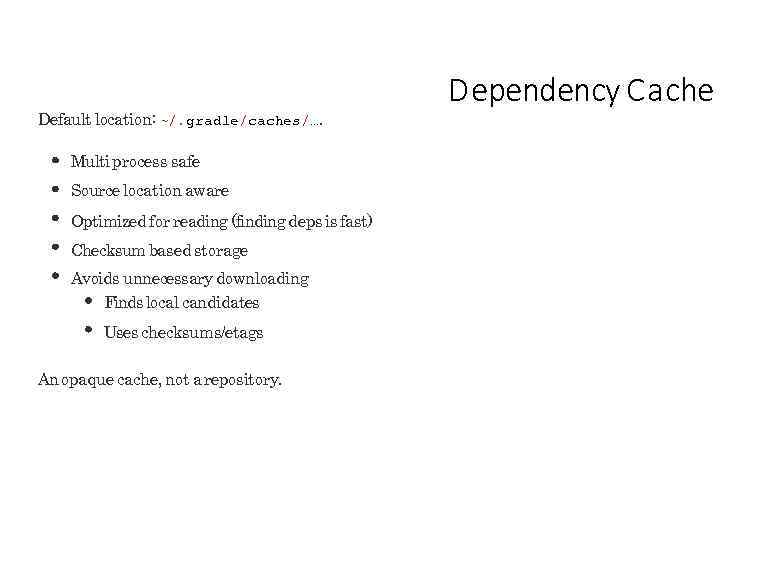 Default location: ~/. gradle/caches/…. Multi process safe Source location aware Optimized for reading (finding deps is fast) Checksum based storage Avoids unnecessary downloading Finds local candidates Uses checksums/etags An opaque cache, not a repository. D ependency Ca che
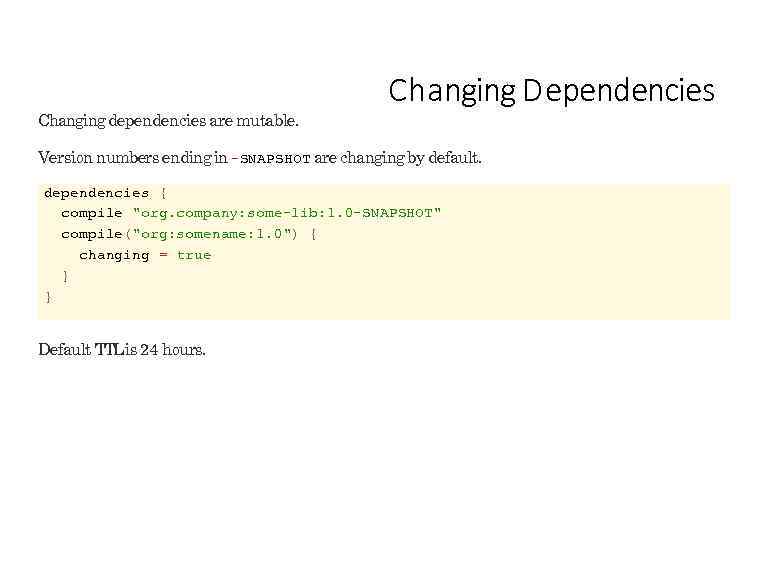 Changing dependencies are mutable. Changing D ependencies Version numbers ending in -SNAPSHOT are changing by default. dependencies { compile "org. company: some-lib: 1. 0 -SNAPSHOT" compile("org: somename: 1. 0") { changing = true } } Default TTL is 24 hours.
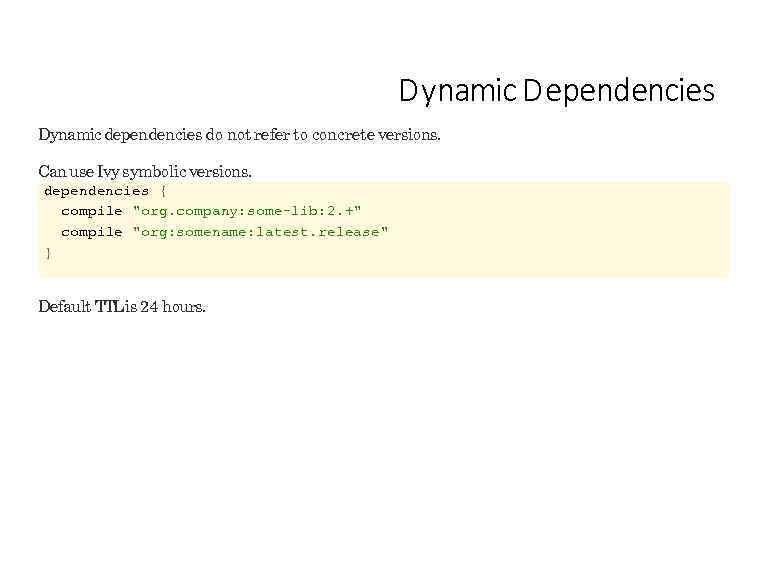 D ynamic D ependencies Dynamic dependencies do not refer to concrete versions. Can use Ivy symbolic versions. dependencies { compile "org. company: some-lib: 2. +" compile "org: somename: latest. release" } Default TTL is 24 hours.
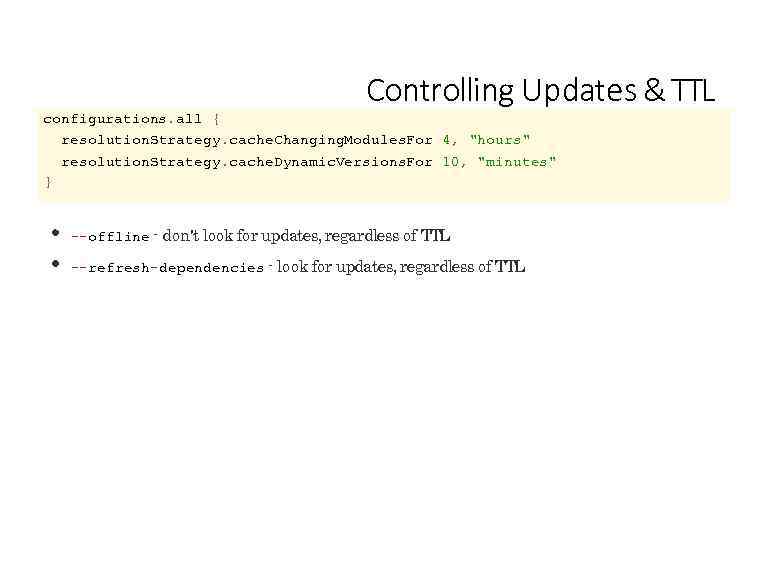 Controlling Updates & TTL configurations. all { resolution. Strategy. cache. Changing. Modules. For 4, "hours" resolution. Strategy. cache. Dynamic. Versions. For 10, "minutes" } --offline - don't look for updates, regardless of TTL --refresh-dependencies - look for updates, regardless of TTL
![View the dependency graph. D ependency Reports $ gradle dependencies [--configuration «name» ] View](https://present5.com/presentation/95972238_329525421/image-99.jpg "View the dependency graph. D ependency Reports $ gradle dependencies [--configuration «name» ] View") View the dependency graph. D ependency Reports $ gradle dependencies [--configuration «name» ] View a dependency in the graph. $ gradle dependency. Insight --dependency «name» [--configuration «name» ] Built in tasks.
View the dependency graph. D ependency Reports $ gradle dependencies [--configuration «name» ] View a dependency in the graph. $ gradle dependency. Insight --dependency «name» [--configuration «name» ] Built in tasks.
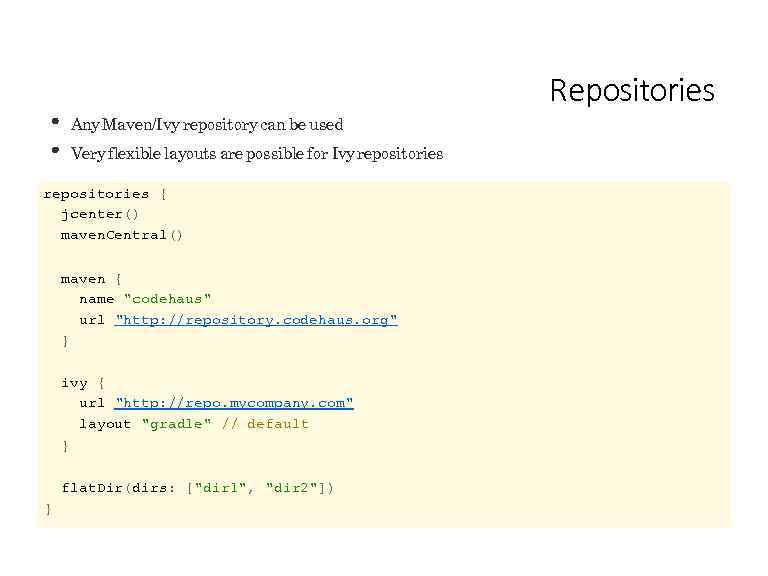 Repositories Any Maven/Ivy repository can be used Very flexible layouts are possible for Ivy repositories { jcenter() maven. Central() maven { name "codehaus" url "http: //repository. codehaus. org" } ivy { url "http: //repo. mycompany. com" layout "gradle" // default } flat. Dir(dirs: ["dir 1", "dir 2"]) }
 Lab 10 -dependencies
 Uploading Upload your artifacts to any Maven/Ivy repository ivy. xml/pom. xml is generated Repository metadata (e. g. maven-metadata. xml) is generated
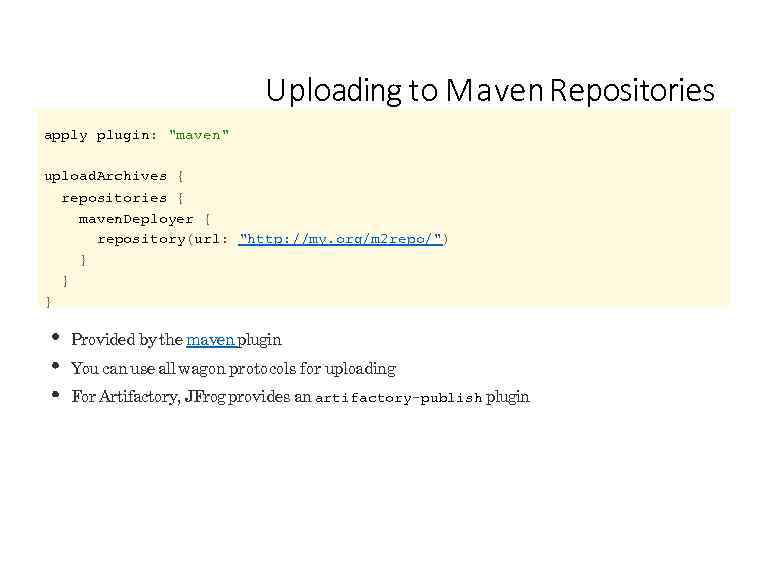 Uploading to M a ven Repositories apply plugin: "maven" upload. Archives { repositories { maven. Deployer { repository(url: "http: //my. org/m 2 repo/") } } } Provided by the maven plugin You can use all wagon protocols for uploading For Artifactory, JFrog provides an artifactory-publish plugin
 Multi-Project Builds
 Multi-Project Builds Flexible directory layout Configuration injection Project dependencies & partial builds Separate configuration/execution hierarchy
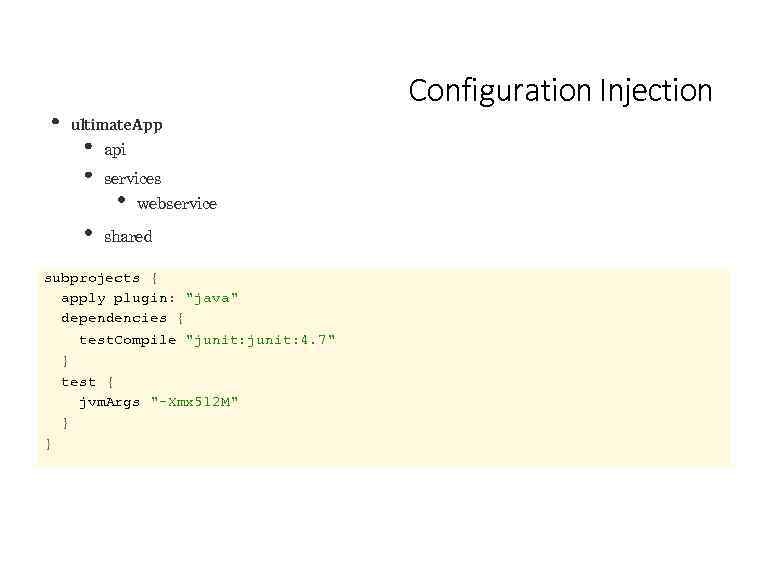 Configuration Injection ultimate. App api services webservice shared subprojects { apply plugin: "java" dependencies { test. Compile "junit: 4. 7" } test { jvm. Args "-Xmx 512 M" } }
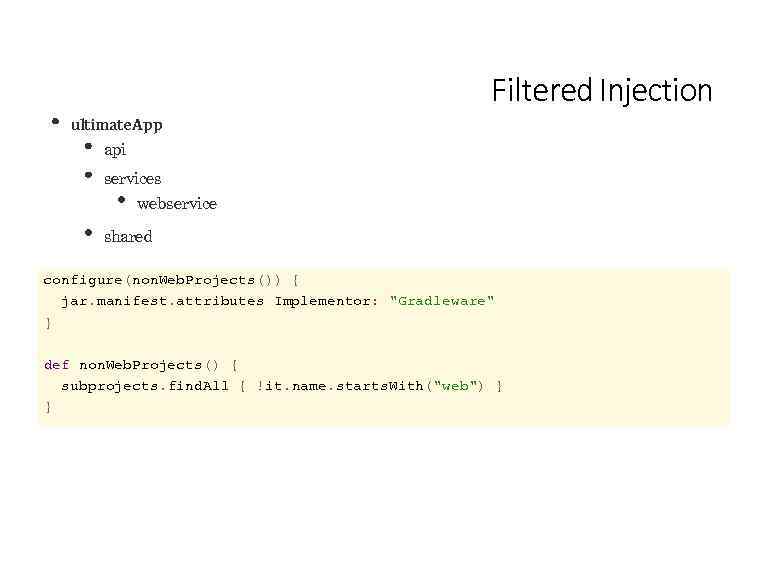 Filtered Injection ultimate. App api services webservice shared configure(non. Web. Projects()) { jar. manifest. attributes Implementor: "Gradleware" } def non. Web. Projects() { subprojects. find. All { !it. name. starts. With("web") } }
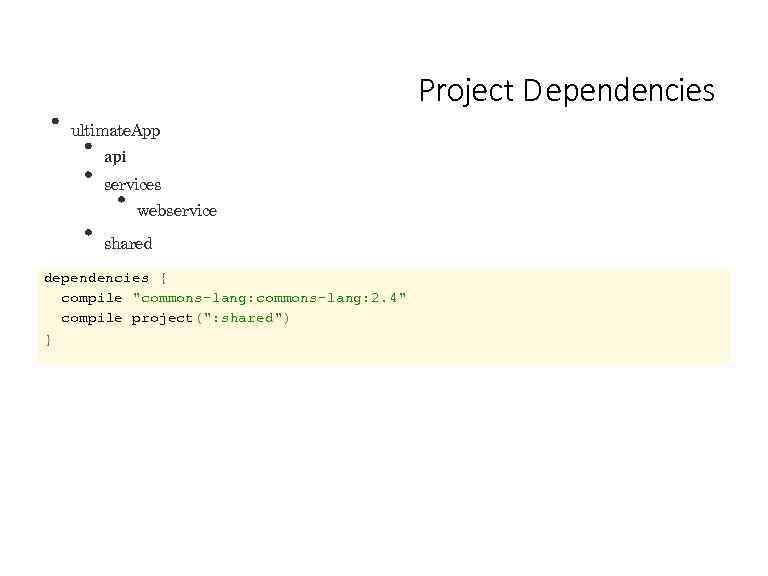 Project D ependencies ultimate. App api services webservice shared dependencies { compile "commons-lang: 2. 4" compile project(": shared") }
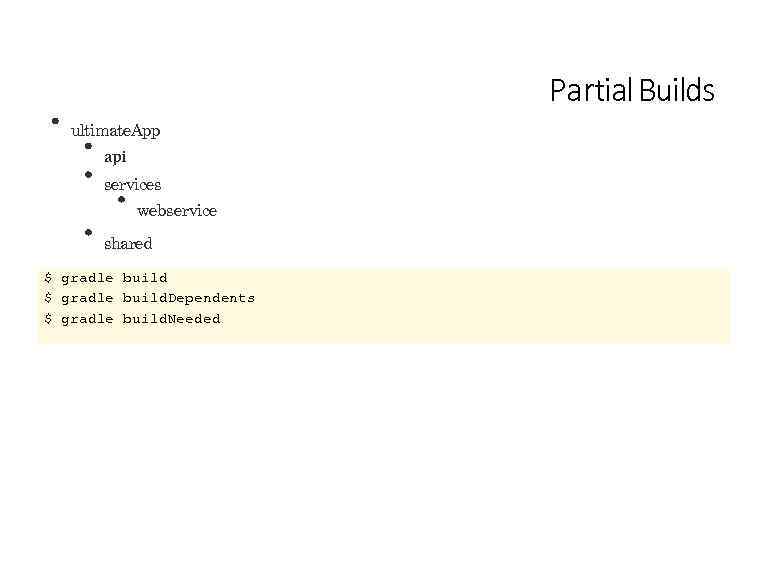 Partial Builds ultimate. App api services webservice shared $ gradle build. Dependents $ gradle build. Needed
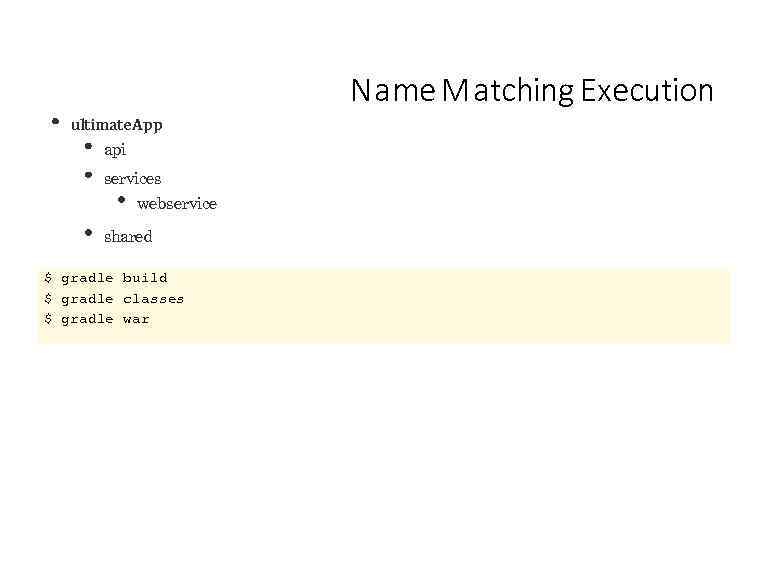 N a me M a tching Execution ultimate. App api services webservice shared $ gradle build $ gradle classes $ gradle war
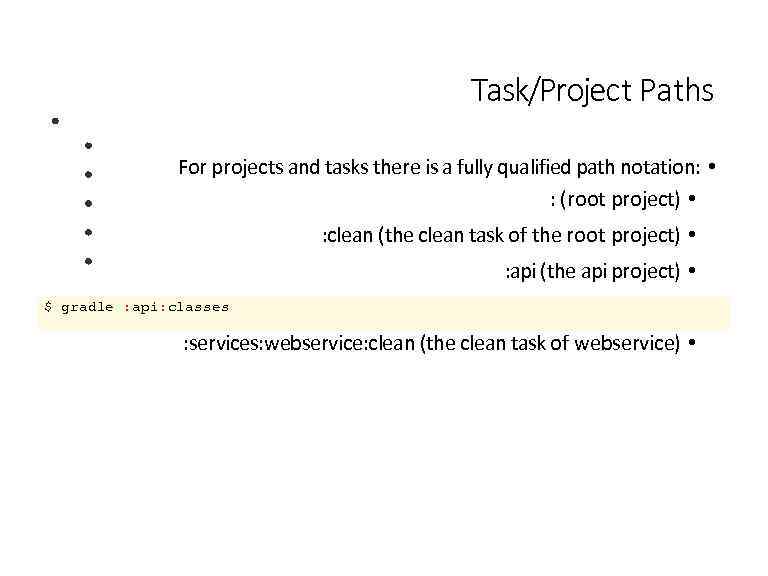 Task/Project Paths For projects and tasks there is a fully qualified path notation: • : (root project) • : clean (the clean task of the root project) • : api (the api project) • $ gradle : api: classes : services: webservice (the webservice project) • : services: webservice: clean (the clean task of webservice) •
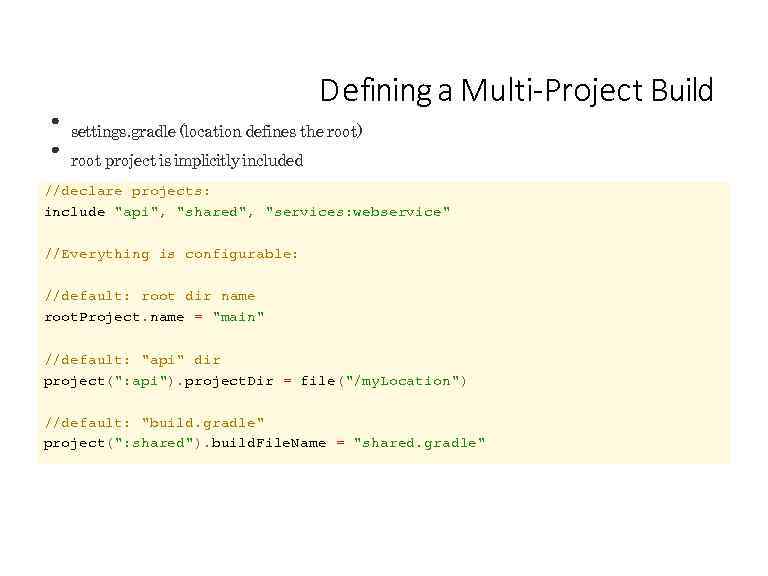 D efining a Multi-Project Build settings. gradle (location defines the root) root project is implicitly included //declare projects: include "api", "shared", "services: webservice" //Everything is configurable: //default: root dir name root. Project. name = "main" //default: "api" dir project(": api"). project. Dir = file("/my. Location") //default: "build. gradle" project(": shared"). build. File. Name = "shared. gradle"
 Lab 11 -multi-project-builds
 Feature Tour A selection of useful features not covered so far.
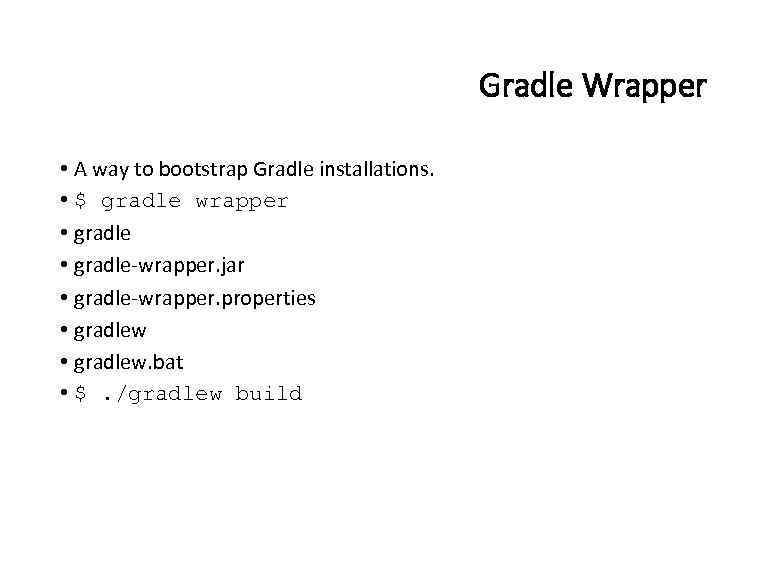 Gradle Wrapper • A way to bootstrap Gradle installations. • $ gradle wrapper • gradle-wrapper. jar • gradle-wrapper. properties • gradlew. bat • $. /gradlew build
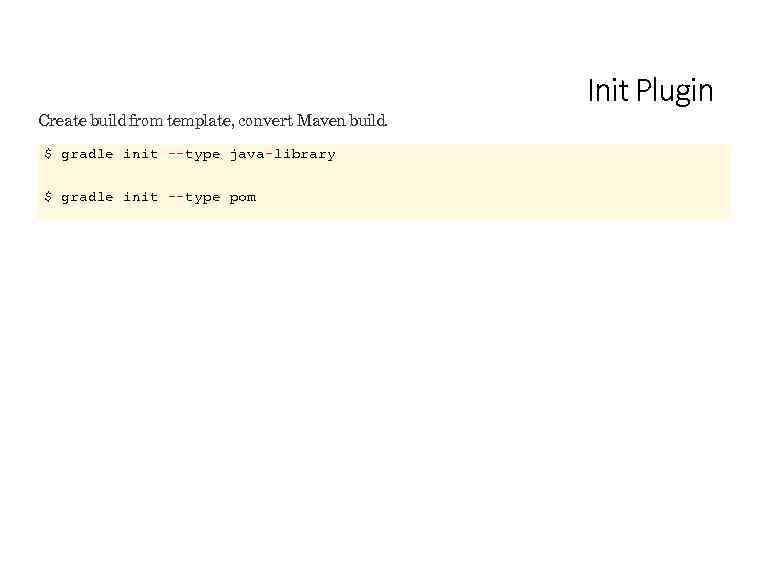 Create build from template, convert Maven build. $ gradle init --type java-library $ gradle init --type pom Init Plugin
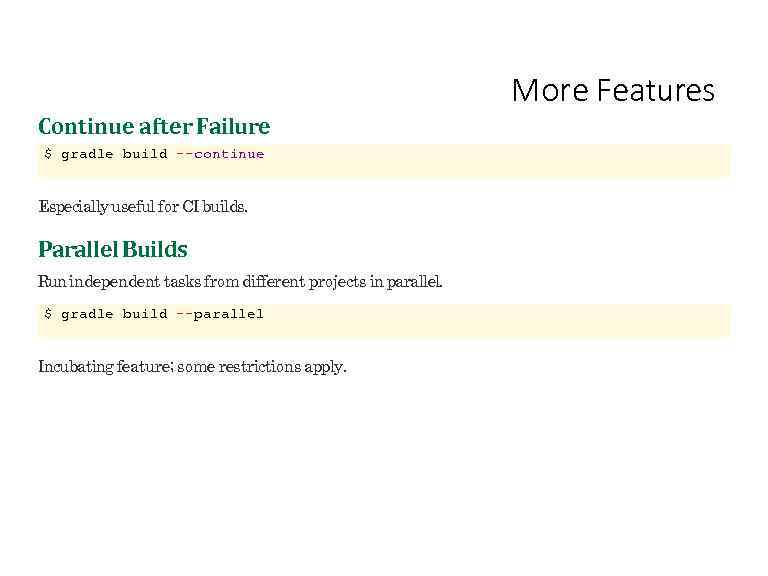 More Features Continue after Failure $ gradle build --continue Especially useful for CI builds. Parallel Builds Run independent tasks from different projects in parallel. $ gradle build --parallel Incubating feature; some restrictions apply.
 Thank Y ou! http: //www. gradle. org