


 Скачать презентацию Video Using video o Carefully planned well-executed
67bb03e0be562f20fd278e6010975fb1.ppt
- Количество слайдов: 25
 Video
Video
 Using video o Carefully planned, well-executed video clips can make a dramatic difference in a multimedia project o Use video only when all other methods (text, still images) are not enough; don’t use it just because it’s possible
 Obtaining video clips o Shoot your own clips o Buy footage; this can be a nightmare since the licensing rights and permission may be difficult to obtain o On some projects you have no choice but to pay the price for required footage
 Some technical details o Light is converted into an electric signal by a sensor called a CCD o Good cameras have 3 CCD’s (RGB) o Component video is split into two separate chroma channels and a brightness channel o Composite video has all signals mixed together and carried on a single cable
 Broadcast video standards o NTSC: Used in USA, Japan and some other countries o PAL: Europe, Australia, South Africa o SECAM: France, Russia and few other countries o HDTV: High Definition TV. 16: 9 aspect ratio.
 Video compression o Even a small 10 -second clip of full-motion video requires transfer of an enormous amount of data in a very short amount of time o One frame of 24 -bits requires almost 1 MB of computer data, 30 seconds will require a one gigabyte o Full-size, full-motion video requires that the computer deliver data at about 30 MB per second o This technological bottleneck is overcome using digital video compression schemes or codecs (coders/decoders)
 Video compression o A codec is the algorithm used to compress a video for delivery and then decode it in real-time for fast playback o All popular codecs employ lossy compression algorithms o Popular codecs: MPEG, Divx, Real. Video, DVI/Indeo, Cinepak
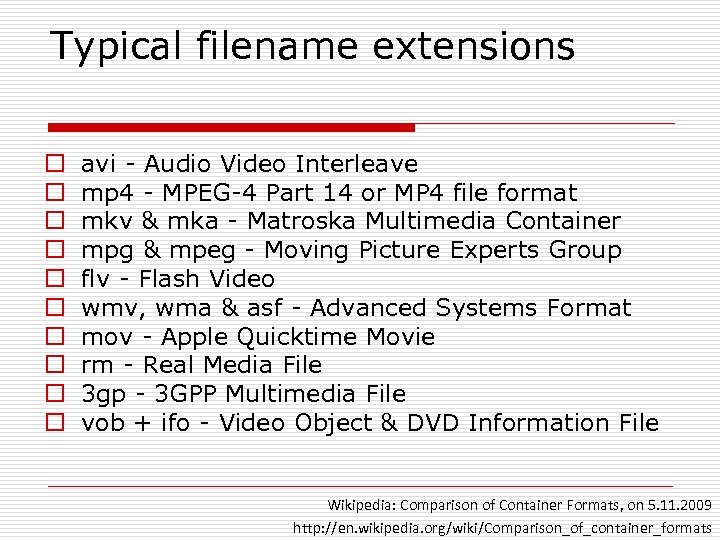 Typical filename extensions o o o o o avi - Audio Video Interleave mp 4 - MPEG-4 Part 14 or MP 4 file format mkv & mka - Matroska Multimedia Container mpg & mpeg - Moving Picture Experts Group flv - Flash Video wmv, wma & asf - Advanced Systems Format mov - Apple Quicktime Movie rm - Real Media File 3 gp - 3 GPP Multimedia File vob + ifo - Video Object & DVD Information File Wikipedia: Comparison of Container Formats, on 5. 11. 2009 http: //en. wikipedia. org/wiki/Comparison_of_container_formats
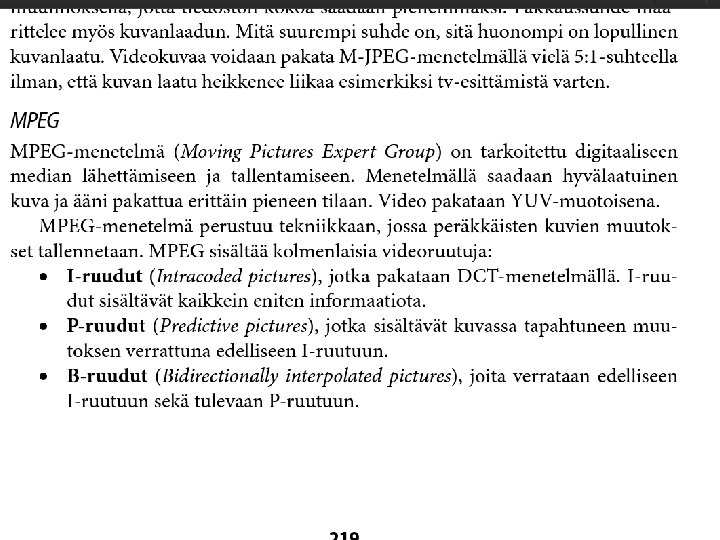
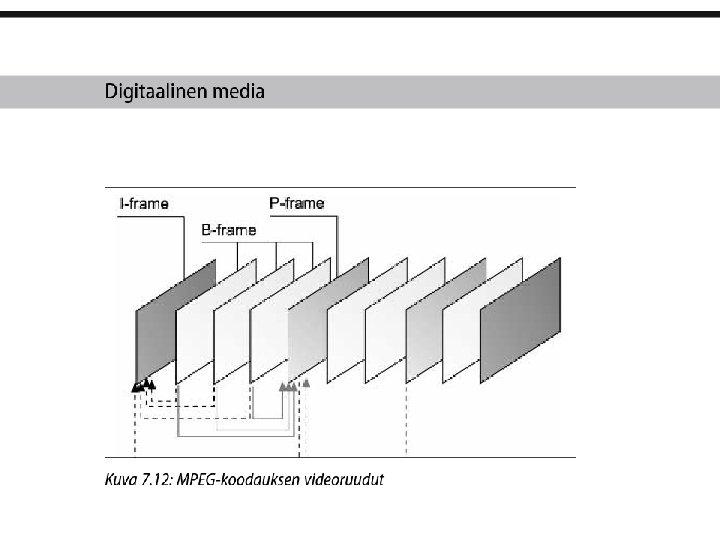
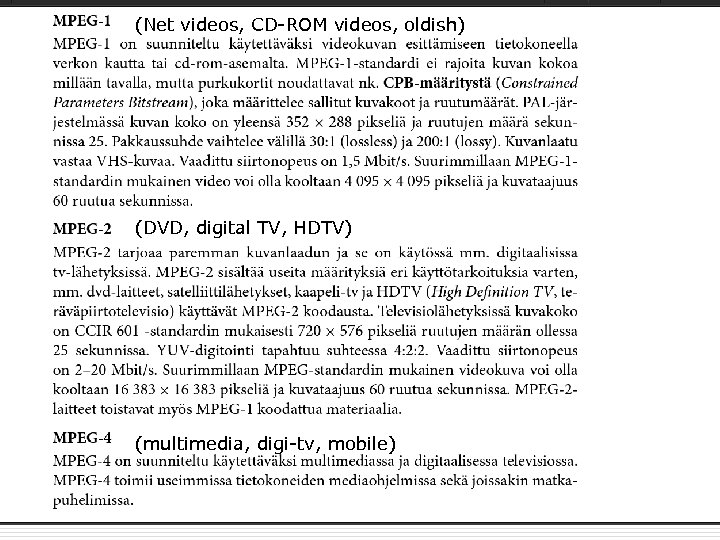 (Net videos, CD-ROM videos, oldish) (DVD, digital TV, HDTV) (multimedia, digi-tv, mobile)
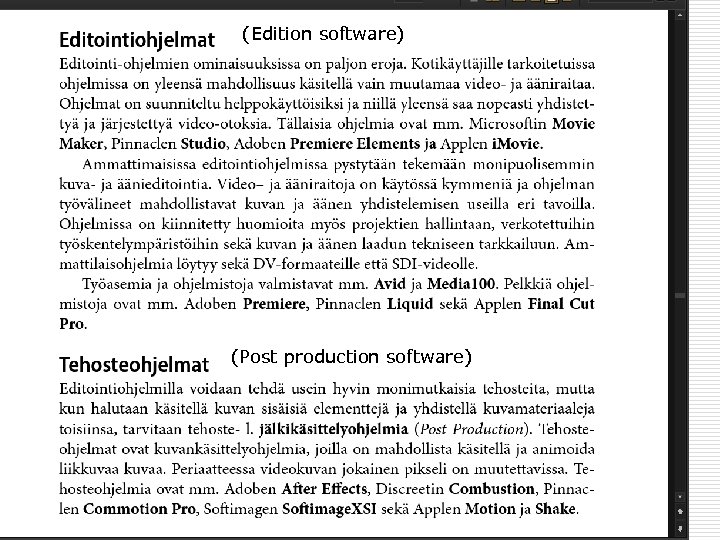 (Edition software) (Post production software)
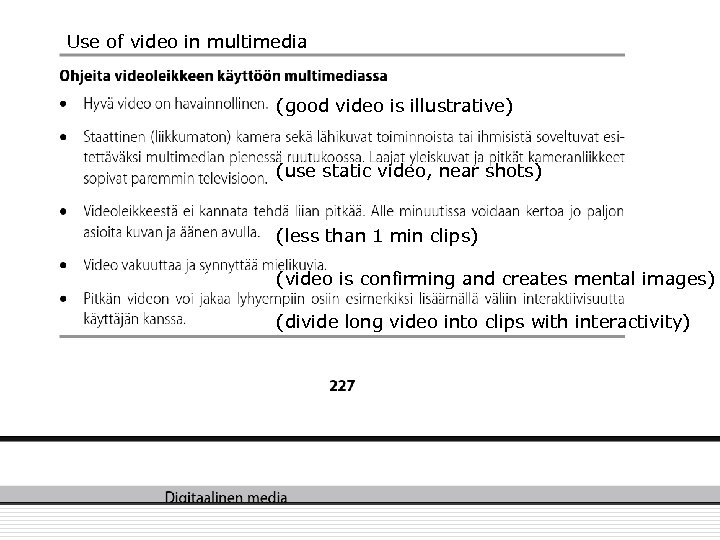 Use of video in multimedia (good video is illustrative) (use static video, near shots) (less than 1 min clips) (video is confirming and creates mental images) (divide long video into clips with interactivity)
 Animation
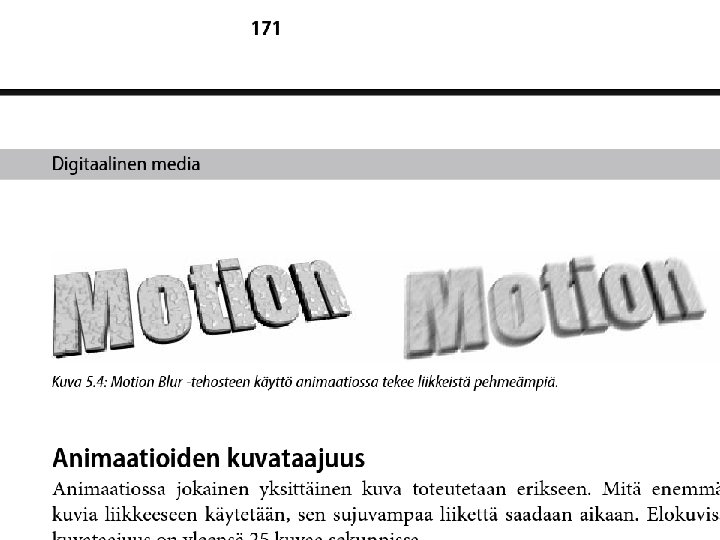
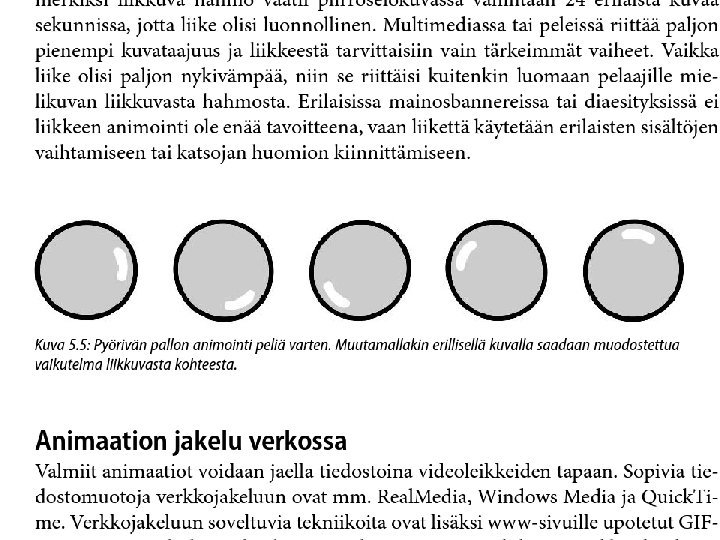
 Principles of animation o Animation is possible because of a biological phenomenon known as persistence of vision and a psychological phenomenon called phi o An object seen by the human eye remains chemically mapped on the eye’s retina for a brief time after viewing o Combined with the human mind’s need to conceptually complete a perceived action, this makes it possible for a series of images to blend together into a visual illusion of movement
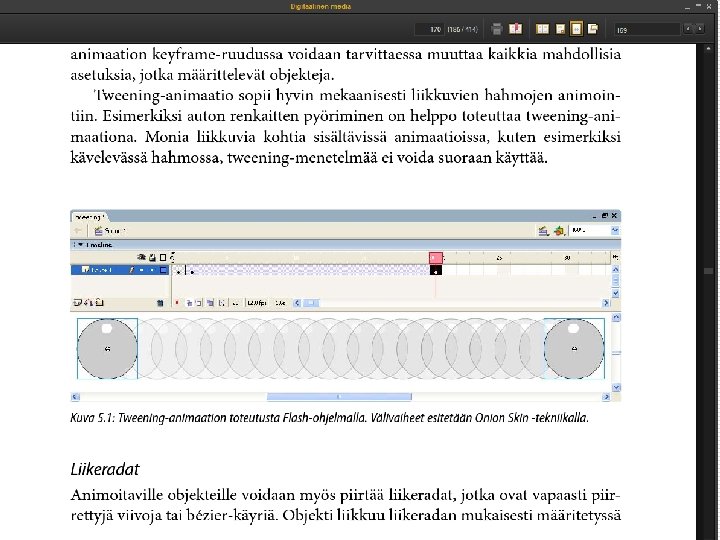
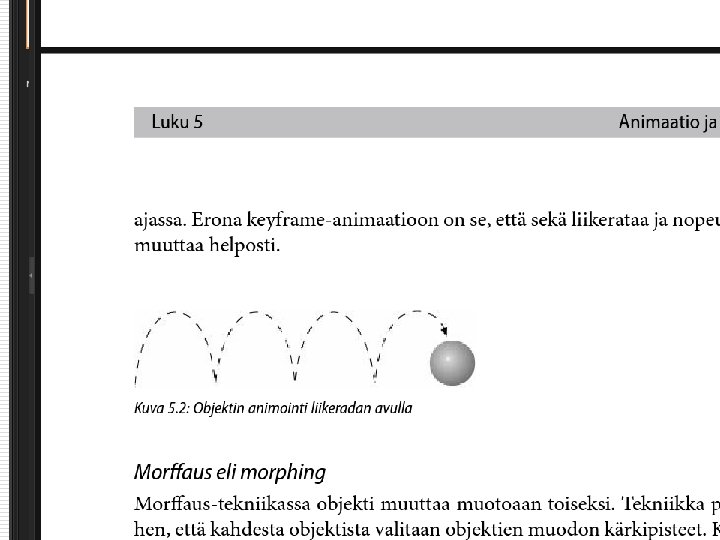
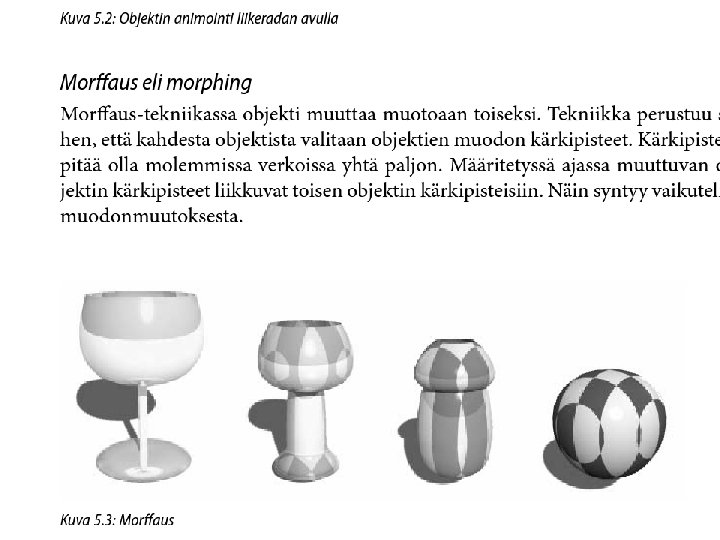
 Computer animation o Computer animation programs typically use layers, keyframes and tweening techniques o These methods are commonly used also with traditional animations that are done without computers o You can usually set your own framerate, but the rate at which changes are computed and screens actully refreshed will depend on the power of your display platform and hardware o The smaller the object, the faster it can move
 Animation file formats o Some file formats are designed specially for animations; they can be often ported among applications and platforms o Popular animation formats: Director (. dir and. dcr), 3 D Studio Max (. max), Windows Audio Video Interleave (. avi), Machintosh Quicktime (. mov), Motion Video (. mpg), Flash (. swf)
 Video vs. animation o Video includes something that is real; an animation has no limits o. When to choose video, when animation? o http: //streams. metropolia. fi/old/opto metria/skiaskopia/
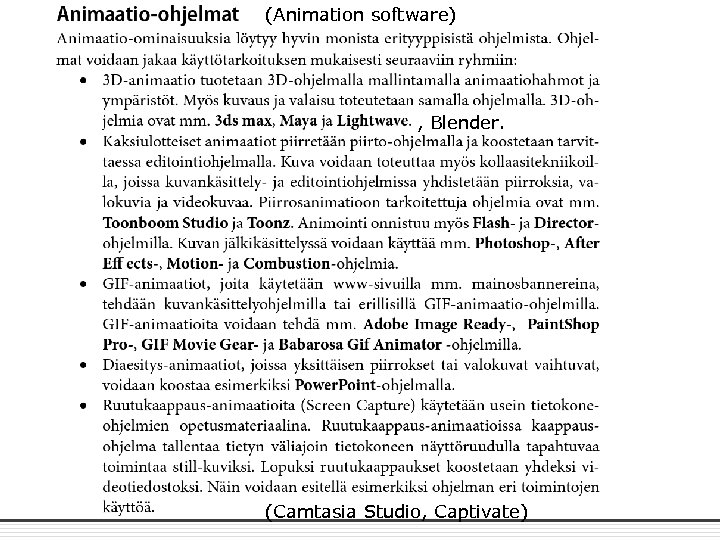 (Animation software) , Blender. (Camtasia Studio, Captivate)
 Example: o 2 D Visualization of nuclear power plant components o 3 D visualization of a wood pressing machine