


 Скачать презентацию Video Motion Analysis Level III Level IV
cf5517a0b18c0233978bab225035940f.ppt
- Количество слайдов: 44
 Video / Motion Analysis Level III Level IV Coaches Course Gary Holstein, Level IV Coach Regional High Performance Coach Dartfish, Archery Head of Sport
 Technology Ø Coaches and athletes have to begin looking towards the next true evolutionary step in training techniques. Ø That step is technology. Ø Technology has dominated every aspect of our lives and now plays an even more important role in the making of future athletes. 2
 Video Motion Analysis Defined Ø The separation of movement into its constituent parts for individual study using video technology. 3
 Video Motion Analysis Ø The difference between winning and losing is now frequently measured in thousandths of a second or fractions of an inch Ø Help analyze the biomechanics of sports Ø Motion Analysis is the next frontier in athletic training 4
 The Video Analysis System is the Next logical step for Coaches Ø So far nobody has it right… – Incomplete – No integrated approach from training through the game or Match – Not optimized for communicating and sharing Ø Dartfish is focused on making it practical: – Seamless, simple, yet powerful – Totally integrated solutions during and after training and during the game – Powerful communication tools using today’s technologies: l Email l CD l Web l Media Files 5
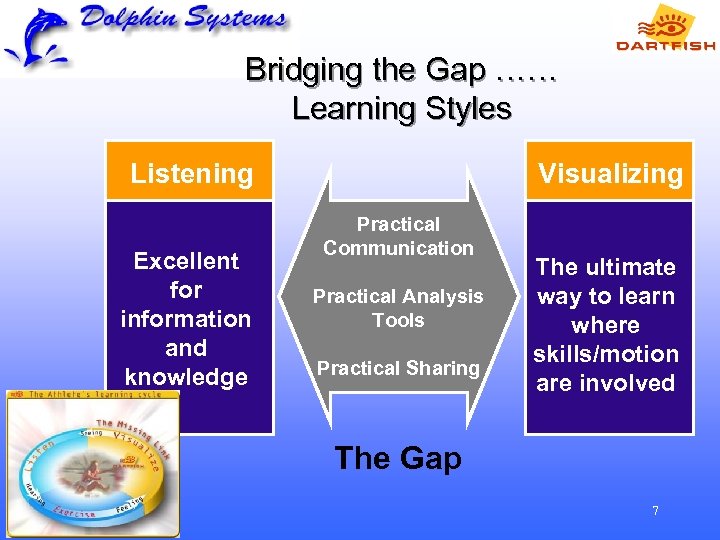 Bridging the Gap …… Learning Styles Visualizing Listening Excellent for information and knowledge Practical Communication Practical Analysis Tools Practical Sharing The ultimate way to learn where skills/motion are involved The Gap 7
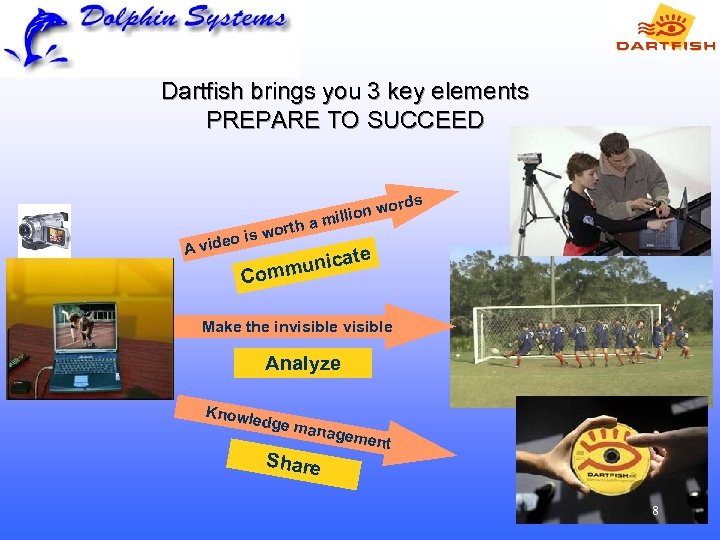 Dartfish brings you 3 key elements PREPARE TO SUCCEED th a A wor eo is vid rds on wo milli ate munic Com Make the invisible Analyze Knowl edge m anage Share ment 8
 When to Use Ø During Ø After Training Session Ø Competition / Events 9
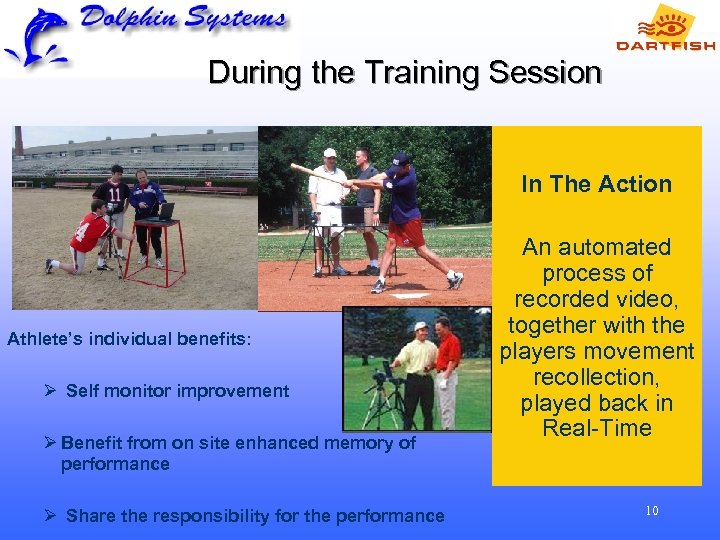 During the Training Session In The Action Athlete’s individual benefits: Ø Self monitor improvement Ø Benefit from on site enhanced memory of performance Ø Share the responsibility for the performance An automated process of recorded video, together with the players movement recollection, played back in Real-Time 10
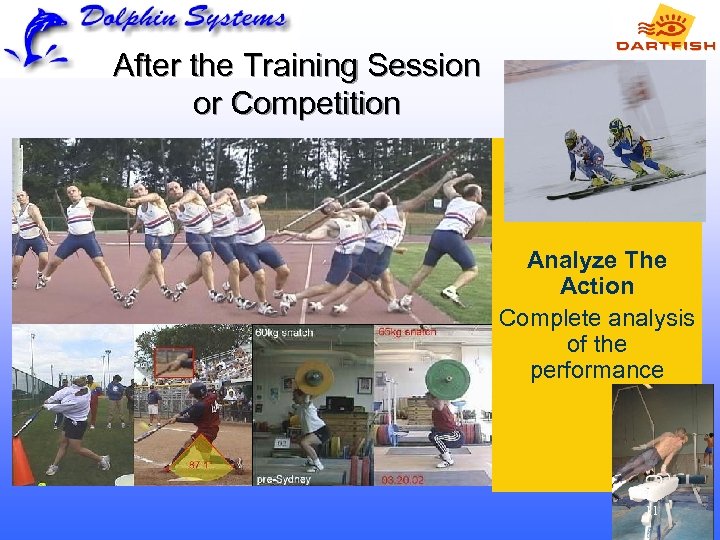 After the Training Session or Competition Analyze The Action Complete analysis of the performance 11
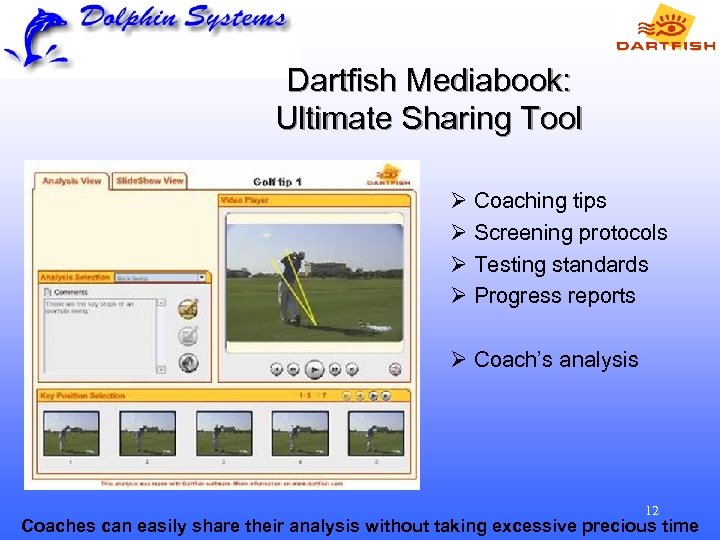 Dartfish Mediabook: Ultimate Sharing Tool Ø Coaching tips Ø Screening protocols Ø Testing standards Ø Progress reports Ø Coach’s analysis 12 Coaches can easily share their analysis without taking excessive precious time
 What to look for: Bring book to life Value proposition for content consumers: Ø Experts’ knowledge on the computer Ø Easily import your video clips into the system and categorize them Ø Possibility to easily compare your athletes yourself/ your kids to what experts say Ø No need to watch DVD or read a book and do interpretation on your own…experts are here to help step by step 13
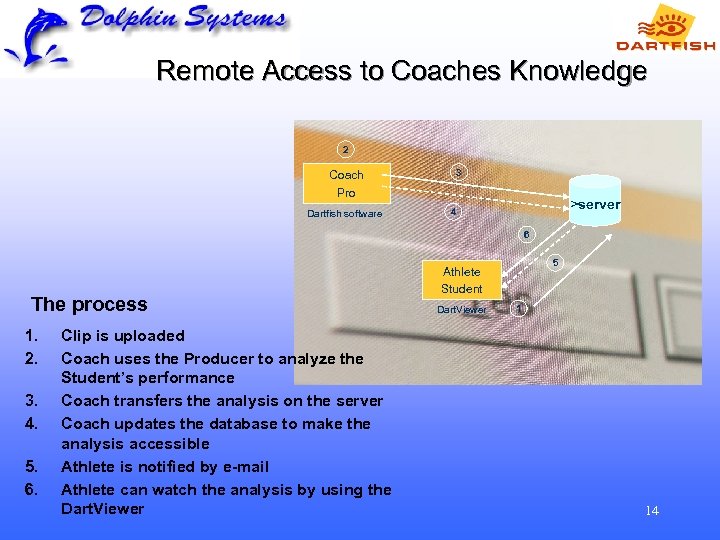 Remote Access to Coaches Knowledge 2 3 Coach Pro Dartfish software >server 4 6 The process 1. 2. 3. 4. 5. 6. Clip is uploaded Coach uses the Producer to analyze the Student’s performance Coach transfers the analysis on the server Coach updates the database to make the analysis accessible Athlete is notified by e-mail Athlete can watch the analysis by using the Dart. Viewer 5 Athlete Student Dart. Viewer 1 14
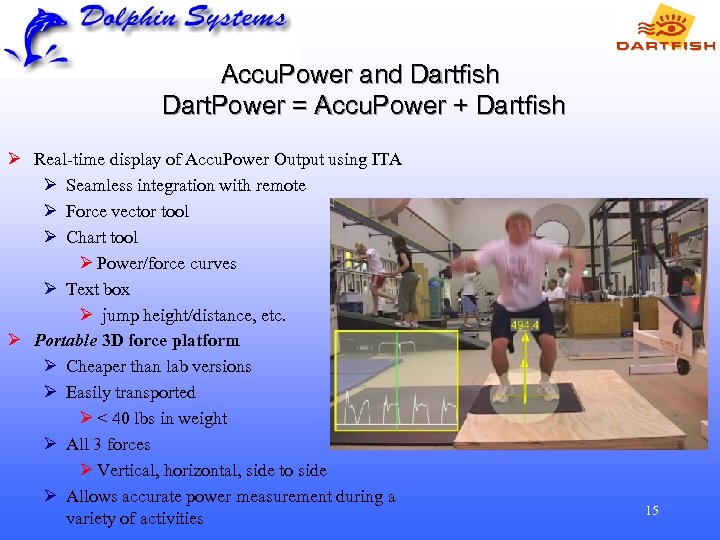 Accu. Power and Dartfish Dart. Power = Accu. Power + Dartfish Ø Real-time display of Accu. Power Output using ITA Ø Seamless integration with remote Ø Force vector tool Ø Chart tool Ø Power/force curves Ø Text box Ø jump height/distance, etc. Ø Portable 3 D force platform Ø Cheaper than lab versions Ø Easily transported Ø < 40 lbs in weight Ø All 3 forces Ø Vertical, horizontal, side to side Ø Allows accurate power measurement during a variety of activities 15
 Video Motion Analysis (Review) Ø Ø Ø Reinforce good motion Students / Athletes will have a much better understanding of what you are trying to convey, and you can keep their motions on file for future comparison A picture is worth 1, 000 Words, A video is worth 1, 000 words. May be used alone or in conjunction with other analysis tools. Such as EMG, Force Platform, etc. Use the video and improve training sessions Give your players or athletes a real understanding of the corrections and adjustments they need to make. Integrate the video without disrupting the way you do your job 16
 Computer Hardware Ø Windows 2000 -SP 4, Windows XP-SP 2 Ø Pentium IV (1. 6 GHz), Athlon XP (1. 6 GHz), Celeron 2 (1. 6 GHz) or P 4 M (1. 0 GHz) - Analysis Recorder and In. The. Action dual cameras: Pentium IV (2. 0 GHz) or P 4 M (1. 2 GHz) Ø 256 MB RAM 17
 Computer Hardware Ø 32 MB graphic card, resolution 1024 x 768, 16 bits colors Ø 2 USB ports for dongle key and remote control receptor 18
 Computer Software Ø Direct. X 9. 0 (already featured in Windows XP). Included in Dartfish software's installation CD Ø Internet Explorer 5. 5 or Higher Ø The application "System Diagnostic" checks that the minimal requirements for running the Dartfish software met by your system Download System Diagnostic 4. 0 19
 Video Capture Equipment Ø DV in/out capability (DV in only required to transfer video clips from computer back to camera tape) Ø IEEE 1394 (or Fire. Wire) cable to connect your camera to your computer (not sold with camera) 20
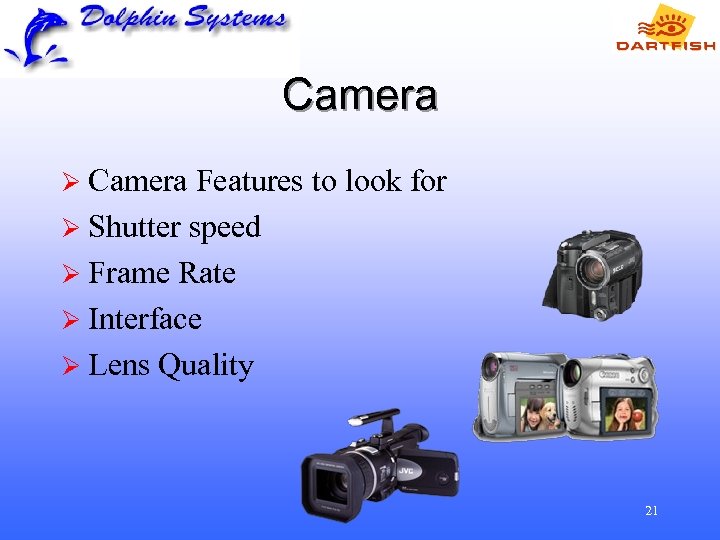 Camera Ø Camera Features to look for Ø Shutter speed Ø Frame Rate Ø Interface Ø Lens Quality 21
 Camera Ø High Speed – Greater than 100 FPS Ø DV Camera - 60 FPS Ø WEB Camera – 15 FPS Ø Digital Still Camera – 0 to 15 FPS Ø Multiple Camera requires identical format and frame rate 22
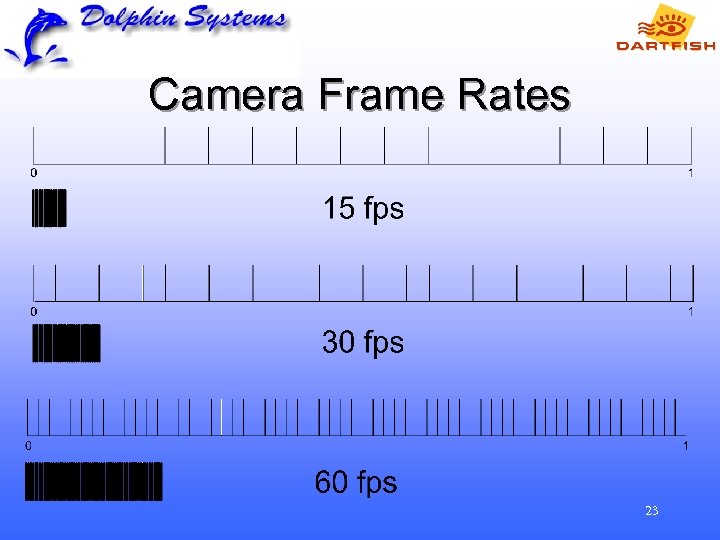 Camera Frame Rates 23
 Devices for MPEG-2 capture Ø PLEXTOR PX-M 402 U (Analog to MPEG-2 converter) Ø PLEXTOR TV-402 U (Analog + TV tuner to MPEG-2 converter) 24
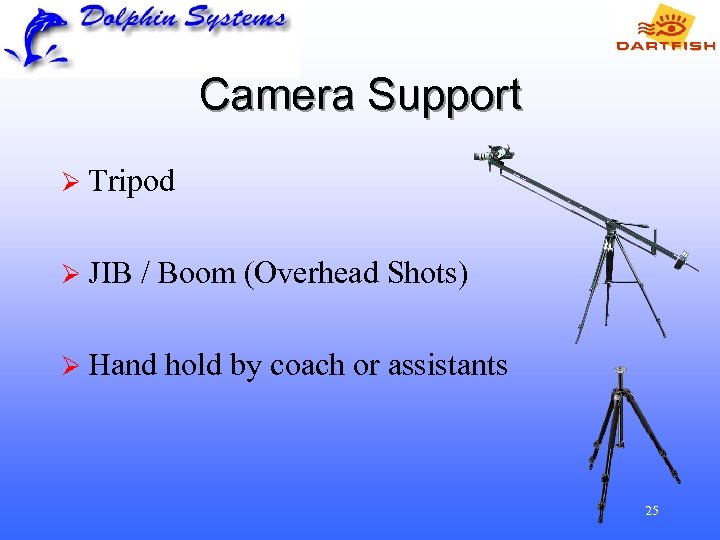 Camera Support Ø Tripod Ø JIB / Boom (Overhead Shots) Ø Hand hold by coach or assistants 25
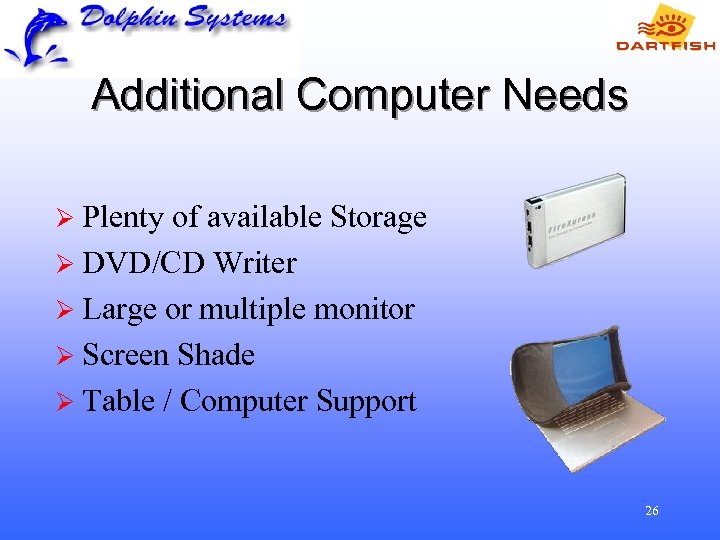 Additional Computer Needs Ø Plenty of available Storage Ø DVD/CD Writer Ø Large or multiple monitor Ø Screen Shade Ø Table / Computer Support 26
 Cabling Requirements Ø Camera Connection appropriate for cameras Ø Electrical Cords - Sufficient to move equipment Ø Electricity or Extra Batteries 27
 Lighting Ø Shades Reflectors to redirect light Ø High Speed and motion recording require good lighting for clear pictures Ø Backlighting (shooting into the sun) is often an issue 28
 Camera Angles Ø Overhead - Best for Archery ? Ø Front Ø Back Ø Behind Ø In front (angled back at face) 29
 Camera Angles Ø Close Up Ø Wide Angle Ø Wide enough to record entire motion Ø Close enough to record detail Ø Additional angles and shots Ø Be Creative! 30
 Analysis Ø Digital information lost. 60 FPS, 1/1000 shutter speed A lot of information must be interpolated Ø Hat or Loose Clothing - Undesirable 31
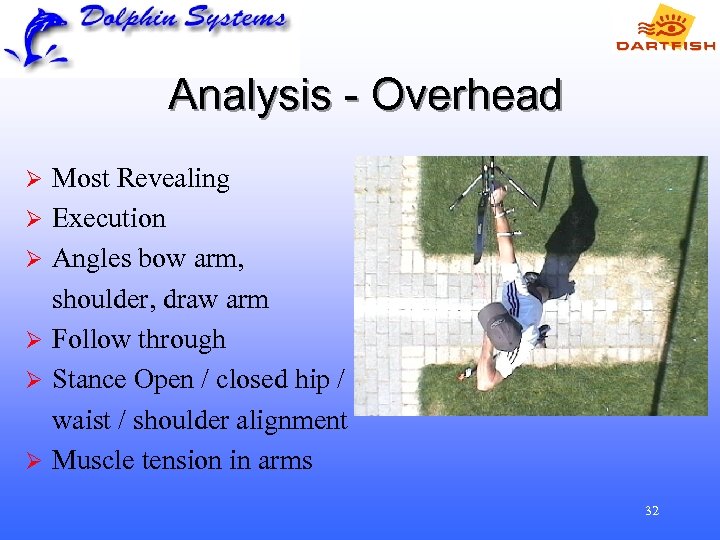 Analysis - Overhead Ø Ø Ø Most Revealing Execution Angles bow arm, shoulder, draw arm Follow through Stance Open / closed hip / waist / shoulder alignment Muscle tension in arms 32
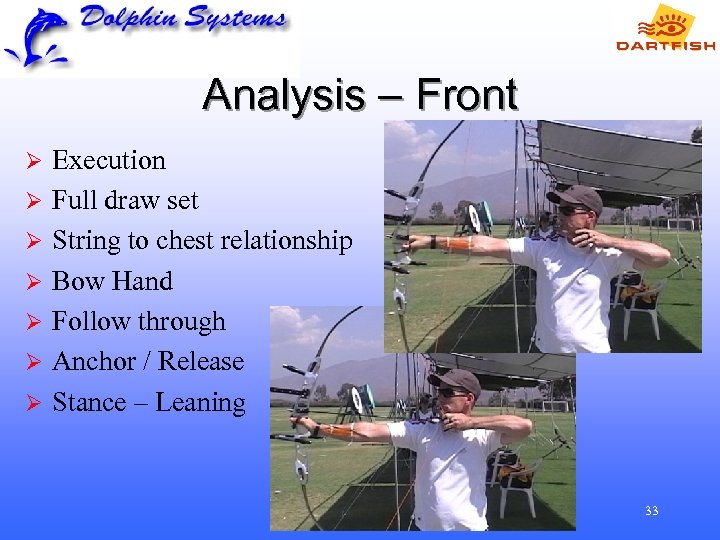 Analysis – Front Ø Ø Ø Ø Execution Full draw set String to chest relationship Bow Hand Follow through Anchor / Release Stance – Leaning 33
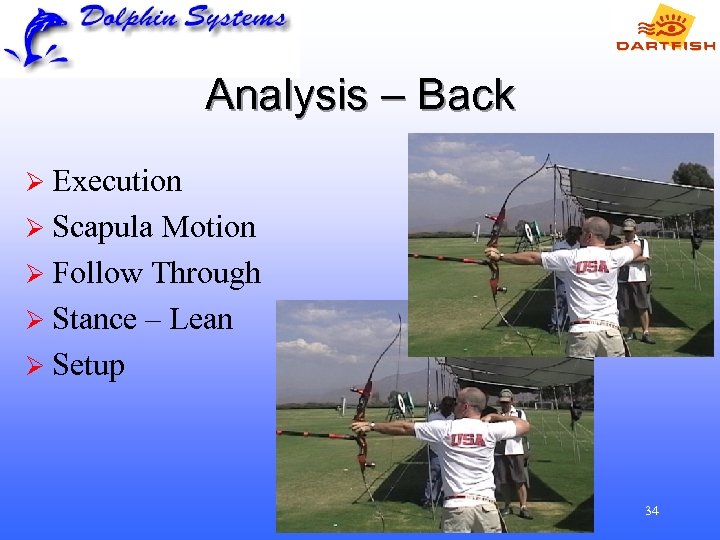 Analysis – Back Ø Execution Ø Scapula Motion Ø Follow Through Ø Stance – Lean Ø Setup 34
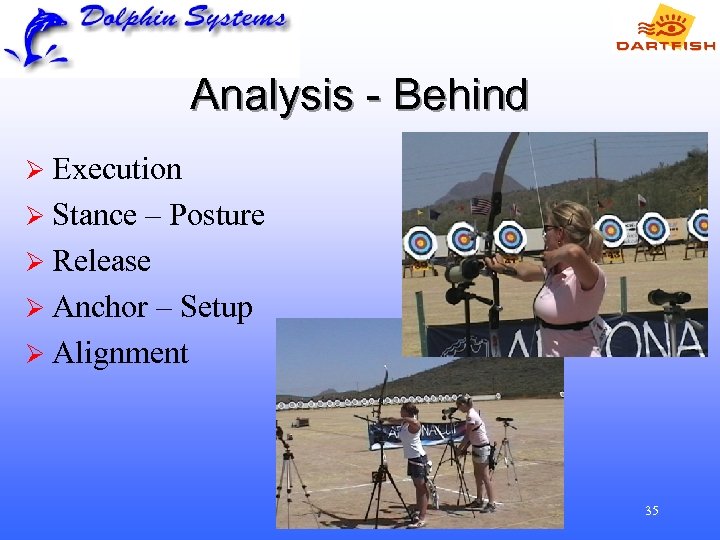 Analysis - Behind Ø Execution Ø Stance – Posture Ø Release Ø Anchor – Setup Ø Alignment 35
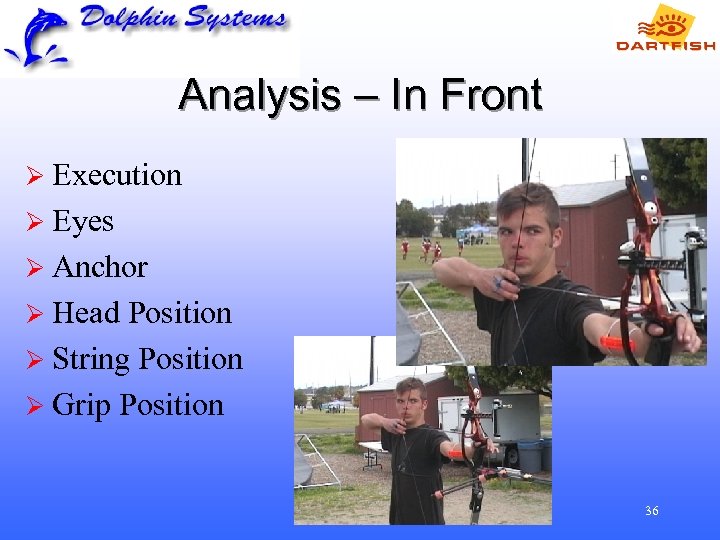 Analysis – In Front Ø Execution Ø Eyes Ø Anchor Ø Head Position Ø String Position Ø Grip Position 36
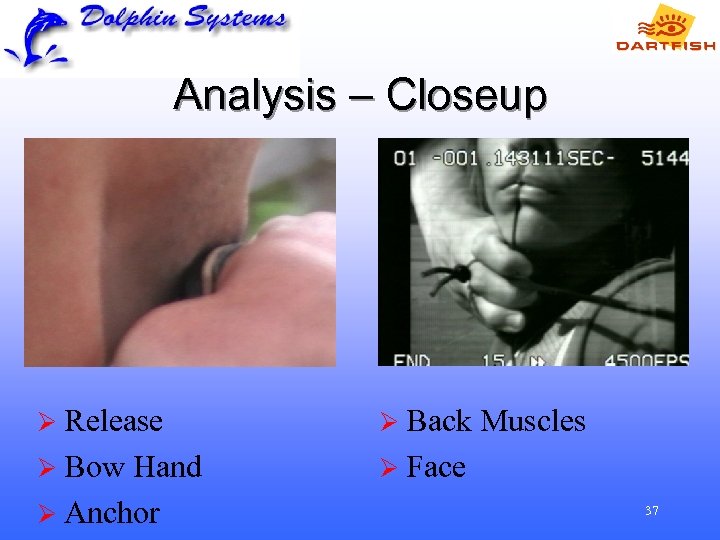 Analysis – Closeup Ø Release Ø Back Ø Bow Ø Face Hand Ø Anchor Muscles 37
 Analysis – Additional Angles Ø Be creative as time and space allows 38
 Software Use & Evaluation 39
 Some Dartfish clients in the USA Ø Ø Ø Ø Ø USA Soccer USA Volleyball USA Skiing & Snowboarding USA Gymnastics USA Bowling USA Cycling International Softball Federation USOC USA Bobsled USA Luge Ø Ø Ø US Track & Field USA Swimming USA Speedskating Softball Canada Seattle Mariners Philadelphia Phillies Milwaukee Brewers Nike Carolina Panthers Denver Broncos Cincinnati Bengals 40
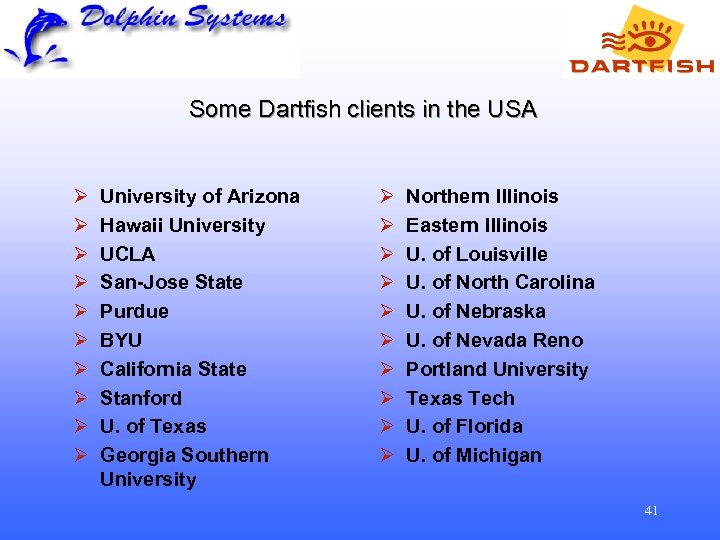 Some Dartfish clients in the USA Ø Ø Ø Ø Ø University of Arizona Hawaii University UCLA San-Jose State Purdue BYU California State Stanford U. of Texas Georgia Southern University Ø Ø Ø Ø Ø Northern Illinois Eastern Illinois U. of Louisville U. of North Carolina U. of Nebraska U. of Nevada Reno Portland University Texas Tech U. of Florida U. of Michigan 41
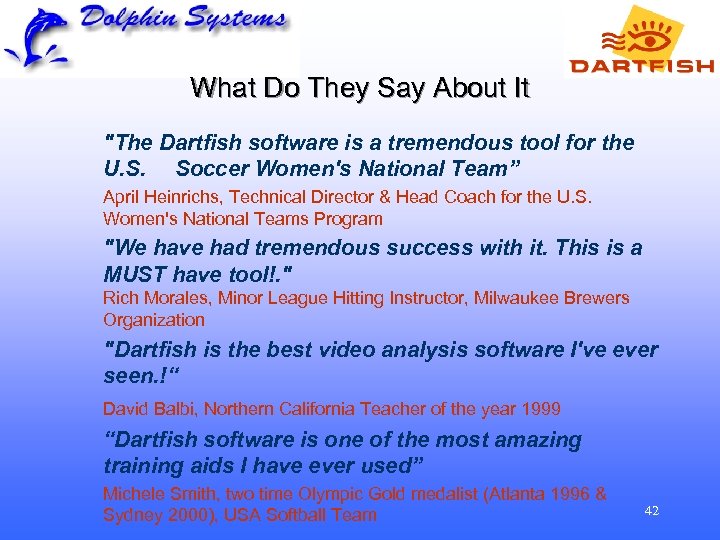 What Do They Say About It "The Dartfish software is a tremendous tool for the U. S. Soccer Women's National Team” April Heinrichs, Technical Director & Head Coach for the U. S. Women's National Teams Program "We have had tremendous success with it. This is a MUST have tool!. " Rich Morales, Minor League Hitting Instructor, Milwaukee Brewers Organization "Dartfish is the best video analysis software I've ever seen. !“ David Balbi, Northern California Teacher of the year 1999 “Dartfish software is one of the most amazing training aids I have ever used” Michele Smith, two time Olympic Gold medalist (Atlanta 1996 & Sydney 2000), USA Softball Team 42
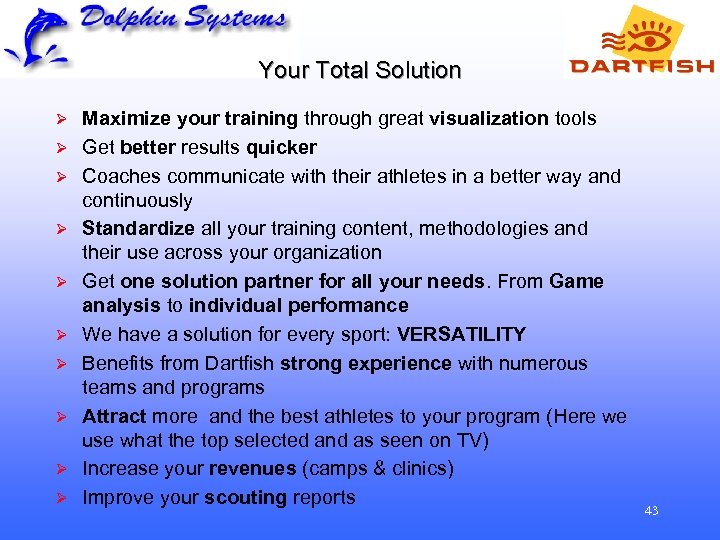 Your Total Solution Ø Ø Ø Ø Ø Maximize your training through great visualization tools Get better results quicker Coaches communicate with their athletes in a better way and continuously Standardize all your training content, methodologies and their use across your organization Get one solution partner for all your needs. From Game analysis to individual performance We have a solution for every sport: VERSATILITY Benefits from Dartfish strong experience with numerous teams and programs Attract more and the best athletes to your program (Here we use what the top selected and as seen on TV) Increase your revenues (camps & clinics) Improve your scouting reports 43
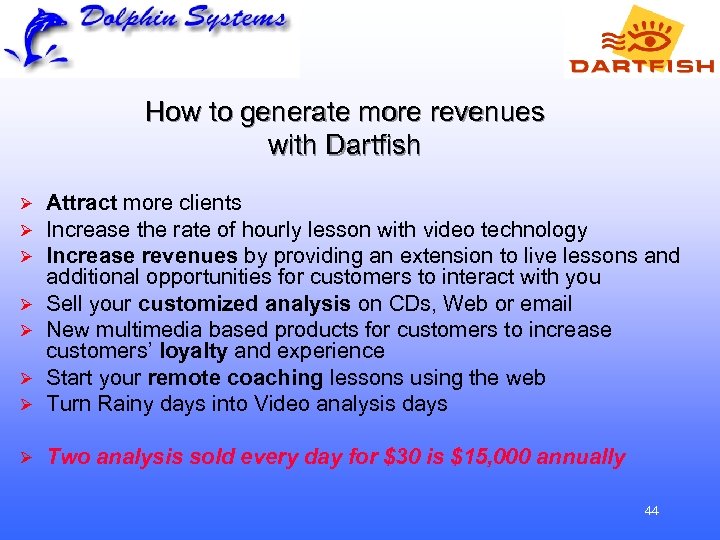 How to generate more revenues with Dartfish Ø Ø Attract more clients Increase the rate of hourly lesson with video technology Increase revenues by providing an extension to live lessons and additional opportunities for customers to interact with you Sell your customized analysis on CDs, Web or email New multimedia based products for customers to increase customers’ loyalty and experience Start your remote coaching lessons using the web Turn Rainy days into Video analysis days Ø Two analysis sold every day for $30 is $15, 000 annually Ø Ø Ø 44
 Video Motion Analysis Gary Holstein Dolphin Systems 23726 Via Astorga Mission Viejo, CA 92691 -3617 (949) 452 -1770, Cell (714) 264 -7299 gholstein@dolphin-sys. com www. dolphin-sys. com