 Скачать презентацию VERIFYING IMPLEMENTATION PROTOTYPE 1 Independent Test Capability Team
517a310e98944474b8894292351c98ff.ppt
- Количество слайдов: 22



VERIFYING IMPLEMENTATION PROTOTYPE 1 Independent Test Capability Team - Bill Stanton - Jarrod Petersavage - Justin Morris - Steven Seeger - Mike Wise
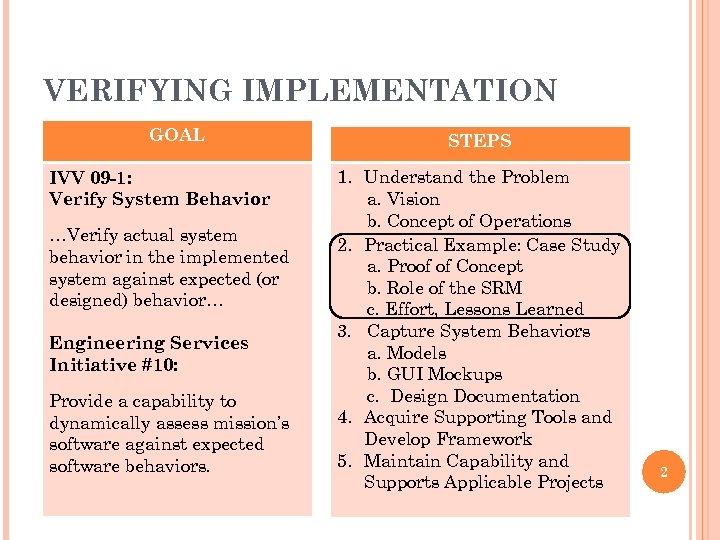
VERIFYING IMPLEMENTATION GOAL IVV 09 -1: Verify System Behavior …Verify actual system behavior in the implemented system against expected (or designed) behavior… Engineering Services Initiative #10: Provide a capability to dynamically assess mission’s software against expected software behaviors. STEPS 1. Understand the Problem a. Vision b. Concept of Operations 2. Practical Example: Case Study a. Proof of Concept b. Role of the SRM c. Effort, Lessons Learned 3. Capture System Behaviors a. Models b. GUI Mockups c. Design Documentation 4. Acquire Supporting Tools and Develop Framework 5. Maintain Capability and Supports Applicable Projects 2
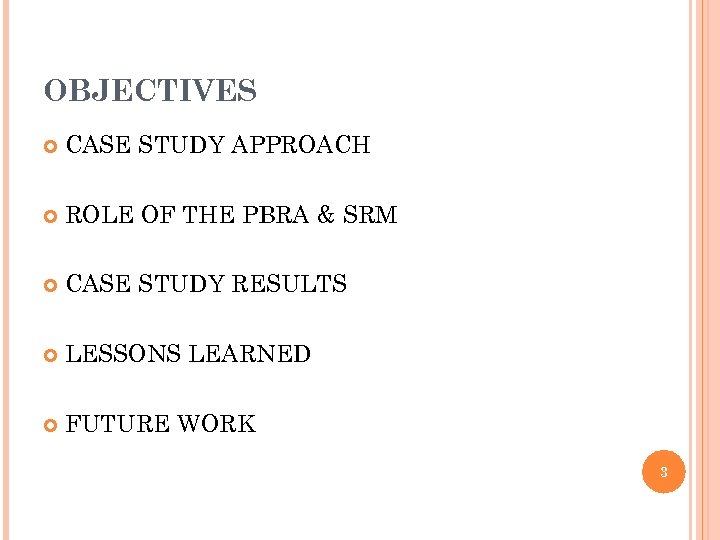
OBJECTIVES CASE STUDY APPROACH ROLE OF THE PBRA & SRM CASE STUDY RESULTS LESSONS LEARNED FUTURE WORK 3
CASE STUDY APPROACH 4 Navigator Software on GPM Project
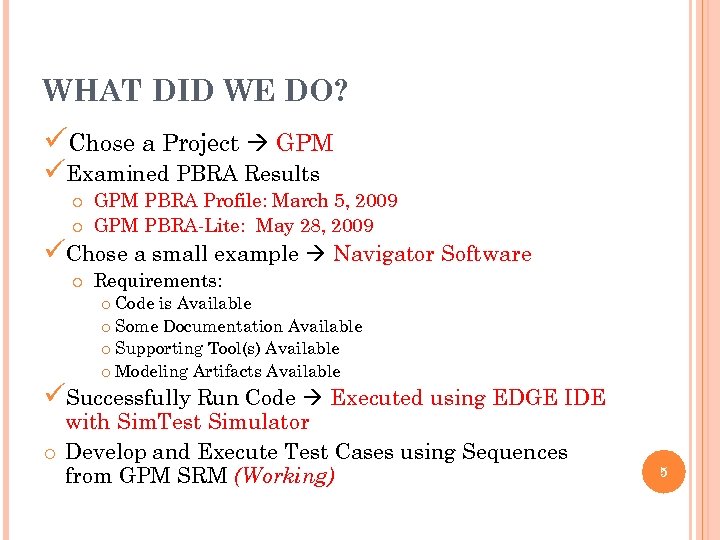
WHAT DID WE DO? üChose a Project GPM üExamined PBRA Results o GPM PBRA Profile: March 5, 2009 o GPM PBRA-Lite: May 28, 2009 üChose a small example Navigator Software o Requirements: o Code is Available o Some Documentation Available o Supporting Tool(s) Available o Modeling Artifacts Available üSuccessfully Run Code Executed using EDGE IDE with Sim. Test Simulator o Develop and Execute Test Cases using Sequences from GPM SRM (Working) 5
ROLE OF THE PBRA AND SRM 6
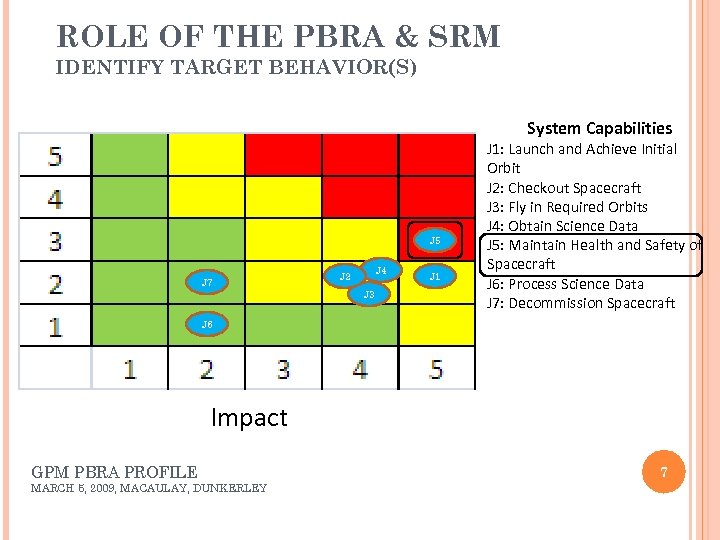
ROLE OF THE PBRA & SRM IDENTIFY TARGET BEHAVIOR(S) System Capabilities J 5 J 7 J 4 J 2 J 3 J 1: Launch and Achieve Initial Orbit J 2: Checkout Spacecraft J 3: Fly in Required Orbits J 4: Obtain Science Data J 5: Maintain Health and Safety of Spacecraft J 6: Process Science Data J 7: Decommission Spacecraft J 6 Impact GPM PBRA PROFILE MARCH 5, 2009, MACAULAY, DUNKERLEY 7
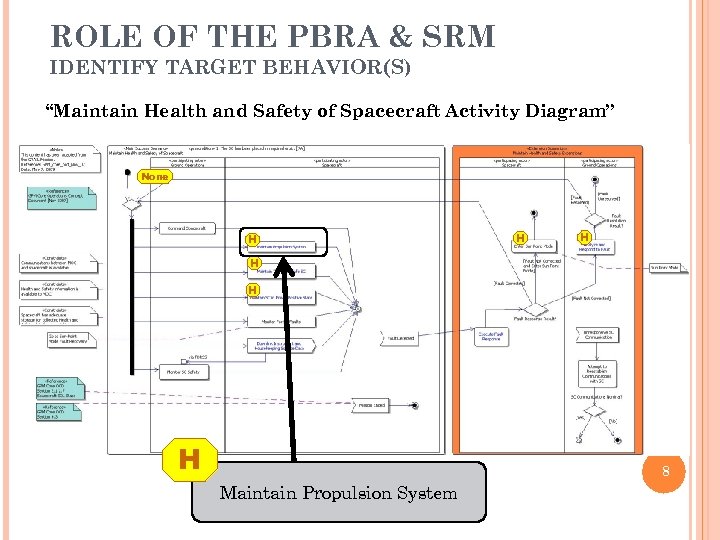
ROLE OF THE PBRA & SRM IDENTIFY TARGET BEHAVIOR(S) “Maintain Health and Safety of Spacecraft Activity Diagram” None H H H 8 Maintain Propulsion System

ROLE OF THE PBRA & SRM IDENTIFY TARGET BEHAVIOR(S) Maintain Propulsion System Activity Diagram M H M Determine Position & Delta-V M H L H H H M 9 M
ROLE OF THE PBRA & SRM IDENTIFY TARGET BEHAVIOR(S) Determine Position and Delta-V Behavior is implemented in the GPS Navigator The SC determines its position using GPS position information. 10
RESULTS & LESSONS LEARNED 11
CASE STUDY RESULTS Accomplishments Identified a capability using PBRA & SRM to drive Verification Implementation Activities (Case Study) Executed Navigator Flight Software using a trial version of a COTS toolset in 2 months Duration includes obtaining all required tools and artifacts and configuring the environment Future Work Develop serial interface to provide conduit for testing Utilize Elaborated Sequence Diagrams (to be developed by SRMV PL) to drive test cases 12
GPM ELECTRICAL BLOCK DIAGRAM 13
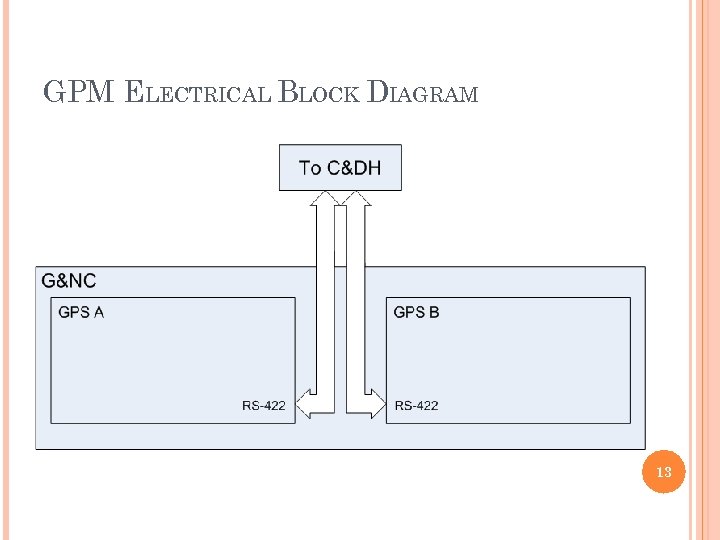
NAVIGATOR SOFTWARE SIMULATION Navigator software runs on a Free. Scale Cold. Fire 5307. On GPM, the Navigator is part of GN&C and connects to C&DH via RS-422. GPM has two Navigator units, but we only need to test one. Initial trial run used EDGE Development suite from Mentor Graphics. Compiled code as x 86 without Nucleus OS code. Nucleus runtime provided by simtest. 14
NAVIGATOR COMMANDS All Navigator commands and responses are transmitted over RS-422. ITC team determined that Navigator would be a good place to start because sending and receiving serial data is not difficult. Navigator commands over serial include read and write memory, patience, and ephemeris data. Easy proof of concept with simple write and read-back operation. Can expand simulation further with more complex commands. CCSDS message format. 15
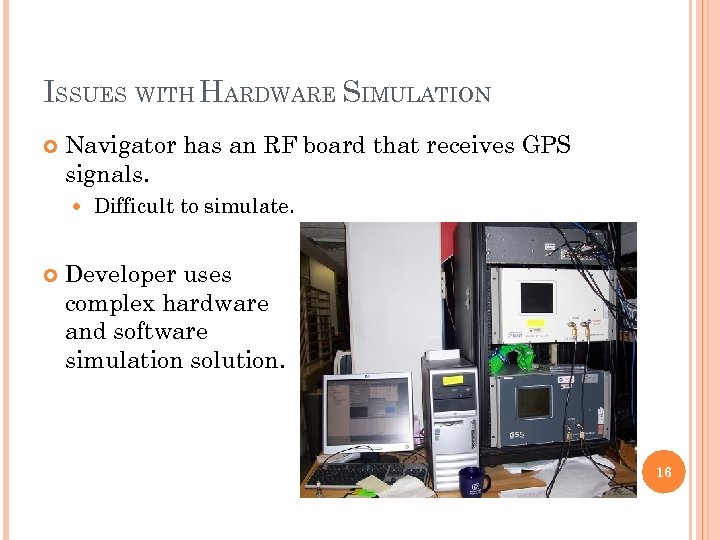
ISSUES WITH HARDWARE SIMULATION Navigator has an RF board that receives GPS signals. Difficult to simulate. Developer uses complex hardware and software simulation solution. 16
SOFTWARE SIMULATION END GOAL Run binaries provided by vendors on an instruction set simulator. No need to compile Navigator software for x 86. No chance of results varying by build process. More hardware interaction. Simulation Real hardware Headless operation with all simulations driven by test scripts. 17
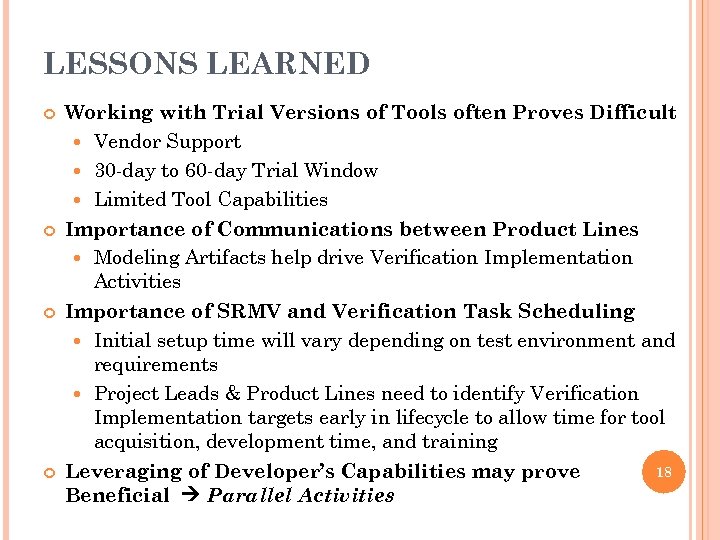
LESSONS LEARNED Working with Trial Versions of Tools often Proves Difficult Vendor Support 30 -day to 60 -day Trial Window Limited Tool Capabilities Importance of Communications between Product Lines Modeling Artifacts help drive Verification Implementation Activities Importance of SRMV and Verification Task Scheduling Initial setup time will vary depending on test environment and requirements Project Leads & Product Lines need to identify Verification Implementation targets early in lifecycle to allow time for tool acquisition, development time, and training 18 Leveraging of Developer’s Capabilities may prove Beneficial Parallel Activities
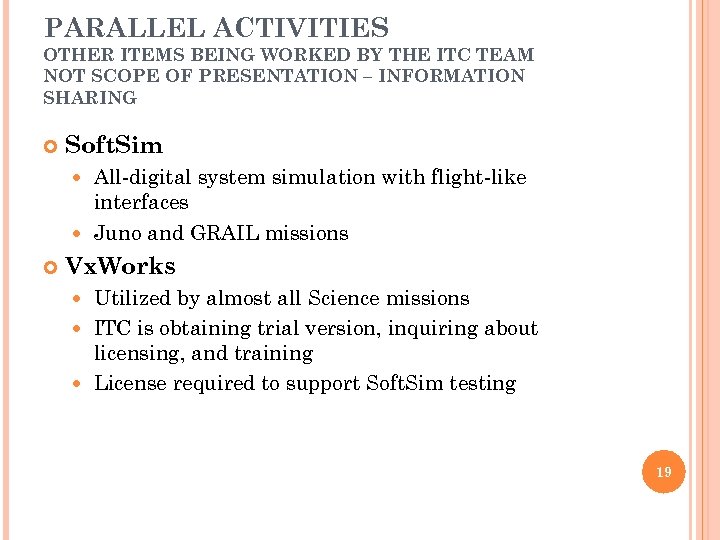
PARALLEL ACTIVITIES OTHER ITEMS BEING WORKED BY THE ITC TEAM NOT SCOPE OF PRESENTATION – INFORMATION SHARING Soft. Sim All-digital system simulation with flight-like interfaces Juno and GRAIL missions Vx. Works Utilized by almost all Science missions ITC is obtaining trial version, inquiring about licensing, and training License required to support Soft. Sim testing 19
ANY QUESTIONS? 20
BACKUP SLIDES 21
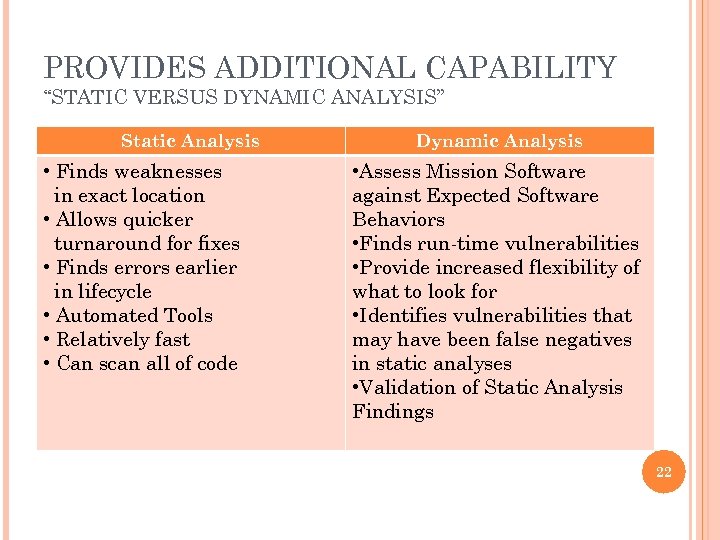
PROVIDES ADDITIONAL CAPABILITY “STATIC VERSUS DYNAMIC ANALYSIS” Static Analysis • Finds weaknesses in exact location • Allows quicker turnaround for fixes • Finds errors earlier in lifecycle • Automated Tools • Relatively fast • Can scan all of code Dynamic Analysis • Assess Mission Software against Expected Software Behaviors • Finds run-time vulnerabilities • Provide increased flexibility of what to look for • Identifies vulnerabilities that may have been false negatives in static analyses • Validation of Static Analysis Findings 22
Скачать презентацию VERIFYING IMPLEMENTATION PROTOTYPE 1 Independent Test Capability Team
517a310e98944474b8894292351c98ff.ppt