 Скачать презентацию Venues and Facilities Booking System Booking System User
6e65801a2cbde3f41beb3a08548a5276.ppt
- Количество слайдов: 24



Venues and Facilities Booking System (“Booking System”) User guide Last updated: 25 May 2011
Major Benefits of Booking System p Provision of a web-based common platform facilitating student organisations and designated staff members to: - search venues and facilities released for open booking - make/modify/cancel booking requests - track the status of their requests from initiation to confirmation p Delivery of e-mail notifications for submitted, approved, rejected and cancelled booking requests p Provision of a web-based common platform for effective and efficient management of venues/facilities booking services p Improvements on effectiveness and efficiency of information sharing among system users
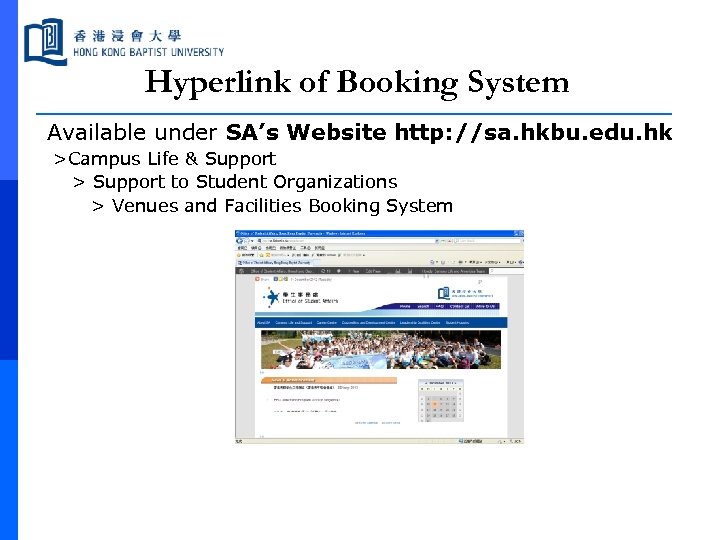
Hyperlink of Booking System Available under SA’s Website http: //sa. hkbu. edu. hk >Campus Life & Support > Support to Student Organizations > Venues and Facilities Booking System
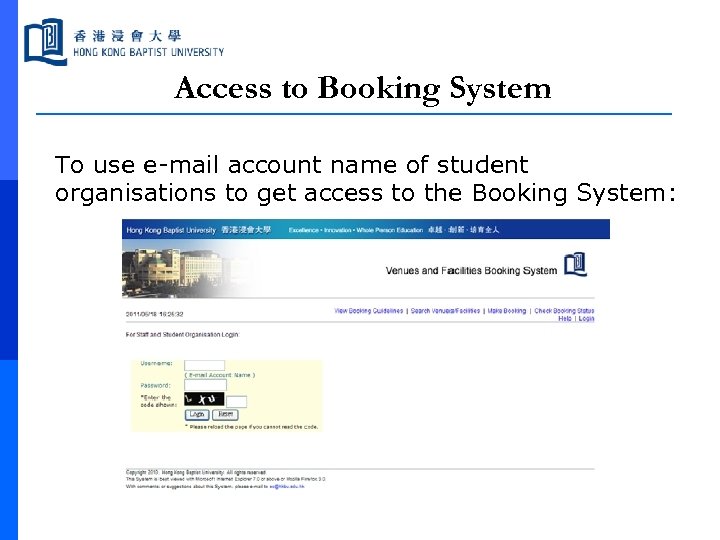
Access to Booking System To use e-mail account name of student organisations to get access to the Booking System:
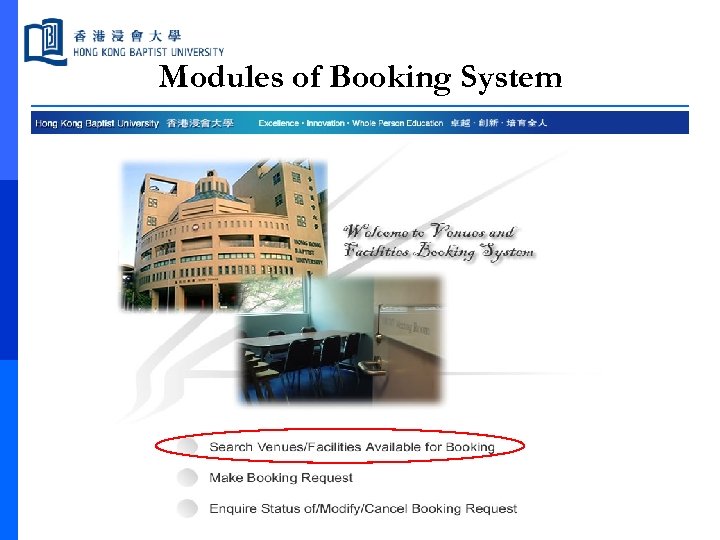
Modules of Booking System
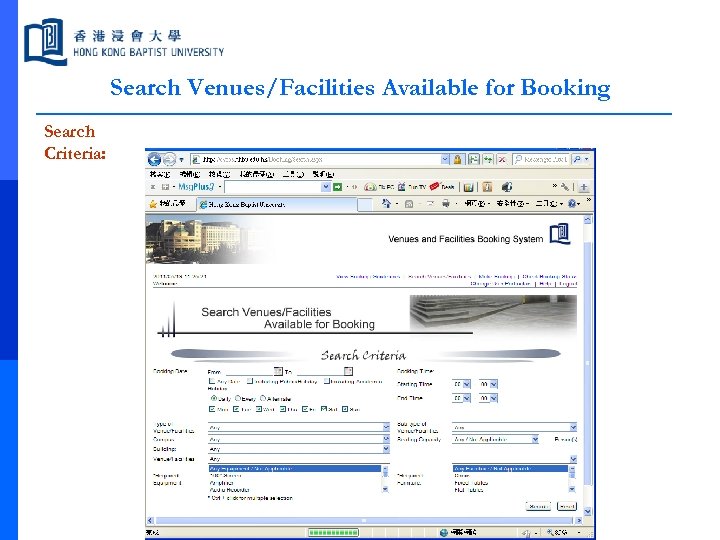
Search Venues/Facilities Available for Booking Search Criteria:
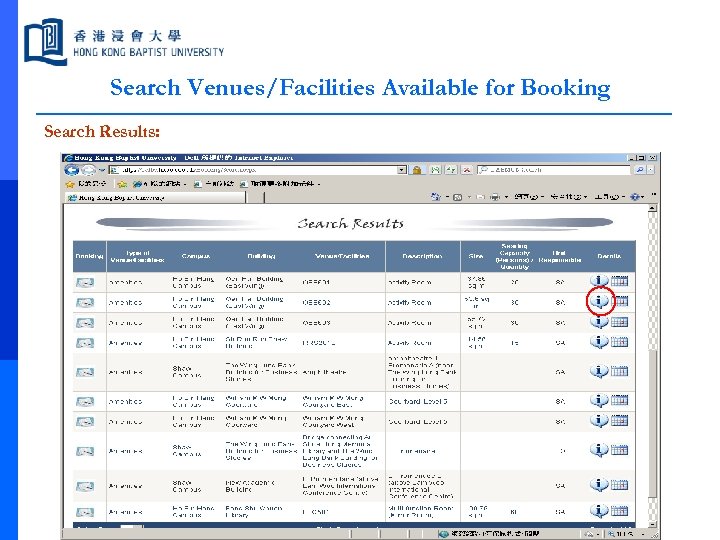
Search Venues/Facilities Available for Booking Search Results:
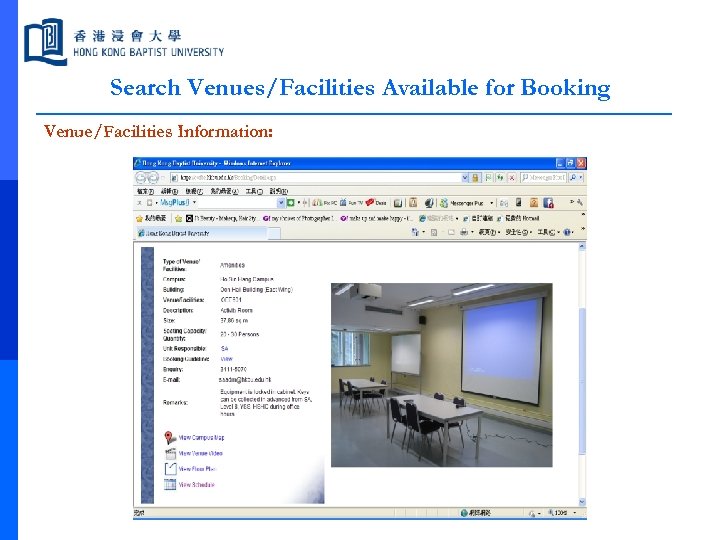
Search Venues/Facilities Available for Booking Venue/Facilities Information:
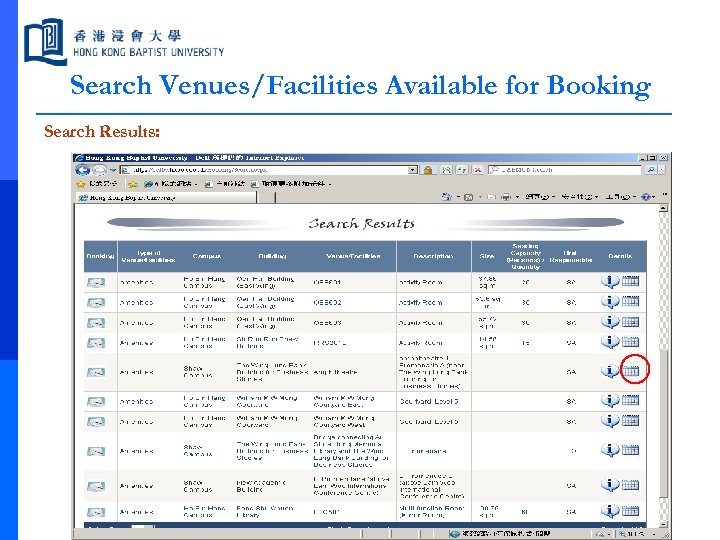
Search Venues/Facilities Available for Booking Search Results:
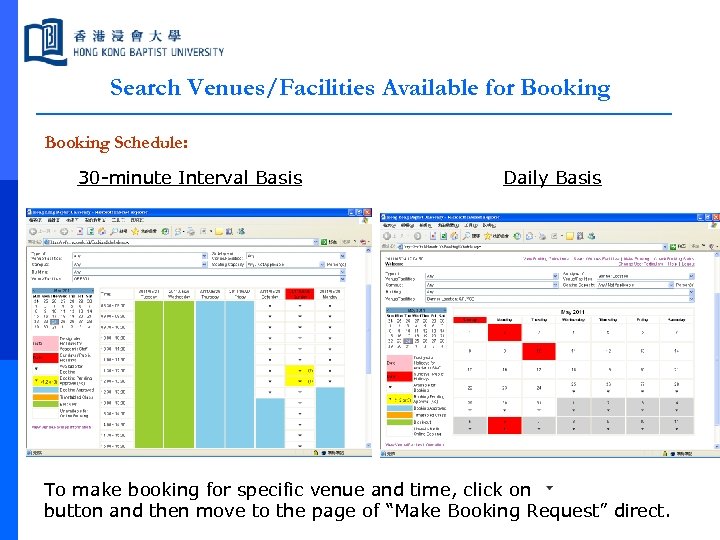
Search Venues/Facilities Available for Booking Schedule: 30 -minute Interval Basis Daily Basis To make booking for specific venue and time, click on button and then move to the page of “Make Booking Request” direct.
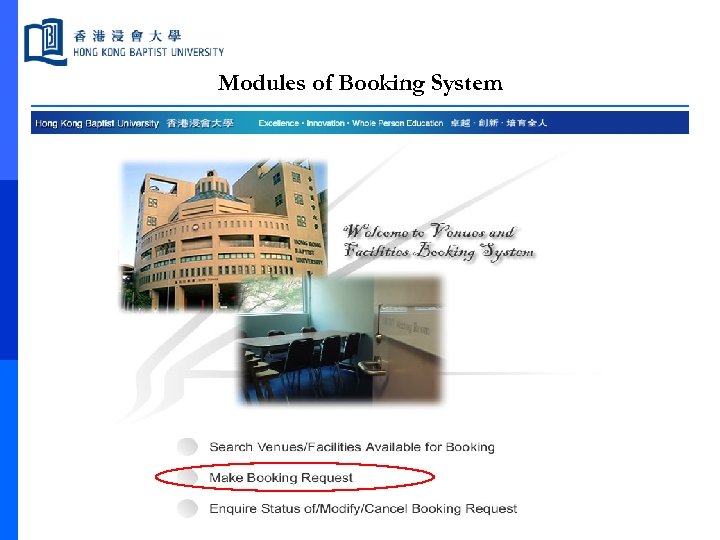
Modules of Booking System
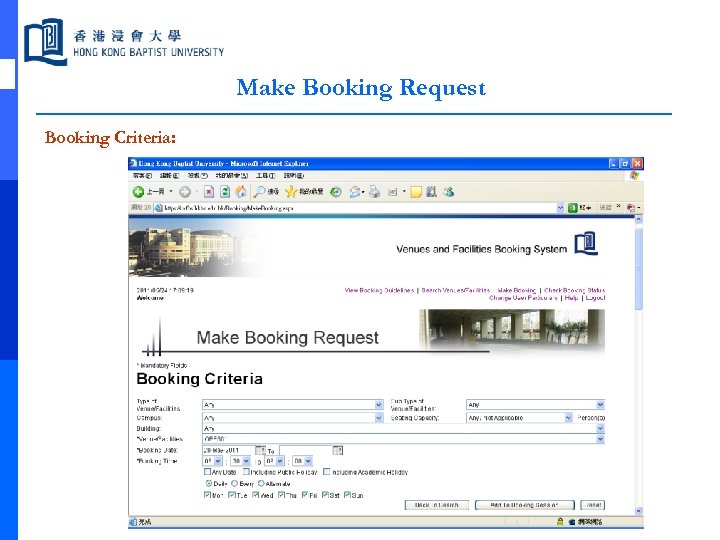
Make Booking Request Booking Criteria:
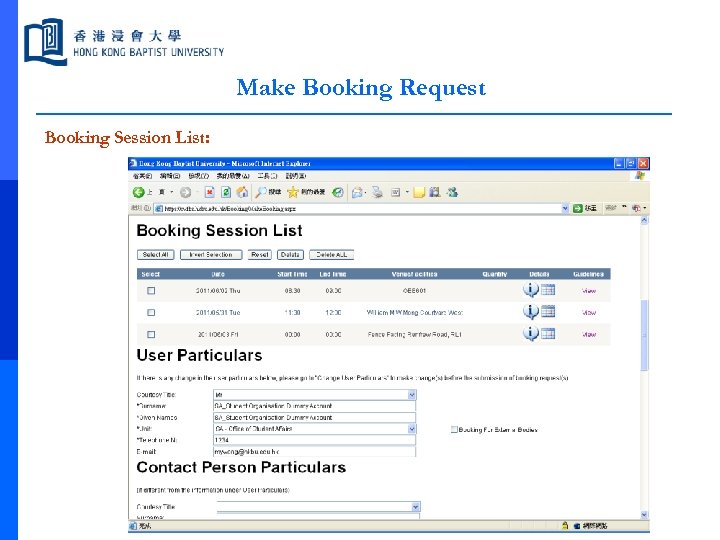
Make Booking Request Booking Session List:
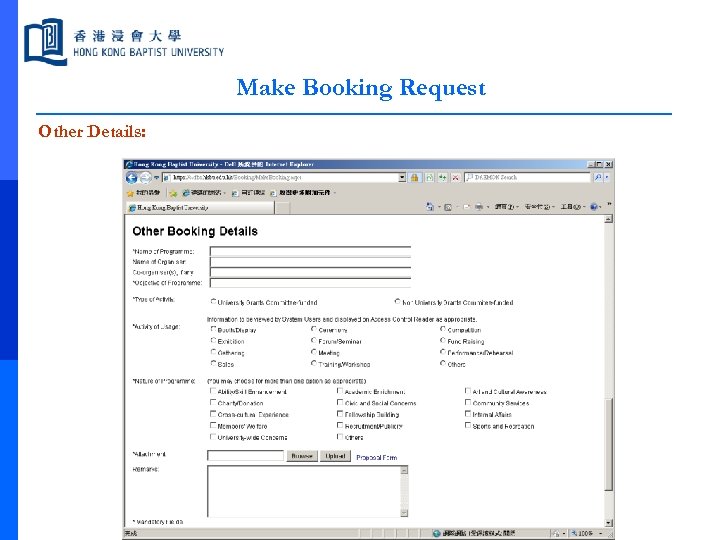
Make Booking Request Other Details:
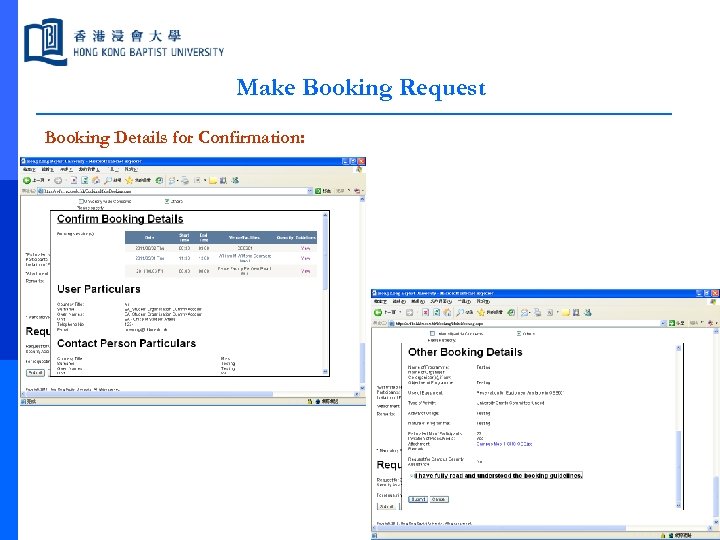
Make Booking Request Booking Details for Confirmation:
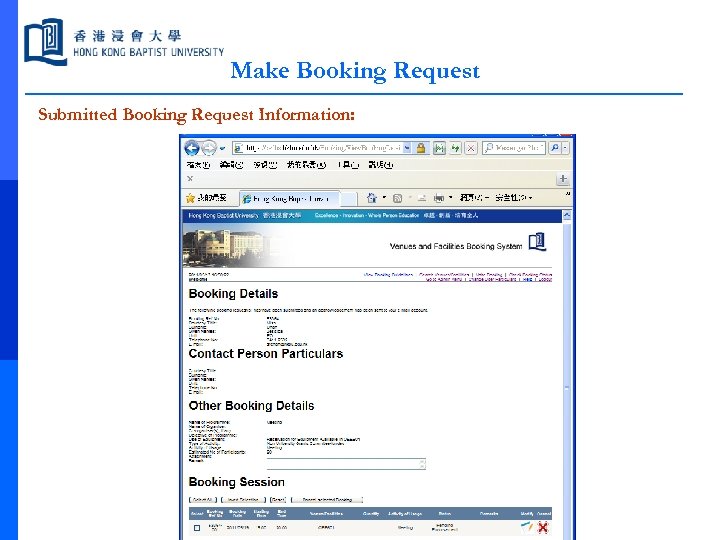
Make Booking Request Submitted Booking Request Information:
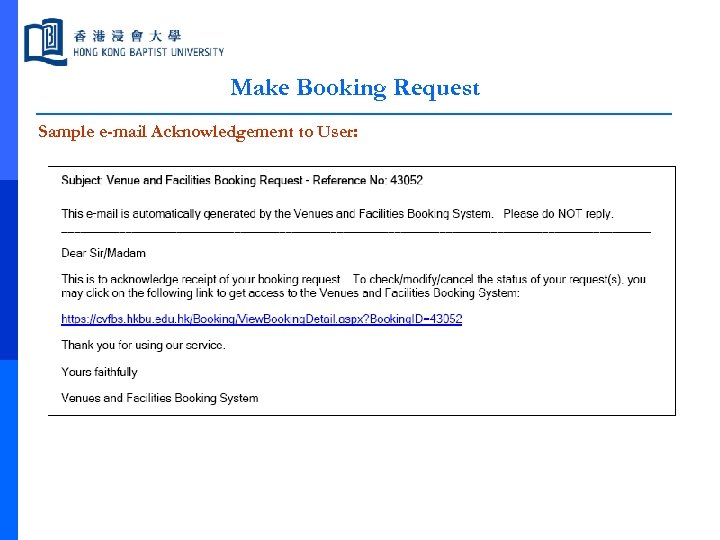
Make Booking Request Sample e-mail Acknowledgement to User:
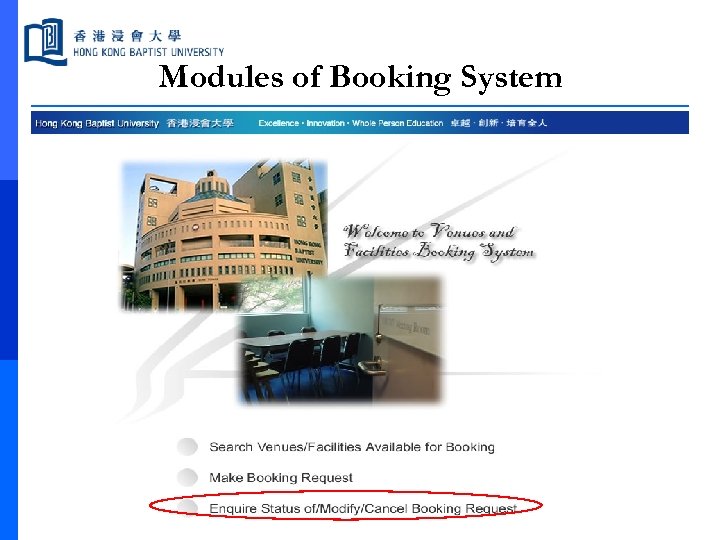
Modules of Booking System
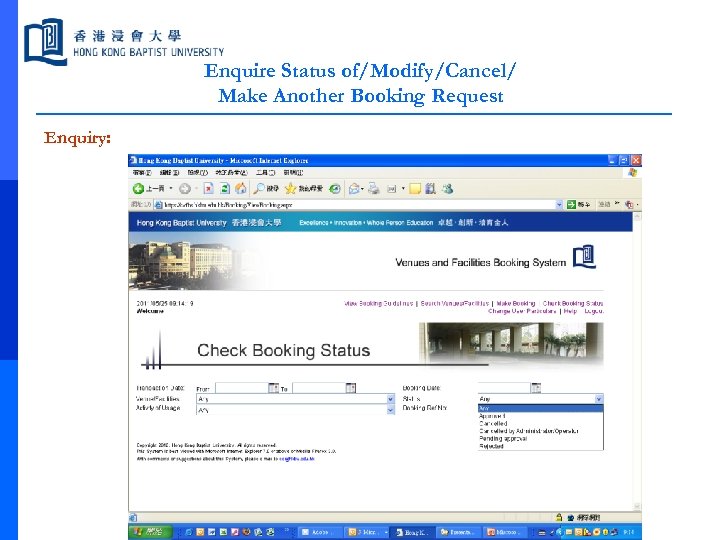
Enquire Status of/Modify/Cancel/ Make Another Booking Request Enquiry:
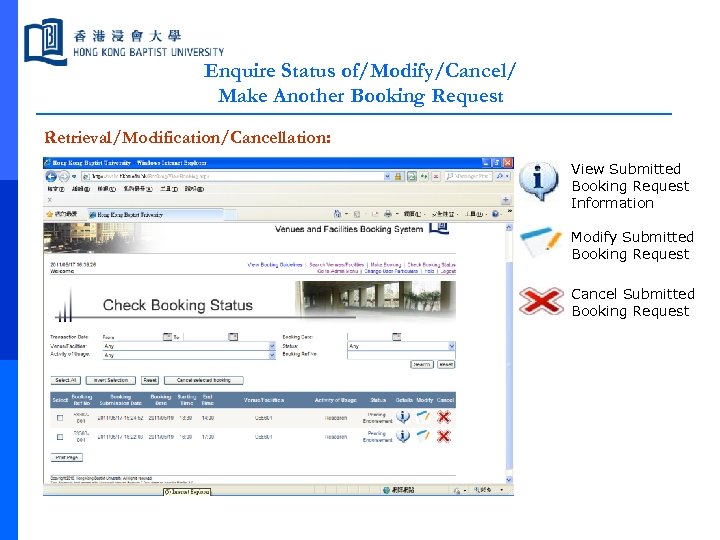
Enquire Status of/Modify/Cancel/ Make Another Booking Request Retrieval/Modification/Cancellation: View Submitted Booking Request Information Modify Submitted Booking Request Cancel Submitted Booking Request
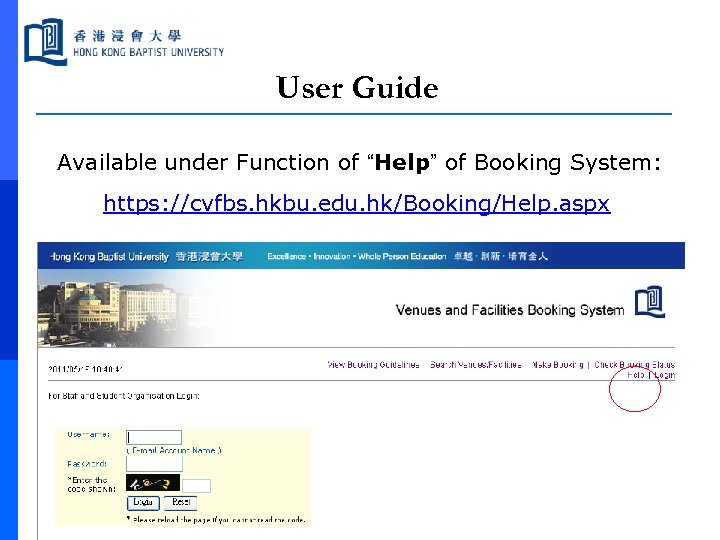
User Guide Available under Function of “Help” of Booking System: https: //cvfbs. hkbu. edu. hk/Booking/Help. aspx
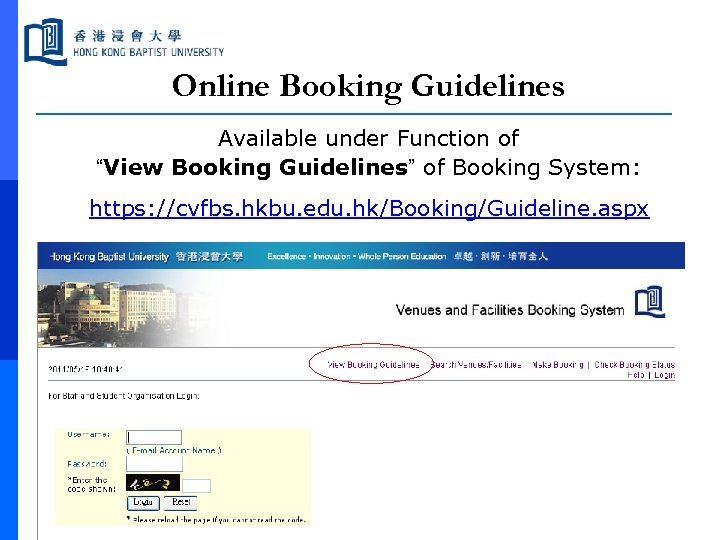
Online Booking Guidelines Available under Function of “View Booking Guidelines” of Booking System: https: //cvfbs. hkbu. edu. hk/Booking/Guideline. aspx
Contact p For any enquiries or assistance in booking, please contact the respective custodian unit of the venues/facilities concerned: Custodian Unit ACH / FO 3411 5182 / 3411 5183 / ach@hkbu. edu. hk AR 3411 7939 / aas@hkbu. edu. hk EO 3411 5688 / eo@hkbu. edu. hk SA p Phone No / e-mail 3411 5070 / sacla@hkbu. edu. hk For any enquiries about how to access the Booking System or/and comments/suggestions about the Booking System, please address to the EO by calling 3411 2592 or 3411 5660 or e-mailing to eo@hkbu. edu. hk.

END
Скачать презентацию Venues and Facilities Booking System Booking System User
6e65801a2cbde3f41beb3a08548a5276.ppt