


 Скачать презентацию Using Vist A for Chronic Care Management Strategies
d30ec7d806310eaa5e0886c59502577c.ppt
- Количество слайдов: 23
 Using Vist. A for Chronic Care Management Strategies for Quality Chronic Disease Management in FQHCs Matthew King MD Medical Director Clinica Adelante Community Health Centers, Surprise, AZ
 Outline • • What is PECS CPRS Tools to Address Chronic Care The Vist. A Clinical Case Registry The Diabetes Registry – Conditions for inclusion • Using PECS Reports to Monitor Patients in the Registry
 PECS • THE NEED: – “Well over 100 million Americans suffer from one or more chronic illnesses … Americans without optimal treatment are experiencing morbidity and high health care cost” - Ed Wagner • APPROACH: – Wagner developed the Chronic Care Model (CCM) - to improve outcomes • FACILITATION: – Patient Electronic Care System (PECS) was the clinical information system provided by the Bureau of Primary Health Care (BPHC) to help implement CCM • GOAL: – The system was to provide timely reminders about needed services and summarized data to track and plan care both at the individual as well as the population level
 PECS Limitations in Planned Care • Planned Care Refers to the Extension of the Chronic Care Model to the Entire Service Population • PECS Requires Secondary Entry Away From Point of Care. • Support Concerns and Networking Concerns • These Limitations are a Primary Driver for EHR Adoption in FQHCs
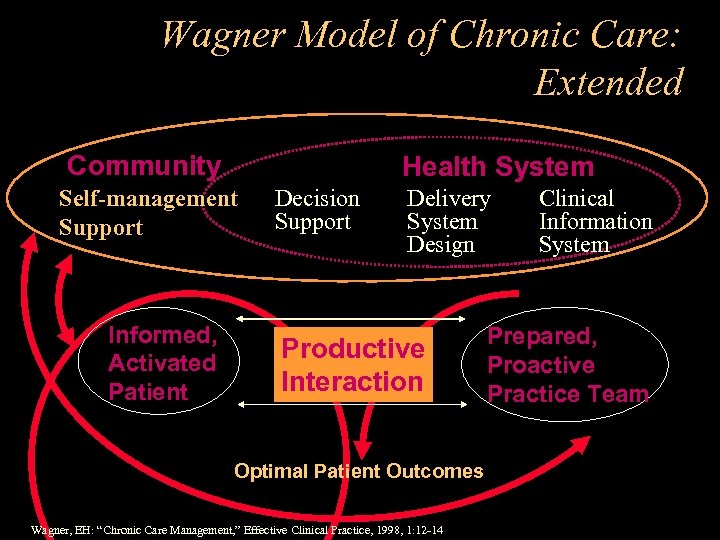 Wagner Model of Chronic Care: Extended Community Health System Self-management Support Informed, Activated Patient Decision Support Delivery System Design Productive Interaction Optimal Patient Outcomes Wagner, EH: “Chronic Care Management, ” Effective Clinical Practice, 1998, 1: 12 -14 Clinical Information System Prepared, Proactive Practice Team
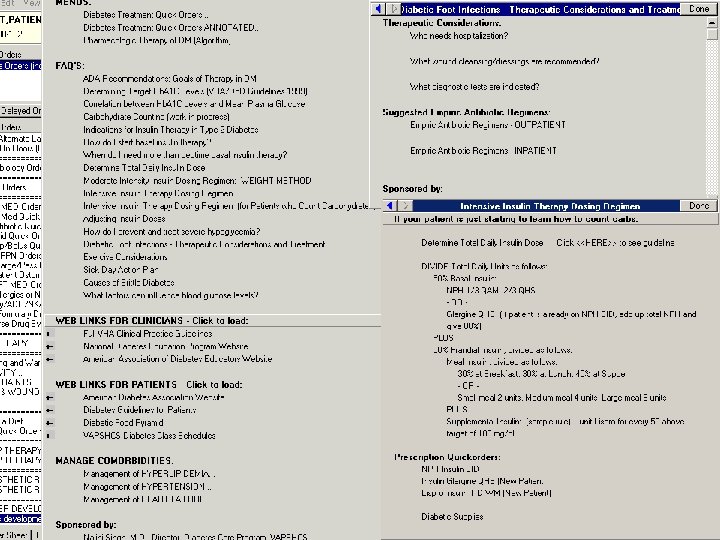
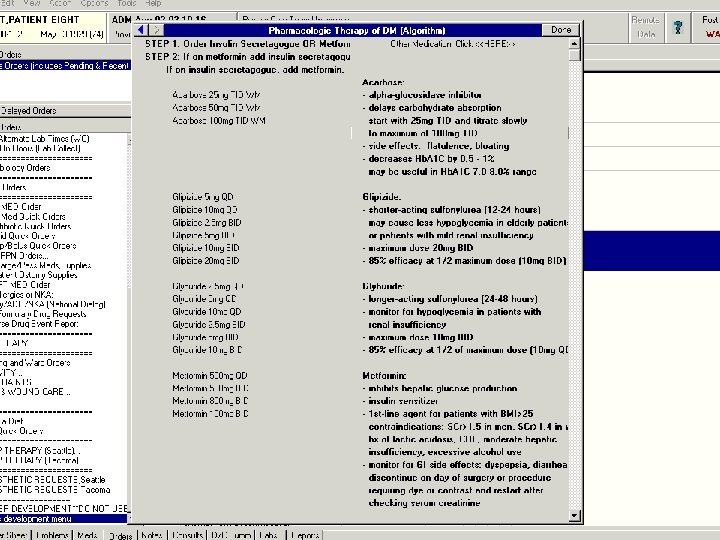
 CPRS Tools to address CCR • The VA’s approach to Chronic Care is similar • See VEHU Class 198: Using Order Menus to Promote Chronic Disease Management - Diabetes Care Example: http: //www 1. va. gov/vehu/WBTPages/WBT 05. cfm? Class. Num=198 • Tools in CPRS – Templates Designed for Quick Entry of Required Information with Embedded Clinical Guidelines – Order Sets designed to provide decision-support, increase efficiency, and leverage expertise – Automated Clinical Reminders Track Recurrent Patient Tests and Exams – Patient Links to Handouts and Training; Provider Links Clinical Tools and FAQs – Alerts and Order Checks
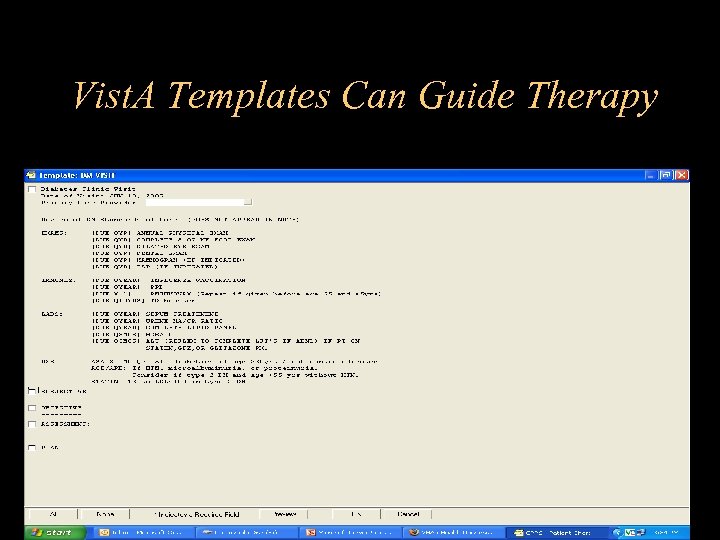 Vist. A Templates Can Guide Therapy
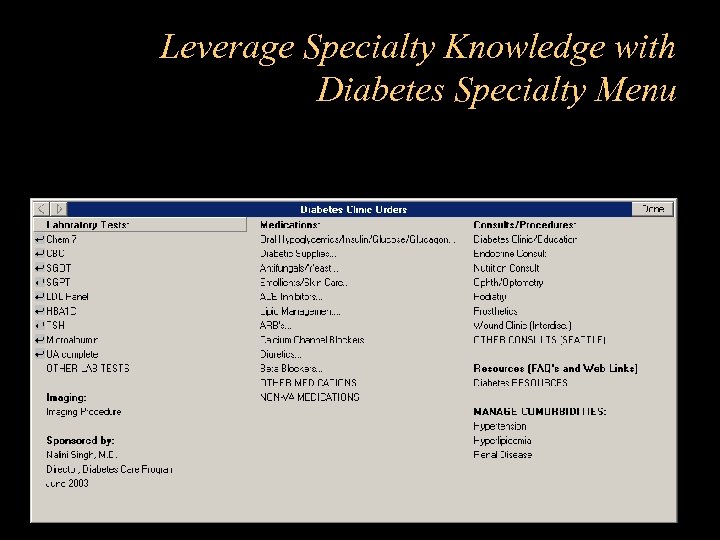 Leverage Specialty Knowledge with Diabetes Specialty Menu
 Diabetes Information Resources
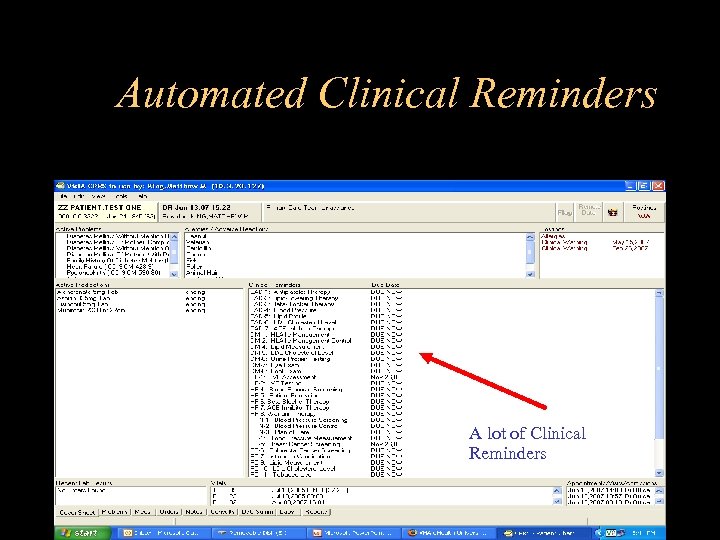 Automated Clinical Reminders A lot of Clinical Reminders
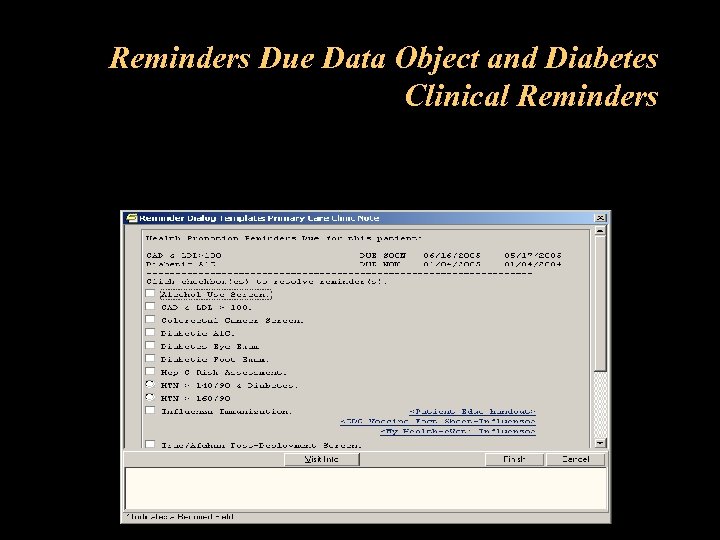 Reminders Due Data Object and Diabetes Clinical Reminders
 Alerts and Order Checks • Alerts Notify the Providers Regarding Results, Consults, Outstanding Orders, etc • Order Checks Automatically Search for Medication Interactions, Duplicates Orders, etc. There are About 20 Categories of Order Checks.
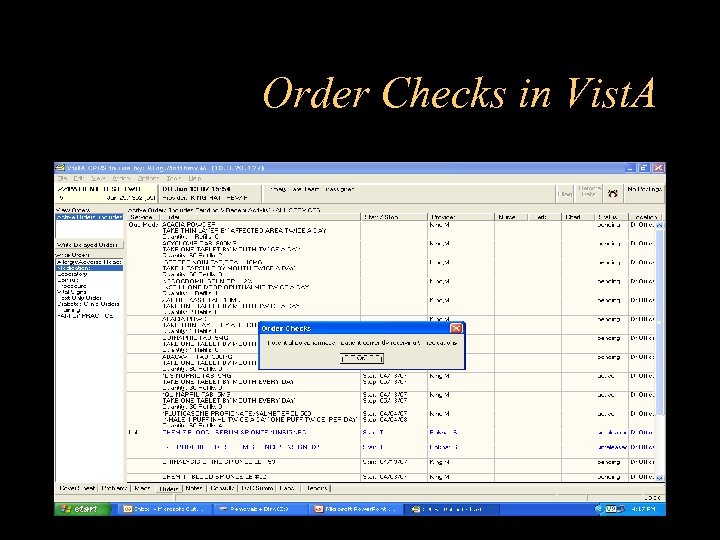 Order Checks in Vist. A
 Strategies for Improving Compliance with Guidelines • Make the right action the easy default in CPRS with evidencebased order menus • Clinical Reminders and Reminders Due Data Objects • Timely access to Provider and Patient resources • Feedback – Relative to guidelines – Relative to peers – Patient health status • “Activate” the patient • Analyze outcomes • Feedback loop to Menus and Quick Orders
 Three simple rules for clinical computing • Don’t allow incorrect (unsafe) actions • Make the preferred (evidence based) action the easy default • Make it faster for the user than paper processes
 The Vist. A Clinical Case Registry • • Refer VEHU Class 251 - Patient Registries The VA’s Registries Approach has been to build a Registry of Registries which permits rules-based patient selection Initial focus on HIV and Hepatitis C infection. • – – – Facilitates the tracking of patient outcomes relating to treatment. Identifies and tracks important trends in treatment response, adverse events, and time on therapy. Monitors quality of care using both process and patient outcome measures. Automatically transmits patient data from the local registry lists to a national database. Provides robust reporting capabilities
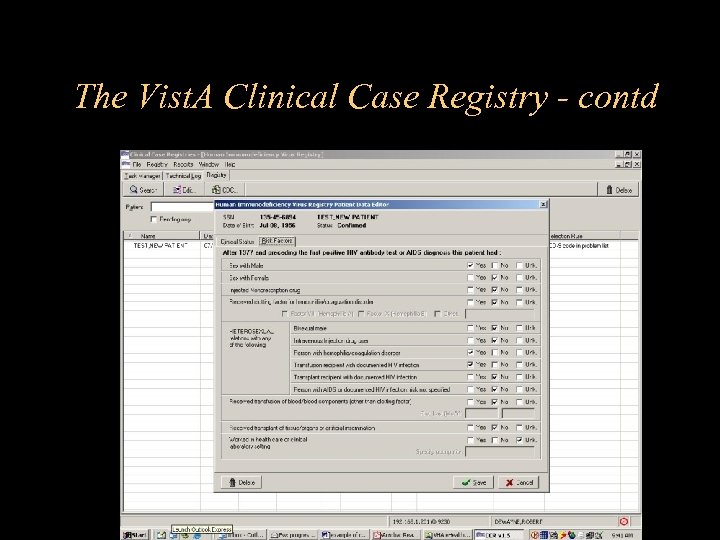 The Vist. A Clinical Case Registry - contd
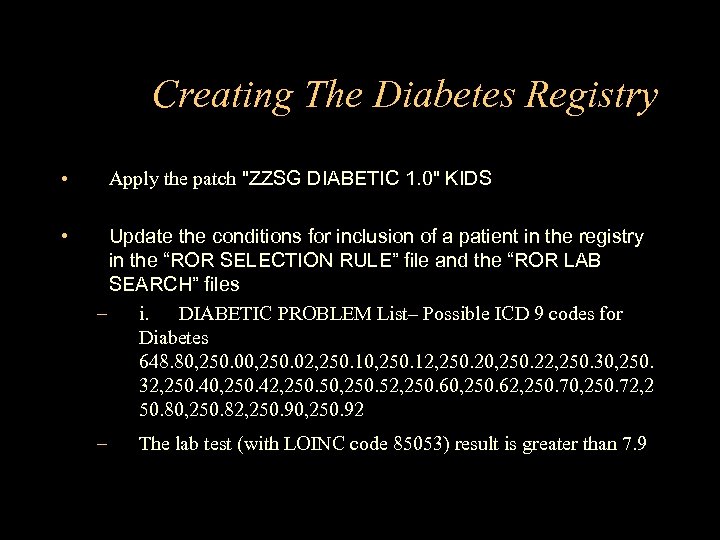 Creating The Diabetes Registry • • Apply the patch "ZZSG DIABETIC 1. 0" KIDS Update the conditions for inclusion of a patient in the registry in the “ROR SELECTION RULE” file and the “ROR LAB SEARCH” files – i. DIABETIC PROBLEM List– Possible ICD 9 codes for Diabetes 648. 80, 250. 02, 250. 10, 250. 12, 250. 20, 250. 22, 250. 30, 250. 32, 250. 40, 250. 42, 250. 50, 250. 52, 250. 60, 250. 62, 250. 70, 250. 72, 2 50. 80, 250. 82, 250. 90, 250. 92 – The lab test (with LOINC code 85053) result is greater than 7. 9
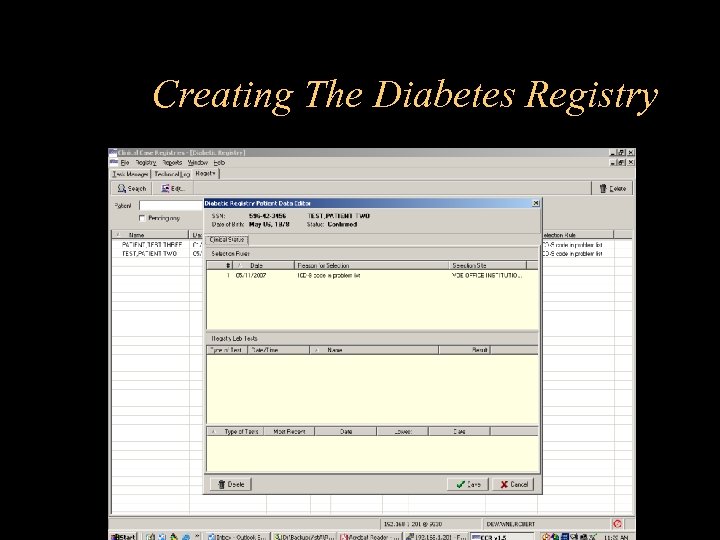 Creating The Diabetes Registry
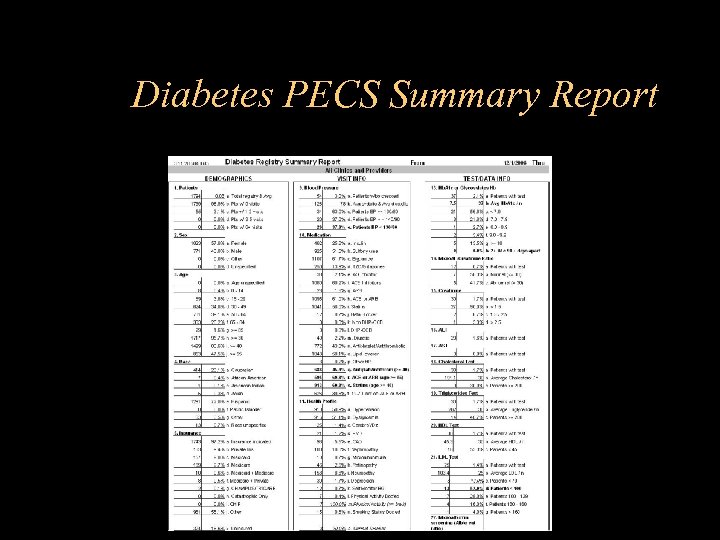 Diabetes PECS Summary Report
 Last Slide Questions?