 Скачать презентацию Using the Output Delivery System October 22 2004
e8dc71791ea008013b1455ebf27a843c.ppt
- Количество слайдов: 29



Using the Output Delivery System October 22, 2004 Presentation to: The Toronto Area SAS Society ©Dofasco Inc. , 2004 All rights reserved 1
Agenda n n n © Dofasco Inc. 2004 All rights reserved Introduction Book Review CD Book Review Some examples using ODS Summary October 22, 2004 2
Introduction n Book Review: Quick Results with the Output Delivery System, Sunil Gupta, © 2003, SAS Institute Inc. CD Book Review: Instant ODS, Bernadette Johnson, © 2003, SAS Institute Inc. Examples: Using ODS in some practical situations. © Dofasco Inc. 2004 All rights reserved October 22, 2004 3
Quick Results with the Output Delivery System n n n Beginner Level About 100 pages (just the right length) Well written Clear Examples Logical Progression © Dofasco Inc. 2004 All rights reserved October 22, 2004 4
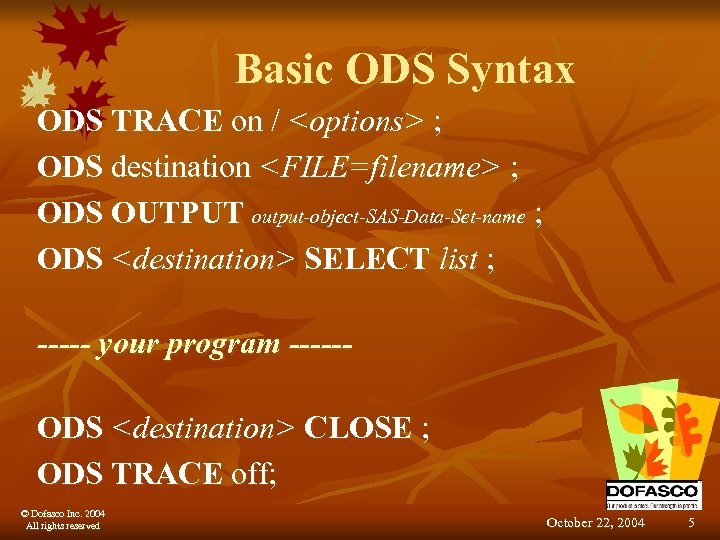
Basic ODS Syntax ODS TRACE on / <options> ; ODS destination <FILE=filename> ; ODS OUTPUT output-object-SAS-Data-Set-name ; ODS <destination> SELECT list ; ----- your program -----ODS <destination> CLOSE ; ODS TRACE off; © Dofasco Inc. 2004 All rights reserved October 22, 2004 5
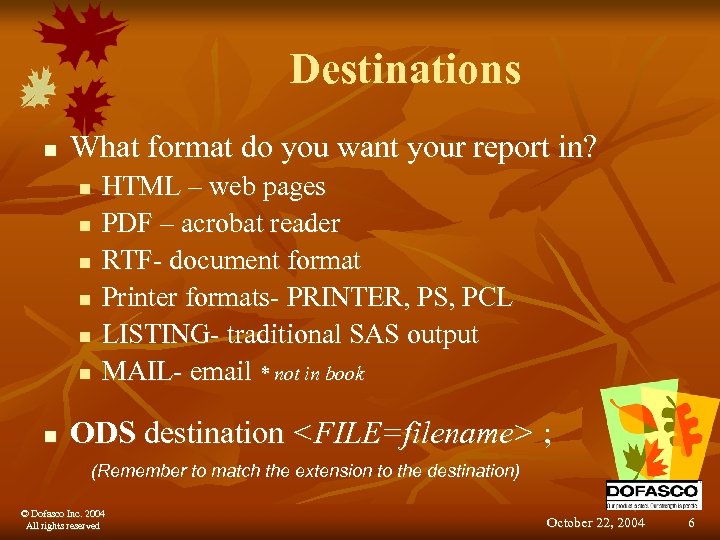
Destinations n What format do you want your report in? n n n n HTML – web pages PDF – acrobat reader RTF- document format Printer formats- PRINTER, PS, PCL LISTING- traditional SAS output MAIL- email * not in book ODS destination <FILE=filename> ; (Remember to match the extension to the destination) © Dofasco Inc. 2004 All rights reserved October 22, 2004 6
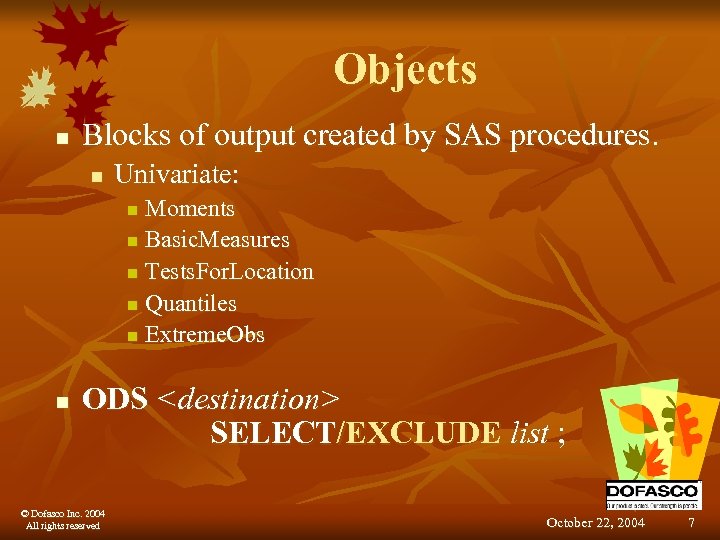
Objects n Blocks of output created by SAS procedures. n Univariate: Moments n Basic. Measures n Tests. For. Location n Quantiles n Extreme. Obs n n ODS <destination> SELECT/EXCLUDE list ; © Dofasco Inc. 2004 All rights reserved October 22, 2004 7
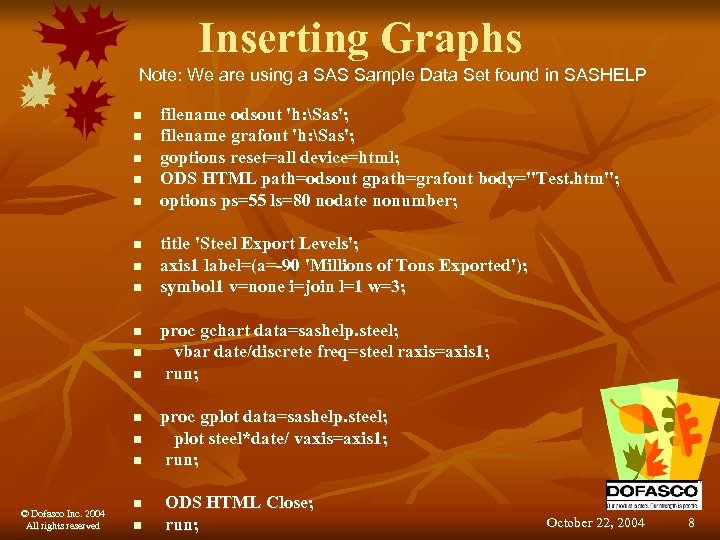
Inserting Graphs Note: We are using a SAS Sample Data Set found in SASHELP n n n n © Dofasco Inc. 2004 All rights reserved n n filename odsout 'h: Sas'; filename grafout 'h: Sas'; goptions reset=all device=html; ODS HTML path=odsout gpath=grafout body="Test. htm"; options ps=55 ls=80 nodate nonumber; title 'Steel Export Levels'; axis 1 label=(a=-90 'Millions of Tons Exported'); symbol 1 v=none i=join l=1 w=3; proc gchart data=sashelp. steel; vbar date/discrete freq=steel raxis=axis 1; run; proc gplot data=sashelp. steel; plot steel*date/ vaxis=axis 1; run; ODS HTML Close; run; October 22, 2004 8
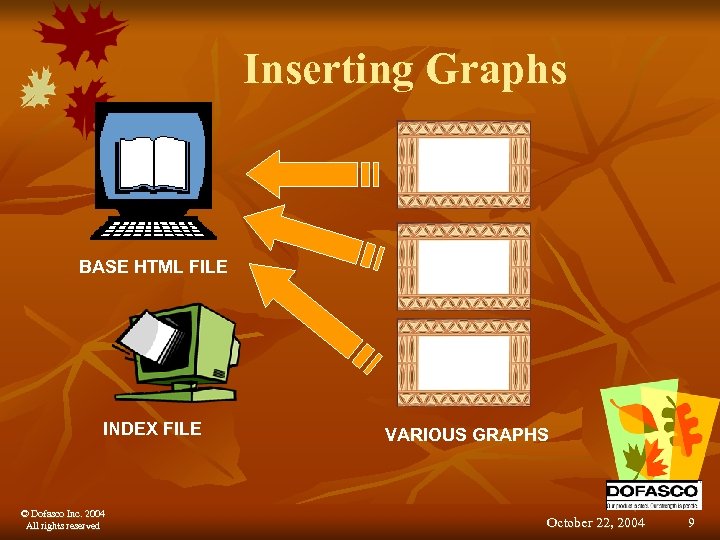
Inserting Graphs BASE HTML FILE INDEX FILE © Dofasco Inc. 2004 All rights reserved VARIOUS GRAPHS October 22, 2004 9
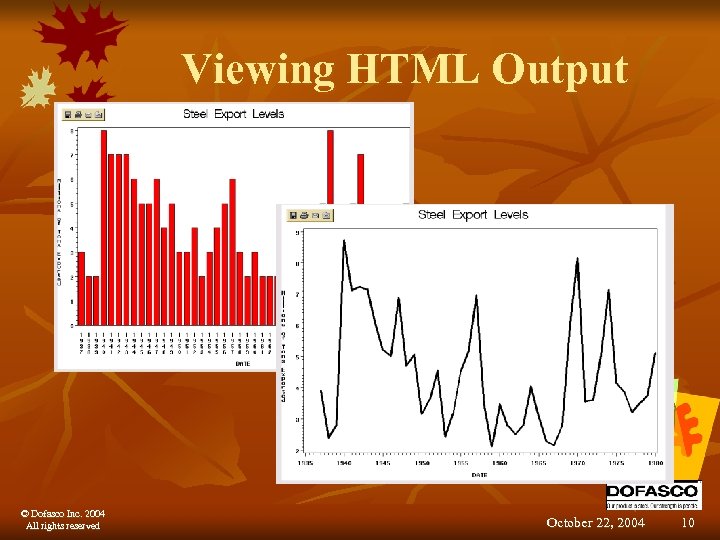
Viewing HTML Output © Dofasco Inc. 2004 All rights reserved October 22, 2004 10
Instant ODS- Using Styles n 50 pre-packaged styles in HTML, PDF and RTF format. n n n Step 1: Check the system requirements Step 2: Save the ODS library to a hard disk Step 3: Select a style Step 4: Insert your code into the basic ODS code provided Step 5: Run program and enjoy results. © Dofasco Inc. 2004 All rights reserved October 22, 2004 11
Instant ODS- Using Styles n Some notes: n n © Dofasco Inc. 2004 All rights reserved Match the code to the style carefully When you use the code provided open in Notepad first (code_files folder on CD) and copy and paste into the editor Print the welcome. pdf file The time savings is great for the price! October 22, 2004 12
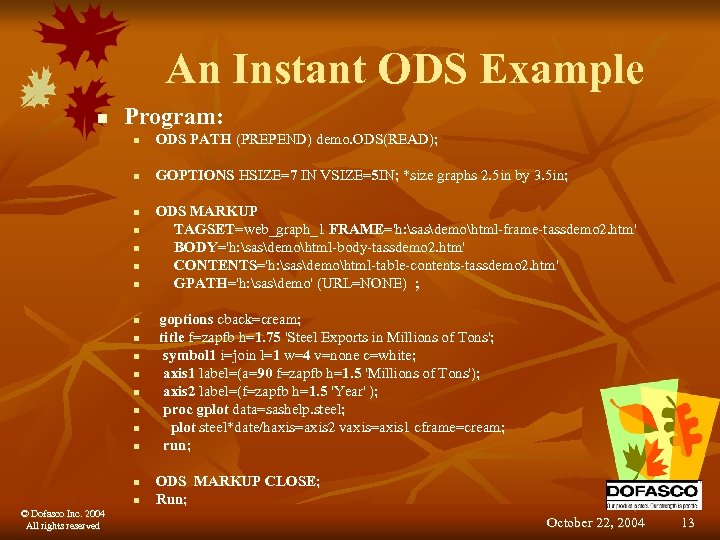
An Instant ODS Example n Program: n ODS PATH (PREPEND) demo. ODS(READ); n GOPTIONS HSIZE=7 IN VSIZE=5 IN; *size graphs 2. 5 in by 3. 5 in; n n n n © Dofasco Inc. 2004 All rights reserved ODS MARKUP TAGSET=web_graph_1 FRAME='h: sasdemohtml-frame-tassdemo 2. htm' BODY='h: sasdemohtml-body-tassdemo 2. htm' CONTENTS='h: sasdemohtml-table-contents-tassdemo 2. htm' GPATH='h: sasdemo' (URL=NONE) ; goptions cback=cream; title f=zapfb h=1. 75 'Steel Exports in Millions of Tons'; symbol 1 i=join l=1 w=4 v=none c=white; axis 1 label=(a=90 f=zapfb h=1. 5 'Millions of Tons'); axis 2 label=(f=zapfb h=1. 5 'Year' ); proc gplot data=sashelp. steel; plot steel*date/haxis=axis 2 vaxis=axis 1 cframe=cream; run; ODS MARKUP CLOSE; Run; October 22, 2004 13
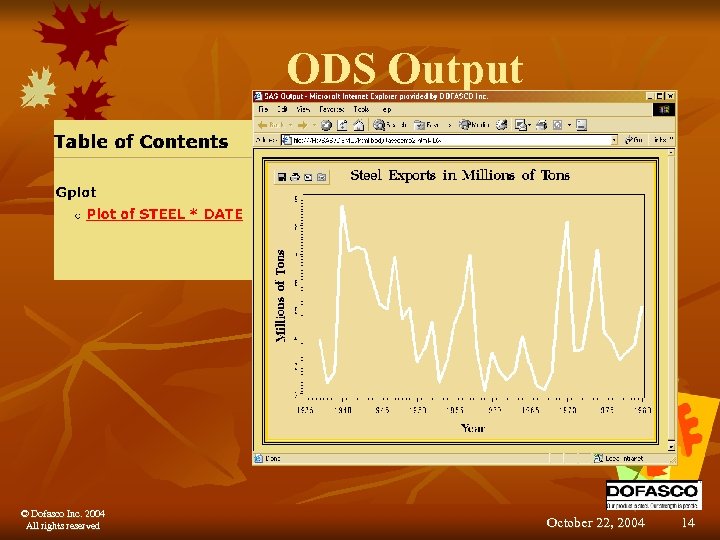
ODS Output © Dofasco Inc. 2004 All rights reserved October 22, 2004 14
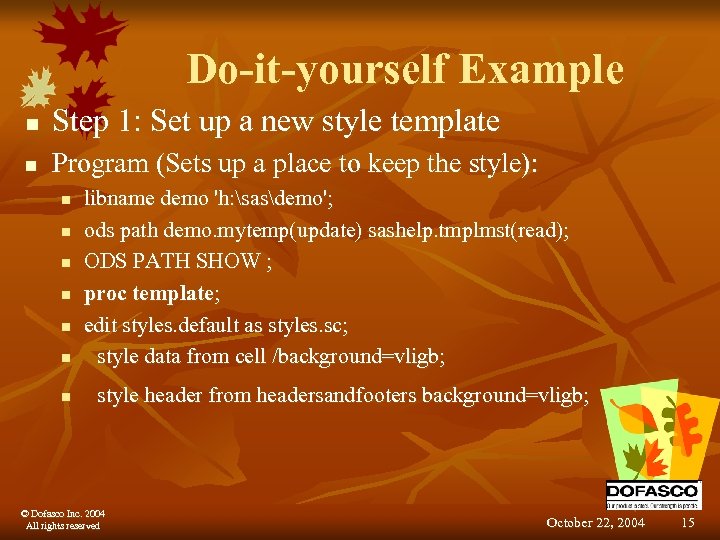
Do-it-yourself Example n Step 1: Set up a new style template n Program (Sets up a place to keep the style): n n n n libname demo 'h: sasdemo'; ods path demo. mytemp(update) sashelp. tmplmst(read); ODS PATH SHOW ; proc template; edit styles. default as styles. sc; style data from cell /background=vligb; style header from headersandfooters background=vligb; © Dofasco Inc. 2004 All rights reserved October 22, 2004 15
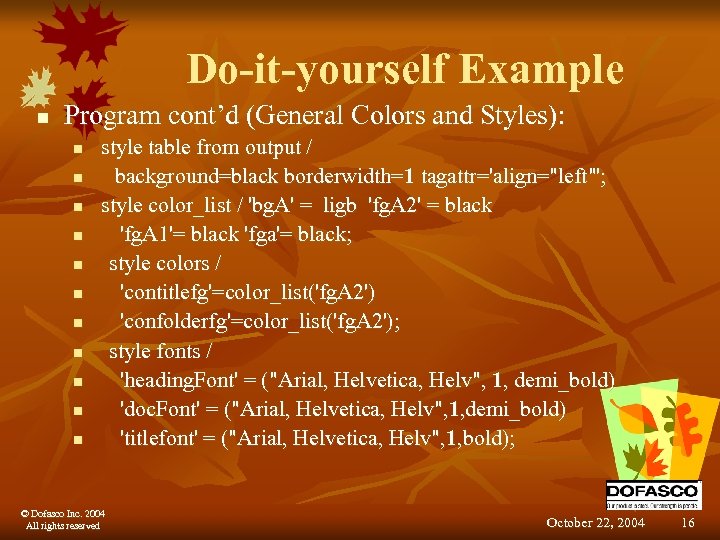
Do-it-yourself Example n Program cont’d (General Colors and Styles): n n n style table from output / background=black borderwidth=1 tagattr='align="left"'; style color_list / 'bg. A' = ligb 'fg. A 2' = black 'fg. A 1'= black 'fga'= black; style colors / 'contitlefg'=color_list('fg. A 2') 'confolderfg'=color_list('fg. A 2'); style fonts / 'heading. Font' = ("Arial, Helvetica, Helv", 1, demi_bold) 'doc. Font' = ("Arial, Helvetica, Helv", 1, demi_bold) 'titlefont' = ("Arial, Helvetica, Helv", 1, bold); © Dofasco Inc. 2004 All rights reserved October 22, 2004 16
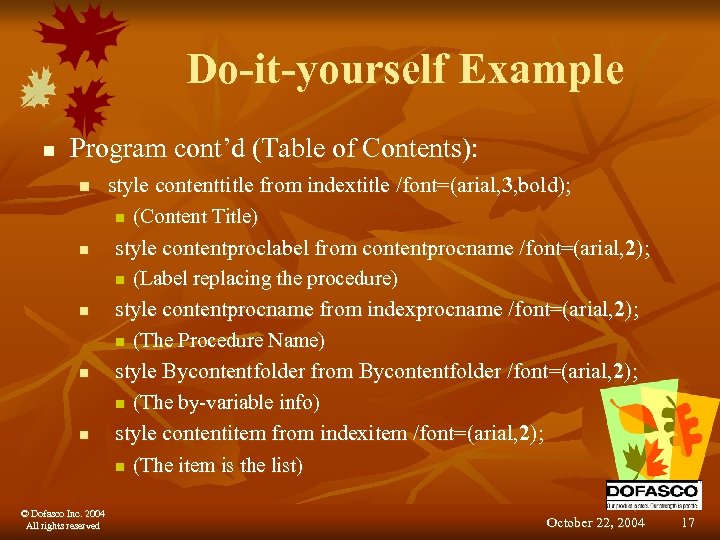
Do-it-yourself Example n Program cont’d (Table of Contents): n n n © Dofasco Inc. 2004 All rights reserved style contenttitle from indextitle /font=(arial, 3, bold); n (Content Title) style contentproclabel from contentprocname /font=(arial, 2); n (Label replacing the procedure) style contentprocname from indexprocname /font=(arial, 2); n (The Procedure Name) style Bycontentfolder from Bycontentfolder /font=(arial, 2); n (The by-variable info) style contentitem from indexitem /font=(arial, 2); n (The item is the list) October 22, 2004 17
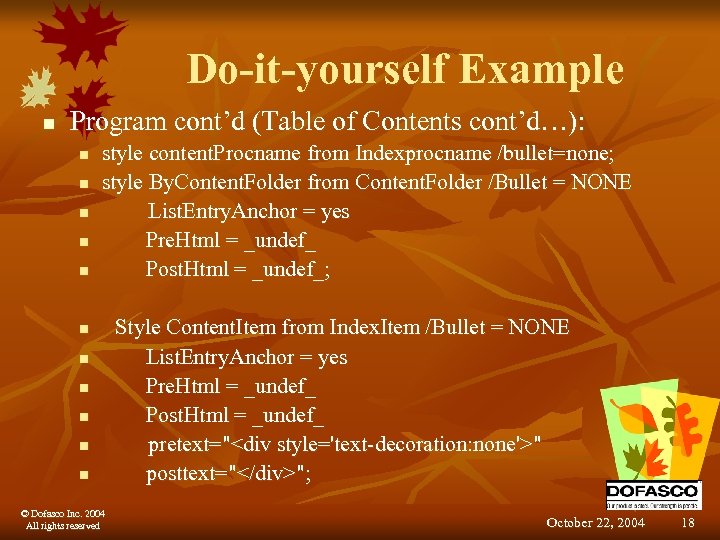
Do-it-yourself Example n Program cont’d (Table of Contents cont’d…): n n n style content. Procname from Indexprocname /bullet=none; style By. Content. Folder from Content. Folder /Bullet = NONE List. Entry. Anchor = yes Pre. Html = _undef_ Post. Html = _undef_; n n n © Dofasco Inc. 2004 All rights reserved Style Content. Item from Index. Item /Bullet = NONE List. Entry. Anchor = yes Pre. Html = _undef_ Post. Html = _undef_ pretext="<div style='text-decoration: none'>" posttext="</div>"; October 22, 2004 18
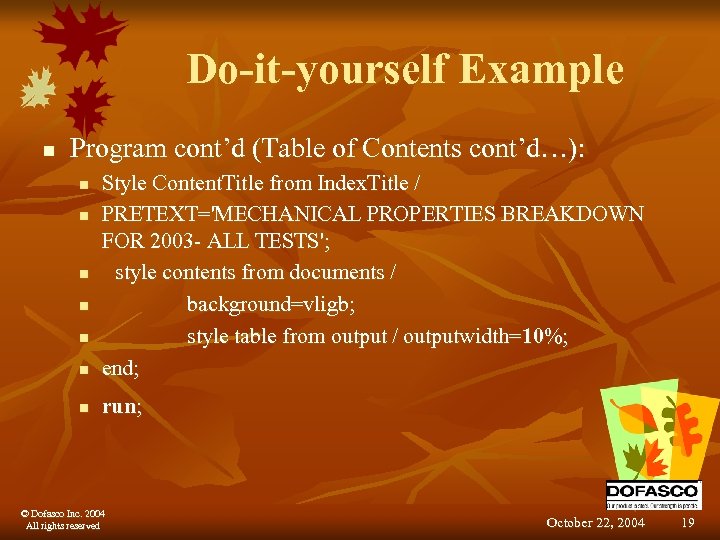
Do-it-yourself Example n Program cont’d (Table of Contents cont’d…): n Style Content. Title from Index. Title / PRETEXT='MECHANICAL PROPERTIES BREAKDOWN FOR 2003 - ALL TESTS'; style contents from documents / background=vligb; style table from output / outputwidth=10%; end; n run; n n n © Dofasco Inc. 2004 All rights reserved October 22, 2004 19
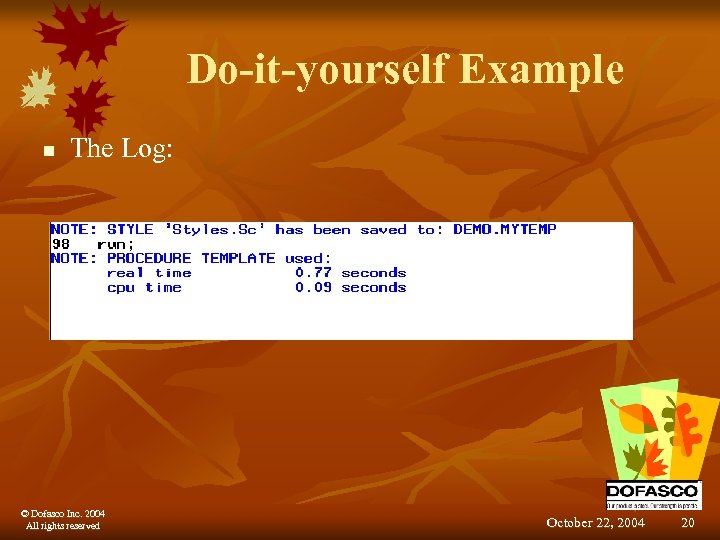
Do-it-yourself Example n The Log: © Dofasco Inc. 2004 All rights reserved October 22, 2004 20
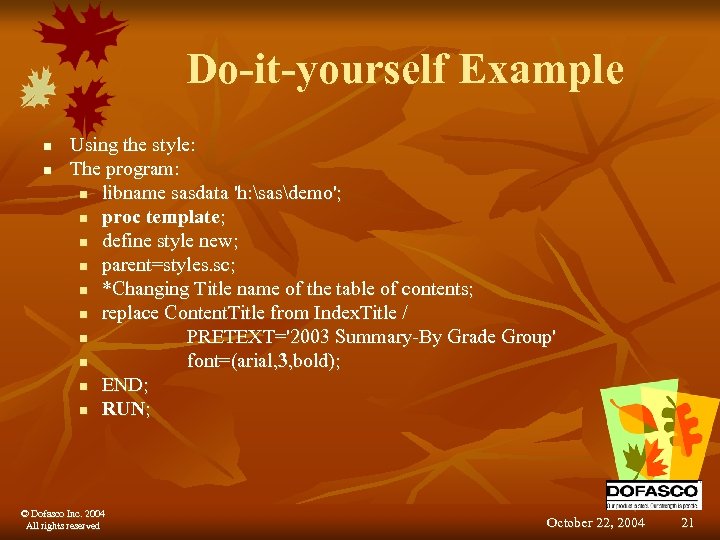
Do-it-yourself Example n n Using the style: The program: n libname sasdata 'h: sasdemo'; n proc template; n define style new; n parent=styles. sc; n *Changing Title name of the table of contents; n replace Content. Title from Index. Title / n PRETEXT='2003 Summary-By Grade Group' n font=(arial, 3, bold); n END; n RUN; © Dofasco Inc. 2004 All rights reserved October 22, 2004 21
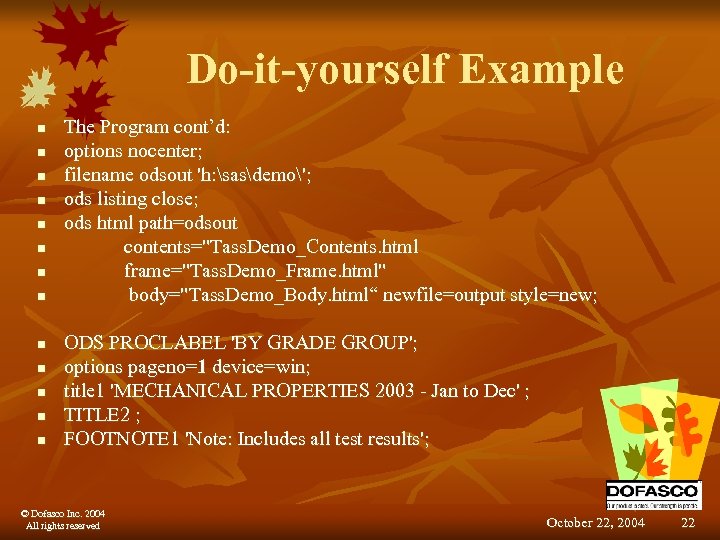
Do-it-yourself Example n n n n The Program cont’d: options nocenter; filename odsout 'h: sasdemo'; ods listing close; ods html path=odsout contents="Tass. Demo_Contents. html frame="Tass. Demo_Frame. html" body="Tass. Demo_Body. html“ newfile=output style=new; ODS PROCLABEL 'BY GRADE GROUP'; options pageno=1 device=win; title 1 'MECHANICAL PROPERTIES 2003 - Jan to Dec' ; TITLE 2 ; FOOTNOTE 1 'Note: Includes all test results'; © Dofasco Inc. 2004 All rights reserved October 22, 2004 22
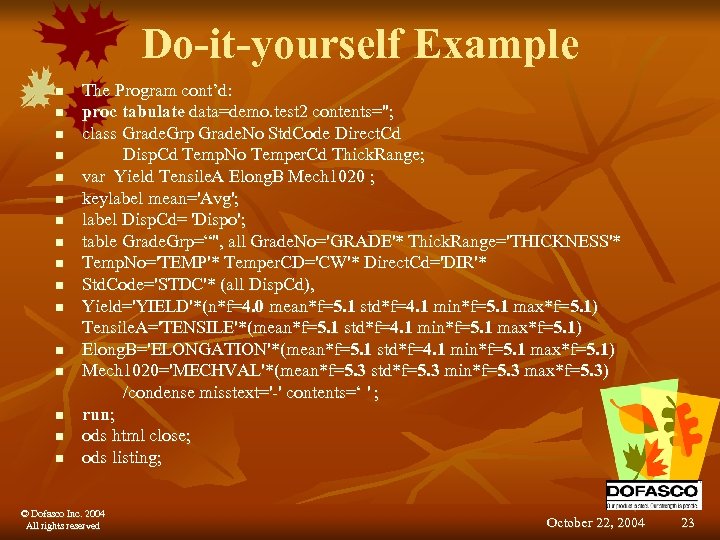
Do-it-yourself Example n n n n The Program cont’d: proc tabulate data=demo. test 2 contents=''; class Grade. Grp Grade. No Std. Code Direct. Cd Disp. Cd Temp. No Temper. Cd Thick. Range; var Yield Tensile. A Elong. B Mech 1020 ; keylabel mean='Avg'; label Disp. Cd= 'Dispo'; table Grade. Grp=“", all Grade. No='GRADE'* Thick. Range='THICKNESS'* Temp. No='TEMP'* Temper. CD='CW'* Direct. Cd='DIR'* Std. Code='STDC'* (all Disp. Cd), Yield='YIELD'*(n*f=4. 0 mean*f=5. 1 std*f=4. 1 min*f=5. 1 max*f=5. 1) Tensile. A='TENSILE'*(mean*f=5. 1 std*f=4. 1 min*f=5. 1 max*f=5. 1) Elong. B='ELONGATION'*(mean*f=5. 1 std*f=4. 1 min*f=5. 1 max*f=5. 1) Mech 1020='MECHVAL'*(mean*f=5. 3 std*f=5. 3 min*f=5. 3 max*f=5. 3) /condense misstext='-' contents=‘ ' ; run; ods html close; ods listing; © Dofasco Inc. 2004 All rights reserved October 22, 2004 23
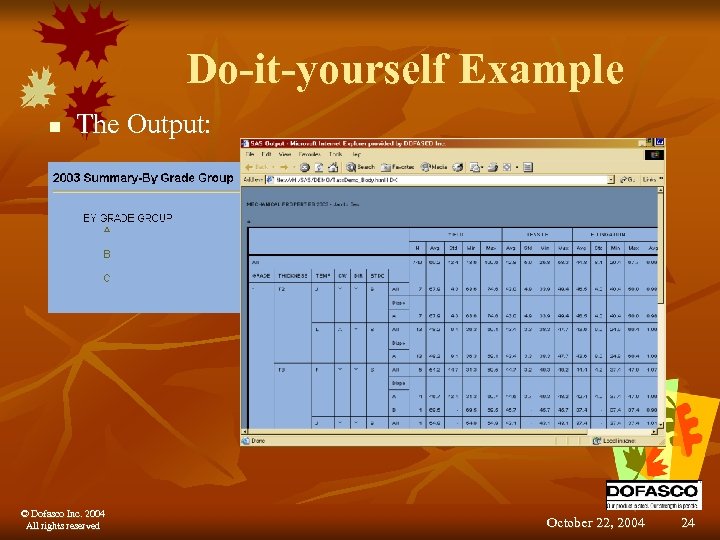
Do-it-yourself Example n The Output: © Dofasco Inc. 2004 All rights reserved October 22, 2004 24
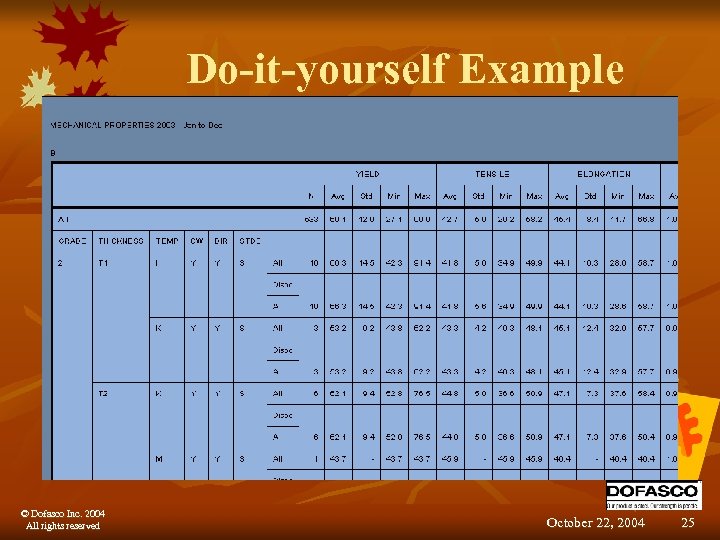
Do-it-yourself Example © Dofasco Inc. 2004 All rights reserved October 22, 2004 25
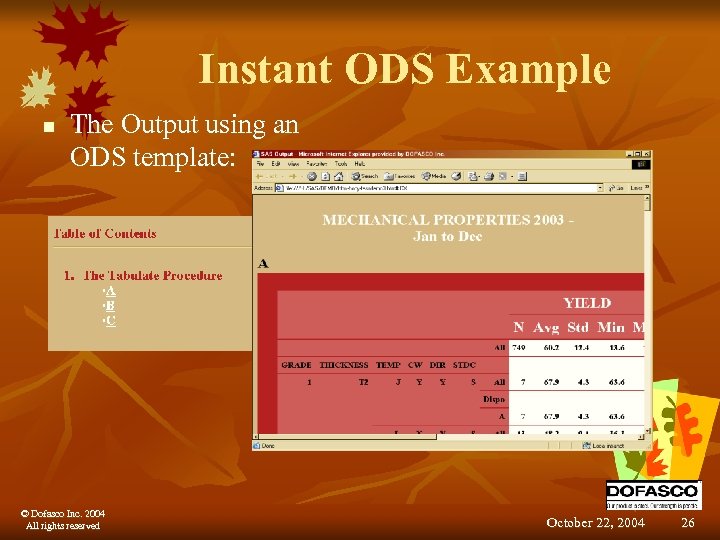
Instant ODS Example n The Output using an ODS template: © Dofasco Inc. 2004 All rights reserved October 22, 2004 26
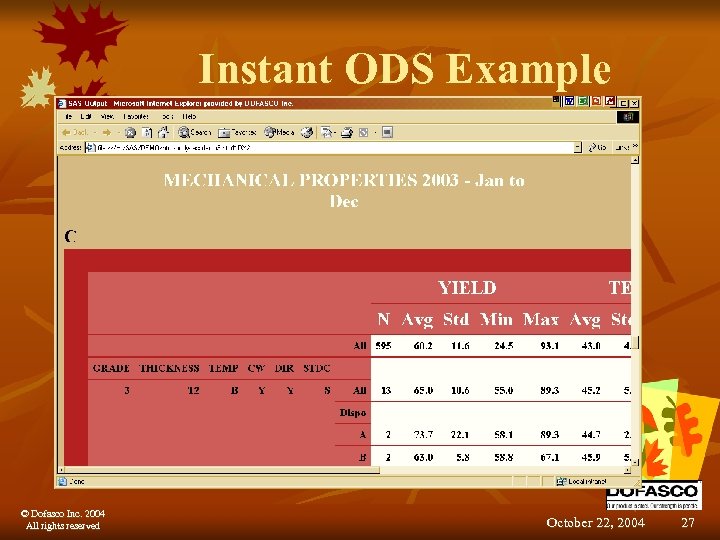
Instant ODS Example © Dofasco Inc. 2004 All rights reserved October 22, 2004 27
Summary n Quick Results using the Output Delivery System n Instant ODS n Do-it-yourself Example n Instant ODS Example © Dofasco Inc. 2004 All rights reserved October 22, 2004 28
Questions? Contact information: Lesley Harschnitz- lesley_harschnitz@dofasco. ca Sandra Cunningham- sandra_cunningham@dofasco. ca © Dofasco Inc. 2004 All rights reserved October 22, 2004 29
Скачать презентацию Using the Output Delivery System October 22 2004
e8dc71791ea008013b1455ebf27a843c.ppt